
Crm
Pipeline-first sales CRM for visual deal management, activity-based selling, and growing sales teams.
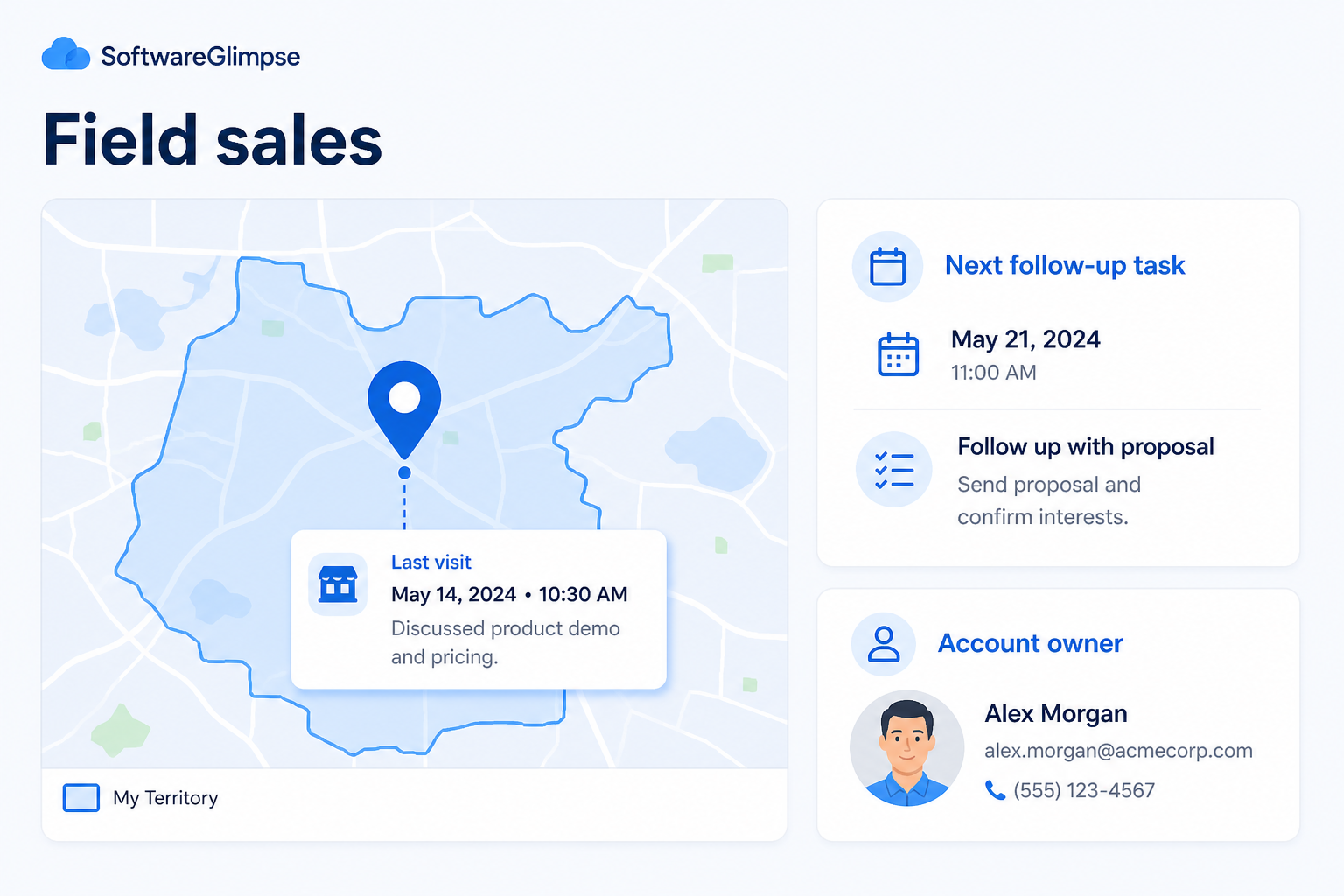
Keep territory visits, on-site notes, and next steps on the record — so field work survives beyond the car and the notebook.
At a glance
Territory and visit visibility with reliable post-visit follow-up
Field AEs, territory managers, hybrid inside/field pods
Territory ownership · Visit logging · Mobile capture · Post-visit next steps
9 products to explore
Fit snapshot
Field sales is the CRM job of supporting territory and on-site selling: account visits, route context, offline-friendly capture, and follow-up after face-to-face meetings. It differs from desk-based outbound or inbound by centering physical coverage — who visited whom, what was promised on-site, and what happens next when the rep is back on the road.
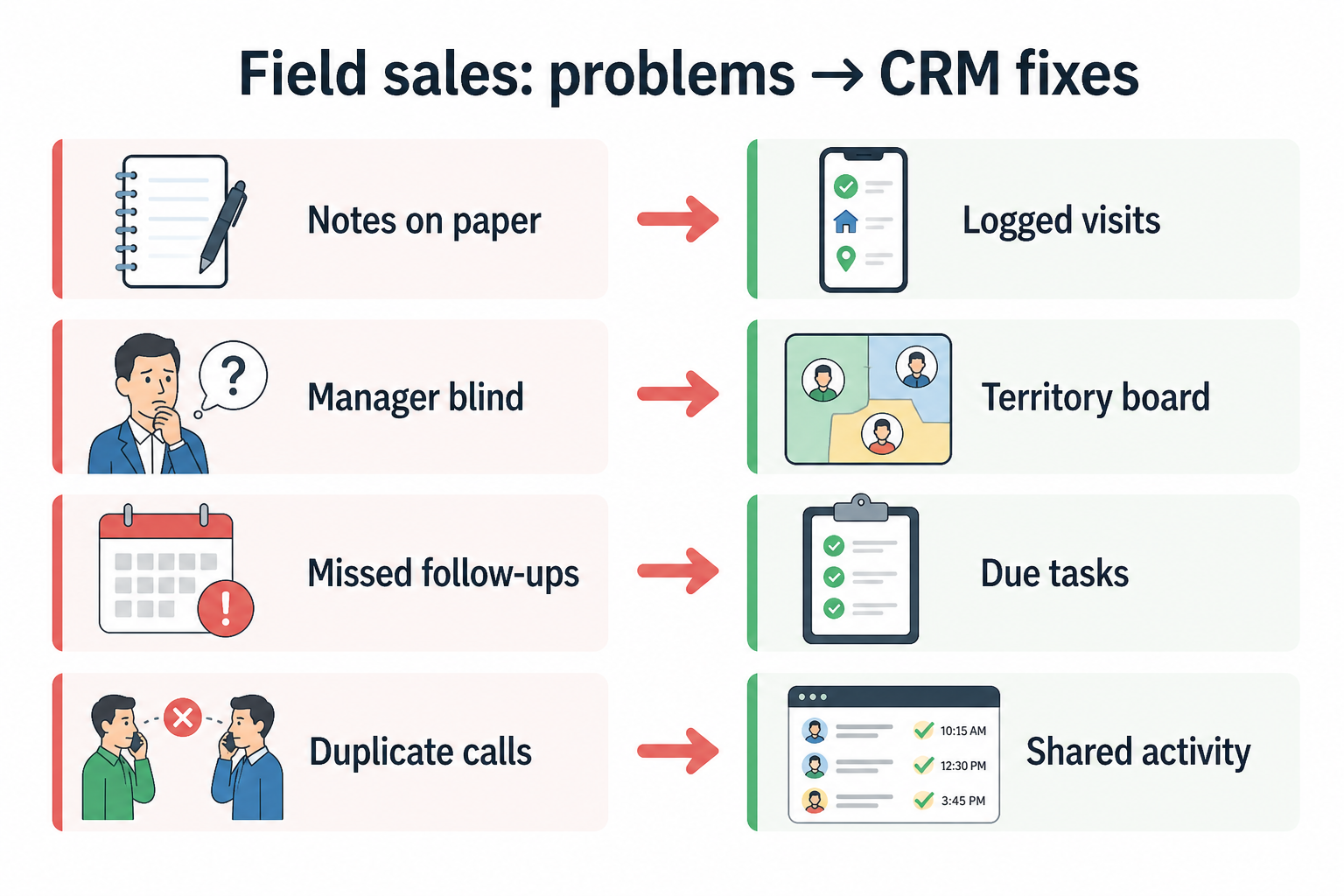
Field AEs, territory managers, and leaders of hybrid inside/field teams. You lose deals when visit notes stay in notebooks and territory coverage is tribal knowledge.
How teams put CRM to work for field
Example 1
a regional equipment sales team
Before CRM
visit notes lived in notebooks and managers reconstructed coverage from expense reports
After CRM
each visit logs against the account with outcome and next date — Monday reviews start from overdue follow-ups, not from “how was the trip?”
Example 2
a hybrid team with inside SDRs and field AEs
Before CRM
field promises never reached inside follow-up
After CRM
on-site notes and tasks hand off cleanly so the next call continues the conversation
These are the operating problems that usually push teams toward CRM for field — not feature wish lists.
Without CRM discipline: Visit outcomes never reach managers or covering reps.
Without CRM discipline: Leaders cannot see which accounts were visited or neglected.
Without CRM discipline: Quotes and next meetings die between the driveway and the desk.
Without CRM discipline: Inside teams re-ask questions the field already answered on-site.
A CRM only helps when the team keeps owners, history, and next steps current. Here is what “good” looks like for field.
With CRM discipline: Mobile-friendly activity on accounts captures visits before memory fades.
With CRM discipline: Territory ownership and visit history make coverage reviewable.
With CRM discipline: Required next-step tasks after visits keep field work connected to pipeline.
With CRM discipline: Shared account history connects field visits with inside outreach.
Visit history on every key account
Coverage and last-visit context survive vacations and turnover.
Faster post-visit follow-up
Promises from the field become dated tasks on the record.
Territory visibility for managers
Reviews focus on neglected accounts and overdue visits.
Hybrid inside/field continuity
On-site context feeds the next inside call or quote.
Prioritize mobile capture, account visit history, territory ownership, and next-step tasks after meetings. Fancy mapping helps after reps actually log visits and outcomes on the account.
If logging is hard on mobile, the notebook wins.
Coverage rules must be visible to managers and reps.
Start with must-haves your team will use weekly. Treat nice-to-haves as later upgrades — not day-one blockers.
Must-have
Capture visits and notes quickly from the field.
Clear ownership of who covers which geography or book.
Nice-to-have
Helpful after logging habits stick — not a day-one dependency.
Understand what needs to happen before comparing how products implement each step. Support overlays use structured research — never video inference.
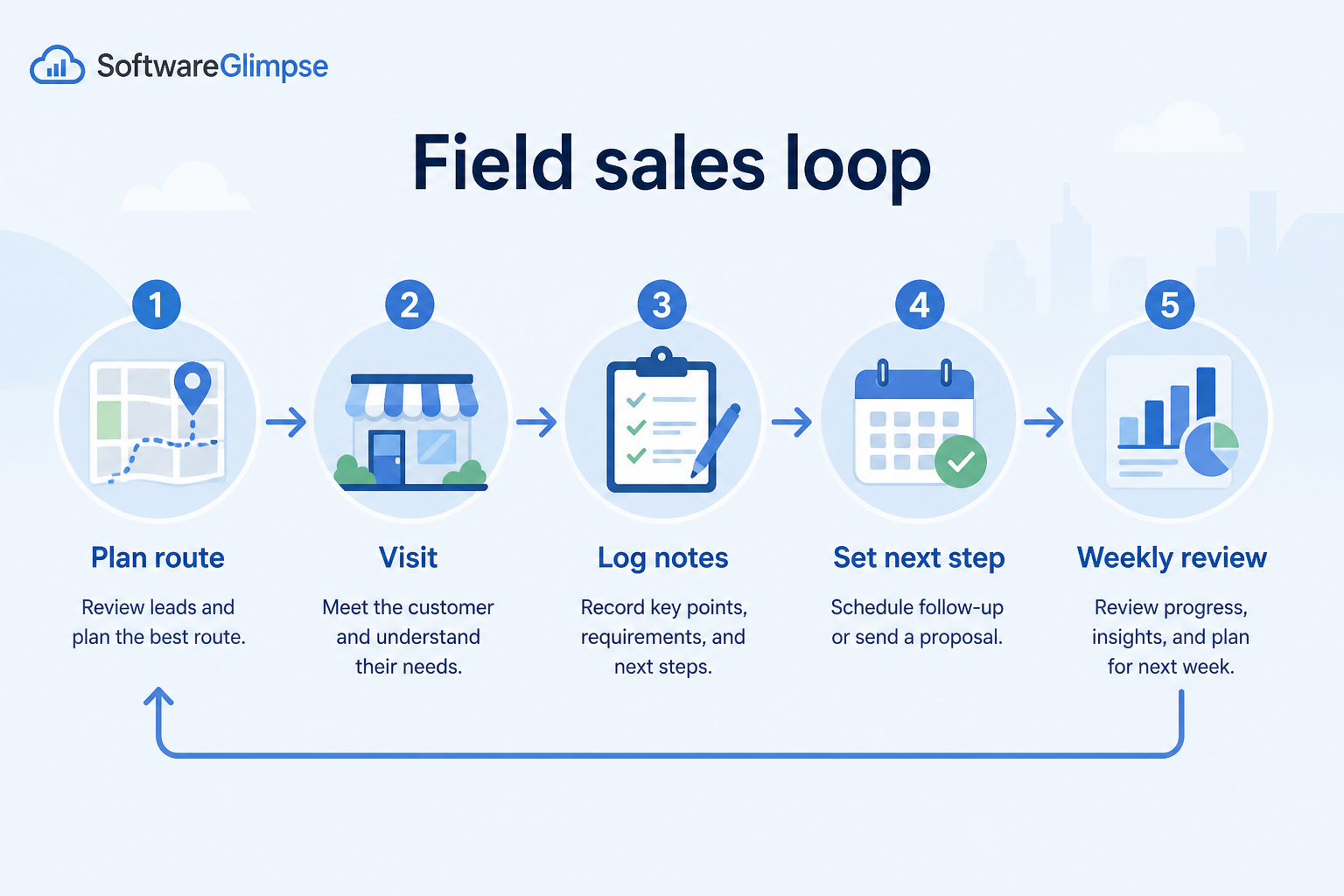
Support labels come from structured feature research — not from videos.
Objective
Select accounts for the route with ownership and last-visit context.
Next step
Next step
Next step
Next step
Compare two products against the same workflow using researched assessments. Official demos help you see the workflow — they do not change support status.

HubSpot
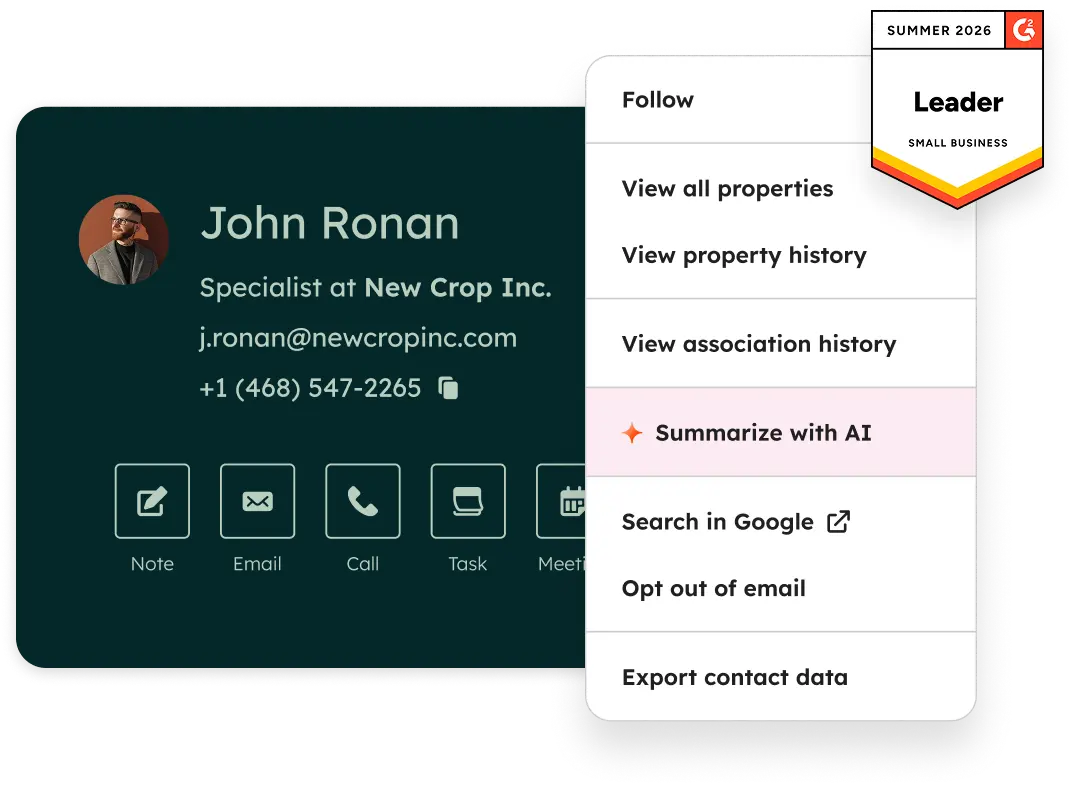
Official Free CRM hero product visualization.
What to notice
Not shown in this demo
Pipedrive

Pipedrive’s sales CRM product view as shown on the official site.
What to notice
Not shown in this demo
Canonical feature assessments for this workflow — not inferred from demos.
| Step | HubSpot | Pipedrive |
|---|---|---|
| Plan | Unknown | Unknown |
| Visit | Unknown | Unknown |
| Log | Unknown | Unknown |
| Follow up | Unknown | Unknown |
| Review | Unknown | Unknown |
Based on the field workflow, buyers commonly evaluate the checklist below. Nothing is written to your decision profile until you confirm in the tool.
Context: useCase=field-sales — tools apply this only after your confirmation.
Best when
Reps spend most selling time on-site and need visit history on accounts.
Best when
Field visits must hand context to inside follow-up without rework.
Related page →Best when
Managers reconstruct coverage from expenses and memory.
Related page →Attendees, outcome, next step, opportunity impact — keep the list short.
Have a rep log a fake visit in under two minutes on a phone.
Demo guide →Geography, named accounts, or hybrid — write rules before importing.
Requirements guide →One territory, real visits, one coverage review from CRM only.
Trial evaluation →Routing aids matter after visit logging is habitual.
Catalogue products that list field sales as a supported use case. Inclusion here is not a ranking. Official demo counts never change ranking.
Crm
Pipeline-first sales CRM for visual deal management, activity-based selling, and growing sales teams.

Crm
Freshworks sales CRM for lead management and pipeline workflows.

Crm
Sales-focused CRM for pipeline management and sales engagement workflows.

Crm
Enterprise CRM platform for sales, service, marketing, and customer data across large and mid-market teams.

Crm
Microsoft Dynamics 365 Sales CRM for pipeline management, forecasting, and Microsoft 365 / Copilot workflows.

Crm
Affordable multi-edition sales CRM with free tier, automation, and Zia AI across Standard through Ultimate.

Crm
Google Workspace-native CRM for pipeline and relationship management inside Gmail and Google apps.

Crm
CRM plus project management for service-oriented SMBs, with automation and AI on higher plans.

Crm
Free-tier all-in-one CRM and collaboration suite with organization-based paid cloud plans.
Field sales emphasizes territory coverage, visit logging, and mobile capture after face-to-face meetings. Desk motions emphasize sequences and inbox workflows more than on-site visit history.
Only if reps routinely work without connectivity. Many teams succeed first with fast mobile logging when signal returns — then add offline if that still blocks adoption.
Short and structured: who attended, outcome, next step, and date. Long narrative that nobody writes consistently loses to a notebook again.
Visits should update account context and, when commercial progress is real, advance or create opportunities with the same next-step discipline as inside deals.
Own post-sale accounts with stakeholders, renewals, and expansion opportunities in one place.
Never drop promised next steps — tasks, reminders, and history attached to the right record.
Track deals through stages, keep ownership clear, and see where opportunities stall.
Keep people, companies, and interaction history in one searchable system.
Maintain ongoing customer context beyond the first closed deal.
Use Finder for a fit-based shortlist, compare products, or build a requirements checklist before demos.
How we review
Evaluation, verification, and refresh — no fake testing claims.
Editorial methodology
Category criteria and scores grounded in evidence.
Editorial policy
Authorship, evidence levels, scoring, and disclosures.
Corrections
Spot something outdated? Tell us.
Want clearer software shortlists? Get buying guides and comparisons by email.
Newsletter coming soon.