
Crm
Pipeline-first sales CRM for visual deal management, activity-based selling, and growing sales teams.
Build pipeline and activity reports managers can trust — without rebuilding the week in spreadsheets.
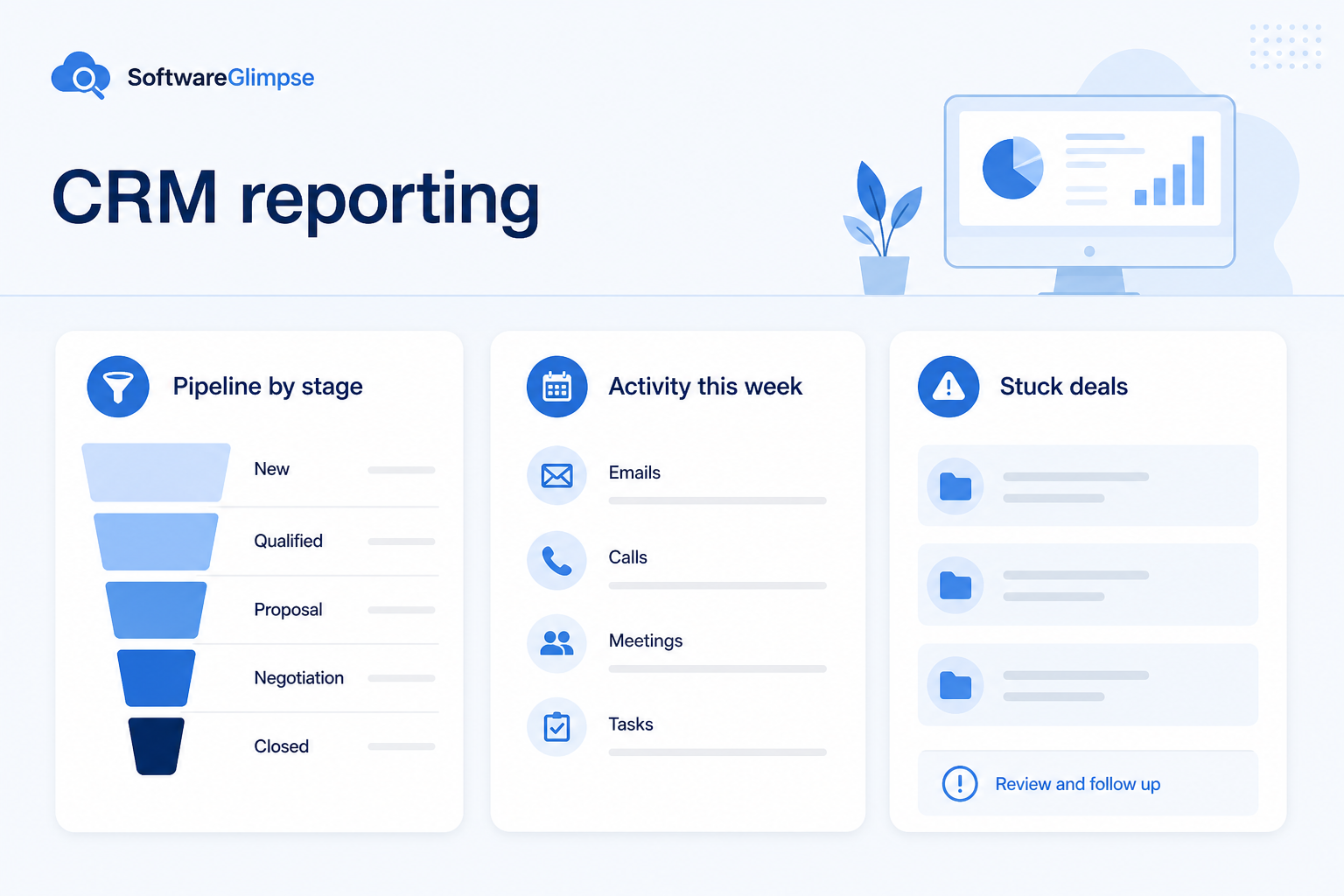
At a glance
Trusted views of pipeline health and team activity
Sales managers, founders, and sales ops
Pipeline by stage · Conversion rates · Activity quality · Forecast inputs
9 products to explore
Fit snapshot
CRM reporting turns recorded stages, owners, and activities into views for coaching and planning. Teams use it for pipeline health, conversion, activity distribution, and forecast inputs — but report quality always follows data hygiene.
Sales managers, founders, and ops owners who need weekly truth about pipeline and activity. You are tired of status meetings that reconstruct numbers instead of deciding next actions.
How teams put CRM to work for reporting
Example 1
a sales manager running Friday forecasts
Before CRM reporting
each AE pasted numbers into a sheet with different stage meanings
After CRM
one pipeline report uses shared stages — the meeting starts from stuck deals and coverage gaps
Example 2
an SDR team measured only on dials
Before CRM
volume looked fine while qualified pipeline lagged
After CRM
reports connect activity to lead conversion so coaching targets outcomes
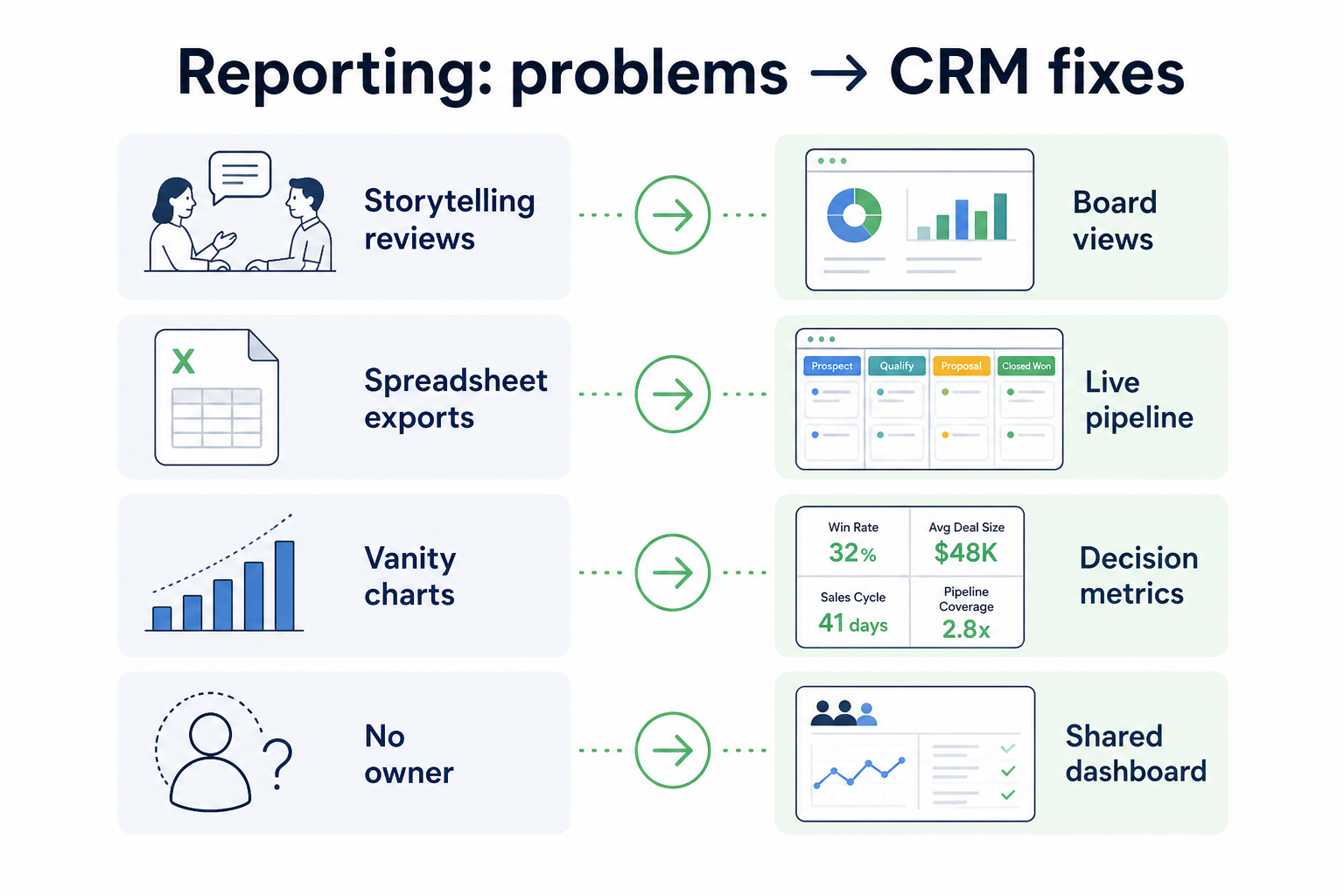
These are the operating problems that usually push teams toward CRM for reporting — not feature wish lists.
Without CRM discipline: Managers re-collect status instead of reviewing a trusted system.
Without CRM discipline: Missing owners, fictional stages, and empty next steps make dashboards fiction.
Without CRM discipline: Teams optimize dials and emails while pipeline quality falls.
Without CRM discipline: Nobody knows which report is canonical for decisions.
A CRM only helps when the team keeps owners, history, and next steps current. Here is what “good” looks like for reporting.
With CRM discipline: Shared stage and amount fields power repeatable pipeline views.
With CRM discipline: Reporting goals drive hygiene rules: required fields and review rituals.
With CRM discipline: Pair activity with conversion and stage movement metrics.
With CRM discipline: Start with a short set of operating reports everyone uses weekly.
A trusted pipeline view
Reviews start from the same board and numbers every week.
Faster coaching decisions
Stuck stages and coverage gaps are visible without archaeology.
Outcome-linked activity
Teams connect effort to conversion, not vanity counts alone.
Less manual reporting labor
Managers stop rebuilding the week in spreadsheets.
Prioritize a small set of trusted metrics, consistent stage and amount fields, and adoption of logging. Fancy dashboards on dirty data create false confidence — fix inputs before expanding BI complexity.
Track stage movement and outcomes, not noise metrics.
Reports only matter if decisions follow them.
A short operating set beats dashboard sprawl.
Start with must-haves your team will use weekly. Treat nice-to-haves as later upgrades — not day-one blockers.
Must-have
See where deals stall between stages.
Touches tied to records — paired with outcomes.
Stage, amount, close date, owner as report inputs.
Nice-to-have
Useful after stage honesty is real.
Connect to deeper analysis only when needed.
Understand what needs to happen before comparing how products implement each step. Support overlays use structured research — never video inference.
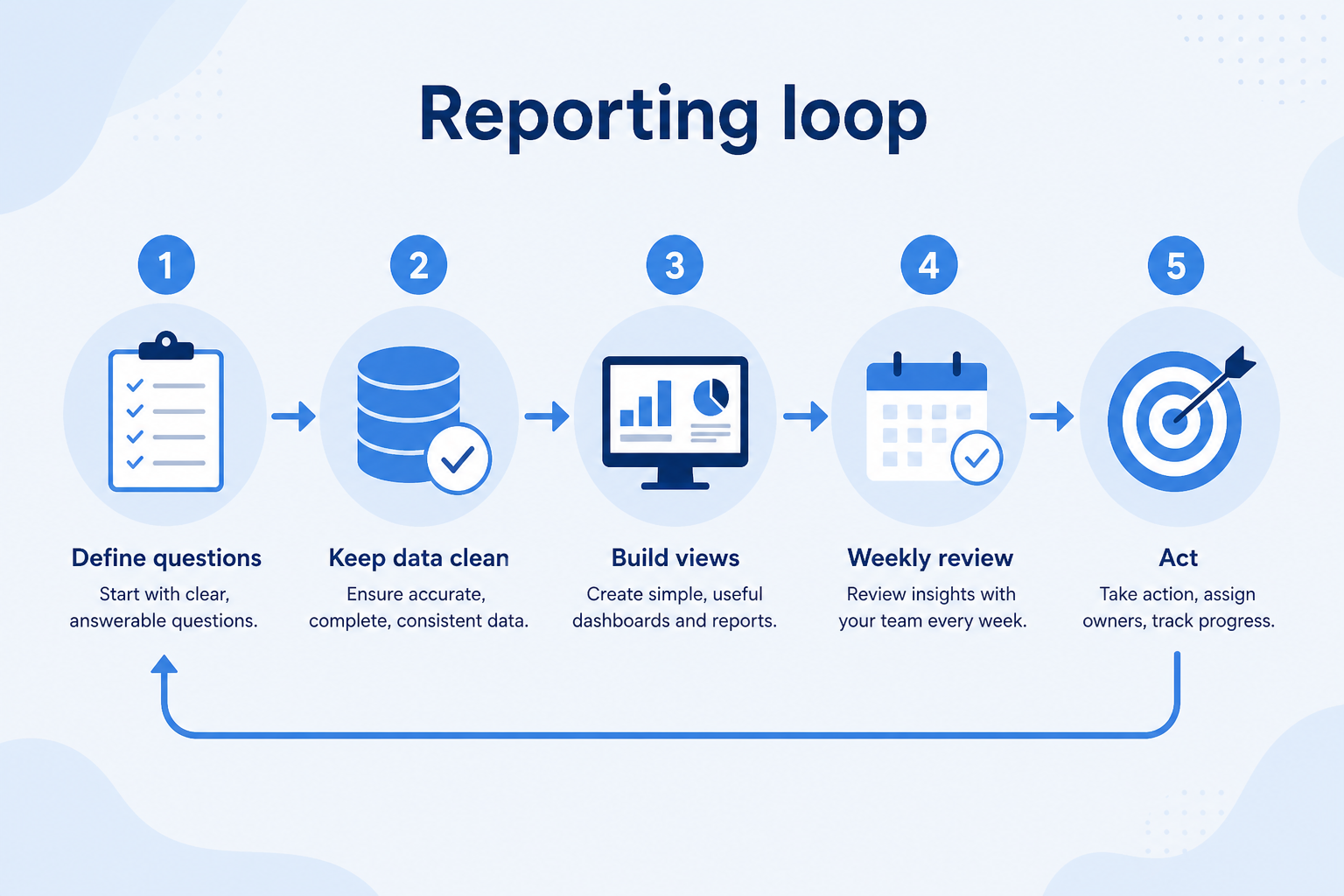
Support labels come from structured feature research — not from videos.
Objective
Choose 3–5 operating metrics the team will actually use.
Next step
Next step
Next step
Next step
Compare two products against the same workflow using researched assessments. Official demos help you see the workflow — they do not change support status.

HubSpot
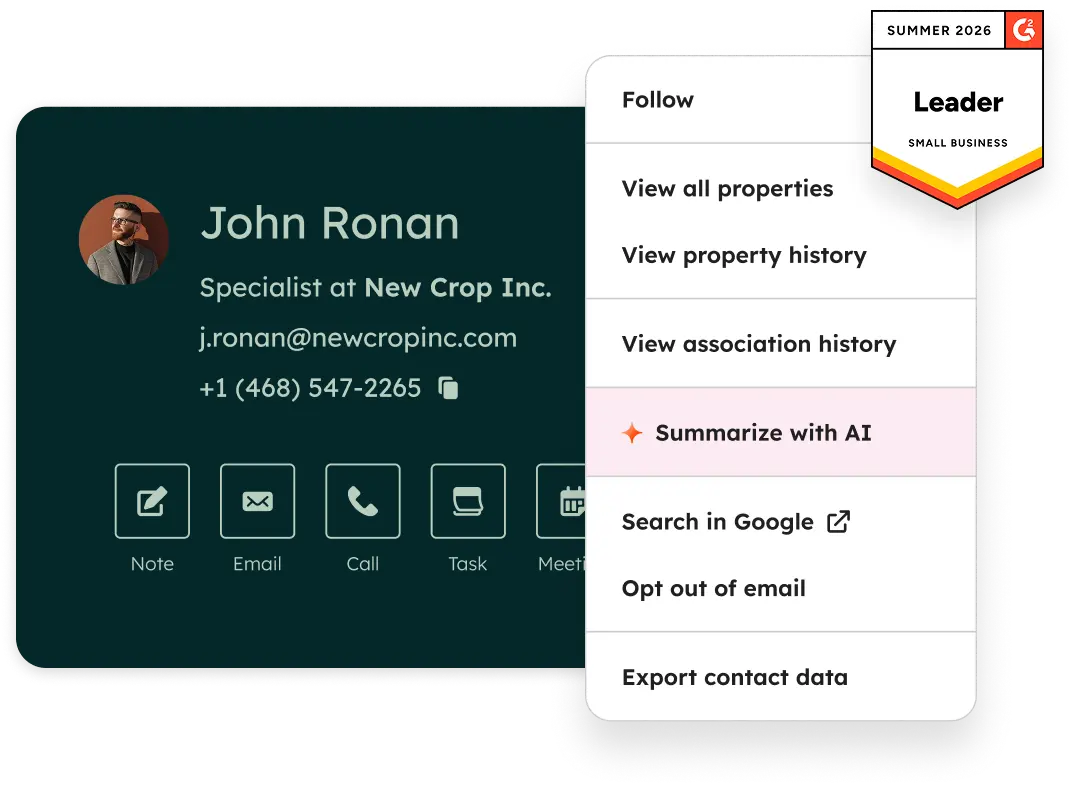
Official Free CRM hero product visualization.
What to notice
Not shown in this demo
Pipedrive

Pipedrive’s sales CRM product view as shown on the official site.
What to notice
Not shown in this demo
Canonical feature assessments for this workflow — not inferred from demos.
| Step | HubSpot | Pipedrive |
|---|---|---|
| Define | Unknown | Unknown |
| Standardize | Unknown | Unknown |
| Hygiene | Unknown | Unknown |
| Review | Unknown | Unknown |
| Act | Unknown | Unknown |
Based on the reporting workflow, buyers commonly evaluate the checklist below. Nothing is written to your decision profile until you confirm in the tool.
Context: useCase=reporting — tools apply this only after your confirmation.
Best when
Managers need shared stage truth without rebuilding sheets.
Related page →Best when
Founders or execs need a short, honest pipeline read-out.
Coaching, forecast, coverage — write the questions first.
Ask how non-admins build and share operating reports.
Demo guide →Run one Friday meeting from CRM only — note what breaks.
Trial evaluation →Commit categories and BI exports wait until hygiene sticks.
Catalogue products that list reporting as a supported use case. Inclusion here is not a ranking. Official demo counts never change ranking.
Crm
Pipeline-first sales CRM for visual deal management, activity-based selling, and growing sales teams.

Crm
Freshworks sales CRM for lead management and pipeline workflows.

Crm
Sales-focused CRM for pipeline management and sales engagement workflows.

Crm
Relationship-focused CRM for small sales teams and founders.

Crm
Simple small-business CRM for contacts, sales pipelines, tasks, and lightweight automation without enterprise complexity.

Crm
Enterprise CRM platform for sales, service, marketing, and customer data across large and mid-market teams.
Crm
AI-powered customer platform with free forever CRM, plus paid Smart CRM seats and Sales/Marketing/Service hubs for growing teams.

Crm
Microsoft Dynamics 365 Sales CRM for pipeline management, forecasting, and Microsoft 365 / Copilot workflows.
Usually because inputs are inconsistent: stages mean different things, owners are missing, or activity is not logged. Fix field discipline before blaming the charting tool.
Pipeline by stage/owner, deals with no next step, stage conversion, and a simple activity-to-outcome view. Expand only after those are trusted.
Rarely. Native CRM views are enough for weekly operating reviews. Add BI when you have clean exports and questions native reports cannot answer.
Pipeline management creates the stage and ownership process. Reporting visualizes that process for coaching and planning — they succeed or fail together.
Track deals through stages, keep ownership clear, and see where opportunities stall.
Capture, qualify, and route leads before they become pipeline deals.
Coordinate calling, messaging, and cadence tools around CRM records.
Maintain ongoing customer context beyond the first closed deal.
Use Finder for a fit-based shortlist, compare products, or build a requirements checklist before demos.
How we review
Evaluation, verification, and refresh — no fake testing claims.
Editorial methodology
Category criteria and scores grounded in evidence.
Editorial policy
Authorship, evidence levels, scoring, and disclosures.
Corrections
Spot something outdated? Tell us.
Want clearer software shortlists? Get buying guides and comparisons by email.
Newsletter coming soon.
