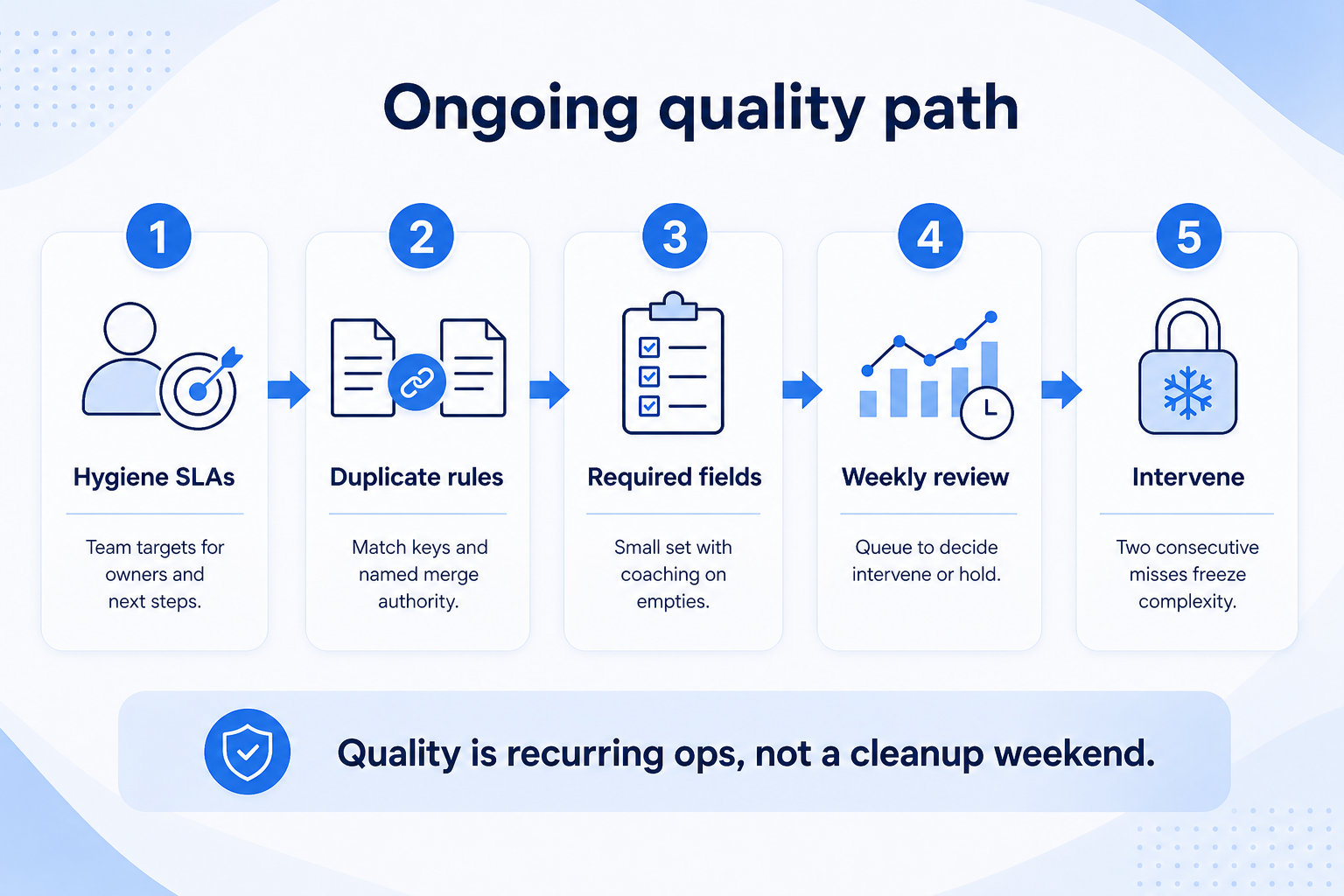
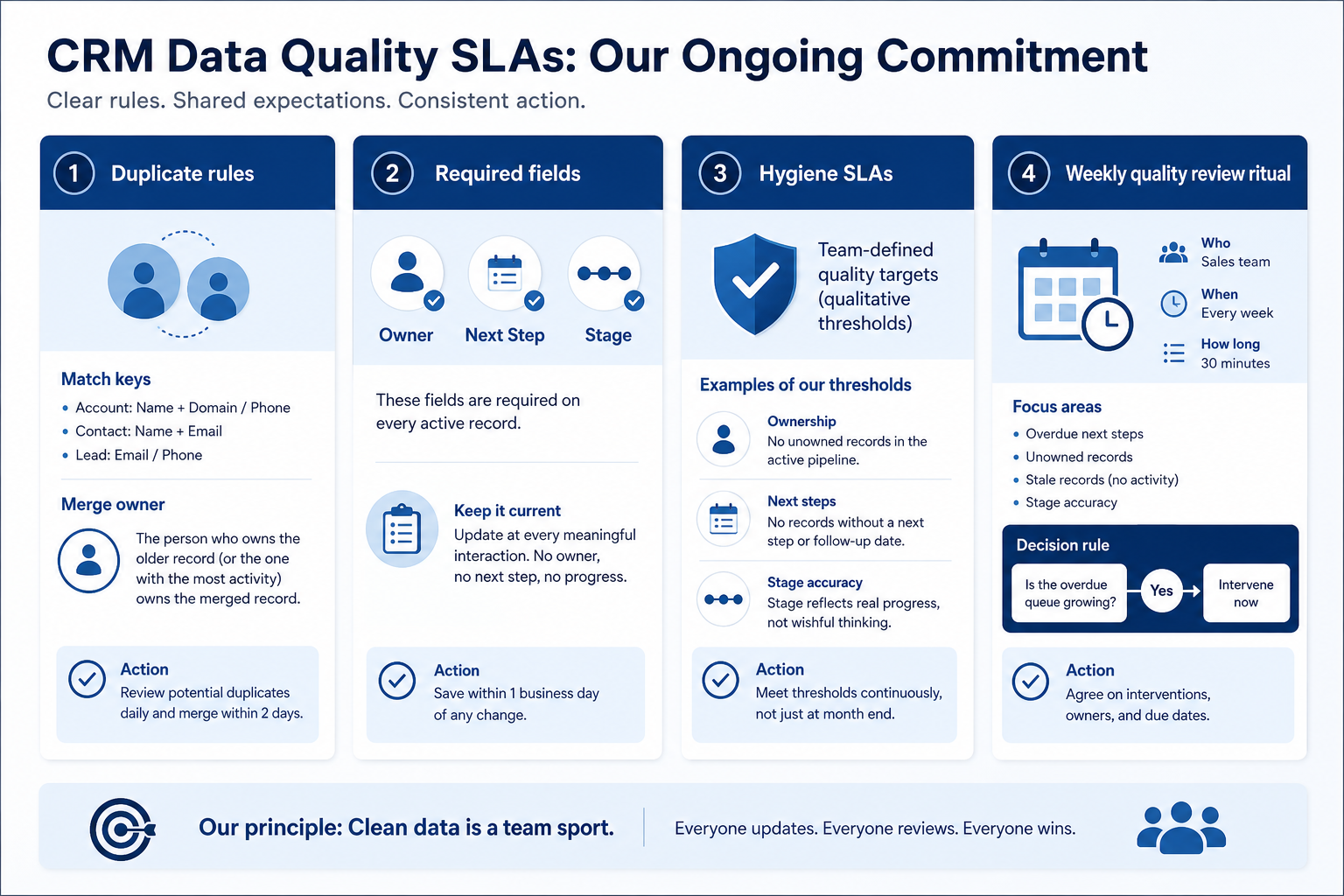
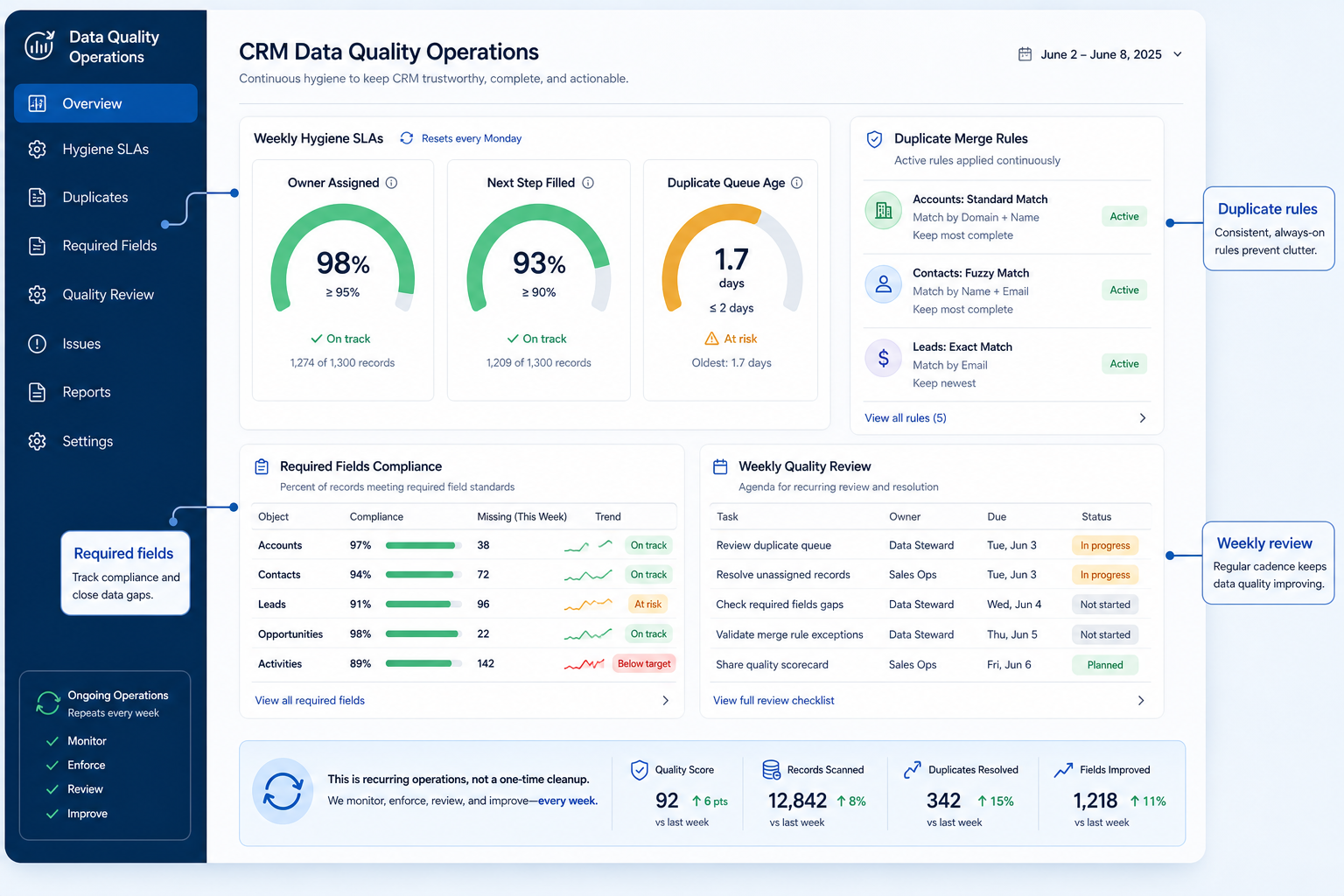
CRM data quality is an ongoing operating system — hygiene SLAs, duplicate rules, required fields, and a weekly quality review — not a one-time cleanup project. Decision rule: if open work routinely lacks owners or next steps, duplicates age in a queue, or Friday still needs a rebuild sheet, pause new automation and run the weekly quality ritual until those signals meet your team-defined targets for two consecutive weeks.
Ongoing hygiene
Duplicate rules
Required fields
Weekly review
Team-defined targets
Not one-time clean
Key takeaways
Cleaning ≠ quality — A migration cleanse without SLAs decays within weeks.
Required fields need owners — Enforcement without coaching creates junk values.
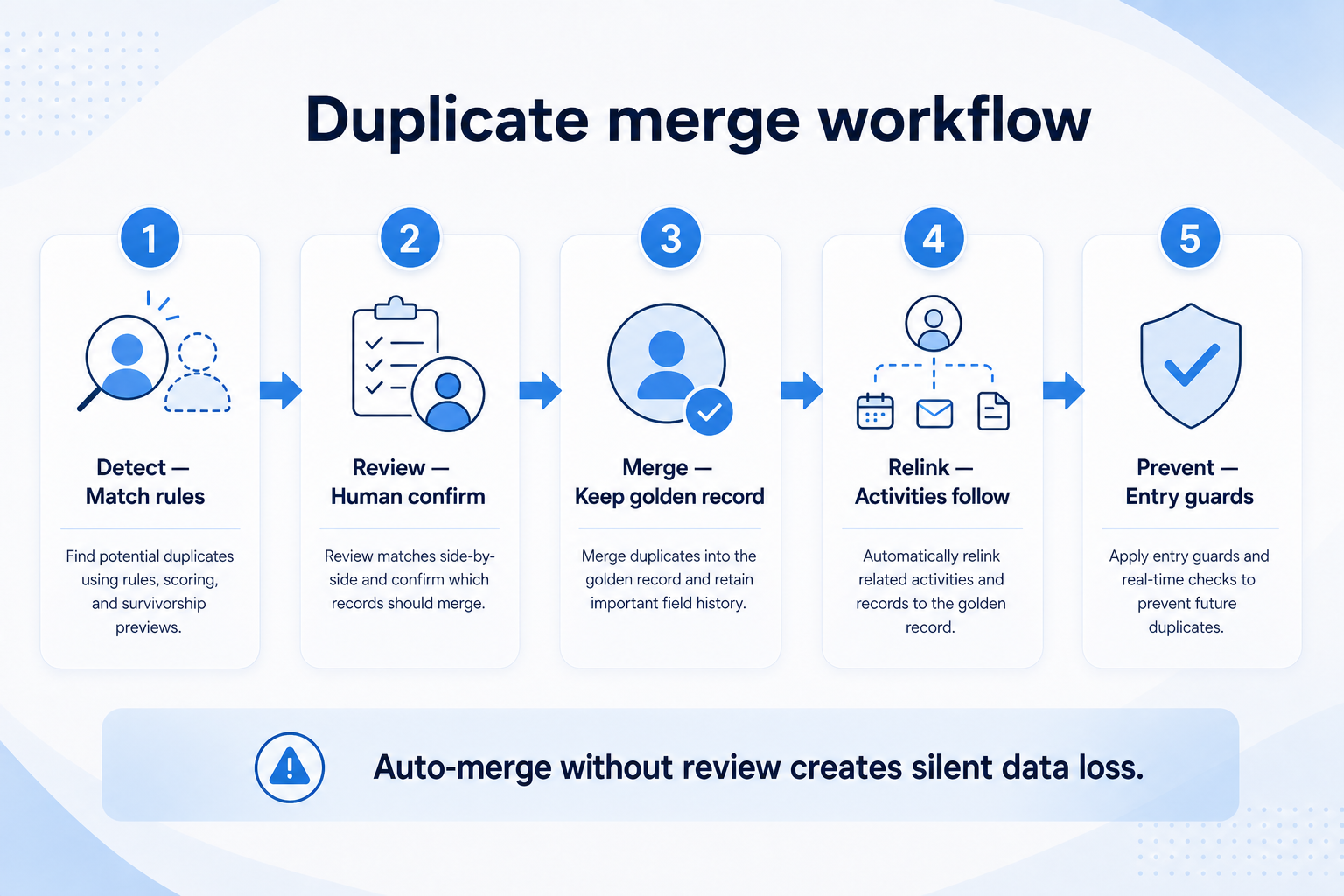
Duplicates need rules + a queue owner — Match keys and merge authority beat ad-hoc deletes.
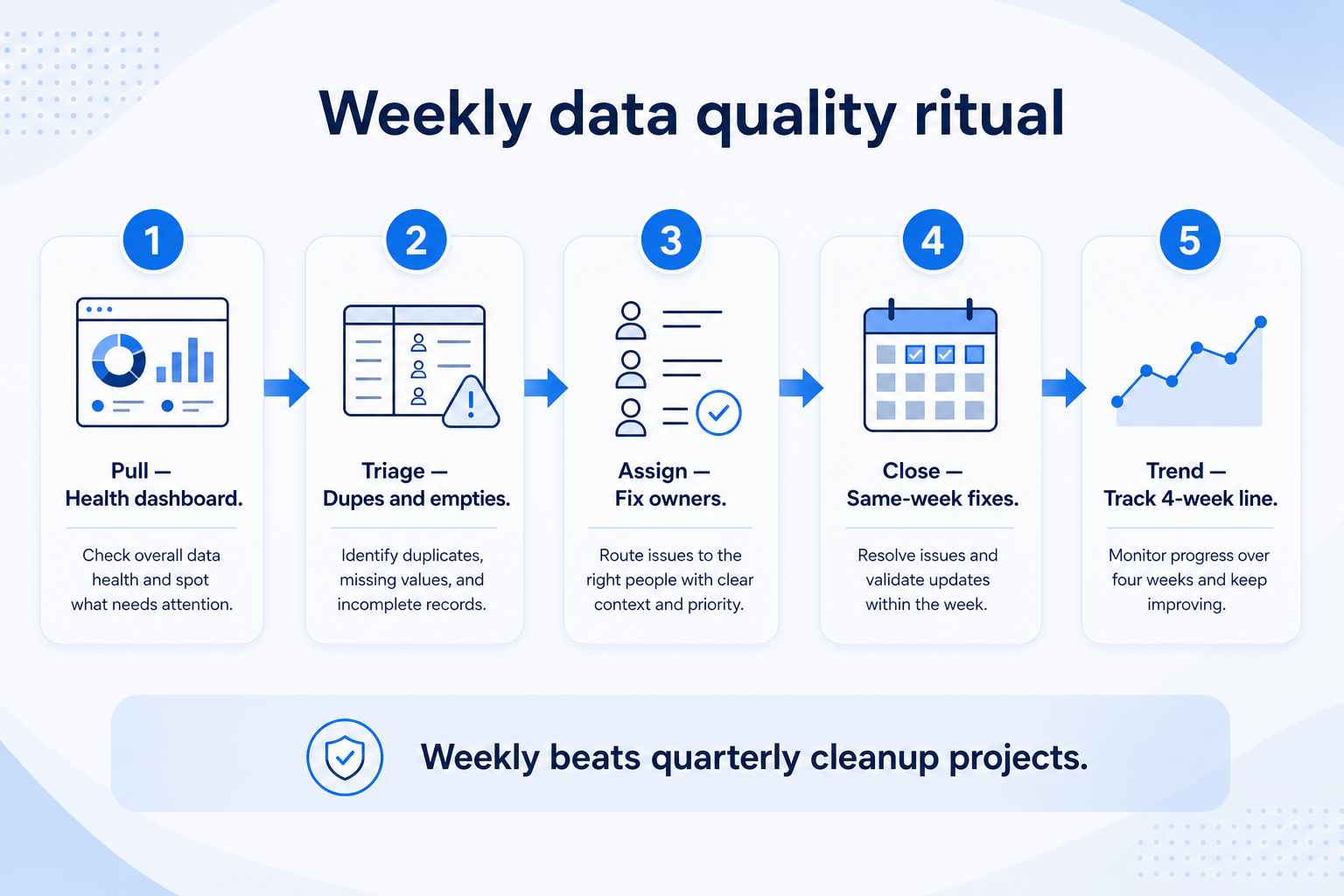
Weekly review is the control loop — Short quality huddles beat quarterly “data days.”
1. Treat quality as ongoing — not a cleanup project
Operational quality looks like meters, queues, and a weekly agenda — not a one-off spreadsheet scrub.
Post-migration
Cleanse first; start SLAs in week one of live use.
Mature CRM drift
Re-baseline signals; do not only schedule another cleanup weekend.
Multi-source intake
Tighten create paths and duplicate rules at the source.
One-time cleaning (dedupe before import, archive dead leads) is necessary but temporary. Ongoing quality is the SLA and ritual that keep records trustworthy after go-live. Separate the projects: finish a cleanse, then immediately turn on hygiene reviews so the cleanse does not expire.
Example: Northwind Field Services runs a heroic weekend dedupe before cutover, then skips weekly reviews. By week five estimators recreate jobs because duplicates returned and next steps are empty. Ops restarts a Tuesday quality huddle and freezes new automations until the overdue queue shrinks for two weeks.
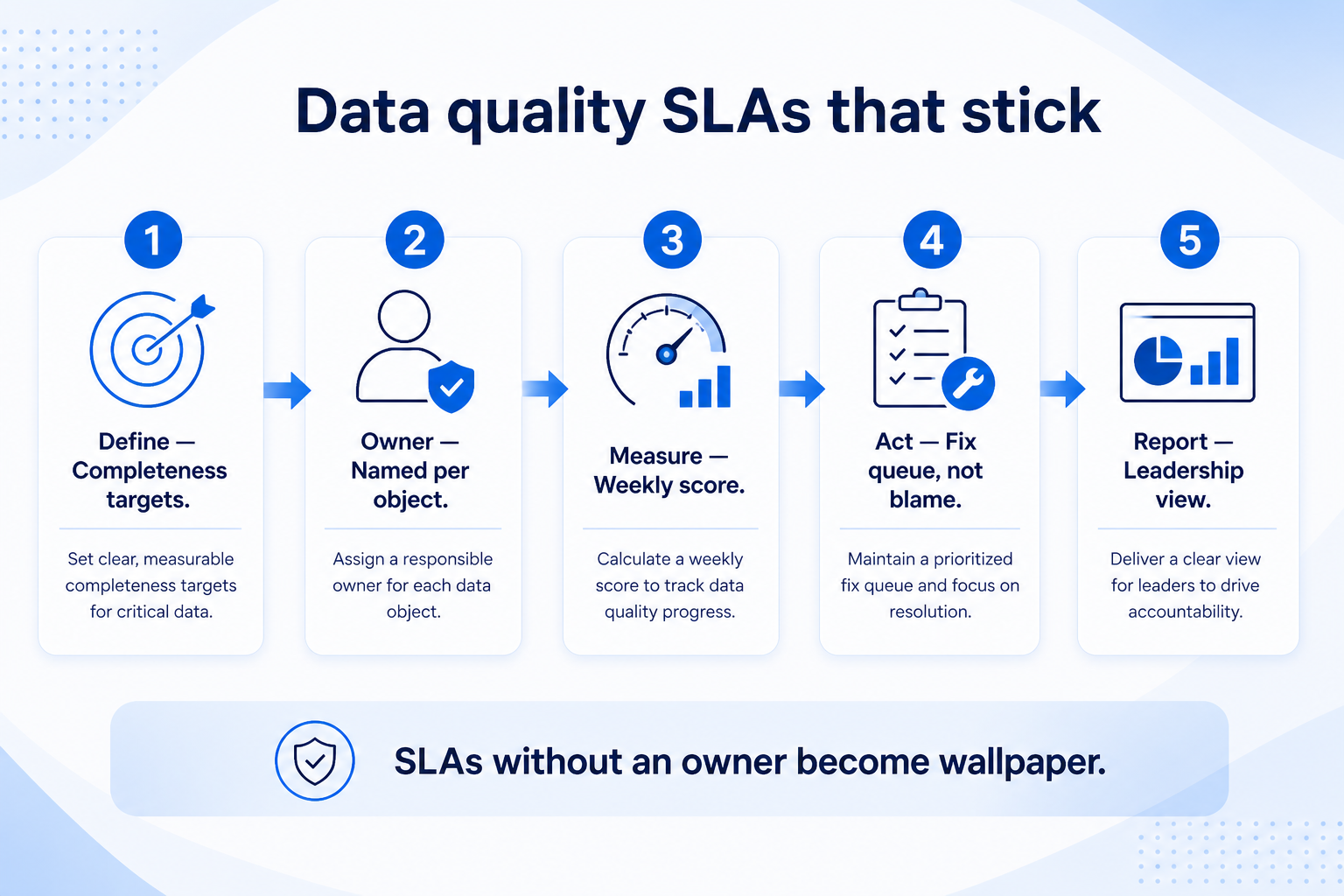
2. Define hygiene SLAs with team targets
Targets must be explainable and actionable in the weekly review.
Sales pod
Owner + next step + stuck-deal sample each week.
Account team
Coverage owner + next review date on strategic accounts.
Mixed intake
Add create-path completeness for new contacts/leads.
Choose a short signal set: open items with owners, next-step fill on open work, duplicate queue age, and a small sample of stage honesty. Set targets your team can explain (for example “overdue next-step queue empty before Friday review” or “duplicates older than seven days need an owner”). Avoid presenting invented industry percentages as verified facts.
Example: Meridian Specialty Finance defines success as: every open deal has owner + next step before the Monday forecast, and the duplicate queue has a named resolver with items aged beyond the team’s seven-day threshold escalated to Ana.
3. Write duplicate rules and merge authority
Publish match keys and who may merge — do not resolve duplicates in Slack votes.
Contact duplicates
Email/phone keys; preserve the record with richer history.
Account duplicates
Domain + legal name; map child contacts before merge.
Cross-object noise
Same person as lead and contact — define convert/merge path.
Decide match keys (email, phone, account name + domain, external IDs), survivor rules, and who may merge. Publish what not to do (delete without merge, create “just for me” duplicates). Route suspected duplicates into a queue with an owner — not into Slack threads.
Example: Harborline Advisory matches households on primary email + household name. Planners cannot hard-delete; only Keisha or a trained champion merges, preserving activity history. The weekly review starts with duplicates older than the team’s aging threshold.
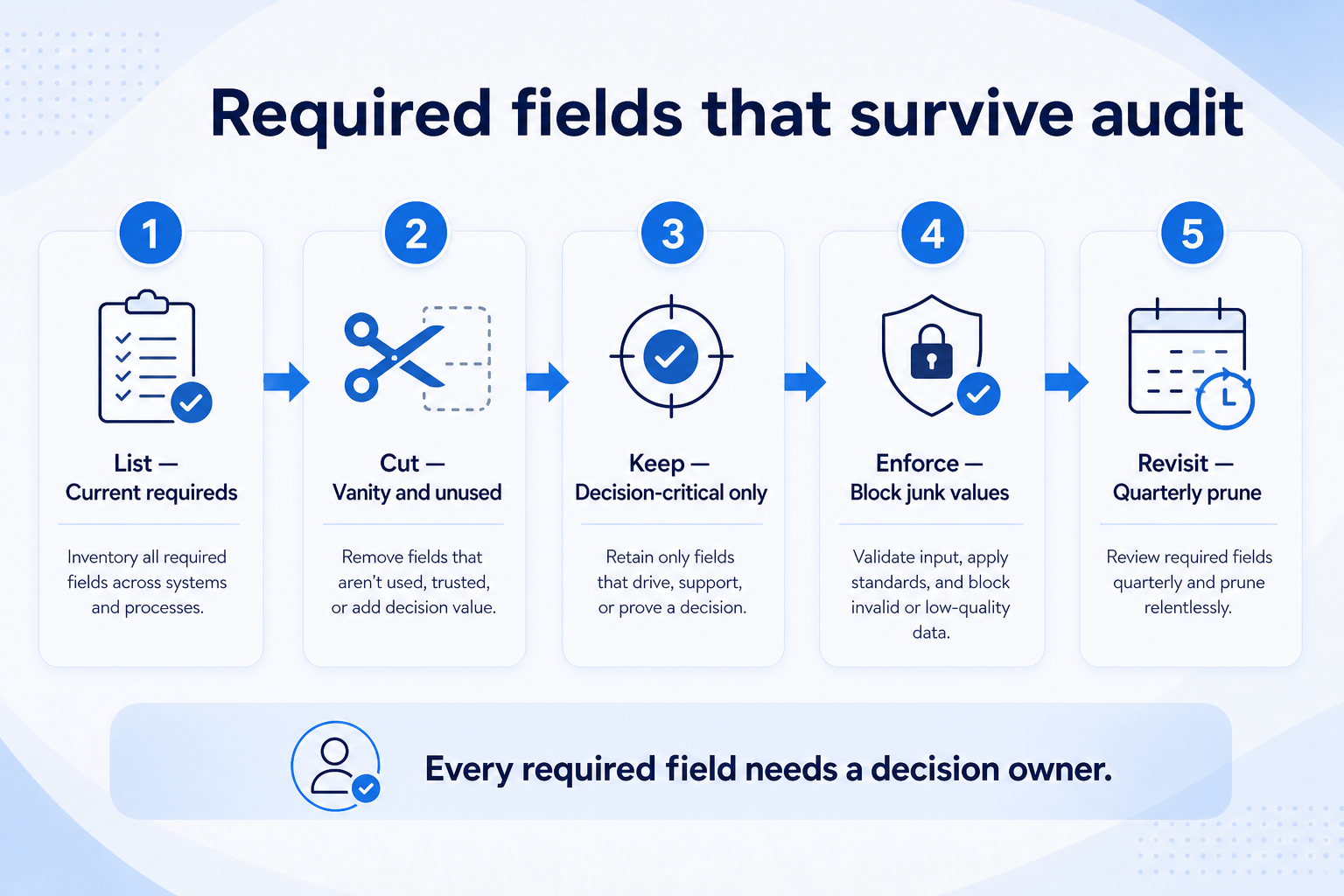
4. Enforce required fields with coaching
Keep required fields small and coached — junk placeholders hide the real gap.
Hard required
Block save only for true must-haves after training.
Soft required
Warn + queue for coaching during early adoption.
Reporting fields
Steward reviews completeness before exec dashboards.
Required fields only help when people know why they exist and managers reject junk. Keep the required set small: ownership, stage, next-step date, and a few reporting-critical fields with named stewards. When empties spike, coach the ritual — do not only add more required checkboxes.
Example: Crestview Wealth makes next-review date required, then sees “2099-01-01” placeholders. Priya removes the fake dates, coaches partners on real next touches, and reports placeholder rates in the weekly quality review until they fall under the team’s internal threshold.
5. Run a weekly quality review
Thirty focused minutes ending in named actions — intervene, hold, or expand.
Intervene
Two consecutive misses → freeze complexity; coach or simplify.
Hold
Signals mixed → keep WIP; no new required fields.
Expand
Signals hold → allow next pod or light automation.
Thirty focused minutes: scan hygiene signals, work the duplicate queue, sample stage honesty, assign owners for exceptions, and decide intervene / hold / expand for related rollout work. Link outcomes to adoption gates and governance change control when fields or stages are the root cause.
Example: Blue Harbor’s Tuesday huddle finds next-step fill missing the team target for the second week. They pause a new automation request, schedule manager coaching, and reopen the issue only after two clean weeks — the intervene rule in action.
Data quality mistakes
One-time cleanse as the plan
Without SLAs and a weekly owner, quality decays on schedule.
Invented benchmark chasing
Copying unverified industry percentages distracts from team-defined targets.
Required-field sprawl
Too many hard requirements produce junk data and resentment.
Nobody owns the duplicate queue
Duplicates age forever and train users to create more.
Automating on dirty inputs
Task spam on empty next steps teaches people to ignore CRM.
Quality without governance
Anyone can add fields that nobody will maintain — fix ownership too.
Example official vendor setup videos
Optional · 2 examples · collapse if you don’t need them
These are verified vendor tutorials and product demos from the CRM catalogue — examples of how vendors present setup and workflows. They are not SoftwareGlimpse rankings, and they do not replace the independent guidance on this page.
Official vendor tutorial · example
Attio — Attio | How to build your sales pipelines
This video is hosted on YouTube
This content is hosted by YouTube. The player loads only after you allow marketing cookies.
Cleaning is a project (often pre-migration). Data quality is the ongoing SLAs, duplicate rules, required-field discipline, and weekly review that keep records trustworthy afterward. You usually need both — in that order.
What hygiene metrics should we track?
Start with ownership on open work, next-step fill, duplicate queue age, and a light stage-honesty sample. Set team-defined targets and intervene on sustained misses — do not treat invented industry percentages as facts.
Who runs the weekly quality review?
Ops/admin plus a business lead (sales or service). Managers act on coaching items; admin owns merges and config fixes under governance.
When should we stop adding automations?
When hygiene signals miss your targets for two consecutive weekly reviews — or when managers still rebuild status outside CRM. Fix the loop first.
How do duplicates get handled day to day?
Published match keys, a queue, named merge authority, and aging thresholds reviewed weekly. Ad-hoc deletes without merge rules destroy history.
What should I do next?
Pick signals, write duplicate rules, schedule the weekly review, and connect field ownership via Governance. Use Adoption and Implementation KPIs for intervene/expand gates.