Operational CRM data cleaning before migration: dedupe, owner and next-step hygiene, archive inactive records, and enforce required fields — with a named approver.
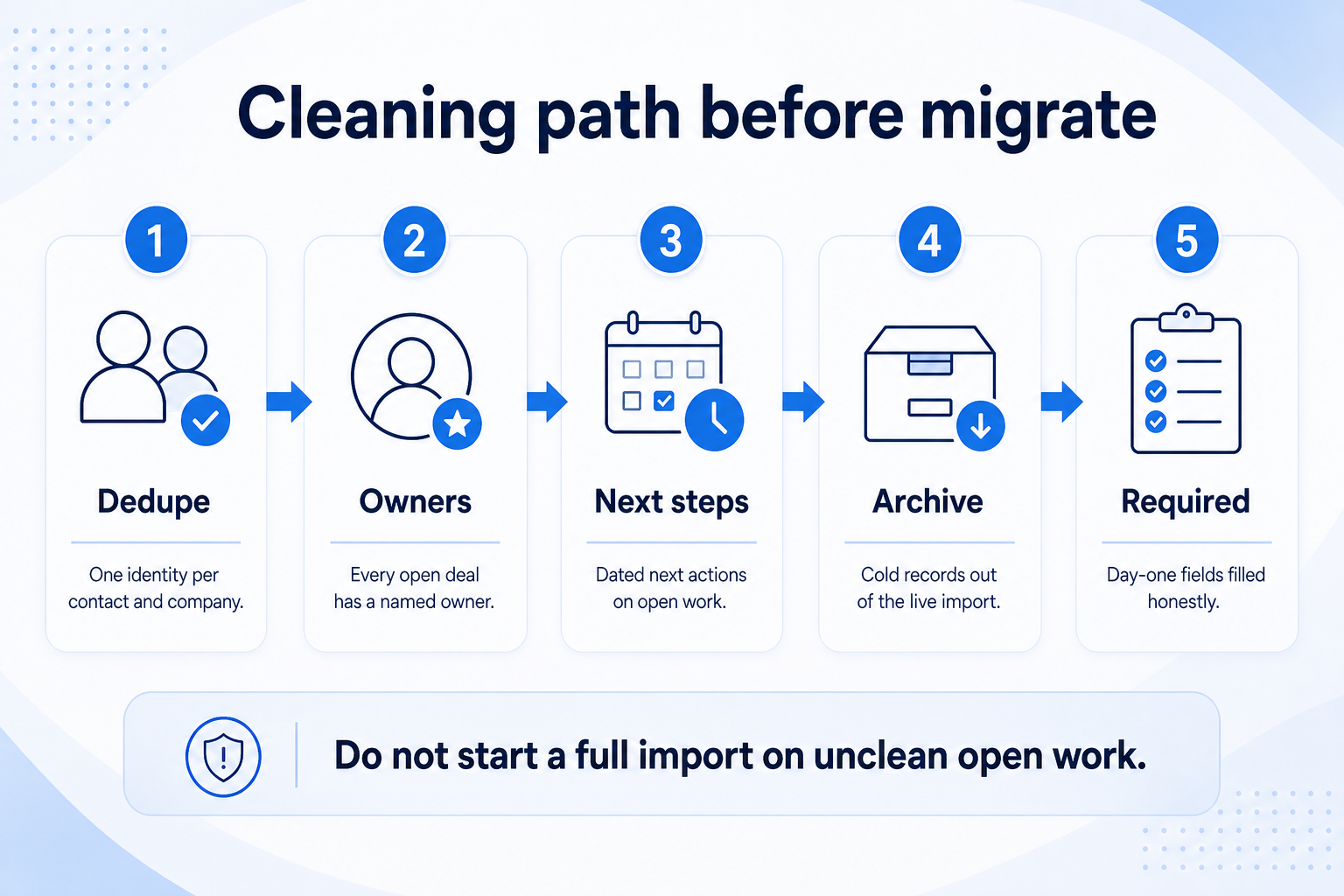
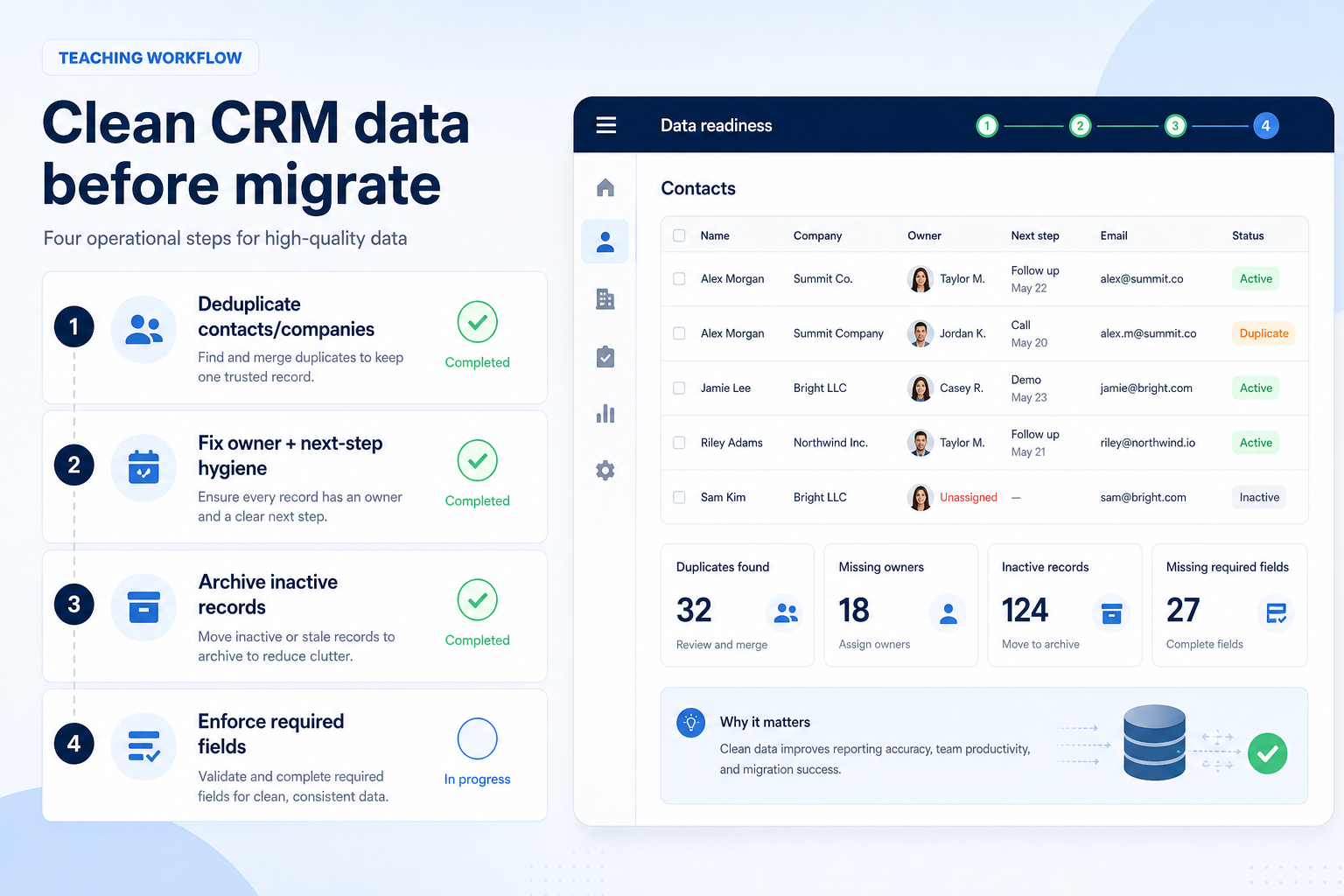
Clean CRM data before you migrate by running four operational passes: deduplicate contacts/companies, fix owner and next-step hygiene on open work, archive inactive records, and enforce required day-one fields. Decision rule: do not start a full import until every open opportunity has an owner and a next-step date — and until duplicate identity conflicts are resolved with a written winning rule.
Operational passes in order — do not start a full import on unclean open work.
Four cleaning passes
Operational passes in order — cleaning mid-import is how freeze weekends expand.
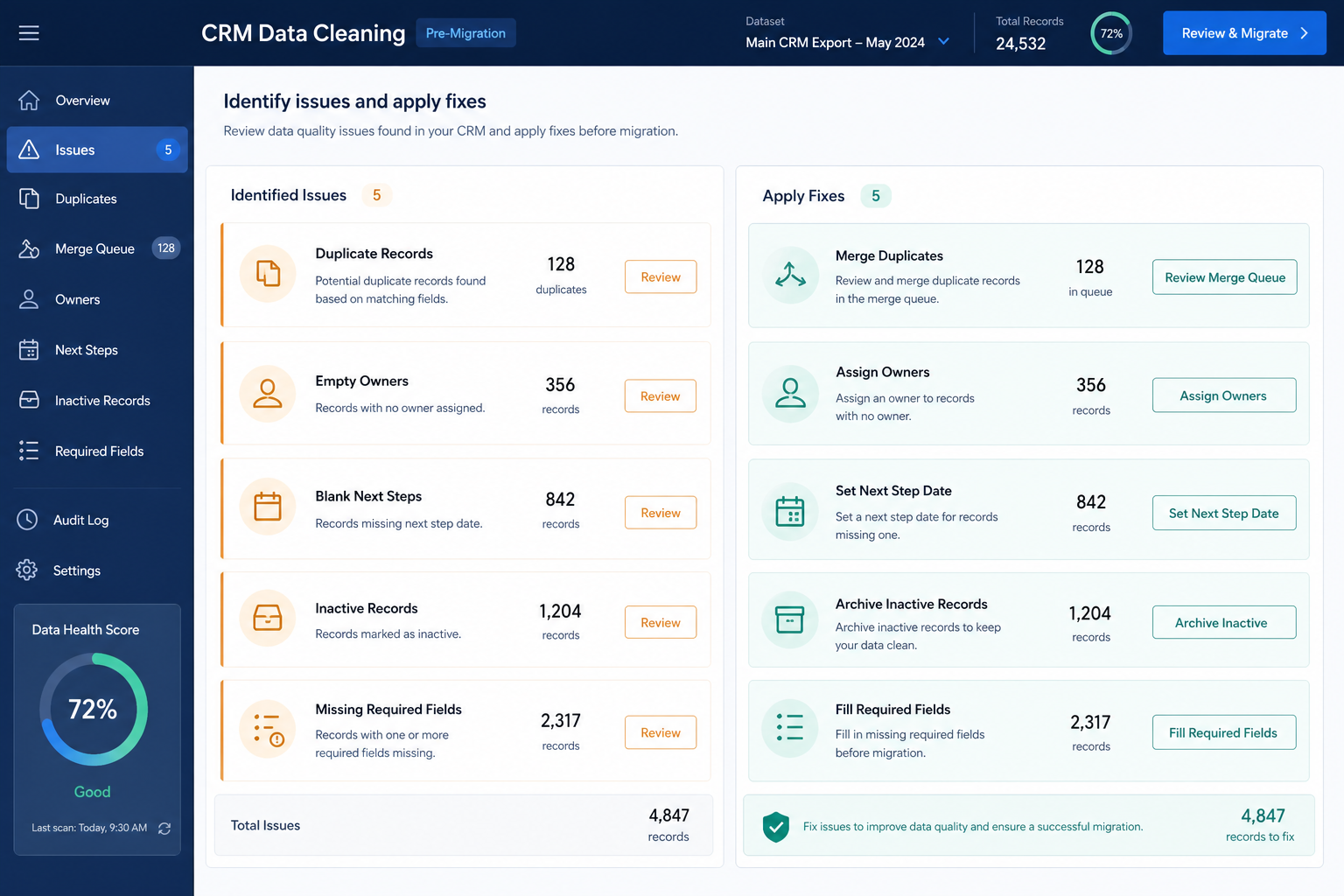
Pre-migrate cleaning checklist
Bring these questions to every demo
Ask vendors to show the workflow live, not just describe it.
1Duplicate companies/contacts merged or queuedWinning identity rule written.
2Every open opportunity has an ownerNo “shared” or blank owners on live work.
3Every open opportunity has a next-step dateEmpty next steps are migration debt.
4Inactive records archived or marked do-not-migrateCold history stays out of the live import.
5Required day-one fields filled on open setOnly fields you will actually keep accurate.
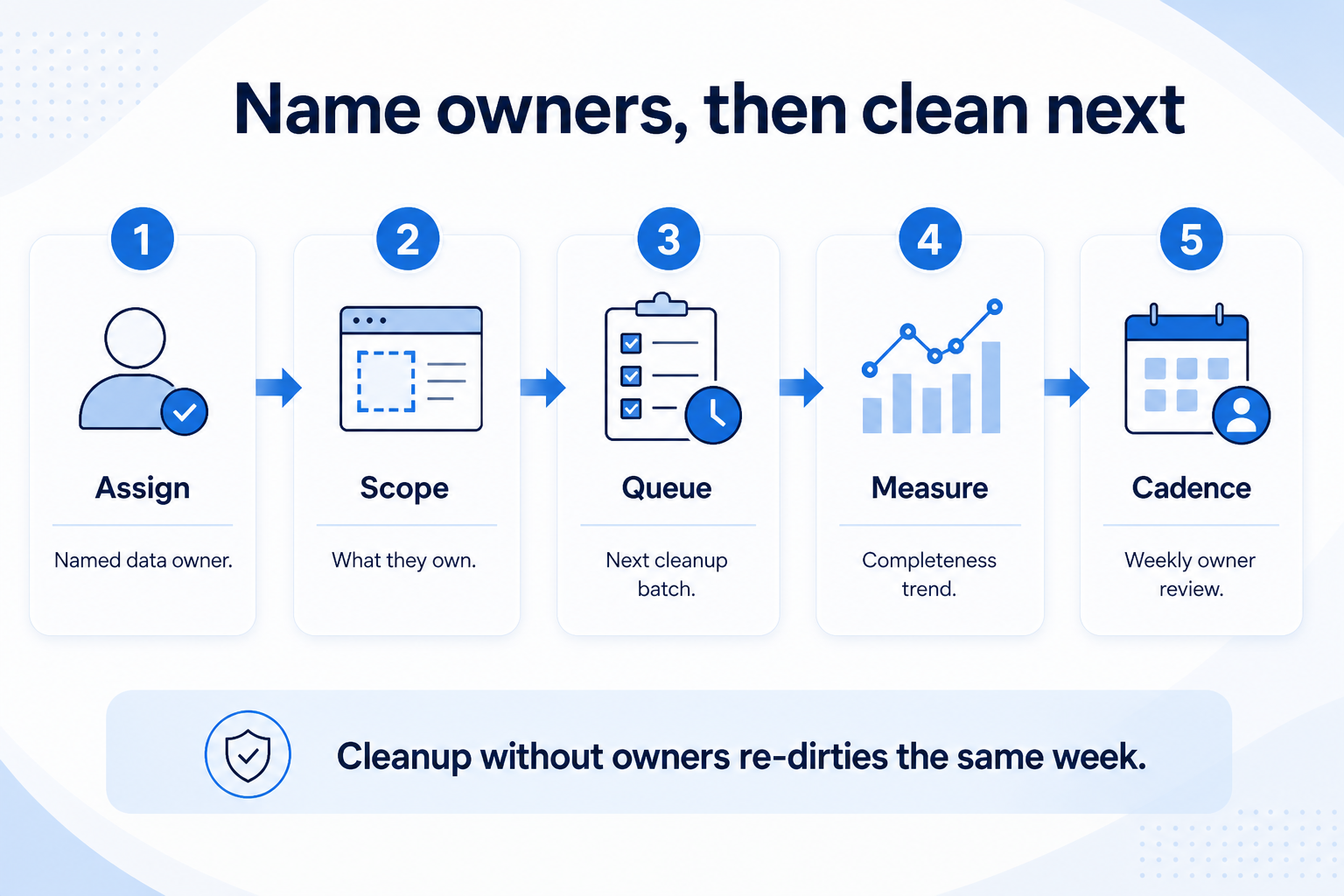
6Merge/archive approver namedAdmin or ops decides conflicts — not Slack democracy.
1. Deduplicate contacts and companies
Problems → operational fixes — not vague “improve data quality” advice.
Same email, two contacts
Merge; keep activity on the winner.
Company name variants
Pick one legal/trade name; redirect aliases.
Cross-source duplicates
Resolve CRM vs sheet identity before map.
Start with identity. Export or filter likely duplicates (same email domain + similar name, same phone, same company name variants). Pick a winning record rule — for example, newest activity wins for contacts; longest-lived company record wins for accounts — and merge with a named approver. Do not fuzzy-merge blindly across the whole database in one click.
Example: Harborline Studio, a 14-person digital agency, finds three “Acme Holdings” company rows and six contact variants for the same buyer. Ops lead Devon writes: company merge prefers the record with open opportunities; contact merge prefers the email the AE actually uses. They process the open-book duplicates first, not ten years of cold trade-show badges.
2. Fix owner and next-step hygiene
Empty next steps are migration debt — clear them before field mapping starts.
Leaver orphans
Reassign before import; do not migrate blank owners.
Shared ownership fiction
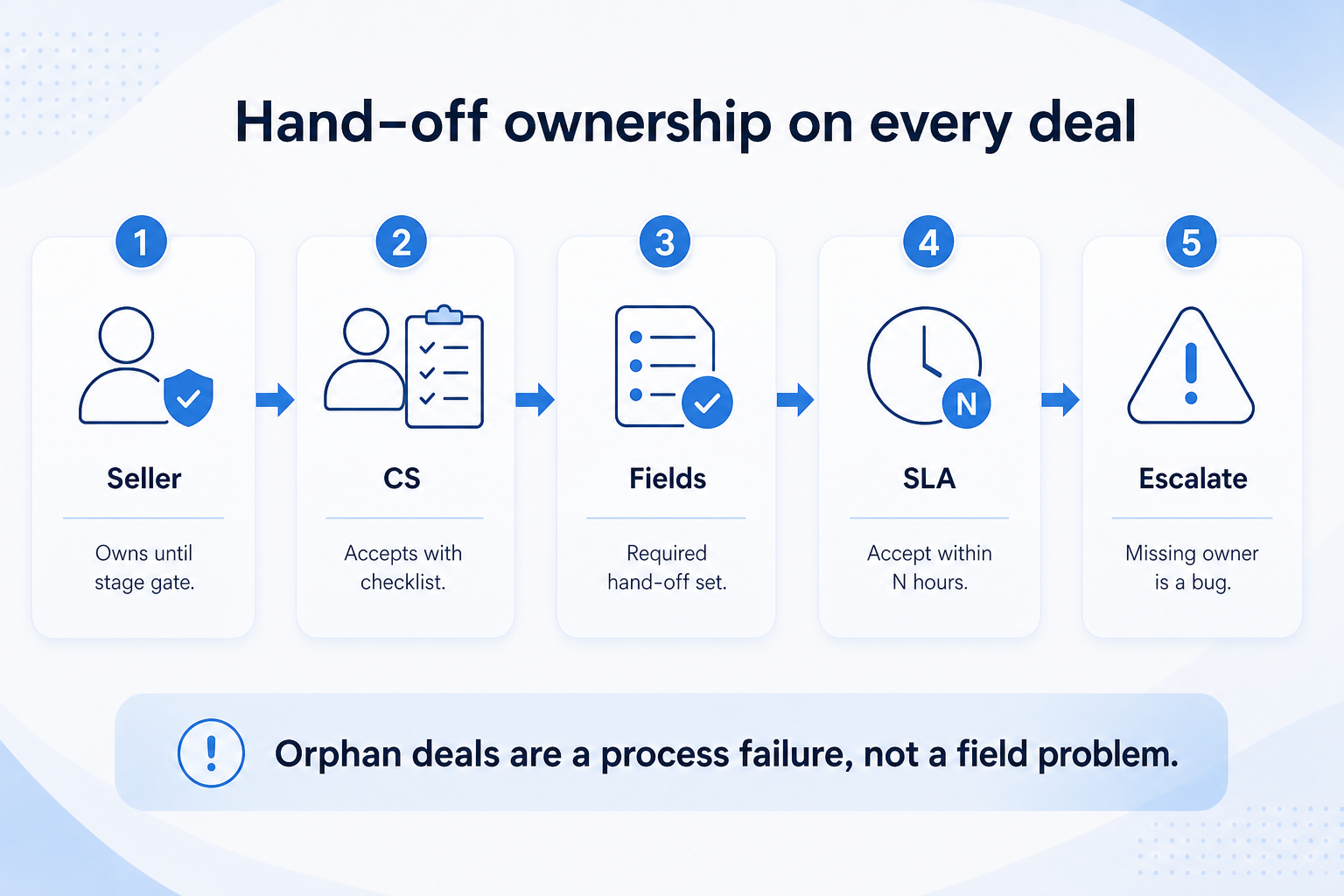
One Responsible name per open opportunity.
Stale next steps
Past-due dates need a new date or a close reason.
Open work without an owner or next step will poison the new CRM’s first Friday review. Filter open opportunities (and any open “next review” objects you use) for blank owner or blank next-step date. Assign owners using a written rule (territory, book, last activity). Require a real next action date — not “TBD.”
Example: Harborline’s pipeline board shows 28 open deals; 11 lack next steps and 4 have blank owners after a departure. Sales lead Maya runs a 60-minute hygiene huddle: assign orphans, set next-step dates, and close or archive deals that are fiction. Only then does migration mapping start.
3. Archive inactive records
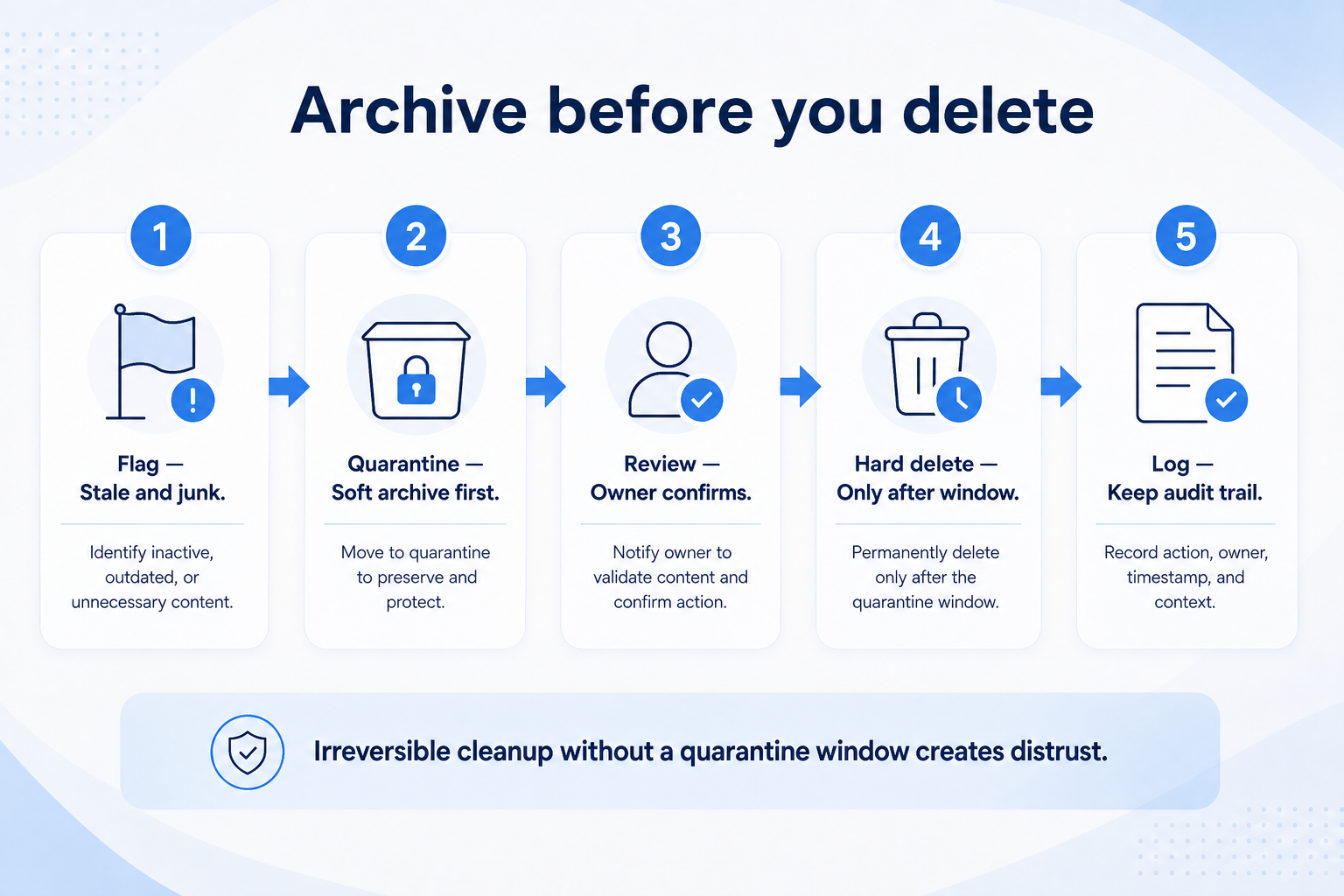
Cold history stays in an export archive — not in the live destination as active customers.
Cold contacts
Archive; do not invent owners just to import.
Closed-won ancient deals
Often export-only unless reporting needs them live.
Legal hold exceptions
Park in archive with IT/ops — still not live clutter.
Define inactive in writing (for example: no activity and no open opportunity within an agreed window). Mark those records do-not-migrate or archive them in the source before export. Keep an export archive if legal/ops need history — but do not load cold rows into the live destination as if they were active customers.
Example: Harborline marks contacts with no activity in their agreed inactive window and no open deal as archive-only. They export that set to a dated file for reference and exclude it from the Migration Planner cutover import. Live retainers and open pipeline stay in the migrate set.
4. Enforce required fields before migrate
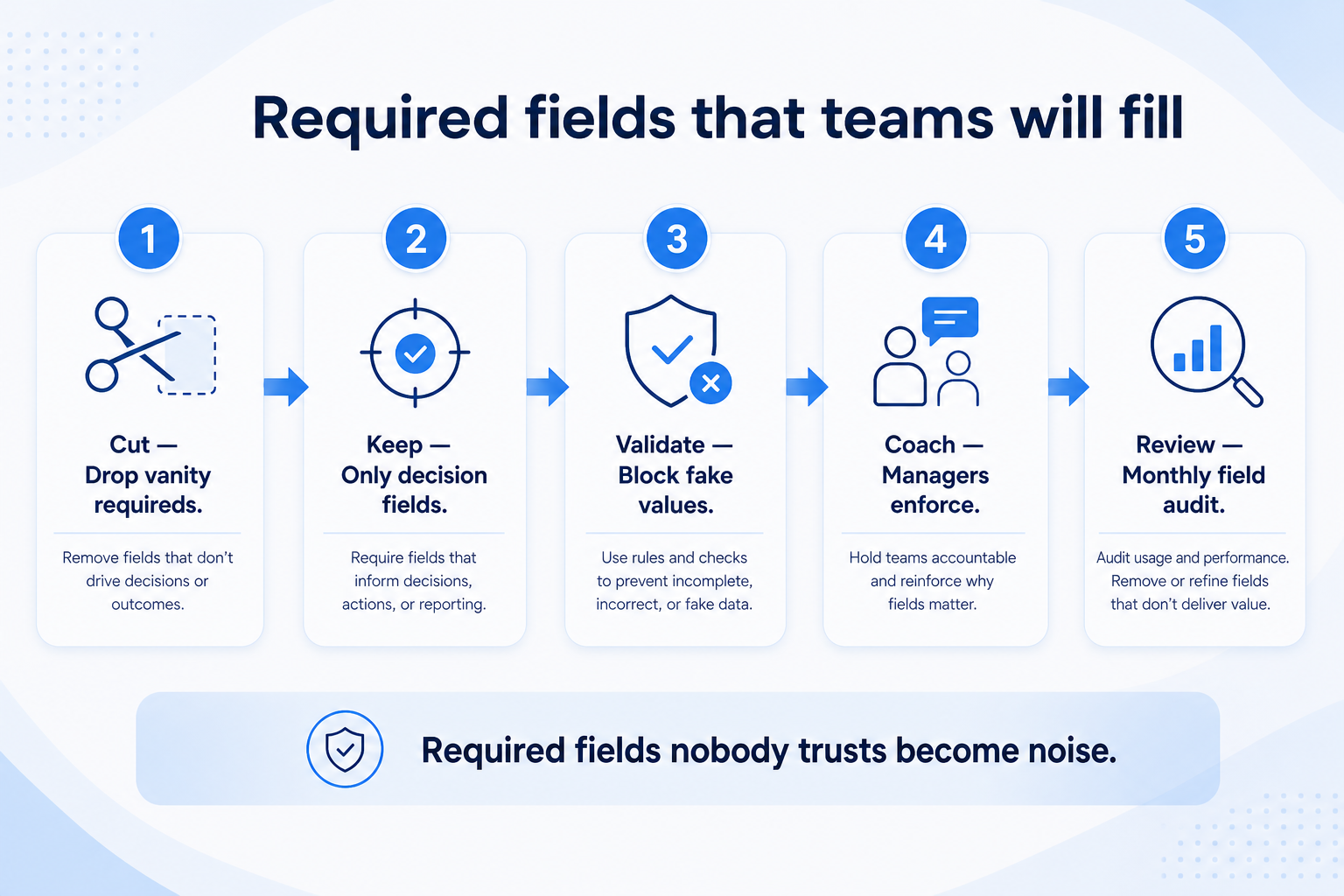
Only require fields someone will keep accurate after go-live.
Minimal required set
Owner + stage + next step for open work.
Segment fields
Only if Friday reviews actually filter on them.
Reject vanity requireds
Unused fields stay optional or rejected.
List the day-one required fields you will actually keep accurate — typically owner, stage, next step, and maybe industry or segment if reviews use them. Fill those on the open migrate set. Do not invent a long required list; every required field needs a Responsible updater after go-live.
Example: Harborline requires Owner, Stage, Next step, and Account type on open opportunities. They drop “Lead score” and “Personality notes” from required. Admin Devon rejects any new required-field request that lacks an updater name — same discipline as the Implementation Roles RACI.
5. Hand a clean open set to mapping
Checklist green before map — keep a short hygiene huddle through cutover week.
Ready for map
Open set clean; reject list known.
Ready for pilot
Messiest segment included in the sample.
Ready for cutover
Hygiene owner named for post-import week.
When the checklist passes, freeze further messy imports into the source, hand the clean open set to field mapping, and schedule the pilot import. Cleaning is not a one-time festival — keep a short recurring hygiene huddle through cutover week so new duplicates do not reappear.
Example: Harborline’s cleaning checklist goes green on Wednesday; Thursday they finalize the field map; Friday they pilot 20 accounts. Devon keeps a 15-minute daily hygiene standup through cutover so AEs do not recreate sheet duplicates while the freeze approaches.
Data-cleaning mistakes
Cleaning only after full import
You teach distrust on day one and clean under production pressure.
Later becomes never; Friday reviews stay fictional.
Making twenty fields required
People invent junk values; keep required fields minimal and owned.
No merge approver
Slack votes recreate duplicates under new IDs.
Example official vendor setup videos
Optional · 2 examples · collapse if you don’t need them
These are verified vendor tutorials and product demos from the CRM catalogue — examples of how vendors present setup and workflows. They are not SoftwareGlimpse rankings, and they do not replace the independent guidance on this page.
Official vendor tutorial · example
Attio — Attio | How to build your sales pipelines
This video is hosted on YouTube
This content is hosted by YouTube. The player loads only after you allow marketing cookies.
Run operational passes in order: dedupe identities, fix owners and next steps on open work, archive inactive records, and enforce a minimal required-field set. Decision rule: no full import until open opportunities have owners and next-step dates.
What should we clean first — history or open work?
Open work first. Archive or export-only cold history. Perfecting ten-year-old trade-show contacts rarely improves Monday’s pipeline review.
How do we decide which duplicate wins?
Write a rule before merging (for example, newest activity for contacts; record with open opportunities for companies). Name an approver for conflicts instead of group-chat voting.
What counts as inactive?
Define it in writing for your team — typically no activity and no open opportunity within an agreed window. Document exceptions (legal hold) separately so they do not clog the live migrate set.
Do we need special tools to clean?
Start with filters, exports, and merge features you already have, plus a checklist and an approver. Add vendor or third-party cleaning tools only if volume demands it — tools do not replace written winning rules.
What should I do next?
Complete the pre-migrate cleaning checklist, then continue into Field Mapping and the CRM Data Migration guide. Sequence the cutover in the Migration Planner once the open set is clean.