CRM Demo Checklist
Run the same buyer-led demo script with every vendor.
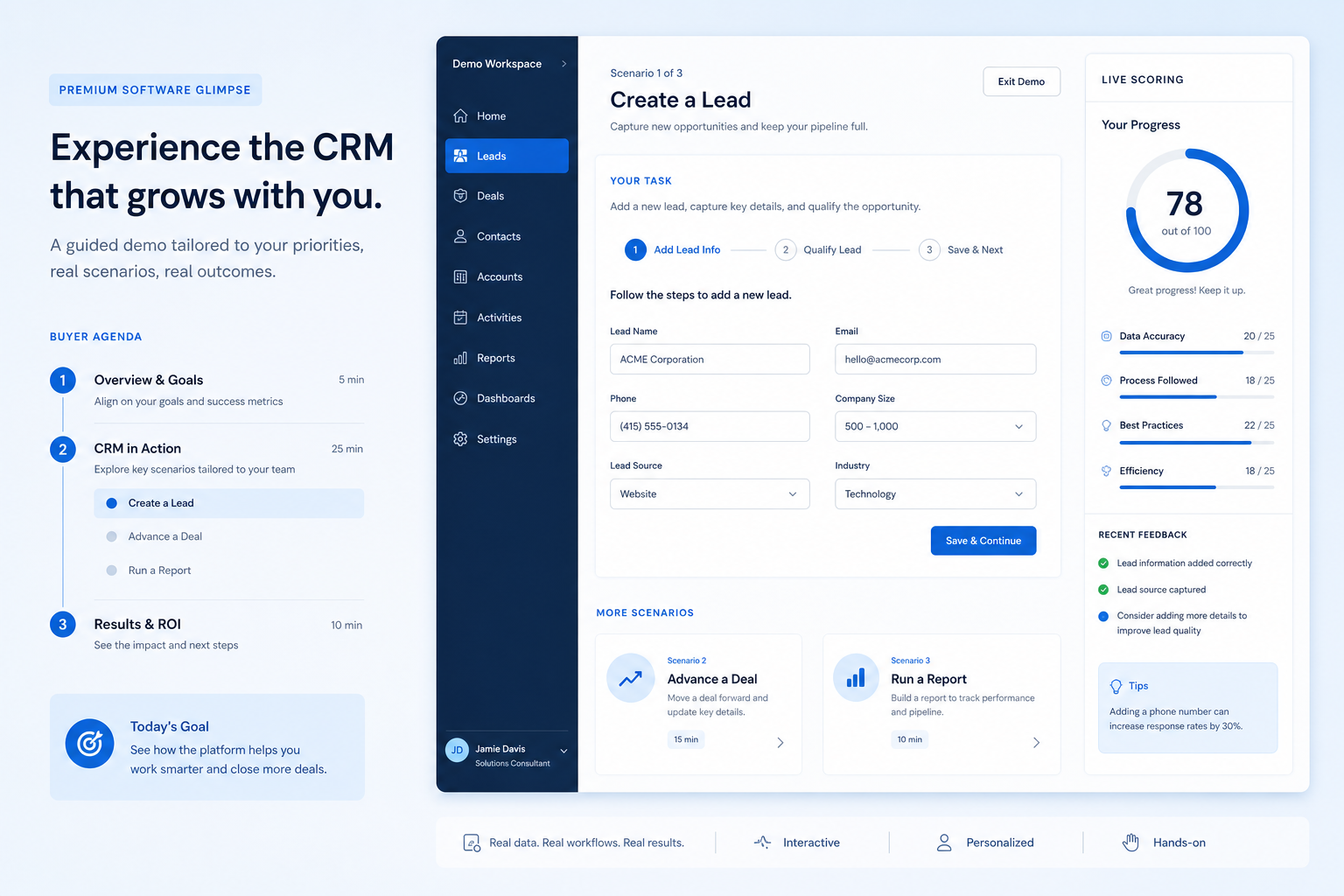
Use this during vendor demos to control the agenda, force the same live CRM tasks on every product, and mark results the same day — before the next session overwrites your memory.
Free to use · No email required · Updated 15 Aug 2026
- Best for
- Demo facilitators
- Stage
- Evaluate
- Time
- 45–90 min / demo
- Format
- XLSX + PDF + MD
23
checklist items
5
categories
1
consistent process across vendors
Better decisions
with less risk and more proof
What's inside
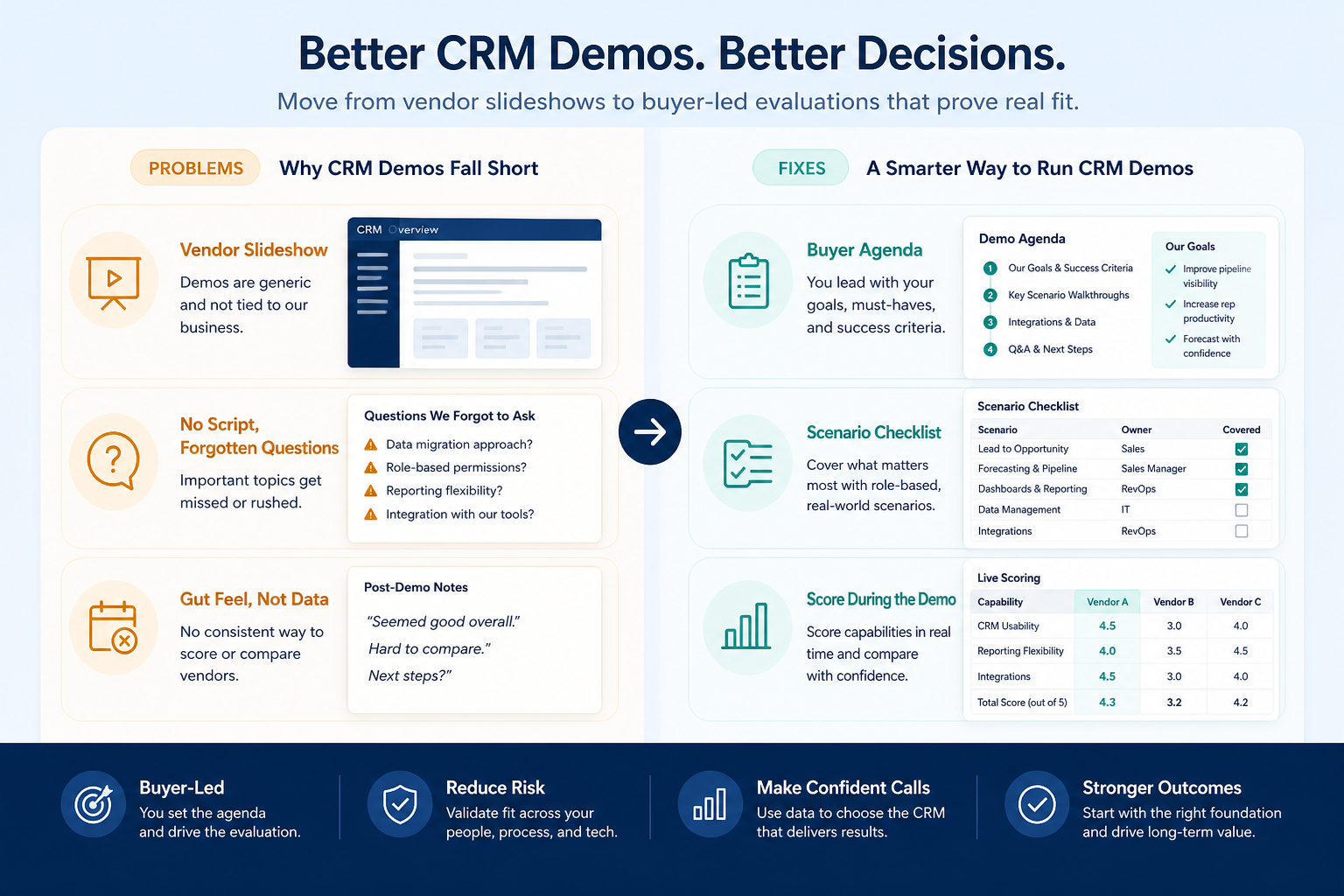
Agenda control
Time-boxed blocks so live CRM work — not the company story — fills the session.
Live record tasks
Create account, contact, and deal; advance your stages; set owner and next step.
Email & activity proof
Watch a message and an activity land on the intended contact or deal.
Manager views
Pipeline board, stuck deals, and forecast built from the session’s own records.
Admin change in-session
One field, stage rule, or permission changed live — not promised offline.
Same-day scoring
Pass / Partial / Fail / Not tested with evidence before the next vendor.
Follow-up log
Open questions with an owner, a due date, and whether they block the next step.
What this tool helps you do
Comparable sessions
Every vendor runs the same scenarios on your stage names and sample records.
Observed, not claimed
Each mark points at something the room watched happen on a record.
Clean scorecard handoff
Same-day results transfer into the Vendor Scorecard without re-litigating the demo.
How to use this checklist
- 1
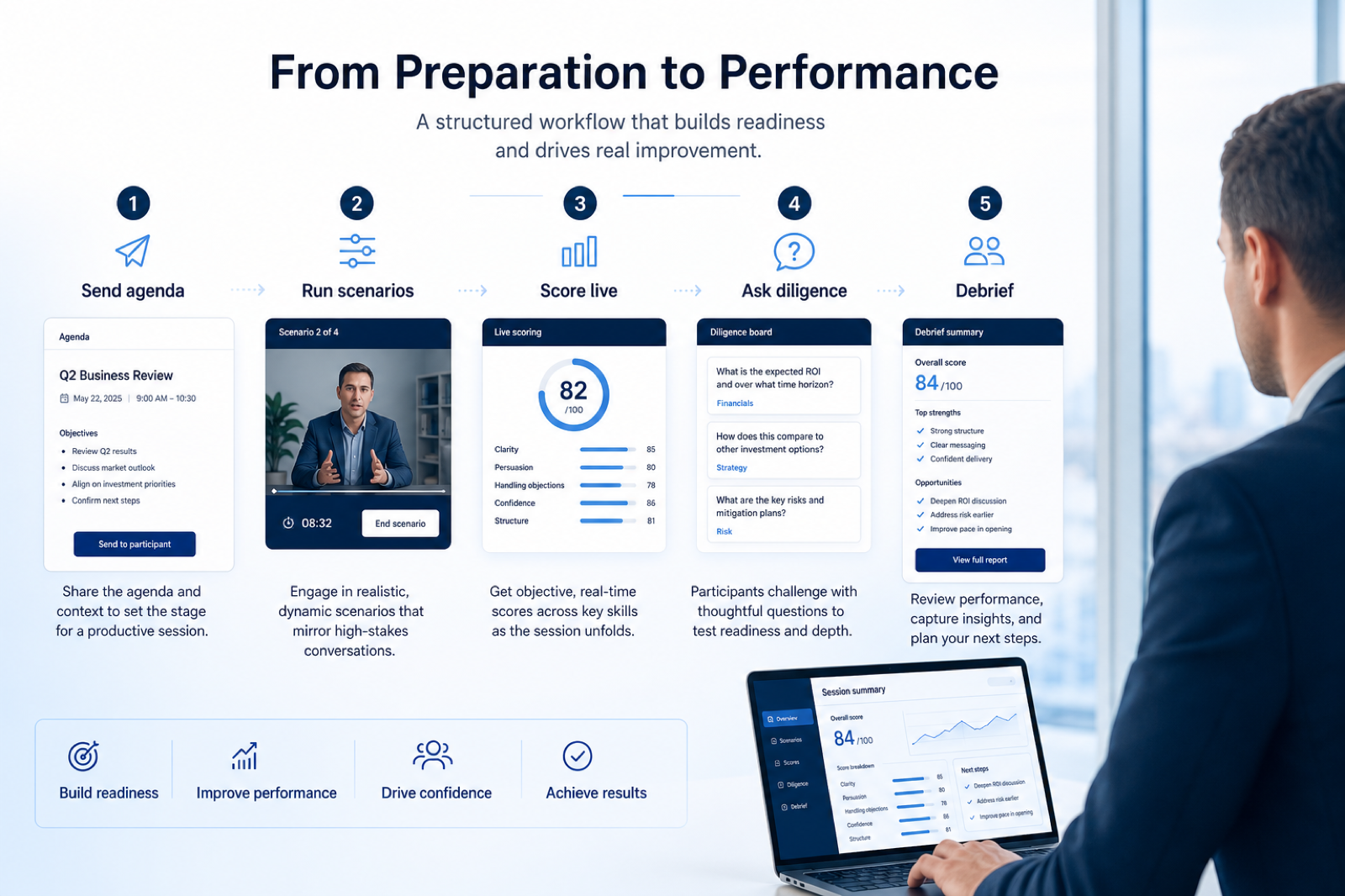
Pick the scenarios
Choose 6–10 rows from your must-haves; drop anything you cannot check in one session.
- 2
Send the brief
Agenda, stage names, exit checkpoints, and sample record names 48 hours ahead.
- 3
Assign roles
One facilitator, one scorer, plus the seller, manager, and admin who will use the CRM.
- 4
Run the agenda
Hold the time boxes; hand control to your people for at least one task.
- 5
Score the same day
Mark every row with evidence before the next vendor session starts.
- 6
Follow up and hand off
Send written questions, then transfer results to the Vendor Scorecard.
Preview the checklist
Download ExcelRepresentative rows from the downloadable artifact. Full workbook includes Test / Scenario, Evidence, and Result columns.
| # | Check item | Why it matters | Required? | Evidence | Result |
|---|---|---|---|---|---|
| 1. Demo prep & agenda | |||||
| 1.1 | Buyer-owned agenda sent in advance | Vendor-led agendas drift into feature tours you cannot compare. | Must-have | — | Not tested |
| 1.2 | Stage names and sample records shared | Vendors can only run your process if they have your names and records. | Must-have | — | Not tested |
| 1.3 | Identical script booked for every vendor | Sessions that cover different ground cannot be compared afterwards. | Must-have | — | Not tested |
| 1.4 | Mailbox or calendar access arranged | Email sync can only be proven with a mailbox someone in the room controls. | Nice-to-have | — | Not tested |
| 2. Live CRM tasks | |||||
| 2.1 | Create account, contact, and deal live | Shows whether the objects and required fields fit your process before anything else is discussed. | Must-have | — | Not tested |
| 2.2 | Advance a deal through your stages | Stage names and exit checkpoints are where generic demos usually break down. | Must-have | — | Not tested |
| 2.3 | Set an owner and a dated next step | Unowned deals with no next action are the most common pipeline failure. | Must-have | — | Not tested |
| 2.4 | Log an activity on the intended record | Daily adoption depends on activity capture landing where people look for it. | Must-have | — | Not tested |
Worked example
Hypothetical Vendor A / Vendor B scenario for teaching the artifact — not a SoftwareGlimpse case study.
Requirement
A seller advances a deal through our stage names, with an owner and a dated next step visible on the record.
Vendor A
PASSRan our stage list in the session; owner and next-step date appeared on the deal and in a board filter.
Vendor B
PARTIALAdvanced a deal on their sample pipeline but could not show our stage names during the session.
Evidence: Observed live in the demo session; screenshot filed the same working day.
What counts as evidence?
Counts
- • A task completed live on visible records during the session
- • Screenshot or session recording with a timestamp
- • Written vendor answer sent after the demo
- • Product documentation for the edition you were quoted
Does not count
- • A slide claiming the capability
- • “We can show that in a later workshop”
- • Marketplace listings or logo walls
- • Notes written from memory days afterwards
Related resource journey
FAQ
What does this checklist deliberately leave out?
Requirements definition belongs in the CRM Requirements Template, and weighted comparison belongs in the Vendor Scorecard. This checklist covers one thing: what you make each vendor do live in the demo, and how you record it the same day.
Should we send vendors the whole scoring sheet?
Send the agenda, stage names, exit checkpoints, and sample record names so they can prepare a sandbox. Keep the weights and the pass bar internal so the session tests the product rather than the vendor’s ability to read your rubric.
How long should a demo be?
Most teams work well with 60–90 minutes: a short intro, most of the time on live record tasks, a brief admin and manager block, then Q&A. Longer sessions tend to drift into feature tourism that nobody can score.
What if the vendor cannot run a scenario live?
Mark it Partial or Not tested with a reason, and log a written follow-up. Do not accept a promise of a later workshop as a Pass for a must-have — carry it into the trial plan instead.
Can we change the script between vendors?
Only with explicit agreement and a note on what changed and why. Silent changes to the scenarios are the fastest way to end up with results you cannot compare.
Who should be in the room?
A facilitator, a separate scorer, a seller who will create deals, a manager who runs pipeline reviews, and whoever will administer the CRM. Add IT or security if email sync or SSO is in scope. Keep it small enough to stay disciplined.
How does this connect to a trial?
Anything marked Partial, Fail, or Not tested becomes a trial task. Demo scenarios prove the product can do it; the trial proves your team can do it on real data.
Ready to evaluate your shortlist?
Download the checklist, then build or refine your shortlist in CRM Finder.
Part of CRM resources · CRM Software hub
SoftwareGlimpse Updates
Want clearer software shortlists? Get buying guides and comparisons by email.
Newsletter coming soon.