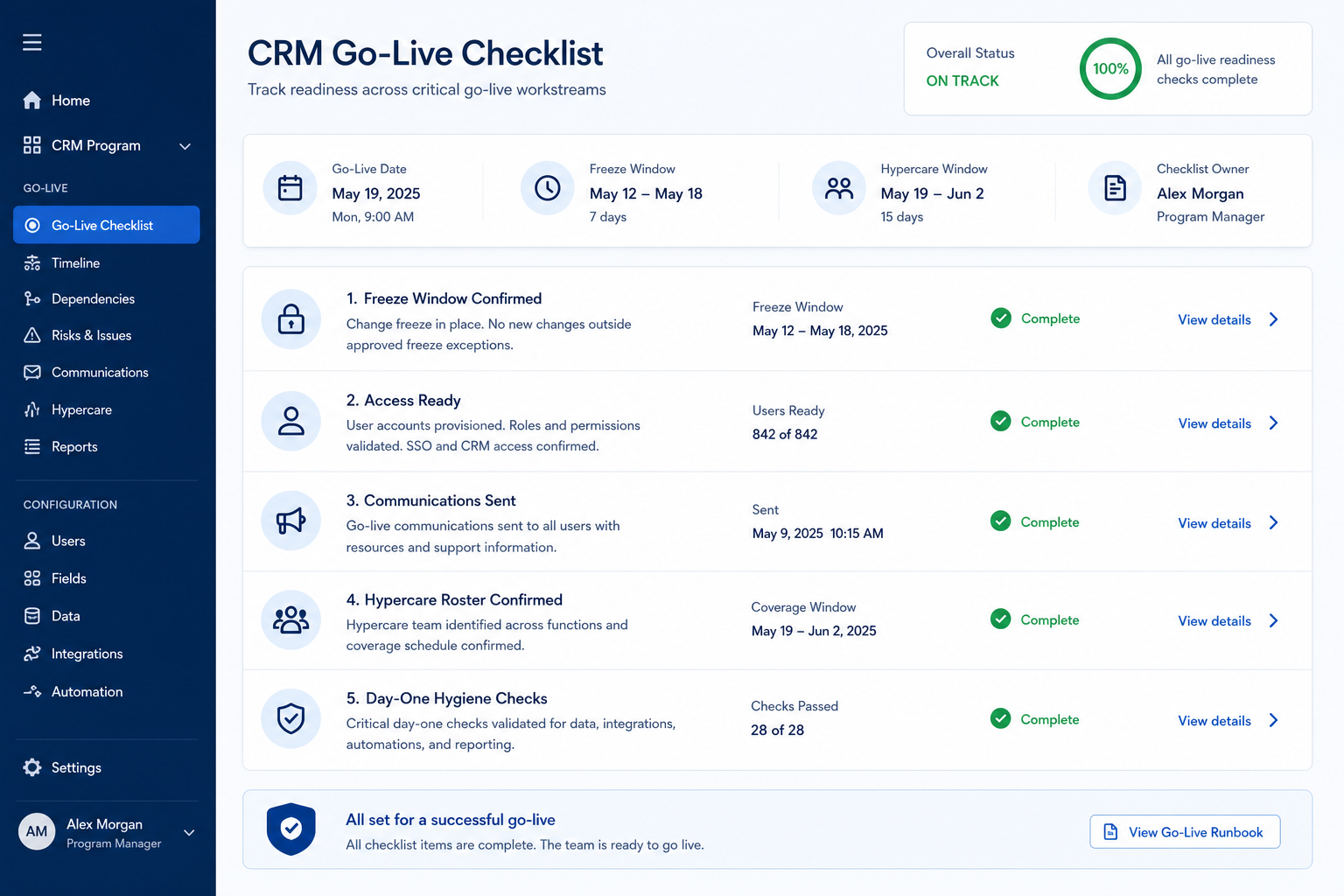
CRM Go-Live Checklist
Freeze, verify, then open — and staff the first week.
Use this in the last days before launch and through hypercare: hold the freeze, prove access and sync on real records, make the open decision on evidence, and give day-one issues a named owner.
Free to use · No email required · Updated 15 Aug 2026
- Best for
- Go-live owners
- Stage
- Implement
- Time
- 1–2 days around cutover
- Format
- XLSX + PDF + MD
24
checklist items
5
categories
Implement
buying stage
XLSX + PDF + MD
download formats
What's inside
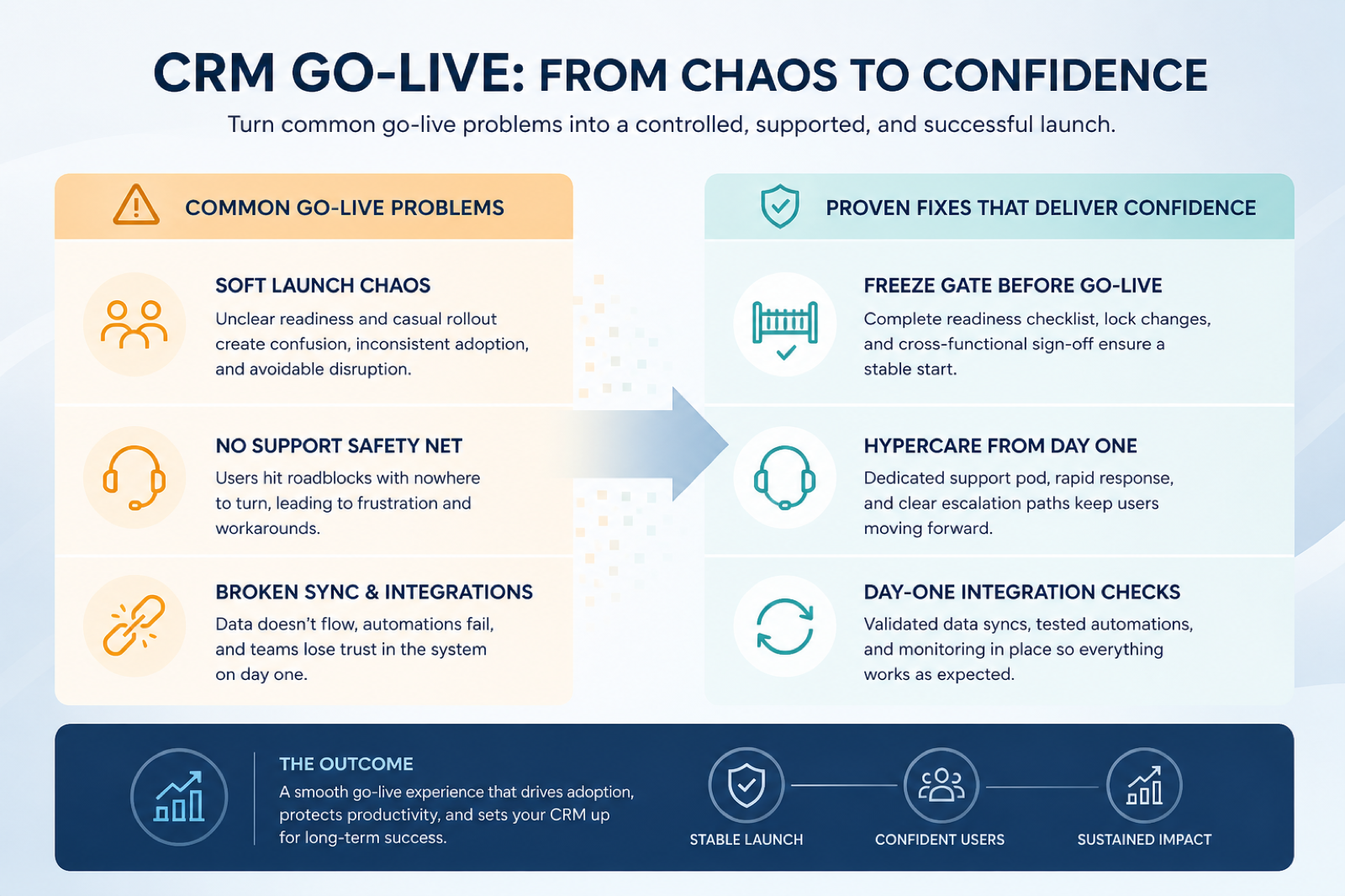
Freeze rules
What is locked, who approves an exception, and who retests after one.
Seats & access audit
Licence reconciliation, sample logins per role, and manager visibility on team deals.
Smoke checks
Search, create, advance a stage, set a next step, and open the manager board.
Sync heartbeat
Test messages landing on the intended contact or deal from more than one mailbox.
Open decision
A dated sponsor call on the evidence, taken before the announcement goes out.
Hypercare
One intake channel, a named rota, daily triage, and an explicit exit review.
What this tool helps you do
A known-good launch build
Freeze and smoke checks confirm what users will actually see on their records.
Verified access
Seats, logins, and manager visibility are proven before anyone is told the CRM is live.
A staffed first week
Day-one issues reach a named owner instead of circulating in direct messages.
How to use this checklist
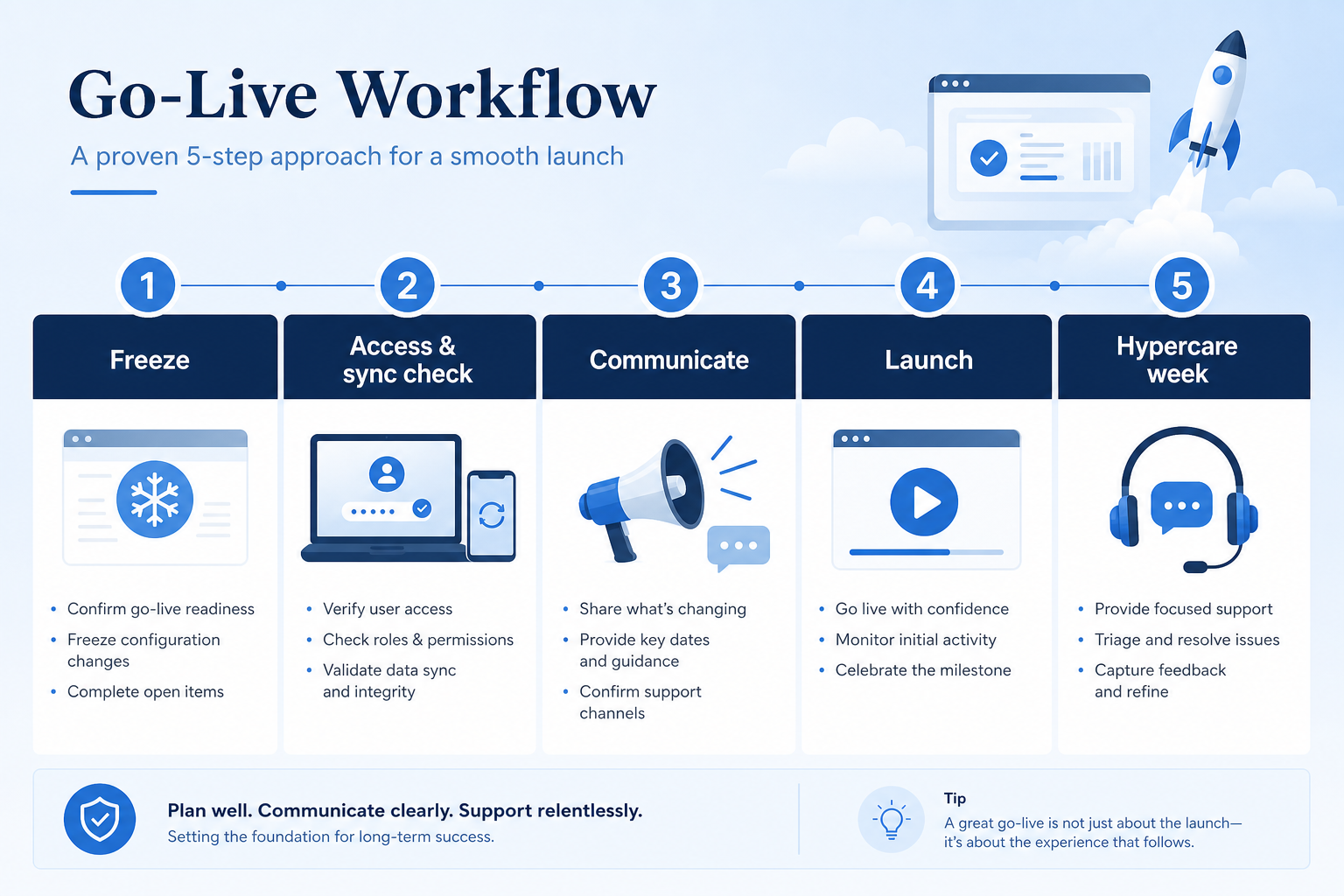
- 1
Enter freeze
Lock non-essential configuration, publish the approval path, and read the pause criteria.
- 2
Audit seats and access
Reconcile licences with the roster and complete sample logins for each role.
- 3
Confirm data and sync
Attach the cutover sign-off and prove the email sync heartbeat on sample mailboxes.
- 4
Run launch-day smoke
Search, create, advance a stage, set a next step, and open the manager board.
- 5
Make the open decision
Sponsor records open or delay on the evidence; only then send the announcement.
- 6
Run hypercare and exit
Staff the rota, triage daily, watch duplicates and hygiene, then close with an exit review.
Preview the checklist
Download ExcelRepresentative rows from the downloadable artifact. Full workbook includes Test / Scenario, Evidence, and Result columns.
| # | Check item | Why it matters | Required? | Evidence | Result |
|---|---|---|---|---|---|
| 1. Freeze gate | |||||
| 1.1 | Freeze start and end announced | Untested changes landing beside new users cause incidents nobody can explain. | Must-have | — | Not tested |
| 1.2 | Emergency change path defined | A total freeze gets ignored quietly; an approval path gets followed. | Must-have | — | Not tested |
| 1.3 | Pilot exit and open risks reviewed | Launching over an unresolved pilot defect repeats it at full scale. | Must-have | — | Not tested |
| 1.4 | Pause criteria read in the briefing | Under launch pressure, teams push through the failures they had agreed to stop for. | Must-have | — | Not tested |
| 2. Seats, access & data gate | |||||
| 2.1 | Licence report reconciled with the launch roster | Sellers locked out on day one stop trying, and spare seats cost money quietly. | Must-have | — | Not tested |
| 2.2 | Sample logins completed per role | Identity and provisioning problems only show themselves at the login screen. | Must-have | — | Not tested |
| 2.3 | Manager visibility checked on team deals | Managers who cannot see their team’s pipeline revert to spreadsheets in the first week. | Must-have | — | Not tested |
| 2.4 | Restricted roles verified as restricted | Over-permissioned launches stay quiet right up until they do not. | Nice-to-have | — | Not tested |
Worked example
Hypothetical Launch A / Launch B scenario for teaching the artifact — not a SoftwareGlimpse case study.
Requirement
On launch morning, a seller can log in, open a migrated deal, advance a stage, and see a synced email on the record.
Launch A
PASSSmoke checks ran an hour before the announcement; two permission errors were fixed before users were told the CRM was live.
Launch B
FAILThe announcement went out on schedule while sync was down for one mailbox group, and support had no named owner until midday.
Evidence: Launch-day smoke log with record links, plus the published hypercare rota.
What counts as evidence?
Counts
- • A smoke check completed on a real record, with a link or screenshot
- • A licence report reconciled against the launch roster
- • A dated sponsor decision to open or delay
- • A published on-call rota with names and coverage hours
Does not count
- • “It worked yesterday”
- • A change made during freeze without a retest
- • An announcement scheduled before the smoke checks ran
- • Support that exists only as a group chat with no owner
Related resource journey
Use with
Use next
FAQ
What does this checklist deliberately leave out?
Building the CRM belongs in the CRM Implementation Checklist and moving the records belongs in the CRM Migration Checklist. This one covers the hours around launch: freeze, access, smoke checks, the open decision, and hypercare.
When should we start it?
Once pilot exit is in sight — commonly one to two weeks before launch, earlier if the cutover or email sync is complex. Freeze rules, seat reconciliation, and a support rota cannot be invented on the day.
What can still change during freeze?
Severity-1 fixes that unblock login, stage moves, or email sync, with written approval and a retest afterwards. Everything else — new fields, cosmetic tweaks, extra automations — waits for the post-hypercare backlog.
What if smoke checks fail on launch morning?
Do not announce. Use the pause criteria you read in the briefing, especially if the sync heartbeat or the stage and next-step path failed. A late launch is recoverable; a broken first day costs you the adoption you spent months building.
How long should hypercare last?
Commonly a few days to two weeks, depending on team size and cutover risk. Define the window up front, staff the duplicate and sync watches, and close it with an exit review rather than letting it fade.
Does a phased rollout repeat this checklist?
Yes — run the same gates for each wave. The freeze and smoke checks get faster each time, but seats, access, sync, and support coverage are specific to the group you are opening.
Ready to use the CRM Go-Live Checklist?
Download the artifact, or continue with a related tool or guide.
Part of CRM resources · CRM Software hub
SoftwareGlimpse Updates
Want clearer software shortlists? Get buying guides and comparisons by email.
Newsletter coming soon.