CRM Implementation Checklist
Pass each rollout gate before you start the next one.
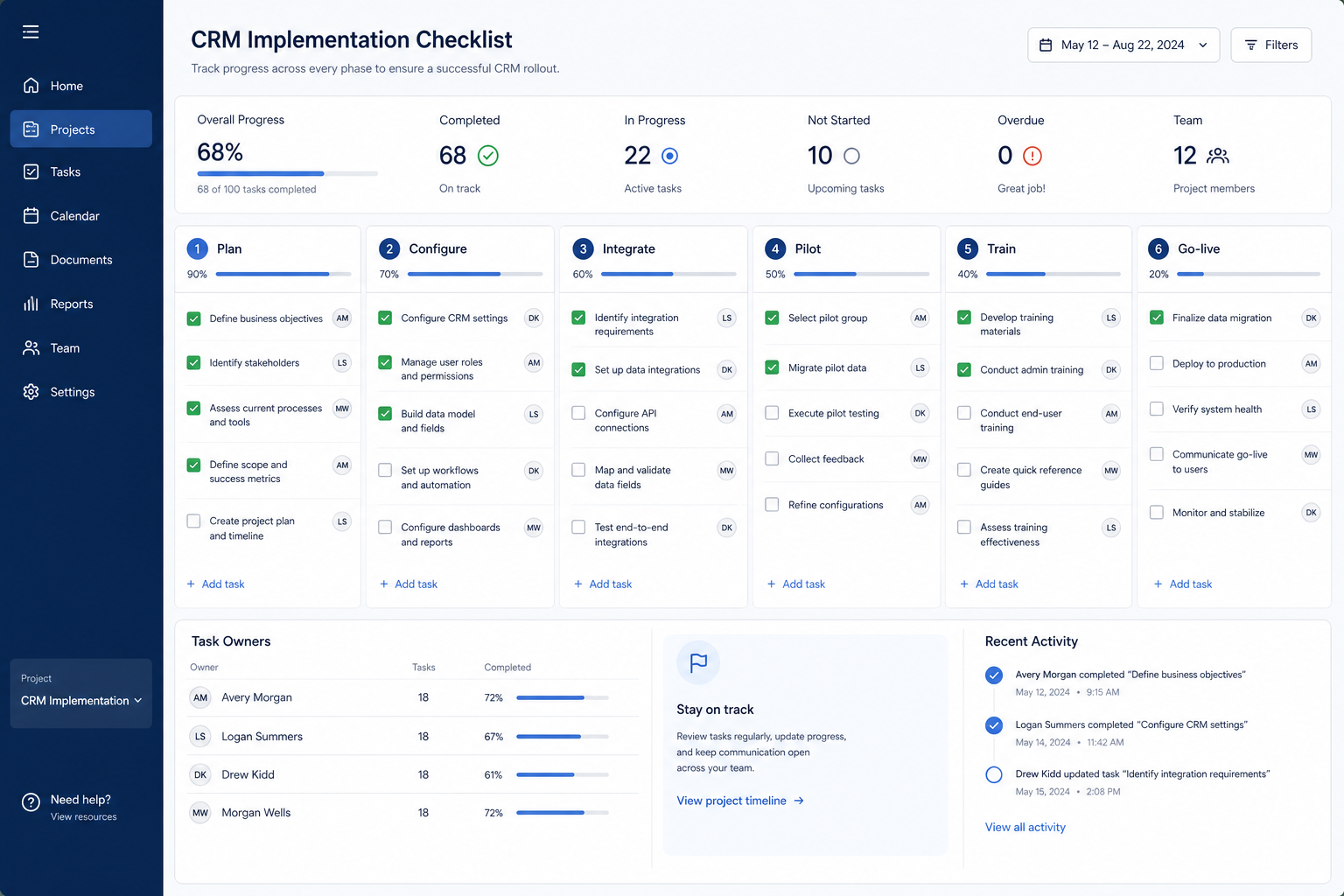
Use this between contract signature and launch to gate scope, configuration, integrations, access, and pilot exit — so “almost live” means evidence, not optimism.
Free to use · No email required · Updated 15 Aug 2026
- Best for
- Implementation leads
- Stage
- Implement
- Time
- Ongoing through rollout
- Format
- XLSX + PDF + MD
26
checklist items
5
categories
Implement
buying stage
XLSX + PDF + MD
download formats
What's inside
Scope freeze
A dated MVP list of objects, stages, fields, and automations — plus a parked backlog.
Owners per workstream
A person, not a department, against configuration, data, integrations, seats, and training.
Configuration gate
Objects, stages with checkpoints, ownership rules, roles, and manager boards.
Integration & access gate
Email sync, duplicate rules, day-one integrations, and a seat roster that matches the cohort.
Pilot exit gate
Real deals, real mailboxes, one manager review, and a signed defect decision.
Enablement & handoff
Training, support intake, ongoing admin ownership, and the handoff to migration and go-live.
What this tool helps you do
Gated, explainable delivery
Sponsors can see exactly which exit criteria remain before the next phase starts.
Owned work
Every gate item carries a named person and a definition of done.
Pilot evidence, not sandbox comfort
Problems surface on real deals with a small cohort instead of on launch day.
How to use this checklist
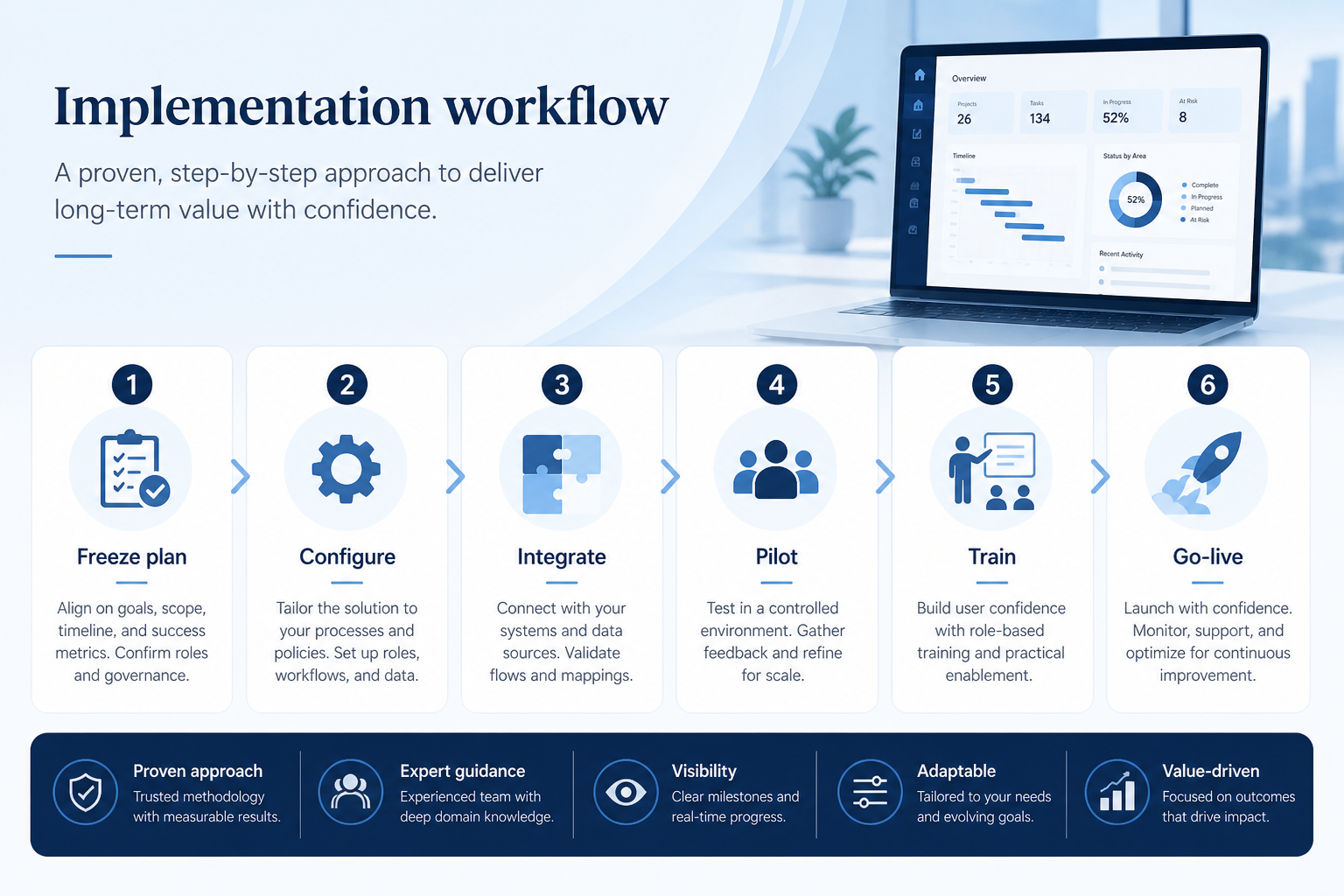
- 1
Freeze the MVP
Write and date what is in scope for launch; route everything else to a parked backlog.
- 2
Assign gate owners
One person per workstream, plus the dates each gate is expected to clear.
- 3
Configure and review
Build objects, stages, ownership rules, roles, and the boards managers will use.
- 4
Connect sync, dedupe, and seats
Prove email sync and duplicate rules in staging; reconcile the seat roster.
- 5
Pilot on real deals
A small cohort works live opportunities and a manager runs one review from the CRM.
- 6
Clear the pilot exit gate
Close or risk-accept every defect in writing, then hand off to migration and go-live.
Preview the checklist
Download ExcelRepresentative rows from the downloadable artifact. Full workbook includes Test / Scenario, Evidence, and Result columns.
| # | Check item | Why it matters | Required? | Evidence | Result |
|---|---|---|---|---|---|
| 1. Scope & ownership gate | |||||
| 1.1 | MVP objects, stages, and fields frozen | Open scope means the build keeps moving and no gate can ever close. | Must-have | — | Not tested |
| 1.2 | One named owner per workstream | Items owned by “the team” stay amber until someone escalates. | Must-have | — | Not tested |
| 1.3 | Change control agreed | Untracked changes during the build cause regressions nobody can trace. | Must-have | — | Not tested |
| 1.4 | Gate dates on the calendar | A gate without a date quietly becomes optional. | Must-have | — | Not tested |
| 2. Configuration gate | |||||
| 2.1 | Objects and required fields match the agreed model | Layouts that drift from the data model break reporting long after anyone remembers why. | Must-have | — | Not tested |
| 2.2 | Stages and exit checkpoints configured | Stages without checkpoints turn pipeline reviews back into opinion. | Must-have | — | Not tested |
| 2.3 | Owner and next-step convention enforced | Ownership and next action drive every hygiene report you will run afterwards. | Must-have | — | Not tested |
| 2.4 | Roles and sharing tested with sample users | Making everyone an admin is the most common rollout shortcut and the hardest to reverse. | Must-have | — | Not tested |
Worked example
Hypothetical Rollout A / Rollout B scenario for teaching the artifact — not a SoftwareGlimpse case study.
Requirement
Before pilot exit, every open deal in the pilot pipeline has an owner and a dated next step without admin cleanup.
Rollout A
PASSPilot sellers ran live opportunities for two weeks; at exit, the stuck-deal board showed no unowned deals.
Rollout B
FAILPilot ran in a sandbox on sample data, so the gate passed on records nobody had to maintain.
Evidence: Pilot exit review notes plus the CRM stuck-deal view on the pilot pipeline.
What counts as evidence?
Counts
- • Demonstrated in the CRM by the named owner
- • Pilot records created during real selling work
- • A dated configuration note or admin runbook entry
- • Written risk acceptance from the sponsor
Does not count
- • A task ticked in the project plan alone
- • Configuration shown only on sample data in a sandbox
- • Verbal assurance that a workstream is nearly there
- • A gate passed because the launch date is close
Related resource journey
Use before
Use with
Use next
FAQ
What does this checklist deliberately leave out?
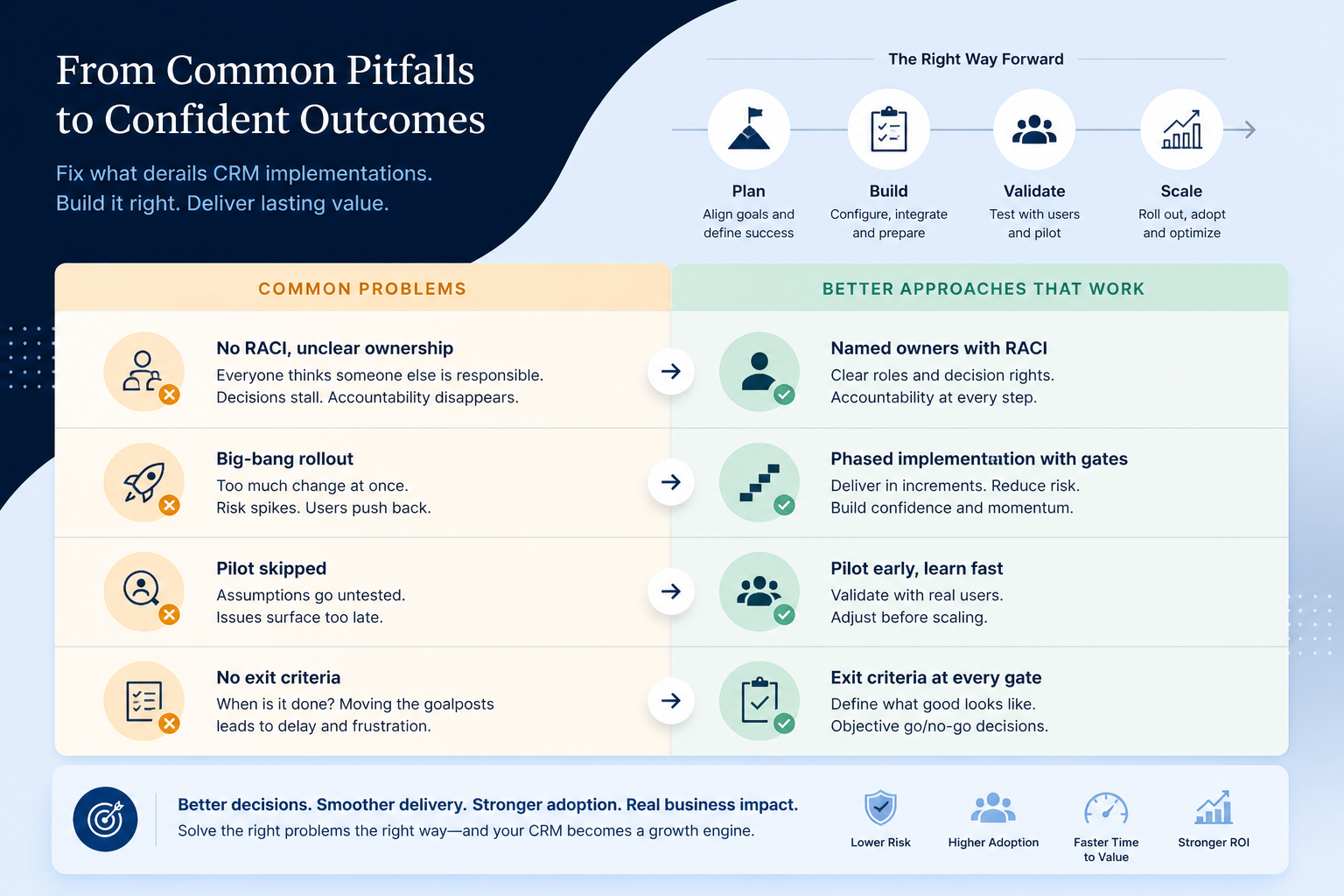
Vendor evaluation belongs in the CRM Evaluation Checklist and Vendor Scorecard. Moving data belongs in the CRM Migration Checklist. Launch day and hypercare belong in the CRM Go-Live Checklist. This one covers the build: scope, configuration, integrations, access, and pilot exit.
How is this different from a project plan?
A project plan tracks tasks and dates. This checklist defines the quality bar for leaving each phase, so a phase cannot start because the previous one ran out of calendar. Use both — the plan schedules the work, the checklist decides whether it is finished.
What belongs in MVP?
Whatever weekly pipeline operations need: accounts, contacts, deals, stages with next steps, roles, email sync if required, duplicate rules, and the manager boards. Park clever automations and edge-case fields until after launch.
Do small teams really need a pilot?
Scale the cohort down, but keep the gate. Even a handful of sellers running real deals for a week will surface stage, sync, and permission problems that a sandbox never will.
What if a gate cannot be met before the date?
Either move the date or have the sponsor risk-accept the gap in writing with a named owner and a fix date. Passing a gate silently is how launch-day incidents are made.
Who signs pilot exit?
The business sponsor, using the defect list and the pilot evidence. The implementation lead, admin, data owner, and the manager who ran the pipeline review should all have contributed before that decision.
Ready to use the CRM Implementation Checklist?
Download the artifact, or continue with a related tool or guide.
Part of CRM resources · CRM Software hub
SoftwareGlimpse Updates
Want clearer software shortlists? Get buying guides and comparisons by email.
Newsletter coming soon.