CRM Training Plan
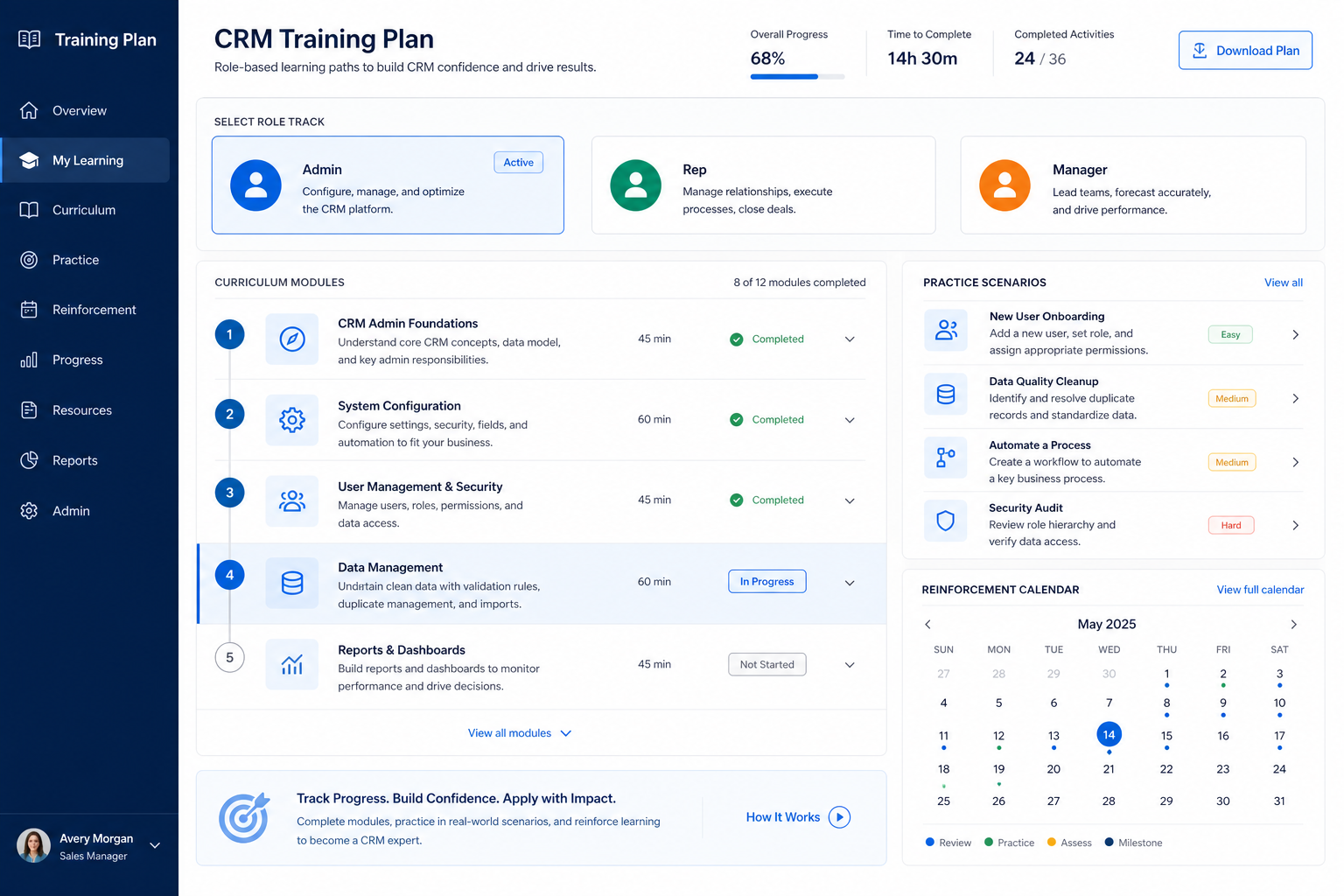
Plan role-based CRM enablement before production seats open.
Build one short curriculum per role — AE, manager, admin, and CS — practice on sandbox accounts, contacts, and deals, then open each production seat as that person passes their own task list.
Free to use · No email required · Updated 15 Aug 2026
- Best for
- Enablement
- Stage
- Implement
- Time
- 2–6 hours to plan
- Format
- XLSX + PDF + MD
39
plan rows
8
plan sections
Implement
buying stage
XLSX + PDF + MD
download formats
What's inside
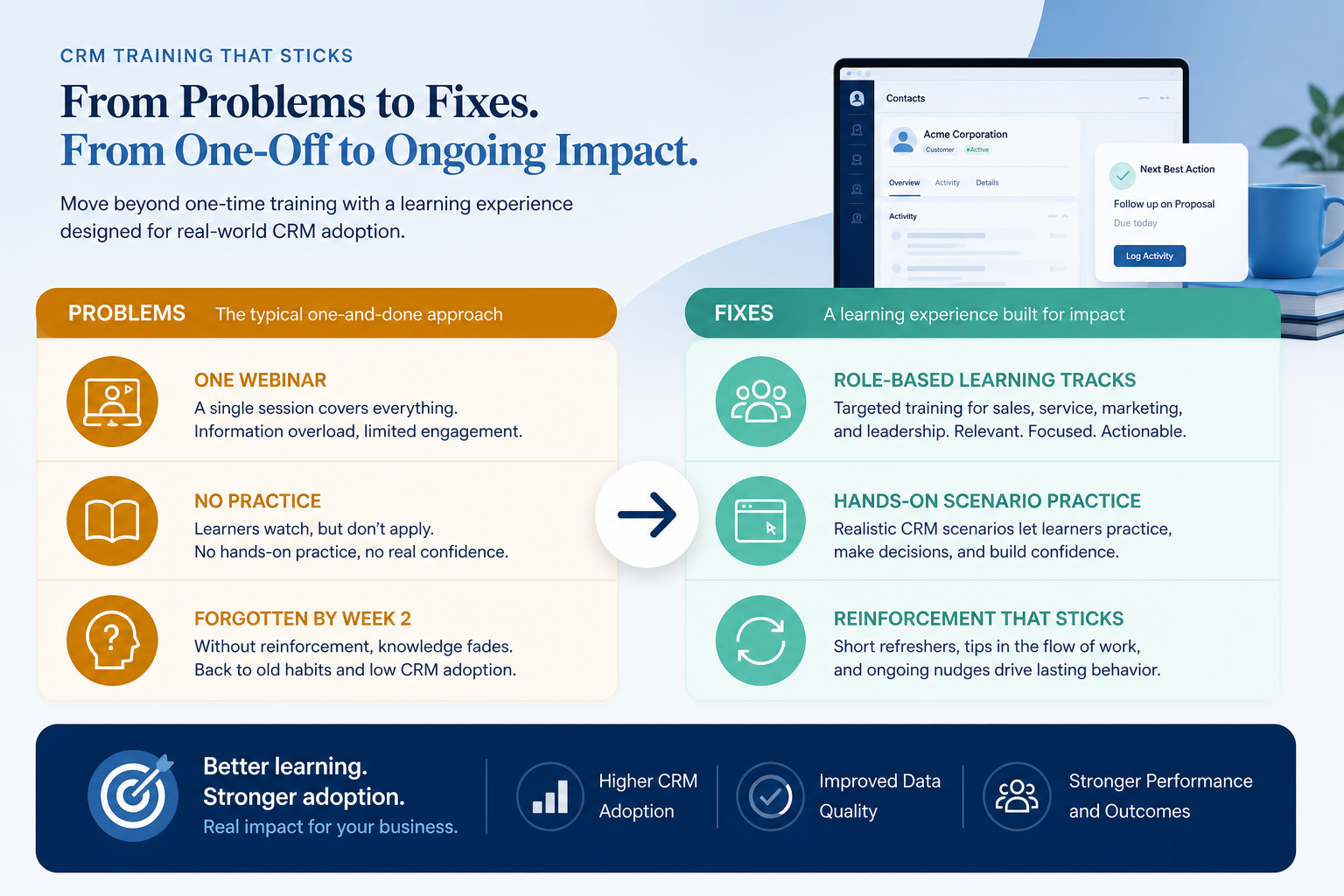
Audiences & owners
Wave-one roles, curriculum owners, and the signer for each track.
AE track
Account, contact, deal, stage, next-step, and activity drills.
Manager track
Stuck-deal boards, ownership changes, and the weekly pipeline view.
Admin track
User lifecycle, persona visibility checks, and duplicate hygiene.
CS / post-sale track
Closed-Won handoff fields, account ownership, and post-sale activity.
Sandbox practice set
Sample accounts, contacts, and deals that mirror production rules.
Certification-lite & seat gating
Observable pass rows, dated signatures, and access that follows the pass.
Reinforcement
Office hours, manager coaching, cheat sheets, and a feedback route.
What this tool helps you do
Role-ready users at go-live
Each audience can complete its core CRM-object tasks without an admin standing over them.
Cleaner day-one records
Practice happens in sandbox, so production deals start with owners and next steps.
Access gated on observable tasks
Seats open after a dated pass on real CRM drills — not after attendance.
A bridge into adoption
Office hours and manager coaching continue after launch instead of stopping at training day.
How to use this plan
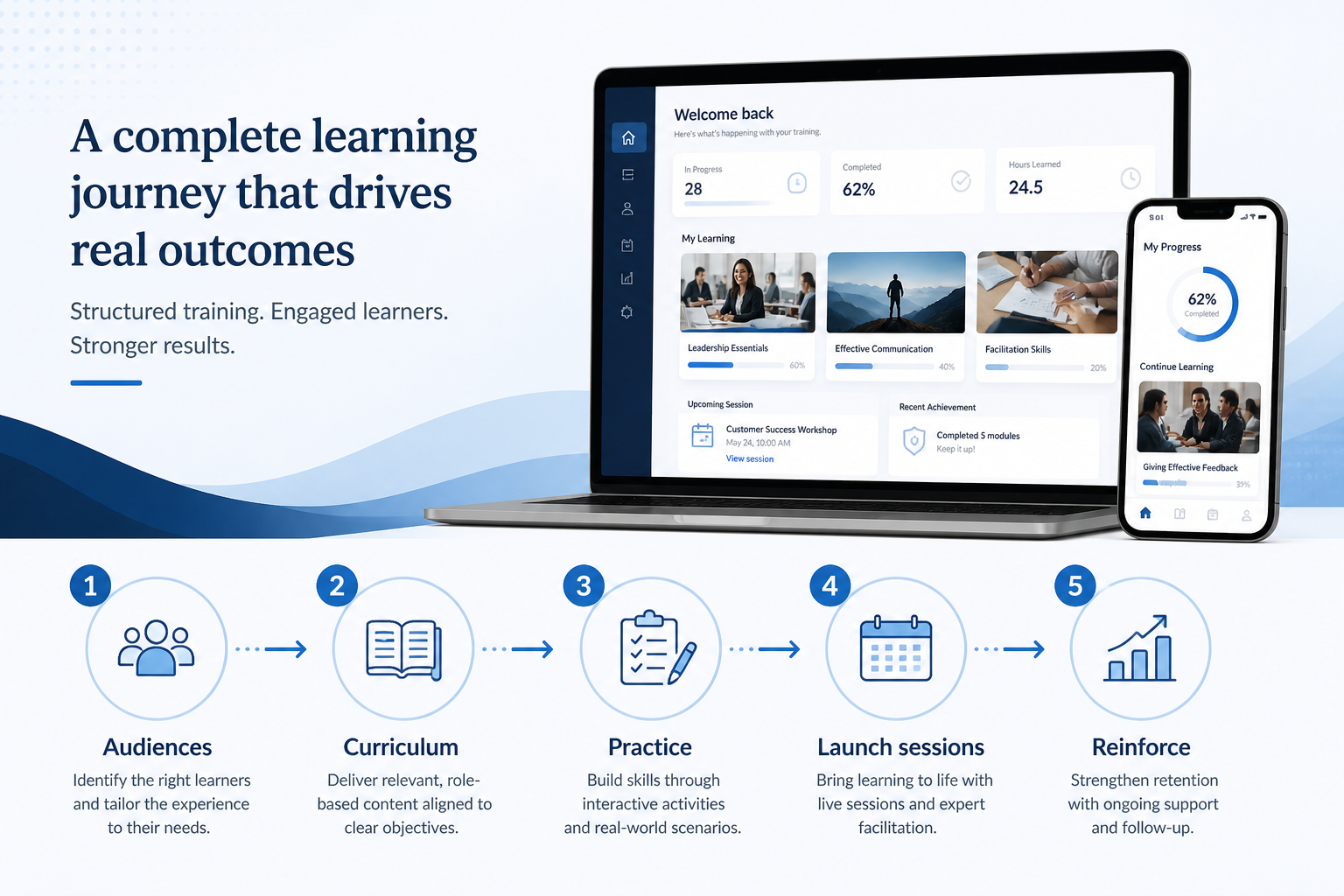
- 1
Audiences
List the roles going live in wave one and what each must be able to do in CRM.
- 2
Curricula
Write one short, object-level curriculum per role: AE, manager, admin, CS.
- 3
Practice
Load sandbox accounts, contacts, and deals that mirror production stages and required fields.
- 4
Sessions
Run guided practice per role instead of one shared webinar for everyone.
- 5
Certify-lite
A named signer confirms each person’s pass rows before their seat opens.
- 6
Reinforce
Office hours and manager board coaching through the first two weeks.
Preview the plan
Download ExcelRepresentative rows from the downloadable artifact. Full workbook includes Test / Scenario, Evidence, and Result columns.
| # | Check item | Why it matters | Required? | Evidence | Result |
|---|---|---|---|---|---|
| 1. Audiences & owners | |||||
| 1.1 | Wave-one roles listed (AE, manager, admin, CS) | The role you forget is the one that edits deals without training. | Must-have | — | Not tested |
| 1.2 | Later waves given target dates | Deferred audiences return as unplanned support load when nobody owns a date. | Nice-to-have | — | Not tested |
| 1.3 | Curriculum owner per role track | Object-level scripts drift without one accountable author per role. | Must-have | — | Not tested |
| 1.4 | Certification signer per role | A pass with no signer is self-reported. | Must-have | — | Not tested |
| 2. AE track | |||||
| 2.1 | Create an account with a linked contact | Contacts stranded from accounts break ownership and reporting from day one. | Must-have | — | Not tested |
| 2.2 | Open a deal with stage, close date, and owner | The pipeline is only as honest as the fields sellers fill at creation. | Must-have | — | Not tested |
| 2.3 | Set a dated next step on an open deal | Deals without a next step become the stuck pipeline managers chase later. | Must-have | — | Not tested |
| 2.4 | Advance a stage using your exit criteria | Stage discipline learned in practice is what makes the forecast readable later. | Must-have | — | Not tested |
Worked example
Hypothetical role tracks for teaching the artifact — not a SoftwareGlimpse case study.
Requirement
Each role completes its own CRM drill in sandbox before a production seat opens.
AE track
PASSTrainee created a linked account and contact, opened a deal with owner and dated next step, and logged an activity while the signer watched.
Manager track
PARTIALStuck-deal board review was rehearsed, but ownership reassignment was never attempted — so that pass row stays open.
Admin track
NOT TESTEDUser provisioning and deactivation drill is not scheduled yet, so admin seats stay closed.
Evidence: Sandbox drill observed by the named signer, with the pass row dated.
What counts as evidence?
Counts
- • Drill completed in sandbox and observed by the named signer
- • Screen recording of the role script
- • Dated pass row with a signer name
- • Admin confirmation that the seat opened after the pass
Does not count
- • Attendance at a webinar or recording view
- • Slide deck sent to the team
- • “They have used a CRM before”
- • Self-reported completion with no signer
Related resource journey
Use before
Use with
FAQ
How is this different from a vendor training webinar?
A webinar is one broadcast to everyone. This plan assigns a separate curriculum per role on CRM objects (accounts, contacts, deals, activities), a sandbox drill, a pass row, a signer, and reinforcement. Attendance never proves someone can run their job in CRM.
Does every role need its own track?
Every role that edits CRM records differently does. AEs, managers, and admins almost always need separate drills. Skip the CS track only if AEs keep post-sale ownership — and write that decision down instead of leaving it ambiguous.
What does certification-lite mean?
A short list of observable CRM tasks that a named signer watches or spot-checks, dated on the day. No quiz scores or vendor badges unless your compliance process genuinely requires them.
When should training start relative to go-live?
After stages and required fields are stable enough to practice honestly, and before broad production access. If the board still changes daily, train a later wave rather than freezing bad habits into day one.
Where do data readiness and go-live gates live?
In the migration and go-live resources. This plan only decides who learns what, how they practice, and when their seat opens — it does not own cutover, freeze windows, or launch communications.
How does email sync fit in?
As a privacy brief before any mailbox connects: what syncs, who can read it on the record, and how to disconnect. The deeper controls and visibility decisions belong on the CRM Security Checklist.
Ready to use the CRM Training Plan?
Download the artifact, or continue with a related tool or guide.
Part of CRM resources · CRM Software hub
SoftwareGlimpse Updates
Want clearer software shortlists? Get buying guides and comparisons by email.
Newsletter coming soon.