CRM Optimization Checklist
Diagnose a live CRM before you change it.
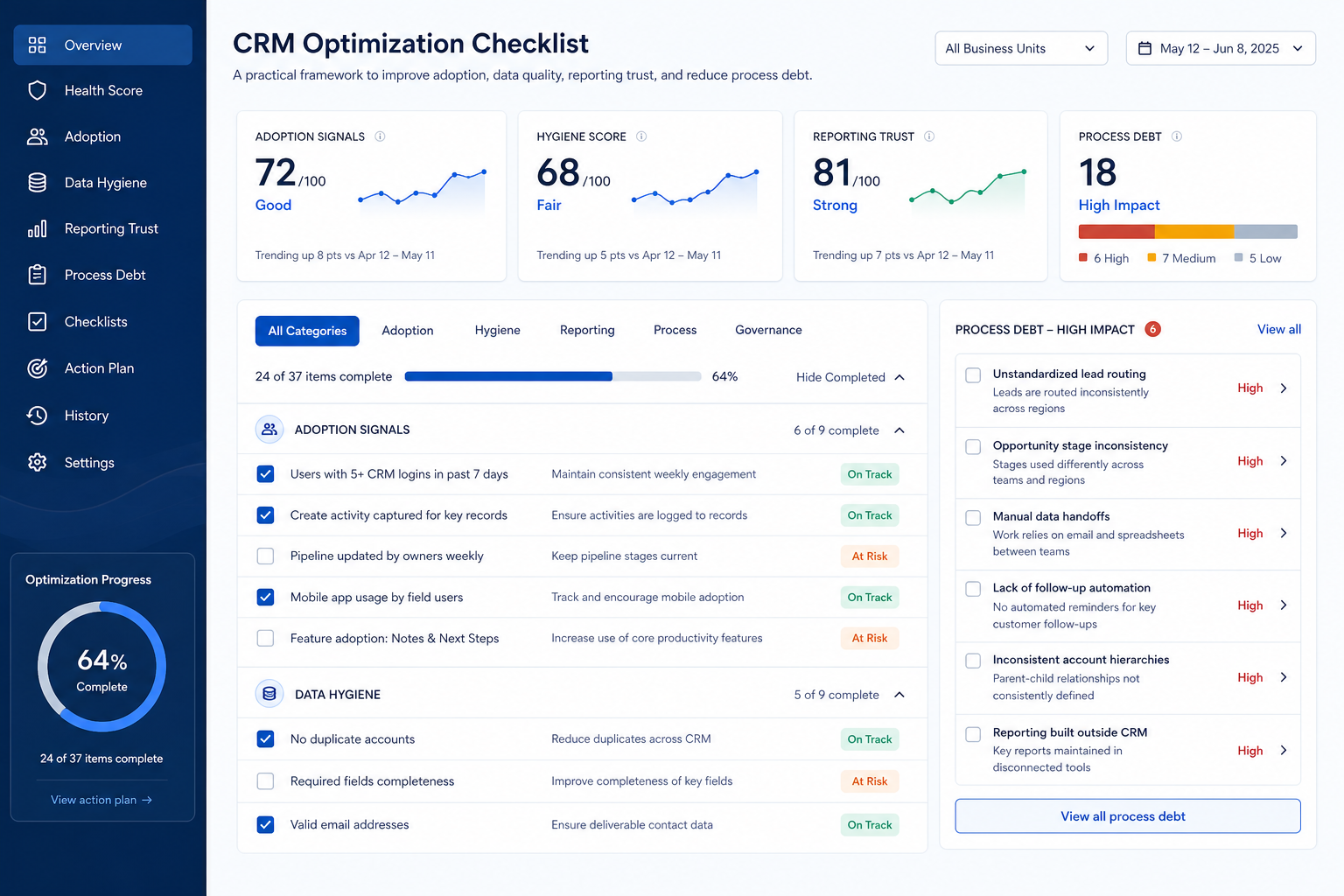
Run a health pass across adoption, data hygiene, reporting trust, and automation debt, then fix one theme at a time with an owner and an exit condition.
Free to use · No email required · Updated 15 Aug 2026
- Best for
- CRM admins
- Stage
- Optimize
- Time
- Half-day review
- Format
- XLSX + PDF + MD
32
checklist items
6
categories
Optimize
buying stage
XLSX + PDF + MD
download formats
What's inside
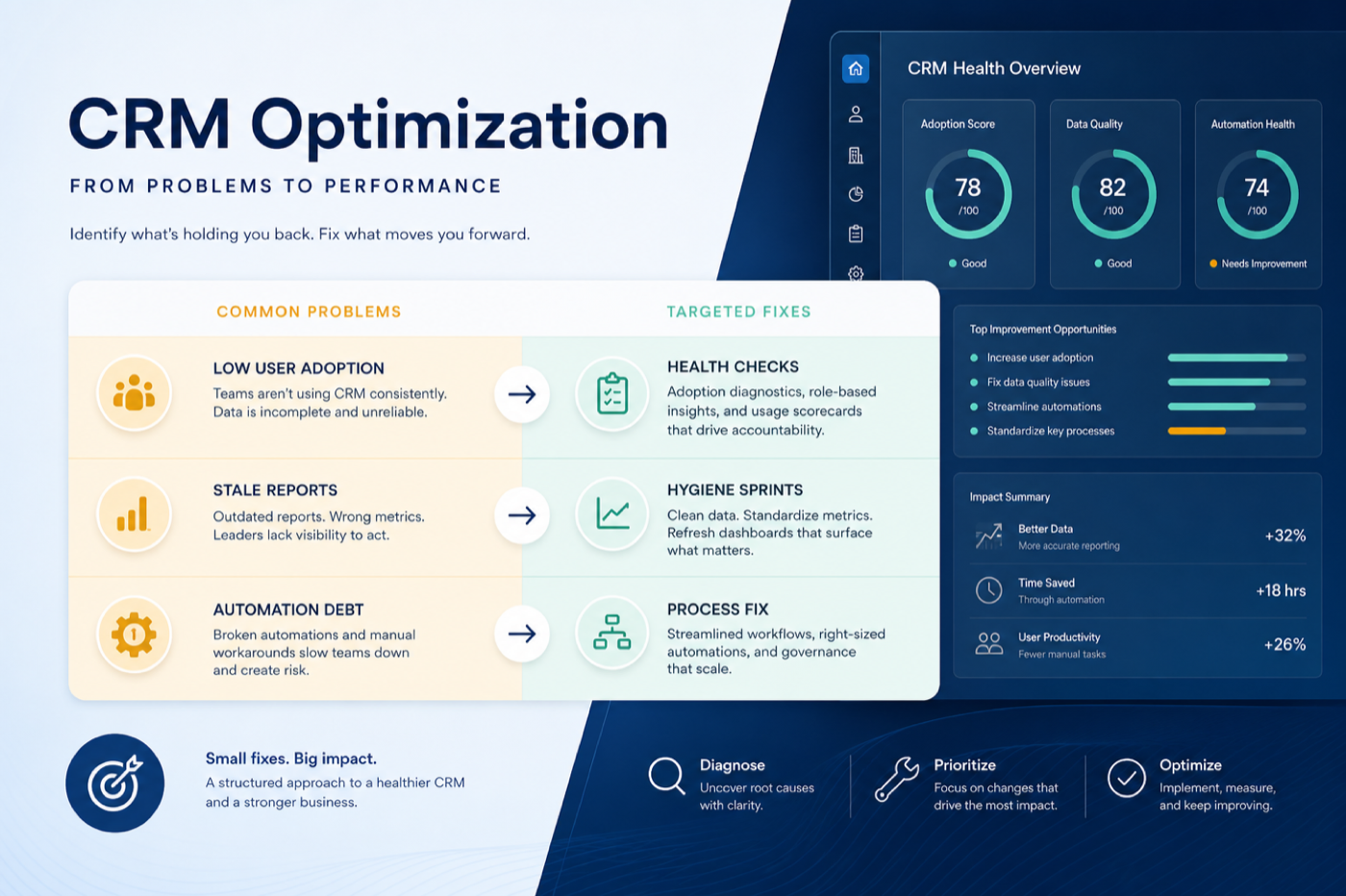
Sixty-minute health pass
Four baseline signals captured in one sitting, before any change is proposed.
Adoption checks
Whether sellers, managers, and delivery actually work inside the system.
Data trust checks
The hygiene problems that make reports wrong — with batch work routed to cleanup.
Reporting and forecast trust
Whether the weekly ritual runs from a shared view or from a private export.
Automation and integration debt
Unowned rules, failing syncs, and alert fatigue that trains people to ignore the system.
Capacity and the next decision
Whether admin time is funded, and when to stop optimising and reopen evaluation.
What this tool helps you do
A diagnosis instead of a hunch
Four measured signals replace “people don’t update it” as the starting point.
Weekly rituals move back into the CRM
The review runs from a shared view rather than a private export.
Automation debt goes down, not up
Unowned and failing rules are retired before any new ones are built.
An honest stop condition
When a must-have is structurally missing, evaluation reopens instead of optimisation continuing forever.
How to use this checklist
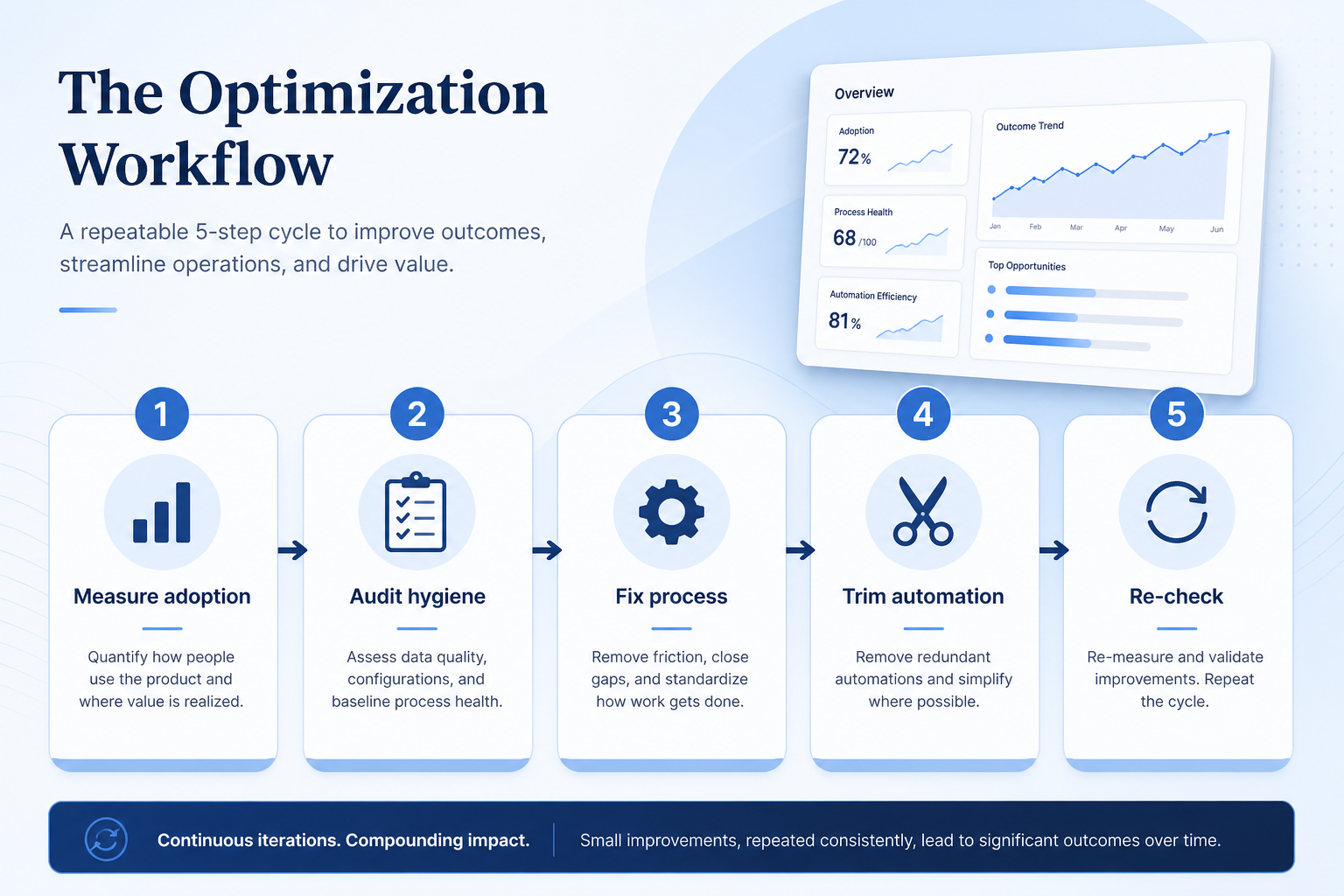
- 1
Run the health pass
One hour, four signals: adoption, data trust, reporting use, automation debt.
- 2
Pick one theme
Choose the signal most directly blocking a weekly ritual — fund only that.
- 3
Set the exit condition
Define the re-measured number that means this theme is finished.
- 4
Ship one small change
Remove before you add — a field cull or retired rule usually beats a new one.
- 5
Reinforce for two weeks
Coach inside the existing weekly meeting rather than sending an announcement.
- 6
Re-measure and decide
Same signal, same method. Then take the next theme, pause, or reopen evaluation.
Preview the checklist
Download ExcelRepresentative rows from the downloadable artifact. Full workbook includes Test / Scenario, Evidence, and Result columns.
| # | Check item | Why it matters | Required? | Evidence | Result |
|---|---|---|---|---|---|
| 1. Health pass — measure before you change | |||||
| 1.1 | Signal: share of open deals without a dated next step | It is the single clearest indicator of whether the pipeline is being managed in the system or in people’s heads. | Must-have | — | Not tested |
| 1.2 | Signal: active users by role over the last thirty days | Paid seats that nobody opens are both wasted spend and an early warning about the rollout. | Must-have | — | Not tested |
| 1.3 | Signal: does the weekly review run from a CRM view? | If the review still starts with an export, the reporting layer has not been adopted regardless of what exists. | Must-have | — | Not tested |
| 1.4 | Signal: active automations without a named owner | Unowned rules are the main source of alert fatigue, and fatigue teaches people to ignore the system. | Must-have | — | Not tested |
| 2. Adoption — are people working in the system? | |||||
| 2.1 | Three users interviewed about what they skip and why | The specific field people skip tells you more than any aggregate usage report. | Must-have | — | Not tested |
| 2.2 | Required fields audited against real work | Fields required for reporting convenience rather than selling are the most common cause of abandoned records. | Must-have | — | Not tested |
| 2.3 | Each weekly ritual mapped to a specific CRM view | A ritual with no view behind it will always drift back to a spreadsheet. | Must-have | — | Not tested |
| 2.4 | Mobile or field update friction assessed (or N/A) | Sellers who cannot update from a phone will batch their updates, and batched updates are usually invented. | Nice-to-have | — | Not tested |
Worked example
Hypothetical health-pass scenario for teaching the artifact — not a SoftwareGlimpse case study.
Requirement
Health pass question: which weekly rituals actually run from the CRM today?
Signal 1 — Next step on every open deal
FAILA board filter for open deals with no dated next action returns a large share of the pipeline, so coaching and forecasting both run on memory.
Signal 2 — Weekly review runs from a CRM view
PARTIALA stuck-deal view exists but the manager still exports to a sheet before the meeting, which means the view is not trusted yet.
Signal 3 — Every active automation has a named owner
FAILSeveral stage-triggered tasks fire with no owner recorded, so reps have learned to dismiss automated tasks without reading them.
Evidence: One board filter, one observation of the weekly review, and an export of active automation rules — all captured on the same day.
What counts as evidence?
Counts
- • A saved view or filter anyone on the team can re-run
- • An export of active automation rules with owners
- • A direct observation of the weekly review as it happens
- • A short structured interview with three named users
Does not count
- • “People don’t update it” as a diagnosis
- • A composite health score with no underlying signal
- • A single loud complaint treated as a pattern
- • A vendor adoption benchmark applied to your team
Related resource journey
Use before
Use with
FAQ
How is this different from the Cleanup Checklist?
Optimization diagnoses which problem to solve and in what order — adoption, data trust, reporting, or automation debt. Cleanup executes the batch data work safely: duplicate merges, owner reassignment, field removal, and orphan automations. Run the health pass first, then hand the batch items to cleanup.
When should we stop optimising and consider replacing?
When a remaining blocker is a product gap or an edition gate rather than a process or configuration issue. If an honest pass leaves a must-have unreachable on your plan, reopen evaluation with the Requirements Template instead of building workarounds indefinitely.
Do we need a CRM health score?
No. Composite scores hide which signal moved. Track the four raw signals — next-step coverage, active users by role, whether the review runs from a CRM view, and unowned automations — and re-measure each with the same method.
How often should we run the health pass?
Quarterly is enough for most teams, plus once after any major configuration change. Continuous redesign creates its own adoption problem.
Can we fix several themes at once?
Not if you want to know what worked. Parallel changes make the re-measure uninterpretable, and they usually exceed the admin hours actually available.
What if adoption is bad but nobody will say why?
Watch instead of asking. Have three users walk through creating and updating a deal while you note every step they skip. Observed friction is far more actionable than survey sentiment.
Ready to use the CRM Optimization Checklist?
Download the artifact, or continue with a related tool or guide.
Part of CRM resources · CRM Software hub
SoftwareGlimpse Updates
Want clearer software shortlists? Get buying guides and comparisons by email.
Newsletter coming soon.