
This video is hosted on YouTube
This content is hosted by YouTube. The player loads only after you allow marketing cookies.
Run straightforward promo and update campaigns your small team will actually ship — without enterprise marketing complexity.
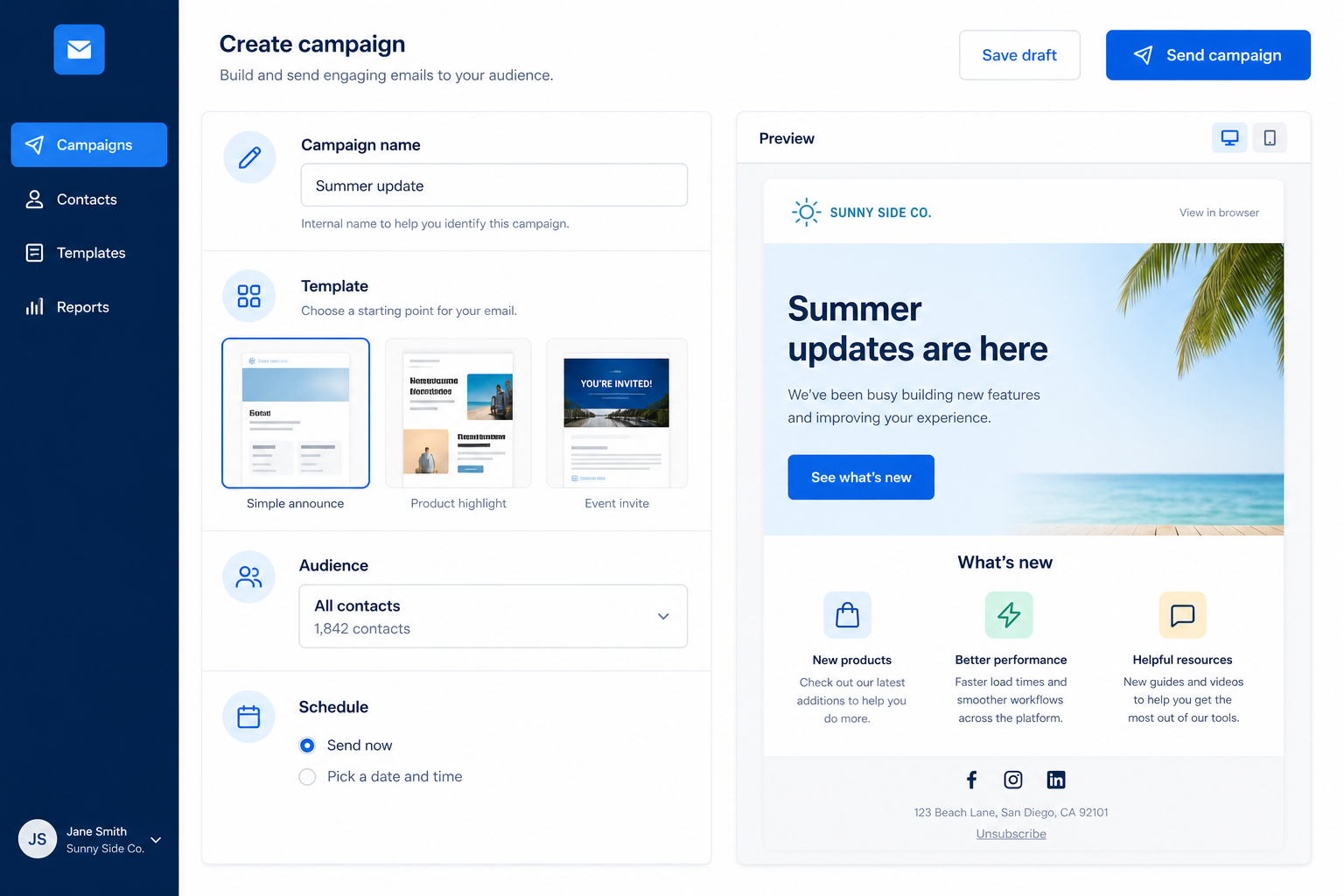
At a glance
Campaigns the small team can ship consistently
Owners, solo marketers, small SMB teams
Ease of use · Templates · Clear contact pricing · Basic automation
9 products to explore
Fit snapshot
Small-business campaigns are the ESP job of sending clear, permission-based promotional and update emails with light automation when needed. Fit prioritizes ease of use, fair contact-tier pricing, and templates — not enterprise orchestration.
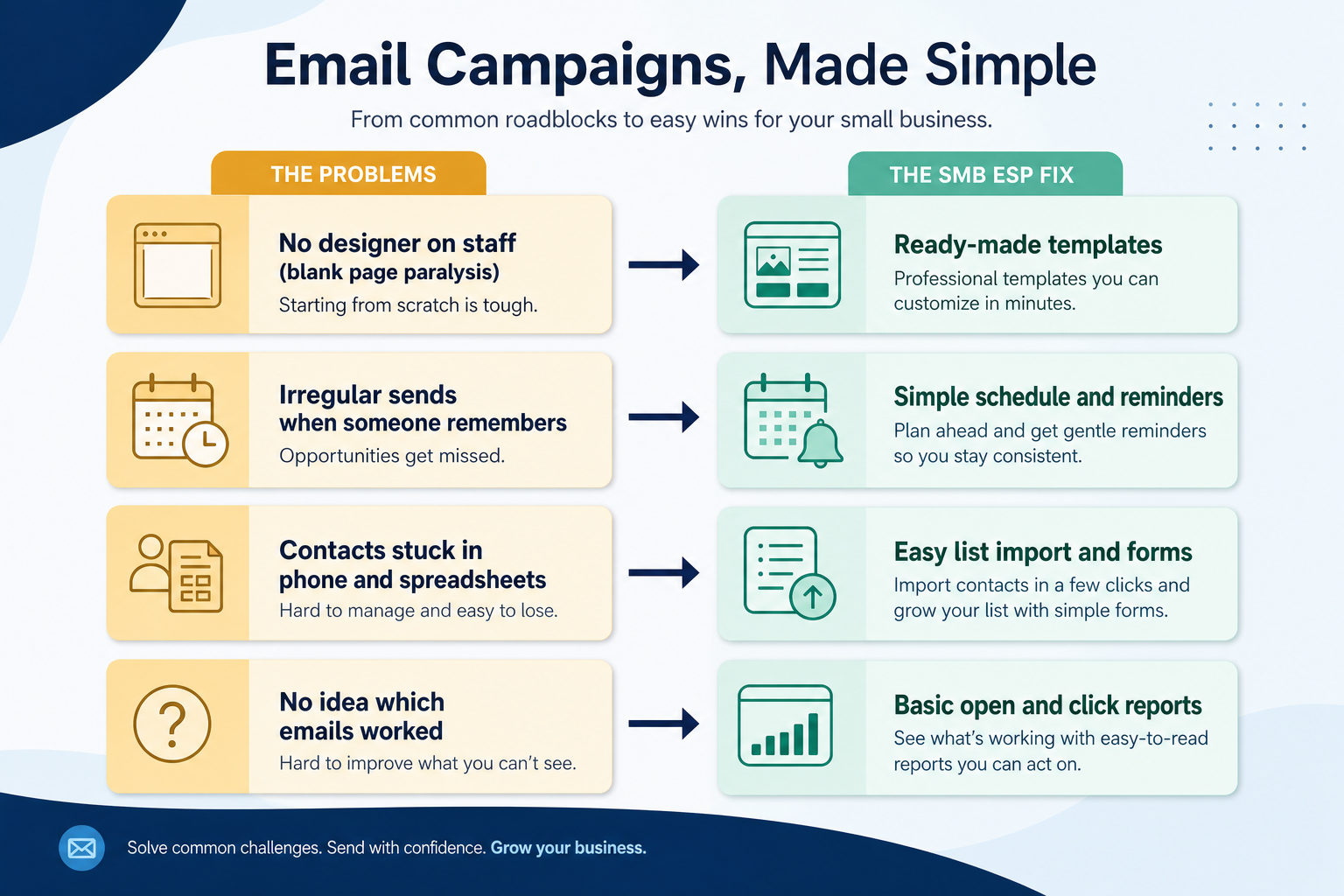
Owner-led companies and small marketing pairs (roughly 1–10 people) who need email that ships weekly without a dedicated RevOps or marketing-ops function.
How teams put email marketing software to work for small-business campaigns
Example 1
a local services business with one marketer
Before an ESP
promos went from Outlook to a pasted list
After an ESP
monthly offers use a template, unsubscribes are handled, and results show in one dashboard
Example 2
a two-person ecommerce side brand. They need simple campaigns plus one cart reminder — not a 40-step journey builder on day one.
These are the operating problems that usually push teams toward email marketing software for small-business campaigns — not feature wish lists.
Without list & journey discipline: Setup time kills momentum before the first send.
Without list & journey discipline: A growing list forces upgrades mid-quarter.
Without list & journey discipline: No cadence, no learning loop.
Without list & journey discipline: Replies and removals live in personal inboxes.
Fit depends on operating the email marketing software with clear owners and hygiene. Here is what “good” looks like for small-business campaigns.
With the right ESP setup: Approachable editors and templates get the first campaign out fast.
With the right ESP setup: Model contact growth before you commit; read published tiers.
With the right ESP setup: Scheduling and light automations keep a minimum rhythm.
With the right ESP setup: Subscriber tools and compliance basics protect the brand.
Campaigns that actually ship
Low friction from idea to send.
More predictable email cost
Contact tiers understood before growth spikes.
Hygiene and unsubscribes handled
Professional baseline without a big team.
Simple performance learning
Know which offers resonated.
Prioritize ease of use, templates, contact-tier clarity, and a short list of must-have automations — not the longest feature checklist.
If the owner cannot send, the tool fails.
No surprise jumps at your growth band.
Templates + campaigns beat unused enterprise features.
Start with must-haves your team will use weekly. Treat nice-to-haves as later upgrades — not day-one blockers.
Must-have
Lists and suppression for a small team.
Nice-to-have
Understand what needs to happen before comparing how products implement each step. Support overlays use structured research — never video inference.
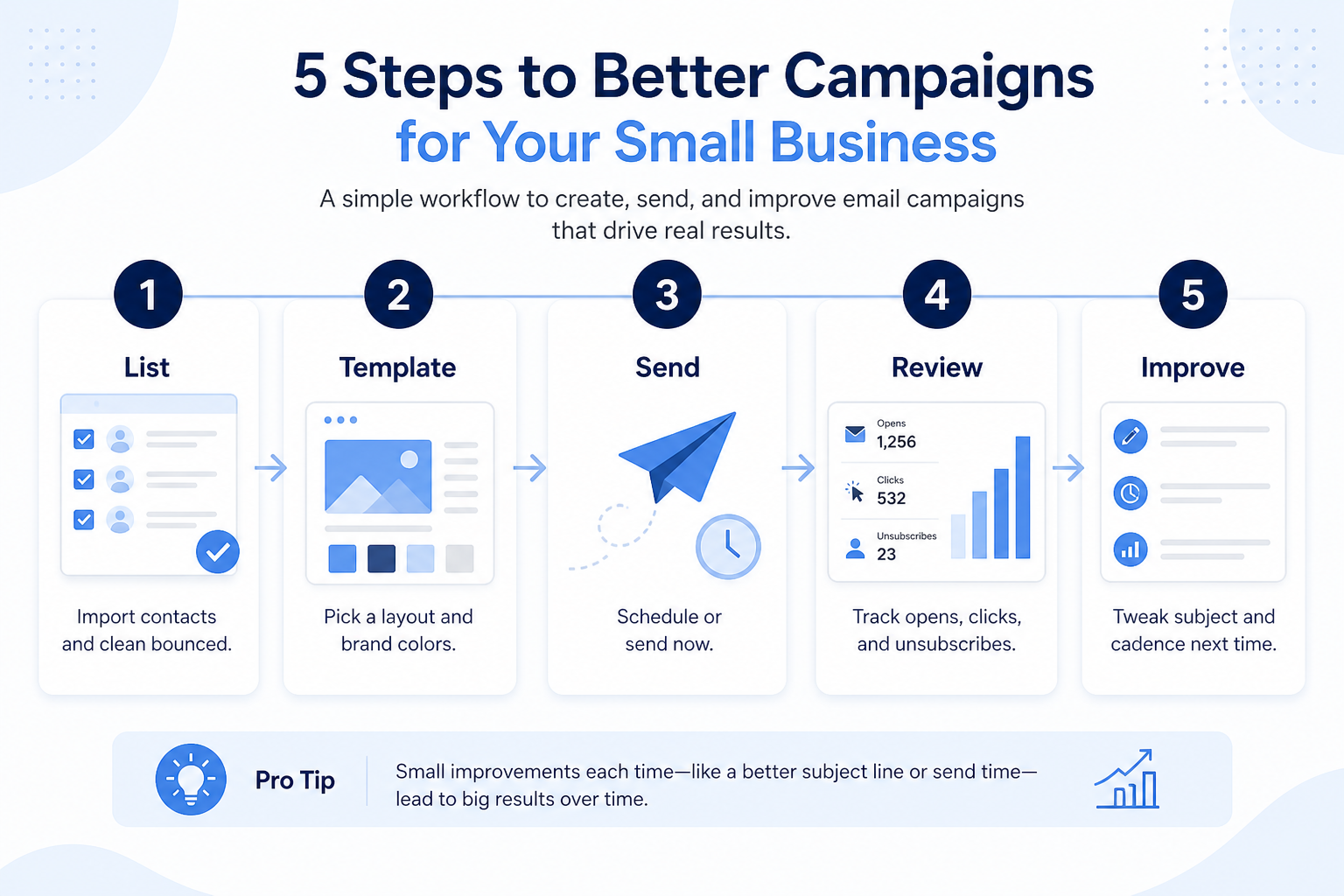
Support labels come from structured feature research — not from videos.
Objective
Avoid multi-message confusion.
Next step
Next step
Next step
Next step
Official product demonstrations can help show how different email marketing platforms handle the small-business campaigns workflow. Absence of a video does not mean a product lacks support for this use case.

AWeber
AI Sign-Up Form Builder: Personality Quiz, Postcard Flip, and a Playable Game / The Shift AI Show
How AWeber Systems, Inc. presents the product in an official vendor video.
This video is hosted on YouTube
This content is hosted by YouTube. The player loads only after you allow marketing cookies.
What this demonstrates
Workflow coverage
Coverage describes what the demo shows — not product support status.
What to notice
This demonstration does not establish
Features visible in this demo
Source: AWeber Systems, Inc. · Verified 17 Aug 2026

Campaign Monitor
Email Marketing Solutions | Campaign Monitor Product Overview
How Marigold (Campaign Monitor by Marigold) presents the product in an official vendor video.

This video is hosted on YouTube
This content is hosted by YouTube. The player loads only after you allow marketing cookies.
What this demonstrates
Workflow coverage
Coverage describes what the demo shows — not product support status.
What to notice
This demonstration does not establish
Features visible in this demo
Source: Marigold (Campaign Monitor by Marigold) · Verified 17 Aug 2026
Compare two products against the same workflow using researched assessments. Official demos help you see the workflow — they do not change support status.

HubSpot
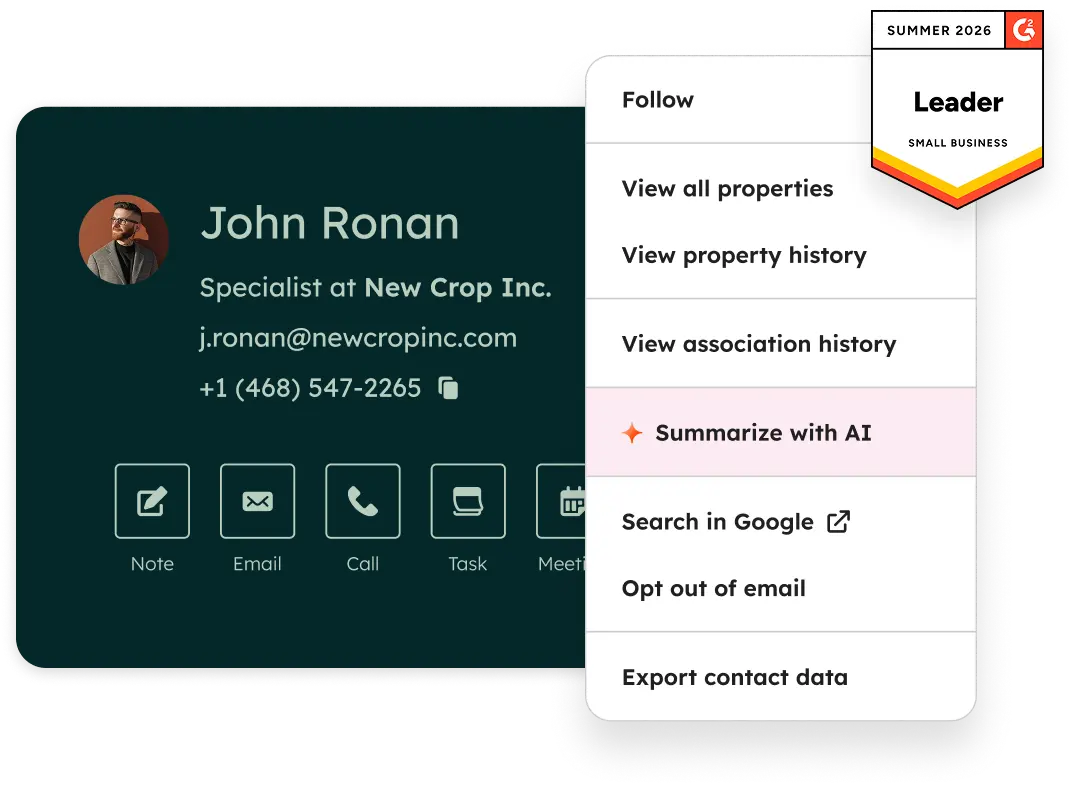
Official Free CRM hero product visualization.
What to notice
Not shown in this demo

Pipedrive

Pipedrive’s sales CRM product view as shown on the official site.
What to notice
Not shown in this demo
Canonical feature assessments for this workflow — not inferred from demos.
| Step | HubSpot | Pipedrive |
|---|---|---|
| Pick one offer | Unknown | Unknown |
| Build from template | Unknown | Unknown |
| Choose audience | Unknown | Unknown |
| Send & monitor | Unknown | Unknown |
| Note one learning | Unknown | Unknown |
Based on the small-business campaigns workflow, buyers commonly evaluate the checklist below. Nothing is written to your decision profile until you confirm in the tool.
Context: useCase=small-business-campaigns — tools apply this only after your confirmation.
Best when
Monthly offers and updates to a modest list.
Best when
Newsletter plus occasional promo campaigns.
Best when
Campaigns plus one or two simple automations.
Catalogue products that list small-business campaigns as a supported use case. Inclusion here is not a ranking. Official demo counts never change ranking.

Email Marketing
GetResponse is an AI-driven email marketing and lifecycle automation platform with newsletters, automation workflows, landing pages, funnels, webinars (higher plans), and ecommerce tools. Paid plans use contact-list tiers with unlimited monthly email sends; a forever-free plan an
Email Marketing
Creator- and SMB-focused email marketing with free forever, Lite/Plus tiers, and landing pages.
Email Marketing
Design-led email marketing by Marigold with contact-tier Lite, Essentials, Premier, and Enterprise.

Email Marketing
Email verification and list hygiene platform for cleaner sends and stronger sender reputation.

Email Marketing
Email deliverability and reputation repair via seed engagement and inbox placement tooling.

Email Marketing
Ecommerce email + SMS platform with Shopify-native flows, revenue attribution, and active-profile billing.

Email Marketing
Multi-channel email marketing with send-based pricing, a generous free plan, and CRM-lite tools — formerly Sendinblue.

Email Marketing
Simple email marketing for SMBs and creators with a free tier and approachable Comfort/Power subscriber plans.

Email Marketing
Ecommerce multichannel email, SMS, and web push with Shopify-centric automation — a common Klaviyo alternative.
Usually no. Buy the simplest tool that covers campaigns, templates, list hygiene, and any must-have automation on a contact tier you can afford as you grow.
Free plans are fine for learning and tiny lists. Check send caps and automation locks before you build a program that cannot grow.
Compose, schedule, and measure recurring permission-based newsletters on a clean subscriber list.
Connect store events to cart recovery, post-purchase, and segmented promo campaigns.
Educate and qualify opted-in leads with drips and journeys before sales or purchase handoff.
Run multi-step permission-based email journeys triggered by subscriber behavior.
Use Finder for a fit-based shortlist, compare products, or build a requirements checklist before demos.
How we review
Evaluation, verification, and refresh — no fake testing claims.
Editorial methodology
Category criteria and scores grounded in evidence.
Editorial policy
Authorship, evidence levels, scoring, and disclosures.
Corrections
Spot something outdated? Tell us.
Want clearer software shortlists? Get buying guides and comparisons by email.
Newsletter coming soon.