This video is hosted on YouTube
This content is hosted by YouTube. The player loads only after you allow marketing cookies.
Financial services CRM capability
Evaluate CRM platforms based on how well they automate repetitive follow-ups, stage changes, and process consistency for financial-services teams.
Workflow automation
What we evaluate
Capability at a glance
High importanceFinancial-services teams often repeat the same follow-ups, reminders, and handoffs across opportunities. Automation reduces manual busywork when the underlying process is clear.
Automation only helps after ownership and stages are defined. Compare products on what can be automated, which plans include it, and how much configuration your team can sustain.
Use automation to reinforce a consistent process — not to paper over an unclear one.
Use these requirements to evaluate products against your workflow — not popularity alone.
Start automations from stage changes, field updates, or activity events.
Explore requirement →Create assigned next actions so follow-ups are not forgotten.
Explore requirement →Support structured outreach or reminder sequences where researched.
Explore feature →Automate repetitive sales activity beyond a single task rule.
Explore feature →Optional assistance for prompts, summaries, or suggested actions when evidenced.
Explore feature →Understand what ran and whether process outcomes improved.
Explore feature →Essential
Advanced
See which official demonstrations and screenshots support each requirement. Support labels come from feature assessments — not from media counts.
Requirement
Start automations from stage changes, field updates, or activity events.
Explore requirement →
Salesforce
Evidence:

Keap
Evidence:

Creatio
Evidence:
Requirement
Create assigned next actions so follow-ups are not forgotten.
Explore requirement →Salesforce
Evidence:
Keap
Evidence:
Creatio
Evidence:
Requirement
Support structured outreach or reminder sequences where researched.
Explore requirement →Salesforce
Evidence:
Keap
Evidence:
Creatio
Evidence:
Requirement
Automate repetitive sales activity beyond a single task rule.
Explore requirement →Salesforce
Evidence:
Keap
Evidence:
Creatio
Evidence:
Requirement
Optional assistance for prompts, summaries, or suggested actions when evidenced.
Explore requirement →Salesforce
Evidence:
Keap
Evidence:
Creatio
Evidence:
Requirement
Understand what ran and whether process outcomes improved.
Explore requirement →Salesforce
Evidence:
Keap
Evidence:
Creatio
Evidence:
Overall labels use approved criterion assessments when available; otherwise they reflect feature-support coverage — not an industry ranking.
| Product | Overall | Workflow automation | Sales automation | Sequences | Reporting | Best suited to |
|---|---|---|---|---|---|---|
Strong · 9/10 Evidence: 8 sources · 3 screenshots · 1 official videos | ~ | Mid-market and enterprise sales orgs needing deep customization and reporting | ||||
Strong · 9/10 Evidence: 6 sources · 4 screenshots · 0 official videos | Small businesses needing CRM + marketing automation in one platform | |||||
Strong · 9/10 Evidence: 5 sources · 2 screenshots · 0 official videos | Mid-market teams needing no-code CRM + workflows | |||||
Strong · 8/10 Evidence: 7 sources · 3 screenshots · 0 official videos | Inside sales and outbound teams that live on phone/email/SMS | |||||
Strong · 8/10 Evidence: 7 sources · 2 screenshots · 1 official videos | SMB and mid-market teams wanting free CRM now and room to expand into hubs later | |||||
Strong · 8/10 Evidence: 7 sources · 2 screenshots · 0 official videos | ~ | SMB and mid-market teams wanting CRM + phone/email engagement | ||||
Strong · 8/10 Evidence: 5 sources · 2 screenshots · 0 official videos | Oracle-centric mid-market/enterprise sales orgs | |||||
Strong · 8/10 Evidence: 6 sources · 0 screenshots · 0 official videos | Large enterprises with complex case/CRM processes |
Select two products for a side-by-side comparison.
Salesforce
$25.00/user/month
Built-in Sales Flows start on Starter; Pro Suite adds greater automation; Unlimited adds Sales Engagement and intelligent automation. Workflow/process automation is a documented Sales Cloud strength, with Agentforce extending agentic automation on higher editions.
Evidence confidence: Medium
Keap
$249.00/user/month
Automation is the product’s clearest strength: campaign templates, lifecycle automation, and AI Automation Assistant are first-party documented core capabilities.
Evidence confidence: Medium
Creatio
$40.00/user/month
Workflow/no-code automation is a defining Creatio strength.
Evidence confidence: Medium
Need help choosing?
Answer a few questions about team size, requirements, integrations and budget for a personalized CRM shortlist.
Find My CRM →✓ Supported · ~ Partial / plan dependent · — Not evidenced. Unknown is never shown as “No”.
| Requirement | Salesforce | Keap | Creatio |  Close Close |  HubSpot HubSpot |
|---|---|---|---|---|---|
| Workflow automation | |||||
| Sales automation | |||||
| Email sequences | ~ | ||||
| Email tracking | |||||
| Lead scoring | ~ | ||||
| AI assistance | |||||
| Pipeline management | |||||
| Reporting |
Official vendor demonstrations help show how different CRM platforms approach the workflows, features and interactions that make up workflow automation. Absence of a video does not mean a product lacks the capability.
HubSpot
The Official HubSpot Sales Hub Tutorial
Focus: Lead management workflow — capture through assignment and follow-up
This video is hosted on YouTube
This content is hosted by YouTube. The player loads only after you allow marketing cookies.
What this shows
What to notice
What this does not establish
Features visible in this demo
Requirements illustrated
Visual presence does not by itself confirm requirement satisfaction — see the product assessment.
Particularly relevant to
Source: HubSpot · Verified 14 Aug 2026
Salesforce
What is Lead Management & How Does It Work? | Salesforce Explained
Focus: How Salesforce explains lead management from capture through qualification.

This video is hosted on YouTube
This content is hosted by YouTube. The player loads only after you allow marketing cookies.
What this shows
What to notice
What this does not establish
Features visible in this demo
Particularly relevant to
Source: Salesforce · Verified 15 Aug 2026
Evidence-backed workflow comparison using official vendor demos and screenshots — not a ranking or entertainment gallery. Absence of media does not mean a product lacks the capability.
HubSpot
HubSpot emphasizes
Salesforce
Salesforce emphasizes
SoftwareGlimpse take
HubSpot evidence emphasizes lead capture and prospecting workspace entry points; Salesforce evidence emphasizes Lead management concepts and Sales Cloud lead workflow as Salesforce presents them. These are observations from official sources, not inferred brand philosophy.
One best official workflow demonstration per product when available — not a gallery of every video.
Built-in Sales Flows start on Starter; Pro Suite adds greater automation; Unlimited adds Sales Engagement and intelligent automation. Workflow/process automation is a documented Sales Cloud strength, with Agentforce extending agentic automation on higher editions.
Key strengths
Limitations
See it in action
This video is hosted on YouTube
This content is hosted by YouTube. The player loads only after you allow marketing cookies.
Official vendor tutorial
How Salesforce explains lead management from capture through qualification.
Verified product captures only — never stock imagery or mockups.
Loading evidence explorer…
Your exact requirements depend on your sales or advisory process.
Automation vs control
More automation improves consistency but needs clear ownership and review.
Power vs maintainability
Complex automations can break when processes change.
Capability vs plan tier
Useful automation often sits on higher plans — verify before you buy.
Native vs integrated automation
Some teams automate in CRM; others orchestrate via connected tools.
High-volume lead management
HighAutomation helps when teams handle large inbound or outbound volumes.
Explore use case →B2B financial services sales
HighUseful for consistent follow-ups across opportunity stages.
Explore use case →Complex sales processes
HighStage-based automation supports multi-step financial-services sales.
Explore use case →Advisory / relationship management
MediumHelps when follow-ups and reminders sit alongside client relationships.
Explore use case →Growing teams
HighReduces process drift as more people join the workflow.
Explore use case →Ask the vendor to demonstrate this with your workflow, plans, and data requirements — and request documentation where relevant.
Ask the vendor to demonstrate this with your workflow, plans, and data requirements — and request documentation where relevant.
Ask the vendor to demonstrate this with your workflow, plans, and data requirements — and request documentation where relevant.
Ask the vendor to demonstrate this with your workflow, plans, and data requirements — and request documentation where relevant.
Ask the vendor to demonstrate this with your workflow, plans, and data requirements — and request documentation where relevant.
Ask the vendor to demonstrate this with your workflow, plans, and data requirements — and request documentation where relevant.
Ask the vendor to demonstrate this with your workflow, plans, and data requirements — and request documentation where relevant.
Ask the vendor to demonstrate this with your workflow, plans, and data requirements — and request documentation where relevant.
Stabilize the process first
Automate only after stages and ownership are clear.
Start narrow
Automate one high-volume, low-risk workflow first.
Name automation owners
Decide who maintains rules as the team changes.
Review outcomes
Check whether automation improved follow-up quality.
Pipeline management
Evaluate CRM platforms based on how well they support opportunity stages, ownership, follow-ups, visibility and workflow requirements for financial-services teams.
Explore →Reporting and forecasting
Evaluate CRM platforms on how well they support reporting and forecasting for financial services teams — the requirements that matter, the trade-offs involved, and researched product evidence.
Explore →Integrations
Evaluate CRM platforms on how well they support integrations for financial services teams — the requirements that matter, the trade-offs involved, and researched product evidence.
Explore →See the category-wide capability hub: Workflow automation CRM capability.
Tell us your team size, requirements, integrations and budget. We will use structured answers — not affiliate incentives — to build your shortlist.
Find My CRM →Workflow automation uses rules or sequences to create tasks, updates, or follow-ups when CRM records change — reducing repetitive manual work.
It helps keep follow-ups and handoffs consistent across advisors, sales, and relationship teams — especially as volume grows.
No. Define stages, ownership, and next actions first. Automation should reinforce a clear process.
Often advanced automation is plan-gated. Verify with researched pricing and vendor documentation for your shortlist.
There is no universal best product. Fit depends on the workflows you need, plan limits, administration capacity, and budget.
Choose products based on the workflow automation capabilities your team actually needs.
Explore the official documentation, screenshots and product demonstrations used to understand how each CRM implements workflow automation.
14 items
Official video · HubSpot
Supports
Demonstrates
This video is hosted on YouTube
This content is hosted by YouTube. The player loads only after you allow marketing cookies.
Official vendor tutorial
Lead management workflow — capture through assignment and follow-up
Verified: 14 Aug 2026
Open source ↗Official video · Microsoft
Supports
Demonstrates

This video is hosted on YouTube
This content is hosted by YouTube. The player loads only after you allow marketing cookies.
Official vendor video
How Dynamics 365 Sales Development Agent scales lead qualification workflows.
Verified: 15 Aug 2026
Open source ↗Official video · Microsoft
Supports
Demonstrates

This video is hosted on YouTube
This content is hosted by YouTube. The player loads only after you allow marketing cookies.
Official vendor video
How Dynamics 365 Sales Development Agent supports pipeline and lead development workflows.
Verified: 15 Aug 2026
Open source ↗Official video · Pipedrive
Supports
Demonstrates
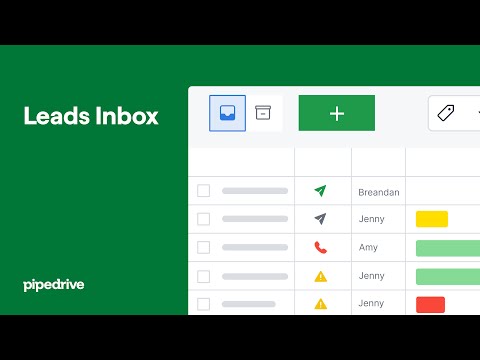
This video is hosted on YouTube
This content is hosted by YouTube. The player loads only after you allow marketing cookies.
Official vendor tutorial
How Pipedrive Leads Inbox qualifies inbound leads before creating deals.
Verified: 15 Aug 2026
Open source ↗Official video · Pipedrive
Supports
Demonstrates

This video is hosted on YouTube
This content is hosted by YouTube. The player loads only after you allow marketing cookies.
Official vendor video
How Pipedrive presents pipeline as the shared sales system of record.
Verified: 15 Aug 2026
Open source ↗Official video · Salesforce
Supports
Demonstrates
This video is hosted on YouTube
This content is hosted by YouTube. The player loads only after you allow marketing cookies.
Official vendor tutorial
How Salesforce explains lead management from capture through qualification.
Verified: 15 Aug 2026
Open source ↗Official video · Zoho
Supports
Demonstrates

This video is hosted on YouTube
This content is hosted by YouTube. The player loads only after you allow marketing cookies.
Official vendor tutorial
How Zoho CRM workflow rules automate sales steps after setup.
Verified: 15 Aug 2026
Open source ↗Official video · Zoho
Supports
Demonstrates

This video is hosted on YouTube
This content is hosted by YouTube. The player loads only after you allow marketing cookies.
Official vendor tutorial
How Zoho CRM manages leads from capture through conversion.
Verified: 15 Aug 2026
Open source ↗Screenshot · Attio
Supports
Demonstrates
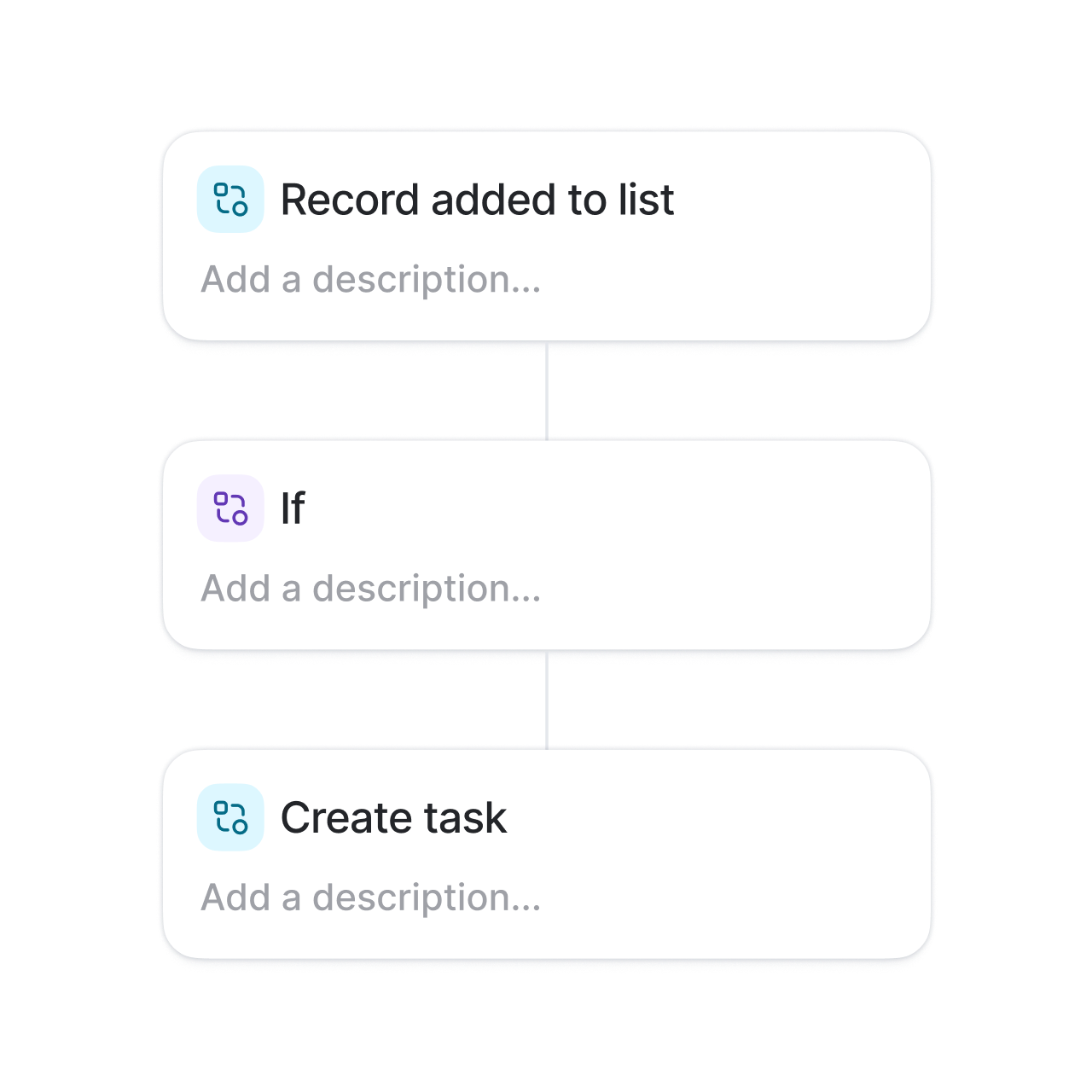
Verified: 15 Aug 2026
Open source ↗Screenshot · Attio
Supports
Demonstrates
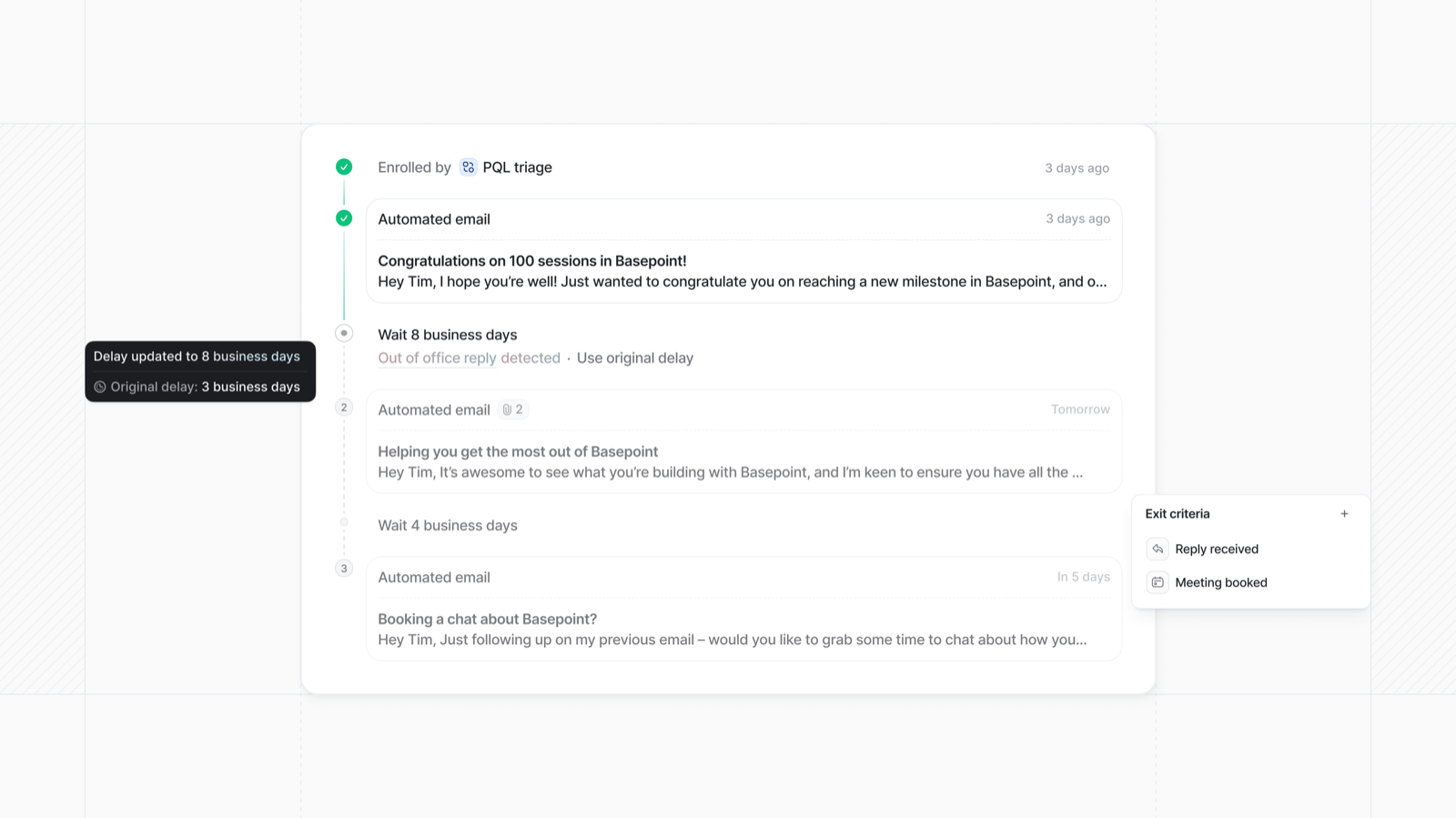
Verified: 15 Aug 2026
Open source ↗Screenshot · Bitrix24
Supports
Demonstrates
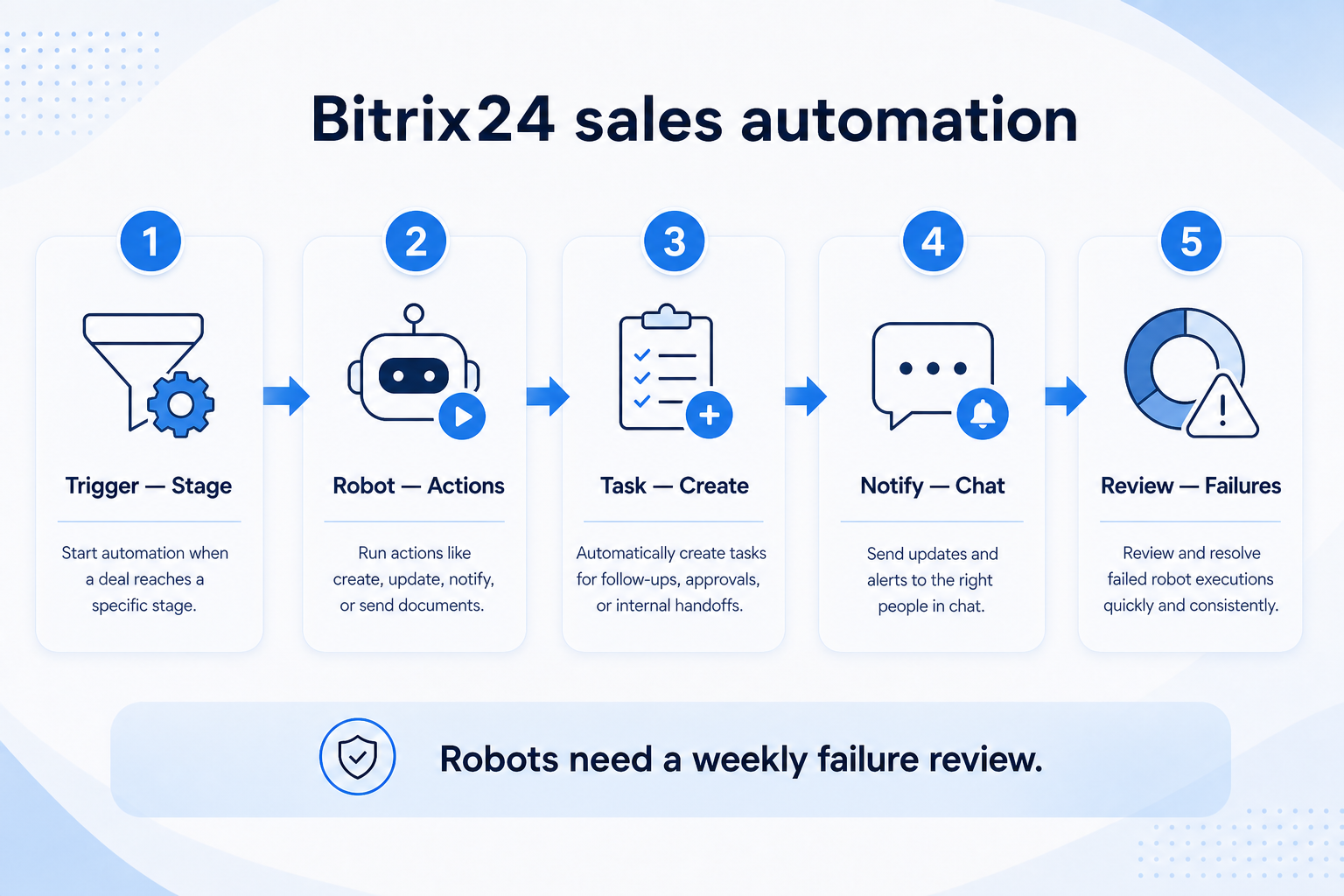
Verified: 15 Aug 2026
Open source ↗Screenshot · Bitrix24
Supports
Demonstrates
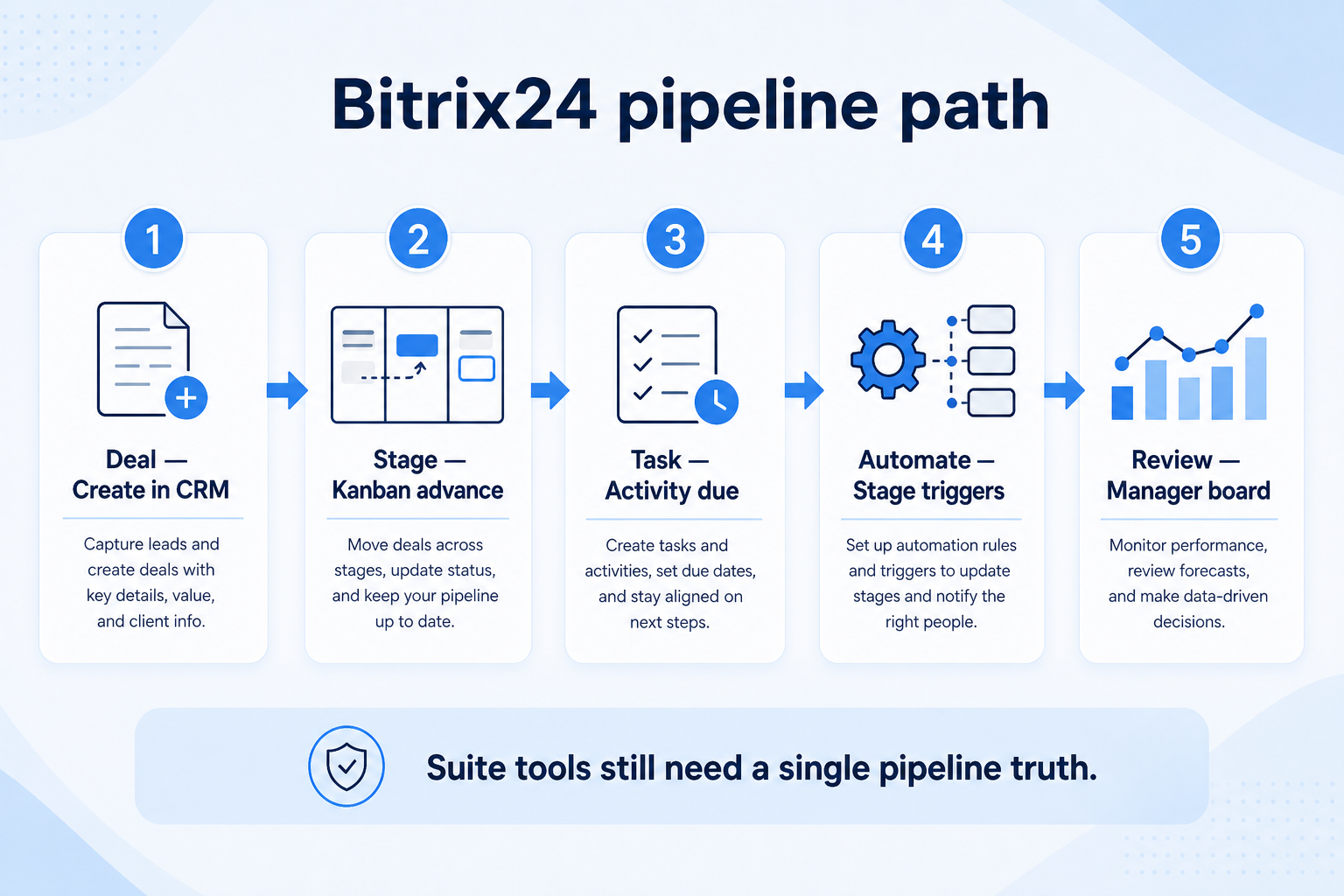
Verified: 15 Aug 2026
Open source ↗Screenshot · Capsule
Supports
Demonstrates
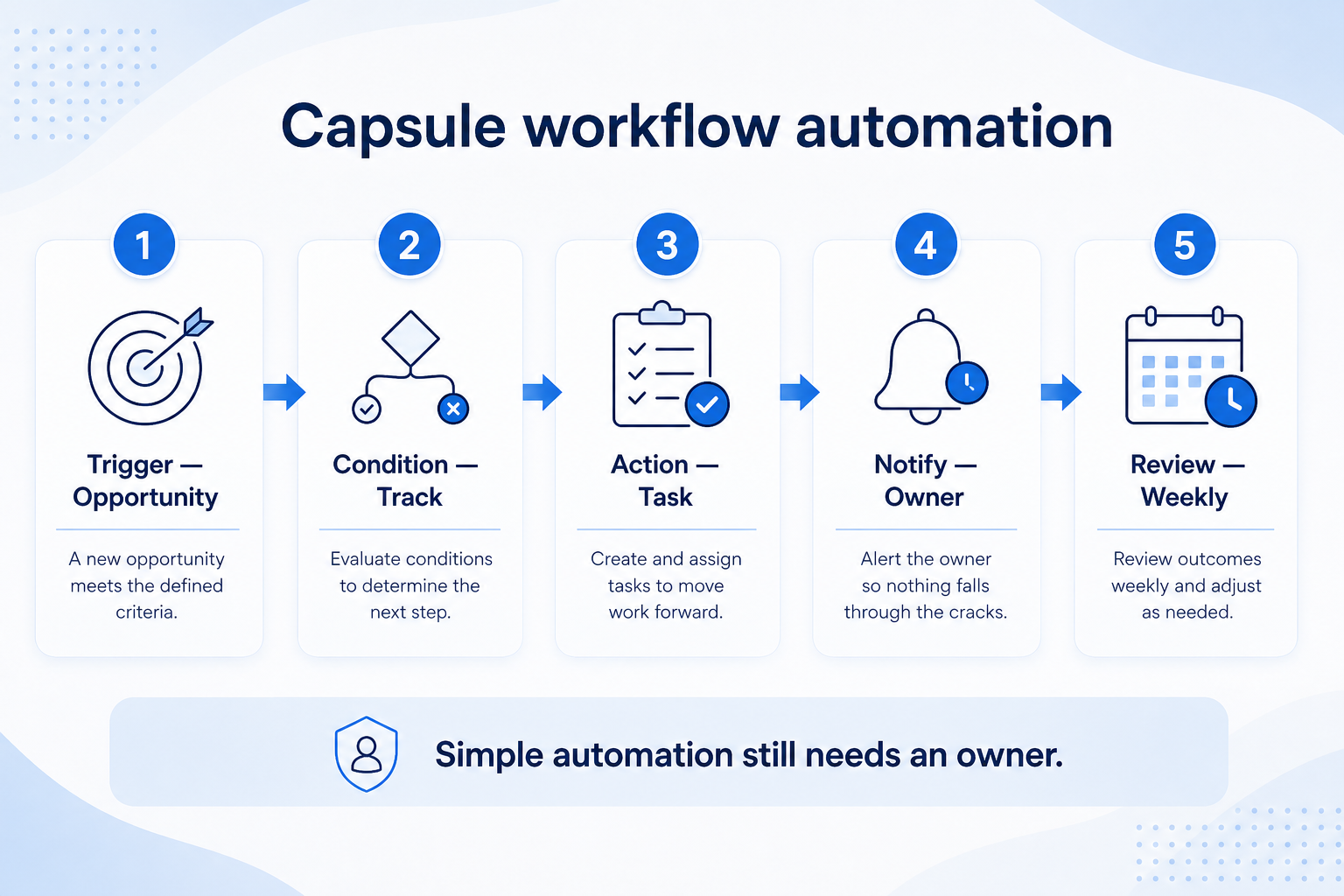
Verified: 15 Aug 2026
Open source ↗Screenshot · Capsule
Supports
Demonstrates
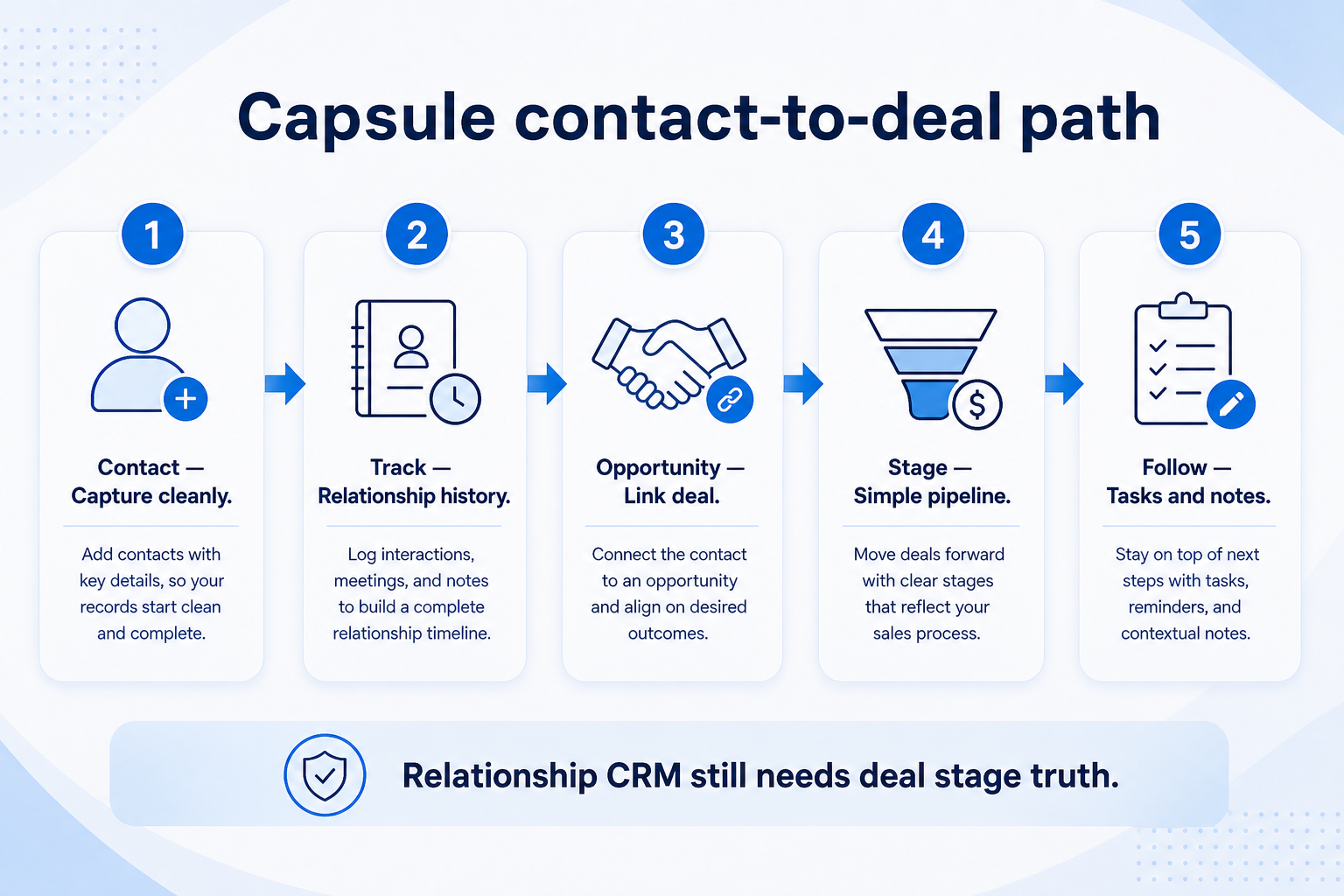
Verified: 15 Aug 2026
Open source ↗