
This video is hosted on YouTube
This content is hosted by YouTube. The player loads only after you allow marketing cookies.
Move internal coordination out of personal messaging groups into channels the business actually controls.
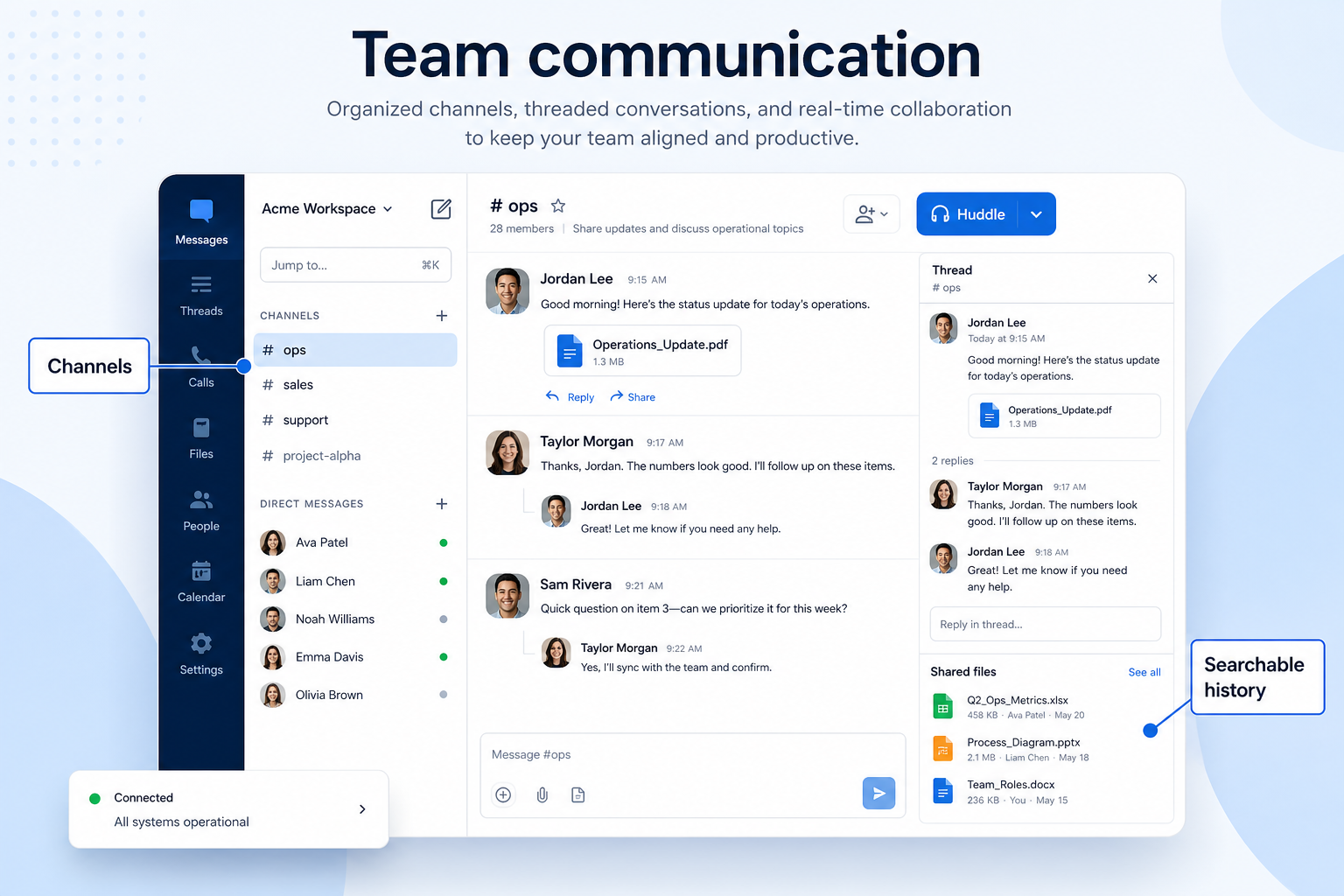
At a glance
Internal coordination the business owns and can offboard
Frontline, shift-based, and multi-site teams
Admin control · Offboarding · Frontline usability · Per-user cost at full headcount
9 products to explore
Fit snapshot
Team communication is the internal job: channels for work topics, direct messages, file sharing, and the administrative controls that let a business add and remove people cleanly. It is distinct from customer-facing channels — nobody outside the company should be in it.
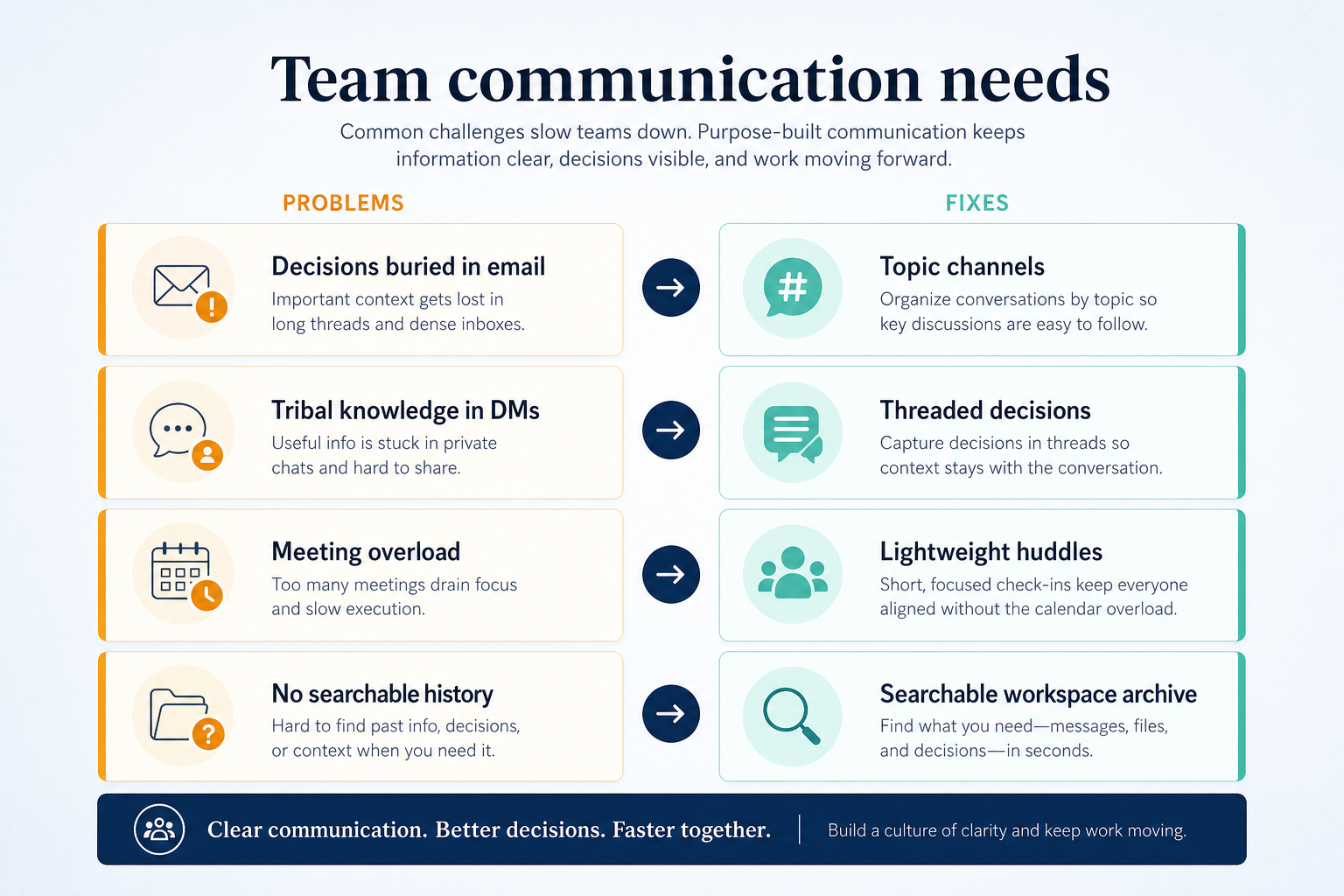
Frontline, shift-based, and multi-site teams currently coordinating in personal messaging groups, plus small businesses that need work conversations to survive staff turnover.
How teams put business communications software to work for team chat
Example 1
a four-site retail operation coordinating in a personal messaging group. When a supervisor left, they kept access to the group and the shift history left with them. After moving to a team messaging app, channels are per site, access ends at offboarding, and history stays with the business.
Example 2
a clinic that needs internal coordination without patient details in a consumer chat app. Administrative control and retention settings are the requirement — not the feature list.
These are the operating problems that usually push teams toward business communications software for team chat — not feature wish lists.
Without communications discipline: Leavers keep access and history belongs to nobody.
Without communications discipline: Important messages disappear under noise.
Without communications discipline: Tools designed for desk workers go unused.
Without communications discipline: No retention control and no audit trail.
Fit depends on operating the business communications software with clear owners and hygiene. Here is what “good” looks like for team chat.
With the right communications setup: Company-administered workspaces make access revocable.
With the right communications setup: Channels per site, shift, or topic restore signal.
With the right communications setup: Mobile-first apps meet frontline teams where they are.
With the right communications setup: Administrative controls and retention settings make policy enforceable.
Access the business controls
Offboarding actually removes access.
Findable conversations
Structured channels beat one endless group.
Frontline adoption
Mobile-first tools get used by non-desk staff.
History that stays
Context survives turnover.
Look at admin control and offboarding, whether frontline staff can use it on personal devices comfortably, per-user cost at full headcount rather than office headcount, and any compliance requirements for retention.
The difference between a company tool and a group chat.
Frontline staff decide adoption.
Per-user pricing multiplies fast across a frontline workforce.
Start with must-haves your team will use weekly. Treat nice-to-haves as later upgrades — not day-one blockers.
Must-have
Nice-to-have
Understand what needs to happen before comparing how products implement each step. Support overlays use structured research — never video inference.
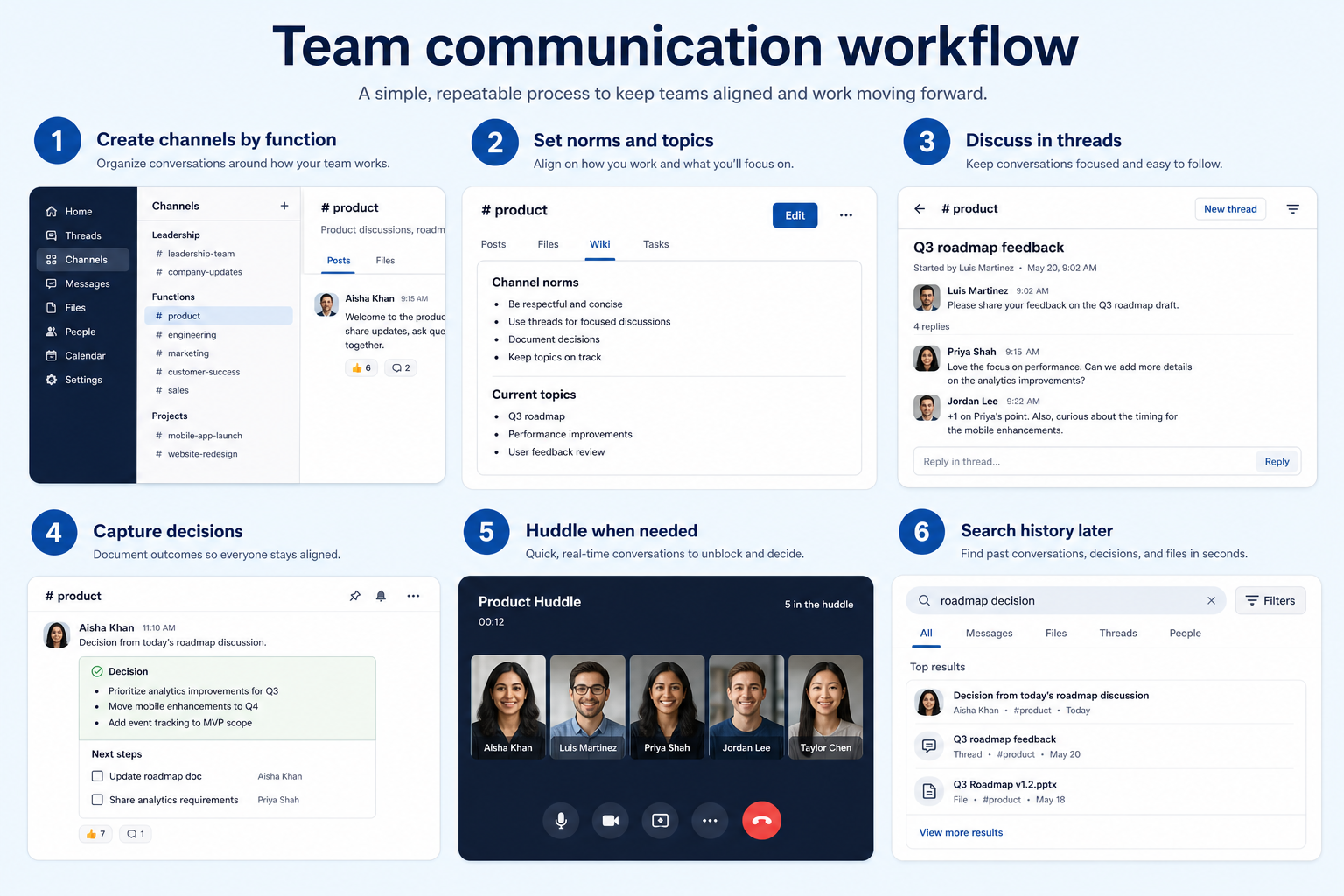
Support labels come from structured feature research — not from videos.
Objective
A structure people can navigate on day one.
Next step
Next step
Next step
Next step
Official product demonstrations can help show how different communications platforms handle the team chat workflow. Absence of a video does not mean a product lacks support for this use case.

Fastmail
Fastmail Masked Email: Protect Your Privacy | Introduction
How Fastmail presents the product in an official vendor video.
This video is hosted on YouTube
This content is hosted by YouTube. The player loads only after you allow marketing cookies.
What this demonstrates
Workflow coverage
Coverage describes what the demo shows — not product support status.
What to notice
This demonstration does not establish
Source: Fastmail · Verified 17 Aug 2026

SaneBox
How to Organize Your Email Inbox & Save 2+ Hours Every Week (SaneBox)
How SaneBox presents the product in an official vendor video.

This video is hosted on YouTube
This content is hosted by YouTube. The player loads only after you allow marketing cookies.
What this demonstrates
Workflow coverage
Coverage describes what the demo shows — not product support status.
What to notice
This demonstration does not establish
Features visible in this demo
Source: SaneBox · Verified 17 Aug 2026
Compare two products against the same workflow using researched assessments. Official demos help you see the workflow — they do not change support status.

HubSpot
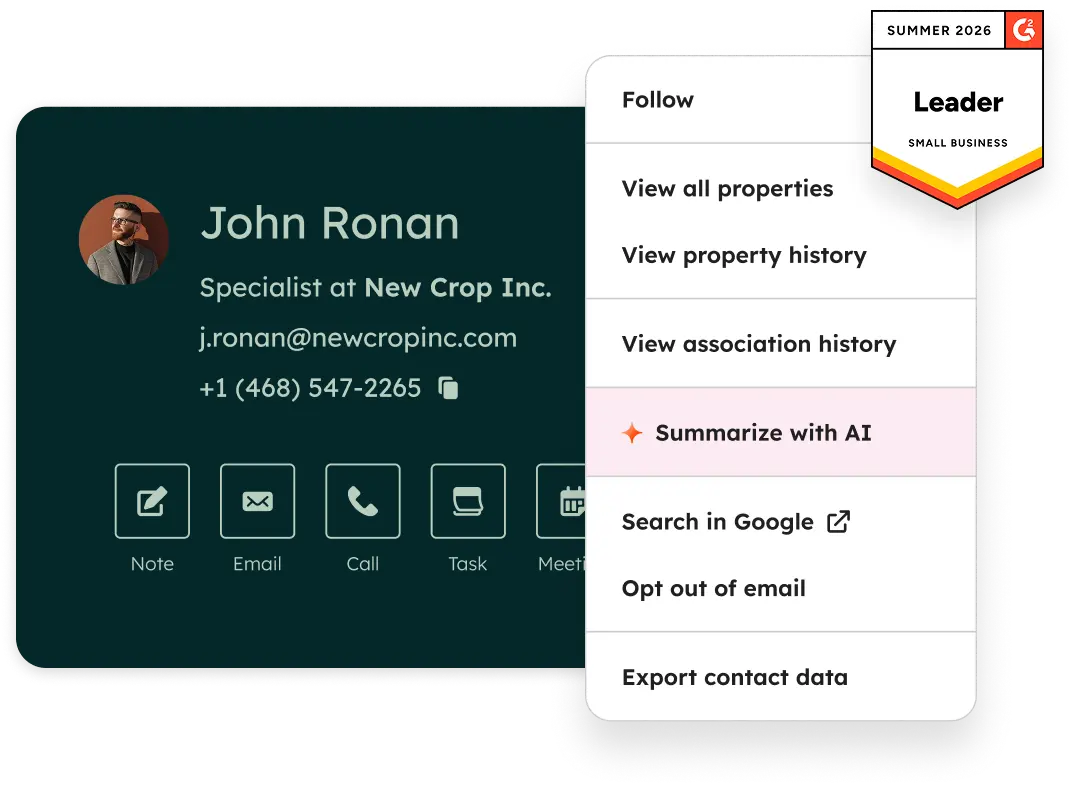
Official Free CRM hero product visualization.
What to notice
Not shown in this demo

Pipedrive

Pipedrive’s sales CRM product view as shown on the official site.
What to notice
Not shown in this demo
Canonical feature assessments for this workflow — not inferred from demos.
| Step | HubSpot | Pipedrive |
|---|---|---|
| Design the channel structure | Unknown | Unknown |
| Onboard the team | Unknown | Unknown |
| Retire the old group | Unknown | Unknown |
| Set admin policy | Unknown | Unknown |
| Review adoption | Unknown | Unknown |
Based on the team chat workflow, buyers commonly evaluate the checklist below. Nothing is written to your decision profile until you confirm in the tool.
Context: useCase=team-communication — tools apply this only after your confirmation.
Best when
Most staff have no desk and coordinate by phone.
Best when
Each location needs its own channel plus a company-wide one.
Best when
Retention and access control are policy requirements.
Customer conversations need a shared inbox, not a team chat app.
Learn more →Catalogue products that list team communication as a supported use case. Inclusion here is not a ranking. Official demo counts never change ranking.

Business Communications
Professional work-chat app for frontline and multi-site teams replacing WhatsApp groups — free tier, Pro $3/user/month yearly, Business+ $8 with HIPAA, integrations and AI agents.
Business Communications
Privacy-focused business email, calendar and contacts with custom domains and shared addresses — Business Basic from $3/user/month annual; adjacent to business communications, not a phone system.
Business Communications
SaneBox is inbox-productivity tooling that layers onto an existing mailbox — Gmail, Outlook, Yahoo, iCloud or any IMAP account — and triages incoming mail into folders such as SaneLater, SaneBlackHole and SaneAttachments, with follow-up reminders on higher tiers. Plans are per pe

Business Communications
Enterprise-grade UCaaS / cloud phone platform (RingEX) with deep call routing, video, team messaging and contact-centre options — Core from ~$20/user/month annual.

Business Communications
AI-first cloud phone (Dialpad Connect) with included transcription/summaries — Standard from $15/user/month annual; Sell and Support are separate product ladders.

Business Communications
Meetings-first Workplace suite plus Zoom Phone UCaaS — Phone US/CA Unlimited research floor ~$15–16/user/month; free meetings/chat exist but Phone is paid.

Business Communications
SMB-friendly unified business communications — Core $15, Engage $25, Scale $75 per user/month annual, with messaging apps including WhatsApp and a Contact Center ladder from $75/agent.

Business Communications
M365 collaboration hub (chat, meetings, files) with optional Teams Phone telephony add-on — free Teams tier exists; Phone Standard ~$10/user/month annual plus PSTN.

Business Communications
Channel-based team messaging platform — Free $0, Pro $7.25/user/month annual, Business+ $15, Enterprise+ contact sales; huddles for light video, not a phone system.
Yes, as the internal side of the category. Business phone and customer messaging handle conversations with customers; team messaging handles conversations between colleagues. They are usually separate purchases with different buyers.
Email works for asynchronous, documented exchanges. Shift coordination, quick questions, and site-level updates tend to move to chat regardless — the decision is whether that happens in a tool the business controls or in a personal group.
Design the channel structure before inviting anyone, set a switch-off date for the old group so conversations do not split, and prune unused channels during review. Structure decided after adoption rarely gets applied.
Answer customer SMS and chat as a team, with assignment and history instead of one person's phone.
Give the business real phone numbers, shared answering, and call logging instead of personal mobiles.
Route inbound volume through IVR menus and queues with reporting managers can act on.
Run WhatsApp as a business channel with a shared inbox, approved templates, and broadcast rules.
Use Finder for a fit-based shortlist, compare products, or build a requirements checklist before demos.
How we review
Evaluation, verification, and refresh — no fake testing claims.
Editorial methodology
Category criteria and scores grounded in evidence.
Editorial policy
Authorship, evidence levels, scoring, and disclosures.
Corrections
Spot something outdated? Tell us.
Want clearer software shortlists? Get buying guides and comparisons by email.
Newsletter coming soon.