SoftwareGlimpse
Microsoft Teams logo

Microsoft Teams Review

BUSINESS COMMUNICATIONS SOFTWARE

Choose Microsoft Teams when collaboration inside Microsoft 365 is the primary job and telephony is an optional add-on — not when you are shopping for a standalone cloud phone.

Last updated 2026-08-17Independent editorial review
  • Starting price

    $0.00/user/month

  • Free plan

    Yes

  • Free trial

    Yes

  • Best for

    Organisations standardised on Microsoft 365 that need chat and meetings as the collaboration hub

SoftwareGlimpse review

7.3/10

Good

  • ease of use8
  • voice messaging quality7
  • routing workflows5
  • integrations10
  • analytics6
  • outbound tools3
How we score →
By Lee M.FounderReviewed

See Microsoft Teams in action

Official vendor demonstration of product surfaces. It supplements screenshots and editorial analysis — it is not independent SoftwareGlimpse testing.

This video is hosted on YouTube

This content is hosted by YouTube. The player loads only after you allow marketing cookies.

Official vendor tutorial

All about using channels in Microsoft Teams

How Microsoft Teams presents the product in an official vendor video.

What this shows

  • Microsoft Teams product surfaces as shown in the official vendor video
  • UI/workflow layout marketed by the vendor

Pricing

Free Teams tier at $0 for chat/meetings collaboration. Teams Phone Standard ~$10/user/month annual is a telephony add-on requiring a separate eligible Teams/M365 licence, plus PSTN options (PAYG ~$13 / Calling Plan ~$17 / Domestic+International ~$34 research bands). Be honest about M365 dependency and Oct 2023 Teams unbundling — many orgs pay via Microsoft 365 Business/Enterprise SKUs rather than standalone Teams. Cross-checked packaging 2026-08-17; confirm regional Microsoft price lists live.Full pricing details →
  • Microsoft Teams Free

    $0.00

    Free plan

    $0 — free Teams chat and meetings tier. Not full enterprise M365 governance; telephony requires Teams Phone + PSTN on top of an eligible licence.

  • Teams Phone Standard

    $10.00

    per user / month (annual billing rate shown)

    ~$10/user/month annual telephony add-on. Requires a separate eligible Teams/Microsoft 365 licence — not a standalone cloud-phone product.

  • Teams Calling Plan

    $17.00

    per user / month (annual billing rate shown)

    PSTN Calling Plan research floor ~$17/user/month — one of several PSTN options (PAYG ~$13, Domestic+International ~$34). Confirm live Microsoft price lists.

  • Microsoft 365 Enterprise

    Custom

    Contact sales

    Most enterprise Teams deployments are licensed via Microsoft 365 Business/Enterprise SKUs rather than standalone Teams. Contact Microsoft or a partner for bundle pricing.

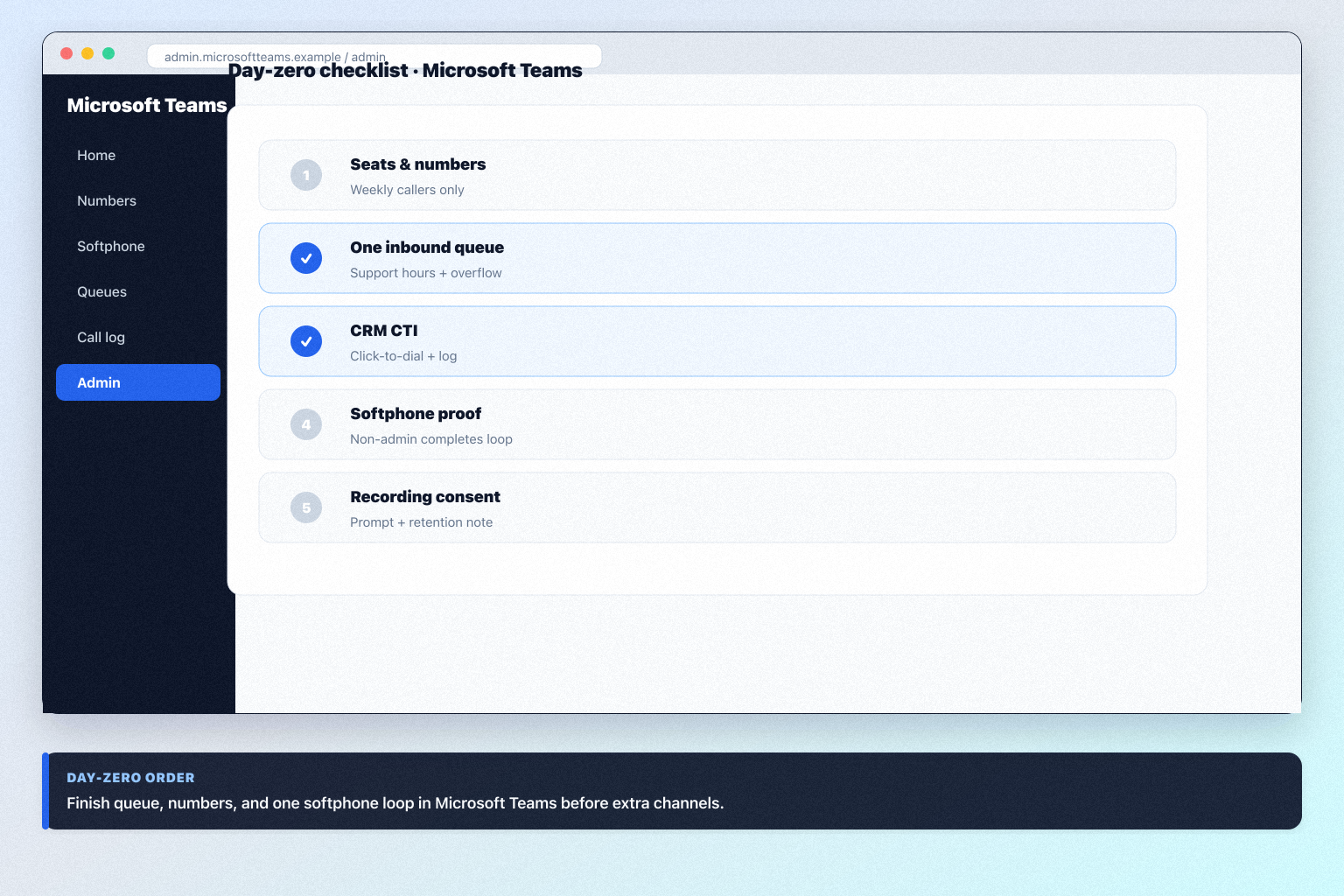
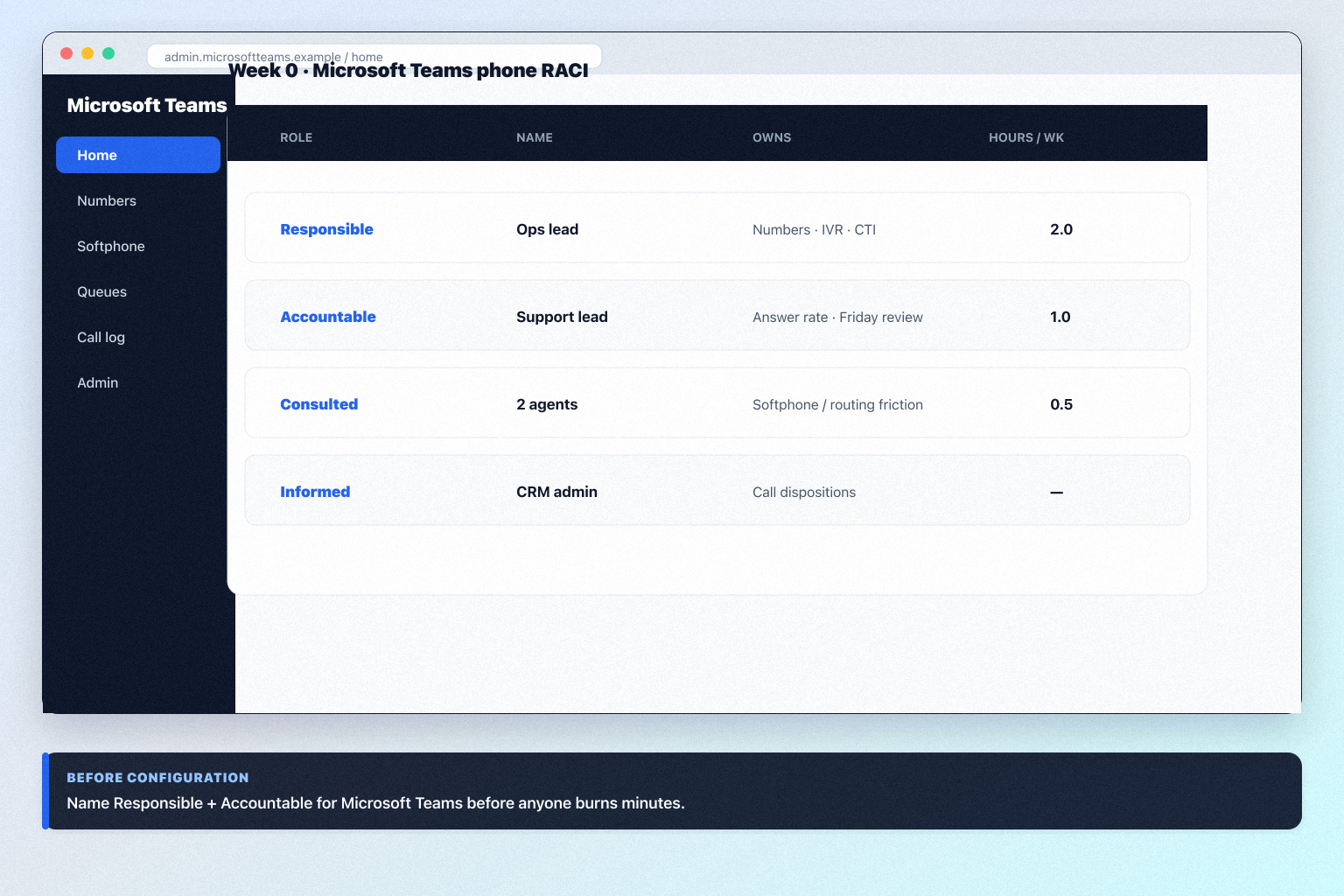
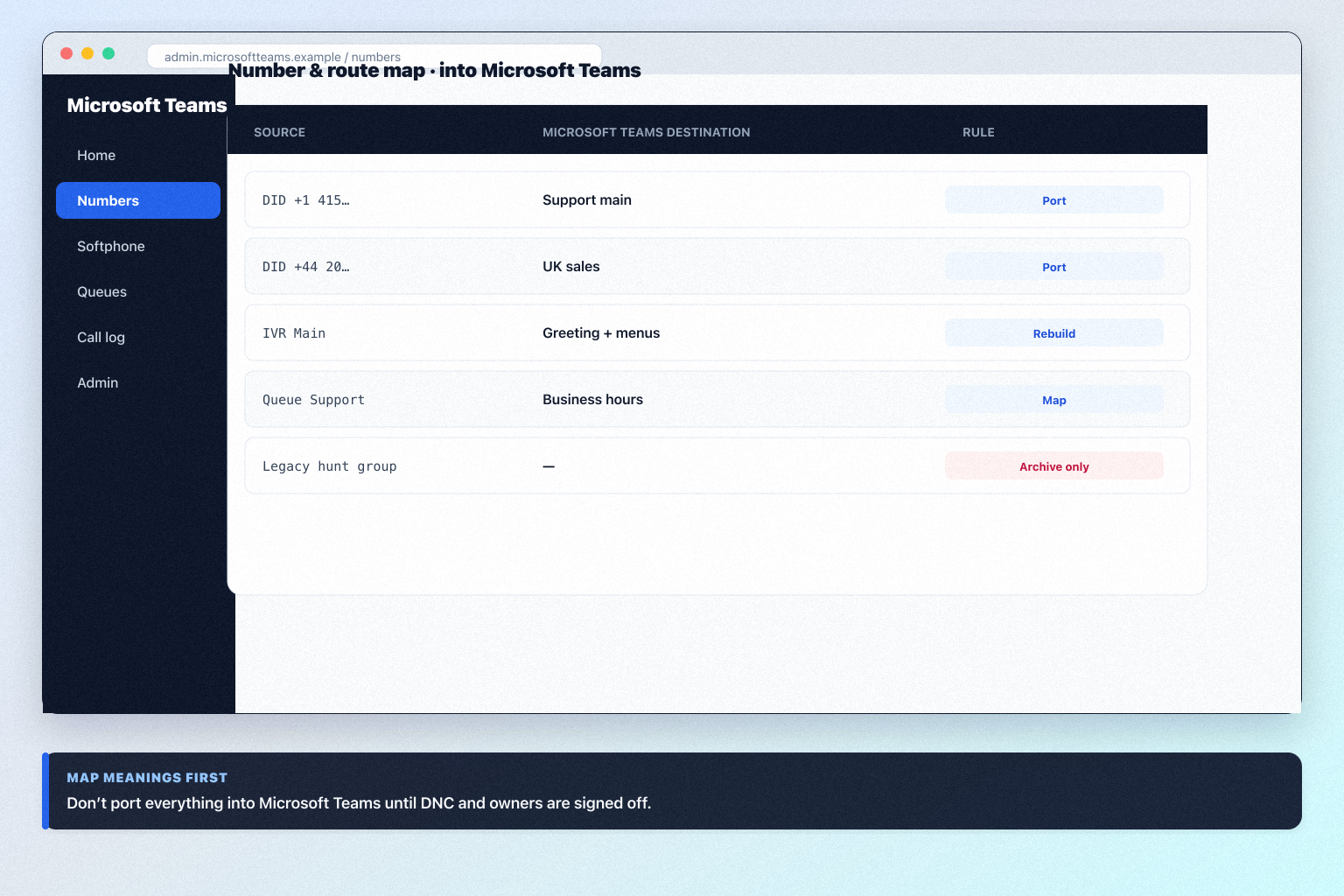
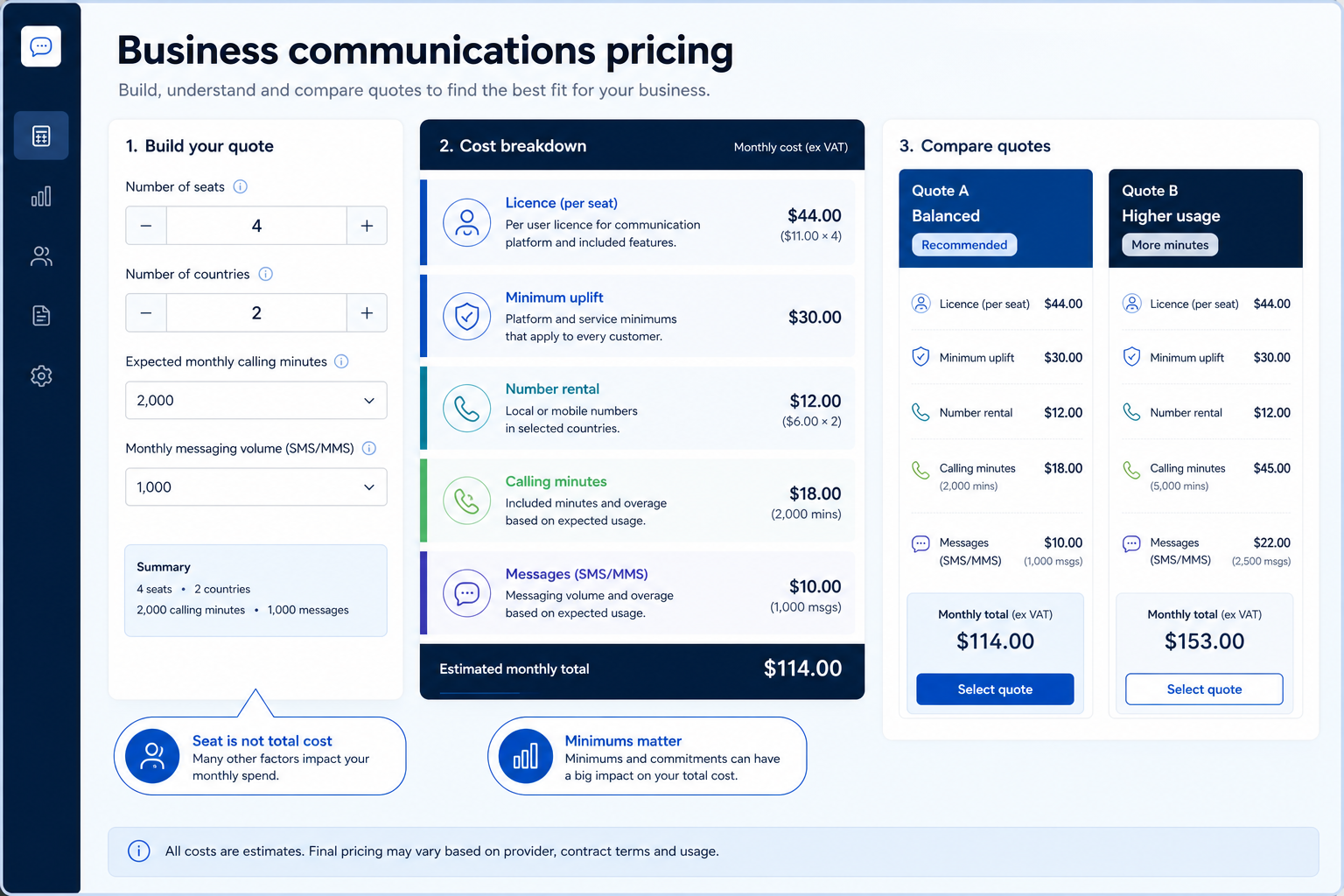
Product screenshots

Verified captures from Microsoft Teams's product interface.

Microsoft Teams new era product UI

Official Microsoft Teams YouTube thumbnail showing product UI.

Official Microsoft Teams YouTube thumbnail showing product UI

https://www.youtube.com/watch?v=1BLiwgyLH0A · Checked 2026-08-17

Our verdict

Choose Microsoft Teams when collaboration inside Microsoft 365 is the primary job and telephony is an optional add-on — not when you are shopping for a standalone cloud phone. Compare Slack for chat-first teams outside M365, Zenzap for frontline work chat, and Zoom if meetings-first UCaaS with Zoom Phone fits better than Teams Phone stacking. Scores reflect first-party documentation as of 2026-08-17 — not hands-on product testing. Confirm current packaging, minimums and usage rates on the vendor site before purchase.

Best for

  • Organisations standardised on Microsoft 365 that need chat and meetings as the collaboration hub
  • Enterprises that may add Teams Phone later for PSTN without changing collaboration vendors
  • IT-led rollouts that prioritise identity, compliance and app ecosystem over dialer features

Not ideal for

  • Buyers shortlisting a primary cloud phone / contact-centre system
  • Sales teams that need power dialer, SMS campaigns or WhatsApp Business
  • Companies unwilling to navigate M365 licence + Teams Phone + PSTN stacking

Bottom line

Free Teams at $0 for collaboration. Teams Phone Standard ~$10/user/month annual plus eligible Teams/M365 licence, then PSTN (PAYG ~$13 / Calling Plan ~$17 / Domestic+International ~$34 research bands). Most orgs licence via Microsoft 365 SKUs; Oct 2023 unbundling applies. Confirm live Microsoft price lists.

Microsoft Teams pros and cons

Pros

  • Free Teams tier and deep Microsoft 365 integration
  • Excellent team messaging and video meetings
  • Enterprise identity, compliance and scale
  • Optional Teams Phone when PSTN is required
  • Copilot AI available as Microsoft add-on

Cons

  • Not a cloud-phone peer — Phone is an add-on with PSTN costs
  • Post-2023 unbundling complicates “Teams is included” assumptions
  • No power dialer; weak customer outbound channels
  • Copilot is separately priced
  • Call routing/recording trail dedicated UCaaS products

Pricing comparison

Full comparison →
 Microsoft Teams(this review)SlackZenzapZoom
Starting price$0.00/user/month$7.25/user/month$3.00/user/month$15.00/user/month
Free planYesYesYesYes
Free trialYesNoNoYes

Use cases for Microsoft Teams

Microsoft Teams may not be the best fit if…

  • · Buyers shortlisting a primary cloud phone / contact-centre system
  • · Sales teams that need power dialer, SMS campaigns or WhatsApp Business
  • · Companies unwilling to navigate M365 licence + Teams Phone + PSTN stacking

Microsoft Teams guides

Setup, implementation, migration, plans, and worth-it walkthroughs for this product.

Methodology disclosure: scores and recommendations follow SoftwareGlimpse evaluation criteria (version 1.0.0). Affiliate relationships do not determine rankings.

How we recommend: product claims are tied to recorded research where available.

AI-assisted disclosure: drafts may be AI-assisted from approved facts and assessments. Humans approve publishable editorial judgments. AI does not invent live prices or claim hands-on testing.