
Crm
Pipeline-first sales CRM for visual deal management, activity-based selling, and growing sales teams.
Business type / Freelancers
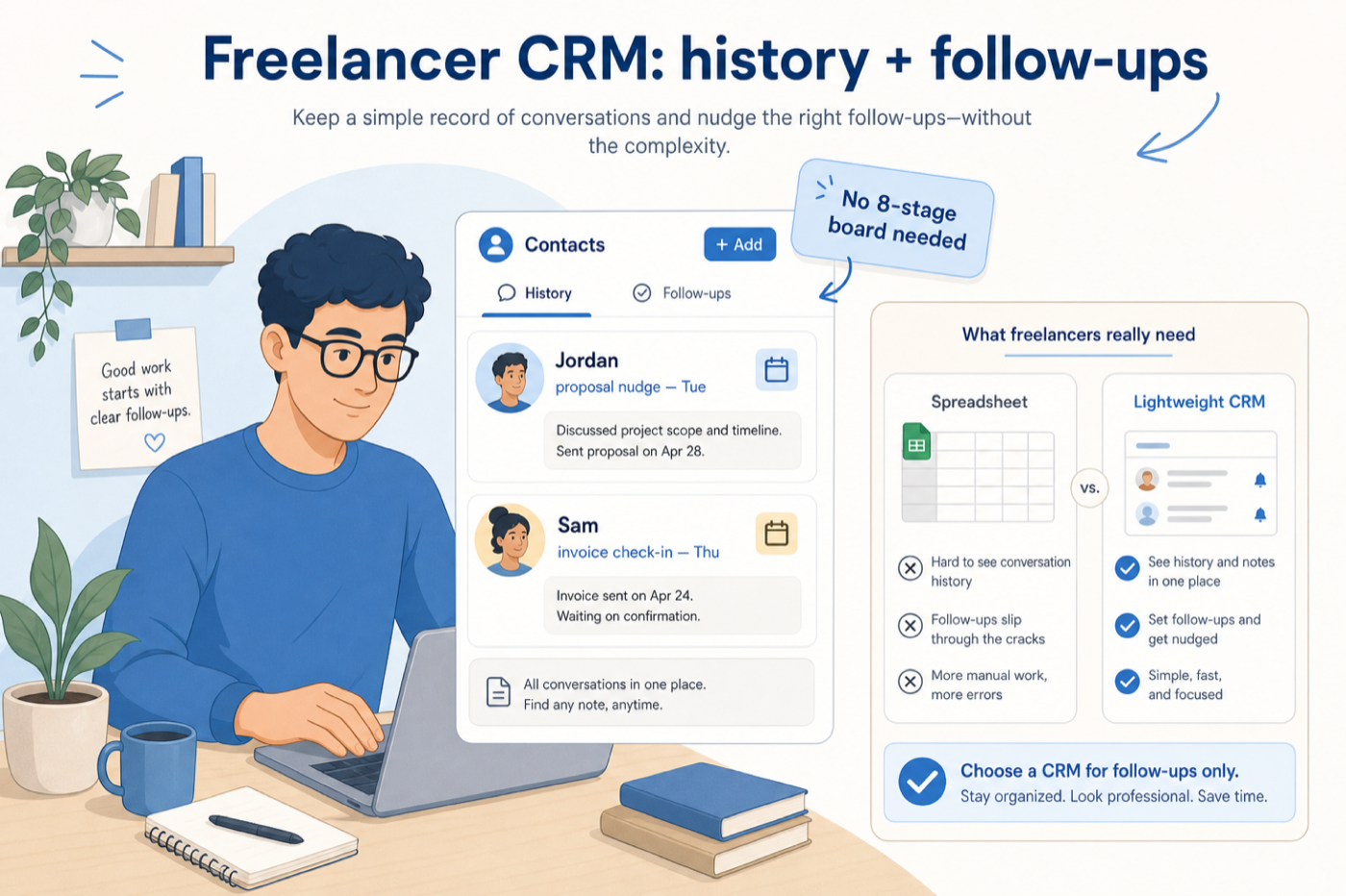
Keep client history and follow-ups organized without adopting a sales org’s CRM.
At a glance
Client memory + follow-ups
Solo operators
Simplicity · Contact history · Reminders · Low cost
9 products to explore
Fit snapshot
Most freelancers need reliable contact context and next actions — not multi-stage forecasting. Buy CRM only when inbox + notes start costing you clients.
Solo operators and independent consultants who need client memory and reliable follow-ups — not a multi-rep sales machine. You win work through relationships and proposals, and admin time is unpaid time.
How freelancers put CRM to work
Example 1
an independent consultant with 40 active prospects
Before CRM
two warm follow-ups slipped in personal reminders
After CRM
tasks and notes live on each client — still no five-stage board
Example 2
a freelance strategist with 35 warm prospects
Before CRM
two missed nudges cost retainers
After CRM
tasks and notes restore follow-up discipline in under an hour a week — still no eight-stage board
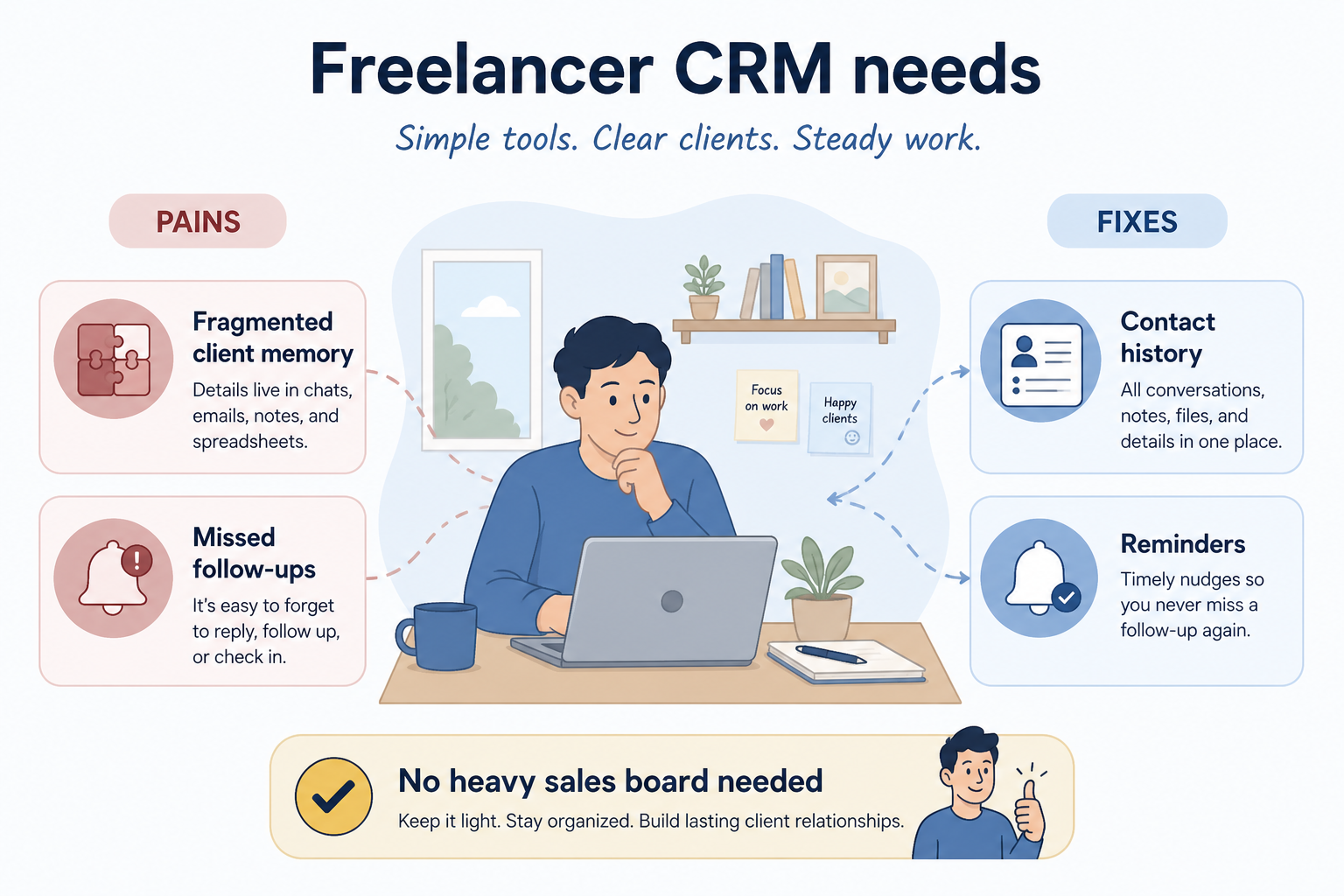
These are the operating problems that usually push freelancers toward CRM — not feature wish lists.
Without CRM discipline: Notes in docs, emails in inbox, promises in chat.
Without CRM discipline: Billable work crowds out nurture; warm leads go quiet.
Without CRM discipline: Paying for seats, pipelines, and admin you will never use.
A CRM only helps when the team keeps owners, history, and next steps current. Here is what “good” looks like for freelancers.
With a maintained CRM: One contact record holds history so you sound briefed every time.
With a maintained CRM: Reminders on the record make nurture a scheduled habit, not a hope.
With a maintained CRM: Choose the lightest tool that stores history and next actions.
Warm opportunities get a planned next touch.
History is one click away before a call.
You know when a sheet is enough — and when it is not.
Prefer lightweight contact management and reminders over complex pipeline configuration.
Notes, emails, and next steps on one record.
Explore →
If setup takes a weekend, it is too much.
Avoid per-seat plans designed for teams you do not have.
Explore →
CRM is optional until follow-up reliability breaks.
Explore →
Start with must-haves that match day-to-day work. Nice-to-haves can wait until the basics are trusted.
Simple due dates beat complex stages.
Log on the go between client sessions.
How a freelancer tracks client history and follow-ups without a multi-stage sales board.
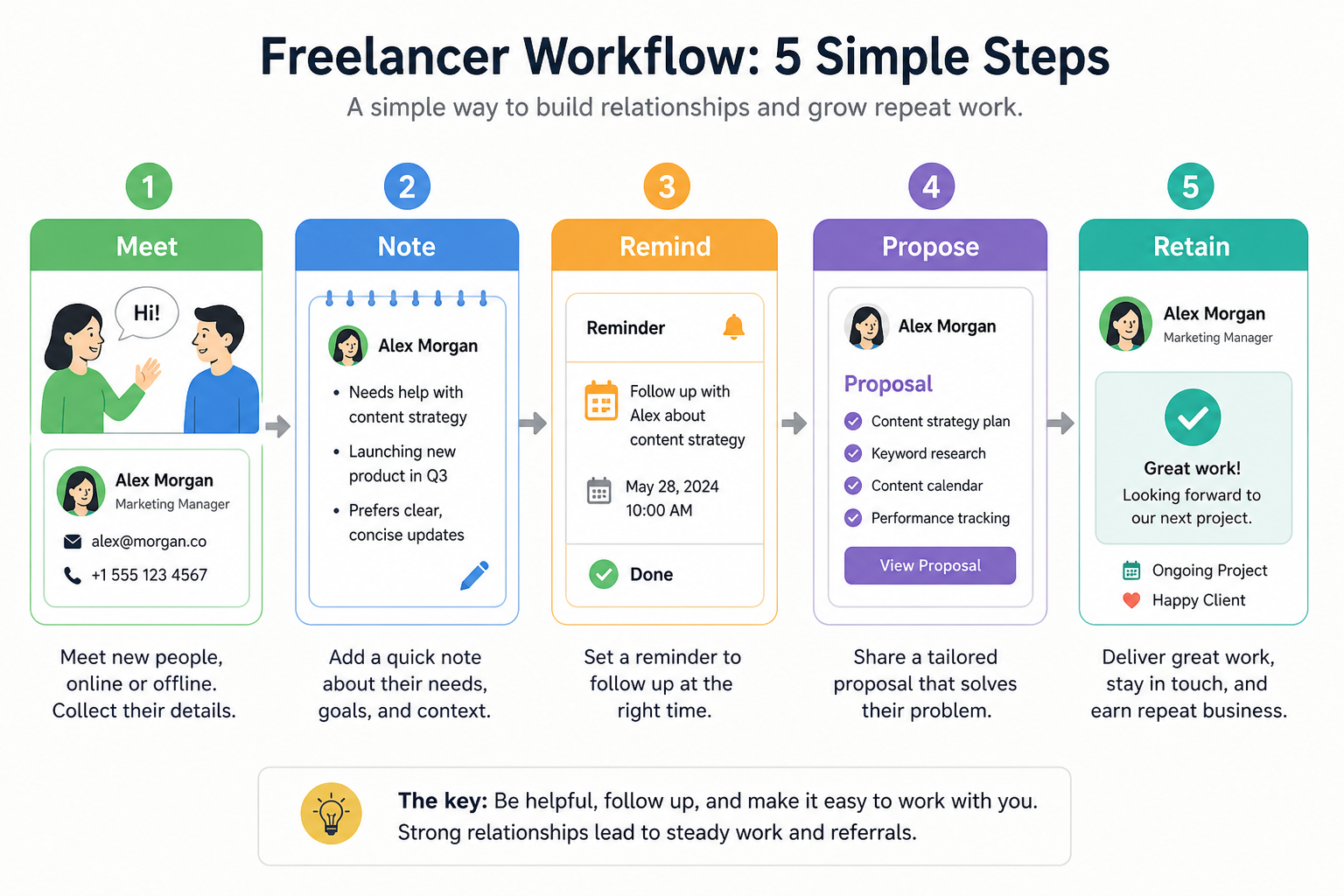
Capture the person and why they matter.
Log the conversation and promised next step.
Due date ensures the nudge happens.
Attach proposal status to the same record.
Keep relationship history after the project starts.
Use these as decision checks — not as product rankings.
Good fit when
Missed follow-ups are costing opportunities
Watch out
Only a handful of clients — sheet may still win
Usually avoid
Buying team CRM for solo vanity metrics
Best when: Multiple warm leads need scheduled follow-ups.
Best when: You need relationship history across months of work.
These CRM products commonly fit freelancers. This is a starting shortlist to review — not a ranked best-of list. Affiliate relationships never change what appears here.
Crm
Pipeline-first sales CRM for visual deal management, activity-based selling, and growing sales teams.

Crm
Affordable multi-edition sales CRM with free tier, automation, and Zia AI across Standard through Ultimate.

Crm
Modern, flexible CRM for startups and GTM teams with a data-model-first workspace and AI assistance.

Crm
Google Workspace-native CRM for pipeline and relationship management inside Gmail and Google apps.
Work OS–style sales CRM from monday.com for visual pipelines, automations, and team collaboration.

Crm
Small-business CRM with pipelines, marketing add-ons, and AI assistance on a clear per-user ladder.

Crm
Free-tier all-in-one CRM and collaboration suite with organization-based paid cloud plans.
Crm
Social and relationship CRM with Gmail/Outlook sync, contact enrichment, and a single Business plan for teams.

Crm
Freemium all-in-one CRM; Free (10 users), Starter from ~$8.99/user/mo on multi-year headline pricing.
Contacts + tasks beat pipeline theater.
Do not import years of junk contacts on day one.
Straightforward CRM for owners and small teams who need shared contacts and a simple pipeline.
CRM for agencies juggling clients, pitches, retainers, and handoffs across delivery teams.
Keep people, companies, and interaction history in one searchable system.
Maintain ongoing customer context beyond the first closed deal.
Next steps for freelancers evaluating CRM — decision tools and pages. Affiliate relationships never change recommendations.
Use Finder for a fit-based shortlist, compare catalogue products, or build a requirements checklist before demos. Affiliate relationships never change order.
Want clearer software shortlists? Get buying guides and comparisons by email.
Newsletter coming soon.