
This video is hosted on YouTube
This content is hosted by YouTube. The player loads only after you allow marketing cookies.
CRM feature
Design the checkpoints inside a pipeline so deals advance only when real work is done — not when someone wants a prettier board.
Feature at a glance
Feature type
Configuration
Primary capability
Pipeline management
Typical buyer need
The default stages do not describe how opportunities actually progress
Common limitation
How freely stages can be edited, and whether probability is editable, differs by product and plan
Products covered
10
Evidence records
560
Reviewed 15 Aug 2026
These pages cover related CRM topics but serve different jobs — buyer workflow, capability evaluation, or feature evidence — not duplicate rankings.
Fit snapshot
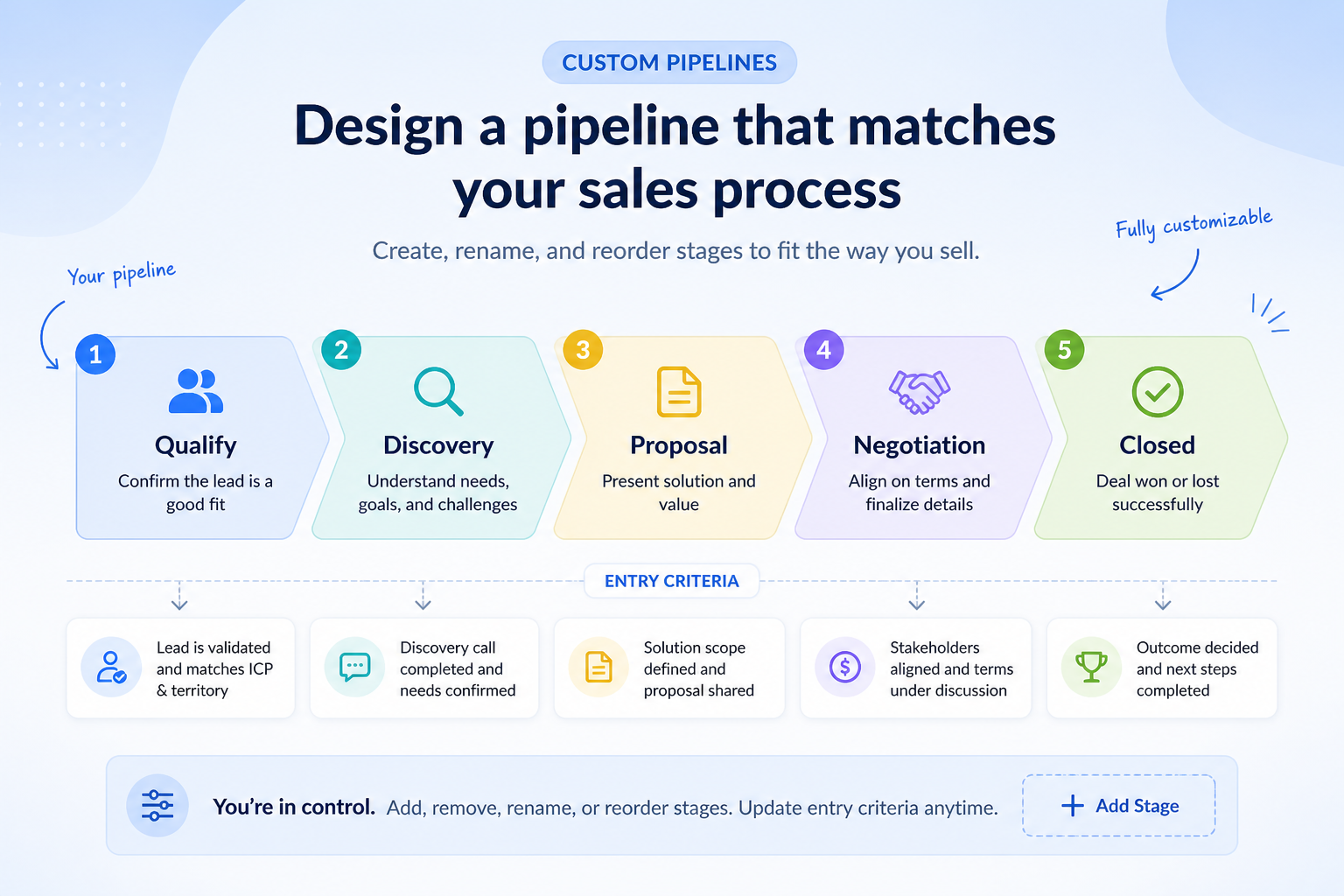
Custom pipeline stages is the CRM feature for defining, renaming, reordering, and governing the steps within a pipeline. It answers “what must be true before this deal moves?” rather than “how many separate pipelines do we need?” Multiple pipelines create separate processes; custom stages shape the process inside one of them. Without honest stages, forecasts and coaching become storytelling.
Sales managers, founders building their first shared board, and ops leads whose default vendor stages (Lead → Qualified → Proposal → Closed) do not match how the team actually sells — including field sales with site visits, agencies with pitch gates, or B2B teams with security review.
Evaluate stage editability, entry criteria or required fields, probability defaults, won/lost reasons, and whether stage changes can trigger automation — not how many stages a template ships with. Fewer honest stages beat a long decorative funnel.
Custom pipeline stages are the ability to design the stage model inside a sales pipeline — names, order, and exit criteria — so the board matches how your team actually advances opportunities.
Custom Pipeline Stages is NOT the same as
Pressure points
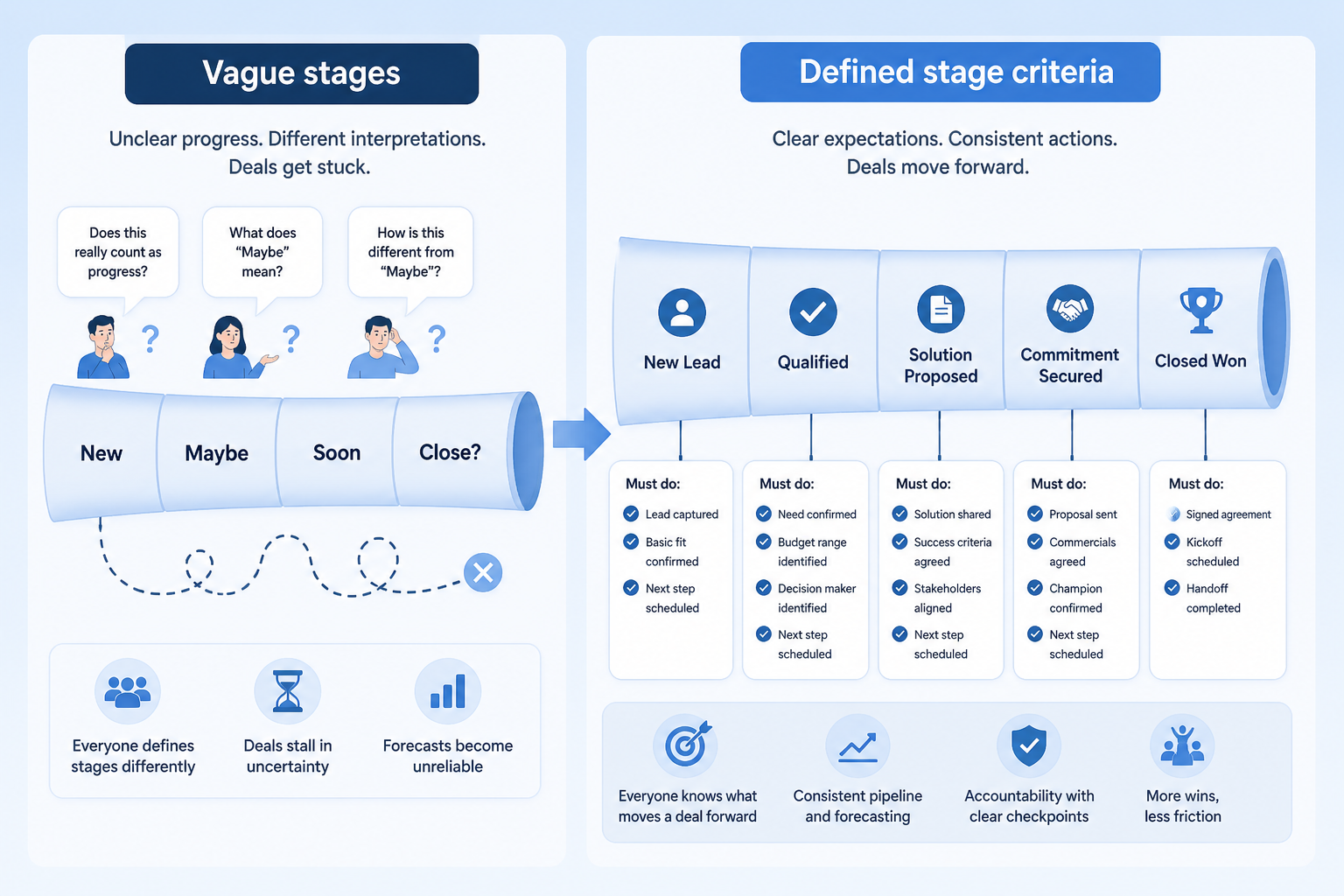
Pain: Reps park deals in the nearest-looking stage, so the board lies about progress.
How the feature helps: Editable stage lists let you encode real checkpoints your team can explain in one sentence.
Pain: Opportunities jump to Proposal before discovery or stakeholder map exists.
How the feature helps: Required fields or entry criteria on stage change make advancement reflect completed work.
Pain: Managers spend the meeting asking what “Negotiation” actually means this week.
How the feature helps: Shared stage definitions turn reviews into coaching on blockers, not vocabulary debates.
Pain: Weighted forecasts inherit decorative stages nobody treats as real.
How the feature helps: Stages tied to checkpoints make probability and commit conversations more grounded.
Results
Everyone means the same thing when a deal sits in a given stage.
Stuck deals and missing work show up as stage problems, not Slack archaeology.
Entry criteria reduce wishful advancement before automation or forecasting depends on it.
Stage-to-stage conversion reflects real process steps instead of decorative labels.
How it runs
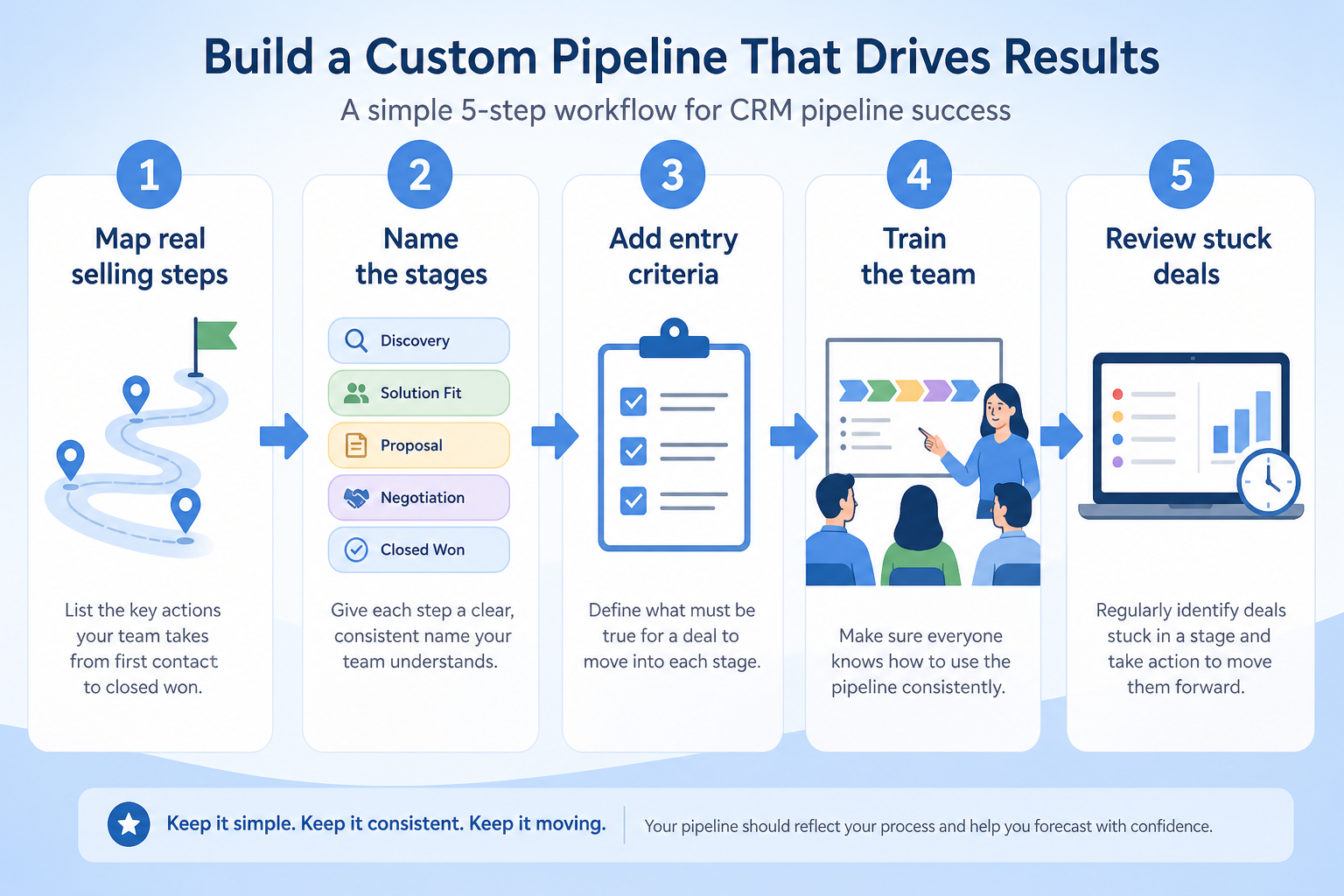
Write the exit criteria for each real decision point before touching the CRM.
Add, rename, reorder, or remove stages so the list matches that document.
Add required fields or rules so deals cannot skip unfinished work.
Run weekly reviews against stuck stages and missing next steps.
Retire unused stages when the process changes — keep the list short.
Concrete buyer situations — not product recommendations. Use them to test whether a CRM’s implementation matches how your team works.
Field sales: site visit as a real stage
Situation
A 12-rep industrial field team uses a generic SaaS-style funnel. Site visits and sample installs are buried in notes, so managers cannot see which deals are waiting on a visit.
What good looks like
Stages include Qualified → Site Scheduled → Site Complete → Proposal → Verbal → Closed. Moving to Proposal requires a completed site-visit date field. Monday reviews filter “Site Scheduled older than 14 days.”
Ask vendors
Can we add and reorder stages freely? Can stage changes require fields? Can automation create a visit task when entering Site Scheduled?
Agency: pitch committee gates
Situation
A 25-person agency’s new-business board has seven vague stages. Pitches enter “Proposal” before creative and pricing sign-off, and win rates look random.
What good looks like
Four stages with written criteria: Brief Accepted → Internal Ready → Client Pitch → Won/Lost. “Internal Ready” requires pricing owner and creative lead fields. Lost reasons are structured for monthly review.
Ask vendors
Can we collapse stages without losing history? Are won/lost reasons configurable? Can probability defaults differ by stage?
You probably need it if
You may not need it if
Capability
Pipeline management
Requirement
Support separate sales processes
Feature
Custom Pipeline Stages
Feature availability
criticalMinimum plan
highPipeline management
highMultiple pipelines
importantAutomation on stage change
importantOfficial product demonstrations can help show how vendors implement the same feature differently. SoftwareGlimpse evaluates these alongside documentation, screenshots and other product evidence. Absence of a video does not mean a product lacks the feature.

Salesforce
Specialized Retail Banking with Agentforce Financial Services
This video is hosted on YouTube
This content is hosted by YouTube. The player loads only after you allow marketing cookies.
What this demonstrates
Not established by this video
Source: Salesforce · Verified 14 Aug 2026
Open source ↗
Attio
Attio | How to build your sales pipelines

This video is hosted on YouTube
This content is hosted by YouTube. The player loads only after you allow marketing cookies.
What this demonstrates
Not established by this video
Source: Attio · Verified 15 Aug 2026
Open source ↗
Bitrix24
Bitrix24 Quick Start: #5 CRM Entities & Sales Pipeline | Express Course

This video is hosted on YouTube
This content is hosted by YouTube. The player loads only after you allow marketing cookies.
What this demonstrates
Not established by this video
Source: Bitrix24 · Verified 15 Aug 2026
Open source ↗
Copper
How to automate Pipeline Emails

This video is hosted on YouTube
This content is hosted by YouTube. The player loads only after you allow marketing cookies.
What this demonstrates
Not established by this video
Source: Copper · Verified 15 Aug 2026
Open source ↗Not verified means insufficient evidence — not the same as unsupported.
Salesforce

Agile CRM

Apptivo
Attio
Bitrix24
Copper
Cells use feature support. Unknown is never treated as No. Official videos open from evidence — they are never embedded in the matrix.
| Dimension | |||||
|---|---|---|---|---|---|
| Feature availability | Supported | Supported | Supported | Supported | Supported |
| Minimum plan | Starter Suite | Free | Lite | Free | Free |
| Pipeline management | Supported | Supported | Supported | Supported | Supported |
| Multiple pipelines | Supported | Supported | Supported | Supported | Supported |
| Automation on stage change | Supported | Supported | Supported | Supported | Supported |
Plan names come from feature entitlements — not inferred from marketing tier labels alone.
| Product | Feature starts at | Notes |
|---|---|---|
| Salesforce | Starter Suite | — |
| Agile CRM | Free | — |
| Apptivo | Lite | — |
| Attio | Free | — |
| Bitrix24 | Free | — |
| Copper | Basic | — |
Two products can both support the feature while differing in depth. Official demos below are supplementary — the comparison matrix remains the structured source of truth.
Salesforce
This video is hosted on YouTube
This content is hosted by YouTube. The player loads only after you allow marketing cookies.
Official vendor video
Financial Services Cloud overview — client/account relationships and advisor workflows
client / account relationship surfaces in Financial Services Cloud
Attio
This video is hosted on YouTube
This content is hosted by YouTube. The player loads only after you allow marketing cookies.
Official vendor tutorial
Attio sales pipeline setup
Pipeline management
Compare how products differ on pipeline management rather than assuming parity.
Multiple pipelines
Compare how products differ on multiple pipelines rather than assuming parity.
Automation on stage change
Compare how products differ on automation on stage change rather than assuming parity.
Loading evidence explorer…
Verified product captures only — never stock imagery or mockups.
Salesforce custom pipeline stages
Supported · StrongEvidence: 6 · High confidence
Available from: Starter Suite
Salesforce has researched support for custom pipeline stages. See the comparison matrix for related dimensions.
Strengths
Limitations
Best for: Mid-market and enterprise sales orgs needing deep customization and reporting
See it in action
This video is hosted on YouTube
This content is hosted by YouTube. The player loads only after you allow marketing cookies.
Official vendor video
Financial Services Cloud overview — client/account relationships and advisor workflows
Official vendor demonstration — complementary evidence, not a substitute for the comparison matrix.
View all feature evidenceAgile CRM custom pipeline stages
Supported · StrongEvidence: 5 · High confidence
Available from: Free
Agile CRM has researched support for custom pipeline stages. See the comparison matrix for related dimensions.
Strengths
Limitations
Best for: Budget-conscious SMBs wanting freemium CRM
See it in action

This video is hosted on YouTube
This content is hosted by YouTube. The player loads only after you allow marketing cookies.
Official vendor video
Official vendor demonstration — complementary evidence, not a substitute for the comparison matrix.
View all feature evidenceApptivo custom pipeline stages
Supported · StrongEvidence: 5 · High confidence
Available from: Lite
Apptivo has researched support for custom pipeline stages. See the comparison matrix for related dimensions.
Strengths
Limitations
Best for: SMBs wanting CRM plus adjacent business apps
See it in action
This video is hosted on YouTube
This content is hosted by YouTube. The player loads only after you allow marketing cookies.
Official vendor tutorial
Official vendor demonstration — complementary evidence, not a substitute for the comparison matrix.
View all feature evidenceAttio custom pipeline stages
Supported · StrongEvidence: 5 · High confidence
Available from: Free
Attio has researched support for custom pipeline stages. See the comparison matrix for related dimensions.
Strengths
Limitations
Best for: Startups and GTM teams wanting flexible CRM
See it in action
This video is hosted on YouTube
This content is hosted by YouTube. The player loads only after you allow marketing cookies.
Official vendor tutorial
Official vendor demonstration — complementary evidence, not a substitute for the comparison matrix.
View all feature evidenceBitrix24 custom pipeline stages
Supported · StrongEvidence: 5 · High confidence
Available from: Free
Bitrix24 has researched support for custom pipeline stages. See the comparison matrix for related dimensions.
Strengths
Limitations
Best for: SMBs wanting free all-in-one CRM/collab
See it in action
This video is hosted on YouTube
This content is hosted by YouTube. The player loads only after you allow marketing cookies.
Official vendor tutorial
Official vendor demonstration — complementary evidence, not a substitute for the comparison matrix.
View all feature evidenceProcess fidelity vs board clarity
More stages describe the process better and make the board harder to keep accurate.
Flexibility vs historical consistency
Renaming or removing stages can muddy historical reporting unless the product preserves history carefully.
Plan restrictions
Availability and depth often differ by plan tier, so check where this feature starts.
Feature availability alone does not tell you whether the implementation fits your workflow. Compare depth, plan gating, and related dimensions before shortlisting.
Pipeline-led sales teams
SituationalSeparate genuinely different sales motions.
Complex sales processes
High relevanceRun distinct sales motions separately.
Add this as a requirement in your CRM shortlist and personalize for team size, budget, and other priorities.
Find My CRM10
Products covered
560
Evidence items
277
Screenshots
33
Plan records
Capability
Pipeline management
Requirement
Support separate sales processes
Feature
Custom Pipeline Stages
Products
10 researched
Evidence
560 records
They are the configurable checkpoints inside a pipeline — the ordered steps an opportunity moves through, ideally with clear entry or exit criteria.
Custom stages shape one process. Multiple pipelines are for running more than one process with different stage models. You often need both: stages that fit, and separate pipelines when motions diverge.
Enough to reflect real decision points, and no more. If the team cannot explain a stage in one sentence, it usually should not exist.
Compare catalogue CRM products based on this feature plus your other requirements, team size and budget.
Explore the official documentation, screenshots and product demonstrations used to understand how each CRM implements this feature.
70 items
Official video · Agile CRM
Supports
Demonstrates
This video is hosted on YouTube
This content is hosted by YouTube. The player loads only after you allow marketing cookies.
Official vendor video
Verified: 16 Aug 2026
Open source ↗Official video · Apptivo
Supports
Demonstrates
This video is hosted on YouTube
This content is hosted by YouTube. The player loads only after you allow marketing cookies.
Official vendor tutorial
Verified: 16 Aug 2026
Open source ↗Official video · Apptivo
Supports
Demonstrates

This video is hosted on YouTube
This content is hosted by YouTube. The player loads only after you allow marketing cookies.
Official vendor video
Verified: 16 Aug 2026
Open source ↗Official video · Attio
Supports
Demonstrates
This video is hosted on YouTube
This content is hosted by YouTube. The player loads only after you allow marketing cookies.
Official vendor tutorial
Verified: 15 Aug 2026
Open source ↗Official video · Attio
Supports
Demonstrates

This video is hosted on YouTube
This content is hosted by YouTube. The player loads only after you allow marketing cookies.
Official vendor tutorial
Verified: 15 Aug 2026
Open source ↗Official video · Bitrix24
Supports
Demonstrates
This video is hosted on YouTube
This content is hosted by YouTube. The player loads only after you allow marketing cookies.
Official vendor tutorial
Verified: 15 Aug 2026
Open source ↗Official video · Bitrix24
Supports
Demonstrates

This video is hosted on YouTube
This content is hosted by YouTube. The player loads only after you allow marketing cookies.
Official vendor tutorial
Verified: 15 Aug 2026
Open source ↗Official video · Copper
Supports
Demonstrates
This video is hosted on YouTube
This content is hosted by YouTube. The player loads only after you allow marketing cookies.
Official vendor tutorial
Verified: 15 Aug 2026
Open source ↗Official video · Copper
Supports
Demonstrates

This video is hosted on YouTube
This content is hosted by YouTube. The player loads only after you allow marketing cookies.
Official vendor tutorial
Verified: 15 Aug 2026
Open source ↗
Official video · Creatio
Supports
Demonstrates

This video is hosted on YouTube
This content is hosted by YouTube. The player loads only after you allow marketing cookies.
Official vendor tutorial
Verified: 15 Aug 2026
Open source ↗Official video · Creatio
Supports
Demonstrates

This video is hosted on YouTube
This content is hosted by YouTube. The player loads only after you allow marketing cookies.
Official vendor tutorial
Verified: 15 Aug 2026
Open source ↗
Official video · HubSpot
Supports
Demonstrates

This video is hosted on YouTube
This content is hosted by YouTube. The player loads only after you allow marketing cookies.
Official vendor tutorial
Lead management workflow — capture through assignment and follow-up
Verified: 14 Aug 2026
Open source ↗Official video · HubSpot
Supports
Demonstrates

This video is hosted on YouTube
This content is hosted by YouTube. The player loads only after you allow marketing cookies.
Official vendor tutorial
Verified: 15 Aug 2026
Open source ↗Official video · HubSpot
Supports
Demonstrates

This video is hosted on YouTube
This content is hosted by YouTube. The player loads only after you allow marketing cookies.
Official vendor tutorial
Verified: 15 Aug 2026
Open source ↗
Official video · Insightly
Supports
Demonstrates

This video is hosted on YouTube
This content is hosted by YouTube. The player loads only after you allow marketing cookies.
Official vendor tutorial
Verified: 15 Aug 2026
Open source ↗Official video · Insightly
Supports
Demonstrates

This video is hosted on YouTube
This content is hosted by YouTube. The player loads only after you allow marketing cookies.
Official vendor tutorial
Verified: 15 Aug 2026
Open source ↗
Official video · monday sales CRM
Supports
Demonstrates

This video is hosted on YouTube
This content is hosted by YouTube. The player loads only after you allow marketing cookies.
Official vendor tutorial
Verified: 15 Aug 2026
Open source ↗Official video · monday sales CRM
Supports
Demonstrates

This video is hosted on YouTube
This content is hosted by YouTube. The player loads only after you allow marketing cookies.
Official vendor tutorial
Verified: 15 Aug 2026
Open source ↗Official video · Pipedrive
Supports
Demonstrates

This video is hosted on YouTube
This content is hosted by YouTube. The player loads only after you allow marketing cookies.
Official vendor video
Pipeline-first workspace with stage movement and activities
Verified: 14 Aug 2026
Open source ↗Official video · Salesforce
Supports
Demonstrates
This video is hosted on YouTube
This content is hosted by YouTube. The player loads only after you allow marketing cookies.
Official vendor video
Financial Services Cloud overview — client/account relationships and advisor workflows
Verified: 14 Aug 2026
Open source ↗Official video · Salesforce
Supports
Demonstrates

This video is hosted on YouTube
This content is hosted by YouTube. The player loads only after you allow marketing cookies.
Official vendor tutorial
Verified: 15 Aug 2026
Open source ↗Official video · Streak
Supports
Demonstrates

This video is hosted on YouTube
This content is hosted by YouTube. The player loads only after you allow marketing cookies.
Official vendor tutorial
Verified: 15 Aug 2026
Open source ↗Screenshot · ACT!
Supports
Demonstrates
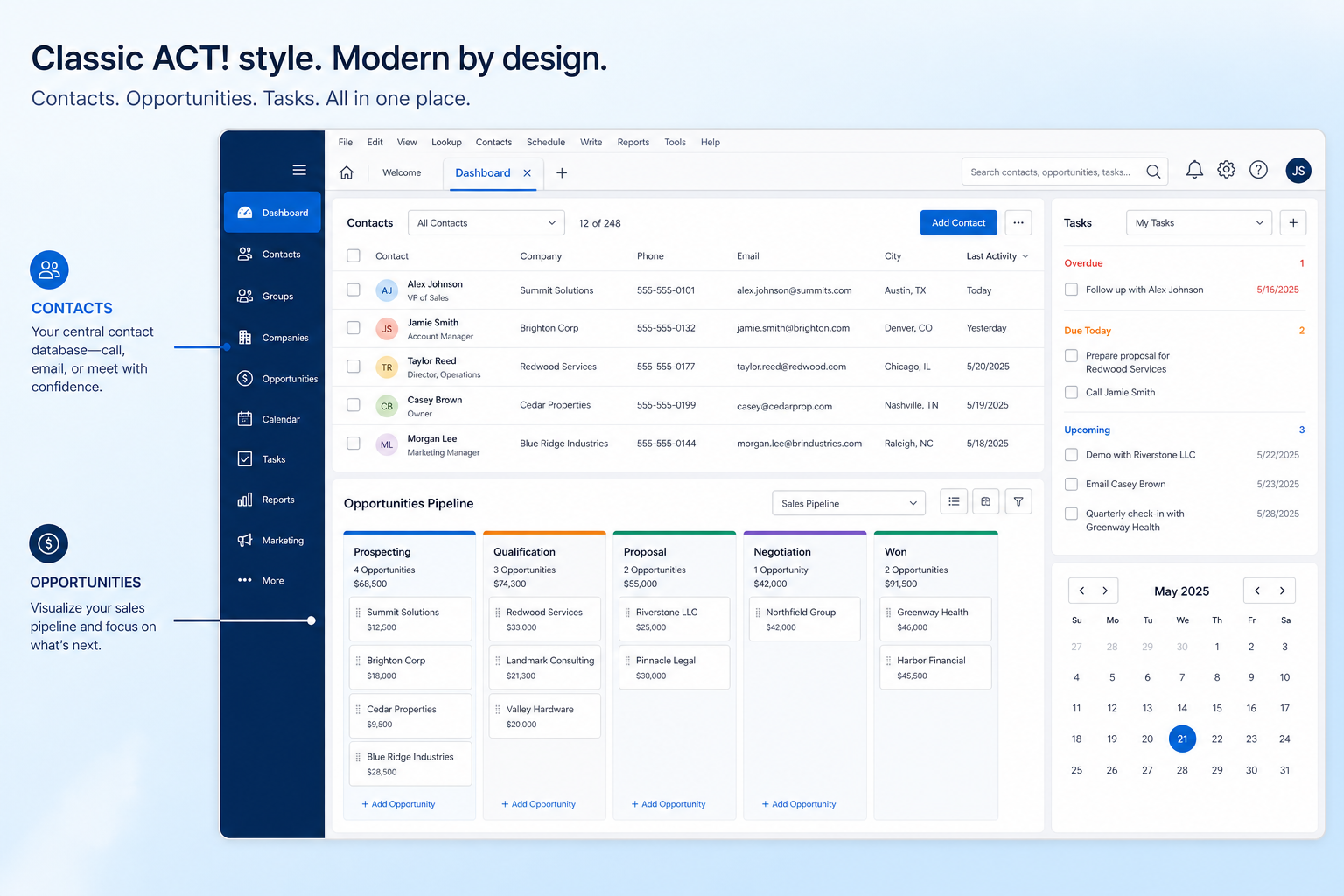
Verified: 16 Aug 2026
Open source ↗Screenshot · Affinity
Supports
Demonstrates
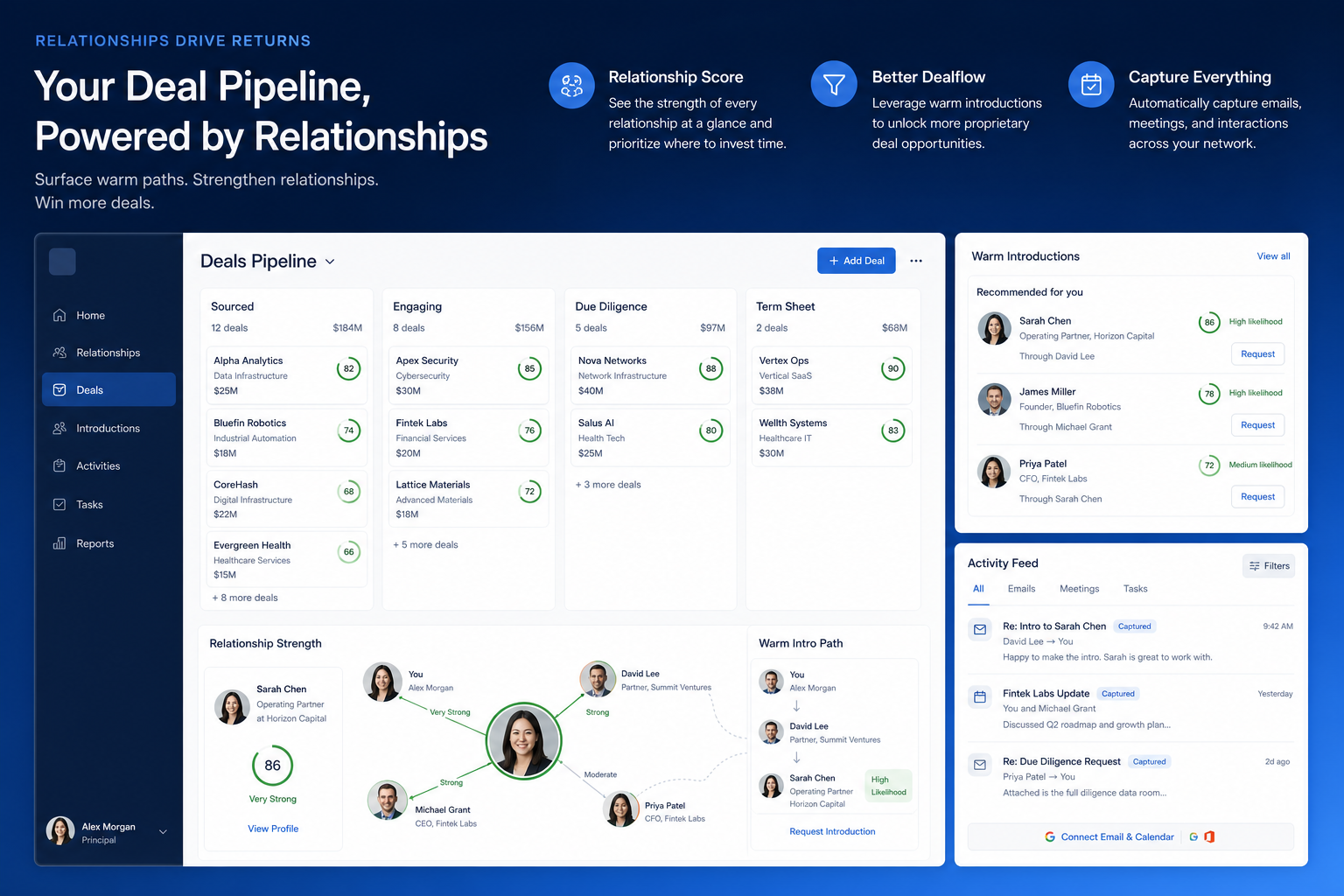
Verified: 16 Aug 2026
Open source ↗Screenshot · Agile CRM
Supports
Demonstrates
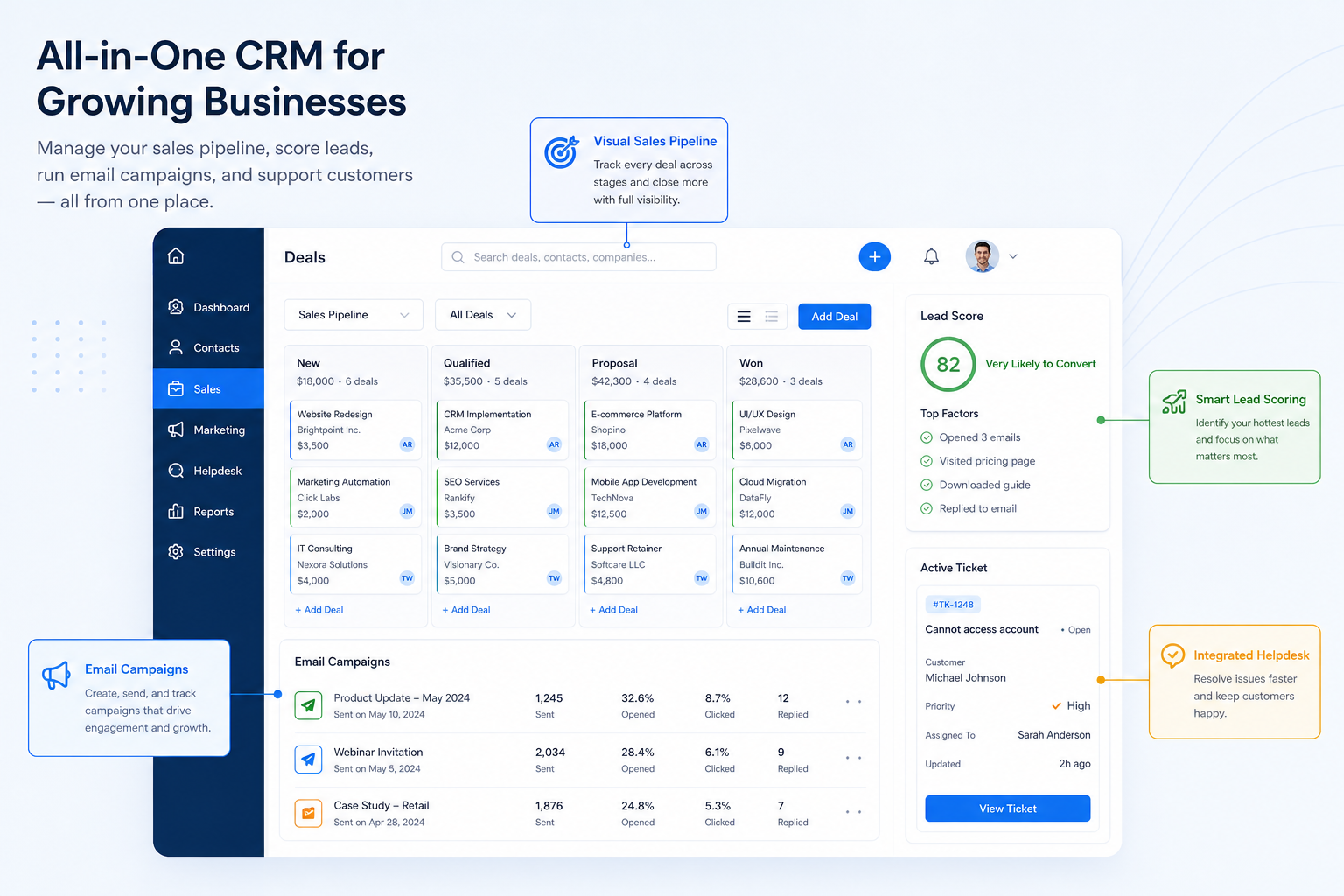
Verified: 16 Aug 2026
Open source ↗Screenshot · Apptivo
Supports
Demonstrates
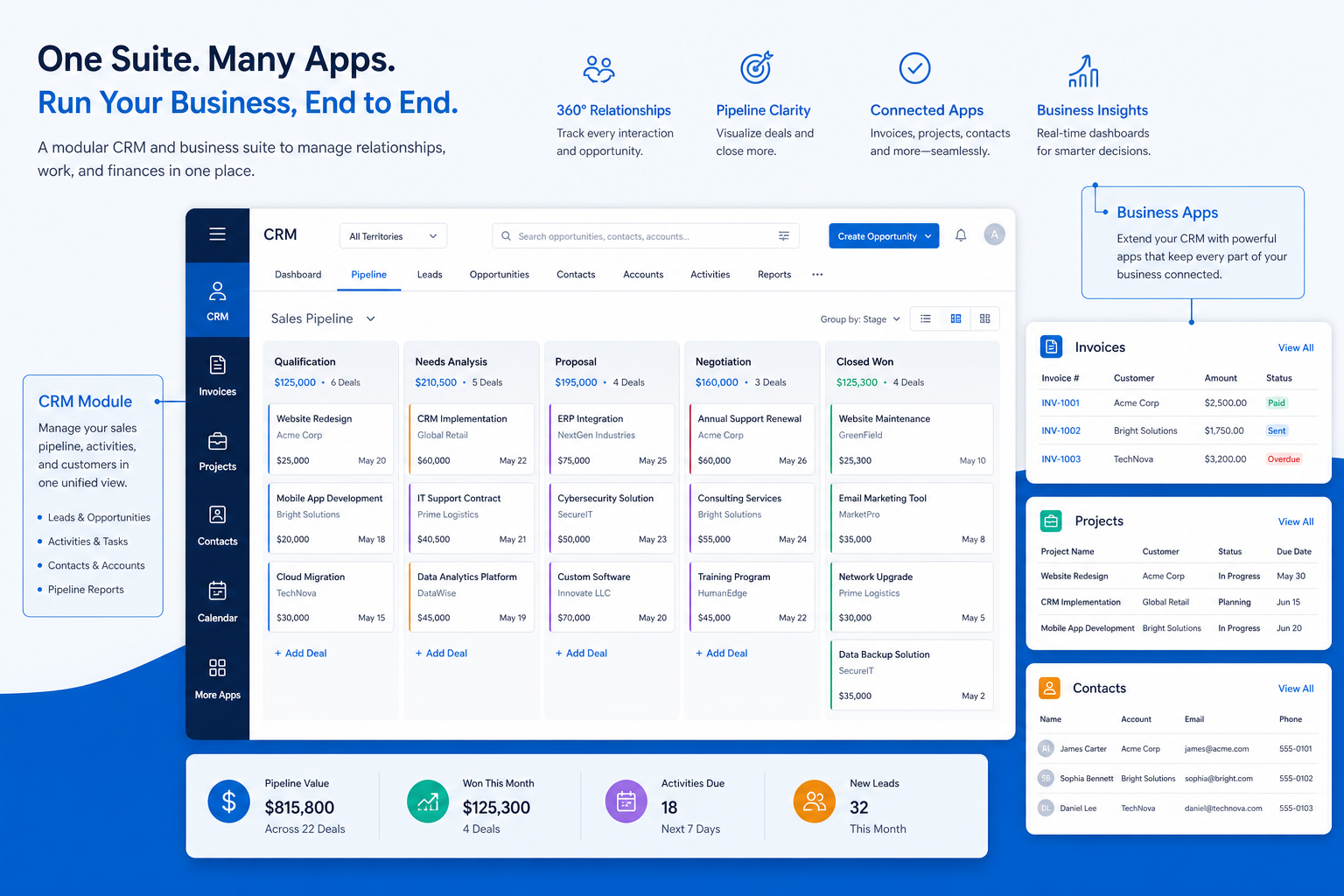
Verified: 16 Aug 2026
Open source ↗Screenshot · Attio
Supports
Demonstrates
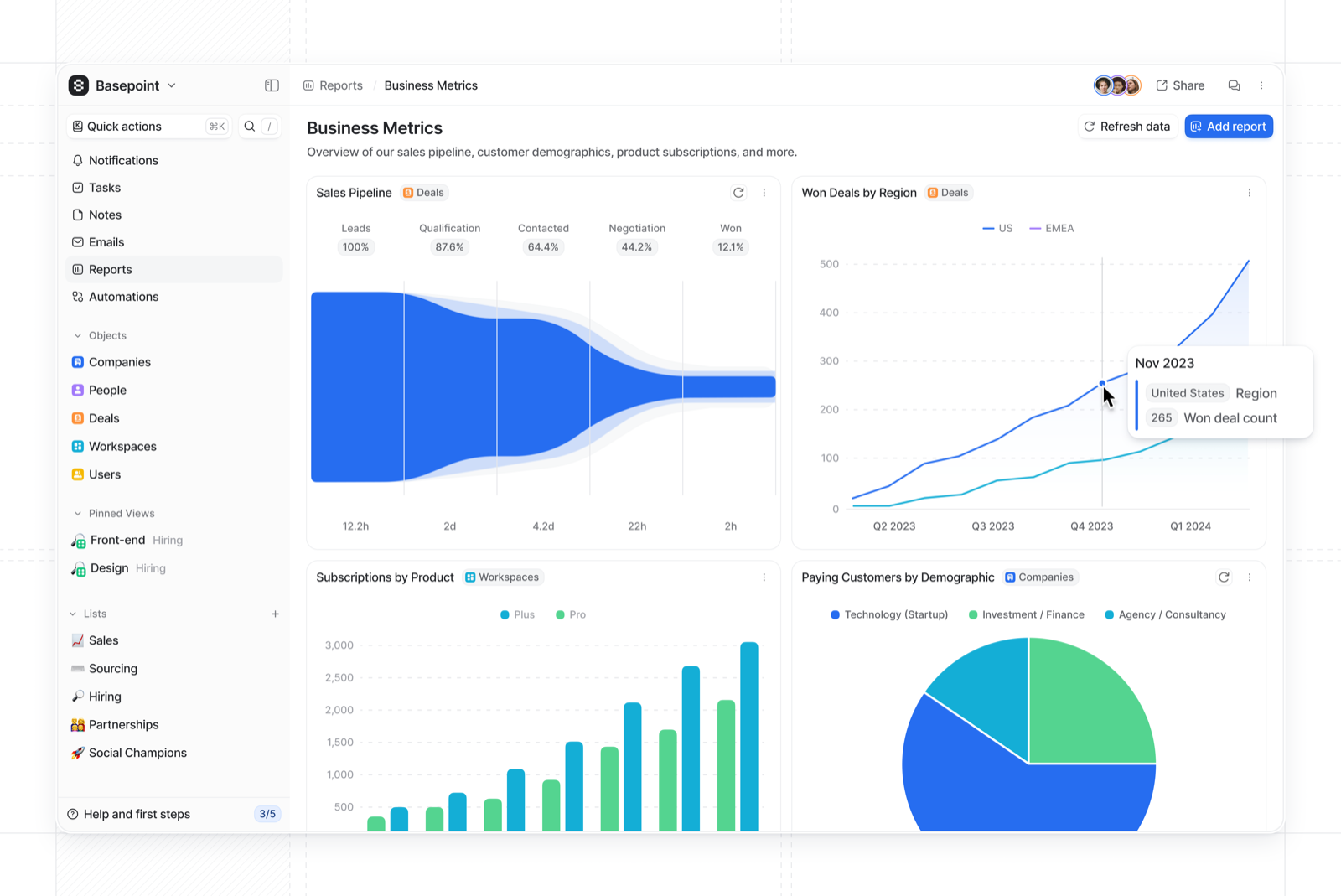
Verified: 15 Aug 2026
Open source ↗Screenshot · Attio
Supports
Demonstrates
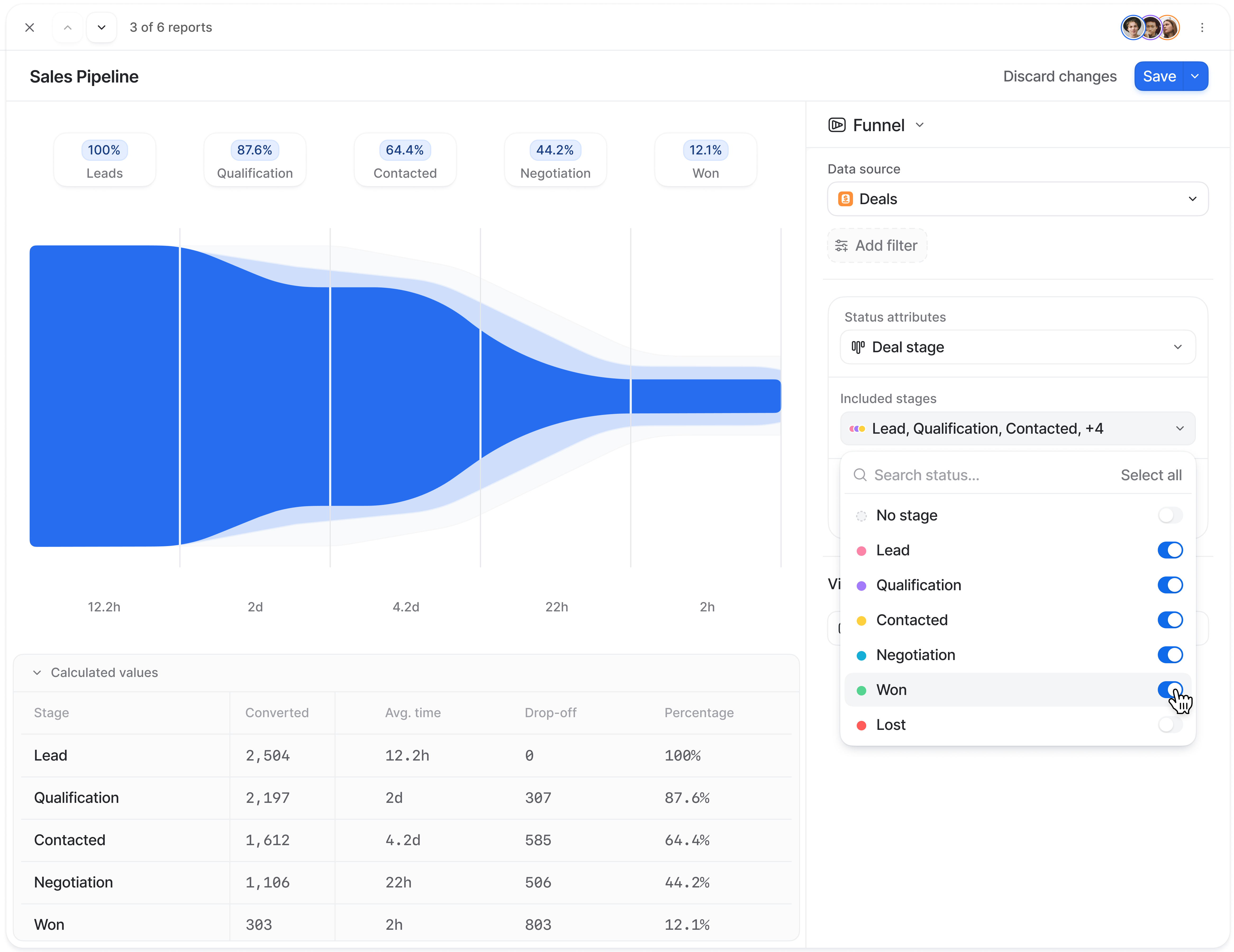
Verified: 15 Aug 2026
Open source ↗Screenshot · Attio
Supports
Demonstrates
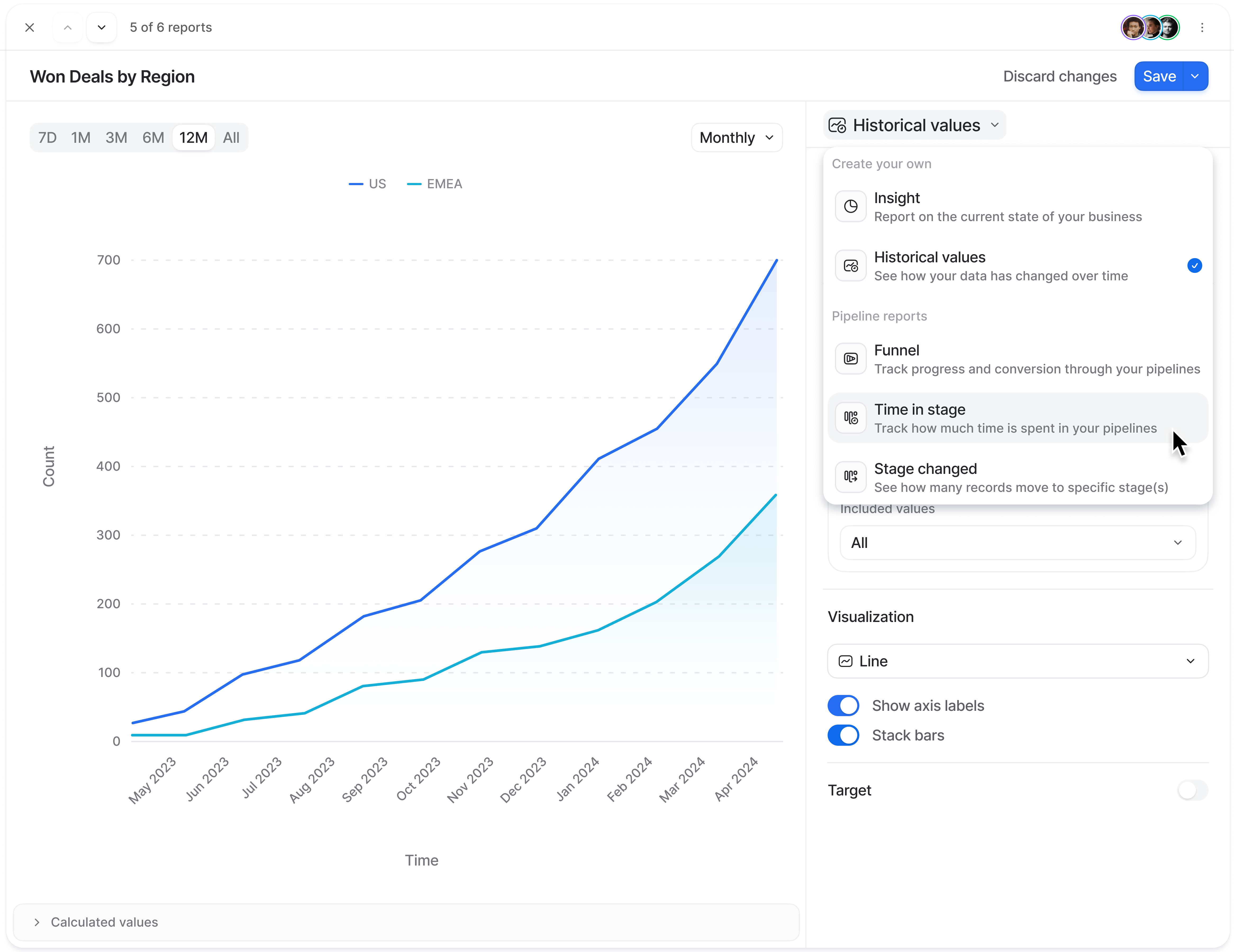
Verified: 15 Aug 2026
Open source ↗Screenshot · Bitrix24
Supports
Demonstrates
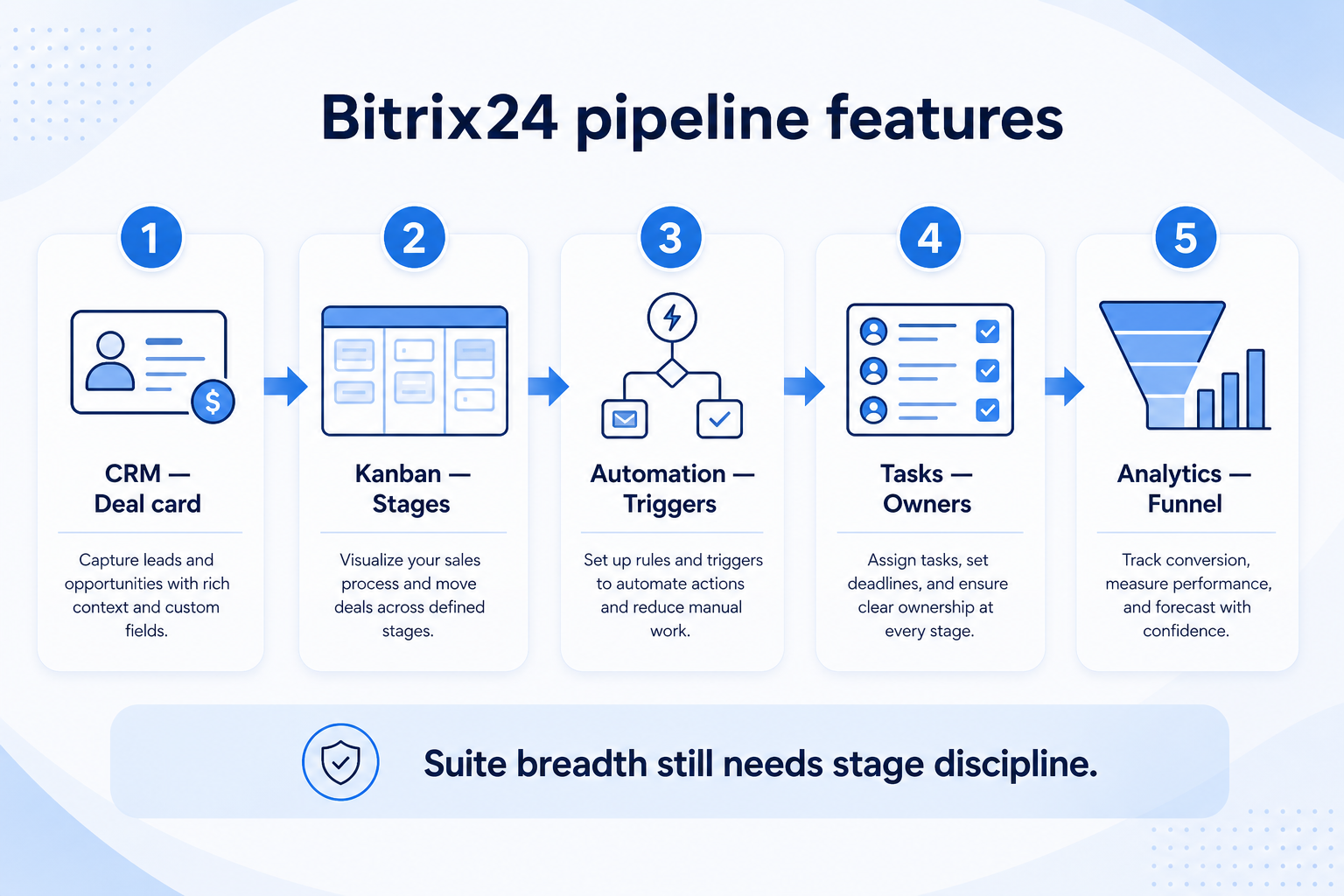
Verified: 15 Aug 2026
Open source ↗Screenshot · Bitrix24
Supports
Demonstrates
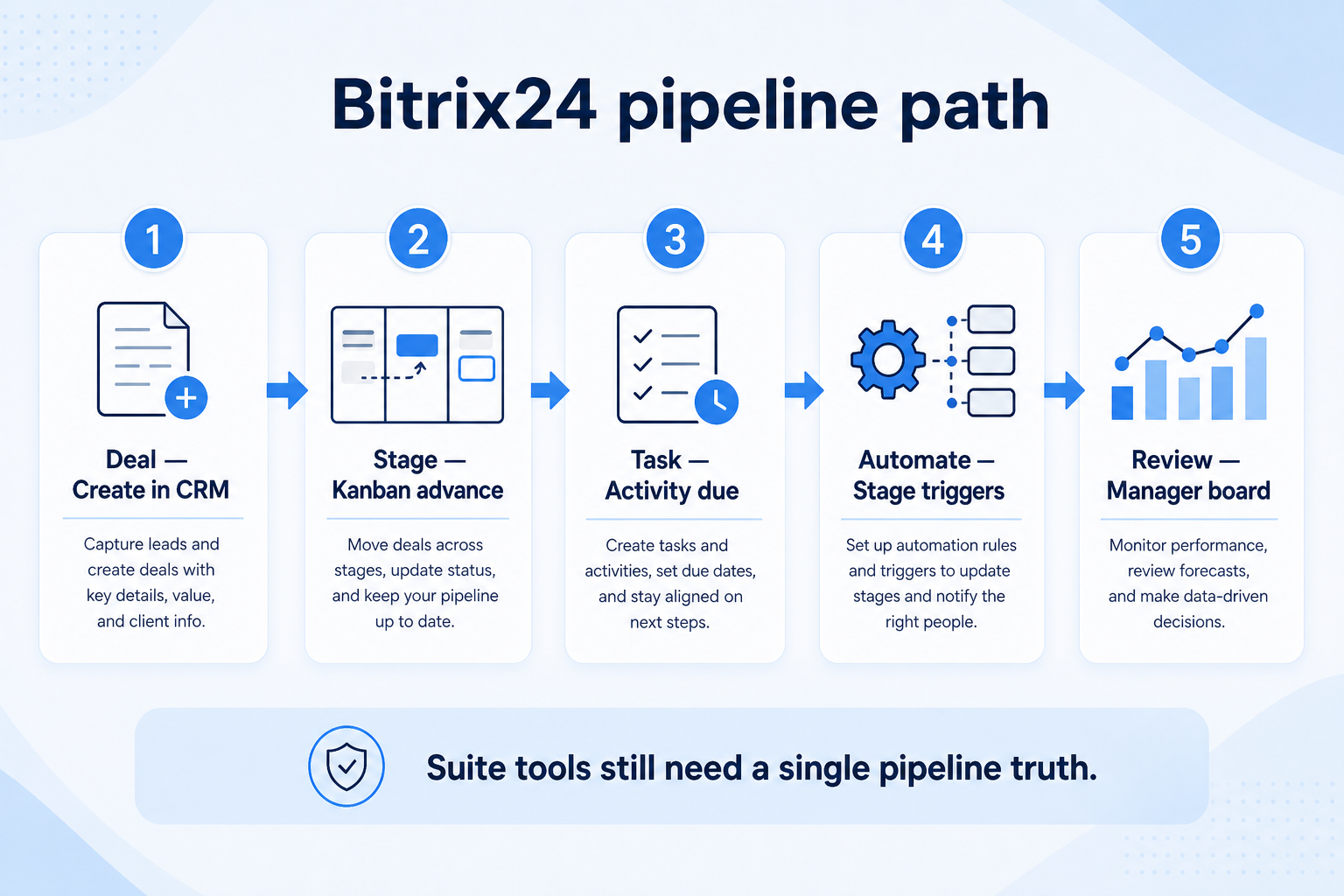
Verified: 15 Aug 2026
Open source ↗Screenshot · Capsule
Supports
Demonstrates
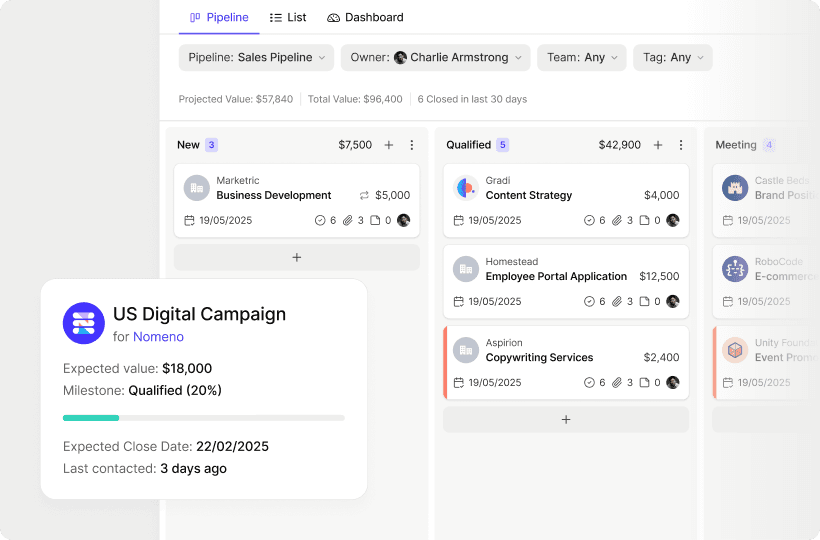
Verified: 13 Aug 2026
Open source ↗Screenshot · Capsule
Supports
Demonstrates
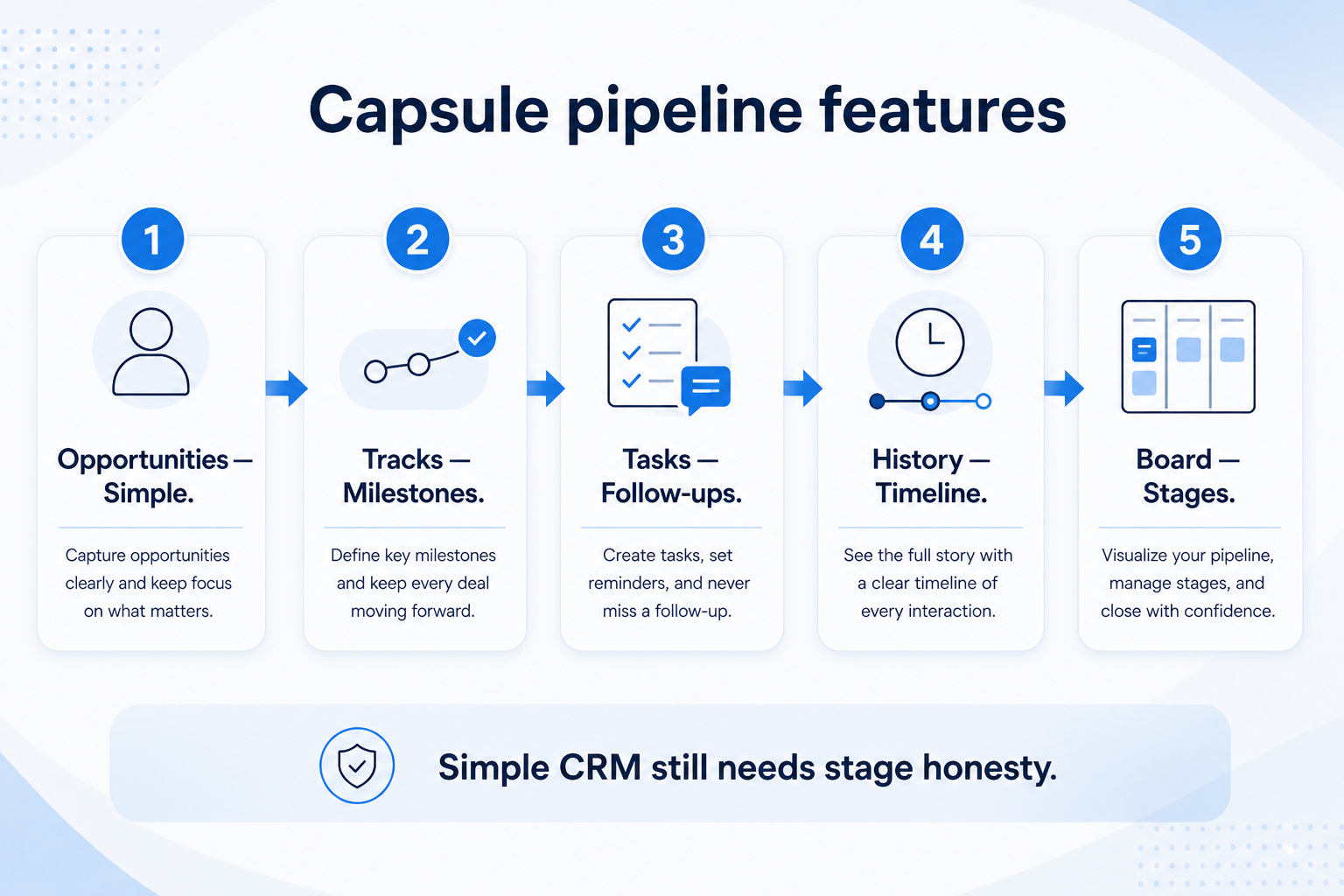
Verified: 15 Aug 2026
Open source ↗Screenshot · Close
Supports
Demonstrates
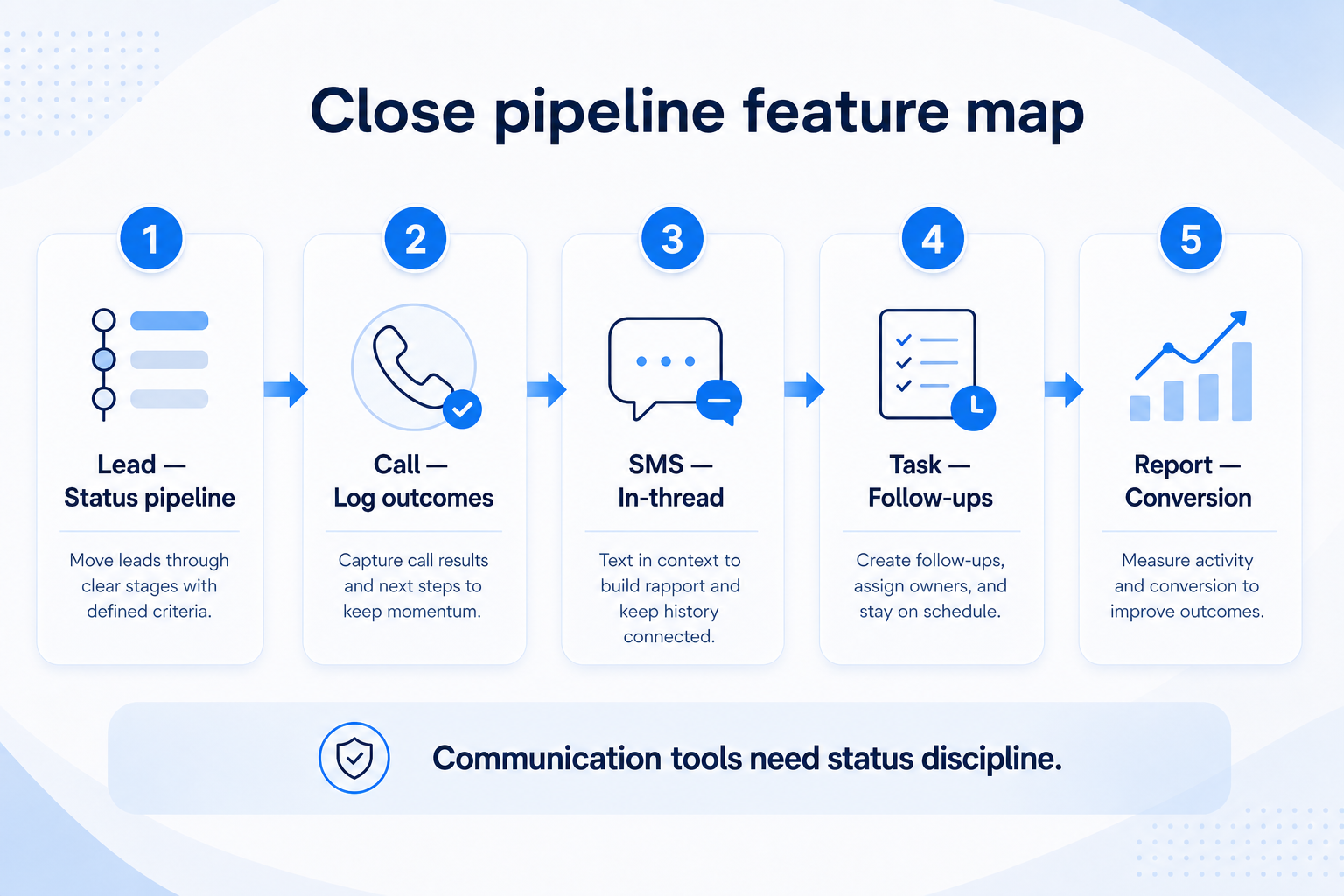
Verified: 15 Aug 2026
Open source ↗Screenshot · Copper
Supports
Demonstrates
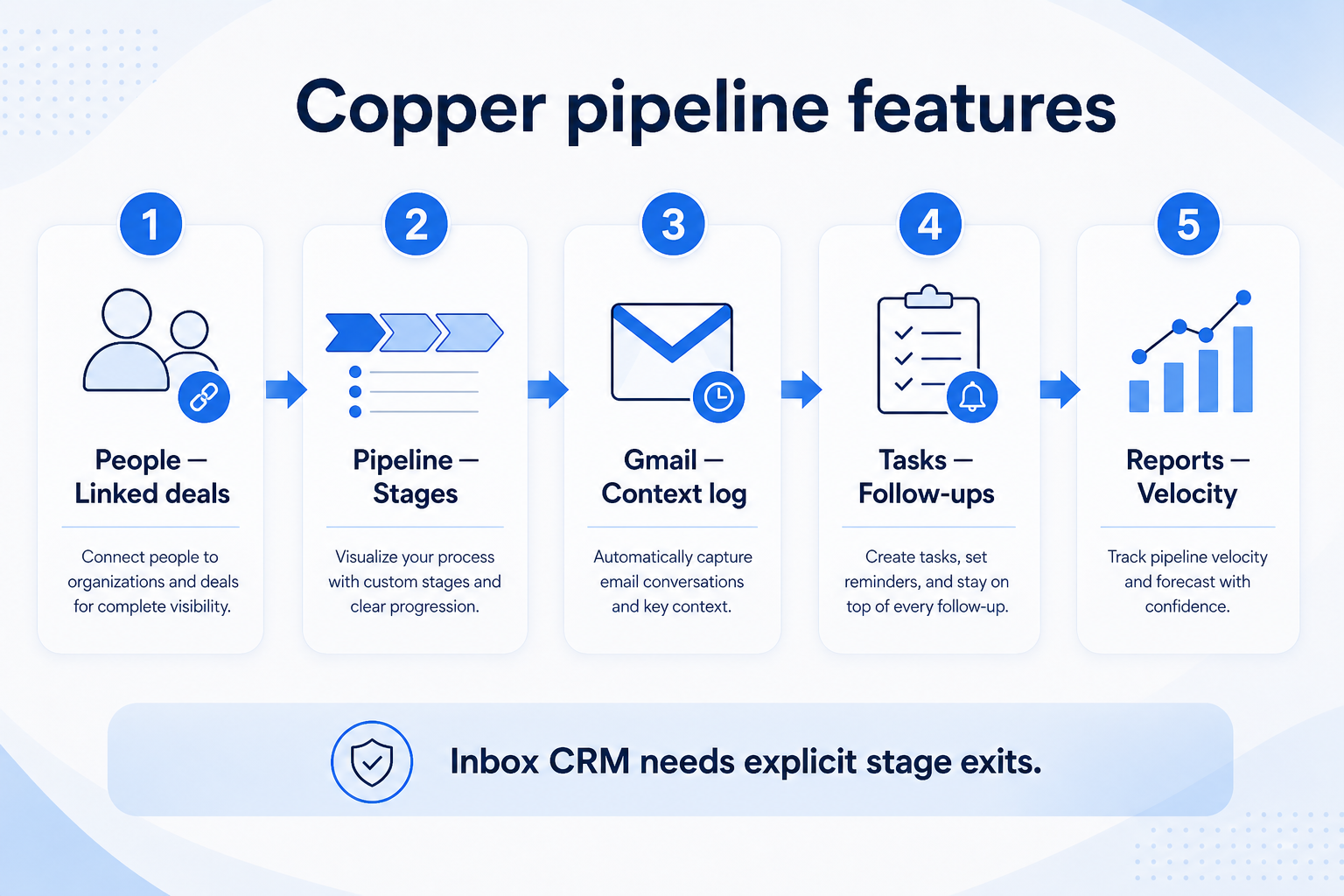
Verified: 15 Aug 2026
Open source ↗Screenshot · Copper
Supports
Demonstrates
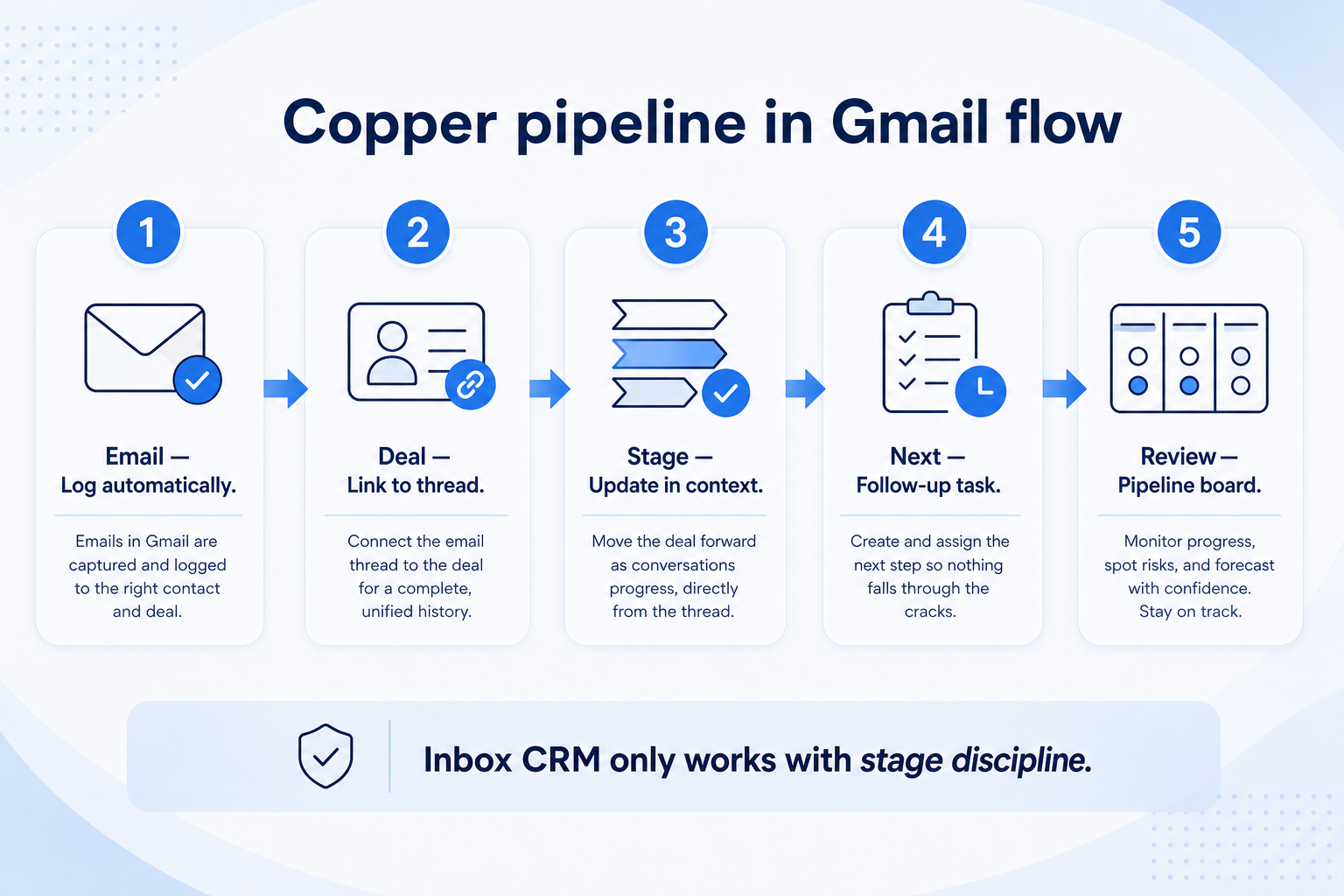
Verified: 15 Aug 2026
Open source ↗Screenshot · Creatio
Supports
Demonstrates
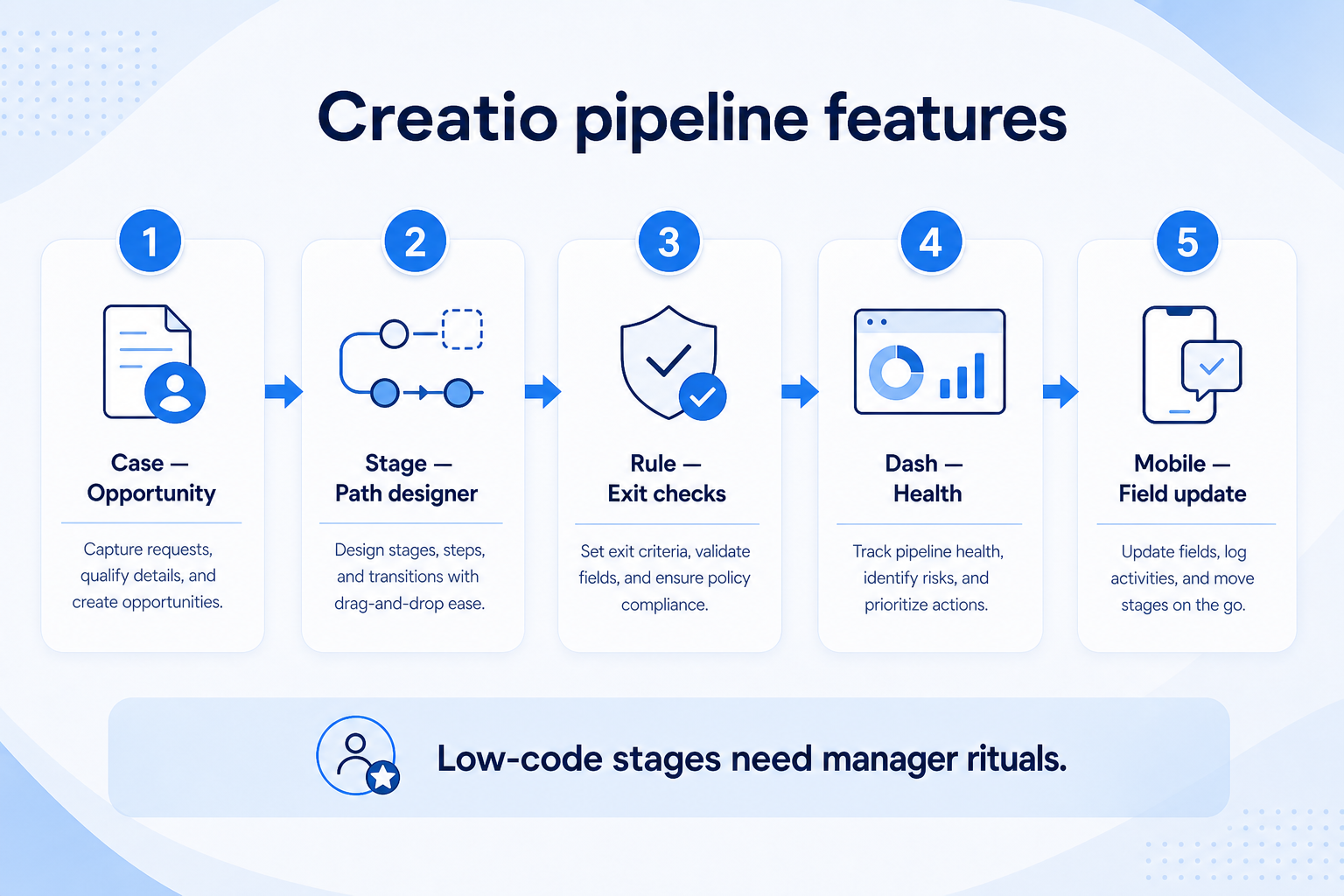
Verified: 15 Aug 2026
Open source ↗Screenshot · Creatio
Supports
Demonstrates
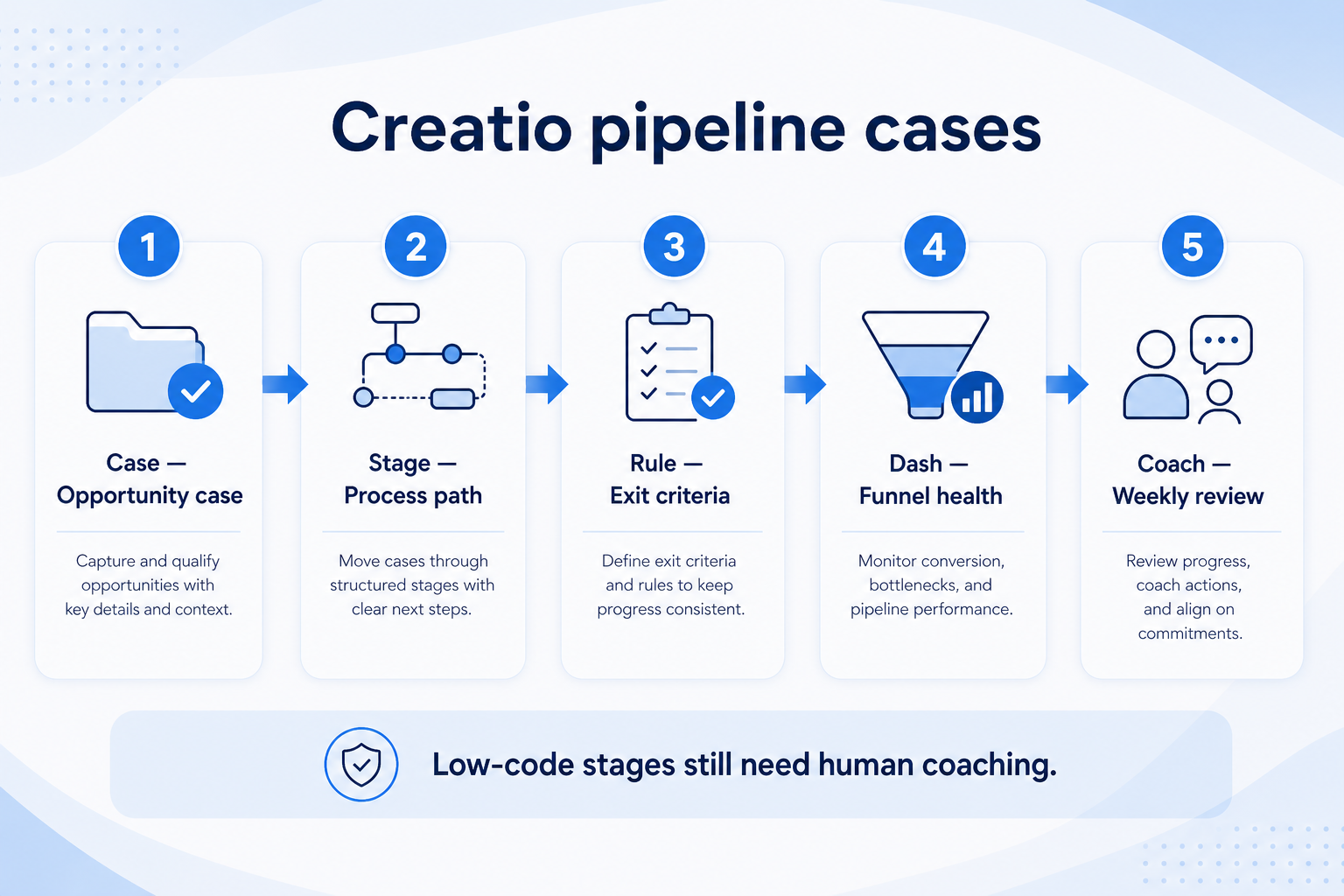
Verified: 15 Aug 2026
Open source ↗Screenshot · HubSpot
Supports
Demonstrates
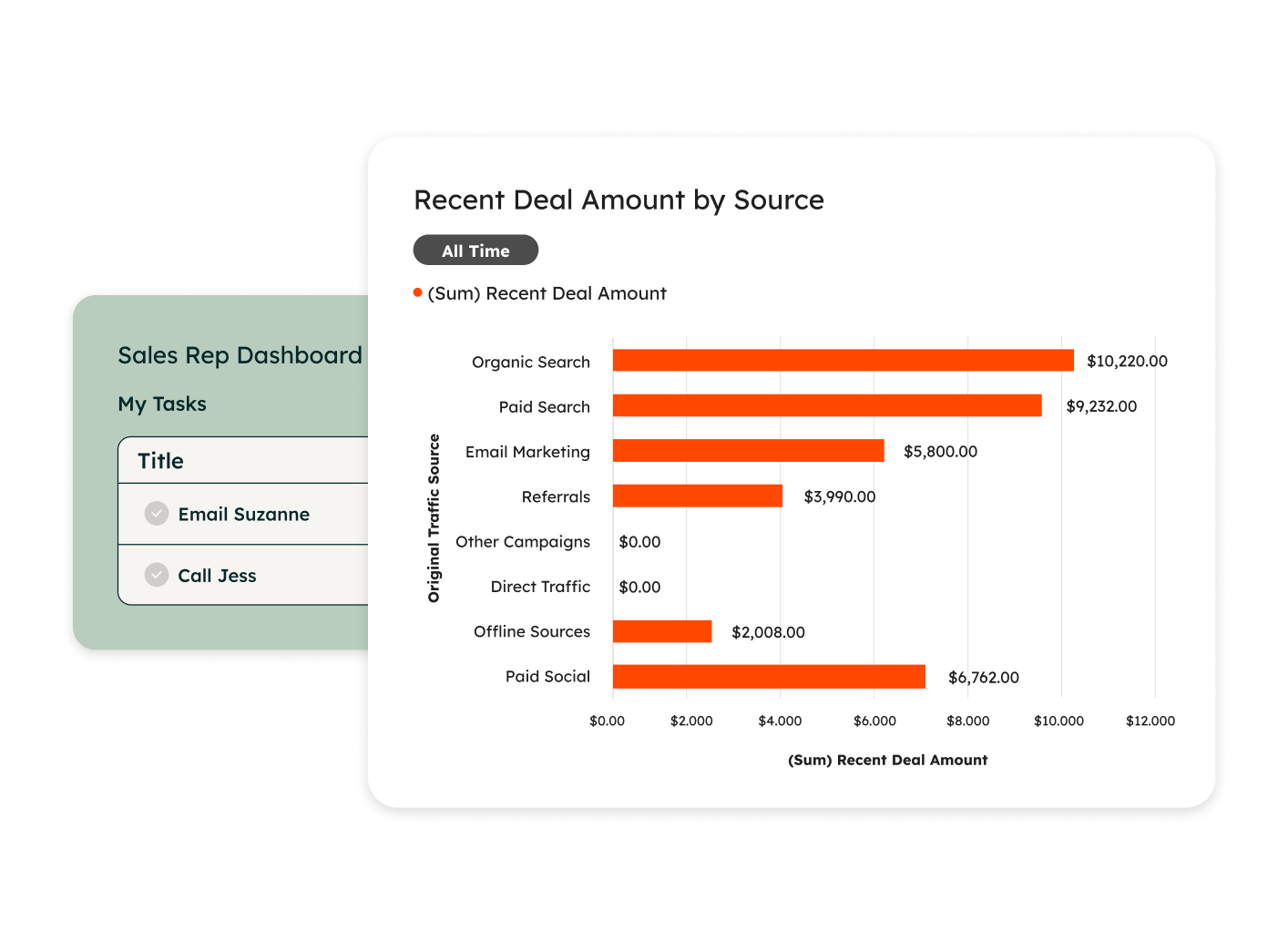
Verified: 14 Aug 2026
Open source ↗Screenshot · HubSpot
Supports
Demonstrates
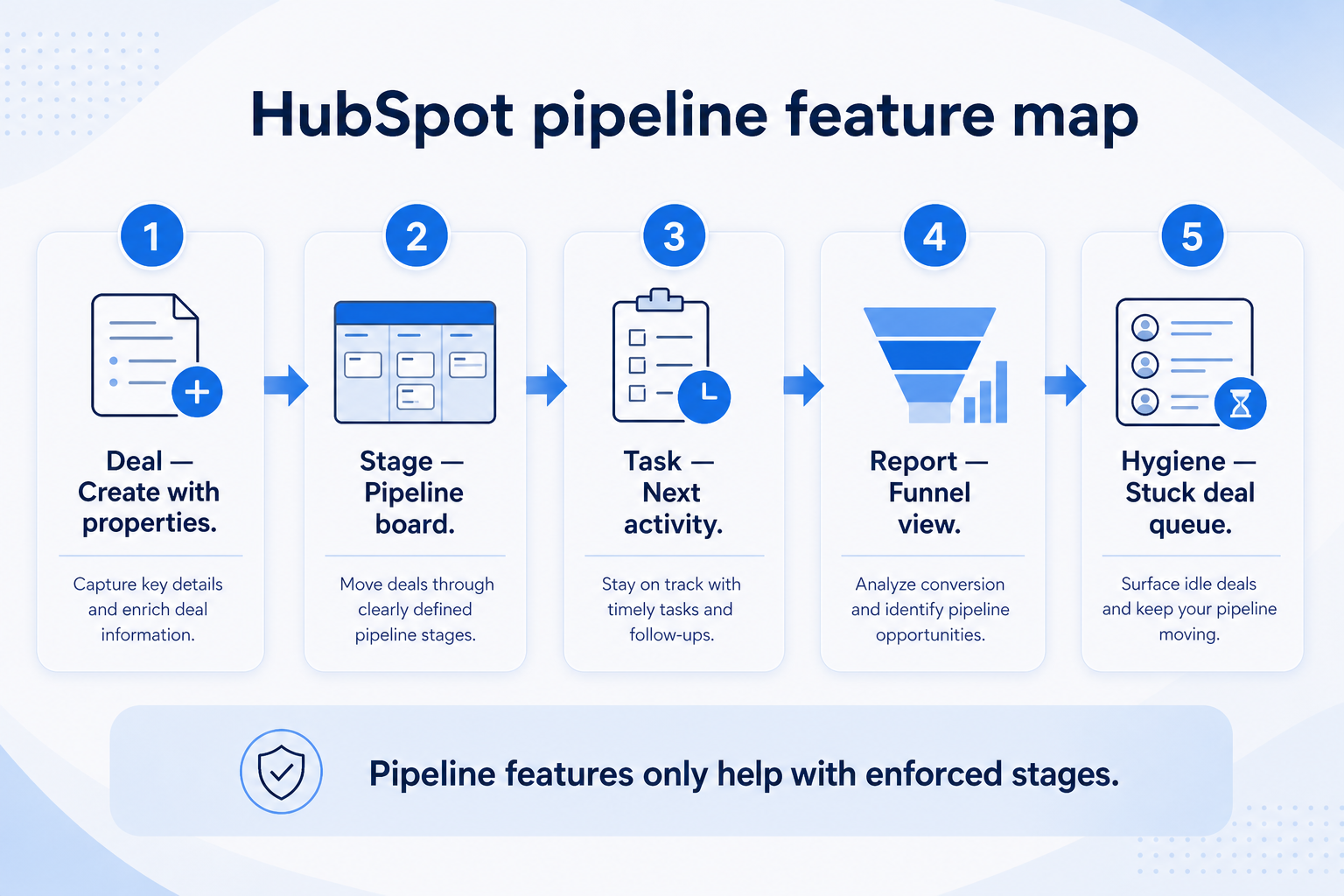
Verified: 15 Aug 2026
Open source ↗Screenshot · HubSpot
Supports
Demonstrates
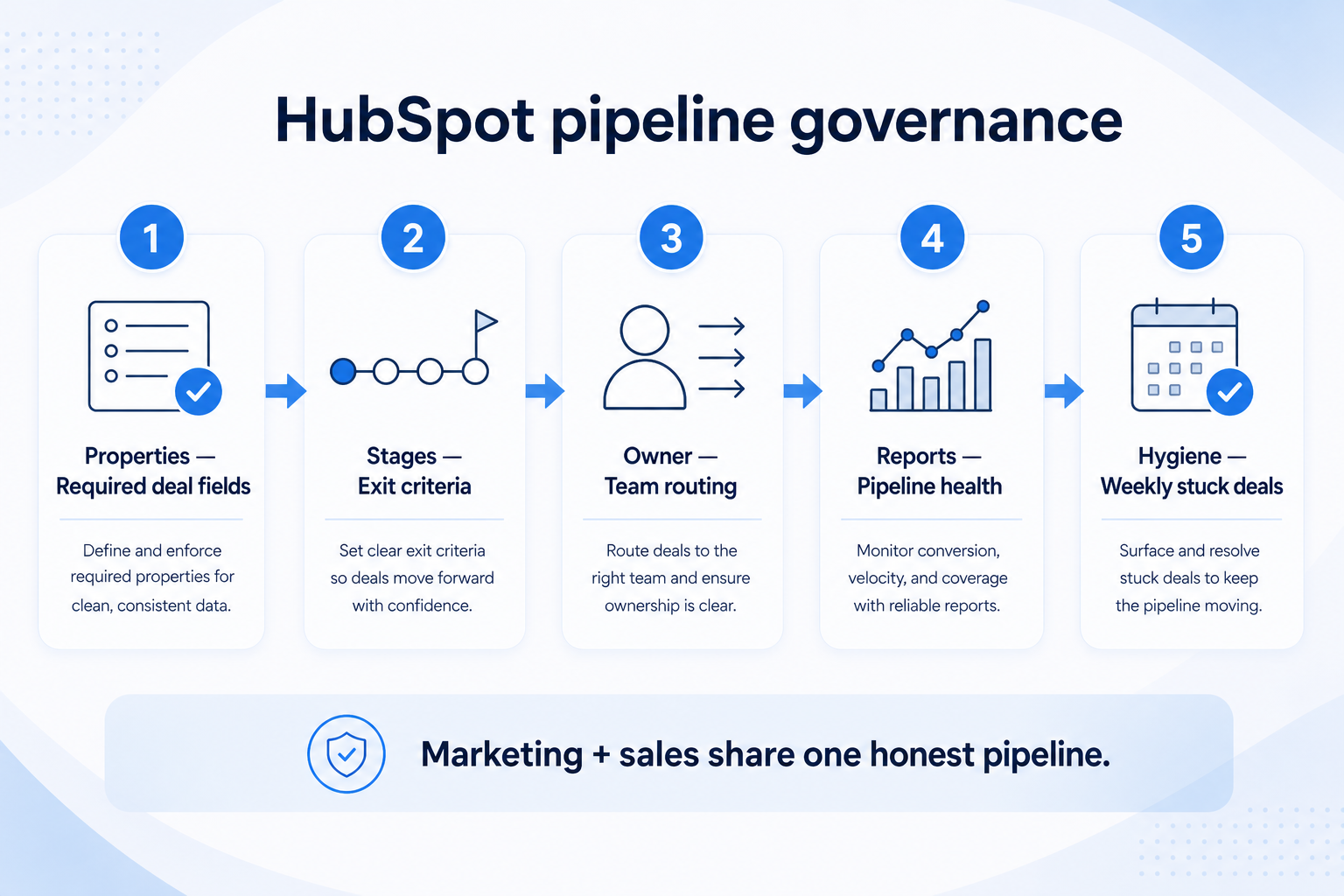
Verified: 15 Aug 2026
Open source ↗Screenshot · Insightly
Supports
Demonstrates
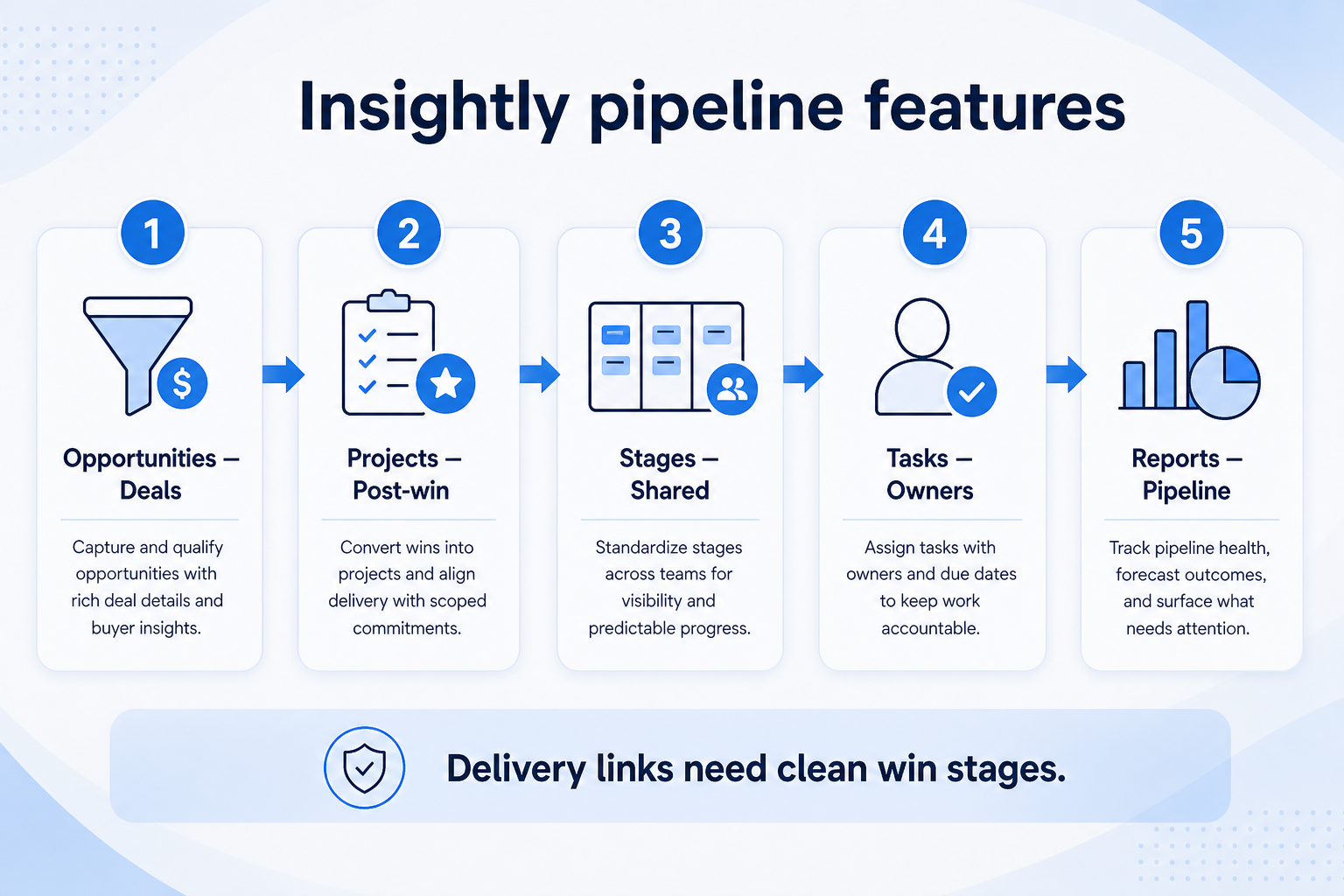
Verified: 15 Aug 2026
Open source ↗Screenshot · Insightly
Supports
Demonstrates
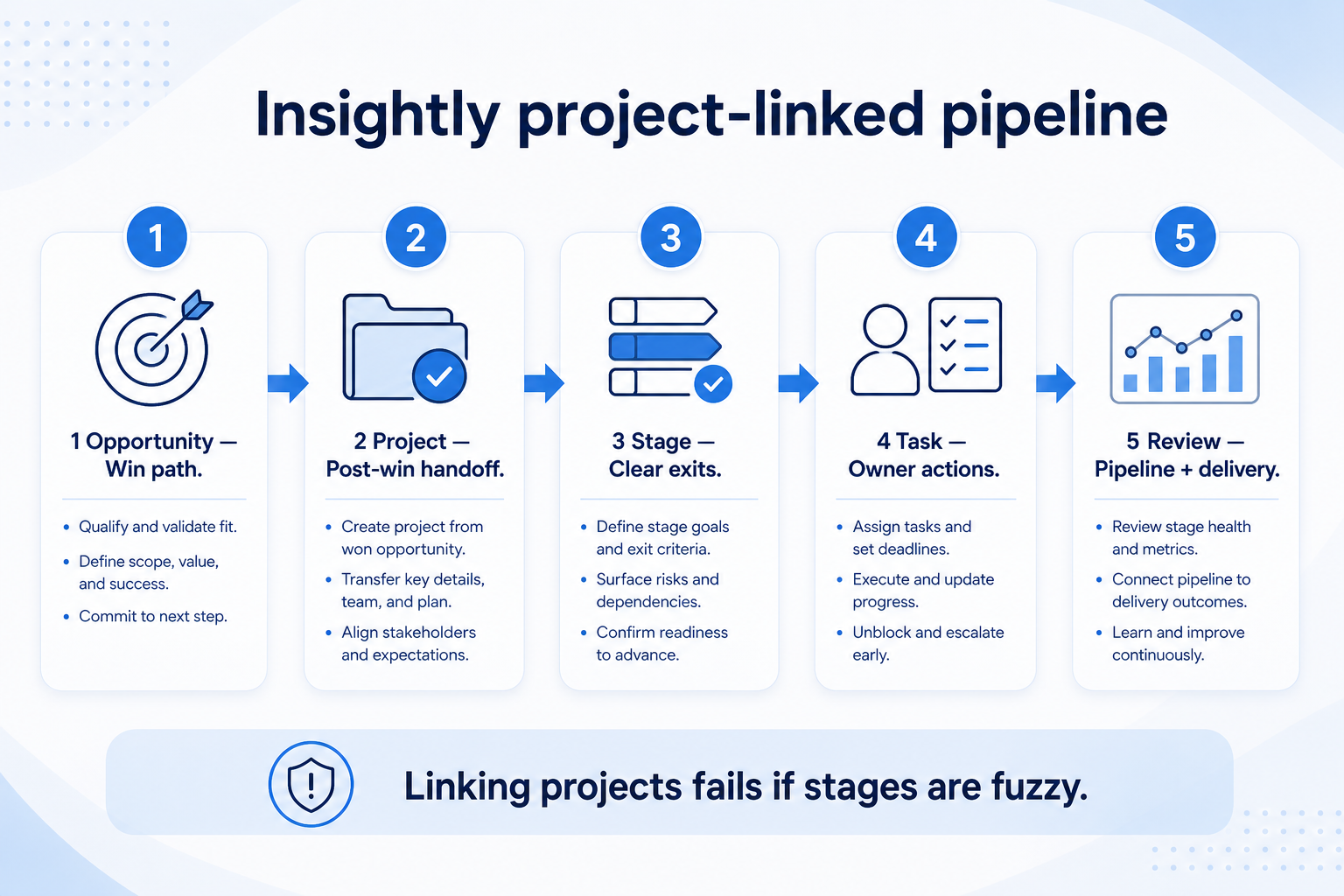
Verified: 15 Aug 2026
Open source ↗Screenshot · monday sales CRM
Supports
Demonstrates

Verified: 15 Aug 2026
Open source ↗Screenshot · monday sales CRM
Supports
Demonstrates

Verified: 15 Aug 2026
Open source ↗Screenshot · monday sales CRM
Supports
Demonstrates
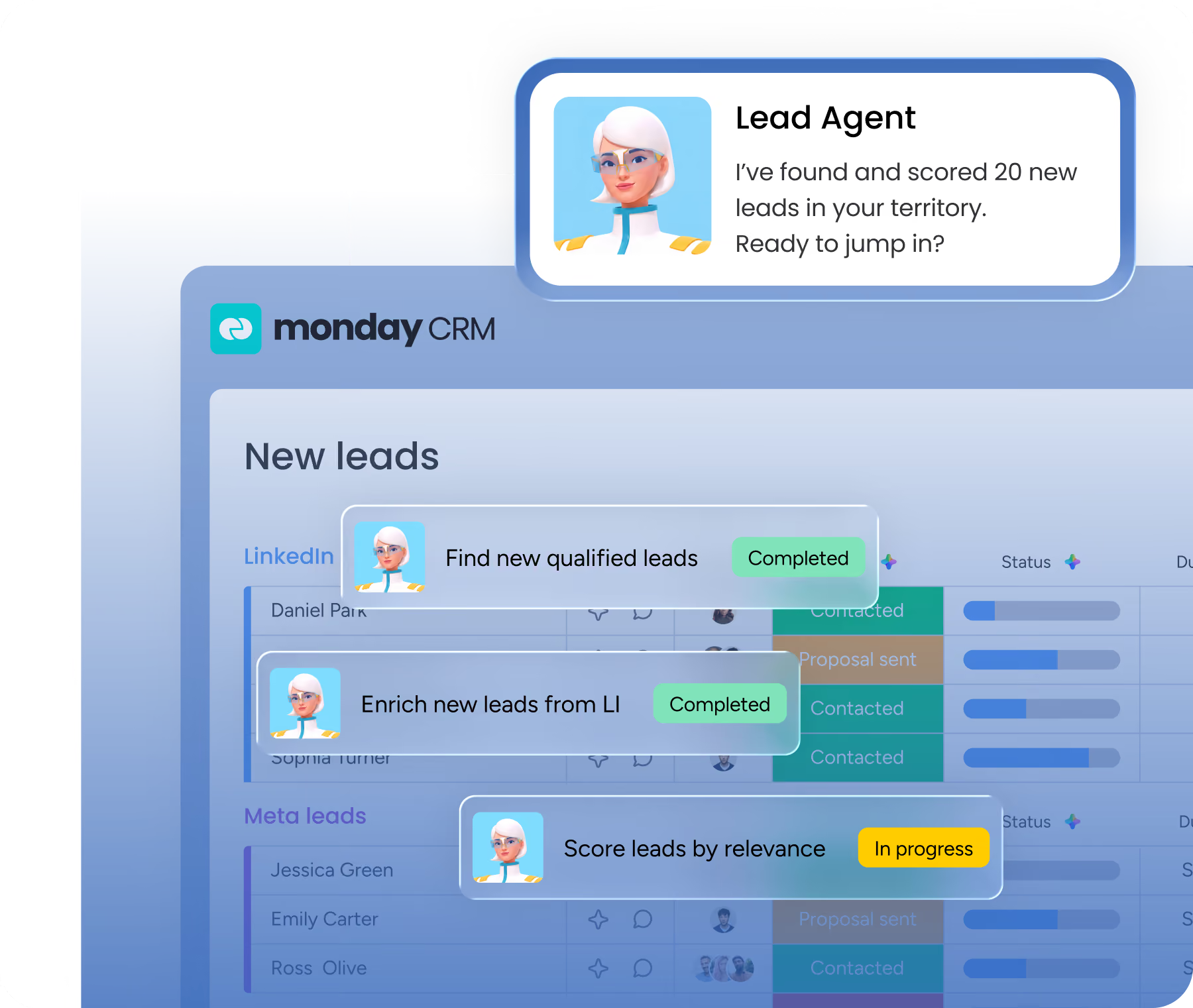
Verified: 15 Aug 2026
Open source ↗Screenshot · Salesforce
Supports
Demonstrates
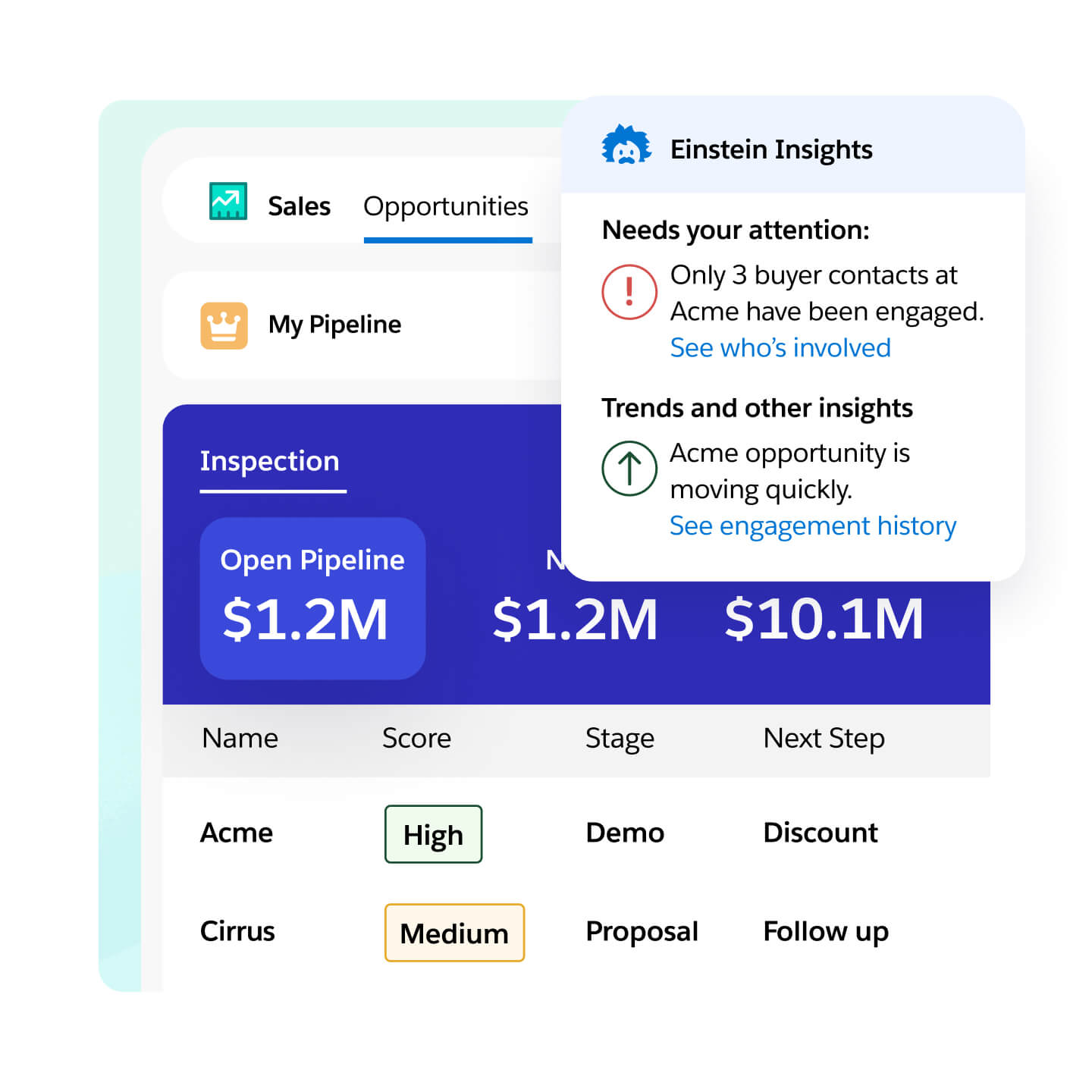
Verified: 14 Aug 2026
Open source ↗Screenshot · Salesforce
Supports
Demonstrates
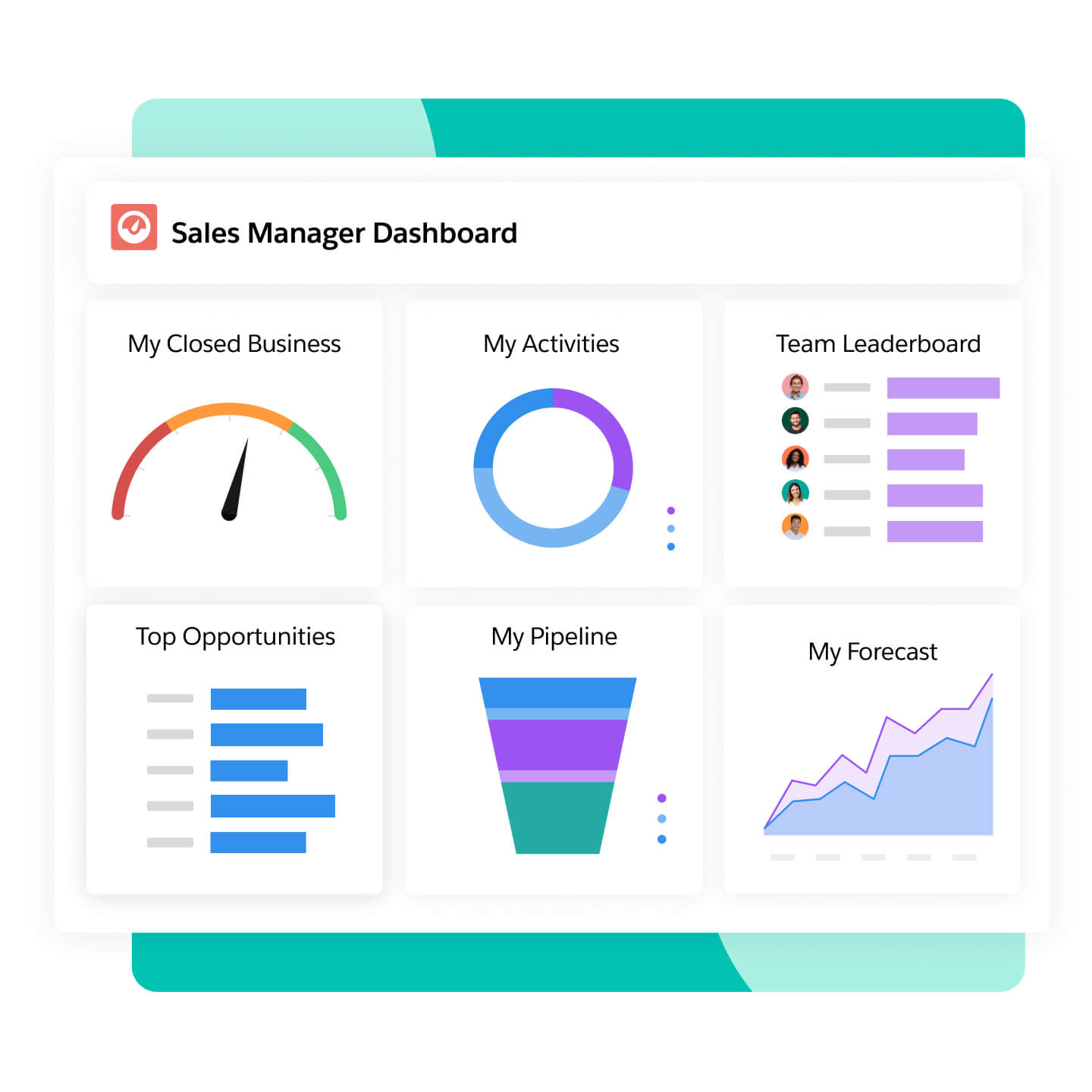
Verified: 14 Aug 2026
Open source ↗Screenshot · Salesforce
Supports
Demonstrates
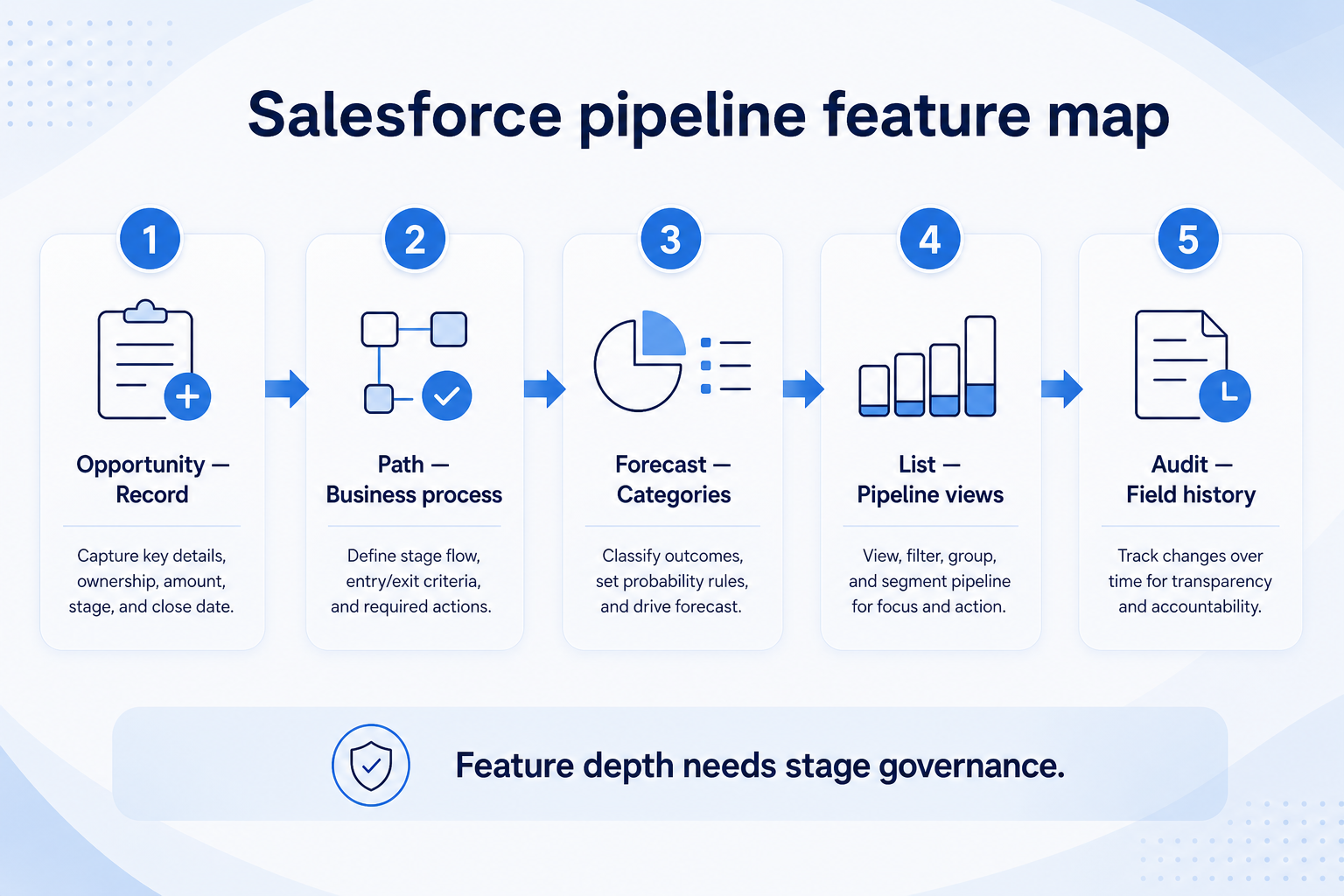
Verified: 15 Aug 2026
Open source ↗Official documentation · Agile CRM
Supports
Verified: —
Open source ↗Official documentation · Agile CRM
Supports
Verified: —
Open source ↗Official documentation · Apptivo
Supports
Verified: —
Open source ↗Official documentation · Apptivo
Supports
Verified: —
Open source ↗Official documentation · Attio
Supports
Verified: —
Open source ↗Official documentation · Attio
Supports
Verified: —
Open source ↗Official documentation · Bitrix24
Supports
Verified: —
Open source ↗Official documentation · Bitrix24
Supports
Verified: —
Open source ↗Official documentation · Copper
Supports
Verified: —
Open source ↗Official documentation · Copper
Supports
Verified: —
Open source ↗Official documentation · Creatio
Supports
Verified: —
Open source ↗Official documentation · Creatio
Supports
Verified: —
Open source ↗Official documentation · HubSpot
Supports
Verified: —
Open source ↗Official documentation · HubSpot
Supports
Verified: —
Open source ↗Official documentation · Insightly
Supports
Verified: —
Open source ↗Official documentation · Insightly
Supports
Verified: —
Open source ↗Official documentation · monday sales CRM
Supports
Verified: —
Open source ↗Official documentation · monday sales CRM
Supports
Verified: —
Open source ↗Official documentation · Salesforce
Supports
Verified: —
Open source ↗Official documentation · Salesforce
Supports
Verified: —
Open source ↗Official documentation · Salesforce
Supports
Verified: —
Open source ↗