
This video is hosted on YouTube
This content is hosted by YouTube. The player loads only after you allow marketing cookies.
CRM feature
Compare how CRM platforms support integrations — availability, plan requirements, limits and implementation differences, based on researched evidence.
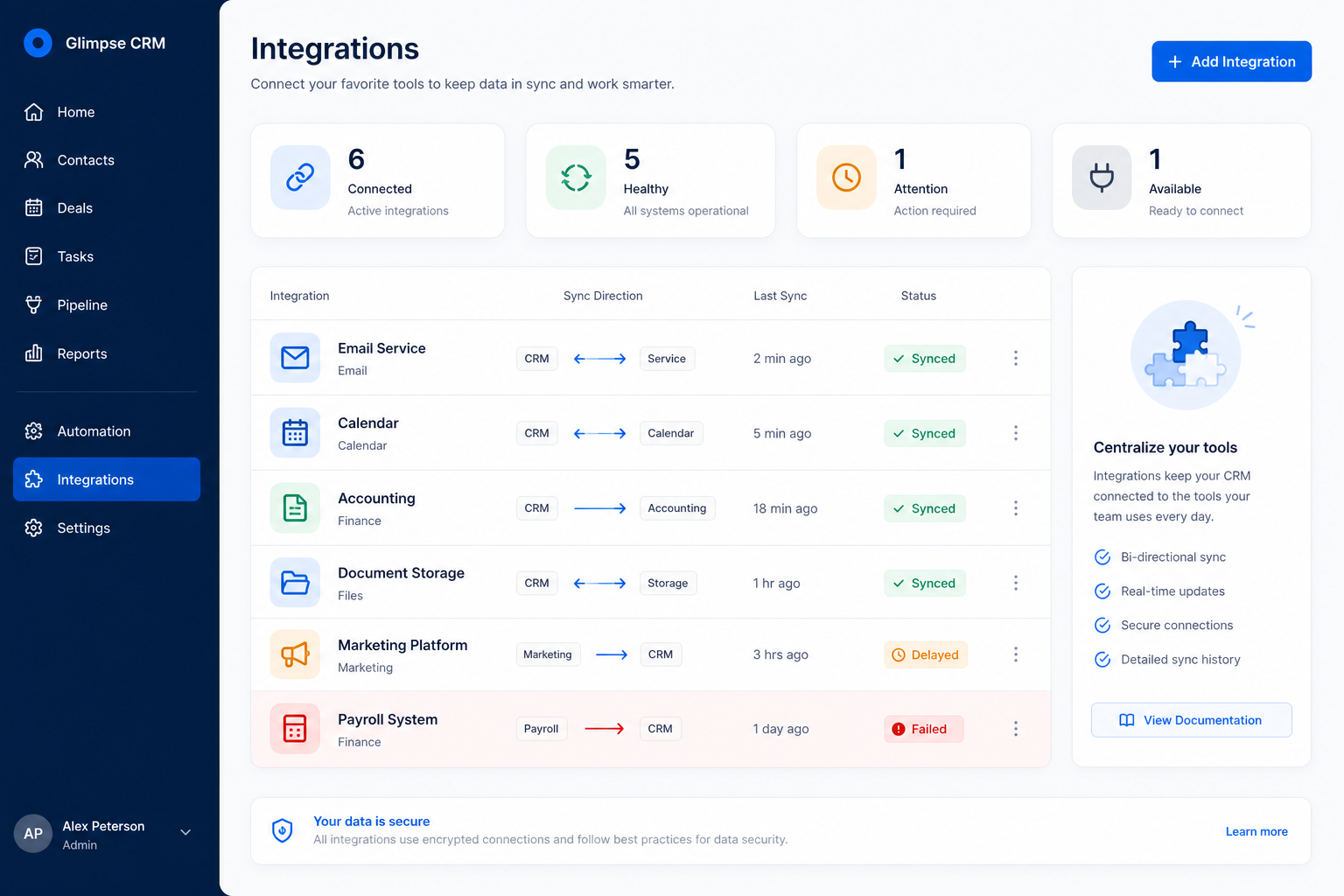
Feature at a glance
Feature type
Platform / integration
Primary capability
Integrations
Typical buyer need
The CRM must reflect what happens in other systems without manual re-entry
Common limitation
Directory size says little about depth, and API access is often plan-restricted
Products covered
10
Evidence records
560
Reviewed 15 Aug 2026
CRM integrations are the supported connections between the CRM and other systems — email, calendar, accounting, marketing, support, telephony — plus the API and webhooks that allow custom connections.
Integrations is NOT the same as
How it runs
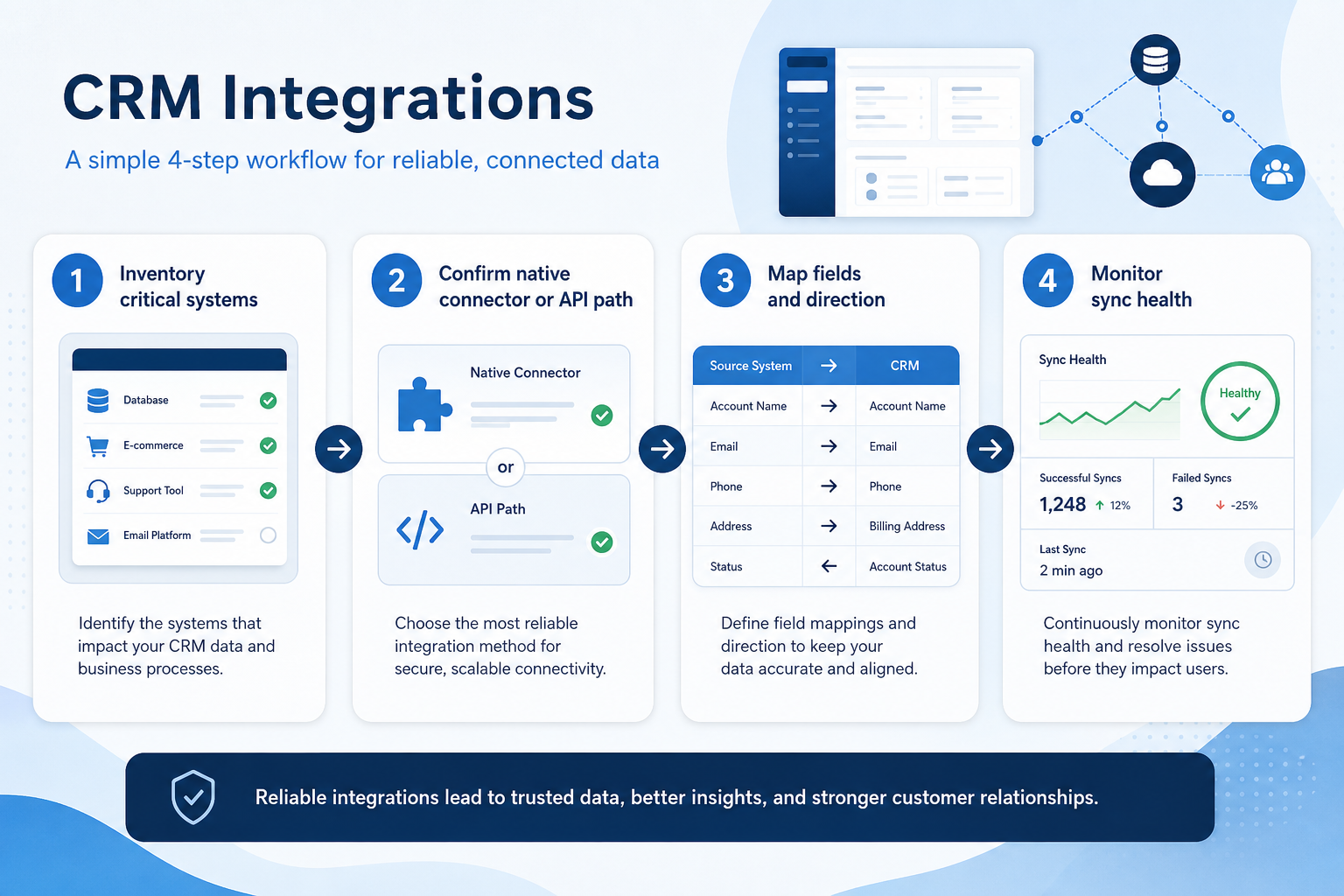
Describe the weekly scenario where integrations must work — not the marketing name alone.
Confirm availability, plan tier, and known limits from researched product evidence — unknown stays unknown.
Link the feature to the buyer requirements it actually satisfies before treating it as a must-have.
Run the scenario end-to-end with the fields, permissions, and related features your team needs.
Concrete buyer situations — not product recommendations. Use them to test whether a CRM’s implementation matches how your team works.
Stop re-typing customers into billing
Situation
Won customers are re-entered into billing manually, creating mismatches and delays.
What good looks like
A maintained integration moves the fields you need in the right direction, with failure visibility.
Ask vendors
Is there a native connector for our stack? What fields sync? Who gets alerted on failures?
You probably need it if
You may not need it if
Capability
Integrations
Requirement
Manage integrations
Feature
Integrations
Feature availability
criticalMinimum plan
highEmail and calendar
criticalAPI access
highAutomation across systems
importantIntegration limits
importantOfficial product demonstrations can help show how vendors implement the same feature differently. SoftwareGlimpse evaluates these alongside documentation, screenshots and other product evidence. Absence of a video does not mean a product lacks the feature.

Pipedrive
The CRM Automations That Save Us 10 Hours A Week
This video is hosted on YouTube
This content is hosted by YouTube. The player loads only after you allow marketing cookies.
What this demonstrates
Not established by this video
Source: Pipedrive · Verified 15 Aug 2026
Open source ↗Not verified means insufficient evidence — not the same as unsupported.

folk
Pipedrive

Agile CRM

Apptivo

Attio

Bitrix24
Cells use feature support. Unknown is never treated as No. Official videos open from evidence — they are never embedded in the matrix.
| Dimension | |||||
|---|---|---|---|---|---|
| Feature availability | Supported | Supported | Supported | Supported | Supported |
| Minimum plan | Standard | Lite | Free | Lite | Free |
| Email and calendar | Supported | ◐Plan dependent | Supported | Supported | Supported |
| API access | ◐Plan dependent | Supported | Not verified | Not verified | Not verified |
| Automation across systems | Supported | ◐Plan dependent | Supported | Supported | Supported |
| Integration limits | Not verified | Not verified | Not verified | Not verified | Not verified |
Plan names come from feature entitlements — not inferred from marketing tier labels alone.
| Product | Feature starts at | Notes |
|---|---|---|
| folk | Standard | — |
| Pipedrive | Lite | — |
| Agile CRM | Free | — |
| Apptivo | Lite | — |
| Attio | Free | — |
| Bitrix24 | Free | — |
Two products can both support the feature while differing in depth. Official demos below are supplementary — the comparison matrix remains the structured source of truth.
Email and calendar
Compare how products differ on email and calendar rather than assuming parity.
API access
Compare how products differ on api access rather than assuming parity.
Automation across systems
Compare how products differ on automation across systems rather than assuming parity.
Loading evidence explorer…
Verified product captures only — never stock imagery or mockups.
folk integrations
Supported · StrongEvidence: 5 · High confidence
Available from: Standard
5,000+ integrations cited; Zapier & Make; API on Premium+.
Strengths
Limitations
Best for: Founders and SMB teams running relationship-led sales from LinkedIn/email
Pipedrive integrations
Supported · StrongEvidence: 5 · High confidence
Available from: Lite
Pipedrive has researched support for integrations. See the comparison matrix for related dimensions.
Strengths
Limitations
Best for: SMB and mid-market sales teams prioritizing pipeline visibility
See it in action
This video is hosted on YouTube
This content is hosted by YouTube. The player loads only after you allow marketing cookies.
Official vendor tutorial
Official vendor demonstration — complementary evidence, not a substitute for the comparison matrix.
View all feature evidenceAgile CRM integrations
Supported · StrongEvidence: 5 · High confidence
Available from: Free
Agile CRM has researched support for integrations. See the comparison matrix for related dimensions.
Strengths
Limitations
Best for: Budget-conscious SMBs wanting freemium CRM
Apptivo integrations
Supported · StrongEvidence: 5 · High confidence
Available from: Lite
Apptivo has researched support for integrations. See the comparison matrix for related dimensions.
Strengths
Limitations
Best for: SMBs wanting CRM plus adjacent business apps
Attio integrations
Supported · StrongEvidence: 5 · High confidence
Available from: Free
Attio has researched support for integrations. See the comparison matrix for related dimensions.
Strengths
Limitations
Best for: Startups and GTM teams wanting flexible CRM
Directory breadth vs integration depth
A long integration list matters less than depth in the two or three you need.
Native connectors vs custom builds
Custom integrations fit precisely and become your maintenance responsibility.
Plan restrictions
Availability and depth often differ by plan tier, so check where this feature starts.
Feature availability alone does not tell you whether the implementation fits your workflow. Compare depth, plan gating, and related dimensions before shortlisting.
Complex sales processes
SituationalConnect the systems the deal depends on.
Add this as a requirement in your CRM shortlist and personalize for team size, budget, and other priorities.
Find My CRM10
Products covered
560
Evidence items
277
Screenshots
37
Plan records
Capability
Integrations
Requirement
Manage integrations
Feature
Integrations
Products
10 researched
Evidence
560 records
Start from your own stack. Check that the specific integrations you need exist, are maintained, and sync the fields and direction you require.
Not necessarily. Depth and maintenance matter more than count — a shallow connector still leaves manual work.
Sometimes. API access, premium connectors, and middleware may sit on higher plans or carry separate fees.
Compare catalogue CRM products based on this feature plus your other requirements, team size and budget.
Explore the official documentation, screenshots and product demonstrations used to understand how each CRM implements this feature.
47 items
Official video · Cloze
Supports
Demonstrates

This video is hosted on YouTube
This content is hosted by YouTube. The player loads only after you allow marketing cookies.
Official vendor tutorial
Verified: 16 Aug 2026
Open source ↗
Official video · Dynamics 365
Supports
Demonstrates

This video is hosted on YouTube
This content is hosted by YouTube. The player loads only after you allow marketing cookies.
Official vendor tutorial
Verified: 15 Aug 2026
Open source ↗Official video · Dynamics 365
Supports
Demonstrates

This video is hosted on YouTube
This content is hosted by YouTube. The player loads only after you allow marketing cookies.
Official vendor video
Verified: 15 Aug 2026
Open source ↗
Official video · HubSpot
Supports
Demonstrates

This video is hosted on YouTube
This content is hosted by YouTube. The player loads only after you allow marketing cookies.
Official vendor tutorial
Lead management workflow — capture through assignment and follow-up
Verified: 14 Aug 2026
Open source ↗Official video · Nimble
Supports
Demonstrates

This video is hosted on YouTube
This content is hosted by YouTube. The player loads only after you allow marketing cookies.
Official vendor tutorial
Verified: 16 Aug 2026
Open source ↗Official video · Pipedrive
Supports
Demonstrates
This video is hosted on YouTube
This content is hosted by YouTube. The player loads only after you allow marketing cookies.
Official vendor tutorial
Verified: 15 Aug 2026
Open source ↗Official video · Zoho
Supports
Demonstrates

This video is hosted on YouTube
This content is hosted by YouTube. The player loads only after you allow marketing cookies.
Official vendor tutorial
How Zoho CRM workflow rules automate sales steps after setup.
Verified: 15 Aug 2026
Open source ↗Screenshot · ACT!
Supports
Demonstrates
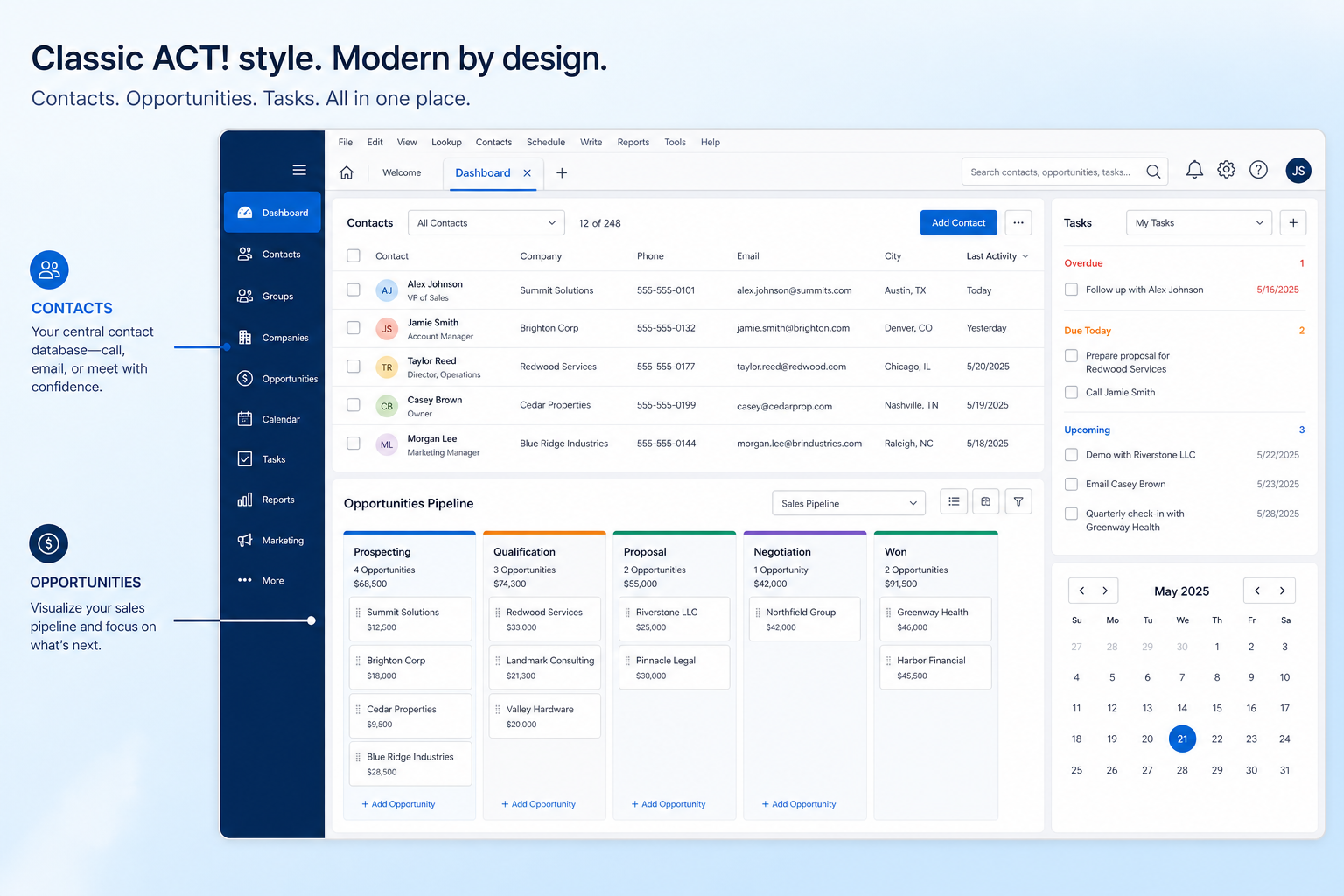
Verified: 16 Aug 2026
Open source ↗Screenshot · ACT!
Supports
Demonstrates
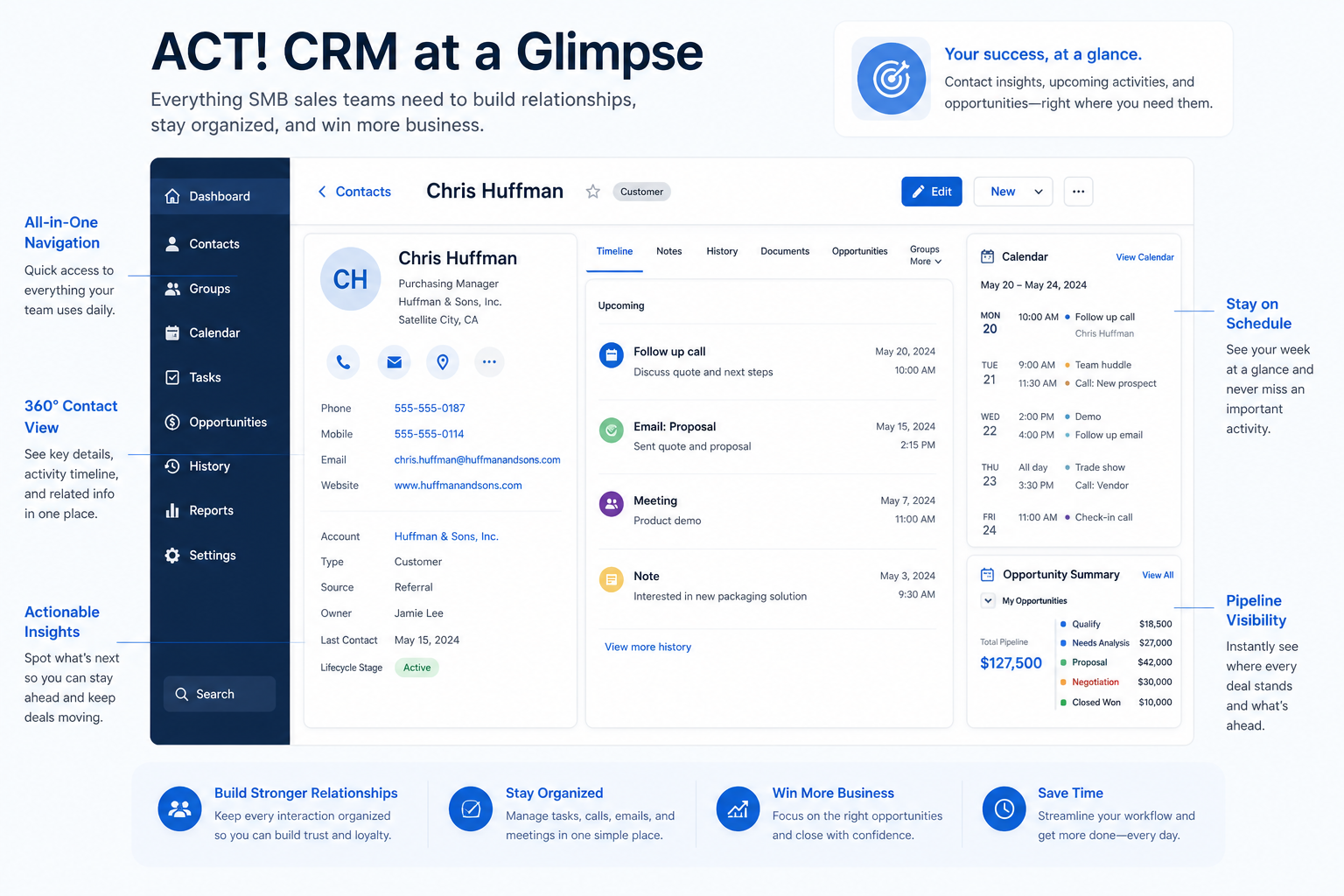
Verified: 16 Aug 2026
Open source ↗Screenshot · Affinity
Supports
Demonstrates
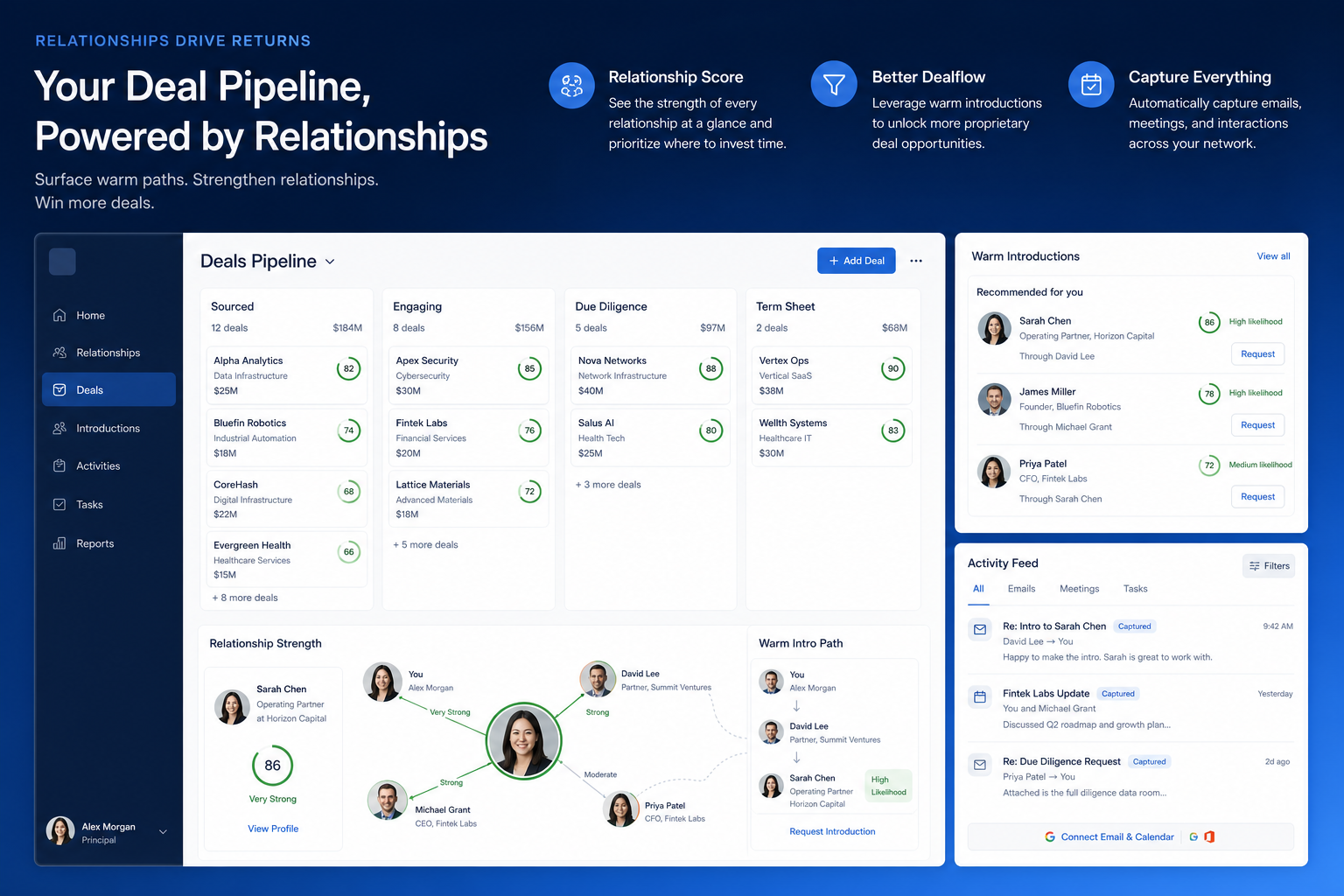
Verified: 16 Aug 2026
Open source ↗Screenshot · Affinity
Supports
Demonstrates
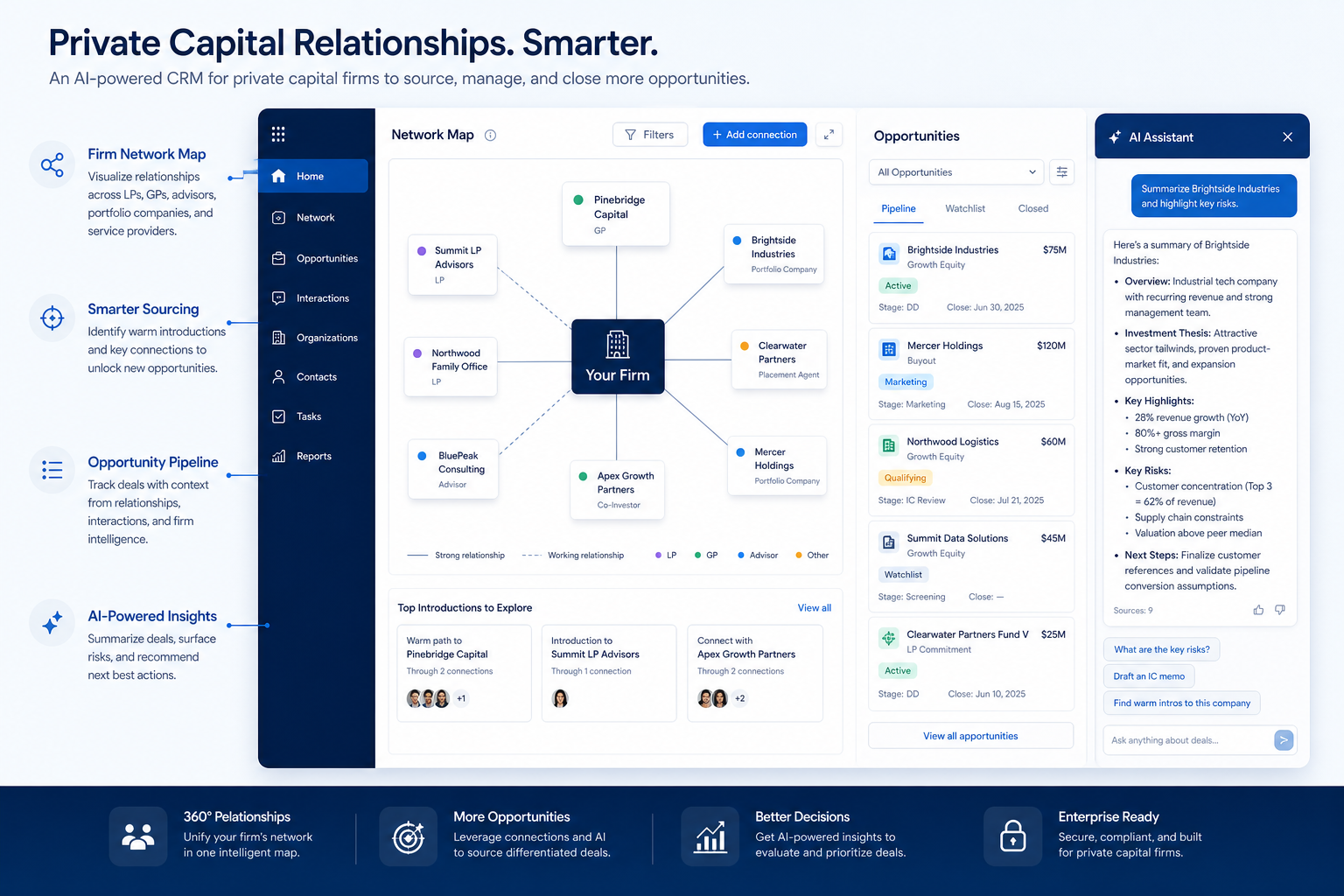
Verified: 16 Aug 2026
Open source ↗Screenshot · Agile CRM
Supports
Demonstrates
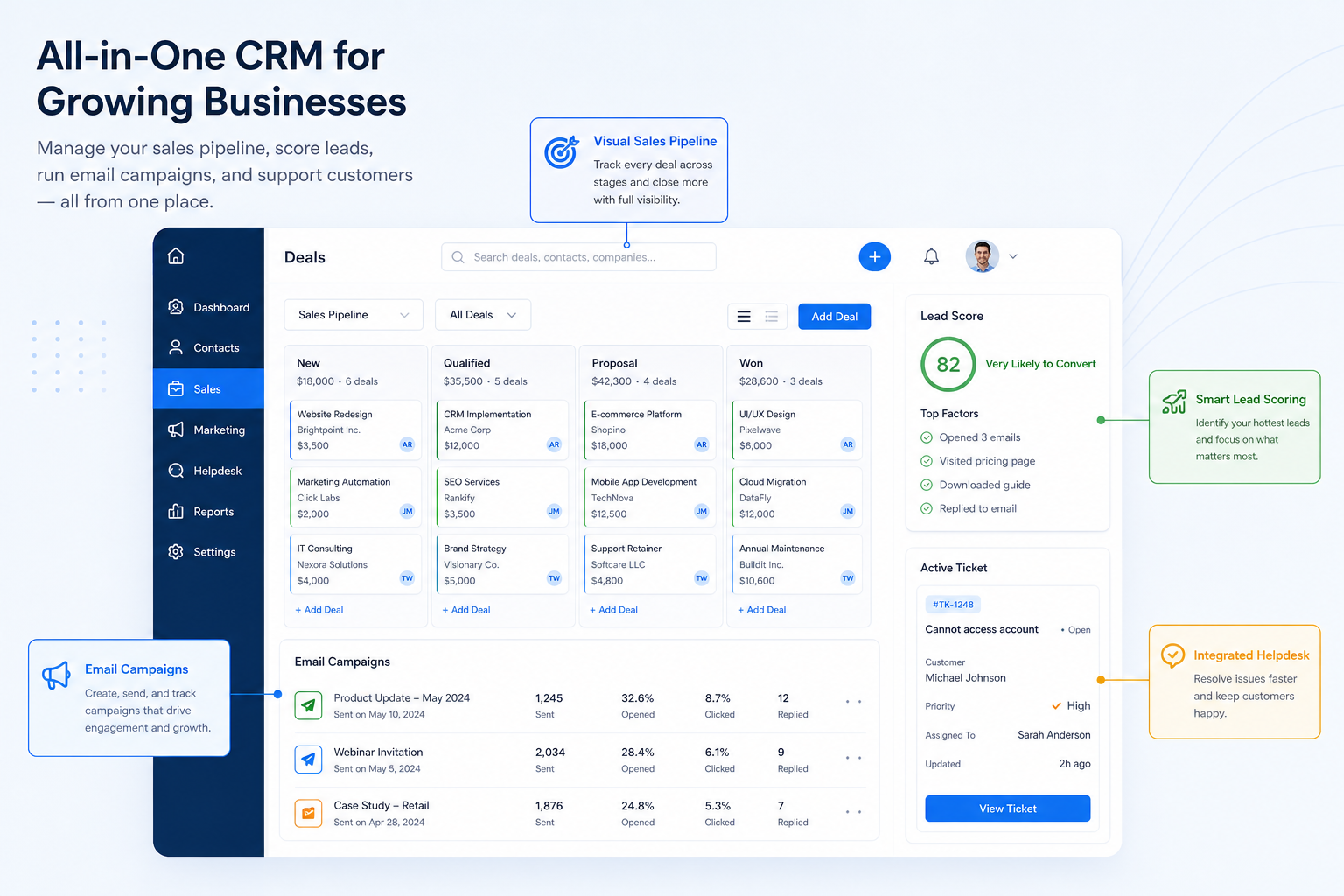
Verified: 16 Aug 2026
Open source ↗Screenshot · Agile CRM
Supports
Demonstrates
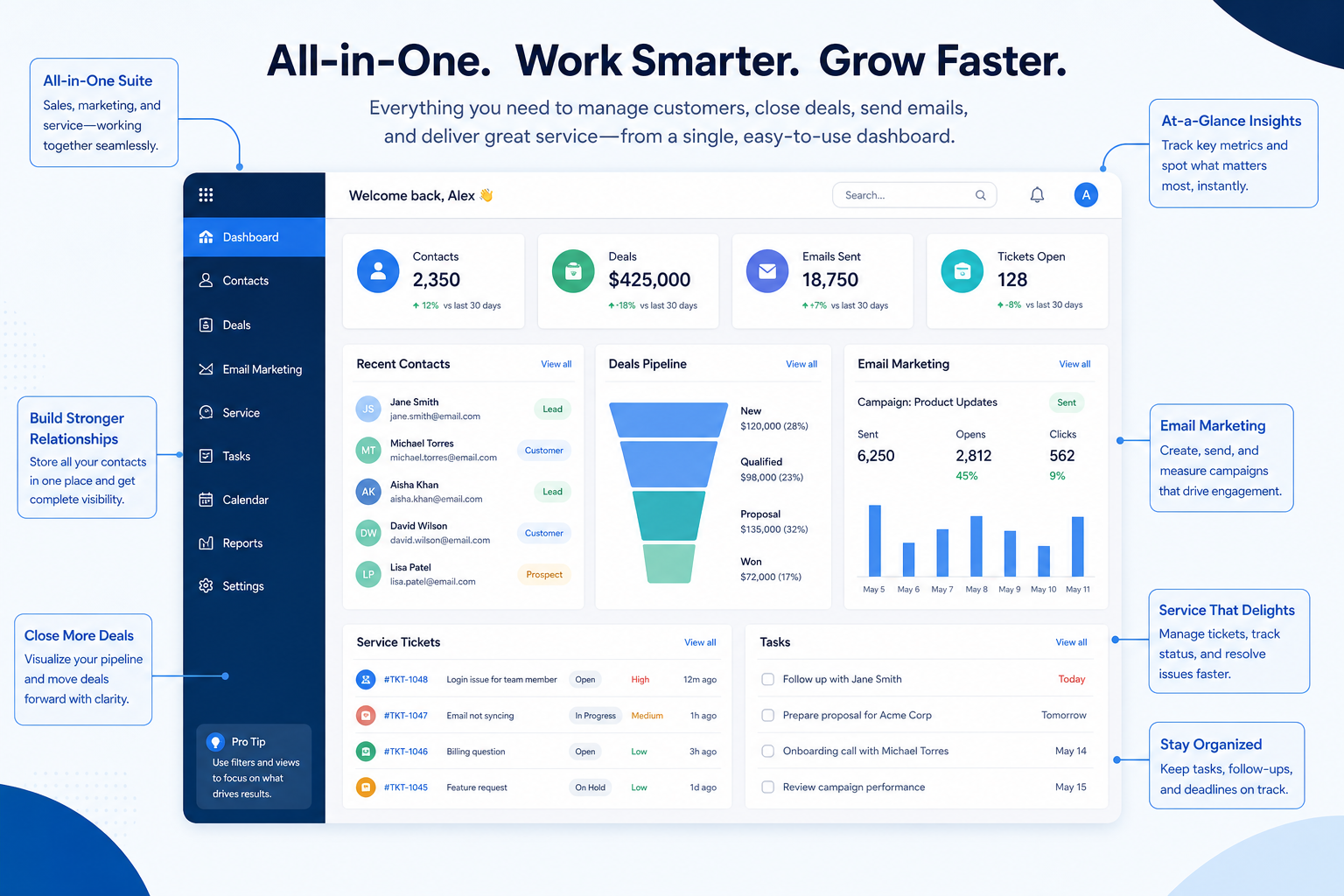
Verified: 16 Aug 2026
Open source ↗Screenshot · Apptivo
Supports
Demonstrates
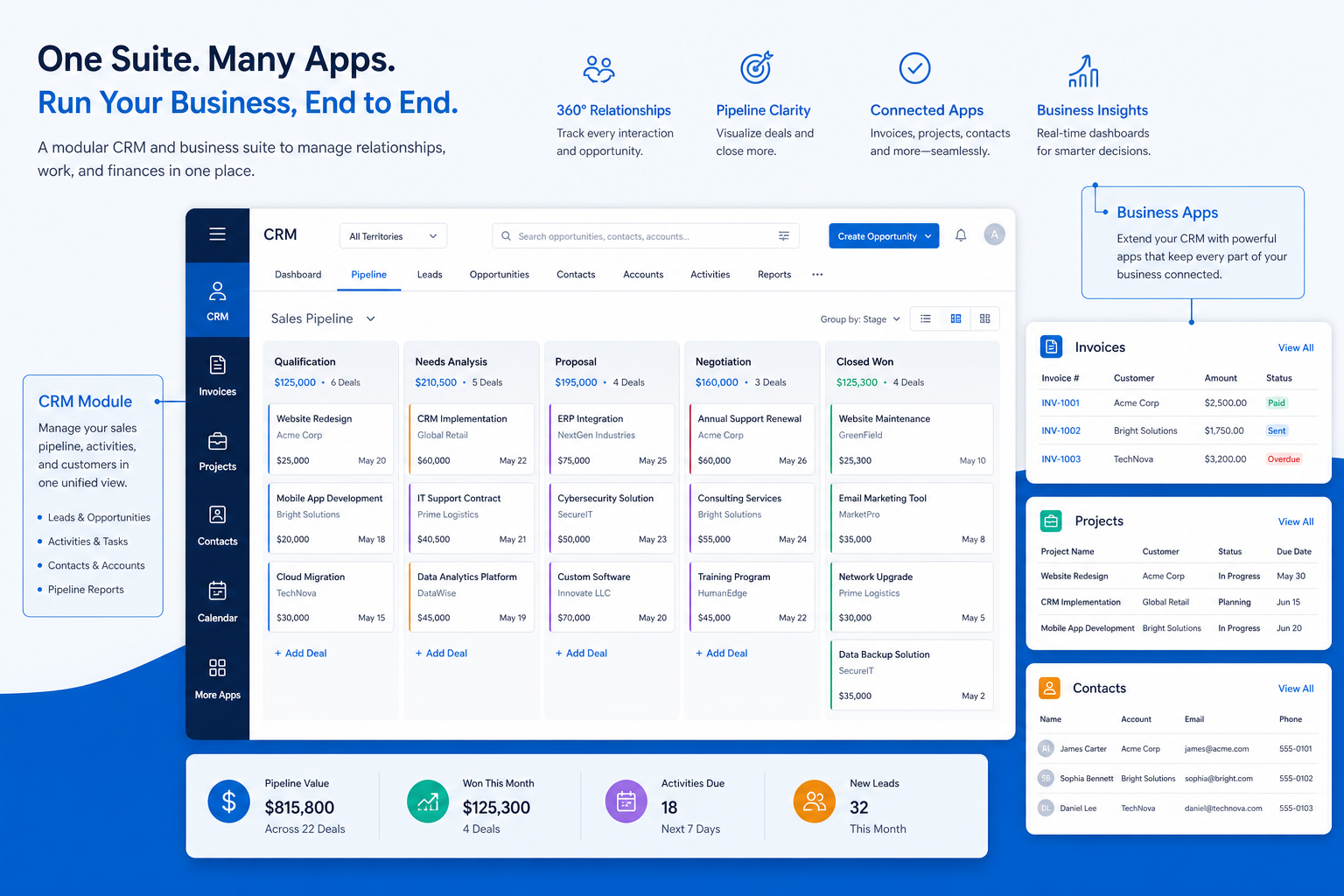
Verified: 16 Aug 2026
Open source ↗Screenshot · Apptivo
Supports
Demonstrates
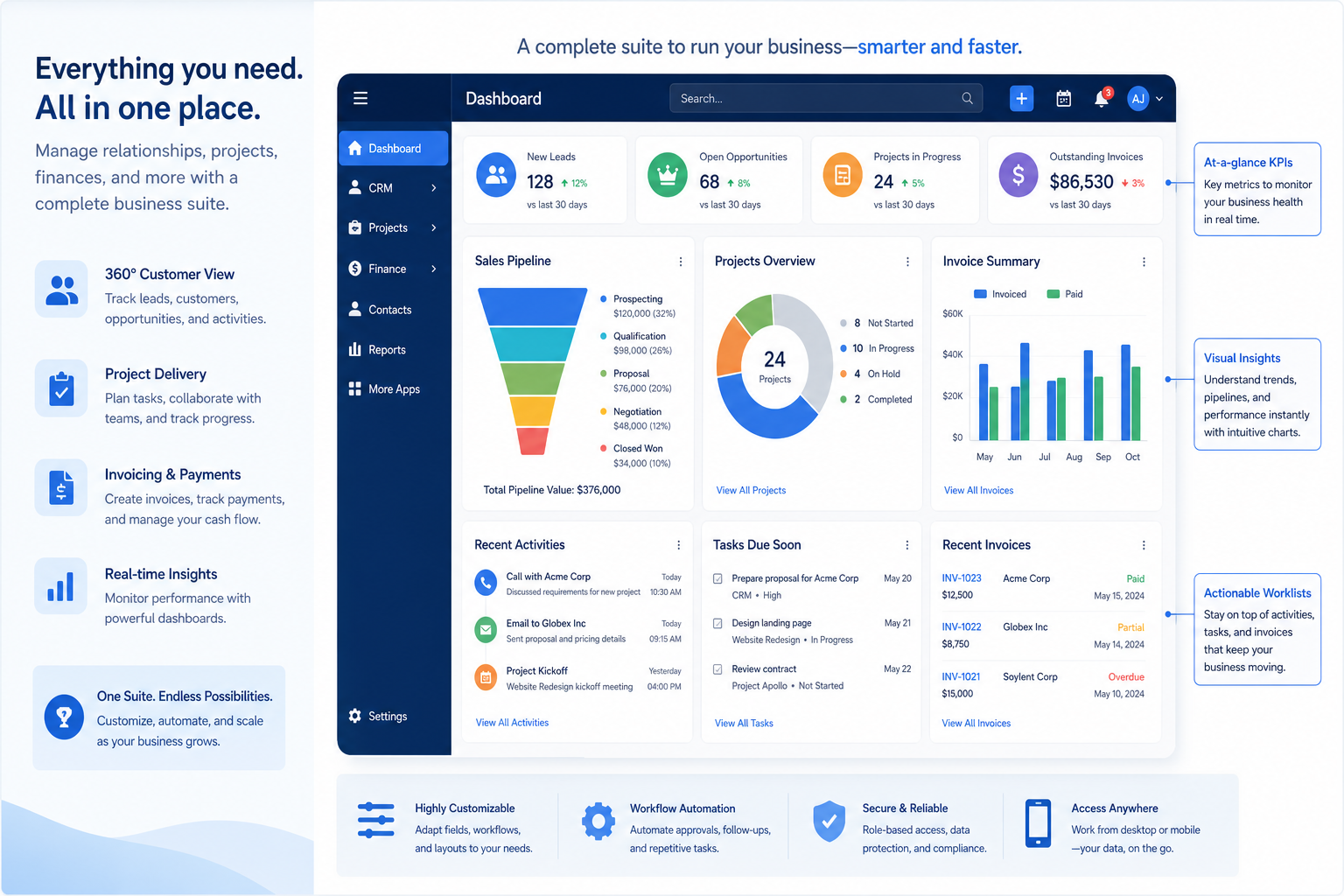
Verified: 16 Aug 2026
Open source ↗Screenshot · Attio
Supports
Demonstrates
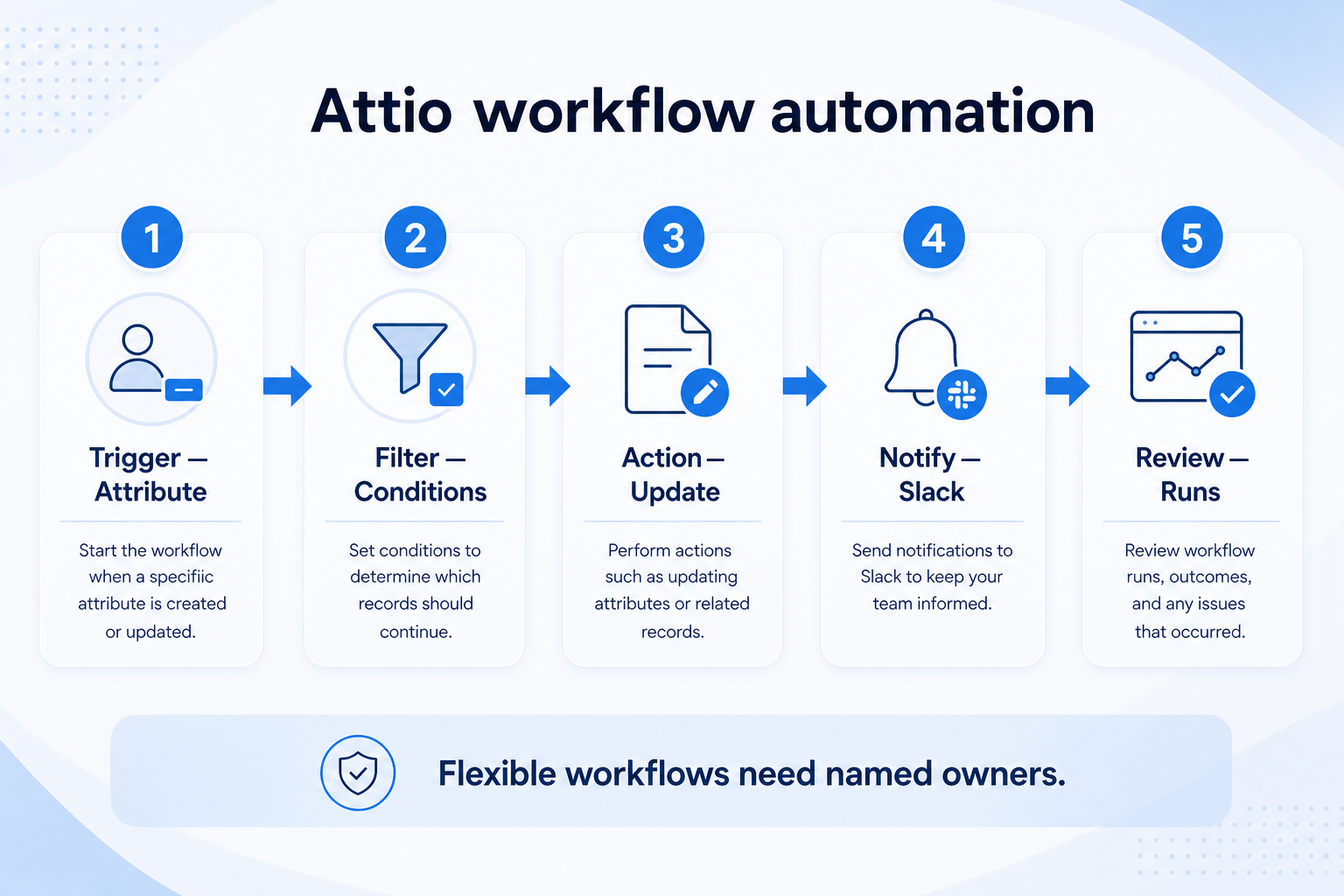
Verified: 15 Aug 2026
Open source ↗Screenshot · Capsule
Supports
Demonstrates
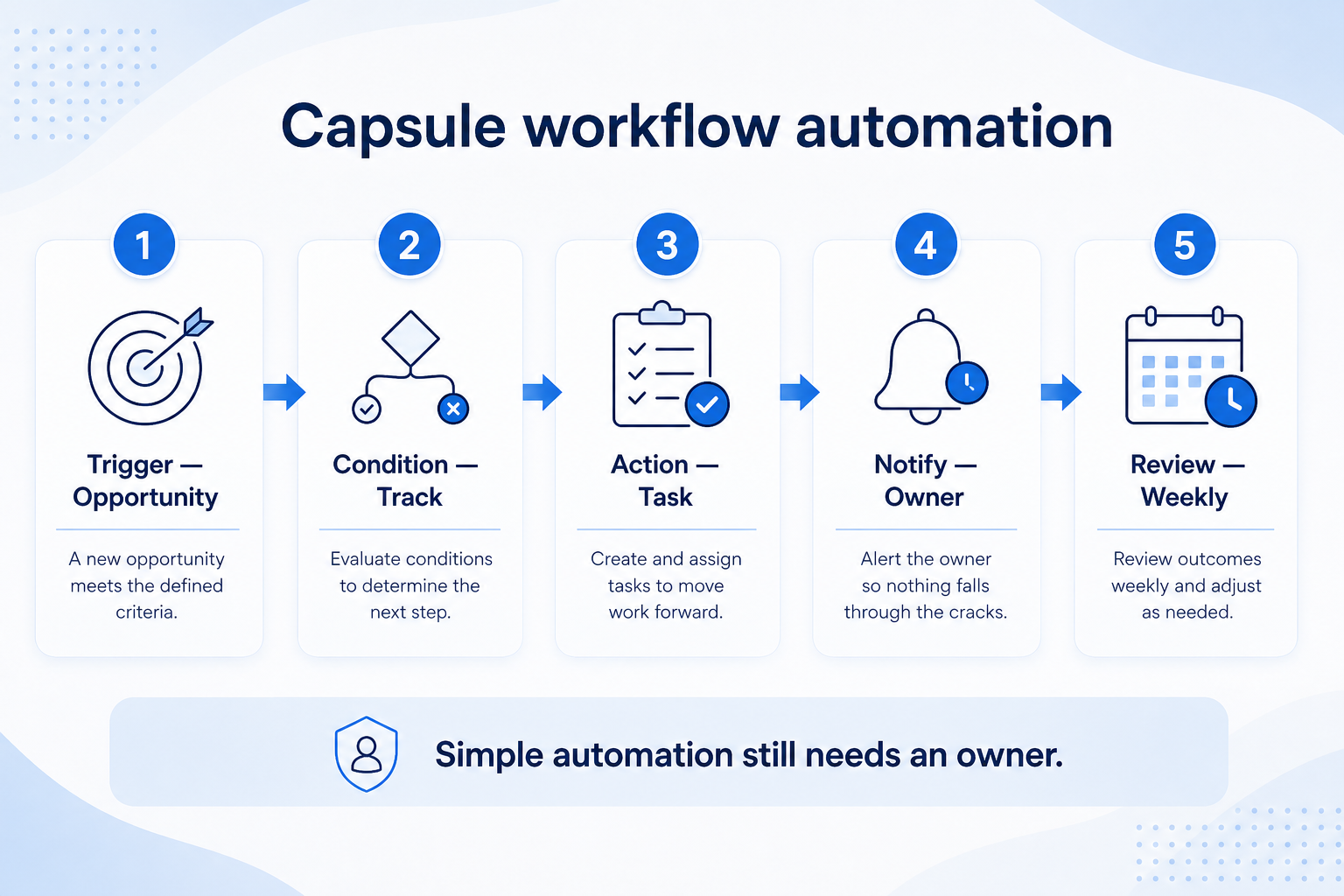
Verified: 15 Aug 2026
Open source ↗Screenshot · Close
Supports
Demonstrates
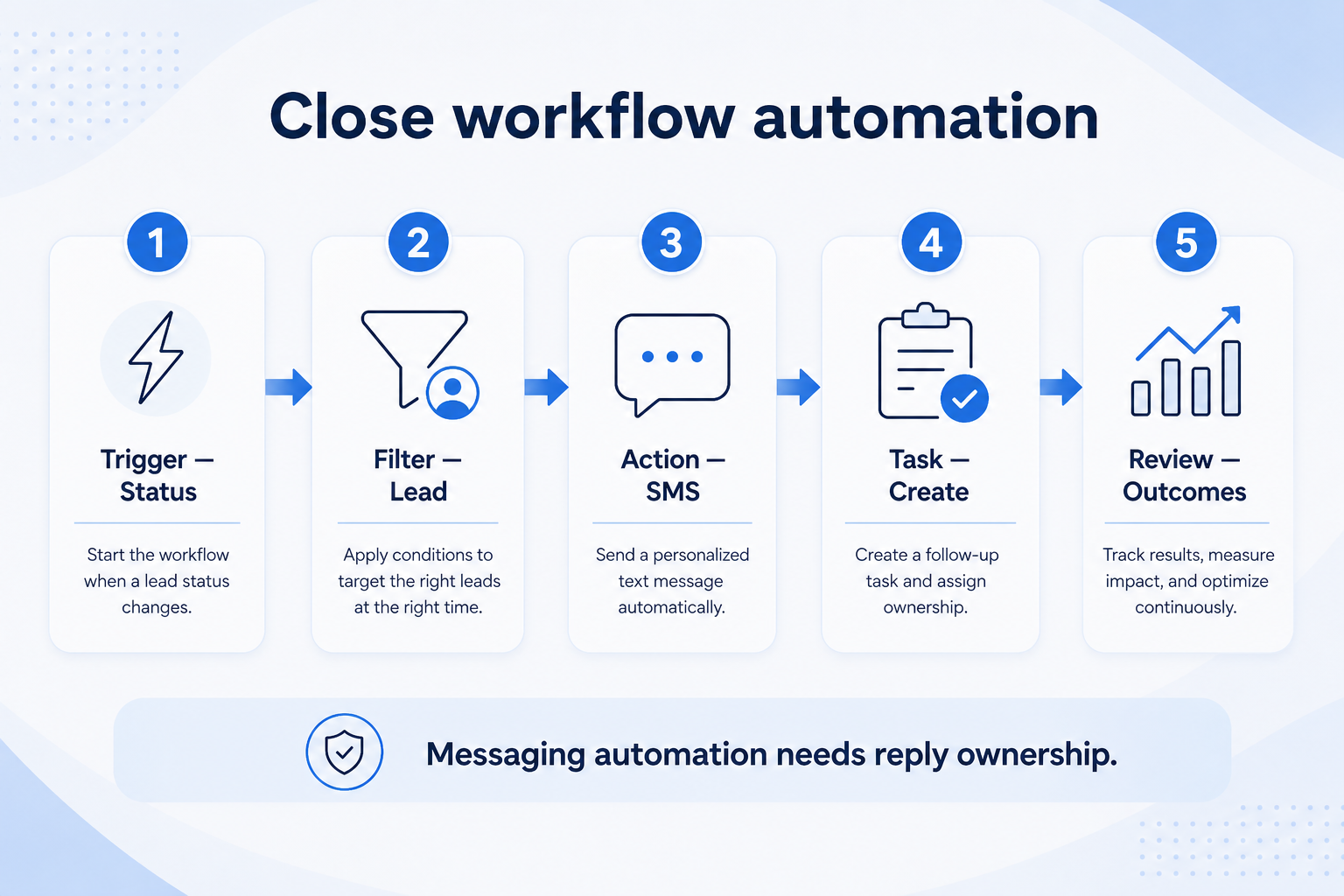
Verified: 15 Aug 2026
Open source ↗Screenshot · Cloze
Supports
Demonstrates
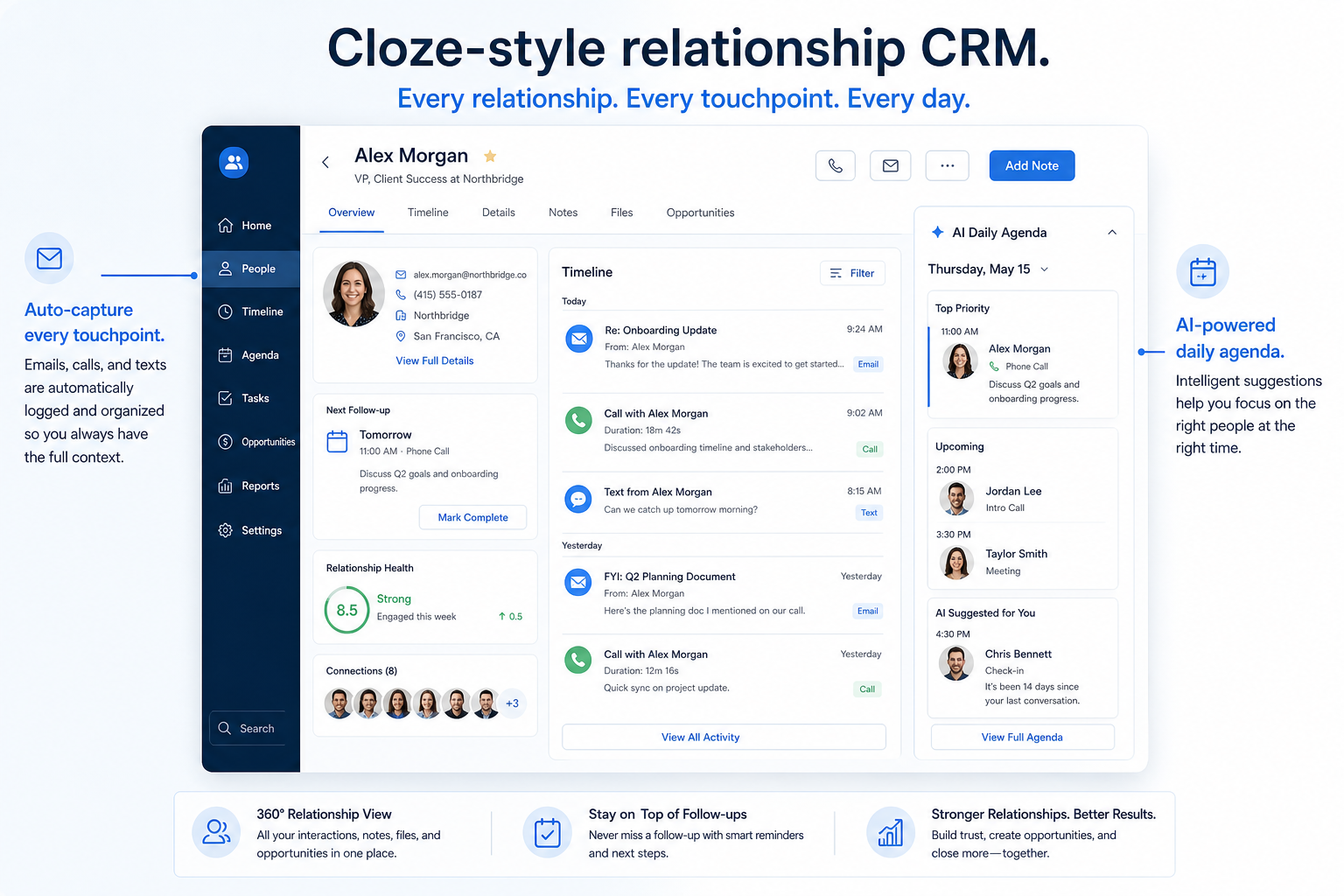
Verified: 16 Aug 2026
Open source ↗
Screenshot · Copper
Supports
Demonstrates
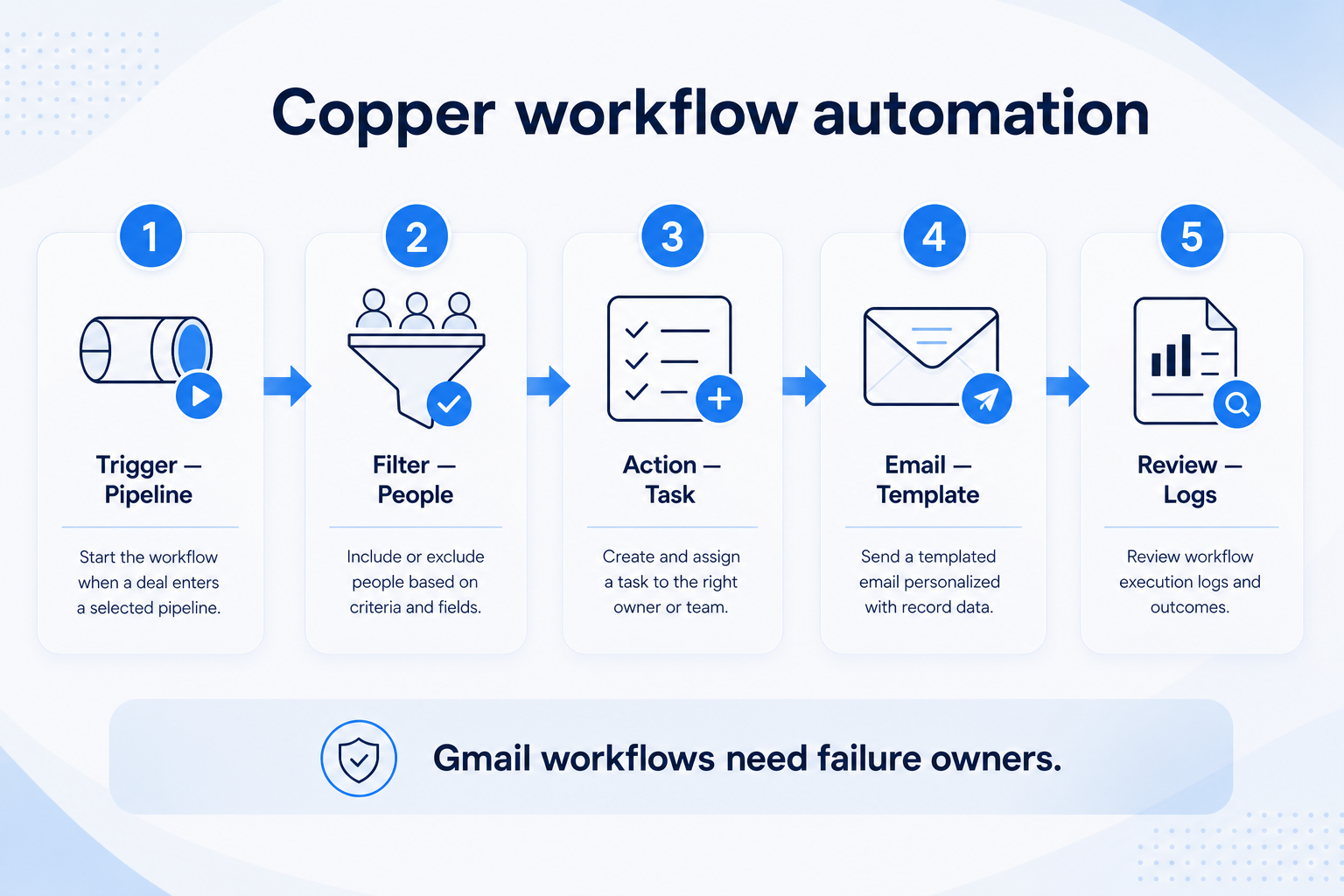
Verified: 15 Aug 2026
Open source ↗Screenshot · folk
Supports
Demonstrates
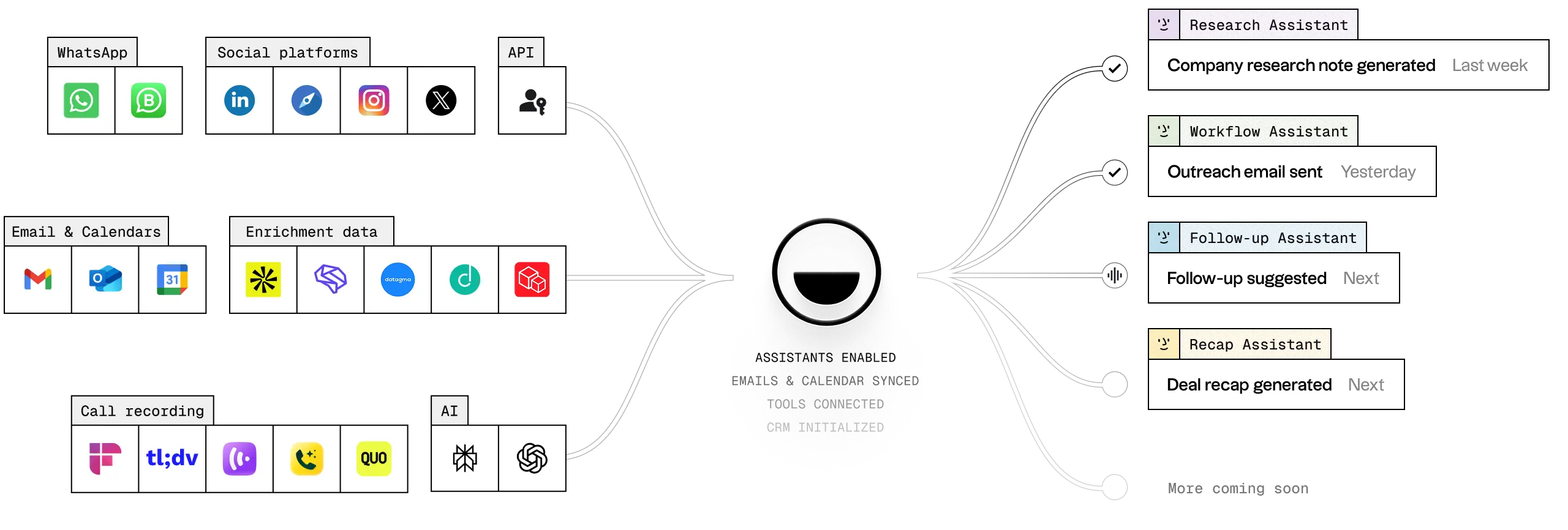
Verified: 13 Aug 2026
Open source ↗Screenshot · folk
Supports
Demonstrates
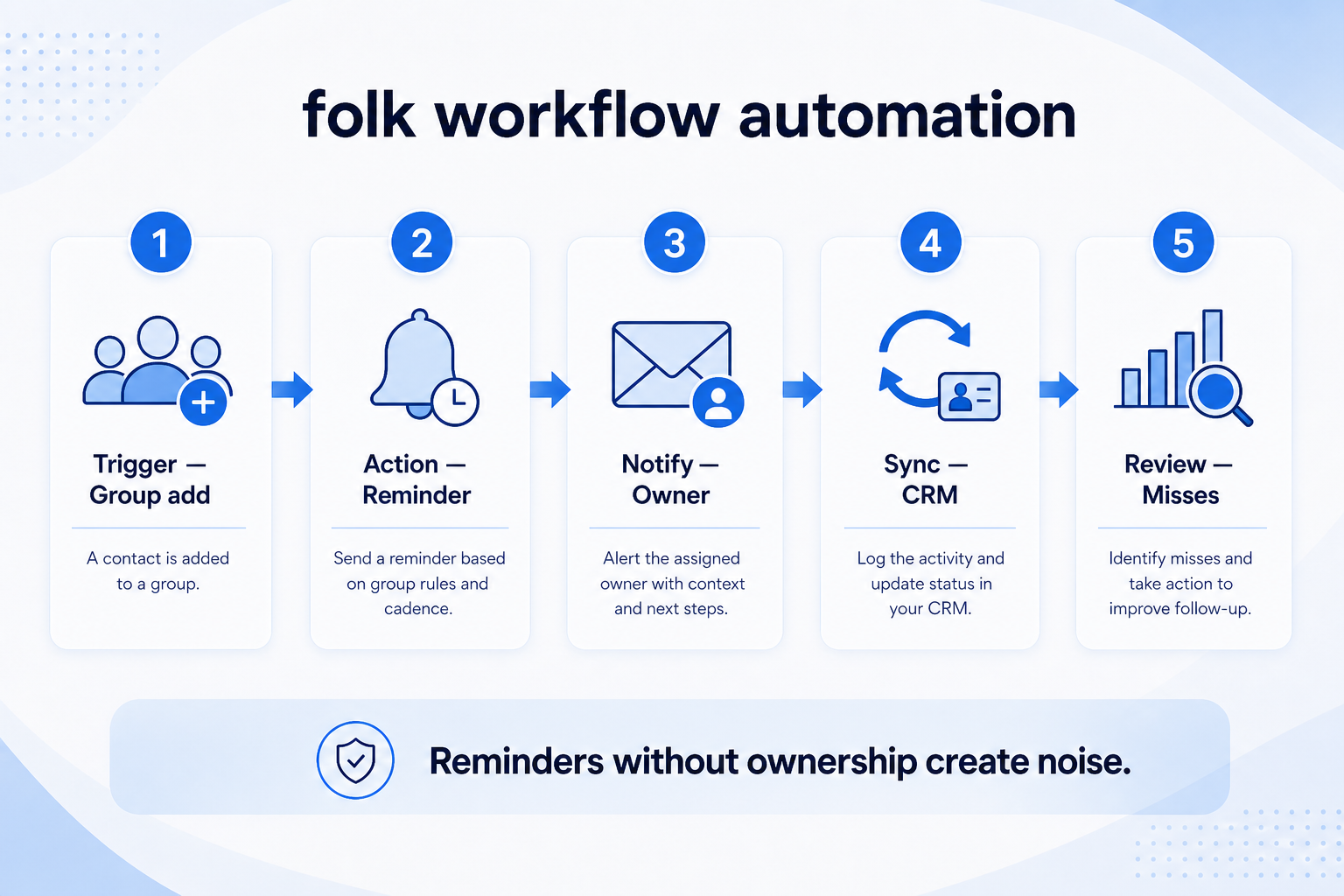
Verified: 15 Aug 2026
Open source ↗Screenshot · Pipedrive
Supports
Demonstrates

Verified: 13 Aug 2026
Open source ↗Screenshot · Pipedrive
Supports
Demonstrates
Verified: 13 Aug 2026
Open source ↗Official documentation · Agile CRM
Supports
Verified: —
Open source ↗Official documentation · Agile CRM
Supports
Verified: —
Open source ↗Official documentation · Apptivo
Supports
Verified: —
Open source ↗Official documentation · Apptivo
Supports
Verified: —
Open source ↗Official documentation · Attio
Supports
Verified: —
Open source ↗Official documentation · Attio
Supports
Verified: —
Open source ↗Official documentation · Bitrix24
Supports
Verified: —
Open source ↗Official documentation · Bitrix24
Supports
Verified: —
Open source ↗Official documentation · Copper
Supports
Verified: —
Open source ↗Official documentation · Copper
Supports
Verified: —
Open source ↗
Official documentation · Creatio
Supports
Verified: —
Open source ↗Official documentation · Creatio
Supports
Verified: —
Open source ↗Official documentation · Dynamics 365
Supports
Verified: —
Open source ↗Official documentation · Dynamics 365
Supports
Verified: —
Open source ↗Official documentation · folk
Supports
Verified: —
Open source ↗Official documentation · folk
Supports
Verified: —
Open source ↗Official documentation · HubSpot
Supports
Verified: —
Open source ↗Official documentation · HubSpot
Supports
Verified: —
Open source ↗Official documentation · HubSpot
Supports
Verified: —
Open source ↗Official documentation · Pipedrive
Supports
Verified: —
Open source ↗Official documentation · Pipedrive
Supports
Verified: —
Open source ↗Official documentation · Pipedrive
Supports
Verified: —
Open source ↗Official documentation · Pipedrive
Supports
Verified: —
Open source ↗