





SoftwareGlimpse

Manufacturing CRM capability

Integrations for Manufacturing

Evaluate CRM platforms on how well they support integrations for manufacturing teams — the requirements that matter, the trade-offs involved, and researched product evidence.

  • Evidence-backed
  • Same criteria across products
  • Affiliate-independent evaluation

Integrations

What we evaluate

  • Email and calendar integration
  • Native integration catalogue
  • Integration depth and direction
  • API access and limits
  • Webhooks and events
  • Middleware support
  • Administration and monitoring
Products
37
Evidence items
560
Updated
2026-08-17
Use these requirements to compare CRM software →

Capability at a glance

High importance
Industry
Manufacturing
Core objective
Connect the CRM to the tools your team already works in
Most important requirements
Email · Calendar · Native apps · API
Related capabilities
Contact management · Workflow automation · Reporting and forecasting · Security and administration
Catalogue coverage
37 CRM products
Visual evidence
Official videos 1
Screenshots 6
See evidence →
Last reviewed
Aug 17, 2026

Why integrations matters for manufacturing

A CRM that does not connect to the tools manufacturing teams already use becomes a second place to type things. Integrations decide whether the CRM reflects reality automatically.

Email, calendar, and phone are usually the integrations that determine adoption. Accounting, marketing, and operational systems then decide how much manual reconciliation remains.

Compare native integrations against your actual stack, and check what the API allows when a native connector does not exist.

What to look for in integrations

Use these requirements to evaluate products against your workflow — not popularity alone.

Essential vs advanced capabilities

Essential

Advanced

Requirement evidence for integrations

See which official demonstrations and screenshots support each requirement. Support labels come from feature assessments — not from media counts.

  • Requirement

    Email and calendar integration

    Sync correspondence and meetings so history stays current automatically.

    Explore requirement →
    Core
    • Salesforce logo

      Salesforce

      Strong support

      Evidence:

      • Documentation 1
      • 0 screenshots
      • 0 official videos
    • Salesforce Account Engagement logo

      Salesforce Account Engagement

      Strong support

      Evidence:

      • Documentation 2
      • 2 screenshots
      • 0 official videos
    • Microsoft Dynamics 365 logo

      Dynamics 365

      Strong support

      Evidence:

      • Documentation 2
      • 0 screenshots
      • 0 official videos
  • Requirement

    Native integrations for your stack

    Prebuilt connectors for the systems your team depends on daily.

    Explore requirement →
    Core
    • Salesforce logo

      Salesforce

      Strong support

      Evidence:

      • Documentation 2
      • 0 screenshots
      • 0 official videos
    • Salesforce Account Engagement logo

      Salesforce Account Engagement

      Strong support

      Evidence:

      • Documentation 2
      • 2 screenshots
      • 0 official videos
    • Microsoft Dynamics 365 logo

      Dynamics 365

      Strong support

      Evidence:

      • Documentation 2
      • 0 screenshots
      • 0 official videos
  • Requirement

    API access

    Build or extend connections where no native integration exists.

    Explore requirement →
    Advanced
    • Salesforce Account Engagement logo

      Salesforce Account Engagement

      Strong support

      Evidence:

      • Documentation 0
      • 2 screenshots
      • 0 official videos
    • Zendesk Sell logo

      Zendesk Sell

      Strong support

      Evidence:

      • Documentation 0
      • 2 screenshots
      • 0 official videos
    • Copper logo

      Copper

      Strong support

      Evidence:

      • Documentation 0
      • 1 screenshots
      • 0 official videos
  • Requirement

    Two-way sync where it matters

    Confirm which direction data flows and which system wins on conflict.

    Explore requirement →
    Advanced
    • Salesforce logo

      Salesforce

      Strong support

      Evidence:

      • Documentation 2
      • 0 screenshots
      • 0 official videos
    • Salesforce Account Engagement logo

      Salesforce Account Engagement

      Strong support

      Evidence:

      • Documentation 2
      • 2 screenshots
      • 0 official videos
    • Microsoft Dynamics 365 logo

      Dynamics 365

      Strong support

      Evidence:

      • Documentation 2
      • 0 screenshots
      • 0 official videos
  • Requirement

    Integration monitoring

    See when a connection fails before the data silently goes stale.

    Explore requirement →
    Advanced
    • Salesforce logo

      Salesforce

      Strong support

      Evidence:

      • Documentation 2
      • 0 screenshots
      • 0 official videos
    • Salesforce Account Engagement logo

      Salesforce Account Engagement

      Strong support

      Evidence:

      • Documentation 2
      • 2 screenshots
      • 0 official videos
    • Microsoft Dynamics 365 logo

      Dynamics 365

      Strong support

      Evidence:

      • Documentation 2
      • 0 screenshots
      • 0 official videos

How CRM products compare for integrations

Overall labels use approved criterion assessments when available; otherwise they reflect feature-support coverage — not an industry ranking.

See integrations evidence →
ProductOverallWorkflow automationBest suited to
Strong · 9/10

Evidence: 6 sources · 0 screenshots · 0 official videos

Mid-market and enterprise sales orgs needing deep customization and reporting
Strong · 9/10

Evidence: 5 sources · 2 screenshots · 0 official videos

Salesforce CRM customers needing B2B MA
Strong · 9/10

Evidence: 5 sources · 0 screenshots · 0 official videos

Mid-market and enterprise teams standardized on Microsoft 365
Strong · 9/10

Evidence: 3 sources · 0 screenshots · 0 official videos

SMB and mid-market teams wanting free CRM now and room to expand into hubs later
Strong · 8/10

Evidence: 5 sources · 2 screenshots · 0 official videos

Teams already using Zendesk Support/CX
Strong · 8/10

Evidence: 4 sources · 1 screenshots · 0 official videos

SMB teams standardized on Google Workspace
Strong · 8/10

Evidence: 5 sources · 2 screenshots · 0 official videos

Founders and SMB teams running relationship-led sales from LinkedIn/email
Strong · 8/10

Evidence: 4 sources · 0 screenshots · 0 official videos

Teams already on monday.com

Select two products for a side-by-side comparison.

CRM options for integrations

  • Salesforce logo

    Salesforce

    $25.00/user/month

    Strong integrations

    AgentExchange (formerly AppExchange), Slack connectivity, Gmail/Outlook email integration, and a large partner ecosystem make Salesforce one of the broadest CRM integration platforms. Add-on and partner complexity is the tradeoff.

    • Mobile app
    • Email sync
    • Email tracking
    • Call functionality may require a higher plan

    Evidence confidence: Medium

  • Salesforce Account Engagement logo

    Salesforce Account Engagement

    Strong integrations

    Integrations assessed at 9/10 from ecosystem/connector positioning.

    • Email sync
    • Email tracking
    • Workflow automation

    Evidence confidence: Medium

  • Microsoft Dynamics 365 logo

    Dynamics 365

    $65.00/user/month

    Strong integrations

    Native Microsoft 365, Outlook, Teams, Power BI, Power Platform, and optional LinkedIn Sales Navigator bundling make ecosystem integration the standout criterion.

    • Mobile app
    • Email sync
    • Workflow automation
    • Email tracking may require a higher plan

    Evidence confidence: Medium

Need help choosing?

Answer a few questions about team size, requirements, integrations and budget for a personalized CRM shortlist.

Find My CRM →

Requirement-by-requirement matrix

✓ Supported · ~ Partial / plan dependent · — Not evidenced. Unknown is never shown as “No”.

RequirementSalesforce logoSalesforceSalesforce Account Engagement logoSalesforce Account EngagementMicrosoft Dynamics 365 logoDynamics 365HubSpot logoHubSpotZendesk Sell logoZendesk Sell
Integrations
Email sync
API access
Email tracking~
Call functionality~
Mobile app
Workflow automation

How products approach integrations

Evidence-backed workflow comparison using official vendor demos and screenshots — not a ranking or entertainment gallery. Absence of media does not mean a product lacks the capability.

  • Salesforce Account Engagement logo

    Salesforce Account Engagement

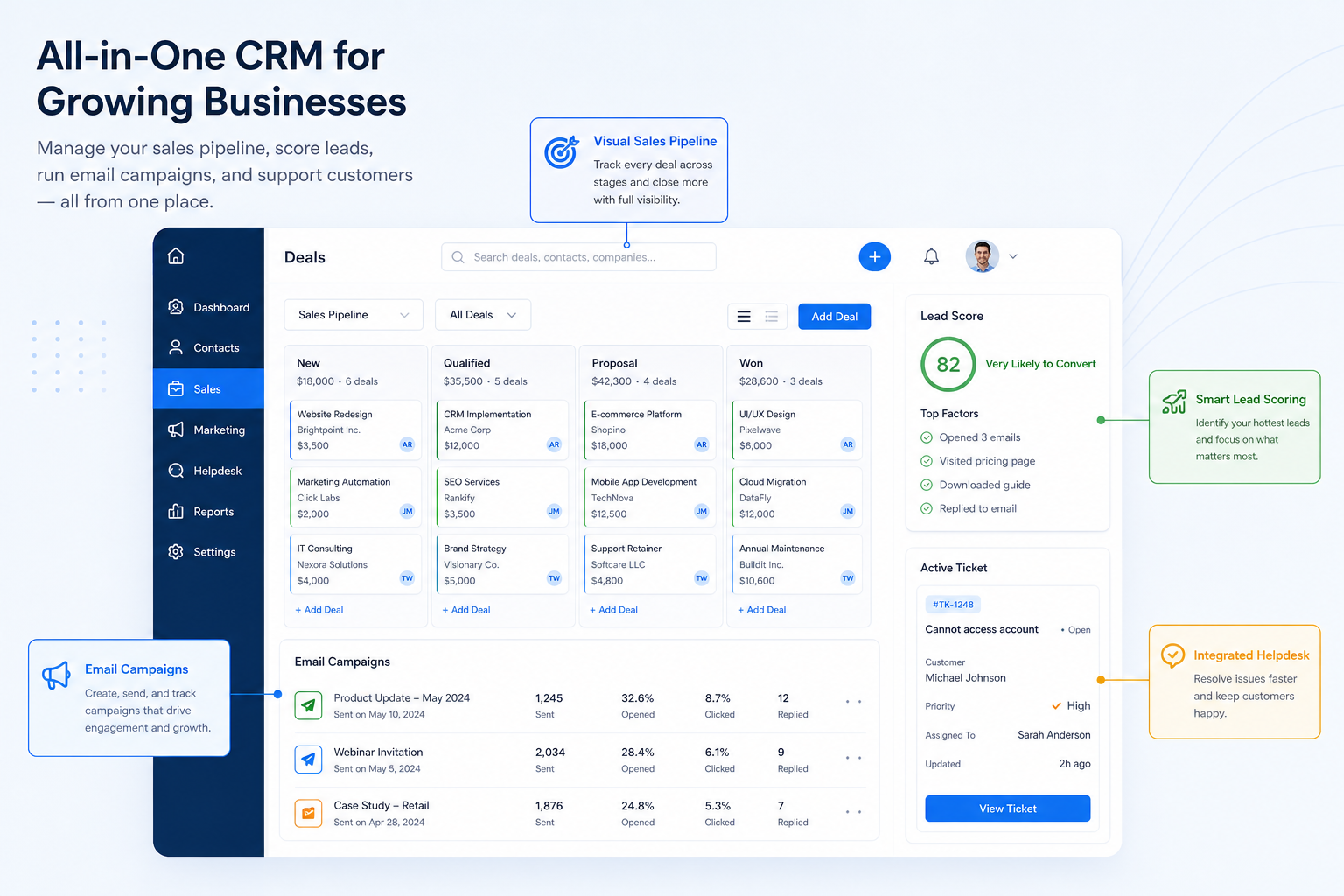
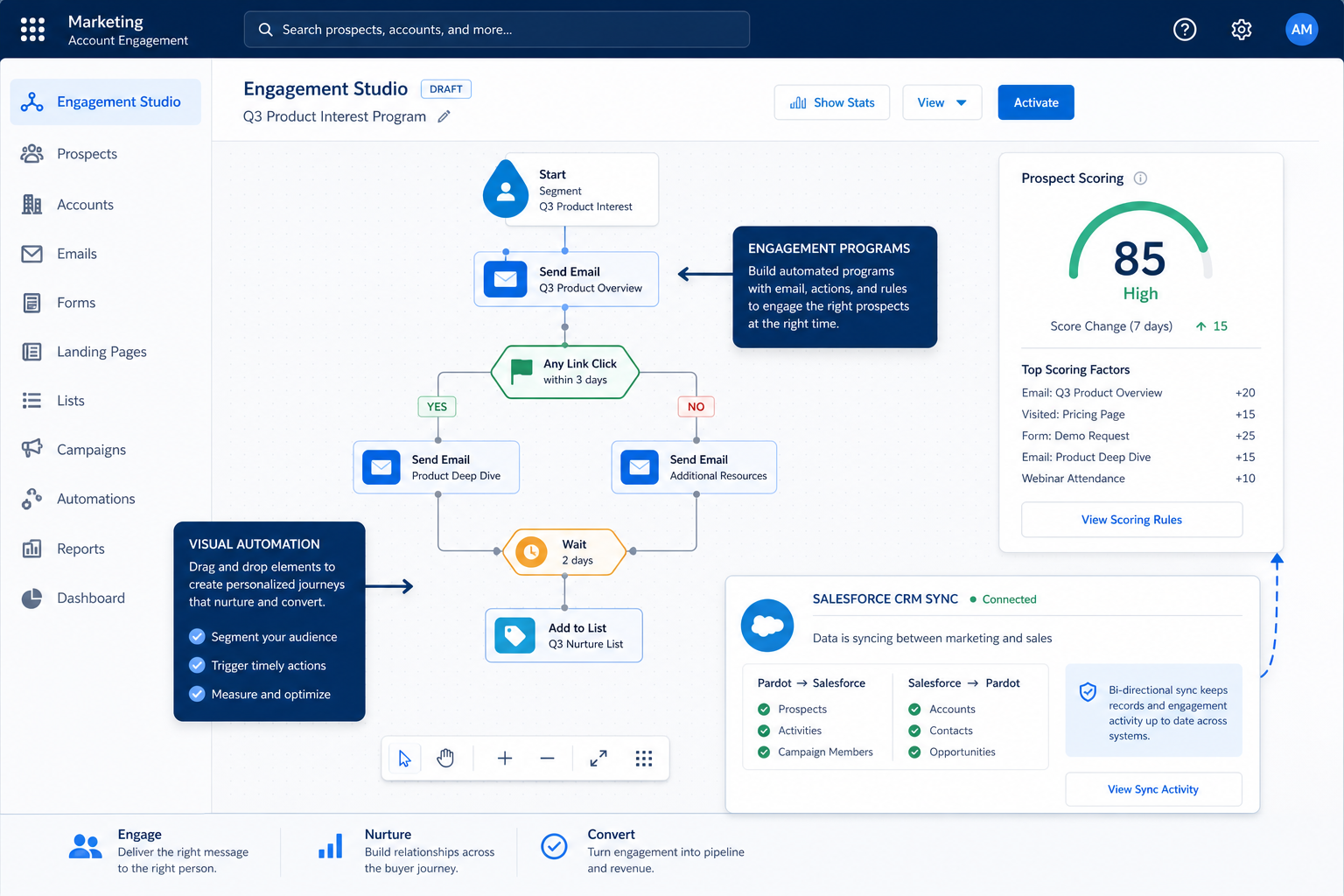
    ScreenshotSalesforce Account Engagement pipeline teaching visual

    SoftwareGlimpse teaching placeholder for Salesforce Account Engagement pipeline concepts.

    Source
    • InventoryScreenshot
    • ConnectScreenshot
    • DefineScreenshot
    • SyncScreenshot
    • MonitorScreenshot

    Salesforce Account Engagement emphasizes

    • SoftwareGlimpse teaching placeholder for Salesforce Account Engagement pipeline concepts.
  • Zendesk Sell logo

    Zendesk Sell

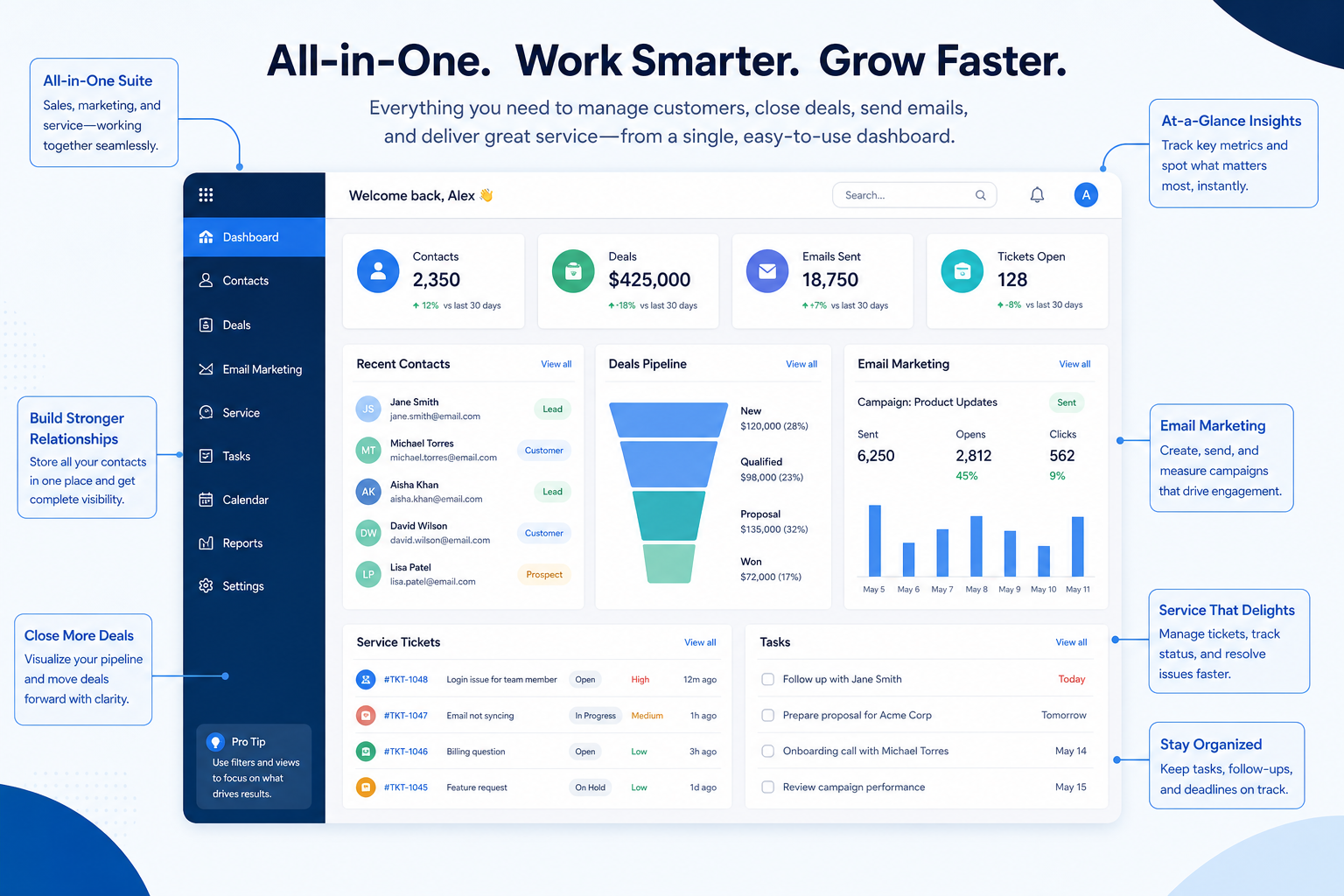
    ScreenshotZendesk Sell pipeline teaching visual

    SoftwareGlimpse teaching placeholder for Zendesk Sell pipeline concepts.

    Source
    • InventoryScreenshot
    • ConnectScreenshot
    • DefineScreenshot
    • SyncScreenshot
    • MonitorScreenshot

    Zendesk Sell emphasizes

    • SoftwareGlimpse teaching placeholder for Zendesk Sell pipeline concepts.

SoftwareGlimpse take

Salesforce Account Engagement evidence emphasizes SoftwareGlimpse teaching placeholder for Salesforce Account Engagement pipeline concepts.; Zendesk Sell evidence emphasizes SoftwareGlimpse teaching placeholder for Zendesk Sell pipeline concepts.. These are observations from official sources, not inferred brand philosophy.

Integrations in action

Verified product captures only — never stock imagery or mockups.

Loading evidence explorer…

What good looks like

  • Stop re-entering the same data
  • Keep email and meetings on the record
  • Keep connected systems current
  • Extend the CRM where needed
  • Notice when a connection breaks

Your exact requirements depend on your sales or advisory process.

Common trade-offs

  • Native connectors vs custom builds

    Native integrations are cheaper to run; custom builds fit better but become your maintenance burden.

  • Suite consolidation vs best-of-breed

    A single vendor reduces integration work but may be weaker in individual areas.

  • Two-way sync vs data integrity

    Bidirectional sync is convenient but multiplies conflict and duplication risk.

  • Middleware vs direct connections

    Middleware fills gaps quickly and adds another dependency and cost line.

Which manufacturing use cases need this capability most?

Questions to ask vendors about integrations

  • Which of our current tools have native integrations?

    Ask the vendor to demonstrate this with your workflow, plans, and data requirements — and request documentation where relevant.

  • Which mail and calendar providers are supported, and how deeply?

    Ask the vendor to demonstrate this with your workflow, plans, and data requirements — and request documentation where relevant.

  • Is each integration one-way or two-way, and what wins on conflict?

    Ask the vendor to demonstrate this with your workflow, plans, and data requirements — and request documentation where relevant.

  • Is API access included, and what are the rate limits?

    Ask the vendor to demonstrate this with your workflow, plans, and data requirements — and request documentation where relevant.

  • Are webhooks available for record events?

    Ask the vendor to demonstrate this with your workflow, plans, and data requirements — and request documentation where relevant.

  • Who maintains the integration — the CRM vendor, the other vendor, or a third party?

    Ask the vendor to demonstrate this with your workflow, plans, and data requirements — and request documentation where relevant.

  • How are integration failures surfaced and retried?

    Ask the vendor to demonstrate this with your workflow, plans, and data requirements — and request documentation where relevant.

  • Which integrations require a higher plan or a separate cost?

    Ask the vendor to demonstrate this with your workflow, plans, and data requirements — and request documentation where relevant.

Before implementing integrations

  • Inventory the stack

    List every system that holds customer data today.

  • Rank by daily use

    Integrate what the team touches every day first.

  • Name the source of truth

    Decide which system wins for each shared field.

  • Verify depth in a trial

    Test the actual fields and directions you need.

  • Assign an owner

    Integrations need someone watching them after go-live.

Related capabilities

See the category-wide capability hub: Integrations CRM capability.

Compare products for integrations

View all comparisons →

Need integrations in your CRM?

Tell us your team size, requirements, integrations and budget. We will use structured answers — not affiliate incentives — to build your shortlist.

Find My CRM →

How we evaluate integrations

Products reviewed:
37
Evidence items:
560
Screenshots:
277
Last updated:
2026-08-17
  1. 1. Define requirements
  2. 2. Map product evidence
  3. 3. Compare consistently
  4. 4. Editorially assess differences

Frequently asked questions

  • Which CRM integrations matter most?

    Email and calendar almost always come first, because they drive whether the CRM stays current. After that, prioritize the systems where you would otherwise re-enter data.

  • Why do integrations matter for manufacturing teams?

    Manufacturing teams rarely run on the CRM alone. Integrations decide how much of the day is spent moving information between systems by hand.

  • What is the difference between a native integration and an API?

    A native integration is a supported connector you configure. An API lets you build a connection yourself, which is more flexible but becomes something you own and maintain.

  • Is a large integration directory a good sign?

    Only if it includes your tools and the depth is real. A short list of deep, well-maintained integrations beats a long list of shallow ones.

  • Do integrations cost extra?

    Sometimes. API access, premium connectors, or middleware may sit on higher plans or carry separate fees. Confirm before shortlisting.

  • Is there one best CRM for integrations?

    No. Fit depends on how your team works, which requirements are must-haves, and what the CRM has to integrate with. Use the requirement matrix and CRM Finder to build a shortlist rather than starting from a ranking.

Ready to compare CRM software?

Choose products based on the integrations capabilities your team actually needs.

  • Free to use
  • No signup required
  • Independent recommendation model