SoftwareGlimpse
CRM Software

Folk Implementation: 30/60/90 Rollout That Sticks

folk implementation guide: day-zero sequence, pilot rules, plan gates, and cutover checks from SoftwareGlimpse research — not generic CRM setup filler.

By Lee MeyeridricksUpdated Aug 14, 20265 min readFact-checked

Quick answer

Implement folk by mapping current crm workflows to folk objects, confirming plan gates for contact management (Standard, Premium, Enterprise), lead management (Standard, Premium, Enterprise), pipeline management (Standard, Premium, Enterprise), piloting one team, then cutting over integrations (Gmail, WhatsApp Business) after data checks.

  • Start with: contact management
  • Gate check: contact management (Standard, Premium, Enterprise)
  • Integrate after: data quality pass on Gmail

folk rollout media

Official setup walkthroughs and product surfaces that matter while you roll out folk — not a full product gallery.

Official folk setup walkthrough

Vendor tutorial for onboarding and configuration. It is not a SoftwareGlimpse rollout plan — use this guide for judgment.

This video is hosted on YouTube

This content is hosted by YouTube. The player loads only after you allow marketing cookies.

Official vendor tutorial

How to use folk for Deal management & Closing?

What this shows

  • folk deal management workflow
  • closing process as presented by folk

Product screenshots

Verified captures from folk's product interface.

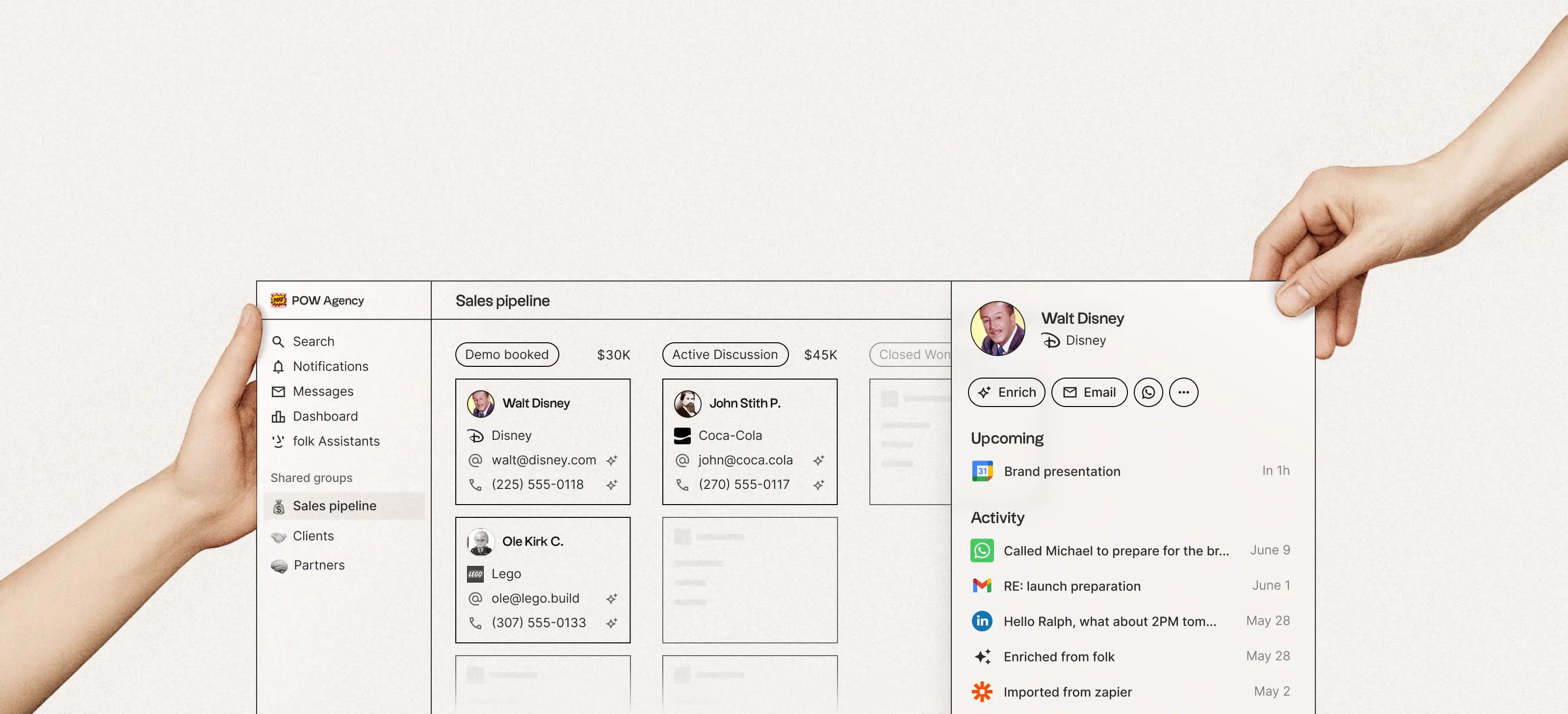
folk CRM hero product visual

folk CRM hero marketing visual.

Full product screenshots and evidence live on the folk research page.

Folk rollout takeaways

  • Implementation is habit work — Relationship CRM with AI assistants, LinkedIn capture (folkX), enrichment, and collaborative pipelines for modern sales teams. None of that helps until the weekly loop is boring.
  • Sequence features to plan gates — Plan-gated in research: contact management (Standard, Premium, Enterprise); lead management (Standard, Premium, Enterprise); pipeline management (Standard, Premium, Enterprise); deal management (Premium, Enterprise).
  • Enable in this order — Days 1–30: contact management, lead management, pipeline management, and deal management. Days 31–60: reporting and workflow automation. Days 61–90: email sequences, data enrichment, and AI assistance.
  • Measure adoption, not configuration — Count deals with a next step, stage moves per seller per week, and activities logged in Folk — not modules enabled.
  • Know what you inherited — Research watch-outs to plan around: Deals, sequences, dashboards, and API require Premium; Monthly AI/enrichment credit caps; Free plan feature limits not fully documented on pricing cards.
  • AI is a day-61 decision — Research lists AI assistant, AI email drafting, AI summaries, and AI automation for Folk. Research places AI assistance on Standard, Premium, and Enterprise.

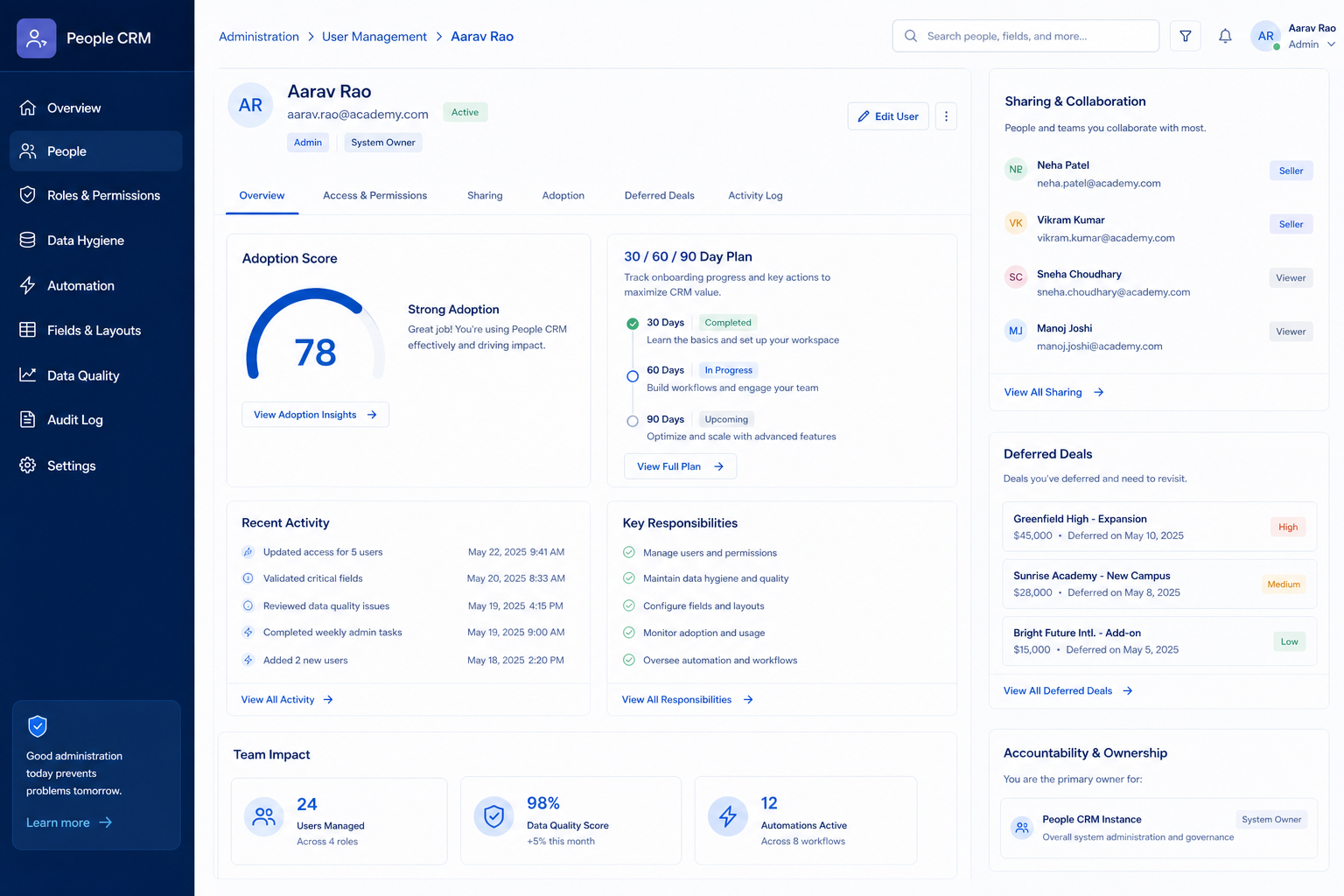
Folk implementation walkthrough

Folk implementation walkthrough diagram.
Gate Folk rollout so configuration never outruns adoption.

Folk: must-have vs nice-to-have

Must-have
  • contact management and lead management
  • reporting
Nice-to-have
  • workflow automation
  • Forecasting
  • AI assistance

Folk checklist

Bring these questions to every demo

Ask vendors to show the workflow live, not just describe it.

  • 1Freeze three 90-day outcomesBusiness language, not module names.
  • 2Assign RACI for admin + sales leadResponsible and Accountable names in writing.
  • 3Prove the day-30 core loopLive deals, training, Friday review inside the CRM.
  • 4Run four weeks of CRM-native reviewsTwo views + at most one automation.
  • 5Expand only unmet outcomesConfirm plan gates before new capabilities.
  • 6Run the adoption scorecardGreen / amber / red before calling it done.

Frequently asked questions

  • How long does Folk implementation take?

    Small teams reach a usable core loop in weeks when outcomes are frozen and an admin is named; the 30/60/90 frame exists for habits, not clicking. Decision rule: do not call it done until non-admins run the loop unaided and a new hire can follow the one-page note.

  • What should we enable first in Folk?

    Start with contact management, lead management, pipeline management, and deal management on your entry tier (Free), one pipeline, and required fields. Everything else waits for adoption evidence.

  • When should we turn on automation?

    Days 31–60, after four clean weekly reviews. Workflow automation is researched on Standard, Premium, and Enterprise only. Automate only predictable human forgetfulness — task creation, owner assignment.

  • When should we enable AI in Folk?

    Research lists AI assistant, AI email drafting, AI summaries, and AI automation for Folk. Research places AI assistance on Standard, Premium, and Enterprise. Enable it in the days 61–90 phase, one capability at a time, and keep it only if reps still use it two weeks later.

  • What adoption metrics actually matter?

    Next-step coverage on open deals, stage moves per seller per week, activities logged per seller, surviving shadow spreadsheets, and real admin hours. Modules enabled is a vanity metric.

  • Do we need consultants?

    Many SMB Folk rollouts succeed with an internal admin and a one-page plan. Bring help when integrations, complex permissions, or a large migration exceed that capacity — and scope it in writing against your three outcomes.

  • What if adoption stalls at day 60?

    Stop adding features. Cut stages, re-train on the loop, and check whether the admin owner actually has time. If the core loop still fails, re-open the fit question in the Folk worth-it guide and compare Salesflare and Capsule.

  • What should I do next?

    Use the Folk setup guide for day-zero configuration, the migration guide if history is still moving, and the plans guide if a needed capability turns out to be gated.

1. folk day-zero to steady-state sequence

  • Day zero — objects and owners

    Define owners for contact management, lead management, pipeline management before inviting the whole org.

  • SMB pilot

    One pipeline / one team proves Founders and SMB teams running relationship-led sales from LinkedIn/email before company-wide seats.

  • Cutover

    Freeze legacy writes briefly; validate Gmail and WhatsApp Business before reopen.

Treat folk setup as a controlled rollout — not a weekend dump of CSV files.

folk implementation go / no-go

  1. 1Go when plan unlocks cover contact management (Standard, Premium, Enterprise)
  2. 2Pause if this limitation blocks ops: Custom objects/Deals, email sequences, dashboards, workspace roles, and API access start on Premium.
  3. 3Do not expand seats until contact management is green

folk implementation mistakes

  • Mistake 1

    Custom objects/Deals, email sequences, dashboards, workspace roles, and API access start on Premium.

  • Mistake 2

    Enrichment, magic fields, and AI assistant credits are monthly capped by plan (custom on Enterprise).

  • Mistake 3

    FAQ references a free plan for downgrades, but live pricing cards emphasize Standard/Premium/Enterprise — free-tier feature limits are not fully documented on the pricing table.

  • Mistake 4

    Deals, sequences, dashboards, and API require Premium

  • Big-bang invite

    Inviting every user before object design creates junk data that is expensive to unwind.

folk plan gates that affect rollout

Implementation fails when unlocks needed for go-live sit on a higher tier than budgeted.

  • Seats61%
  • Add-ons18%
  • Implementation12%
  • Training5%
  • Other4%
  • Free

    Free plan · 14-day trial · up to 1 seat · Suits: explore before committing seats

  • Standard

    14-day trial · Unlocks: contact management, lead management, pipeline management · Suits: teams whose must-have gates appear on this tier

  • Premium

    14-day trial · Unlocks: deal management, email sequences, reporting · Suits: teams whose must-have gates appear on this tier

  • Enterprise

    14-day trial · Suits: teams whose must-have gates appear on this tier

folk implementation checklist

0/3 dimensions noted — saved in this browser only.

  • Prep

  • Pilot

  • Scale

Was this article helpful?

Have more questions? Contact our support team.

SoftwareGlimpse Updates

Want clearer software shortlists? Get buying guides and comparisons by email.

Newsletter coming soon.