
This video is hosted on YouTube
This content is hosted by YouTube. The player loads only after you allow marketing cookies.
Dashboards, portfolio reports, and progress analytics for managers.
At a glance
Trusted manager visibility
Ops, project managers, agencies, and delivery teams
Live dashboards · Portfolio views · Exports · Plan gates
9 products to explore
Fit snapshot
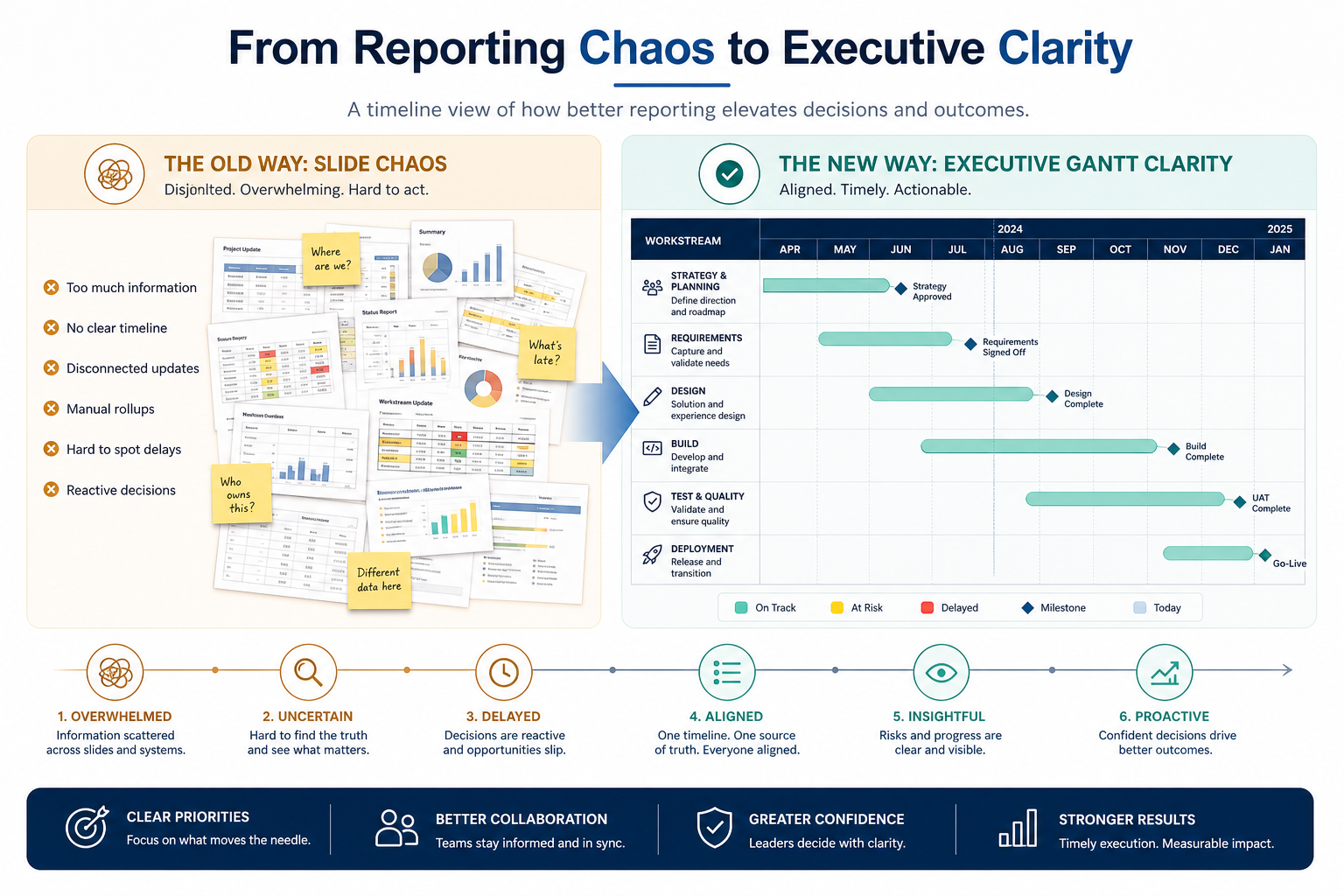
Reporting turns live work data into dashboards managers can review weekly without rebuilding slides from scratch.
Managers and ops leads running delivery reviews.
How teams put CRM to work for reporting
Example 1
Monday reviews start from a stuck-items dashboard.
Example 2
portfolio health is visible without exporting to sheets.
These are the operating problems that usually push teams toward CRM for reporting — not feature wish lists.
Without CRM discipline: Teams discover the feature only after buying the wrong plan.
Without CRM discipline: Adoption fails and status drifts.
Without CRM discipline: Notifications and views overwhelm contributors.
Without CRM discipline: A specialist tool is forced to act like a work OS (or the reverse).
A CRM only helps when the team keeps owners, history, and next steps current. Here is what “good” looks like for reporting.
With CRM discipline: Map must-haves to the qualifying plan before purchase.
With CRM discipline: Trial with a real workflow and a sceptic user.
With CRM discipline: Configure for the weekly ritual you will keep.
With CRM discipline: Keep specialists on landscape decision paths.
Clearer operating loop
The capability supports a weekly ritual people keep.
Less rework
Status and handoffs need fewer manual chases.
Honest fit
Buyers stop comparing across unrelated job clusters.
Check dashboard depth on the plan you will buy and whether reports stay live.
Live dashboards as a buying lens for this capability.
Portfolio views as a buying lens for this capability.
Exports as a buying lens for this capability.
Start with must-haves your team will use weekly. Treat nice-to-haves as later upgrades — not day-one blockers.
Must-have
Confirm gates before you commit.
Evidence from a real workflow.
Nice-to-have
Native behaviour for your stack.
A simple operating loop beats a complex board nobody updates.
Write the weekly outcome this capability must enable.
Confirm the quoted tier unlocks it.
Run one real workflow for several days.
Keep only what people actually use.
Broader capability workflow demos for reporting — distinct from narrow feature walkthroughs.
Official vendor demonstrations help show how different CRM platforms approach the workflows, features and interactions that make up reporting. Absence of a video does not mean a product lacks the capability.

Smartsheet
Smartsheet Overview
Focus: How Smartsheet presents the product in an official vendor video.
This video is hosted on YouTube
This content is hosted by YouTube. The player loads only after you allow marketing cookies.
What this shows
What to notice
What this does not establish
Features visible in this demo
Source: Smartsheet · Verified 18 Aug 2026
Evidence-backed workflow comparison using official vendor demos and screenshots — not a ranking or entertainment gallery. Absence of media does not mean a product lacks the capability.
Smartsheet
Smartsheet emphasizes
Best when
Shared ownership and multi-view planning are the job.
Best when
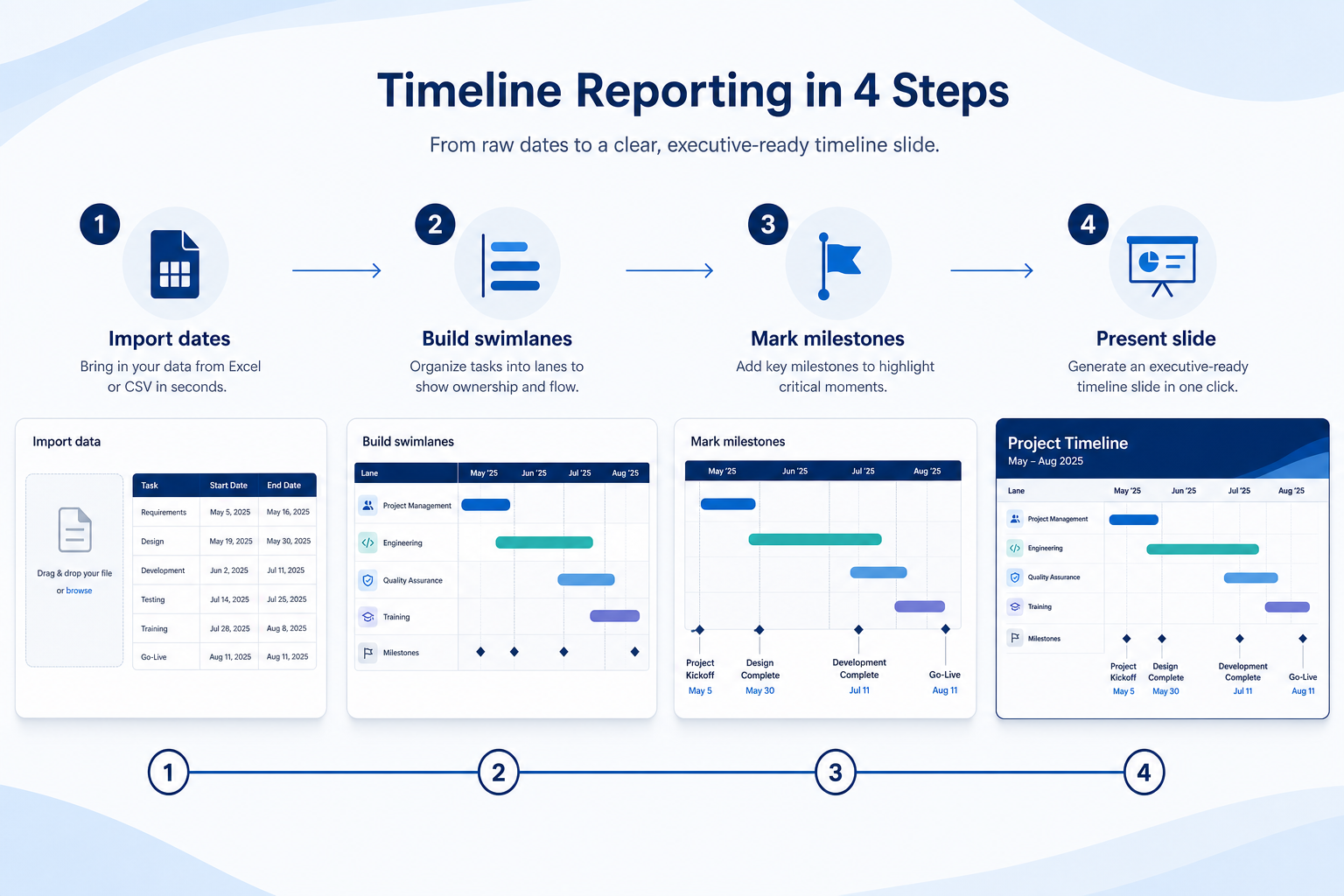
Timeline slides, PDFs, remote access, or desktop shells are the job.
Catalogue products tagged to related use cases for reporting & dashboards. Inclusion here is not a ranking.

Project Management
Work OS / work management platform with boards, timelines, automations and AI credits — Basic from $9/seat/mo annual (3-seat minimum).

Project Management
Work management platform with free plan (≤10 members) and Teams from $12/user/mo annual — strong monday.com peer.

Project Management
PowerPoint-native timeline / Gantt specialist (now Lucen Timeline) — Free add-in; Lite from $9/user/mo annual.

Project Management
Cross-functional work management with goals, workflows and AI Studio — Starter from $10.99/user/mo annual.

Project Management
All-in-one configurable Work OS (tasks, docs, dashboards, ClickUp Brain) — Unlimited from $7/user/mo annual.

Project Management
Atlassian Agile issue tracker for software teams — Free ≤10; Standard from ~$8.15/user/mo annual.

Project Management
Docs-first workspace with databases and light project tracking — Plus from $10/user/mo annual; AI on Business.
Project Management
Spreadsheet-style work management with Gantt, portfolios and automation — Pro from $9/member/mo annual.

Project Management
Enterprise/agency work management with proofing, intake and resourcing — Team from $10/user/mo annual.
Loading evidence explorer…
No. Fit depends on your primary productivity job (work OS vs timeline slides vs PDF vs remote access vs desktop workspace), seat count, and which requirements are must-haves. Use the Best Project Management shortlist and requirements guide rather than starting from a single ranking.
CRM capabilities store relationships and pipeline on records. Project management capabilities plan and track internal work — often integrating with chat, files, and CRM. Buy for the productivity job that is blocking first.
Boards, tables, lists, and kanban-style views for tracking work items.
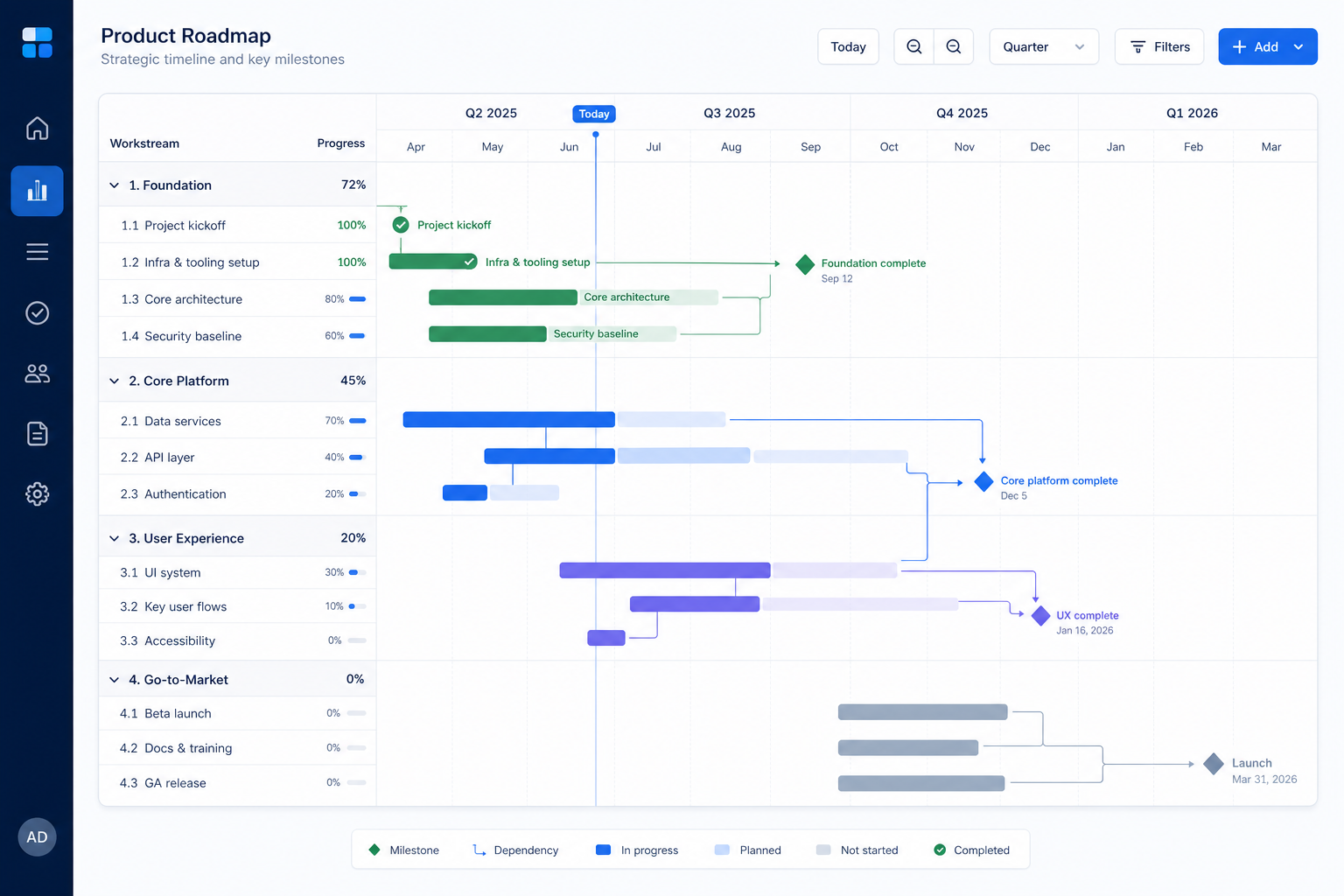
Timeline, Gantt, or roadmap views for scheduling and dependencies.
Capacity, resourcing, or portfolio load views across people and projects.
Part of CRM capabilities · CRM Software hub
Want clearer software shortlists? Get buying guides and comparisons by email.
Newsletter coming soon.
Explore the official documentation, screenshots and product demonstrations used to understand how each CRM implements reporting.
1 item
Official video · Smartsheet
Supports
Demonstrates
This video is hosted on YouTube
This content is hosted by YouTube. The player loads only after you allow marketing cookies.
Official vendor video
How Smartsheet presents the product in an official vendor video.
Verified: 18 Aug 2026
Open source ↗