SoftwareGlimpse
Notion logo

Notion Review

PROJECT MANAGEMENT & PRODUCTIVITY SOFTWARE

Choose Notion when documentation and flexible databases are the primary job, with light project tracking layered on — not as a pure Work OS substitute.

Last updated 2026-08-18Independent editorial review
  • Starting price

    $10.00/user/month

  • Free plan

    Yes

  • Free trial

    Yes

  • Best for

    Docs-first teams and wikis

SoftwareGlimpse review

7/10

Good

  • ease of use8
  • work planning6
  • automation workflows6
  • collaboration9
  • integrations7
  • reporting5
How we score →

See Notion in action

Official vendor demonstration of product surfaces. It supplements screenshots and editorial analysis — it is not independent SoftwareGlimpse testing.

This video is hosted on YouTube

This content is hosted by YouTube. The player loads only after you allow marketing cookies.

Official vendor tutorial

Notion Training: The Basics

How Notion presents the product in an official vendor video.

What this shows

  • Notion product surfaces as shown in the official vendor video
  • UI/workflow layout marketed by the vendor
Pricing

Cross-checked 2026-08-17: Free personal; Plus ~$10/user/mo annual; Business ~$20/user/mo annual with Notion AI commonly bundled; Enterprise custom. Confirm live notion.so/pricing (AI packaging has shifted historically).Full pricing details →
  • Free

    $0.00

    Free plan

    Free for personal use with limited collaboration.

  • Plus

    Most popular

    $10.00

    per user / mo, billed annually

    $10/user/mo annual — collaborative docs/databases.

  • Business

    $20.00

    per user / mo, billed annually

    ~$20/user/mo annual — admin + Notion AI commonly included.

  • Enterprise

    Custom

    Contact sales

    Enterprise — custom security/governance.

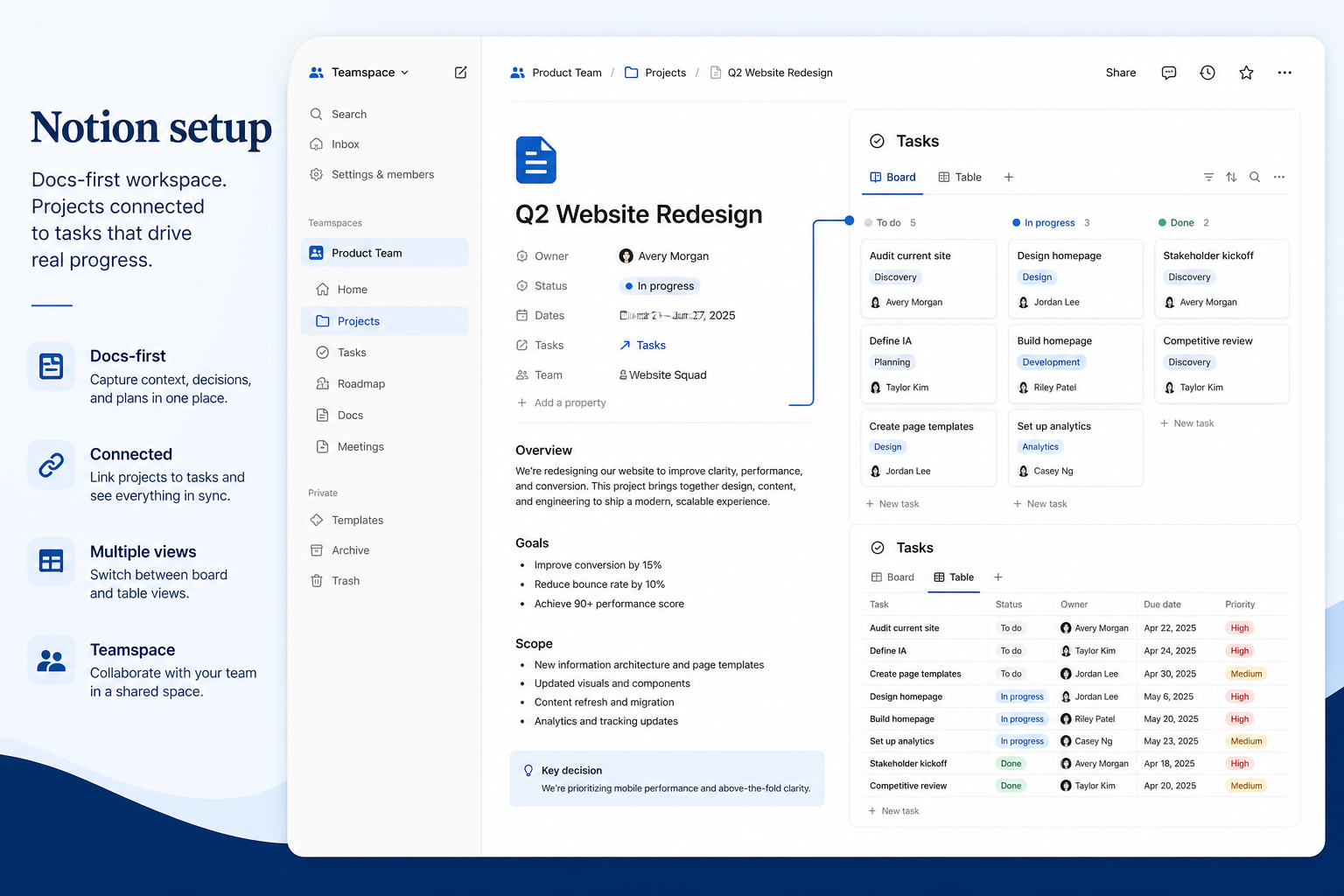
Product screenshots

Verified captures from Notion's product interface.

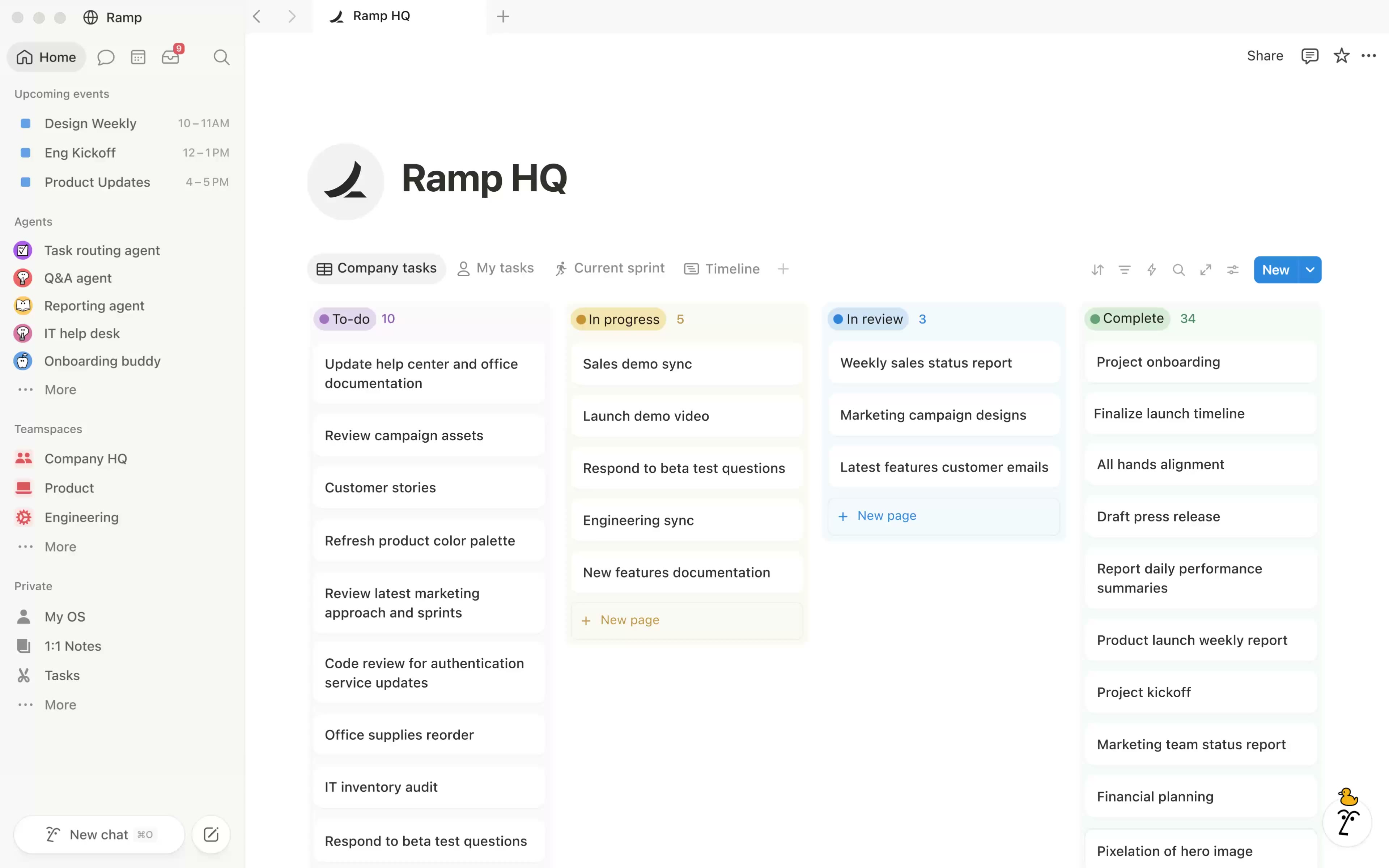
Notion homepage workspace

Workspace hero UI from the official Notion homepage.

Decision snapshot

Entity field audit 100/100

Notion is a docs-first knowledge and database workspace used for wikis, specs and lightweight project tracking. Free for personal use; Plus ~$10/user/mo annual; Business ~$20 with Notion AI bundled in common 2026 packaging; Enterprise custom. Strong for knowledge work — lighter than dedicated Work OS peers for portfolio PM.

Best for

  • Docs-first teams and wikis
  • Startups combining specs + light tasks
  • Buyers who want Notion AI writing/search
  • micro / operations: Notion fit for micro operations teams in the docs-first job cluster, from first-party positioning and Project-management Priority-1 research.

Not ideal for

  • Heavy portfolio/resource PM (monday/Wrike)
  • Eng sprint orgs (Jira/Linear)
  • Buyers needing native Gantt/workload depth
  • Not a full Work OS for portfolio/resource management

Key tradeoffs

  • Not a full Work OS for portfolio/resource management
  • Reporting/dashboards thinner than dedicated PM tools
  • Notion AI typically Business-gated
  • Database sprawl without information architecture

Pricing: 4 documented plans · 1 free · entry paid: Plus · trial documented on at least one plan

Evidence: Research/data-based (no completed hands-on test) · Latest verification/research signal: 2026-08-17T20:00:00.000Z · Editorial assessment: approved

Next step: Compare against peers: Asana vs Notion

Our verdict

Choose Notion when documentation and flexible databases are the primary job, with light project tracking layered on — not as a pure Work OS substitute. Compare Asana/ClickUp/monday for dedicated Work OS execution, Airtable for heavier DB apps, and Jira for engineering delivery. Scores reflect first-party documentation as of 2026-08-17 — not hands-on product testing. Confirm current packaging, minimums and usage rates on the vendor site before purchase.

Best for

  • Docs-first teams and wikis
  • Startups combining specs + light tasks
  • Buyers who want Notion AI writing/search

Not ideal for

  • Heavy portfolio/resource PM (monday/Wrike)
  • Eng sprint orgs (Jira/Linear)
  • Buyers needing native Gantt/workload depth

Bottom line

Free personal; Plus $10, Business ~$20 annual (AI often bundled on Business); Enterprise custom. Confirm live.

Notion pros and cons

Pros

  • Best-in-class docs + databases
  • Notion AI on Business
  • Flexible templates
  • Strong SMB/saas adoption
  • Plus $10 floor

Cons

  • Weaker classic PM planning/reporting
  • Can become a messy wiki without standards
  • Not a Work OS peer on undifferentiated ranks
  • AI tied to higher plans
  • Automations thinner than ClickUp

Pricing comparison

Full comparison →
 Notion(this review)AsanaClickUpAirtablemonday.com
Starting price$10.00/user/month$10.99/user/month$7.00/user/month$20.00/user/month$9.00/user/month
Free planYesYesYesYesYes
Free trialYesYesYesYesYes

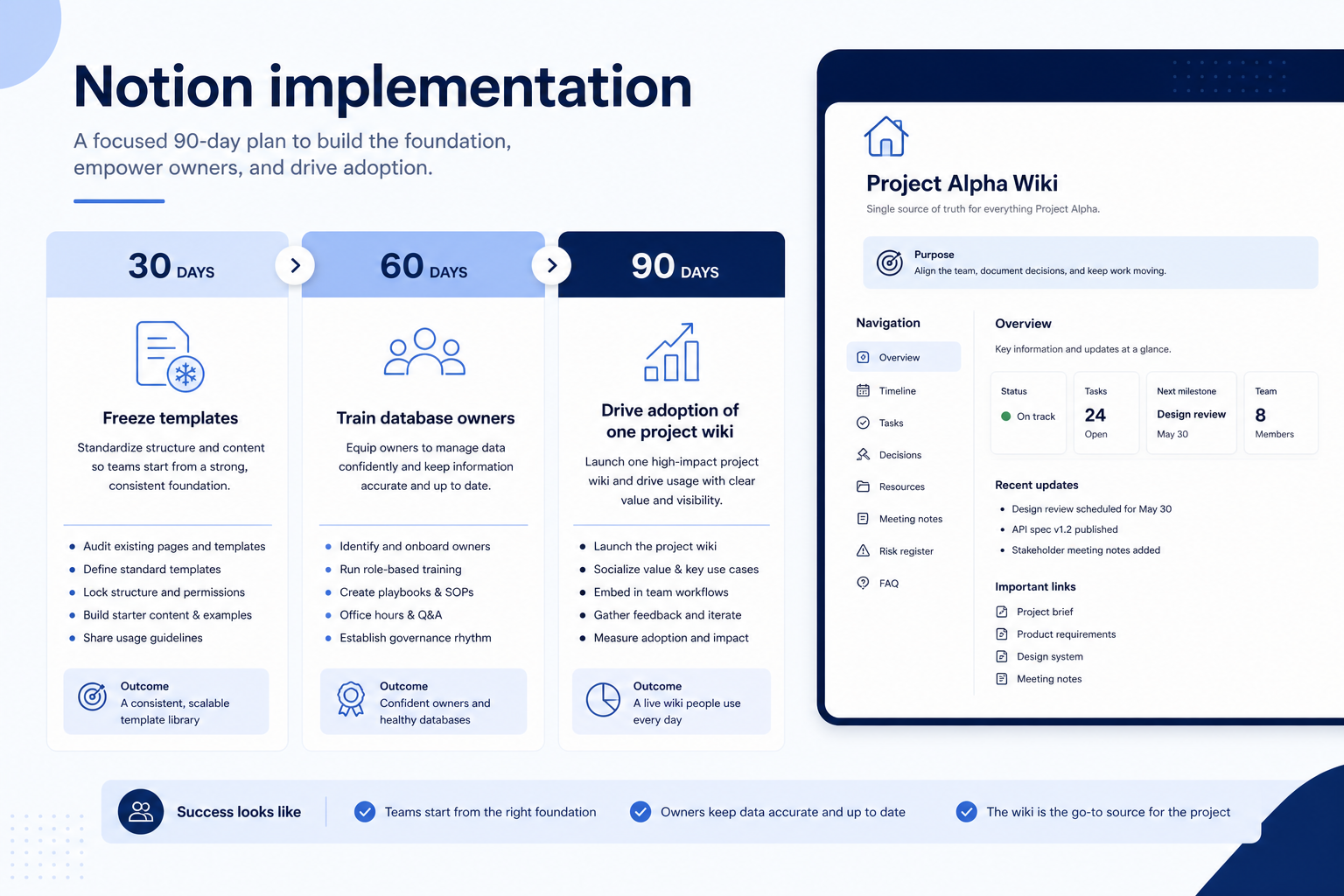
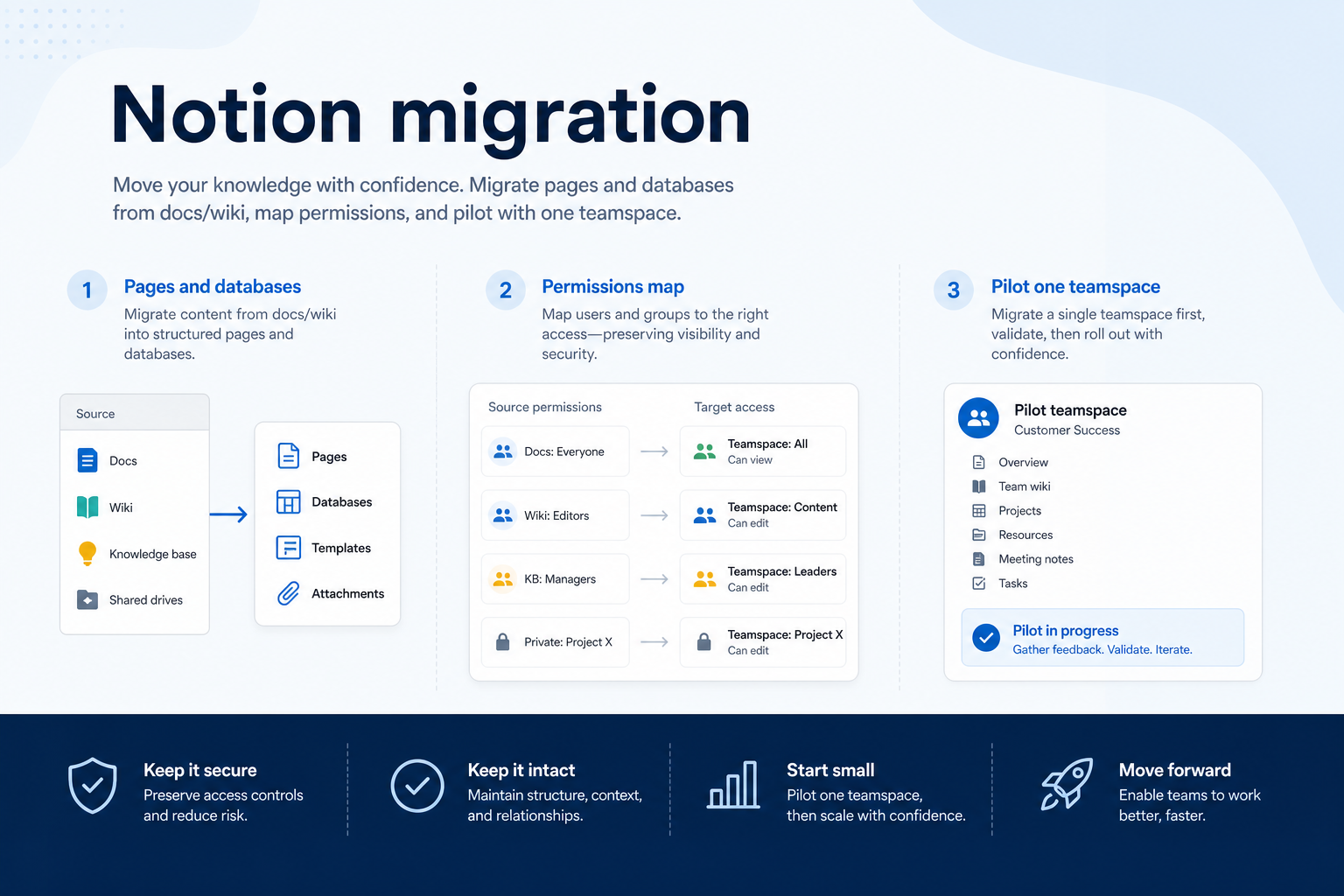
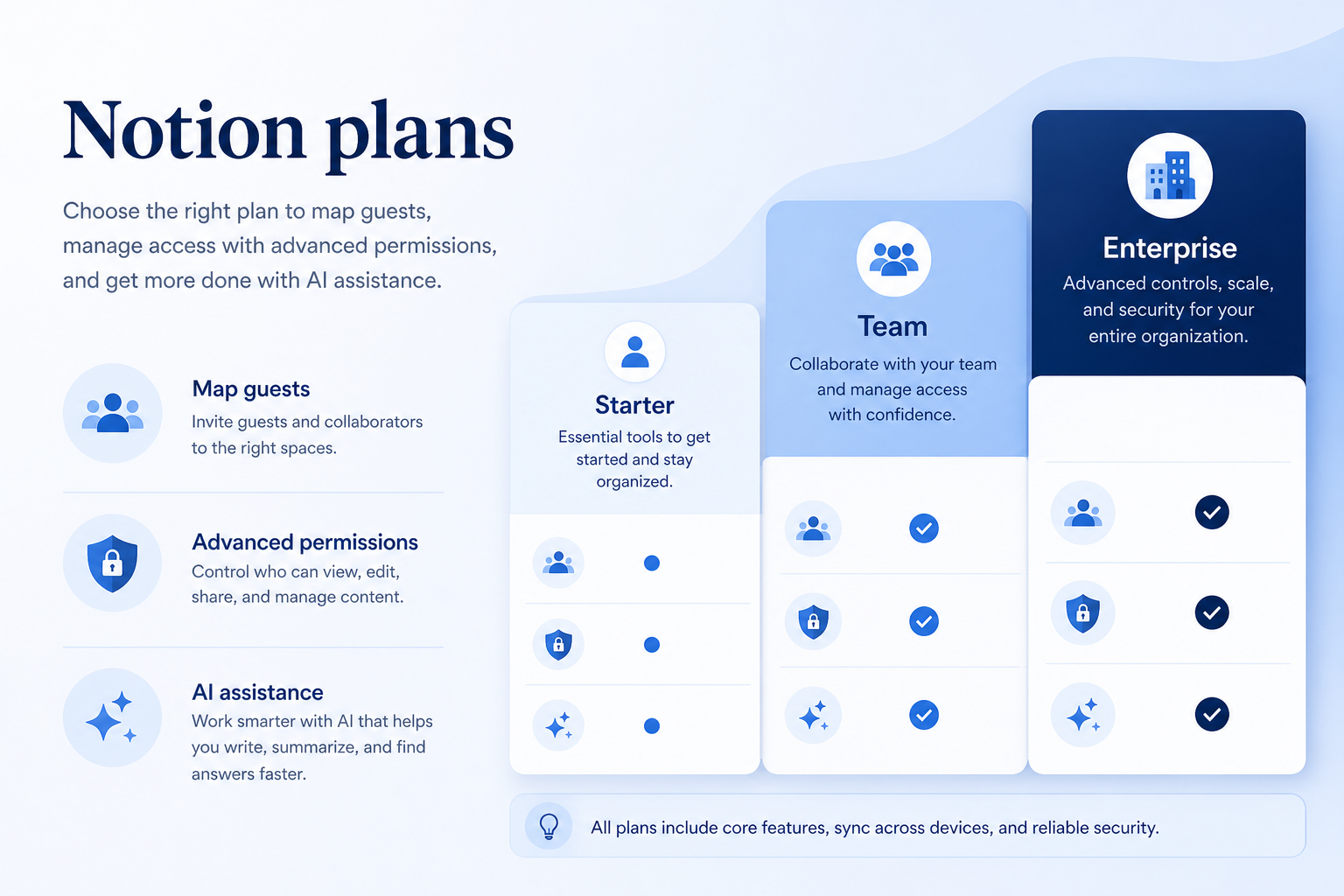
Notion guides

Setup, implementation, migration, plans, and worth-it walkthroughs for this product.

Methodology disclosure: scores and recommendations follow SoftwareGlimpse evaluation criteria (version 1.0.0). Affiliate relationships do not determine rankings.

How we recommend: product claims are tied to recorded research where available.

AI-assisted disclosure: drafts may be AI-assisted from approved facts and assessments. Humans approve publishable editorial judgments. AI does not invent live prices or claim hands-on testing.

Part of Project Management & Productivity · Software reviews

Try a decision tool

Interactive helpers use recommendation criteria — affiliate status never changes outcomes.