This video is hosted on YouTube
This content is hosted by YouTube. The player loads only after you allow marketing cookies.
Official vendor video
Customize your work management process with monday.com
What this shows
- Official product overview

Choose monday.com Work Management when you want a mainstream Work OS for boards, timelines, automations and cross-team collaboration — and can accept the 3-seat paid floor plus AI credit packaging.
Starting price
$9.00/user/month
Free plan
Yes
Free trial
14 days
Best for
Teams standardising on one Work OS for projects, ops and cross-functional work
Some links may be affiliate links — we may earn a commission at no extra cost to you. Rankings and scores are never based on commission. Affiliate disclosure
SoftwareGlimpse review
8.6/10
Good
Official vendor demonstration of product surfaces. It supplements screenshots and editorial analysis — it is not independent SoftwareGlimpse testing.
This video is hosted on YouTube
This content is hosted by YouTube. The player loads only after you allow marketing cookies.
Official vendor video
$9.00
per user / mo, billed annually
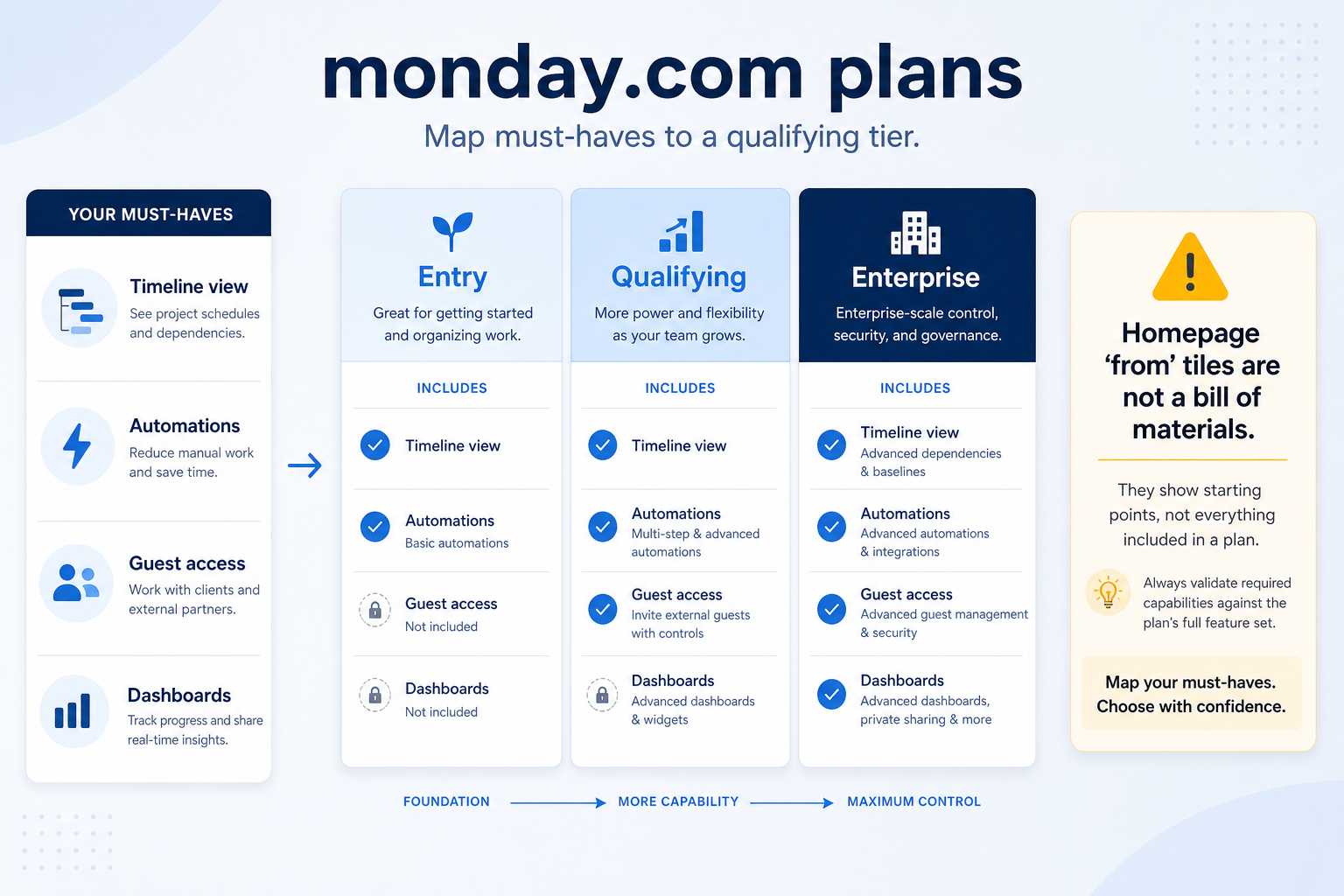
$9/seat/month billed annually (3-seat minimum) plus ~1,000 AI credits (~$10). Entry Work Management seat.
$12.00
per user / mo, billed annually
$12/seat/month billed annually (3-seat minimum) plus ~2,000 AI credits (~$20). Timeline and guest access depth typically land here.
$19.00
per user / mo, billed annually
$19/seat/month billed annually (3-seat minimum) plus ~3,000 AI credits (~$30). Time tracking, chart views and private boards on Pro.
Custom
Contact sales
Enterprise — custom quote for advanced governance, scale and security.
Verified captures from monday.com's product interface.
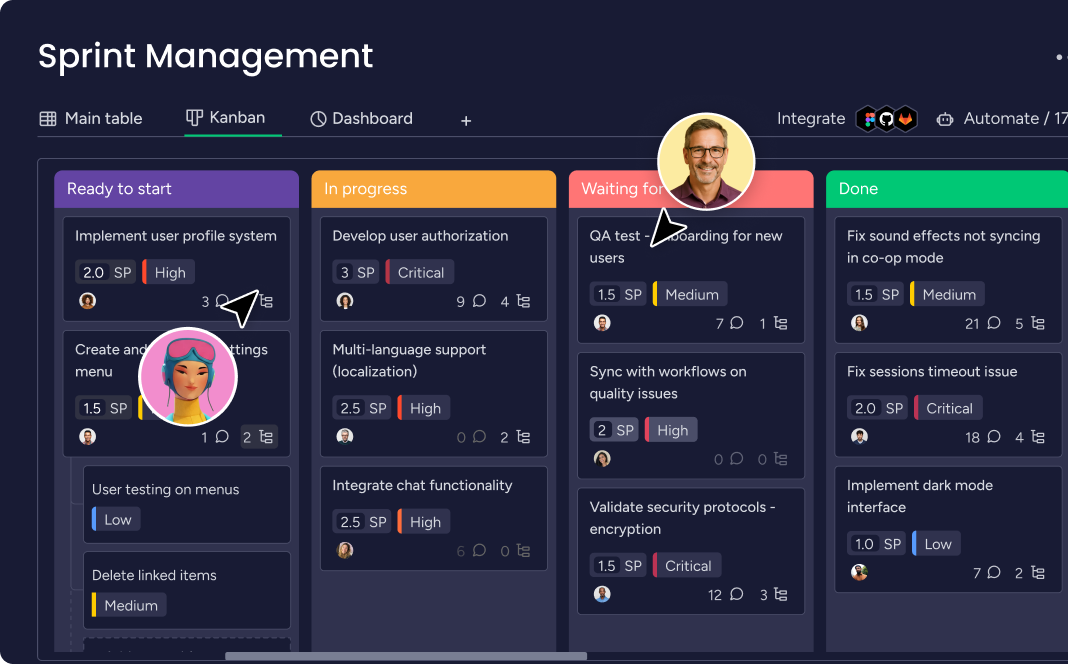
Work board UI from the official monday.com homepage.
Entity field audit 100/100
monday.com Work Management is a work OS for boards, timelines/Gantt, workload views, automations, docs and dashboards. Free covers ≤2 seats and ≤3 boards. Paid plans start at a 3-seat minimum: Basic $9, Standard $12, Pro $19 per seat/month on annual billing, each bundling AI credits (~1k/2k/3k; roughly +$10/$20/$30), with Enterprise custom. 14-day Pro trial. Yearly ~18% off vs monthly. Distinct from monday sales CRM.
Pricing: 5 documented plans · 1 free · entry paid: Basic · trial documented on at least one plan
Evidence: Research/data-based (no completed hands-on test) · Latest verification/research signal: 2026-08-17T18:00:00.000Z · Editorial assessment: approved
Next step: Compare against peers: monday.com vs Hive
Choose monday.com Work Management when you want a mainstream Work OS for boards, timelines, automations and cross-team collaboration — and can accept the 3-seat paid floor plus AI credit packaging. Compare Hive for a lower paid entry and generous free seats, Office Timeline for PowerPoint-native Gantt decks, and keep monday sales CRM separate if the job is sales pipeline CRM. Scores reflect first-party documentation as of 2026-08-17 — not hands-on product testing. Confirm current packaging, minimums and usage rates on the vendor site before purchase.
Bottom line
Free: ≤2 seats, ≤3 boards. Paid 3-seat minimum — Basic $9, Standard $12, Pro $19 per seat/mo annual (+ AI credit bundles ~$10/$20/$30). Enterprise custom. 14-day Pro trial. Confirm live.
| monday.com(this review) | Hive | Office Timeline | Asana | ClickUp | |
|---|---|---|---|---|---|
| Starting price | $9.00/user/month | $5.00/user/month | $9.00/user/month | $10.99/user/month | $7.00/user/month |
| Free plan | Yes | Yes | Yes | Yes | Yes |
| Free trial | Yes | Yes | Yes | Yes | Yes |
Work management / Work OS
Run cross-team work on shared boards, timelines, and automations instead of Slack and sheets.
Explore use case →Project & task tracking
Keep tasks owned, dated, and reviewable so delivery status is not tribal knowledge.
Explore use case →Team collaboration on work
Keep comments, files, and decisions on the work item instead of private chat.
Explore use case →Resource & capacity planning
See who is overloaded before deadlines slip — not after.
Explore use case →monday.com may not be the best fit if…
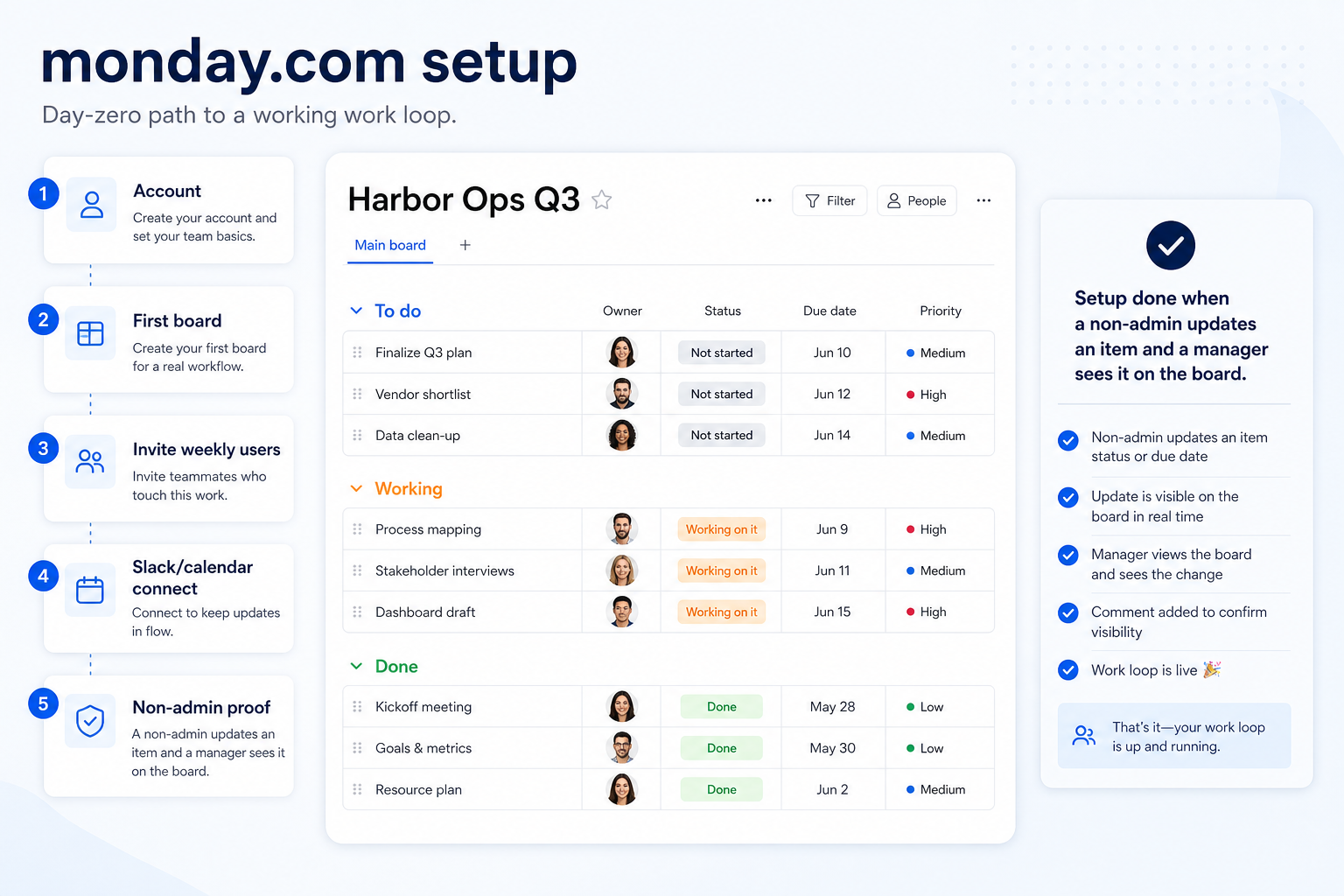
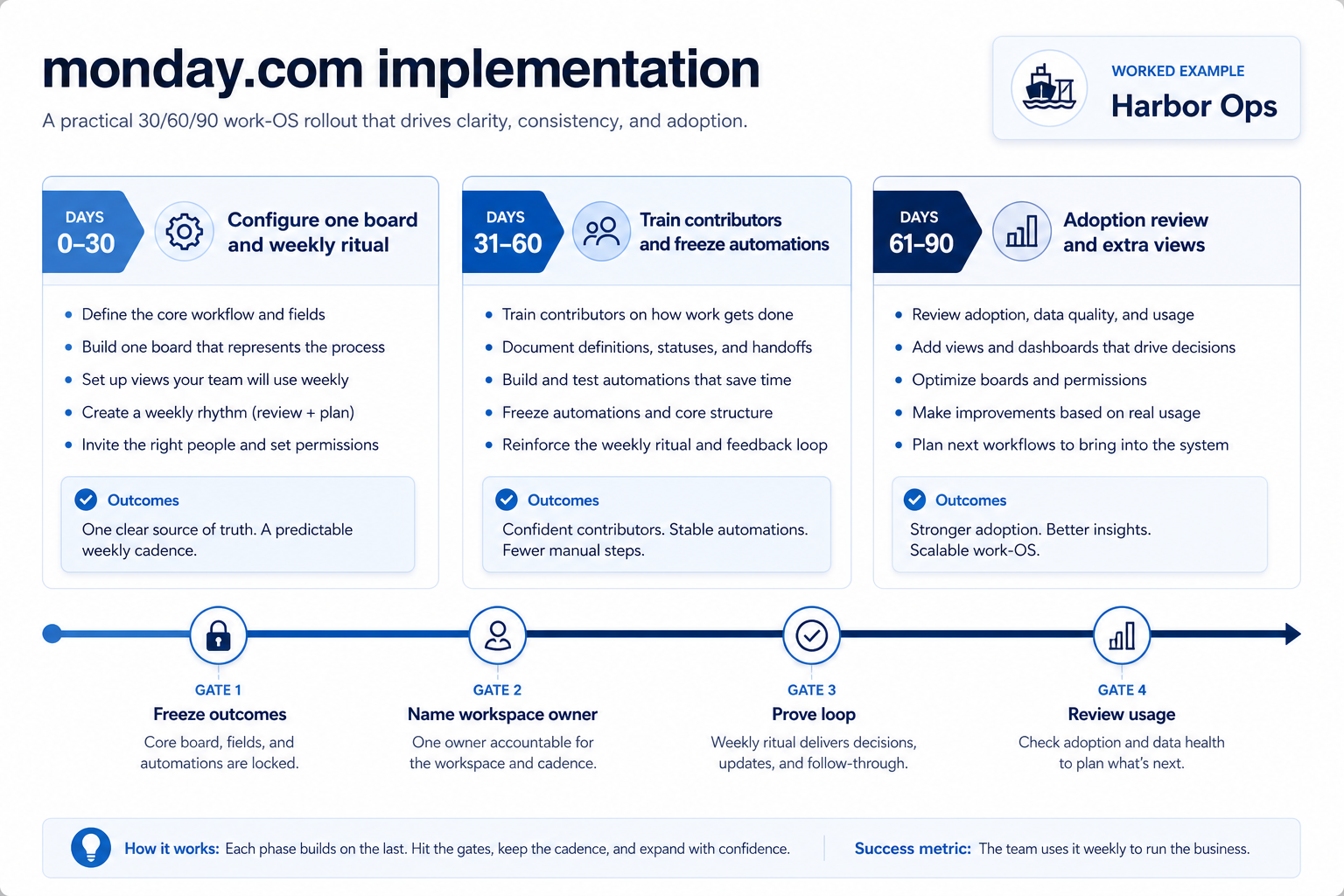
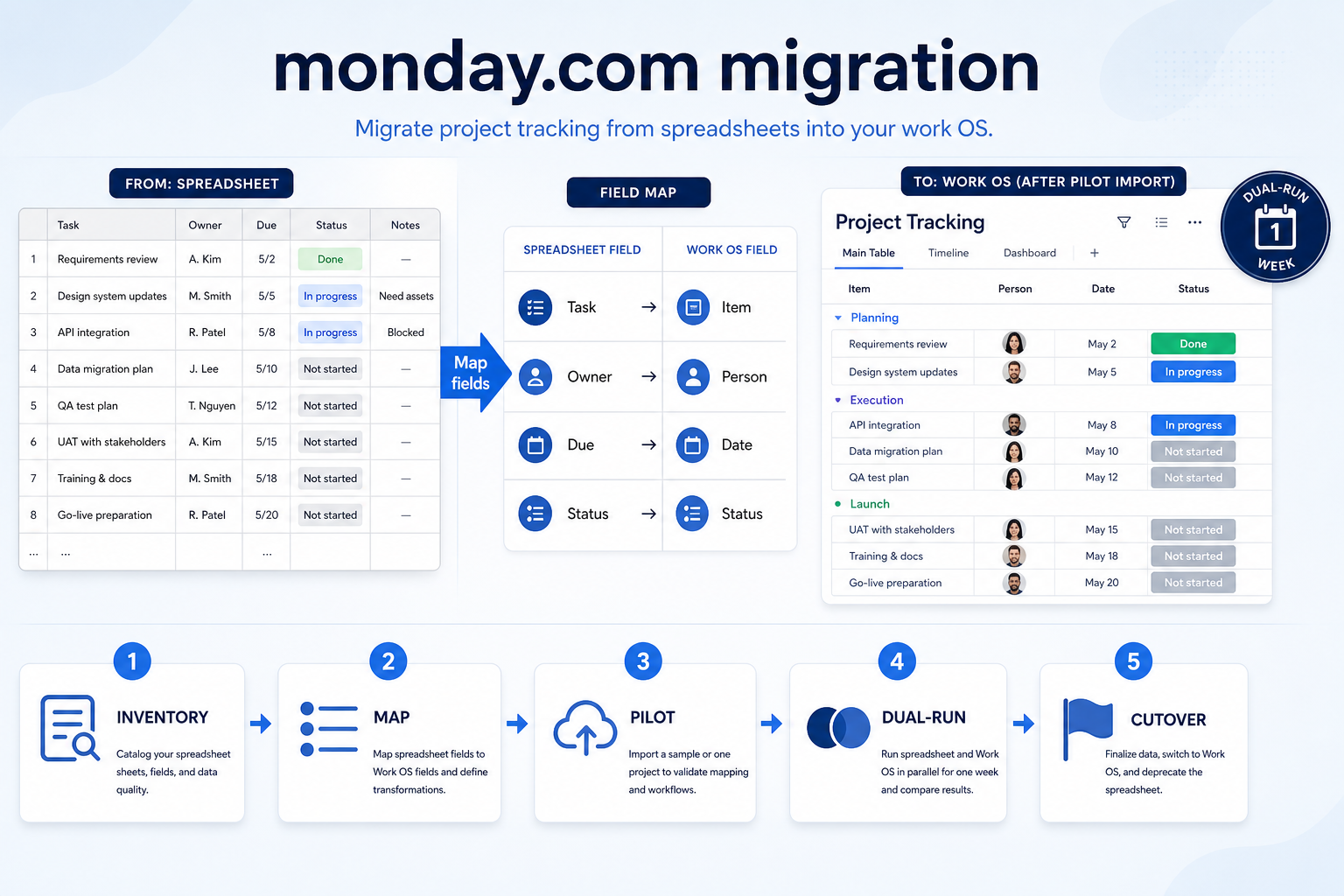
Setup, implementation, migration, plans, and worth-it walkthroughs for this product.
Part of Project Management & Productivity · Software reviews
Interactive helpers use recommendation criteria — affiliate status never changes outcomes.