SoftwareGlimpse
Wrike logo

Wrike Review

PROJECT MANAGEMENT & PRODUCTIVITY SOFTWARE

Choose Wrike when agency/enterprise work management with proofing, intake and reporting depth matters.

Last updated 2026-08-18Independent editorial review
  • Starting price

    $10.00/user/month

  • Free plan

    Yes

  • Free trial

    14 days

  • Best for

    Agencies with proofing/intake

SoftwareGlimpse review

8.1/10

Good

  • ease of use7
  • work planning9
  • automation workflows8
  • collaboration8
  • integrations8
  • reporting9
How we score →
By Lee M.FounderReviewed

See Wrike in action

Official vendor demonstration of product surfaces. It supplements screenshots and editorial analysis — it is not independent SoftwareGlimpse testing.

This video is hosted on YouTube

This content is hosted by YouTube. The player loads only after you allow marketing cookies.

Official vendor tutorial

Navigation in Wrike

How Wrike presents the product in an official vendor video.

What this shows

  • Wrike product surfaces as shown in the official vendor video
  • UI/workflow layout marketed by the vendor

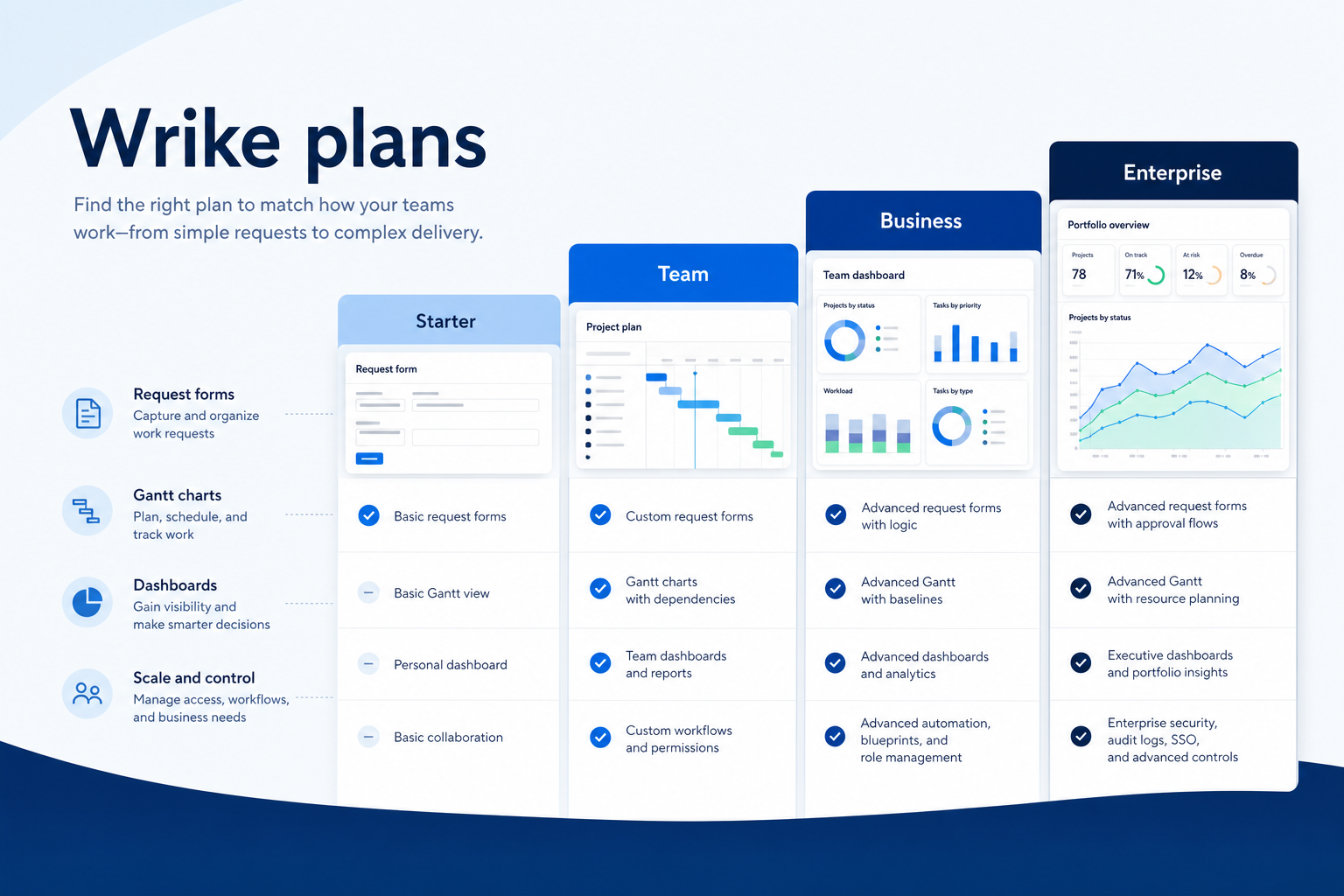
Pricing

Cross-checked 2026-08-17: Free; Team ~$10/user/mo annual; Business ~$25; Enterprise/Pinnacle quote. Confirm live wrike.com/price.Full pricing details →
  • Free

    $0.00

    Free plan

    Free forever with basic task tracking.

  • Team

    Most popular

    $10.00

    per user / month (annual billing rate shown)

    $10/user/mo annual — shared projects and core collaboration.

  • Business

    $25.00

    per user / month (annual billing rate shown)

    $25/user/mo annual — proofing, forms, time tracking, richer workflows.

  • Enterprise

    Custom

    Contact sales

    Enterprise / Pinnacle — custom governance and scale.

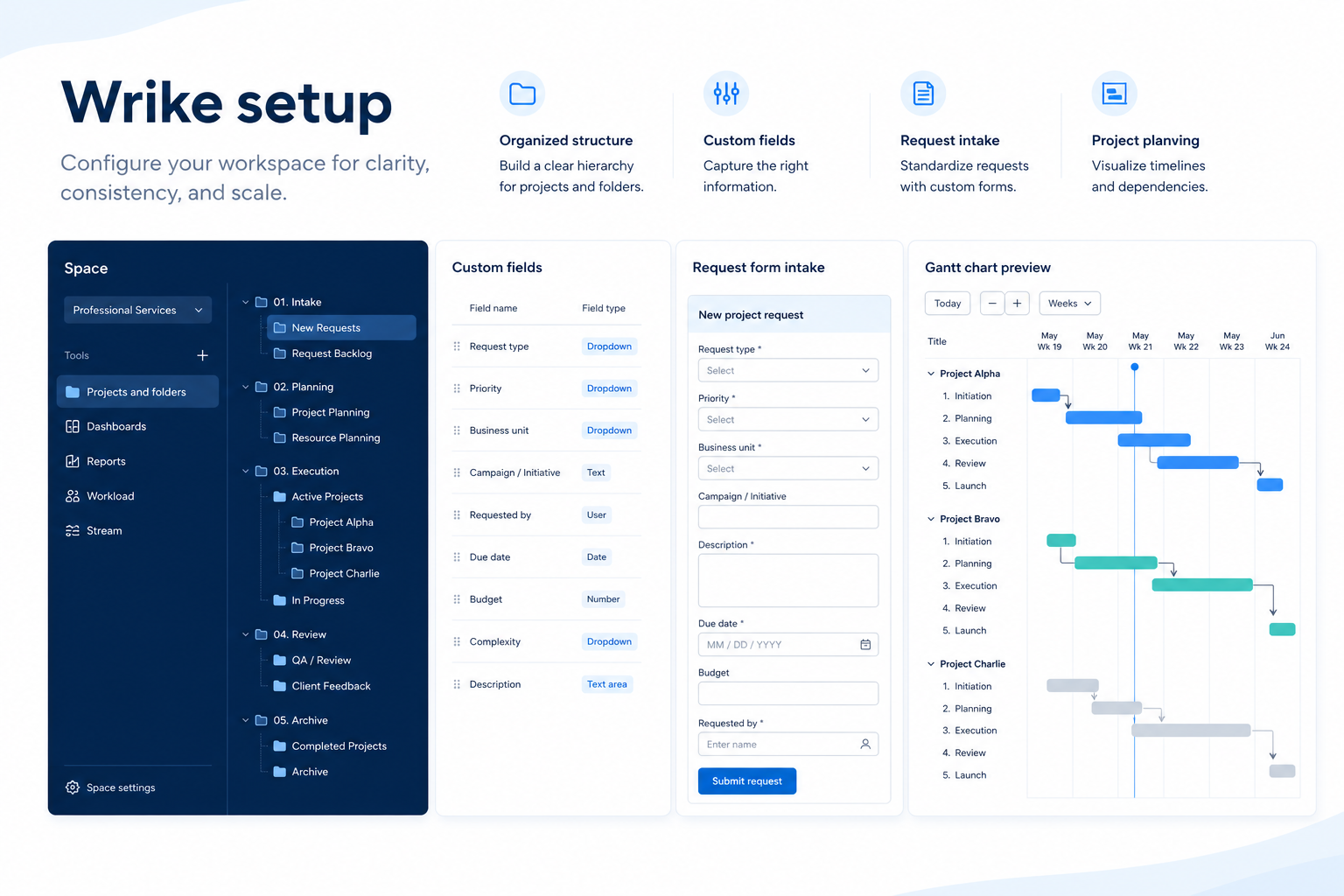
Product screenshots

Verified captures from Wrike's product interface.

Wrike project management workspace

Project management product frame from wrike.com.

Official Wrike marketing UI asset

https://www.wrike.com/ · Checked 2026-08-18

Our verdict

Choose Wrike when agency/enterprise work management with proofing, intake and reporting depth matters. Compare Asana/monday for easier cross-functional defaults, ClickUp for value breadth, and Smartsheet for spreadsheet-native PMOs. Scores reflect first-party documentation as of 2026-08-17 — not hands-on product testing. Confirm current packaging, minimums and usage rates on the vendor site before purchase.

Best for

  • Agencies with proofing/intake
  • Mid-market/enterprise cross-functional delivery
  • Teams needing resource visibility

Not ideal for

  • Tiny teams wanting simplest UX (Asana/Trello)
  • Eng-only sprint shops (Jira)
  • Lowest-cost Work OS (ClickUp)

Bottom line

Free; Team $10, Business $25 annual; Enterprise custom. Confirm live.

Wrike pros and cons

Pros

  • Agency proofing + intake
  • Strong reporting
  • Free + Team $10 entry
  • Enterprise governance
  • Resource-oriented planning

Cons

  • Business $25 jump
  • Heavier than Asana for SMB
  • Can feel enterprise-complex
  • AI less flashy than Notion/Motion
  • Implementation effort

Pricing comparison

Full comparison →
 Wrike(this review)Asanamonday.comClickUpSmartsheet
Starting price$10.00/user/month$10.99/user/month$9.00/user/month$7.00/user/month$9.00/user/month
Free planYesYesYesYesNo
Free trialYesYesYesYesYes

Wrike guides

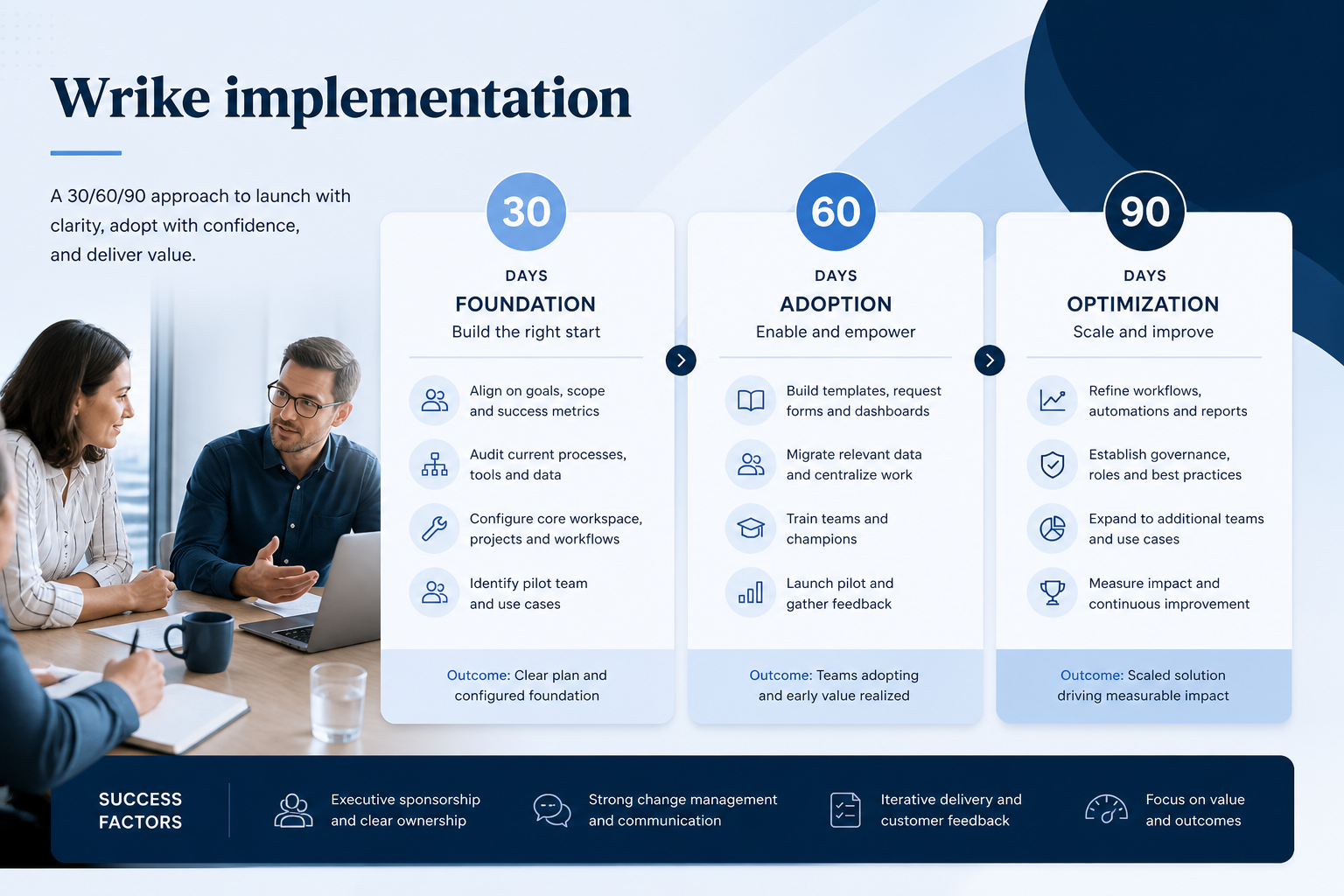
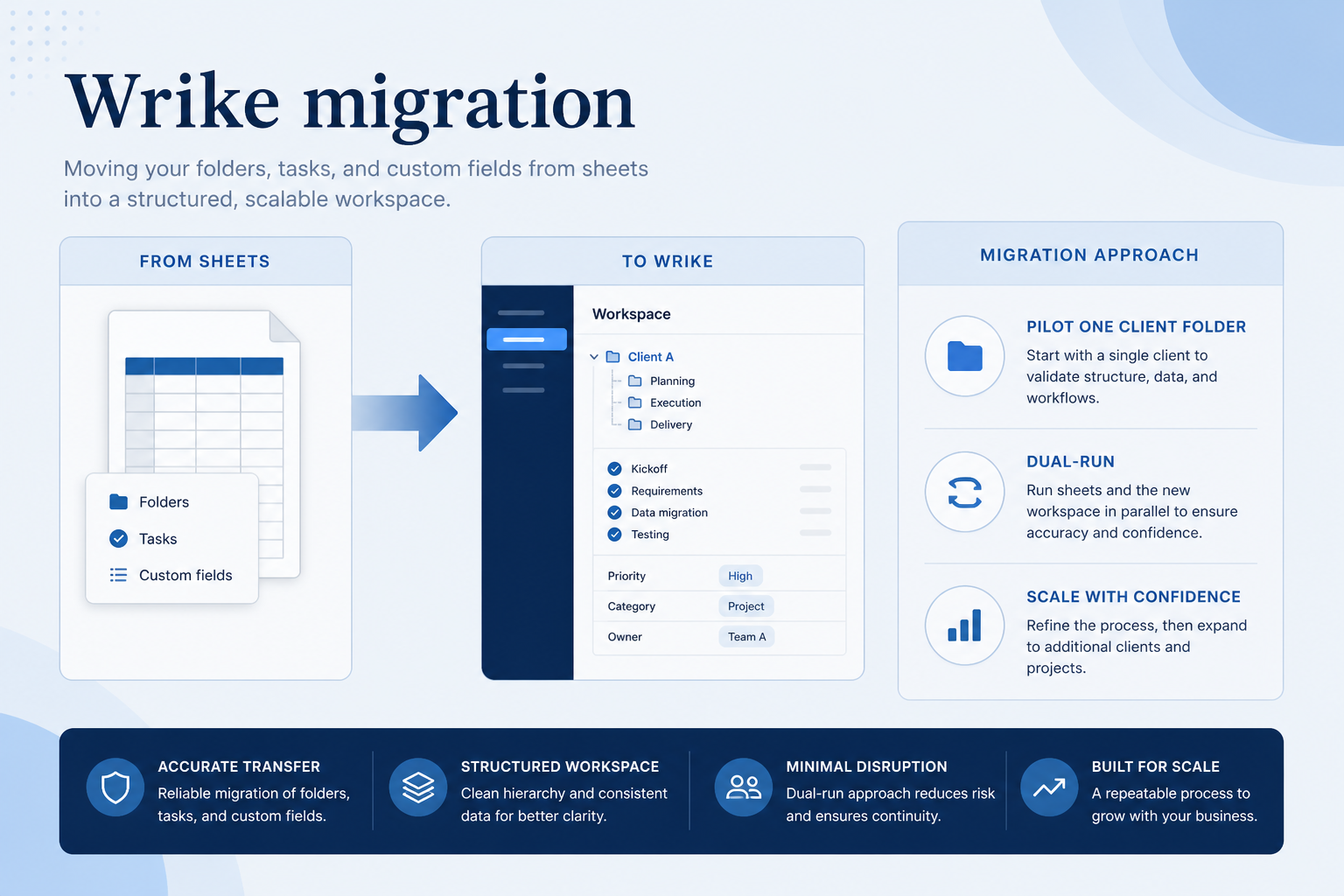
Setup, implementation, migration, plans, and worth-it walkthroughs for this product.

Methodology disclosure: scores and recommendations follow SoftwareGlimpse evaluation criteria (version 1.0.0). Affiliate relationships do not determine rankings.

How we recommend: product claims are tied to recorded research where available.

AI-assisted disclosure: drafts may be AI-assisted from approved facts and assessments. Humans approve publishable editorial judgments. AI does not invent live prices or claim hands-on testing.