SoftwareGlimpse
CRM Software

Freshsales Setup: Day-Zero Path to a Working Pipeline

Freshsales implementation guide: day-zero sequence, pilot rules, plan gates, and cutover checks from SoftwareGlimpse research — not generic CRM setup filler.

By Lee MeyeridricksUpdated Aug 14, 20265 min readFact-checked

Quick answer

Implement Freshsales by mapping current crm workflows to Freshsales objects, confirming plan gates for email sequences (Pro, Enterprise), forecasting (Enterprise), lead scoring (Pro, Enterprise), piloting one team, then cutting over integrations (Gmail) after data checks.

  • Start with: contact management
  • Gate check: email sequences (Pro, Enterprise)
  • Integrate after: data quality pass on Gmail

Freshsales day-zero setup media

Verified captures and vendor tutorials for configuring Freshsales before go-live — pipeline, contacts, and first workflows.

Official Freshsales setup walkthrough

Vendor tutorial for onboarding and configuration. It is not a SoftwareGlimpse rollout plan — use this guide for judgment.

This video is hosted on YouTube

This content is hosted by YouTube. The player loads only after you allow marketing cookies.

Official vendor tutorial

What are leads, contacts, accounts, and deals in Freshsales CRM?

What this shows

  • Freshsales leads/contacts/accounts/deals concepts
  • core CRM objects as presented by Freshsales
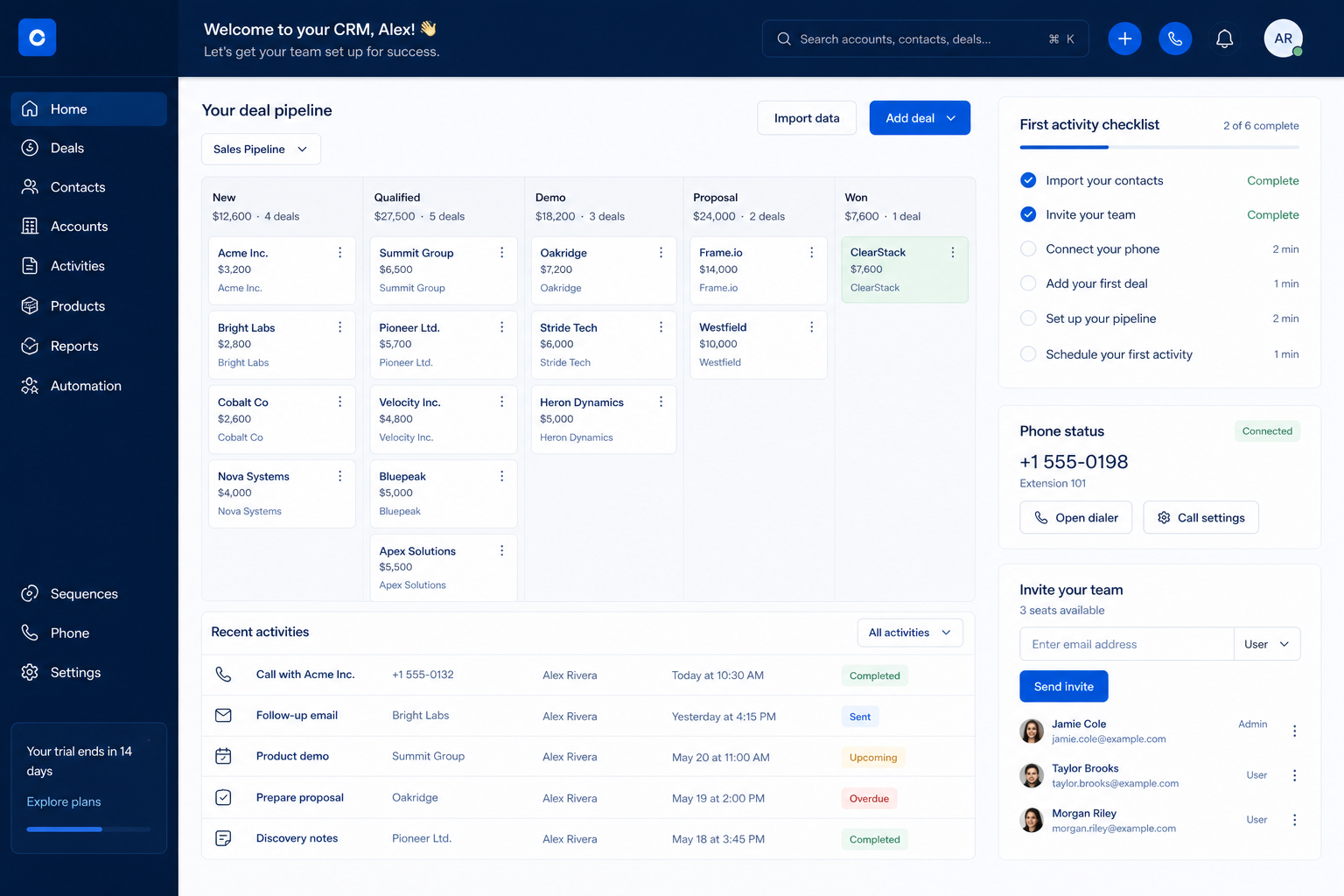
Product screenshots

Product screenshots coming soon

We only publish verified captures from Freshsales's product interface — never stock images, mockups, or teaching diagrams. Screenshots appear here once editorial review confirms them.

Full product screenshots and evidence live on the Freshsales research page.

What matters in your Freshsales setup

  • What Freshsales actually is — AI-powered Freshworks sales CRM for pipeline management, multi-channel engagement, and Freddy AI lead insights.
  • Configure these first — Research lists contact management, lead management, pipeline management, and deal management as supported — that is your day-zero surface. Editorial key features: contact management, lead management, pipeline management, and deal management.
  • Check the gates before you promise — Plan-gated in research: email sequences (Pro, Enterprise); forecasting (Enterprise); lead scoring (Pro, Enterprise); territory management (Pro, Enterprise).
  • Start on the right plan — Researched plans: Growth, Pro, Enterprise.
  • Connect only what the loop needs — Research names Gmail and Zapier on the Freshsales side — confirm the ones your daily loop actually depends on.
  • AI comes after habits — Research lists AI assistant, AI lead scoring, AI recommendations, and AI summaries for Freshsales. Research places AI assistance on Growth, Pro, and Enterprise. Leave it off until the manual loop is boring and reliable.

Freshsales setup walkthrough

Freshsales setup walkthrough diagram.
Finish the Freshsales core loop — contact management, lead management, pipeline management, and deal management — before optional modules.

Freshsales: must-have vs nice-to-have

Must-have
  • One pipeline + required fields
  • email sync
  • Non-admin loop proof
Nice-to-have
  • workflow automation
  • AI assistance

Freshsales checklist

Bring these questions to every demo

Ask vendors to show the workflow live, not just describe it.

  • 1Qualify the Freshsales planDay-one must-haves on the cheapest researched tier.
  • 2Name one admin ownerTwo hours a week for fields, users, hygiene.
  • 3Configure one pipeline5–7 buyer-verifiable stages + required fields.
  • 4Invite daily users onlyLeast privilege; spectators wait.
  • 5Connect email and calendarPlus one daily tool — document the rest as gaps.
  • 6Prove the non-admin loopCreate · log · move — then write the setup note.

Frequently asked questions

  • How do I set up Freshsales quickly?

    Qualify the plan, create the workspace with one admin owner, model contact management, lead management, pipeline management, and deal management with a single pipeline, invite daily users, connect email and calendar, then prove the loop as a non-admin. Decision rule: no non-admin loop proof means setup is not finished.

  • Which Freshsales plan should I set up on?

    Researched plans are Growth, Pro, Enterprise. Pick the cheapest one that carries every day-one must-have — Plan-gated in research: email sequences (Pro, Enterprise); forecasting (Enterprise); lead scoring (Pro, Enterprise); territory management (Pro, Enterprise). See the Freshsales plans guide for the full selection algorithm.

  • Does Freshsales email sync work on every plan?

    Email sync is researched across every Freshsales plan we snapshot. Confirm current packaging on the pricing page before go-live.

  • How long should setup take?

    A focused small team can finish this six-step path in days, not quarters — the delay is usually agreeing stage definitions, not clicking. Our pricing snapshot records a 21-day trial on Growth, Pro, and Enterprise — confirm current terms on the Freshsales pricing page before you build a schedule around it.

  • Should we import all our data during setup?

    No. Start with a small clean working set so you can prove the loop, then run the Freshsales migration guide's pilot before bulk import.

  • Which integrations should we connect first in Freshsales?

    Research names Gmail and Zapier on the Freshsales side — confirm the ones your daily loop actually depends on. Connect email and calendar, plus the one tool sellers already open daily. Everything else waits for the 30-day review.

  • Should we turn on AI features while setting up Freshsales?

    Research lists AI assistant, AI lead scoring, AI recommendations, and AI summaries for Freshsales. Research places AI assistance on Growth, Pro, and Enterprise. Leave assistance off until the manual loop is reliable — otherwise you cannot tell whether the AI or the process caused a result.

  • What should I do next?

    Continue with the Freshsales implementation guide for the 30/60/90 adoption gates, or the migration guide if you are moving history from another system.

1. Freshsales day-zero to steady-state sequence

  • Day zero — objects and owners

    Define owners for contact management, lead management, pipeline management before inviting the whole org.

  • SMB pilot

    One pipeline / one team proves SMB and mid-market teams wanting CRM + phone/email engagement before company-wide seats.

  • Cutover

    Freeze legacy writes briefly; validate Gmail before reopen.

Treat Freshsales setup as a controlled rollout — not a weekend dump of CSV files.

Freshsales implementation go / no-go

  1. 1Go when plan unlocks cover email sequences (Pro, Enterprise)
  2. 2Pause if this limitation blocks ops: Sales sequences, contact scoring, and territory management start on Pro; forecasting insights, custom modules, sandbox, and audit logs are Enterprise.
  3. 3Do not expand seats until contact management is green

Freshsales implementation mistakes

  • Mistake 1

    Sales sequences, contact scoring, and territory management start on Pro; forecasting insights, custom modules, sandbox, and audit logs are Enterprise.

  • Mistake 2

    Branded documents (list price) and Freddy AI Agent (list price/100 sessions) are listed as paid add-ons.

  • Mistake 3

    SEO copy mentions a free plan, but the live pricing cards researched Aug 2026 list Growth/Pro/Enterprise only starting at list price — treat free forever as unverified from plan cards.

  • Mistake 4

    Sequences, scoring, and territories require Pro

  • Big-bang invite

    Inviting every user before object design creates junk data that is expensive to unwind.

Freshsales plan gates that affect rollout

Implementation fails when unlocks needed for go-live sit on a higher tier than budgeted.

  • Seats61%
  • Add-ons18%
  • Implementation12%
  • Training5%
  • Other4%
  • Growth

    21-day trial · Unlocks: contact management, lead management, pipeline management · Suits: teams whose must-have gates appear on this tier

  • Pro

    21-day trial · Unlocks: email sequences, lead scoring, territory management · Suits: teams whose must-have gates appear on this tier

  • Enterprise

    21-day trial · Unlocks: forecasting, audit logs · Suits: teams whose must-have gates appear on this tier

Freshsales implementation checklist

0/3 dimensions noted — saved in this browser only.

  • Prep

  • Pilot

  • Scale

Was this article helpful?

Have more questions? Contact our support team.

SoftwareGlimpse Updates

Want clearer software shortlists? Get buying guides and comparisons by email.

Newsletter coming soon.