Close vs Pipedrive
Ask what a rep's day looks like. If it is dials, voicemails, texts and follow-ups measured in hours, Close is built around that loop and Pipedrive is a board you update afterwards. If it is a smaller number of considered deals moved through stages over weeks, Pipedrive's activity model fits and Close's calling machinery is capacity you pay for and do not use. The comparison is about call volume, not about which CRM is more modern. Neither product has a completed hands-on product test on SoftwareGlimpse — this comparison is research/data-based only.

Close
Sales-focused CRM for pipeline management and sales engagement workflows.
Best for
- • Inside sales teams whose day is measured in dials and connects
- • Outbound teams wanting dialler, SMS and CRM in one seat
- • Managers coaching from call recordings and sequence activity
Starting from $9.00/user/mo
No free plan
VS
Our verdict
Close is worth its premium only if reps genuinely live on the phone: the dialler, SMS and Chloe AI automation sit inside the CRM, so nobody stitches a phone tool to a deal record. Pipedrive is the better value when calling is occasional and the real work is stage hygiene, reporting and integrations, since it does that with one predictable seat line. Two cost behaviours to plan for on Close: per-user pricing is documented as high versus pipeline-only CRMs, with Growth at $99 and Scale at $139 per user/month on annual terms, and calling is usage-based while AI credits are pooled monthly with plan caps and no rollover — so a busy month costs more than a quiet one. On Pipedrive, the tradeoff is that serious calling means Marketplace apps and another vendor relationship. Avoid Close if the team makes a handful of calls a week; avoid Pipedrive if outbound calling is the business model.
Close is better for
- ✓ Sales automation
- ✓ Email capabilities
- ✓ Reporting
- ✓ Scalability
Pipedrive is better for
- ✓ Pipeline management
- ✓ Customization
- ✓ Integrations
Tie
- • Ease of use
Choose Close if: Inside sales teams whose day is measured in dials and connects
Choose Pipedrive if: Teams where deals progress through meetings rather than call volume

Pipedrive
Pipeline-first sales CRM for visual deal management, activity-based selling, and growing sales teams.
Best for
- • Teams where deals progress through meetings rather than call volume
- • Buyers who want one predictable per-seat cost with no usage line
- • Sales orgs that already own a telephony provider they keep
Starting from $14.00/user/mo
No free plan
Quick verdict
Start here — then dig into the evidence below.
Choose Close if…
- Inside sales teams whose day is measured in dials and connects
- Outbound teams wanting dialler, SMS and CRM in one seat
- Managers coaching from call recordings and sequence activity
- You prioritize sales automation
Choose Pipedrive if…
- Teams where deals progress through meetings rather than call volume
- Buyers who want one predictable per-seat cost with no usage line
- Sales orgs that already own a telephony provider they keep
- You prioritize pipeline management
Overall recommendation
Close is worth its premium only if reps genuinely live on the phone: the dialler, SMS and Chloe AI automation sit inside the CRM, so nobody stitches a phone tool to a deal record. Pipedrive is the better value when calling is occasional and the real work is stage hygiene, reporting and integrations, since it does that with one predictable seat line. Two cost behaviours to plan for on Close: per-user pricing is documented as high versus pipeline-only CRMs, with Growth at $99 and Scale at $139 per user/month on annual terms, and calling is usage-based while AI credits are pooled monthly with plan caps and no rollover — so a busy month costs more than a quiet one. On Pipedrive, the tradeoff is that serious calling means Marketplace apps and another vendor relationship. Avoid Close if the team makes a handful of calls a week; avoid Pipedrive if outbound calling is the business model.
Key trade-off
Close trades toward sales automation; Pipedrive trades toward pipeline management.
Winner by category
Only dimensions with researched evidence for this pair.
| Dimension | Winner | Why |
|---|---|---|
| Ease of use | Tie | Close and Pipedrive are close on ease of use (8/10 vs 8/10) from approved product scores grounded in vendor documentation. |
| Sales | Pipedrive wins | Pipedrive leads on pipeline management (8/10 vs 9/10) from approved product scores grounded in vendor documentation. |
| Automation | Close wins | Close leads on sales automation (8/10 vs 7/10) from approved SoftwareGlimpse editorial assessments — not hands-on lab testing. One product's automation works leads on the phone; the other's moves deals between stages — same word, different job. |
| Email capabilities | Close wins | Close leads on email capabilities (8/10 vs 7/10) from approved SoftwareGlimpse editorial assessments — not hands-on lab testing. Email, SMS and calling share one workspace on the calling-first side; the pipeline tool keeps campaigns as an add-on and calling in the marketplace. |
| Reporting | Close wins | Stronger forecasting availability |
| Customization | Pipedrive wins | Pipedrive leads on customization (7/10 vs 8/10) from approved product scores grounded in vendor documentation. |
| Integrations | Pipedrive wins | Pipedrive leads on integrations (7/10 vs 8/10) from approved SoftwareGlimpse editorial assessments — not hands-on lab testing. Marketplace calling apps are how the pipeline tool reaches parity, which adds a vendor relationship rather than a feature. |
| Enterprise suitability | Close wins | Close leads on scalability (8/10 vs 7/10) from approved product scores grounded in vendor documentation. |
Side-by-side feature matrix
Normalized availability from product research — empty rows are not shown.
Core CRM
| Feature | Close | Pipedrive |
|---|---|---|
| Contact management | Strong | Strong |
| Lead management | Strong | Strong |
| Pipeline management | Strong | Strong |
| Deal management | Strong | Strong |
Sales engagement
| Feature | Close | Pipedrive |
|---|---|---|
| Email sync | Strong | Moderate |
| Email tracking | Strong | Moderate |
| Email sequences | Strong | Moderate |
| Call functionality | Strong | Moderate |
| Workflow automation | Strong | Moderate |
| Sales automation | Strong | Moderate |
| Lead scoring | Not evidenced | Moderate |
Reporting
| Feature | Close | Pipedrive |
|---|---|---|
| Reporting | Strong | Strong |
| Forecasting | Strong | Moderate |
Platform
| Feature | Close | Pipedrive |
|---|---|---|
| Integrations | Strong | Strong |
| Custom fields | Strong | Strong |
| Custom pipelines | Not evidenced | Strong |
| Mobile app | Strong | Strong |
| AI assistance | Strong | Strong |
Additional capabilities
| Feature | Close | Pipedrive |
|---|---|---|
| Data enrichment | Strong | Moderate |
| Prospecting | Not evidenced | Moderate |
| Meeting scheduling | Not evidenced | Moderate |
| Email campaigns | Not evidenced | Moderate |
| API access | Not evidenced | Strong |
Pricing comparison
Pricing evidence last checked Sep 7, 2026.
Close
From $9.00/user/mo
- Solo$9.00/user/mo
- Essentials$35.00/user/mo
- Growth$99.00/user/mo
- Scale$139.00/user/mo
Pipedrive
From $14.00/user/mo
- Lite$14.00/user/mo
- Growth$39.00/user/mo
- Premium$59.00/user/mo
- Ultimate$79.00/user/mo
Seat-count estimates
Labeled estimates from verified starting per-seat pricing — not invoices.
| Seats | Close | Pipedrive |
|---|---|---|
| 5 | ~$45.00/mo (Solo × 5) | ~$70.00/mo (Lite × 5) |
| 10 | ~$90.00/mo (Solo × 10) | ~$140.00/mo (Lite × 10) |
| 25 | ~$225.00/mo (Solo × 25) | ~$350.00/mo (Lite × 25) |
| 50 | ~$450.00/mo (Solo × 50) | ~$700.00/mo (Lite × 50) |
Estimate from verified starting per-seat pricing — actual total depends on plan, annual discounts, and add-ons.
Close has no free plan and runs Solo, Essentials, Growth and Scale with a 14-day trial, documented from $9 per user/month at entry, with Growth at $99 and Scale at $139 per user/month annually where the advanced Chloe automation and predictive dialling depth sit; calling is usage-based and AI credits do not roll over. Pipedrive also has no free plan, starts at $14 per user/month across Lite, Growth, Premium and Ultimate with a 14-day trial, and keeps Campaigns and Web Visitors as add-ons. Include expected call minutes on the Close side and third-party dialler subscriptions on the Pipedrive side, or the totals are not comparable.
Best for
Scenario picks from researched strengths — not a universal ranking.
- → Close
SDR team making high-volume outbound calls daily
Dialling, texting and AI follow-up happen where the record lives; the same workflow on Pipedrive requires Marketplace calling apps because native telephony is documented as limited.
- → Pipedrive
Consultative sales cycle with a few calls per deal
You would be paying Close's higher per-user rate for dialler capacity nobody uses, when the actual need is stage discipline and reporting.
- → Pipedrive
Finance wants a fixed monthly software cost
Close's usage-based calling and non-rolling AI credit pool make monthly spend variable by design, while Pipedrive's cost moves only when seats or add-ons change.
- → Close
Best for sales automation
Close leads on sales automation (8/10 vs 7/10) from approved SoftwareGlimpse editorial assessments — not hands-on lab testing. One product's automation works leads on the phone; the other's moves deals between stages — same word, different job.
- → Close
Best for email capabilities
Close leads on email capabilities (8/10 vs 7/10) from approved SoftwareGlimpse editorial assessments — not hands-on lab testing. Email, SMS and calling share one workspace on the calling-first side; the pipeline tool keeps campaigns as an add-on and calling in the marketplace.
- → Close
Best for reporting
Stronger forecasting availability
The differences that actually matter
Pair-specific analysis for Close vs Pipedrive — not generic category copy.
Pipeline management
Pipedrive aheadOn pipeline management, Pipedrive is ahead. Close: Trails Pipedrive on this criterion. Pipedrive: Pipedrive leads on pipeline management (8/10 vs 9/10) from approved product scores grounded in vendor documentation.. Feature evidence also diverges on Email sync (Close: Strong; Pipedrive: Moderate); Email tracking (Close: Strong; Pipedrive: Moderate); Email sequences (Close: Strong; Pipedrive: Moderate).
Email capabilities
Close aheadOn email capabilities, Close is ahead. Close: Close leads on email capabilities (8/10 vs 7/10) from approved SoftwareGlimpse editorial assessments — not hands-on lab testing. Email, SMS and calling share one workspace on the calling-first side; the pipeline tool keeps campaigns as an add-on and calling in the marketplace.. Pipedrive: Trails Close on this criterion.
Sales automation
Close aheadOn sales automation, Close is ahead. Close: Close leads on sales automation (8/10 vs 7/10) from approved SoftwareGlimpse editorial assessments — not hands-on lab testing. One product's automation works leads on the phone; the other's moves deals between stages — same word, different job.. Pipedrive: Trails Close on this criterion.
Reporting
Close aheadOn reporting, Close is ahead. Close: Stronger forecasting availability. Pipedrive: Trails Close on this criterion.
Value for money
DependsValue for money: Close — Close researched starting price $9/user/mo vs Pipedrive $14/user/mo. Better value depends on which features you need on that plan. Per-user pricing is documented as high versus pipeline-only CRMs, and usage-based calling with non-rolling AI credits makes monthly spend variable by design.. Pipedrive — Close researched starting price $9/user/mo vs Pipedrive $14/user/mo. Better value depends on which features you need on that plan. Per-user pricing is documented as high versus pipeline-only CRMs, and usage-based calling with non-rolling AI credits makes monthly spend variable by design..
Pros and cons
Product-specific for this pair — derived from researched outcomes and editorial notes.
Close
Pros
- Stronger on sales automation
- Stronger on email capabilities
- Stronger on reporting
- Stronger on scalability
Cons
- Trails on pipeline management
- Trails on customization
- Trails on integrations
Pipedrive
Pros
- Stronger on pipeline management
- Stronger on customization
- Stronger on integrations
Cons
- Trails on sales automation
- Trails on email capabilities
- Trails on reporting
Implementation & learning curve
Based on researched setup / ease criteria for this pair.
Close
- Comparable ease of use to Pipedrive
Pipedrive
- Comparable ease of use to Close
Integrations
Overlaps and exclusives from product integration data when available.
Close: Strong. Pipedrive: Strong.
Who should not choose each product
Decision quality improves when we say who should walk away.
Don't choose Close if…
- You need Pipedrive's stronger pipeline management more than Close's strengths
- You need Pipedrive's stronger customization more than Close's strengths
- You need Pipedrive's stronger integrations more than Close's strengths
- Your primary fit looks closer to: Teams where deals progress through meetings rather than call volume
Don't choose Pipedrive if…
- You need Close's stronger sales automation more than Pipedrive's strengths
- You need Close's stronger email capabilities more than Pipedrive's strengths
- You need Close's stronger reporting more than Pipedrive's strengths
- Your primary fit looks closer to: Inside sales teams whose day is measured in dials and connects
Alternatives worth considering
When neither product is the right fit.
Freshworks sales CRM for lead management and pipeline workflows.
Relationship-focused CRM for small sales teams and founders.
Simple small-business CRM for contacts, sales pipelines, tasks, and lightweight automation without enterprise complexity.




Final verdict
Scenario-level close — not a repeat of the intro.
Close wins when…
Inside sales teams whose day is measured in dials and connects
Pipedrive wins when…
Teams where deals progress through meetings rather than call volume
- SDR team making high-volume outbound calls dailyClose
- Consultative sales cycle with a few calls per dealPipedrive
- Finance wants a fixed monthly software costPipedrive
- Best for sales automationClose
Which one should you choose?
Choose Close if:
- Inside sales teams whose day is measured in dials and connects
- Outbound teams wanting dialler, SMS and CRM in one seat
- Managers coaching from call recordings and sequence activity
Choose Pipedrive if:
- Teams where deals progress through meetings rather than call volume
- Buyers who want one predictable per-seat cost with no usage line
- Sales orgs that already own a telephony provider they keep
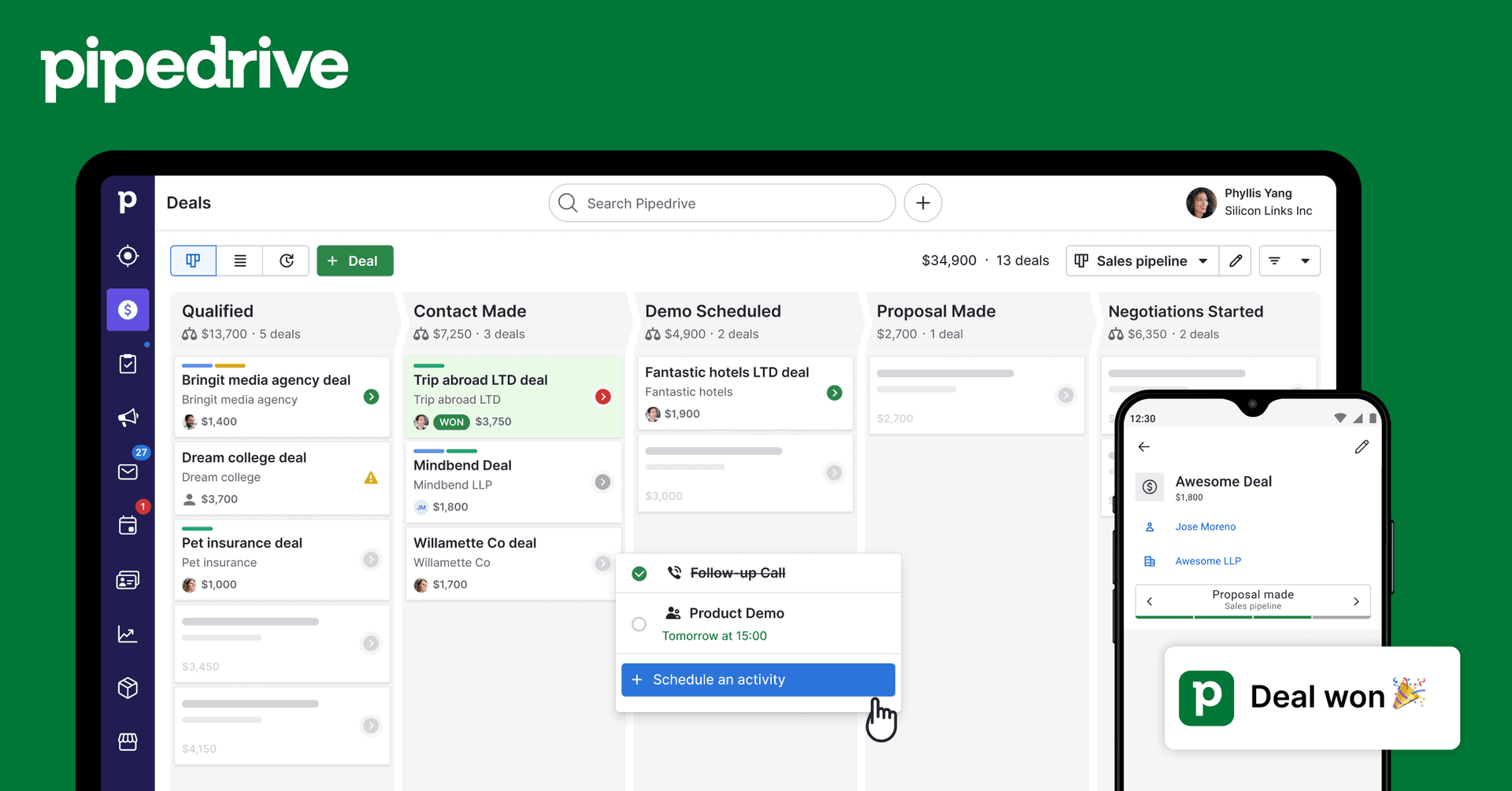
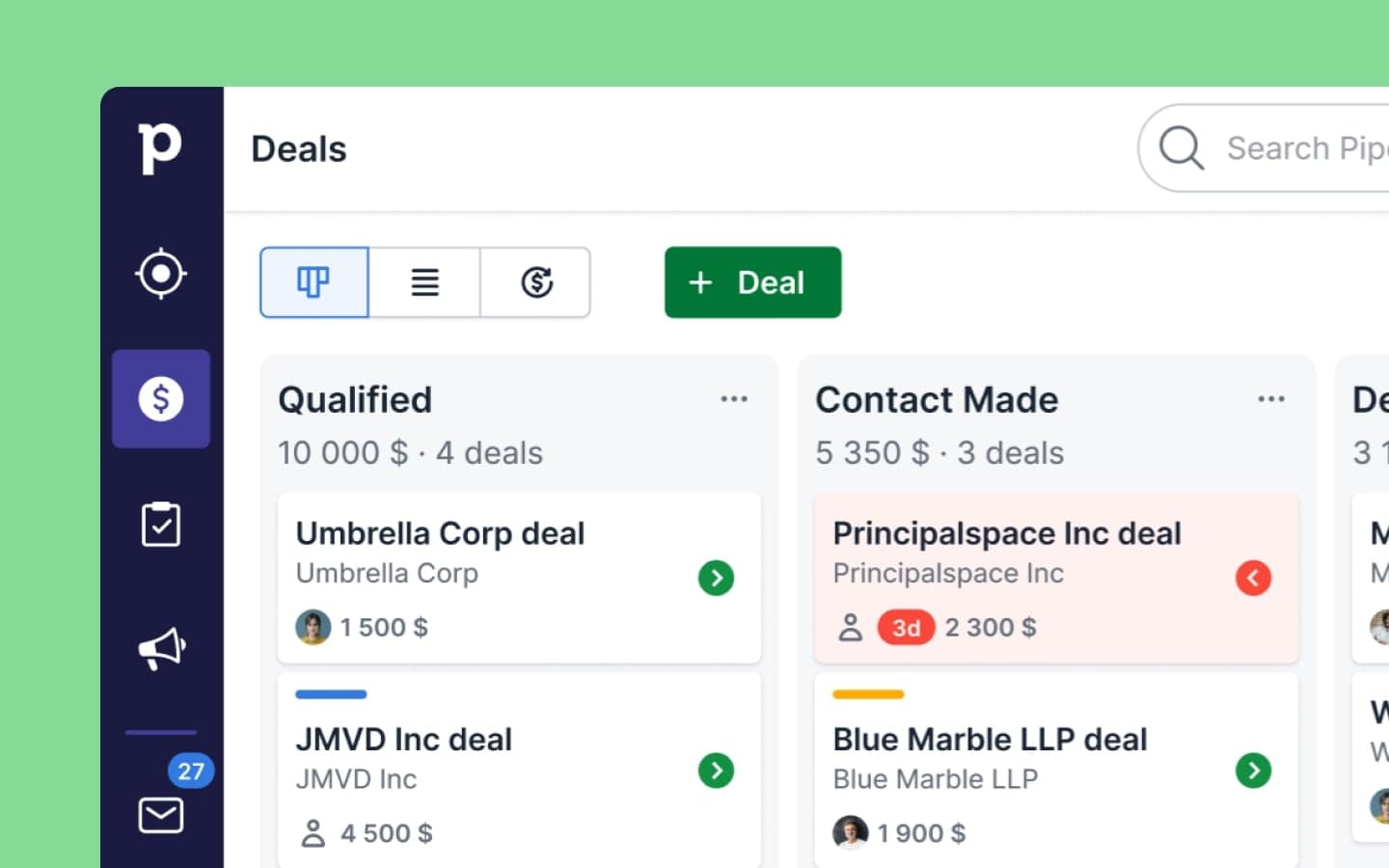
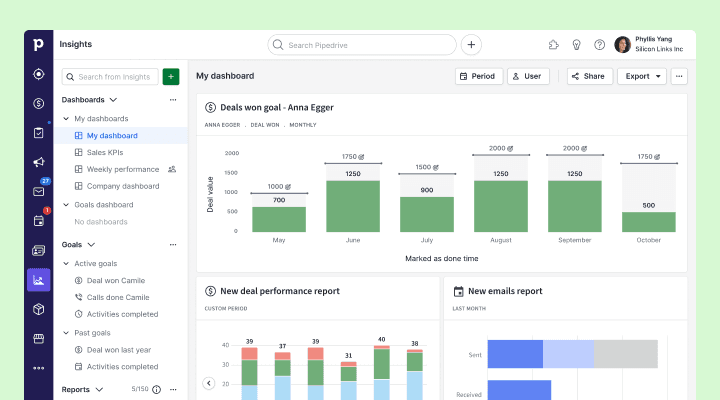
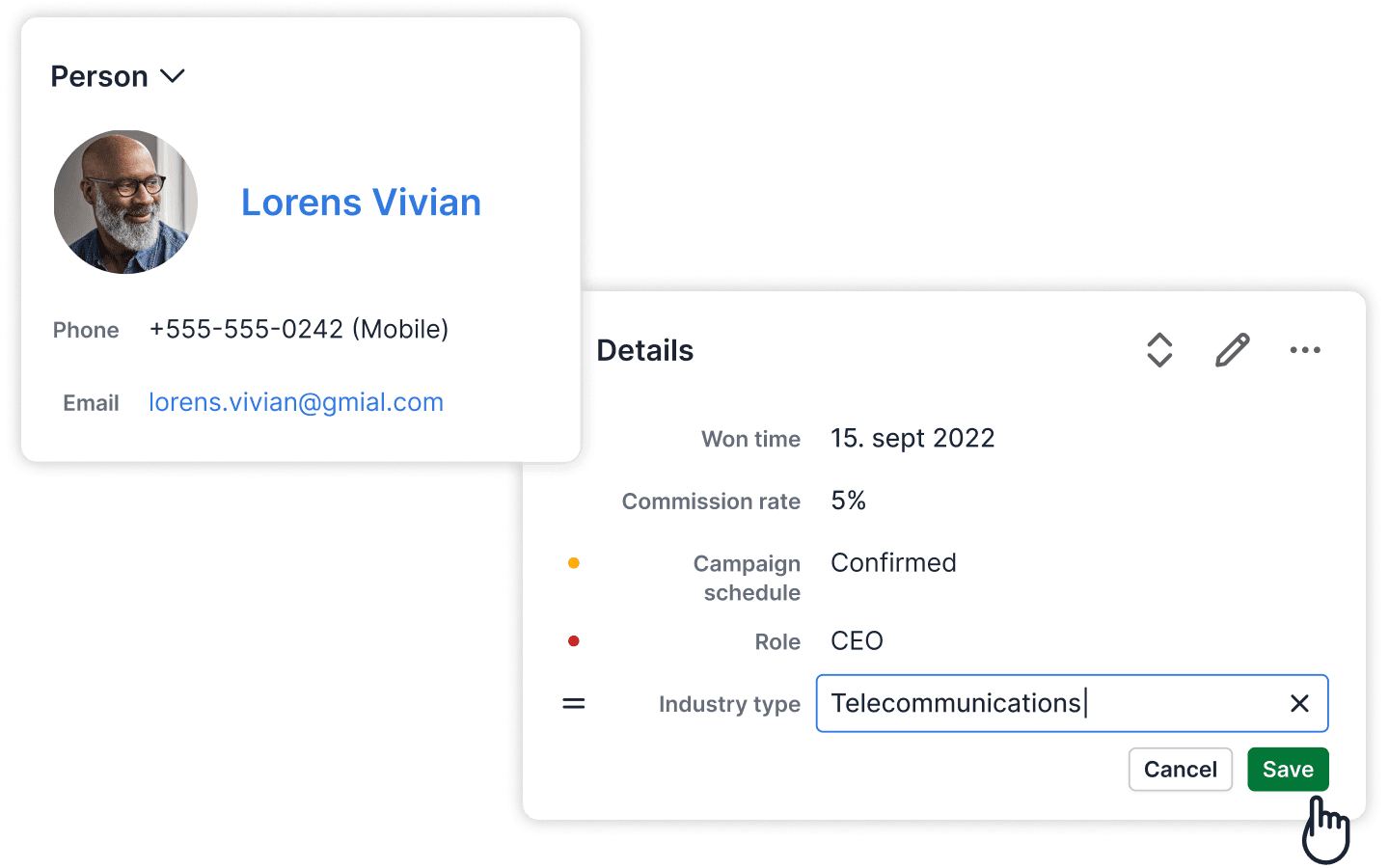
Product screenshots
Real product UI from our media library — no placeholders.
Close
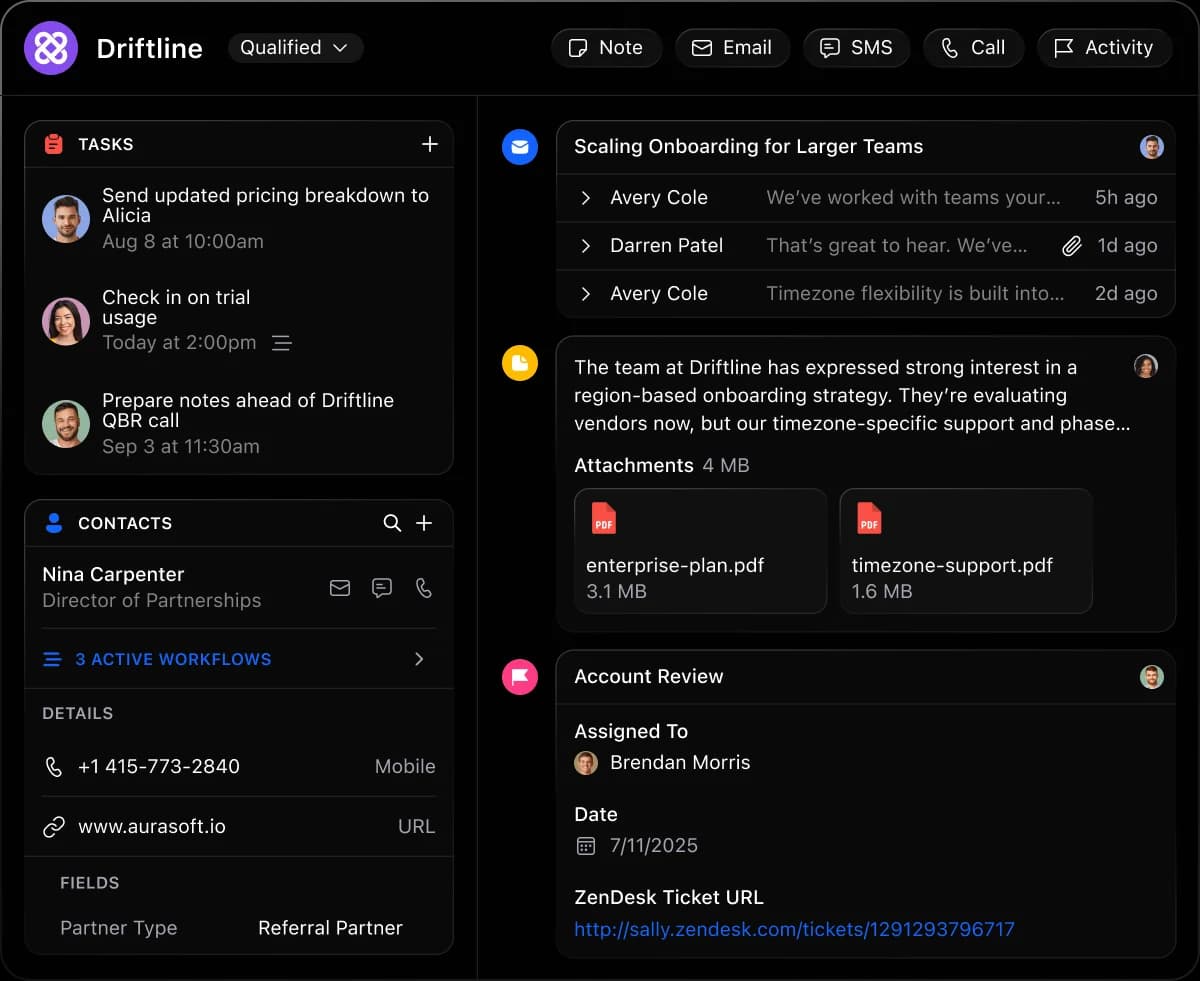
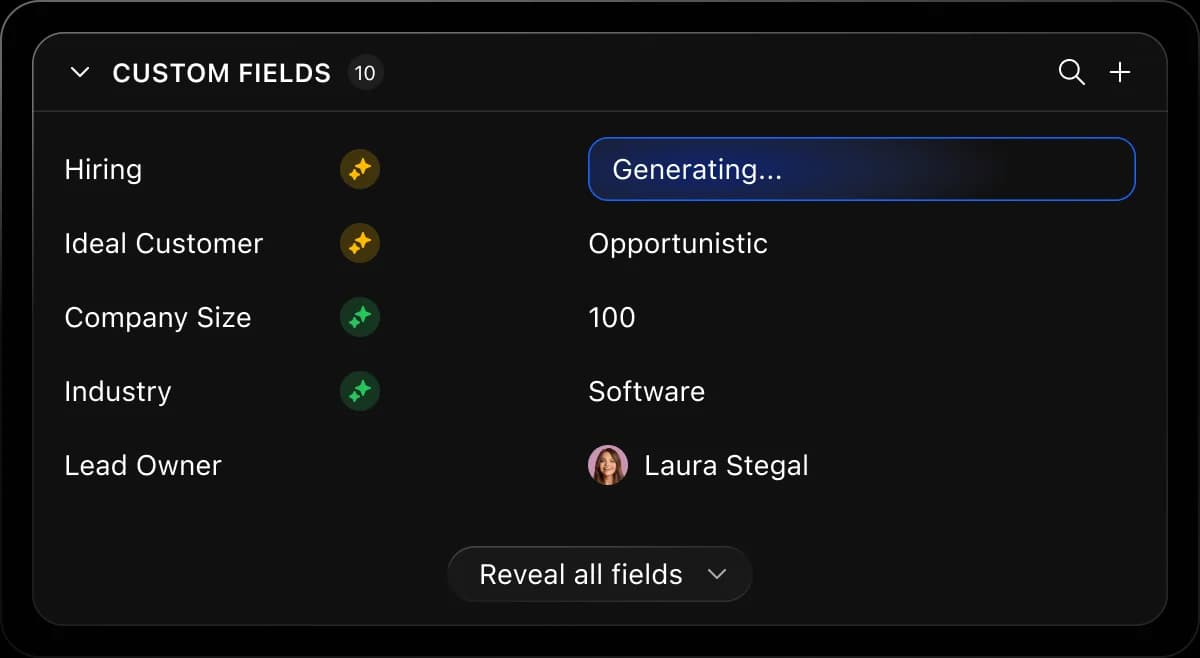
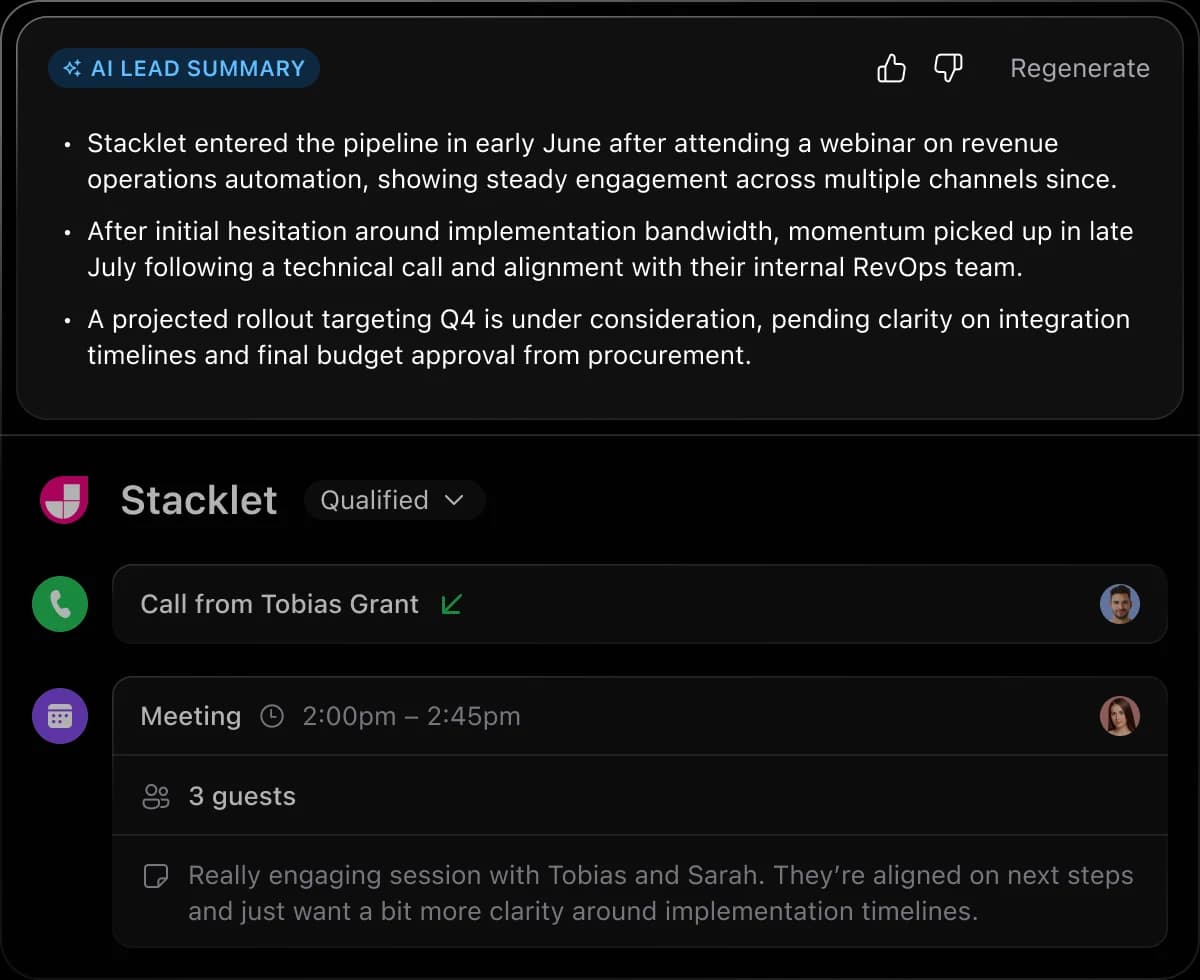
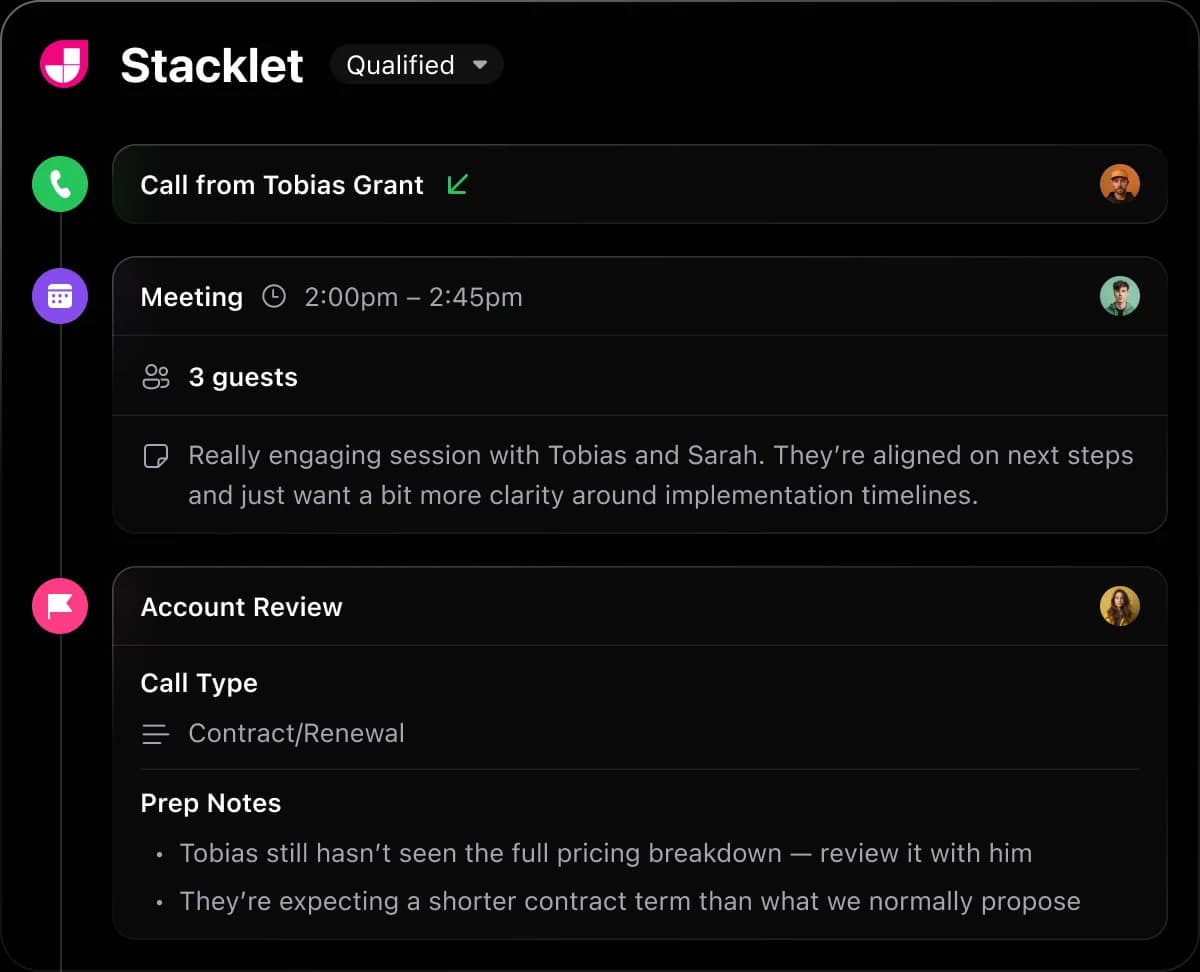
Pipedrive
FAQ
- Is Close better than Pipedrive?
- Close is worth its premium only if reps genuinely live on the phone: the dialler, SMS and Chloe AI automation sit inside the CRM, so nobody stitches a phone tool to a deal record. Pipedrive is the better value when calling is occasional and the real work is stage hygiene, reporting and integrations, since it does that with one predictable seat line. Two cost behaviours to plan for on Close: per-user pricing is documented as high versus pipeline-only CRMs, with Growth at $99 and Scale at $139 per user/month on annual terms, and calling is usage-based while AI credits are pooled monthly with plan caps and no rollover — so a busy month costs more than a quiet one. On Pipedrive, the tradeoff is that serious calling means Marketplace apps and another vendor relationship. Avoid Close if the team makes a handful of calls a week; avoid Pipedrive if outbound calling is the business model.
- Which CRM fits which team?
- Close: Inside sales teams whose day is measured in dials and connects Pipedrive: Teams where deals progress through meetings rather than call volume
- Which is stronger for sales automation?
- Close leads on sales automation (8/10 vs 7/10) from approved SoftwareGlimpse editorial assessments — not hands-on lab testing. One product's automation works leads on the phone; the other's moves deals between stages — same word, different job.
- Does Close or Pipedrive have a free plan?
- Close: No free plan. Pipedrive: No free plan.
- How does Close vs Pipedrive pricing compare?
- Close starts from $9.00/user/mo. Pipedrive starts from $14.00/user/mo. Confirm live vendor pricing before purchasing.
- How did SoftwareGlimpse compare these products?
- We map both products to the same category criteria, then evaluate trade-offs using verified product, pricing and feature evidence. Affiliate relationships never change outcomes.
- reviewClose review
- reviewPipedrive review
- pricingClose pricing
- pricingPipedrive pricing
- alternativeFreshsales alternative
- alternativeSalesflare alternative
- alternativeCapsule alternative
- guideWhat Is CRM Software? A Complete Beginner’s Guide
- guideHow CRM Software Works: Records, Pipelines & Activity
- guideTypes of CRM Software: Operational, Suites & Sales CRM Shapes
- categoryCRM hub
- finderFind My CRM
- calculatorCost calculator
Related comparisons






Alternatives to consider
Still deciding between Close and Pipedrive?
Use Find My CRM for a shortlist matched to your priorities, or build another side-by-side comparison.
- Independent criterion outcomes
- No invented scores or prices
- Affiliate links never change winners
Some visit links may be affiliate links — we may earn a commission at no extra cost to you. Comparison outcomes are never based on commission.
Part of CRM Software hub · Software comparisons
Try a decision tool
Interactive helpers use recommendation criteria — affiliate status never changes outcomes.