SoftwareGlimpse
Microsoft Teams logo

Microsoft Teams Review

BUSINESS COMMUNICATIONS SOFTWARE

Choose Microsoft Teams when collaboration inside Microsoft 365 is the primary job and telephony is an optional add-on — not when you are shopping for a standalone cloud phone.

Last updated 2026-08-17Independent editorial review
  • Starting price

    $0.00/user/month

  • Free plan

    Yes

  • Free trial

    Yes

  • Best for

    Organisations standardised on Microsoft 365 that need chat and meetings as the collaboration hub

SoftwareGlimpse review

7.3/10

Good

  • ease of use8
  • voice messaging quality7
  • routing workflows5
  • integrations10
  • analytics6
  • outbound tools3
How we score →

Setting up your first pipeline

Official vendor tutorial for onboarding and configuration. It is not a SoftwareGlimpse implementation plan — use our independent guides for rollout judgment.

Official vendor tutorial

This video is hosted on YouTube

This content is hosted by YouTube. The player loads only after you allow marketing cookies.

Official vendor tutorial

All about using channels in Microsoft Teams

How Microsoft Teams presents the product in an official vendor video.

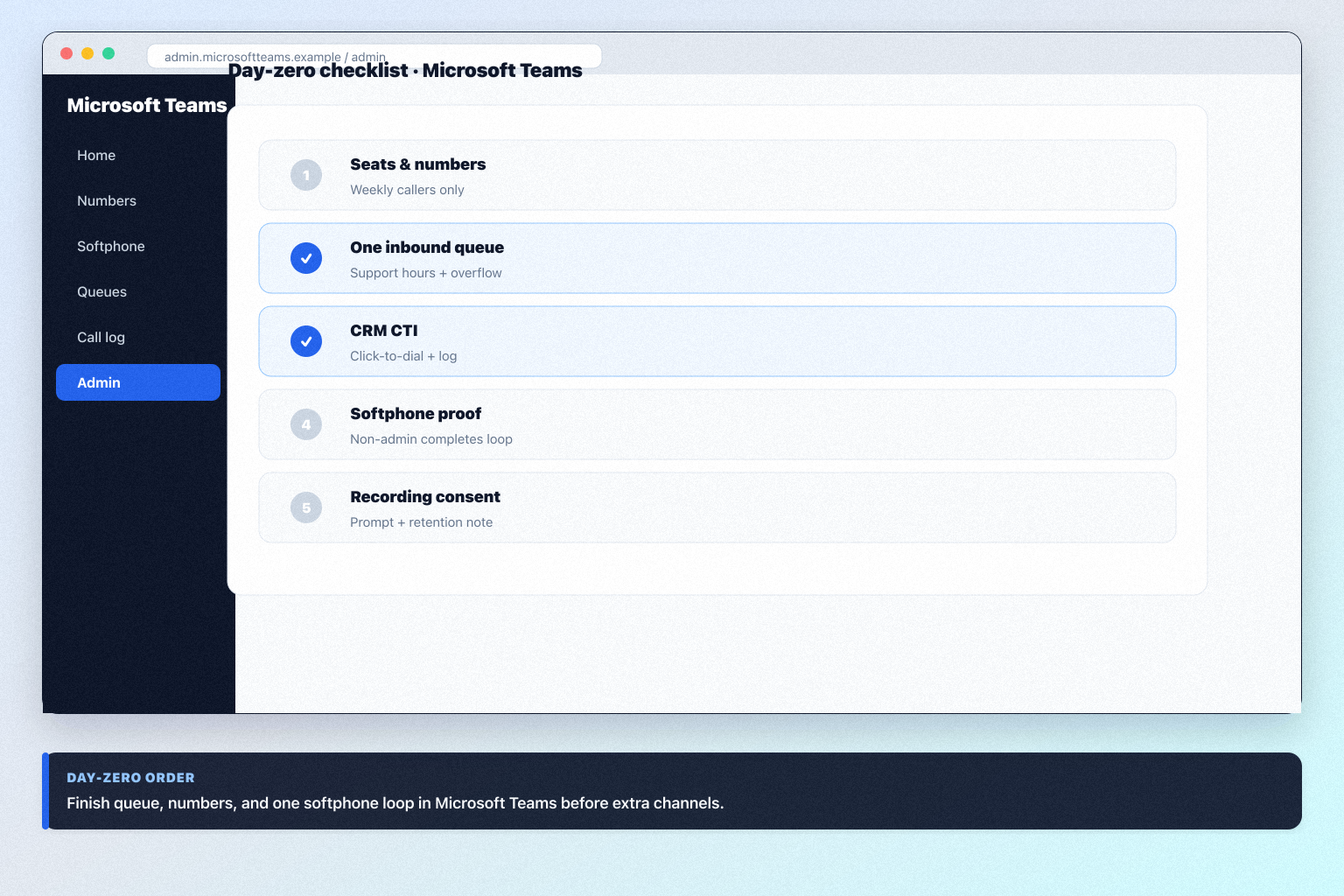
What this shows

  • Microsoft Teams product surfaces as shown in the official vendor video
  • UI/workflow layout marketed by the vendor
Source: Official Microsoft

What to prepare before this step

  • • Agree pipeline stages that match how your team sells
  • • Decide who owns deals, activities, and reporting
  • • List must-have fields before importing contacts

What this video covers

  • Microsoft Teams product surfaces as shown in the official vendor video
  • UI/workflow layout marketed by the vendor
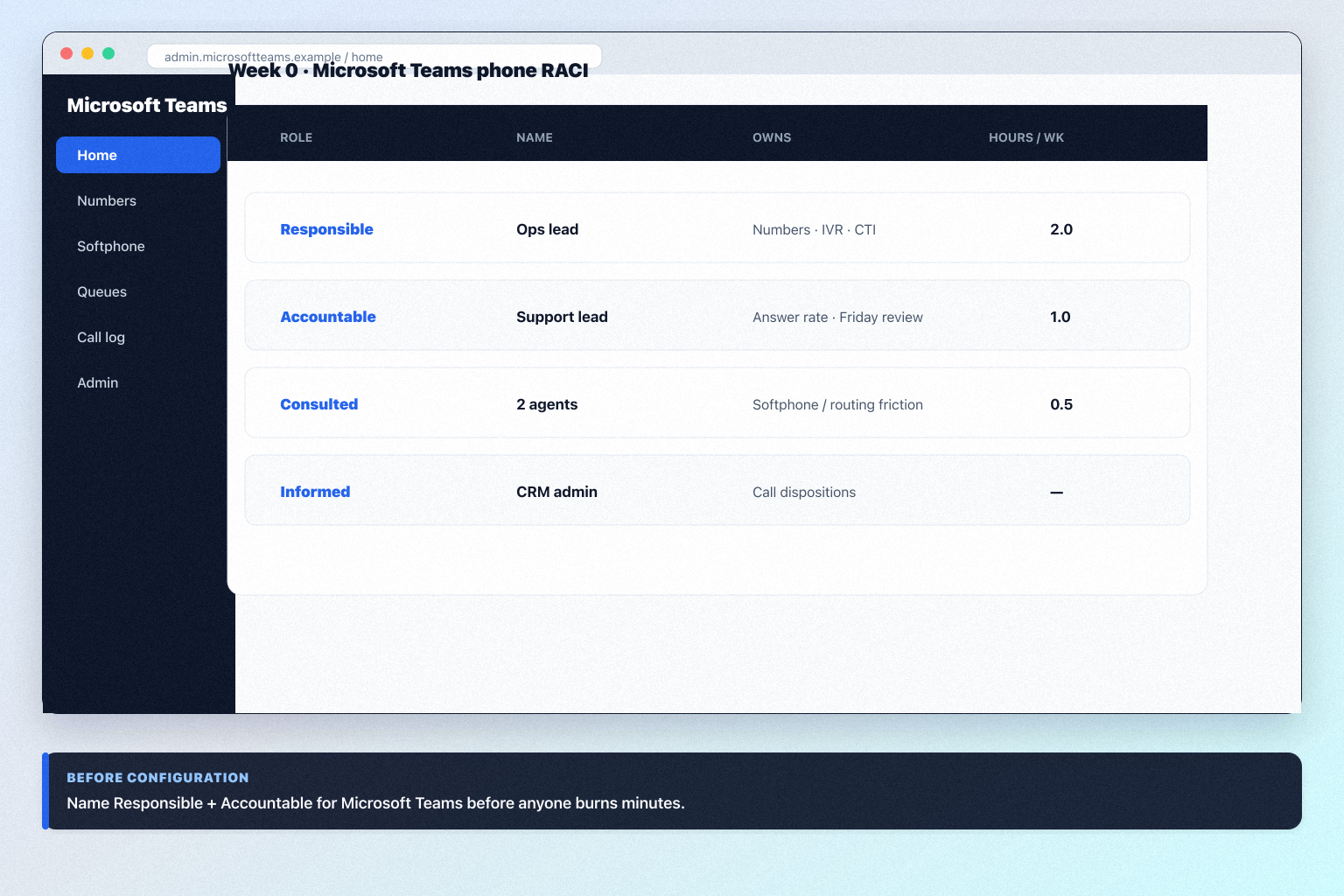
Microsoft Teams guides

Practical walkthroughs for setup, rollout, migration, plan choice, and fit — linked from this review so you can decide and implement without hunting the guides hub.