SoftwareGlimpse
CRM Software

Keap Migration: Move Data Without Losing the Thread

Keap migration guide: inventory → rehearse → freeze → validate integrations — grounded in researched limitations and catalogue peers.

By Lee MeyeridricksUpdated Aug 14, 20264 min readFact-checked

Quick answer

Migrate to Keap by inventorying legacy crm fields, mapping them to Keap objects, rehearsing a freeze window, and validating Gmail, Stripe, PayPal before reopening writes.

  • Inventory → map → rehearse → cut over → reopen
  • Highest risk: Base plans start at list price annually for two users; additional users are list price each.
  • Success signal: contact management works for the pilot cohort

Keap migration media

Import/data-move surfaces and vendor migration walkthroughs for Keap when available — unrelated product tour footage is omitted.

Official Keap migration walkthrough

Vendor walkthrough of data move / UI migration surfaces. Validate against your own export and mapping checklist.

This video is hosted on YouTube

This content is hosted by YouTube. The player loads only after you allow marketing cookies.

Official vendor tutorial

How to Import & Organize Leads - Keap Tutorial

What this shows

  • Keap lead import workflow
  • lead organization as presented by Keap
Full product screenshots and evidence live on the Keap research page.

Keap migration takeaways

  • Map to what this product supports — Keap research supports contact management, lead management, pipeline management, and deal management — your object model has to land inside that, not inside your old CRM's shape.
  • Pilot beats big-bang — One successful Keap import of a single owner's deals teaches more than a weekend bulk load.
  • Stage meaning is the real migration — Columns copy easily; “what qualified means” does not. Agree stage definitions before mapping.
  • Custom structure has limits — Custom fields is researched across every Keap plan we snapshot.
  • Keep an exit copy — Retain source exports until Keap passes seller spot-checks — and ask the export question before you sign, not at renewal.
  • Verify tooling, do not assume it — Import formats, record limits, and API behaviour belong in Keap documentation. Our snapshot flags a trial on Max Ignite, Max Grow, and Max Scale without a published length — confirm the window on the Keap pricing page.

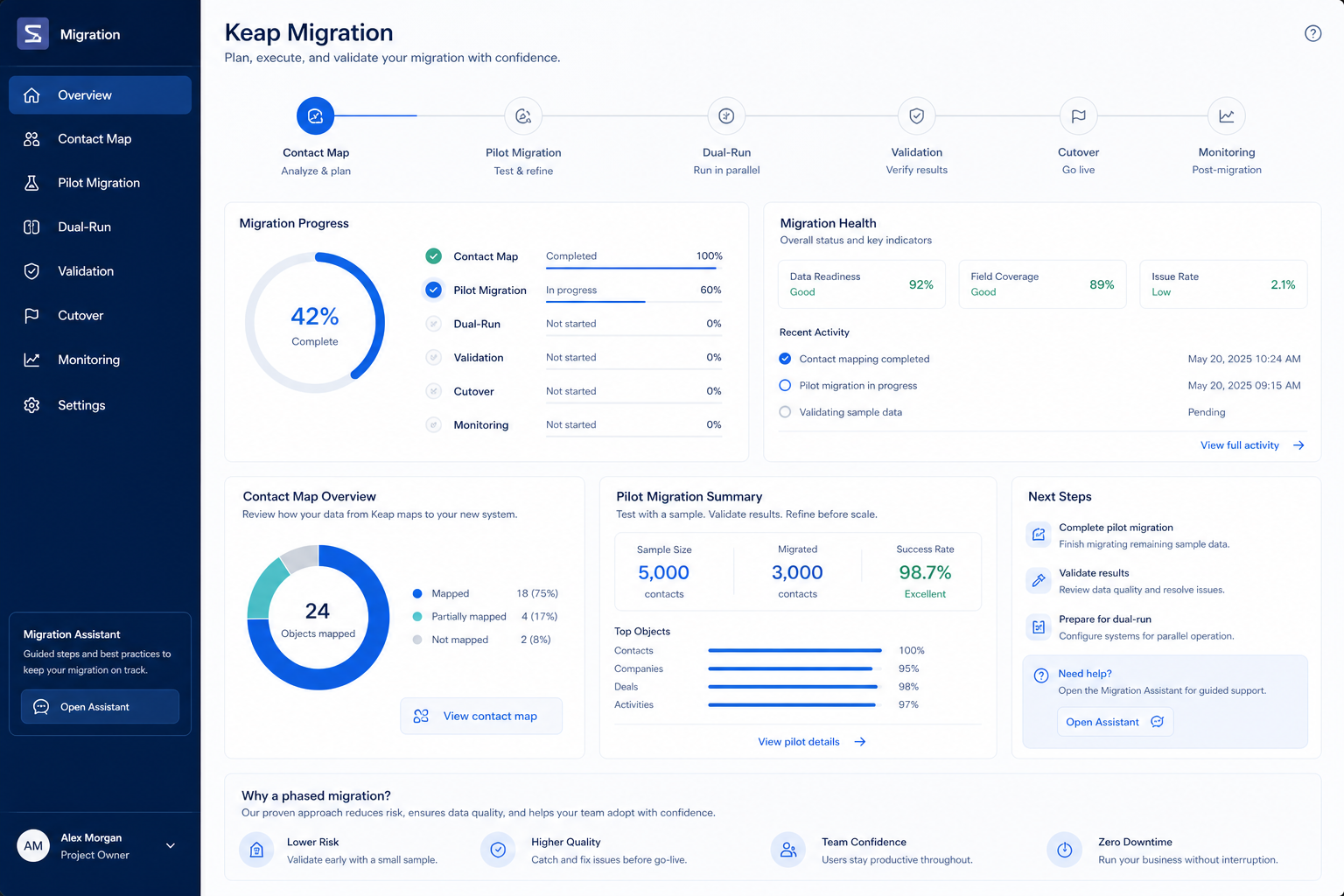
Keap migration map

Keap migration map diagram.
Prove mapping into Keap before you move every historical activity.

Keap checklist

Bring these questions to every demo

Ask vendors to show the workflow live, not just describe it.

  • 1Inventory sources and objectsCRM, sheets, mailboxes — must/later/archive.
  • 2Sign the field mapMeanings before bulk import.
  • 3Pilot 20–50 clean recordsSeller spot-check before scale.
  • 4Run a dual-run weekKeap as system of record; old system read-only.
  • 5Validate counts and samplesOpen deals and seller-critical records.

Frequently asked questions

  • Can we migrate everything into Keap at once?

    You can, but you should not. Decision rule: pilot one owner's book, fix the map, then scale. Bulk-importing an unvalidated map is the most common reason a CRM rollout loses seller trust.

  • Which objects should we move first?

    Companies, then people, then open deals, then recent activities — parents before children. contact management, lead management, pipeline management, and deal management are the Keap anchors in our research; old closed history can stay in an archive export.

  • How do we map custom fields into Keap?

    Custom fields is researched across every Keap plan we snapshot. Recreate a field only when someone can name the decision or report that depends on it; everything else goes to the archive CSV.

  • How long should the dual-run last?

    One week is usually right: long enough to catch mapping defects, short enough that people actually switch. Freeze the old system for edits during that week or you will migrate twice.

  • Who should own the migration?

    The Keap admin owner runs the mechanics; a sales champion owns stage meaning; each seller validates their own book. Not an intern alone with a CSV.

  • What do we validate before cutting over to Keap?

    Deal counts by owner, every open deal has an owner and stage, contacts resolve to companies, no duplicates in the top accounts, activity dates are real rather than import dates, and required fields are populated. Then seller sign-off.

  • What about getting data back out later?

    Ask before you sign: which objects export, in what format, whether notes and attachments come along, and what happens to data after cancellation. Keep your pre-migration exports either way.

  • What should I do next?

    Run the Keap setup guide in parallel with the pilot so the target workspace is ready, then follow the implementation guide's 30/60/90 gates after cutover.

1. Keap migration cutover playbook

  • Field inventory

    Export legacy fields that power contact management, lead management, pipeline management and mark must-map vs archive.

  • Rehearsal load

    Run a non-prod load into Keap; measure match rates before the freeze.

  • Production freeze

    Freeze legacy writes; cut over; validate Gmail; then reopen.

Migrations fail from optimistic timelines — not from missing motivation.

Migrate to Keap?

  1. 1Migrate when Small businesses needing CRM + marketing automation in one platform outweigh migration cost
  2. 2Delay if this limitation hits cutover: Base plans start at list price annually for two users; additional users are list price each.
  3. 3If Keap mapping is poor, compare destination fit with Capsule before moving data twice

Keap migration mistakes

  • No freeze window

    Dual-writing without a freeze creates irrevocable duplicates.

  • Integrations last

    Wire Gmail in rehearsal — not on Monday morning after cutover.

  • Data risk 1

    Base plans start at list price annually for two users; additional users are list price each.

  • Data risk 2

    Contact capacity and voice/SMS allotments scale by Max tier; overages apply for texts/voice minutes.

  • Data risk 3

    Annual contracts may include a documented early-termination fee (list price) if cancelled before term end.

Keap migration checklist

0/3 dimensions noted — saved in this browser only.

  • Mapping

  • Rehearsal

  • Cutover

Was this article helpful?

Have more questions? Contact our support team.

SoftwareGlimpse Updates

Want clearer software shortlists? Get buying guides and comparisons by email.

Newsletter coming soon.