
This video is hosted on YouTube
This content is hosted by YouTube. The player loads only after you allow marketing cookies.
Official vendor video
Keap Grow Demo
What this shows
- Keap Grow product demo
- Grow plan surfaces as presented by Keap
Keap pricing is decided almost entirely at the bottom of the ladder, because the entry point is a floor rather than a starter rate: Base plans start at $249/mo annually for two users; additional users are $39/mo each. Published tiers: Max Ignite ($249/mo billed annually) · Max Grow ($329/mo billed annually) · Max Scale ($499/mo billed annually). Two more things belong in the same calculation: Contact capacity and voice/SMS allotments scale by Max tier; overages apply for texts/voice minutes. And the commitment is real: Annual contracts may include a documented early-termination fee ($299) if cancelled before term end. So this is less a tier comparison than a single question about whether the floor is justified in your first year.
Keap pricing is a floor decision: the base includes two licences with additional users charged on top, usage allotments that scale separately, and an annual commitment — so justify the floor before comparing tiers.
Pricing/plan surfaces and vendor plan explainers for Keap when research has them — general product demos stay on the research page.
Vendor plan/pricing explainer when available. Confirm current seats and limits on the vendor site.
This video is hosted on YouTube
This content is hosted by YouTube. The player loads only after you allow marketing cookies.
Official vendor video
Full product screenshots and evidence live on the Keap research page.
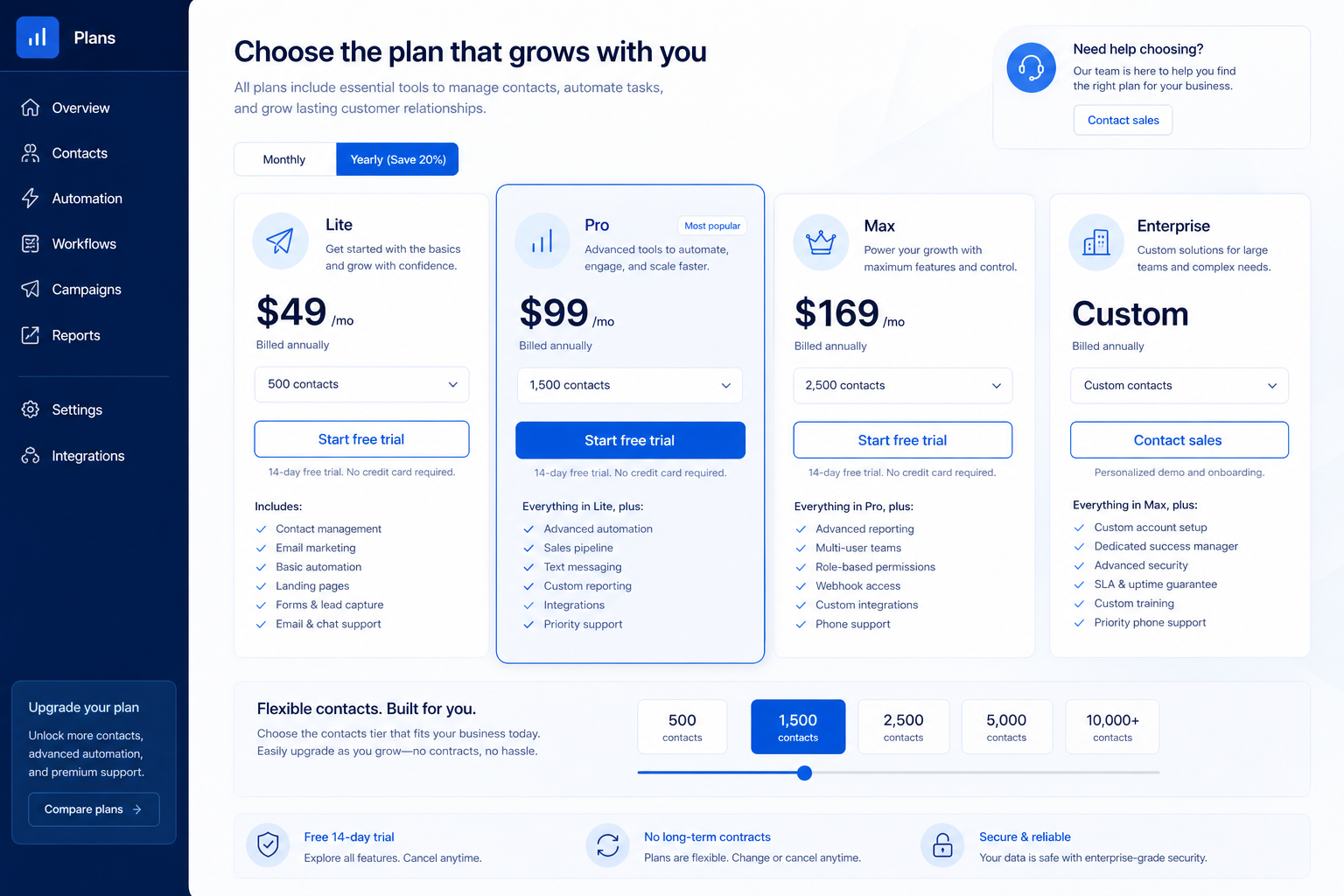
Our researched snapshot lists Max Ignite, Max Grow, Max Scale. Max Ignite is highlighted by the vendor — treat that as marketing, not as your requirement. Re-check /pricing/keap/ for current packaging.
No free plan appears in our Keap snapshot, so ask for an evaluation window in writing. Confirm current packaging on /pricing/keap/.
Run the algorithm: lowest plan per must-have, take the highest, check capacity, then count seats. Our research does not flag plan-gated capabilities for Keap, but confirm your must-haves against the plan you actually intend to buy.
Our research does not flag plan-gated capabilities for Keap, but confirm your must-haves against the plan you actually intend to buy.
Must-haves → qualifying plan name → Cost Calculator seats → TCO categories for admin, migration, and training. Do not invent implementation fees or ROI percentages.
Our snapshot flags a trial on Max Ignite, Max Grow, and Max Scale without a published length — confirm the window on the Keap pricing page.
Annual versus monthly is a term and cash-flow choice, not a capability one. While you are still proving adoption, the ability to fail cheaply for one quarter is often worth more than the annual discount.
Open /pricing/keap/, run the Cost Calculator on your qualifying plan, and read the Keap worth-it guide before signature.
Treating the base as a per-user starter rate
Base plans start at $249/mo annually for two users; additional users are $39/mo each.
Ignoring message allotments
Contact capacity and voice/SMS allotments scale by Max tier; overages apply for texts/voice minutes.
Signing the annual without reading the exit terms
Annual contracts may include a documented early-termination fee ($299) if cancelled before term end.
Bring these questions to every demo
Ask vendors to show the workflow live, not just describe it.
Take your quietest month from last year and ask whether the base would have been comfortable in it. If the answer is no, the ladder above is irrelevant. This is the one product in a CRM shortlist where the entry point, not the growth curve, is the decision — so spend your analysis there.
Write the licence count as "base two plus N", then write your monthly SMS and voice estimate underneath. Those two numbers together produce a realistic annual figure. Most surprised invoices here come from the second number, because message volume grows with campaign ambition rather than headcount.
Ask explicitly what happens if you cancel mid-term, and keep the answer. A documented early-termination condition is not a reason to walk away, but it is a reason to set a genuine internal review at month three rather than month eleven. Plan the consolidation work in that same fortnight — email, payments, and pipeline moving at once is the effort that earns the floor back.
Have more questions? Contact our support team.
Part of CRM hub · Keap review
Supporting reading in this topic — not a generic related-posts dump.
Want clearer software shortlists? Get buying guides and comparisons by email.
Newsletter coming soon.