
This video is hosted on YouTube
This content is hosted by YouTube. The player loads only after you allow marketing cookies.
CRM feature
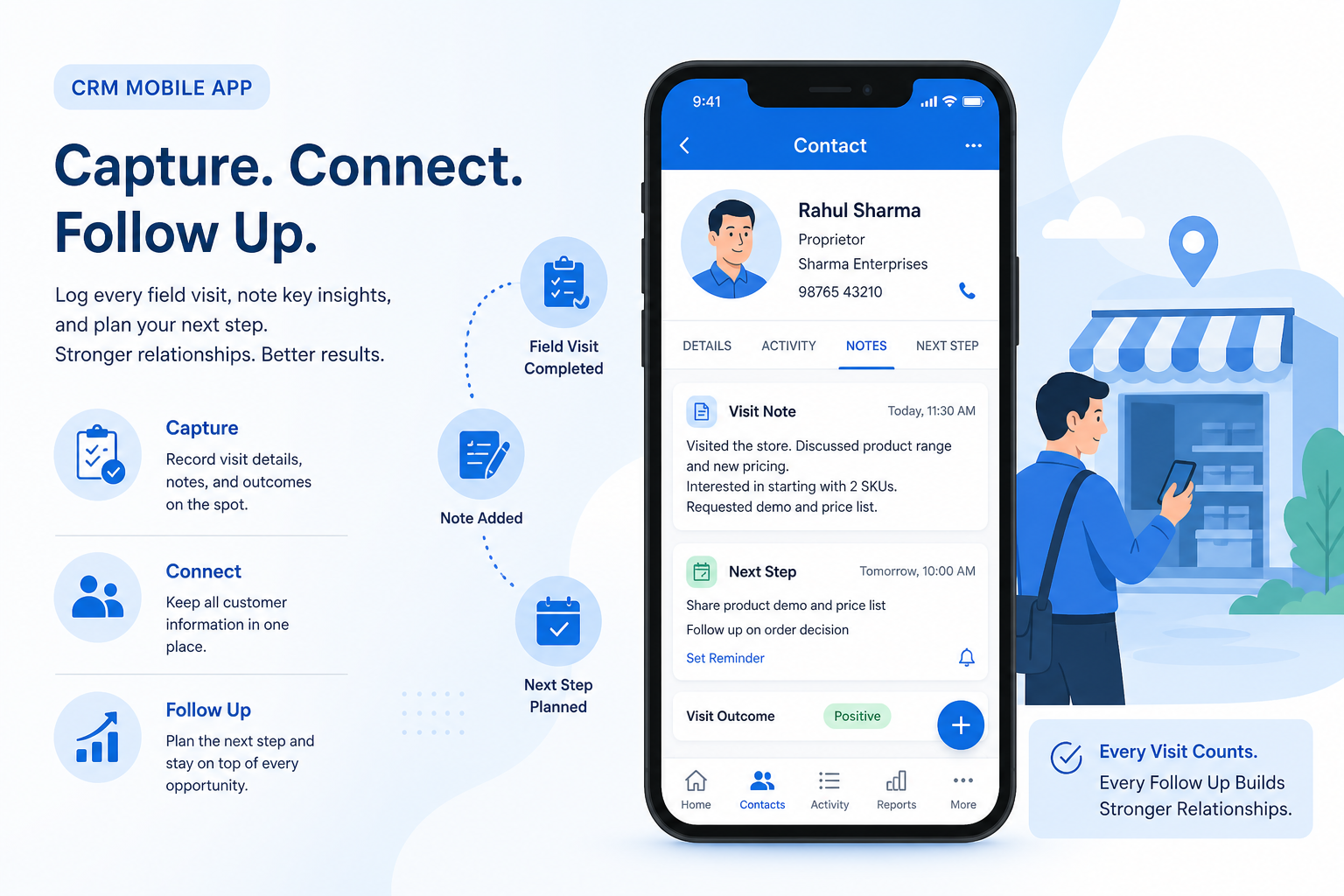
Update deals, log notes, and check context from a phone — so field and on-the-go work does not wait until someone is back at a laptop.
Feature at a glance
Feature type
Access / client app
Primary capability
Contact management
Typical buyer need
Client-facing staff need to read and update records away from a desk
Common limitation
Mobile apps rarely support administration, reporting, or automation configuration
Products covered
10
Evidence records
560
Reviewed 15 Aug 2026
Fit snapshot
A CRM mobile app is the smartphone (and often tablet) client for viewing and updating CRM records away from the desktop: contacts, deals, tasks, notes, and sometimes calling or email. It matters when work happens on-site, between meetings, or in transit. Mobile is not just a shrunk desktop; evaluate offline behavior, which actions are possible, and whether mobile is a true app or a mobile web bookmark.
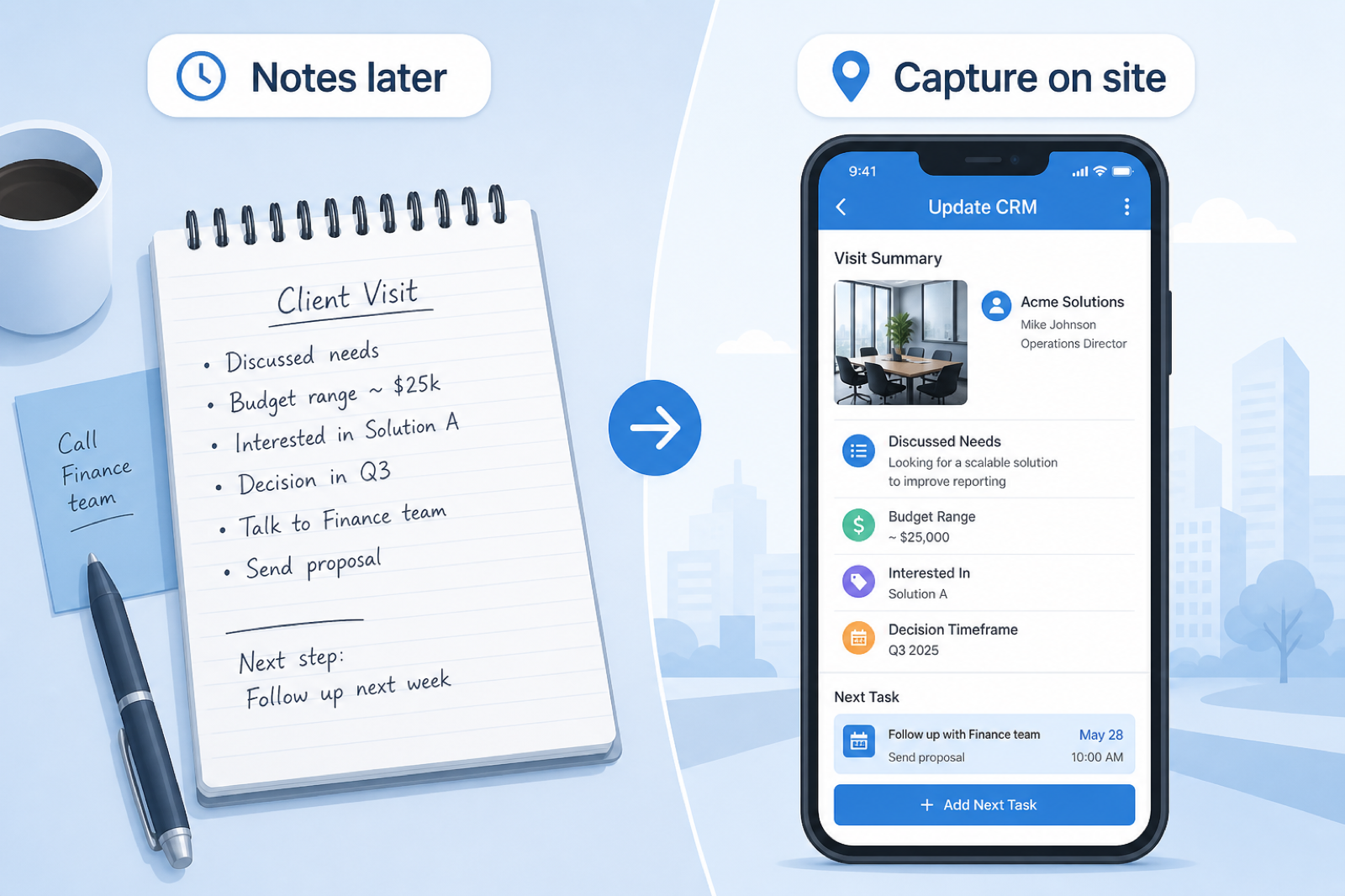
Field sales, founders always between meetings, advisors visiting clients, and account managers who need to log outcomes before context fades — anyone who currently scribbles notes and “enters them later” (then does not).
Evaluate which objects are editable, offline/sync behavior, mobile calling/email, biometric login, and MDM friendliness — not App Store star counts. If critical updates require desktop, field adoption will stall.
A CRM mobile app provides access to records, activities, and updates from a phone or tablet, usually with a reduced feature set compared to the web application.
Mobile App is NOT the same as
Pressure points
Pain: Site-visit details and call outcomes never reach the CRM while memory is fresh.
How the feature helps: Mobile note and activity logging captures context immediately after the conversation.
Pain: Reps walk into client sites without last email or open tasks on their phone.
How the feature helps: Mobile record views surface timeline and next steps in the lobby or car park.
Pain: Warehouse or rural sites have no signal; desktop-only habits return.
How the feature helps: Offline-capable mobile clients queue edits and sync when connectivity returns.
Pain: The app shows records but cannot create tasks or advance stages.
How the feature helps: Confirm create/edit coverage for the jobs field teams actually do.
Results
Notes and stage updates land while the visit or call is still fresh.
Reps pull timeline and open tasks on the phone before walking in.
Pipeline data reflects field work, not only office-based updates.
Structured mobile capture replaces paper that never gets typed in.
How it runs
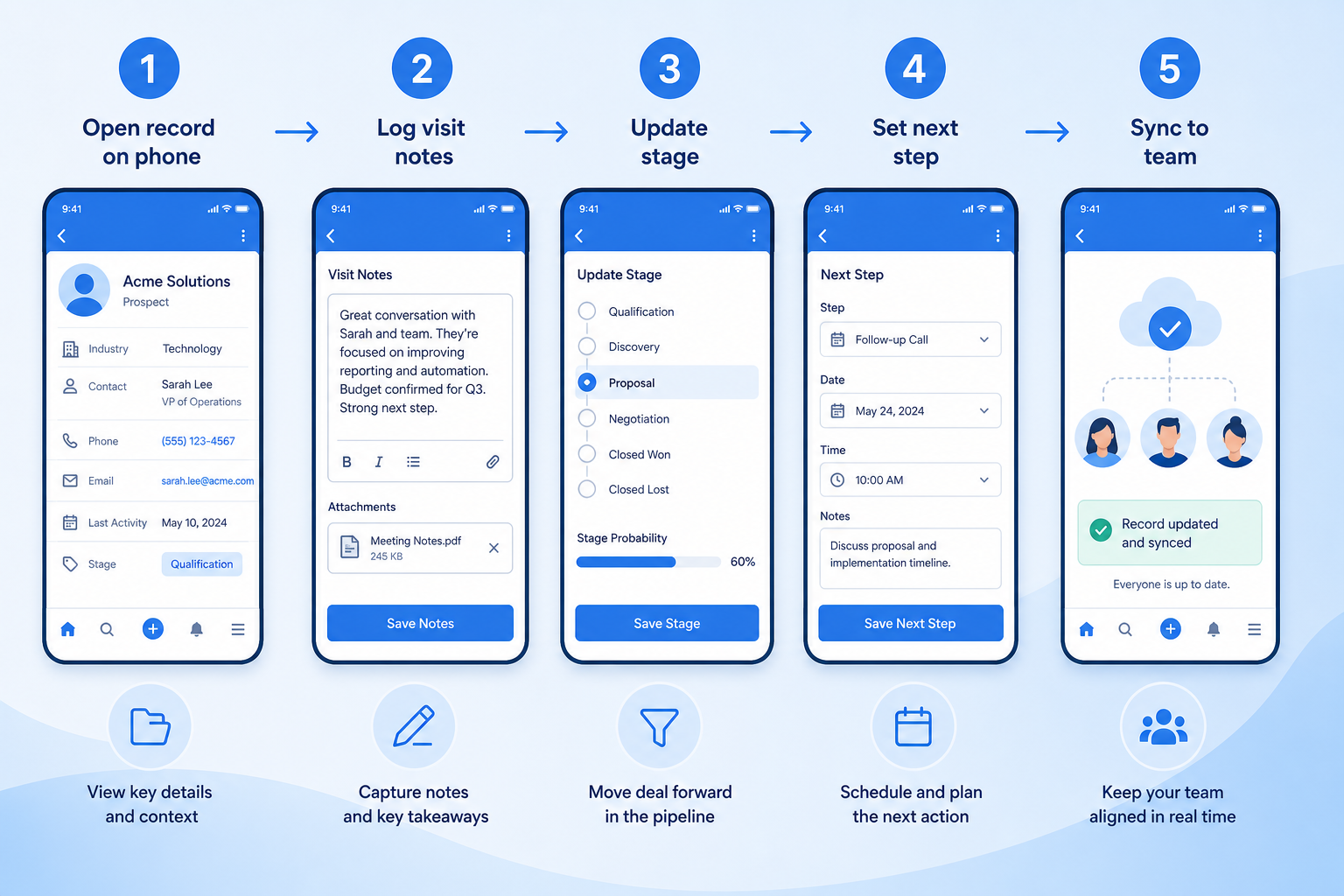
Write the three actions field people must complete on a phone.
Test those actions on iOS/Android with offline and biometric login.
Apply MDM, SSO, and device policies as required by IT.
Show logging and next-step habits that replace “enter it later.”
Managers coach from mobile-sourced activity in weekly reviews.
Concrete buyer situations — not product recommendations. Use them to test whether a CRM’s implementation matches how your team works.
Field sales: post-site update
Situation
A 10-rep field team finishes site visits and emails themselves notes. Half never get pasted into CRM; inside sales follows up blind.
What good looks like
Before leaving the site, the rep opens the opportunity on mobile, logs a note, updates stage to Site Complete, and creates a proposal task for the inside partner. Offline mode queues the update in the basement; it syncs in the parking lot.
Ask vendors
Can we edit deals and create tasks offline? Does mobile support our SSO? Are calling and email available in the mobile app?
RIA: advisor client meeting
Situation
Advisors review households on a laptop at the office but meet clients at homes or cafes. They cannot see last review notes on their phone without emailing themselves a PDF.
What good looks like
Mobile app shows household timeline, open tasks, and key custom fields. After the meeting, the advisor logs notes and sets next review date. Field-level permissions still hide internal compliance flags from the client-facing screen share.
Ask vendors
Which custom fields and related lists appear on mobile? Can layouts differ for mobile? How does the app handle SSO and biometrics?
You probably need it if
You may not need it if
Capability
Contact management
Requirement
Track client interactions
Feature
Mobile App
Feature availability
criticalMinimum plan
highRecord access
highCall logging
importantOffline capability
importantOfficial product demonstrations can help show how vendors implement the same feature differently. SoftwareGlimpse evaluates these alongside documentation, screenshots and other product evidence. Absence of a video does not mean a product lacks the feature.

Salesforce
Specialized Retail Banking with Agentforce Financial Services
This video is hosted on YouTube
This content is hosted by YouTube. The player loads only after you allow marketing cookies.
What this demonstrates
Not established by this video
Source: Salesforce · Verified 14 Aug 2026
Open source ↗
Close
Getting Started with Email in Close | How to Send and Manage Emails from Your CRM

This video is hosted on YouTube
This content is hosted by YouTube. The player loads only after you allow marketing cookies.
What this demonstrates
Not established by this video
Source: Close · Verified 15 Aug 2026
Open source ↗
Freshsales
How to create Multiple Sales Pipeline | Freshsales CRM

This video is hosted on YouTube
This content is hosted by YouTube. The player loads only after you allow marketing cookies.
What this demonstrates
Not established by this video
Source: Freshsales · Verified 15 Aug 2026
Open source ↗
ACT!
Act! CRM Training | Fundamentals: Mastering the Basics

This video is hosted on YouTube
This content is hosted by YouTube. The player loads only after you allow marketing cookies.
What this demonstrates
Not established by this video
Source: ACT! · Verified 16 Aug 2026
Open source ↗Not verified means insufficient evidence — not the same as unsupported.
Salesforce
Close
Freshsales
ACT!

Affinity

Agile CRM
Cells use feature support. Unknown is never treated as No. Official videos open from evidence — they are never embedded in the matrix.
| Dimension | |||||
|---|---|---|---|---|---|
| Feature availability | Supported | Supported | Supported | Supported | Supported |
| Minimum plan | Starter Suite | Solo | Growth | Enterprise | Essential |
| Record access | Supported | Supported | Supported | Supported | Supported |
| Call logging | ◐Plan dependent | Supported | Supported | Not verified | Not verified |
| Offline capability | Not verified | Not verified | Not verified | Not verified | Not verified |
Plan names come from feature entitlements — not inferred from marketing tier labels alone.
| Product | Feature starts at | Notes |
|---|---|---|
| Salesforce | Starter Suite | — |
| Close | Solo | — |
| Freshsales | Growth | — |
| ACT! | Enterprise | — |
| Affinity | Essential | — |
| Agile CRM | Free | — |
Two products can both support the feature while differing in depth. Official demos below are supplementary — the comparison matrix remains the structured source of truth.
Salesforce
This video is hosted on YouTube
This content is hosted by YouTube. The player loads only after you allow marketing cookies.
Official vendor video
Financial Services Cloud overview — client/account relationships and advisor workflows
client / account relationship surfaces in Financial Services Cloud
Close
This video is hosted on YouTube
This content is hosted by YouTube. The player loads only after you allow marketing cookies.
Official vendor tutorial
Close CRM email setup and usage
Record access
Compare how products differ on record access rather than assuming parity.
Call logging
Compare how products differ on call logging rather than assuming parity.
Offline capability
Compare how products differ on offline capability rather than assuming parity.
Loading evidence explorer…
Verified product captures only — never stock imagery or mockups.
Salesforce mobile app
Supported · StrongEvidence: 6 · High confidence
Available from: Starter Suite
Salesforce has researched support for mobile app. See the comparison matrix for related dimensions.
Strengths
Limitations
Best for: Mid-market and enterprise sales orgs needing deep customization and reporting
See it in action
This video is hosted on YouTube
This content is hosted by YouTube. The player loads only after you allow marketing cookies.
Official vendor video
Financial Services Cloud overview — client/account relationships and advisor workflows
Official vendor demonstration — complementary evidence, not a substitute for the comparison matrix.
View all feature evidenceClose mobile app
Supported · StrongEvidence: 4 · High confidence
Available from: Solo
Close has researched support for mobile app. See the comparison matrix for related dimensions.
Strengths
Limitations
Best for: Inside sales and outbound teams that live on phone/email/SMS
See it in action
This video is hosted on YouTube
This content is hosted by YouTube. The player loads only after you allow marketing cookies.
Official vendor tutorial
Official vendor demonstration — complementary evidence, not a substitute for the comparison matrix.
View all feature evidenceFreshsales mobile app
Supported · StrongEvidence: 4 · High confidence
Available from: Growth
Freshsales has researched support for mobile app. See the comparison matrix for related dimensions.
Strengths
Limitations
Best for: SMB and mid-market teams wanting CRM + phone/email engagement
See it in action
This video is hosted on YouTube
This content is hosted by YouTube. The player loads only after you allow marketing cookies.
Official vendor tutorial
Official vendor demonstration — complementary evidence, not a substitute for the comparison matrix.
View all feature evidenceACT! mobile app
Supported · GoodEvidence: 4 · High confidence
Available from: Enterprise
ACT! has researched support for mobile app. See the comparison matrix for related dimensions.
Strengths
Limitations
Best for: Established SMBs already familiar with ACT!
See it in action
This video is hosted on YouTube
This content is hosted by YouTube. The player loads only after you allow marketing cookies.
Official vendor tutorial
Official vendor demonstration — complementary evidence, not a substitute for the comparison matrix.
View all feature evidenceAffinity mobile app
Supported · GoodEvidence: 4 · High confidence
Available from: Essential
Affinity has researched support for mobile app. See the comparison matrix for related dimensions.
Strengths
Limitations
Best for: Venture capital and private equity relationship teams
See it in action

This video is hosted on YouTube
This content is hosted by YouTube. The player loads only after you allow marketing cookies.
Official vendor tutorial
Official vendor demonstration — complementary evidence, not a substitute for the comparison matrix.
View all feature evidenceConvenience vs feature parity
Mobile apps prioritize quick capture, so configuration and reporting usually stay on the web.
Connectivity assumptions
Apps that require connectivity fail exactly where field staff need them.
Support is not the same as depth
Two products can both support this feature and implement it very differently.
Feature availability alone does not tell you whether the implementation fits your workflow. Compare depth, plan gating, and related dimensions before shortlisting.
Relationship-led teams
SituationalRead and update records away from a desk.
Growing teams
Medium relevanceUpdate records between meetings.
Add this as a requirement in your CRM shortlist and personalize for team size, budget, and other priorities.
Find My CRM10
Products covered
560
Evidence items
277
Screenshots
36
Plan records
Capability
Contact management
Requirement
Track client interactions
Feature
Mobile App
Products
10 researched
Evidence
560 records
Typically viewing and updating contacts, deals, tasks, and notes on a phone or tablet — sometimes with calling, email, or offline sync. Depth varies widely by product.
Sometimes for light viewing. If you need offline use, push notifications, or polished data entry in the field, trial a native app on real devices before deciding.
No. They need the few jobs that happen away from a desk — usually notes, stage updates, tasks, and record lookup. Confirm those specifically.
Compare catalogue CRM products based on this feature plus your other requirements, team size and budget.
Explore the official documentation, screenshots and product demonstrations used to understand how each CRM implements this feature.
57 items
Official video · ACT!
Supports
Demonstrates
This video is hosted on YouTube
This content is hosted by YouTube. The player loads only after you allow marketing cookies.
Official vendor tutorial
Verified: 16 Aug 2026
Open source ↗Official video · ACT!
Supports
Demonstrates

This video is hosted on YouTube
This content is hosted by YouTube. The player loads only after you allow marketing cookies.
Official vendor video
Verified: 16 Aug 2026
Open source ↗Official video · Affinity
Supports
Demonstrates
This video is hosted on YouTube
This content is hosted by YouTube. The player loads only after you allow marketing cookies.
Official vendor tutorial
Verified: 16 Aug 2026
Open source ↗Official video · Affinity
Supports
Demonstrates

This video is hosted on YouTube
This content is hosted by YouTube. The player loads only after you allow marketing cookies.
Official vendor video
Verified: 16 Aug 2026
Open source ↗
Official video · Apptivo
Supports
Demonstrates
This video is hosted on YouTube
This content is hosted by YouTube. The player loads only after you allow marketing cookies.
Official vendor tutorial
Verified: 16 Aug 2026
Open source ↗Official video · Apptivo
Supports
Demonstrates

This video is hosted on YouTube
This content is hosted by YouTube. The player loads only after you allow marketing cookies.
Official vendor video
Verified: 16 Aug 2026
Open source ↗
Official video · Attio
Supports
Demonstrates

This video is hosted on YouTube
This content is hosted by YouTube. The player loads only after you allow marketing cookies.
Official vendor tutorial
Verified: 15 Aug 2026
Open source ↗Official video · Attio
Supports
Demonstrates

This video is hosted on YouTube
This content is hosted by YouTube. The player loads only after you allow marketing cookies.
Official vendor tutorial
Verified: 15 Aug 2026
Open source ↗
Official video · Bitrix24
Supports
Demonstrates

This video is hosted on YouTube
This content is hosted by YouTube. The player loads only after you allow marketing cookies.
Official vendor tutorial
Verified: 15 Aug 2026
Open source ↗Official video · Bitrix24
Supports
Demonstrates

This video is hosted on YouTube
This content is hosted by YouTube. The player loads only after you allow marketing cookies.
Official vendor tutorial
Verified: 15 Aug 2026
Open source ↗Official video · Close
Supports
Demonstrates
This video is hosted on YouTube
This content is hosted by YouTube. The player loads only after you allow marketing cookies.
Official vendor tutorial
Verified: 15 Aug 2026
Open source ↗Official video · Close
Supports
Demonstrates

This video is hosted on YouTube
This content is hosted by YouTube. The player loads only after you allow marketing cookies.
Official vendor tutorial
Verified: 15 Aug 2026
Open source ↗
Official video · Cloze
Supports
Demonstrates

This video is hosted on YouTube
This content is hosted by YouTube. The player loads only after you allow marketing cookies.
Official vendor tutorial
Verified: 16 Aug 2026
Open source ↗Official video · Freshsales
Supports
Demonstrates
This video is hosted on YouTube
This content is hosted by YouTube. The player loads only after you allow marketing cookies.
Official vendor tutorial
Verified: 15 Aug 2026
Open source ↗Official video · Freshsales
Supports
Demonstrates

This video is hosted on YouTube
This content is hosted by YouTube. The player loads only after you allow marketing cookies.
Official vendor tutorial
Verified: 15 Aug 2026
Open source ↗Official video · Insightly CRM by Unbounce
Supports
Demonstrates

This video is hosted on YouTube
This content is hosted by YouTube. The player loads only after you allow marketing cookies.
Official vendor tutorial
Verified: 15 Aug 2026
Open source ↗Official video · Mailchimp
Supports
Demonstrates

This video is hosted on YouTube
This content is hosted by YouTube. The player loads only after you allow marketing cookies.
Official vendor tutorial
How Mailchimp presents the product in an official vendor video.
Verified: 16 Aug 2026
Open source ↗Official video · Salesforce
Supports
Demonstrates
This video is hosted on YouTube
This content is hosted by YouTube. The player loads only after you allow marketing cookies.
Official vendor video
Financial Services Cloud overview — client/account relationships and advisor workflows
Verified: 14 Aug 2026
Open source ↗Official video · Salesforce
Supports
Demonstrates

This video is hosted on YouTube
This content is hosted by YouTube. The player loads only after you allow marketing cookies.
Official vendor tutorial
Verified: 15 Aug 2026
Open source ↗Official video · Streak
Supports
Demonstrates

This video is hosted on YouTube
This content is hosted by YouTube. The player loads only after you allow marketing cookies.
Official vendor tutorial
Verified: 15 Aug 2026
Open source ↗Screenshot · ACT!
Supports
Demonstrates
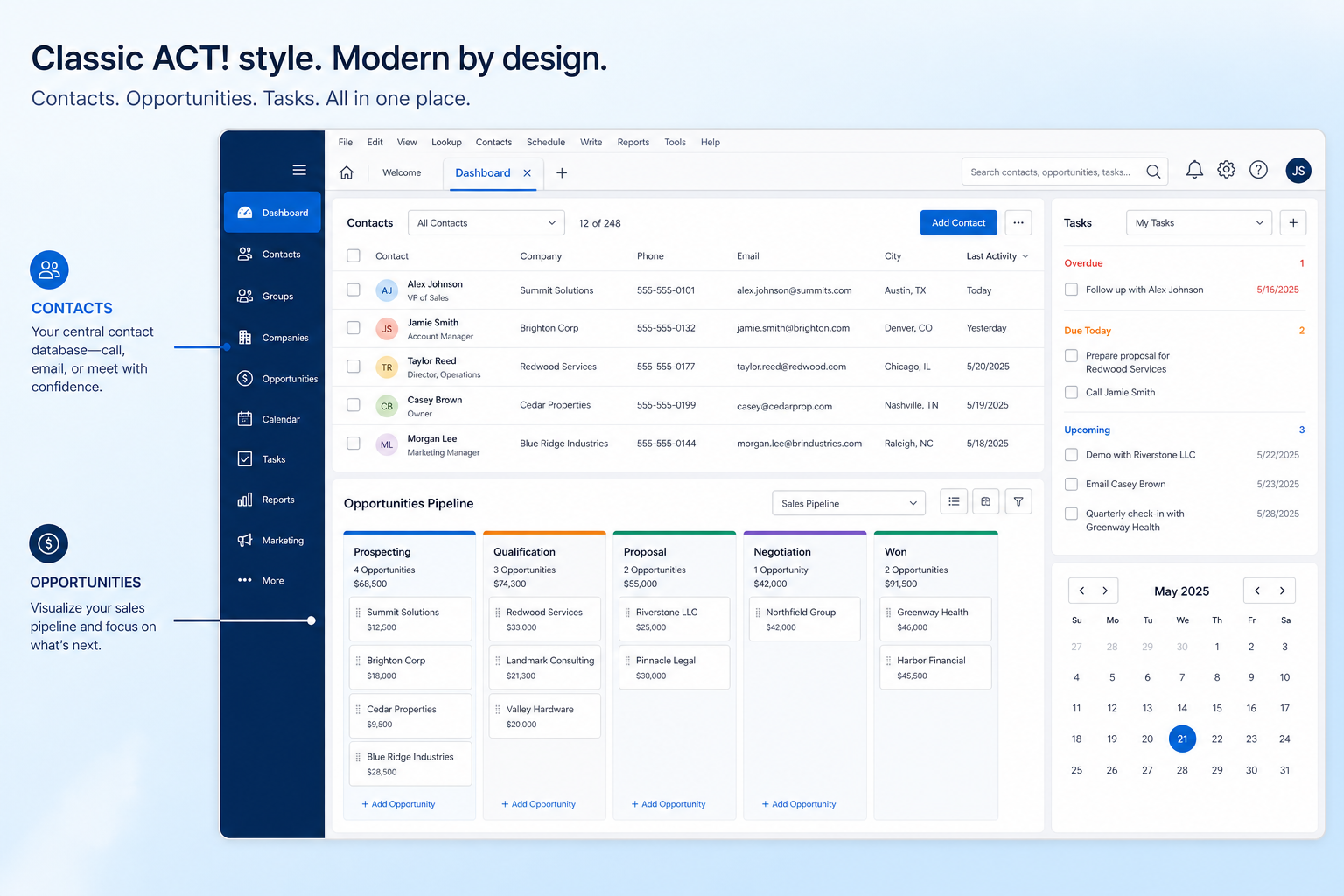
Verified: 16 Aug 2026
Open source ↗Screenshot · ACT!
Supports
Demonstrates
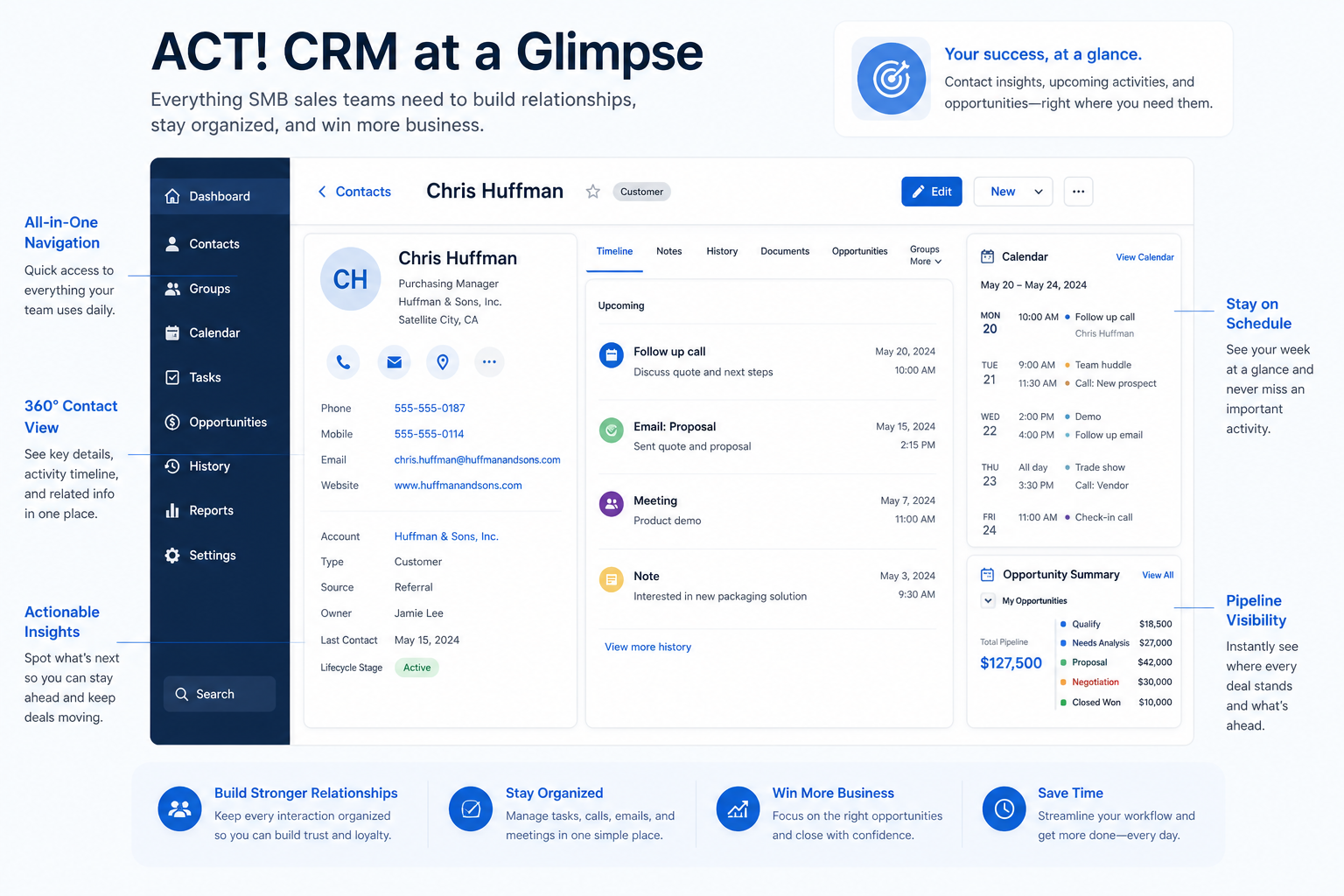
Verified: 16 Aug 2026
Open source ↗Screenshot · Affinity
Supports
Demonstrates
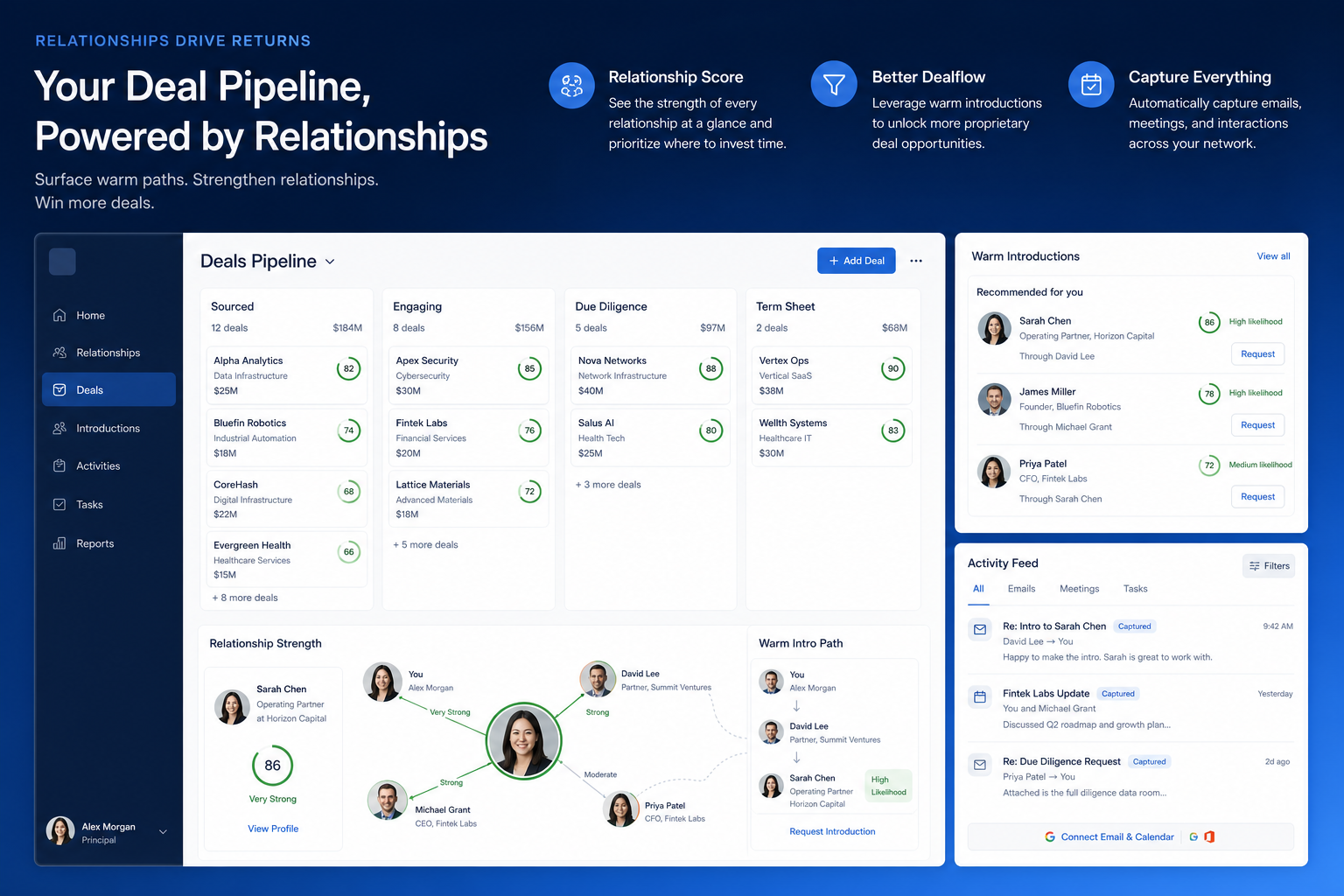
Verified: 16 Aug 2026
Open source ↗Screenshot · Affinity
Supports
Demonstrates
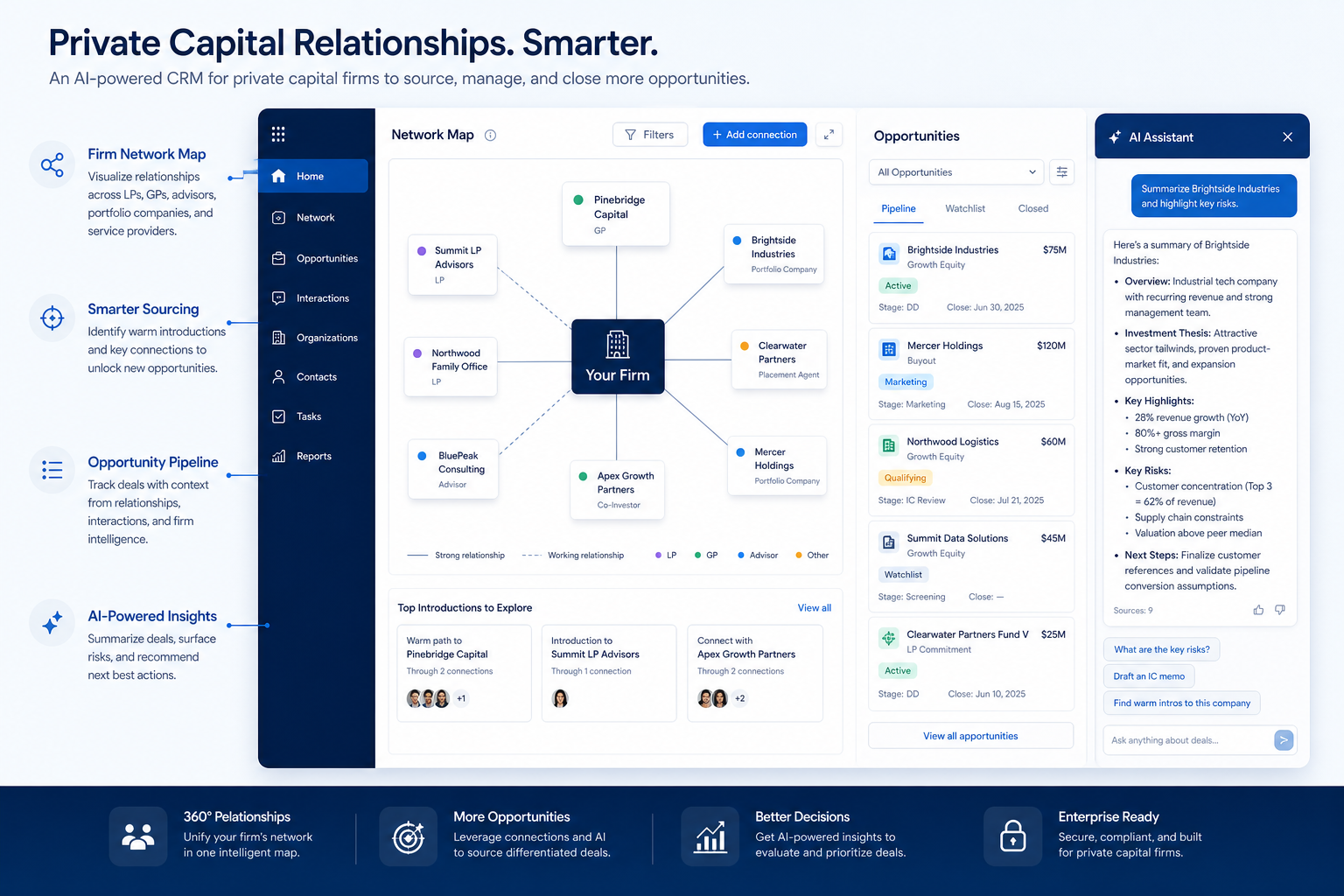
Verified: 16 Aug 2026
Open source ↗Screenshot · Agile CRM
Supports
Demonstrates
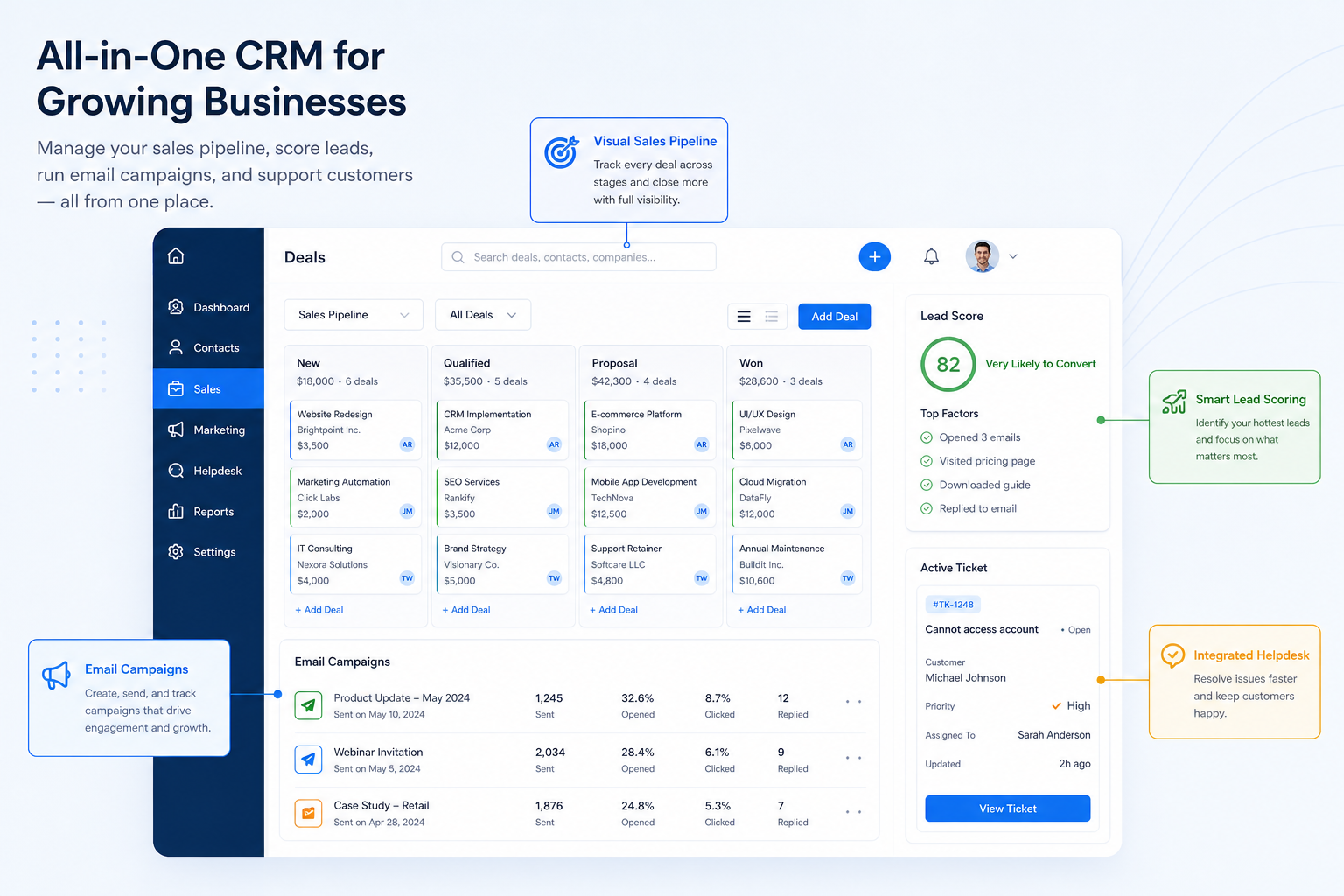
Verified: 16 Aug 2026
Open source ↗Screenshot · Agile CRM
Supports
Demonstrates
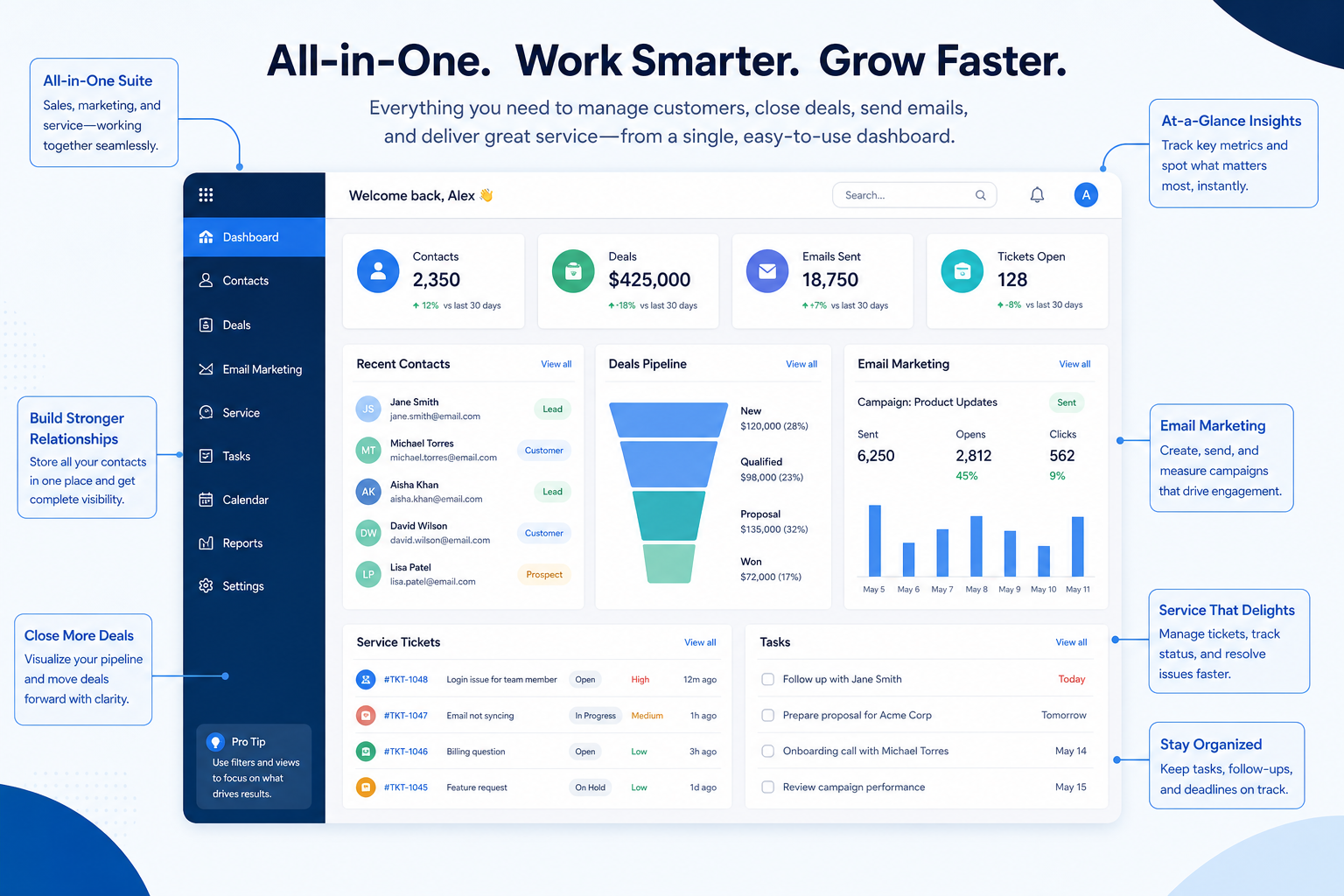
Verified: 16 Aug 2026
Open source ↗Screenshot · Apptivo
Supports
Demonstrates
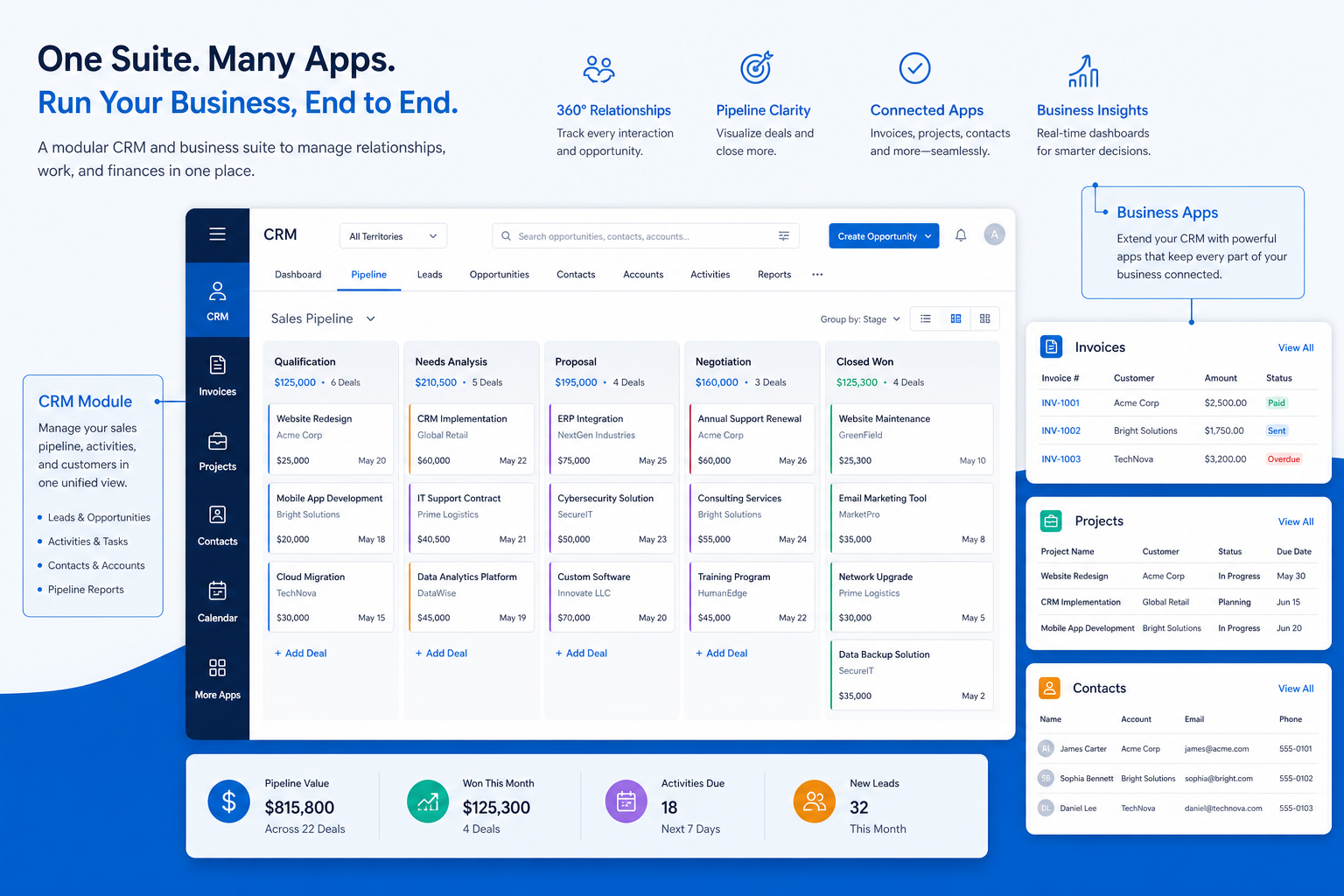
Verified: 16 Aug 2026
Open source ↗Screenshot · Apptivo
Supports
Demonstrates
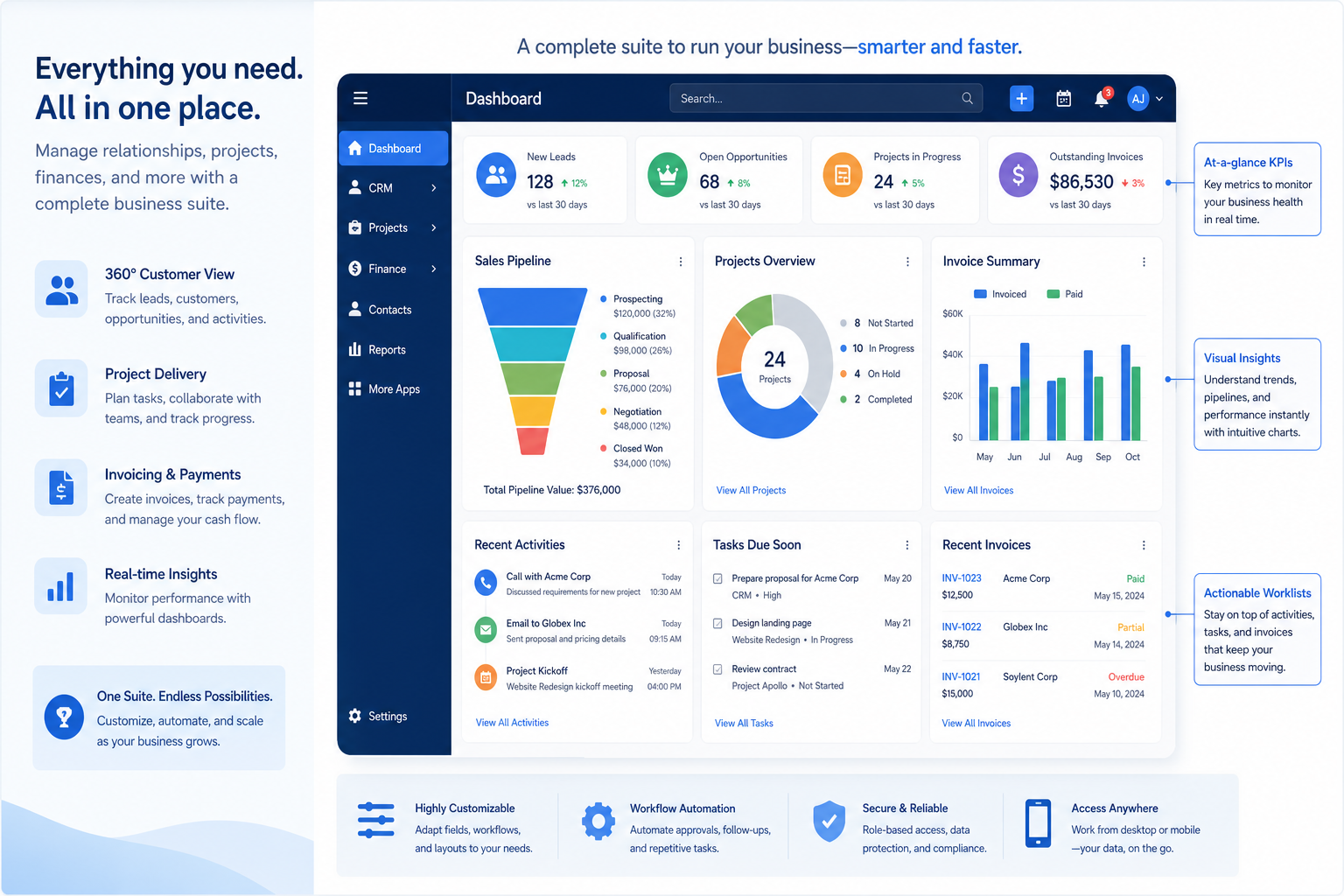
Verified: 16 Aug 2026
Open source ↗Screenshot · Attio
Supports
Demonstrates
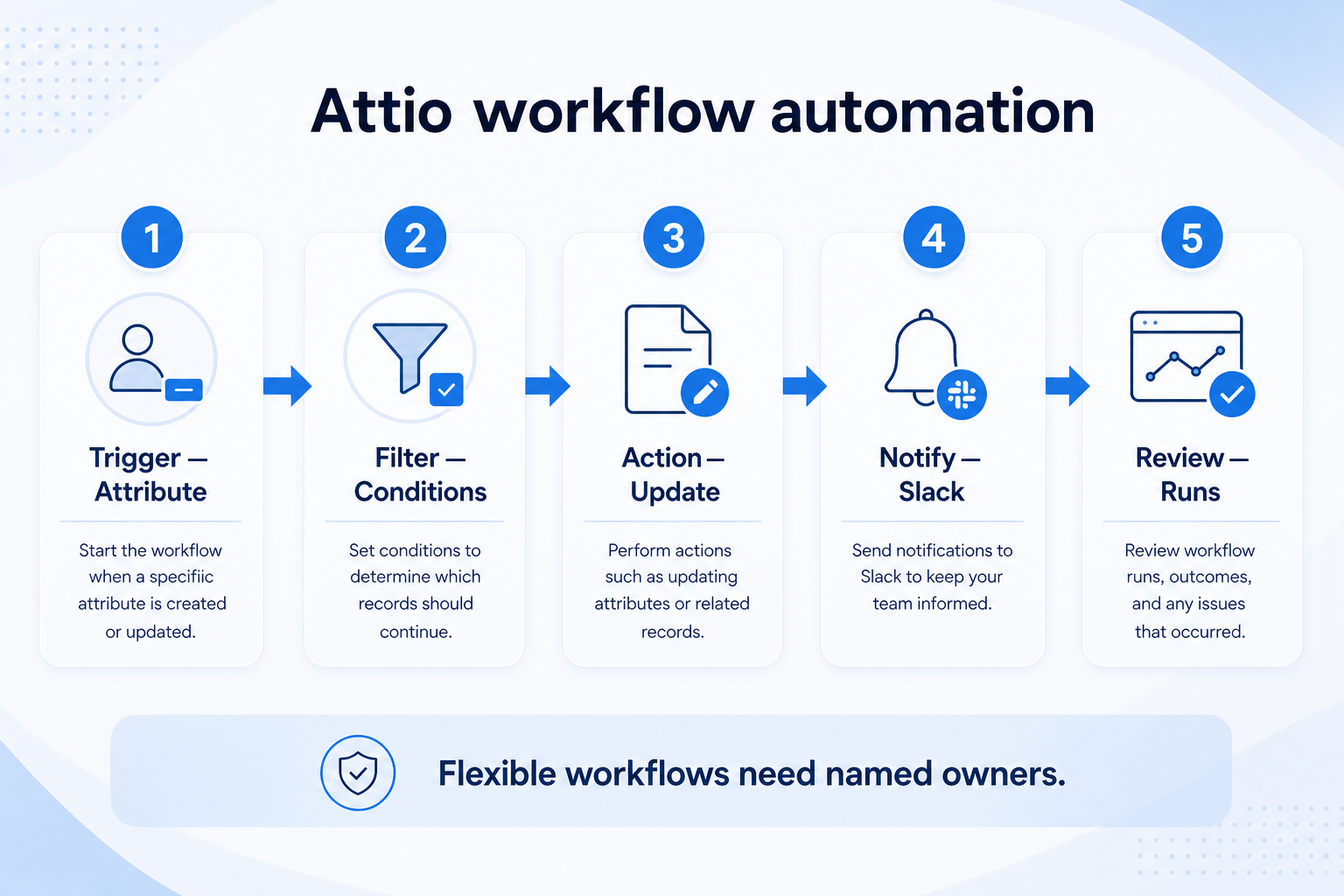
Verified: 15 Aug 2026
Open source ↗Screenshot · Capsule
Supports
Demonstrates
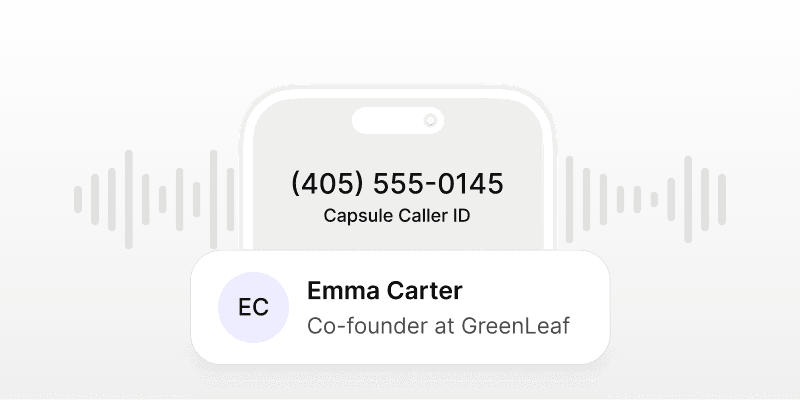
Verified: 13 Aug 2026
Open source ↗Screenshot · Capsule
Supports
Demonstrates
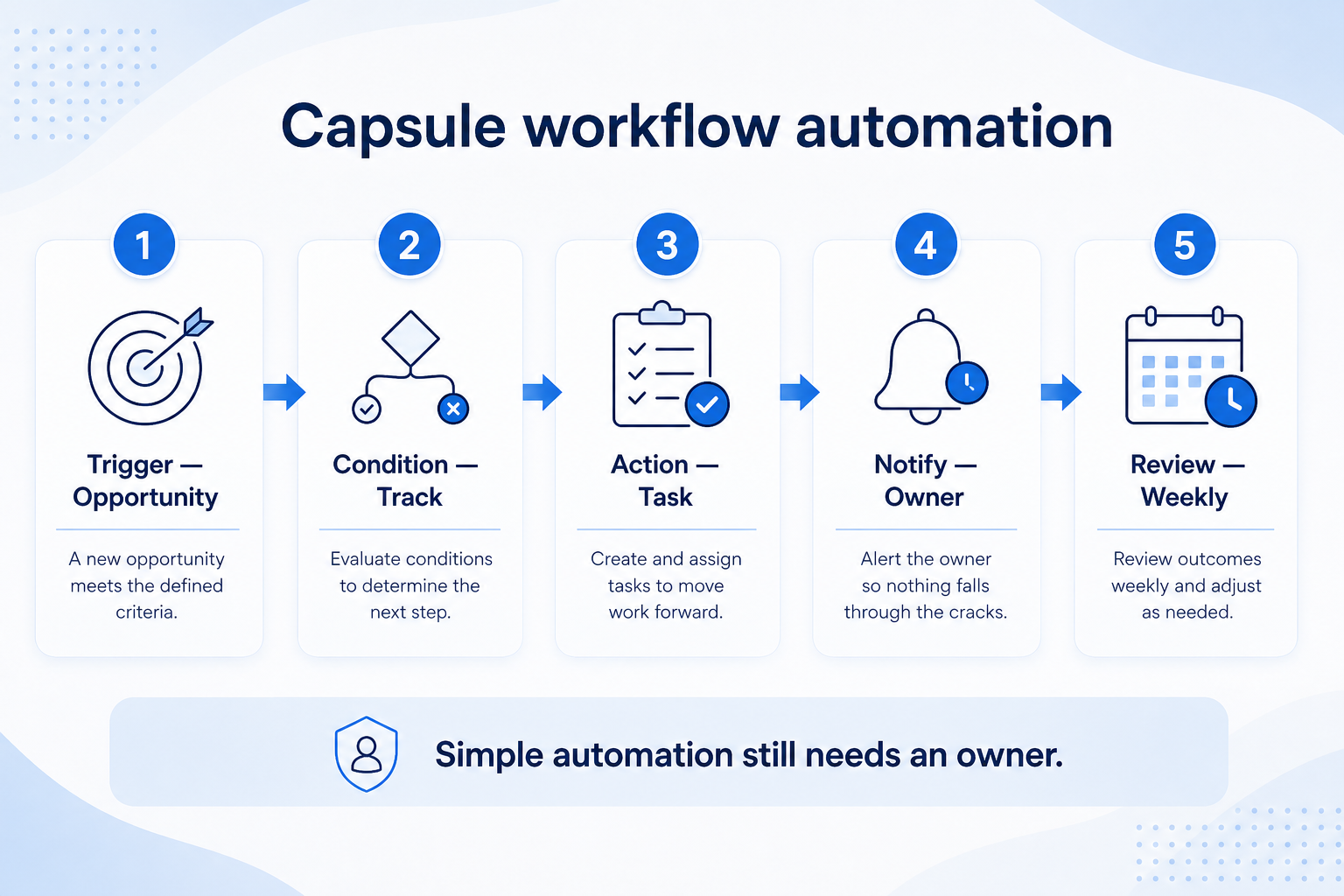
Verified: 15 Aug 2026
Open source ↗Screenshot · Close
Supports
Demonstrates
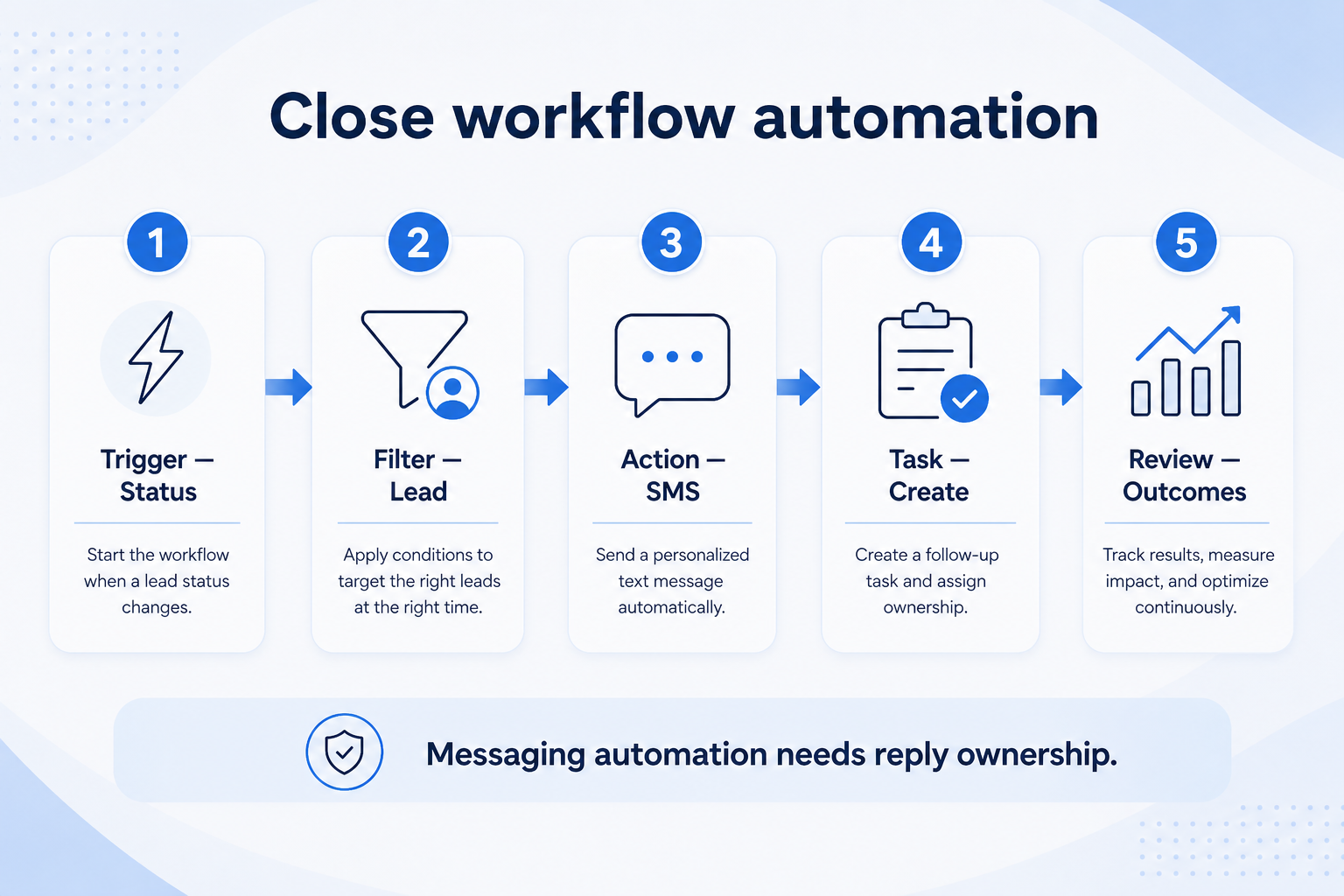
Verified: 15 Aug 2026
Open source ↗Screenshot · Cloze
Supports
Demonstrates
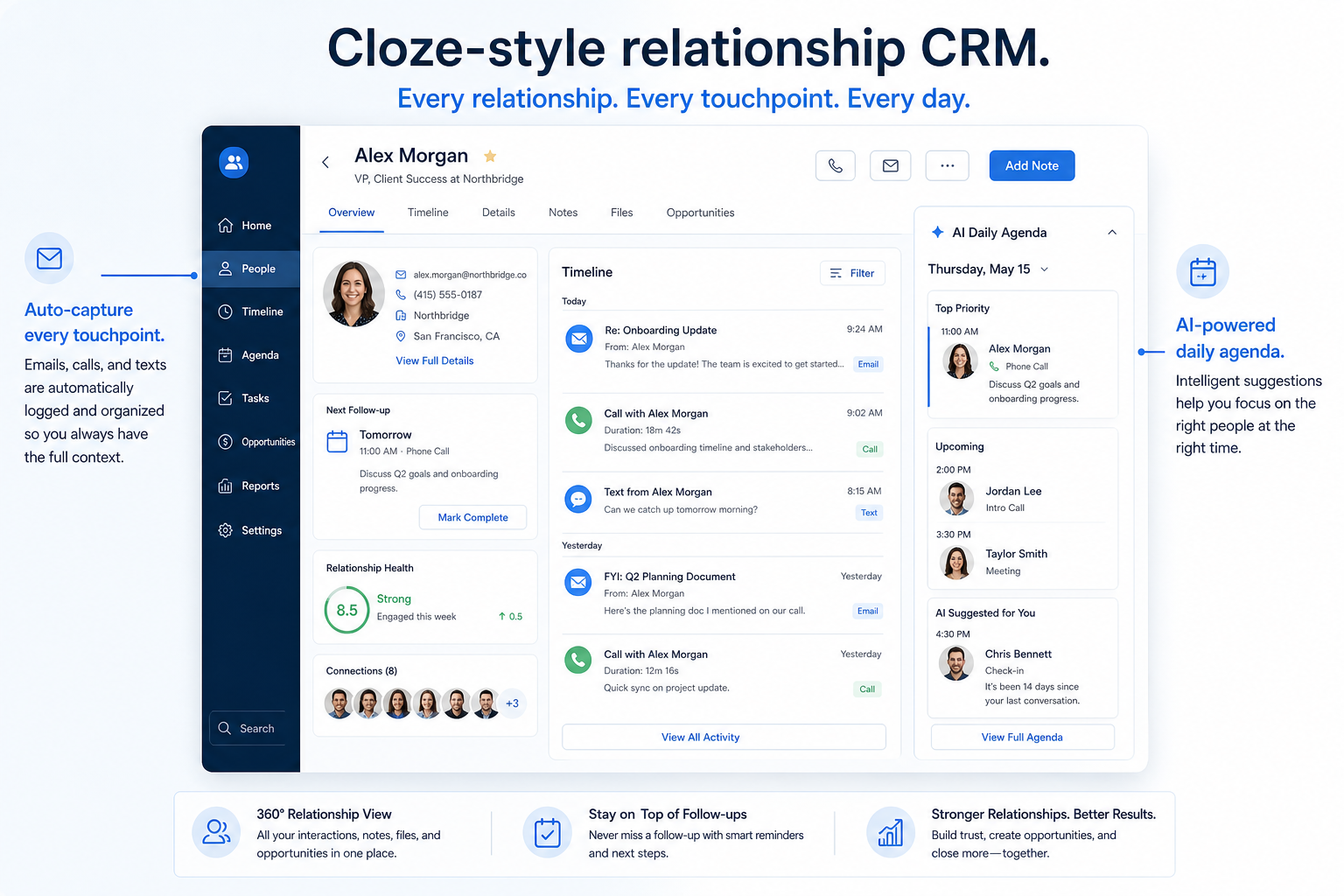
Verified: 16 Aug 2026
Open source ↗Screenshot · Cloze
Supports
Demonstrates
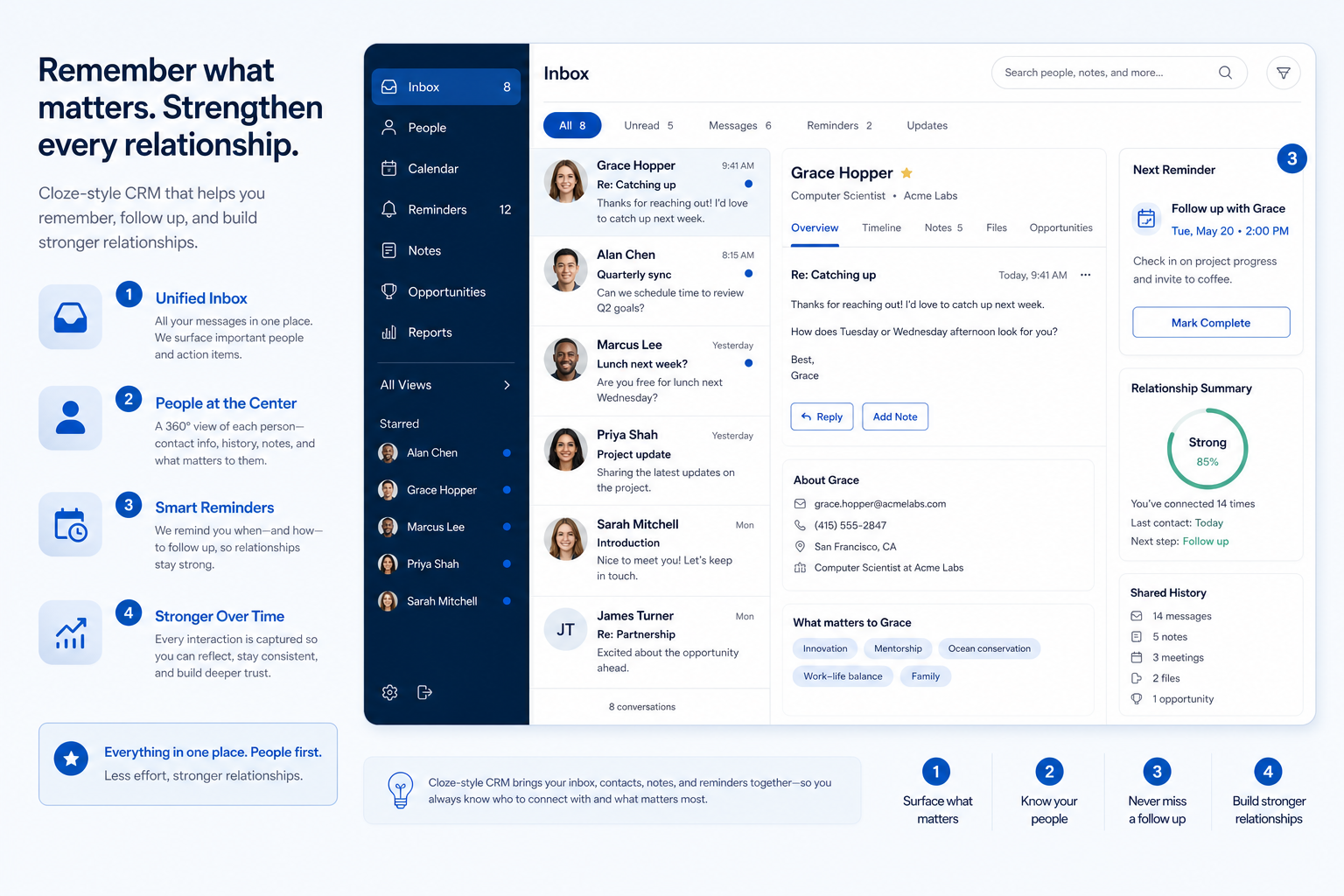
Verified: 16 Aug 2026
Open source ↗Screenshot · Freshsales
Supports
Demonstrates
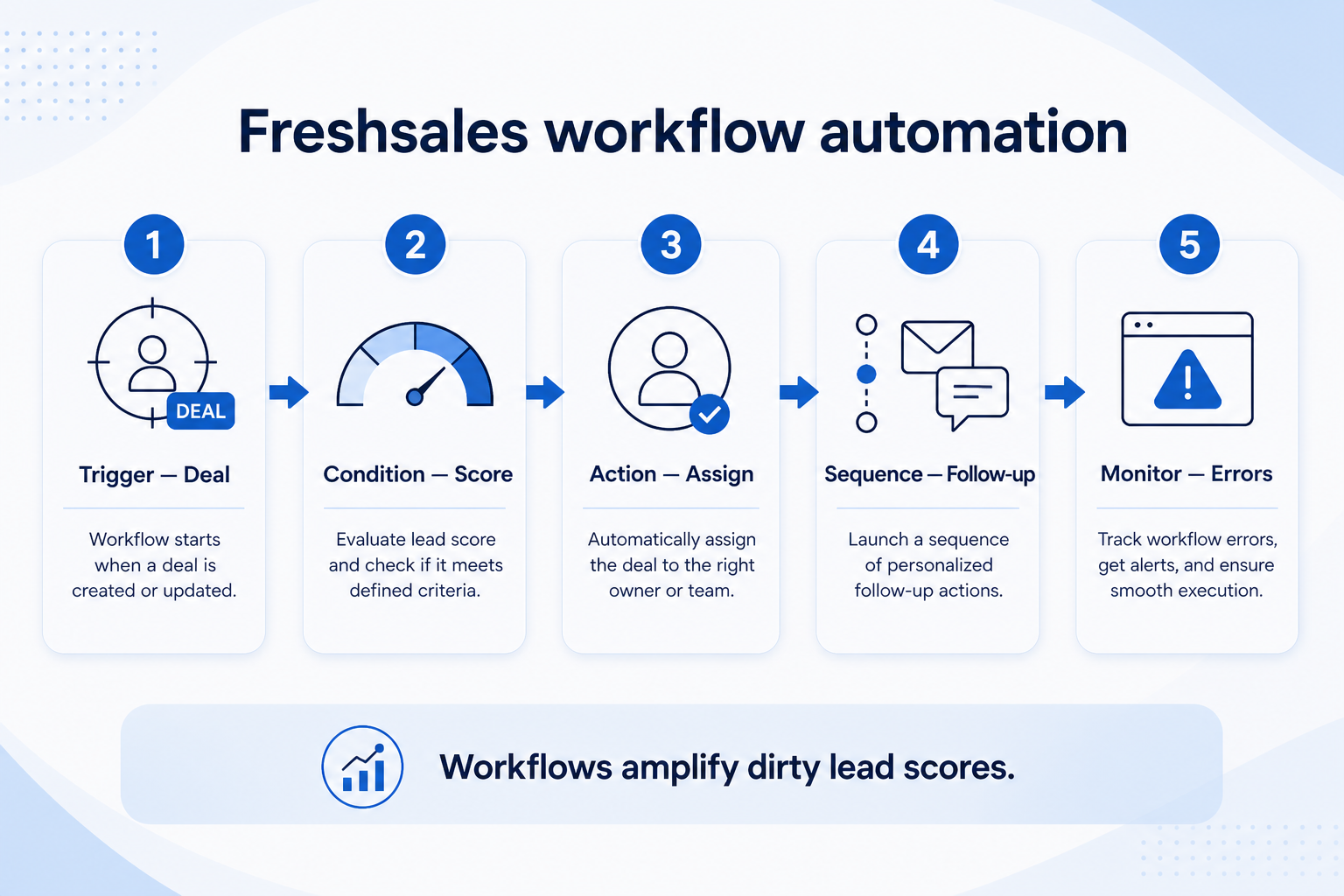
Verified: 15 Aug 2026
Open source ↗Official documentation · ACT!
Supports
Verified: —
Open source ↗Official documentation · ACT!
Supports
Verified: —
Open source ↗Official documentation · Affinity
Supports
Verified: —
Open source ↗Official documentation · Affinity
Supports
Verified: —
Open source ↗Official documentation · Agile CRM
Supports
Verified: —
Open source ↗Official documentation · Agile CRM
Supports
Verified: —
Open source ↗Official documentation · Apptivo
Supports
Verified: —
Open source ↗Official documentation · Apptivo
Supports
Verified: —
Open source ↗Official documentation · Attio
Supports
Verified: —
Open source ↗Official documentation · Attio
Supports
Verified: —
Open source ↗Official documentation · Bitrix24
Supports
Verified: —
Open source ↗Official documentation · Bitrix24
Supports
Verified: —
Open source ↗Official documentation · Close
Supports
Verified: —
Open source ↗Official documentation · Close
Supports
Verified: —
Open source ↗Official documentation · Cloze
Supports
Verified: —
Open source ↗Official documentation · Cloze
Supports
Verified: —
Open source ↗Official documentation · Freshsales
Supports
Verified: —
Open source ↗Official documentation · Freshsales
Supports
Verified: —
Open source ↗Official documentation · Salesforce
Supports
Verified: —
Open source ↗Official documentation · Salesforce
Supports
Verified: —
Open source ↗Official documentation · Salesforce
Supports
Verified: —
Open source ↗Official documentation · Salesforce
Supports
Verified: —
Open source ↗