
This video is hosted on YouTube
This content is hosted by YouTube. The player loads only after you allow marketing cookies.
CRM feature
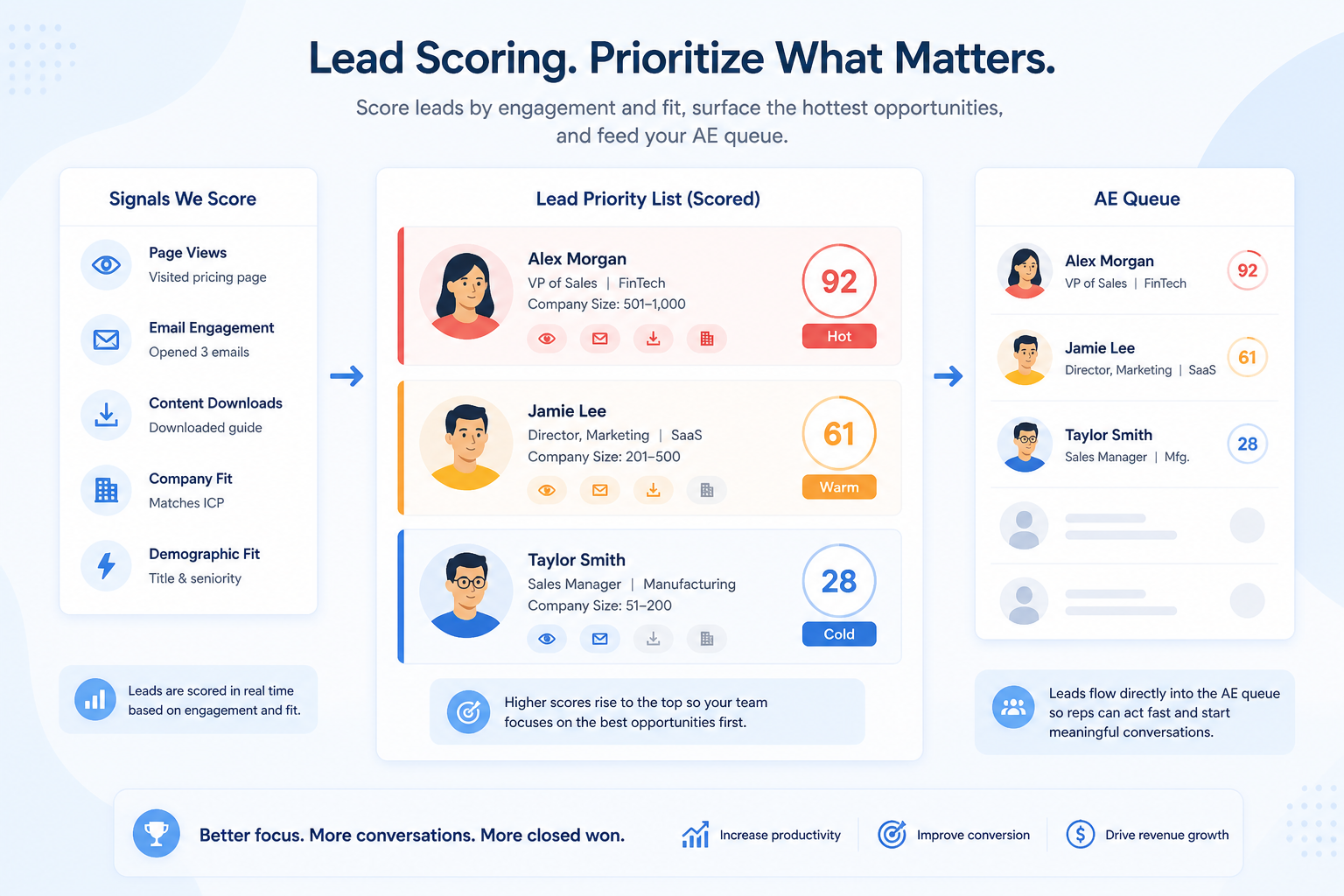
Rank inbound and prospect records by fit and engagement signals so the team works the right leads first — not whoever shouted last in Slack.
Feature at a glance
Feature type
Prioritization (often plan-tiered)
Primary capability
Lead management
Typical buyer need
Volume is high enough that working every lead in arrival order wastes effort
Common limitation
Scoring models and signal depth vary widely, and many products gate scoring to higher plans
Products covered
4
Evidence records
560
Reviewed 15 Aug 2026
Fit snapshot
Lead scoring is the CRM feature that assigns points or ranks to leads based on firmographic fit, behavior, or both, so routing and outreach prioritize higher-intent records. It is a triage aid inside lead management, not a substitute for ownership and response SLAs, and not the same as pipeline forecasting. Scoring only helps when the team trusts the model enough to change who they call first.
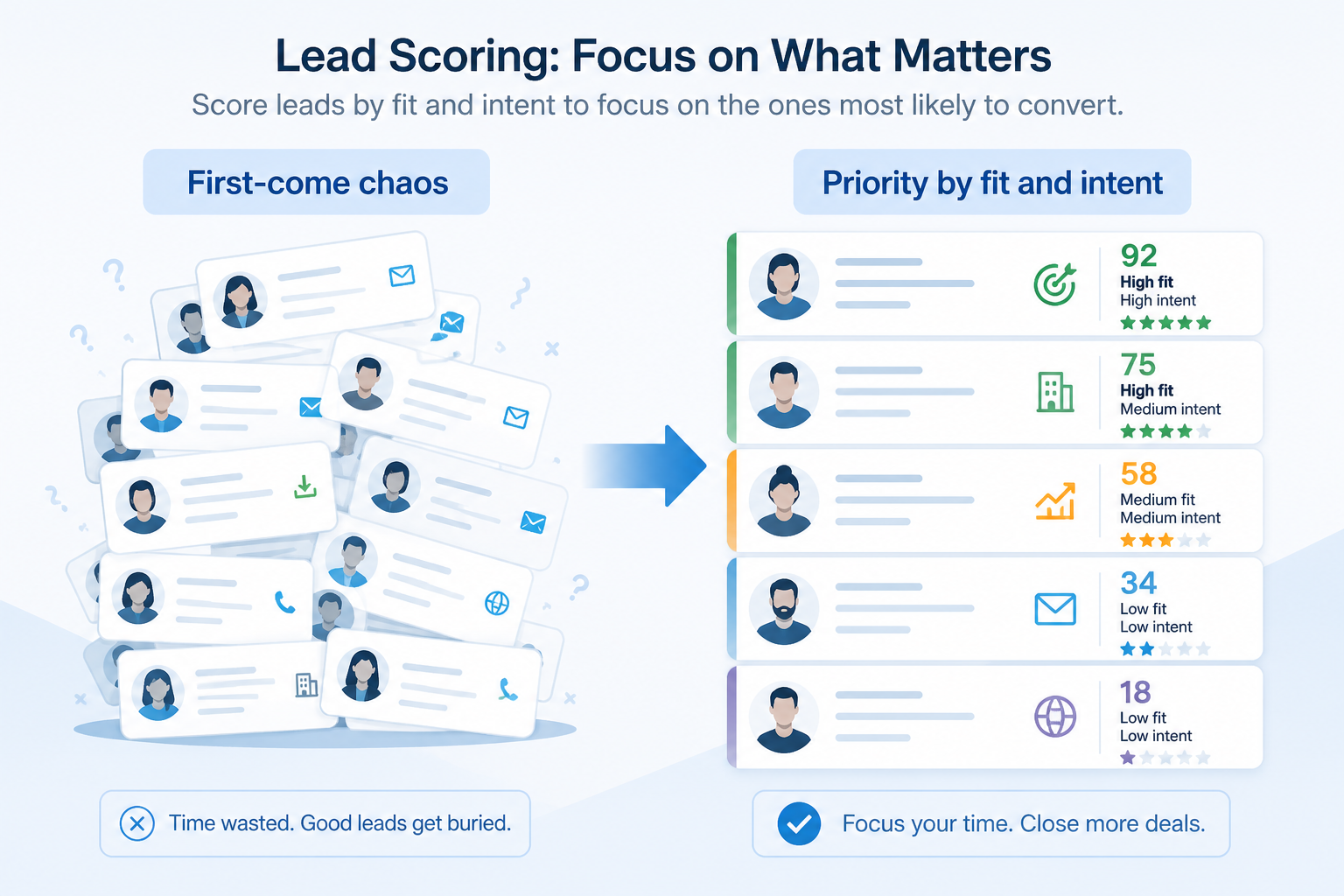
Inbound-heavy B2B teams, marketing-and-sales pods, and SDR orgs where volume exceeds manual “who looks good?” triage — typically once form fills or list uploads outpace same-day human review.
Evaluate which signals you can score on, whether scores are inspectable and editable, how scores feed routing or views, and whether marketing automation scores can sync — not whether an “AI score” badge appears. A simple trusted score beats a opaque model nobody uses.
Lead scoring ranks enquiries or contacts by fit and engagement so teams work the highest-priority leads first, using rules, behavioural signals, or a combination of both.
Lead Scoring is NOT the same as
Pressure points
Pain: SDRs cherry-pick easy names while stronger-fit leads age in the queue.
How the feature helps: Scores and sorted queues make priority visible without relying on gut feel alone.
Pain: Marketing marks MQLs; sales ignores them because the definition is opaque.
How the feature helps: Transparent score components and thresholds create a definition both teams can debate and improve.
Pain: A lead looked hot last month; today the model still ranks them first.
How the feature helps: Recalculation on new activity and decay rules keep priority closer to current reality.
Pain: A field exists, but routing and daily work ignore it.
How the feature helps: Wiring scores into views, assignment, or SLAs makes the model operational, not decorative.
Results
SDRs start from highest-fit or highest-engagement leads instead of random order.
Sales and marketing argue about thresholds with visible components, not vibes.
Assignment rules can prefer high-score leads for senior reps or fast lanes.
Ops can explain why a lead scored high and adjust rules when the market shifts.
How it runs
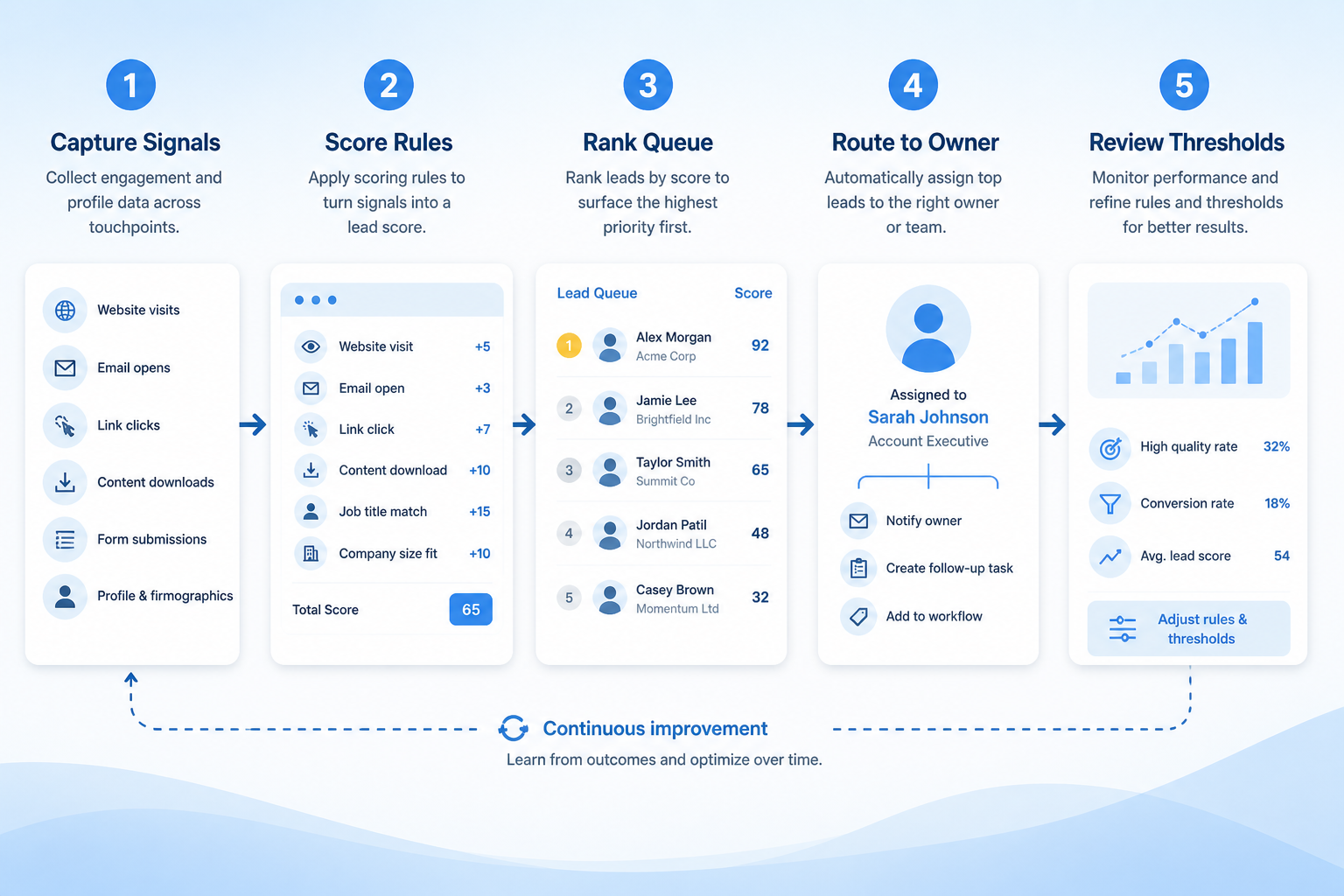
List fit attributes and engagement events that actually predict good conversations.
Assign weights, thresholds, and decay in the CRM or connected marketing tool.
Sort queues, trigger assignment, or flag MQLs from score thresholds.
SDRs work the prioritized queue with response SLAs still enforced.
Compare score vs conversion monthly; adjust weights when the model drifts.
Concrete buyer situations — not product recommendations. Use them to test whether a CRM’s implementation matches how your team works.
B2B SaaS: SDR queue after product-led signup surge
Situation
A 6-SDR SaaS team gets mixed website demos and free-tier signups. Without scoring, SDRs call whoever is newest; enterprise-fit demos wait behind student signups.
What good looks like
Fit score from company size and industry plus engagement points for pricing-page views. Queue sorted by score; score ≥ threshold auto-assigns to senior SDRs. Weekly review compares score bands to meeting rates.
Ask vendors
Can we score on custom fields and web events? Are score rules editable without engineering? Can scores drive assignment or only sorting?
Agency: inbound briefing forms
Situation
A mid-size agency’s BD lead triages 20–30 brief forms per week in a spreadsheet, prioritizing friendly brands over budget-ready ones.
What good looks like
CRM score weights budget range, timeline, and service fit fields from the form. High-score briefs create same-day call tasks; low-score briefs enter a nurture view. BD and delivery agree on the threshold in writing.
Ask vendors
Can form fields map into score rules? Can low-score leads stay out of the sales pipeline until they qualify? How do we export score history for tuning?
You probably need it if
You may not need it if
Capability
Lead management
Requirement
Automate lead follow-up
Feature
Lead Scoring
Feature availability
criticalMinimum plan
highLead records
highAssignment or routing from score
highCustom score inputs
importantOfficial product demonstrations can help show how vendors implement the same feature differently. SoftwareGlimpse evaluates these alongside documentation, screenshots and other product evidence. Absence of a video does not mean a product lacks the feature.

HubSpot
The Official HubSpot Sales Hub Tutorial
This video is hosted on YouTube
This content is hosted by YouTube. The player loads only after you allow marketing cookies.
What this demonstrates
Evaluation dimensions shown
Not established by this video
Source: HubSpot · Verified 14 Aug 2026
Open source ↗
Salesforce
What is Lead Management & How Does It Work? | Salesforce Explained

This video is hosted on YouTube
This content is hosted by YouTube. The player loads only after you allow marketing cookies.
What this demonstrates
Not established by this video
Source: Salesforce · Verified 15 Aug 2026
Open source ↗
Freshsales
Web Forms Overview | Freshsales CRM

This video is hosted on YouTube
This content is hosted by YouTube. The player loads only after you allow marketing cookies.
What this demonstrates
Not established by this video
Source: Freshworks · Verified 15 Aug 2026
Open source ↗
Pipedrive
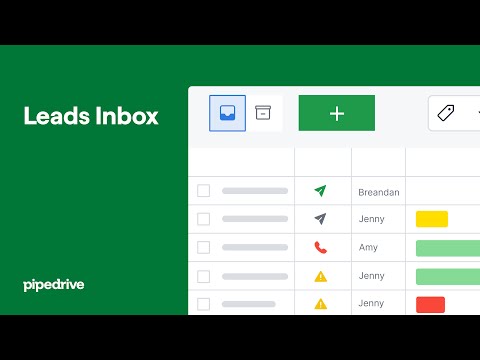
Leads Inbox tutorial
This video is hosted on YouTube
This content is hosted by YouTube. The player loads only after you allow marketing cookies.
What this demonstrates
Not established by this video
Source: Pipedrive · Verified 15 Aug 2026
Open source ↗Not verified means insufficient evidence — not the same as unsupported.
Salesforce
Freshsales
HubSpot
Pipedrive
Cells use feature support. Unknown is never treated as No. Official videos open from evidence — they are never embedded in the matrix.
| Dimension | ||||
|---|---|---|---|---|
| Feature availability | Supported | ◐Plan dependent | ◐Plan dependent | ◐Plan dependent |
| Minimum plan | Starter Suite | Pro | Professional | Premium |
| Lead records | Supported | Supported | Supported | Supported |
| Assignment or routing from score | Supported | Supported | Supported | ◐Plan dependent |
| Custom score inputs | Supported | Supported | Supported | Supported |
Plan names come from feature entitlements — not inferred from marketing tier labels alone.
| Product | Feature starts at | Notes |
|---|---|---|
| Salesforce | Starter Suite | — |
| Freshsales | Pro | Higher-plan gated (researched) |
| HubSpot | Professional | Higher-plan gated (researched) |
| Pipedrive | Premium | Higher-plan gated (researched) |
Two products can both support the feature while differing in depth. Official demos below are supplementary — the comparison matrix remains the structured source of truth.
HubSpot
This video is hosted on YouTube
This content is hosted by YouTube. The player loads only after you allow marketing cookies.
Official vendor tutorial
Lead management workflow — capture through assignment and follow-up
lead capture and prospecting workspace entry points
Salesforce
This video is hosted on YouTube
This content is hosted by YouTube. The player loads only after you allow marketing cookies.
Official vendor tutorial
How Salesforce explains lead management from capture through qualification.
Lead management concepts and Sales Cloud lead workflow as Salesforce presents them
Lead records
Compare how products differ on lead records rather than assuming parity.
Assignment or routing from score
Compare how products differ on assignment or routing from score rather than assuming parity.
Custom score inputs
Compare how products differ on custom score inputs rather than assuming parity.
Loading evidence explorer…
Verified product captures only — never stock imagery or mockups.
Salesforce lead scoring
Supported · StrongEvidence: 5 · High confidence
Available from: Starter Suite
Built-in Sales Flows and Lead Routing on Starter.
Strengths
Limitations
Best for: Mid-market and enterprise sales orgs needing deep customization and reporting
See it in action
This video is hosted on YouTube
This content is hosted by YouTube. The player loads only after you allow marketing cookies.
Official vendor tutorial
How Salesforce explains lead management from capture through qualification.
Official vendor demonstration — complementary evidence, not a substitute for the comparison matrix.
View all feature evidenceFreshsales lead scoring
Plan dependent · GoodEvidence: 6 · High confidence
Available from: Pro
Contact scoring on Pro+; Freddy intent scores marketed.
Strengths
Limitations
Best for: SMB and mid-market teams wanting CRM + phone/email engagement
See it in action
This video is hosted on YouTube
This content is hosted by YouTube. The player loads only after you allow marketing cookies.
Official vendor tutorial
How Freshsales web forms capture and route inbound leads into CRM records.
Official vendor demonstration — complementary evidence, not a substitute for the comparison matrix.
View all feature evidenceHubSpot lead scoring
Plan dependent · GoodEvidence: 6 · High confidence
Available from: Professional
HubSpot support for lead scoring is researched as plan-dependent (from Professional).
Strengths
Limitations
Best for: SMB and mid-market teams wanting free CRM now and room to expand into hubs later
See it in action
This video is hosted on YouTube
This content is hosted by YouTube. The player loads only after you allow marketing cookies.
Official vendor tutorial
Lead management workflow — capture through assignment and follow-up
Official vendor demonstration — complementary evidence, not a substitute for the comparison matrix.
View all feature evidencePipedrive lead scoring
Plan dependent · GoodEvidence: 6 · High confidence
Available from: Premium
Pipedrive support for lead scoring is researched as plan-dependent (from Premium).
Strengths
Limitations
Best for: SMB and mid-market sales teams prioritizing pipeline visibility
See it in action
This video is hosted on YouTube
This content is hosted by YouTube. The player loads only after you allow marketing cookies.
Official vendor tutorial
How Pipedrive Leads Inbox qualifies inbound leads before creating deals.
Official vendor demonstration — complementary evidence, not a substitute for the comparison matrix.
View all feature evidenceModel sophistication vs maintainability
Richer scoring is more precise and harder to keep accurate as your process changes.
Automation vs sales judgement
Blindly following scores can deprioritize good deals the model does not understand.
Plan restrictions
Availability and depth often differ by plan tier, so check where this feature starts.
Feature availability alone does not tell you whether the implementation fits your workflow. Compare depth, plan gating, and related dimensions before shortlisting.
Add this as a requirement in your CRM shortlist and personalize for team size, budget, and other priorities.
Find My CRM4
Products covered
560
Evidence items
277
Screenshots
4
Plan records
Capability
Lead management
Requirement
Automate lead follow-up
Feature
Lead Scoring
Products
4 researched
Evidence
560 records
It is ranking or points on lead records based on fit and/or engagement so teams can prioritize outreach and routing.
Usually not. Get capture, ownership, and response discipline working first. Add scoring when volume makes manual triage unreliable.
Not necessarily. Some products use rule-based points; others add model-based ranks. Prefer inspectable logic your ops team can explain and change.
Compare catalogue CRM products based on this feature plus your other requirements, team size and budget.
Explore the official documentation, screenshots and product demonstrations used to understand how each CRM implements this feature.
49 items
Official video · Freshsales
Supports
Demonstrates
This video is hosted on YouTube
This content is hosted by YouTube. The player loads only after you allow marketing cookies.
Official vendor tutorial
How Freshsales web forms capture and route inbound leads into CRM records.
Verified: 15 Aug 2026
Open source ↗Official video · Freshsales
Supports
Demonstrates

This video is hosted on YouTube
This content is hosted by YouTube. The player loads only after you allow marketing cookies.
Official vendor tutorial
Verified: 15 Aug 2026
Open source ↗Official video · HubSpot
Supports
Demonstrates
This video is hosted on YouTube
This content is hosted by YouTube. The player loads only after you allow marketing cookies.
Official vendor tutorial
Lead management workflow — capture through assignment and follow-up
Verified: 14 Aug 2026
Open source ↗Official video · HubSpot
Supports
Demonstrates

This video is hosted on YouTube
This content is hosted by YouTube. The player loads only after you allow marketing cookies.
Official vendor tutorial
How HubSpot manages marketing contacts and lists as a CRM contact workflow.
Verified: 15 Aug 2026
Open source ↗Official video · HubSpot
Supports
Demonstrates

This video is hosted on YouTube
This content is hosted by YouTube. The player loads only after you allow marketing cookies.
Official vendor tutorial
Verified: 15 Aug 2026
Open source ↗Official video · Mailchimp
Supports
Demonstrates

This video is hosted on YouTube
This content is hosted by YouTube. The player loads only after you allow marketing cookies.
Official vendor tutorial
How Mailchimp presents the product in an official vendor video.
Verified: 16 Aug 2026
Open source ↗Official video · Pipedrive
Supports
Demonstrates
This video is hosted on YouTube
This content is hosted by YouTube. The player loads only after you allow marketing cookies.
Official vendor tutorial
How Pipedrive Leads Inbox qualifies inbound leads before creating deals.
Verified: 15 Aug 2026
Open source ↗Official video · Pipedrive
Supports
Demonstrates

This video is hosted on YouTube
This content is hosted by YouTube. The player loads only after you allow marketing cookies.
Official vendor tutorial
Verified: 15 Aug 2026
Open source ↗Official video · Pipedrive
Supports
Demonstrates

This video is hosted on YouTube
This content is hosted by YouTube. The player loads only after you allow marketing cookies.
Official vendor tutorial
Verified: 15 Aug 2026
Open source ↗Official video · Salesforce
Supports
Demonstrates
This video is hosted on YouTube
This content is hosted by YouTube. The player loads only after you allow marketing cookies.
Official vendor tutorial
How Salesforce explains lead management from capture through qualification.
Verified: 15 Aug 2026
Open source ↗Official video · Salesforce
Supports
Demonstrates

This video is hosted on YouTube
This content is hosted by YouTube. The player loads only after you allow marketing cookies.
Official vendor video
Verified: 15 Aug 2026
Open source ↗Official video · Salesforce
Supports
Demonstrates

This video is hosted on YouTube
This content is hosted by YouTube. The player loads only after you allow marketing cookies.
Official vendor video
Verified: 15 Aug 2026
Open source ↗Official video · Zoho
Supports
Demonstrates

This video is hosted on YouTube
This content is hosted by YouTube. The player loads only after you allow marketing cookies.
Official vendor tutorial
How Zoho CRM workflow rules automate sales steps after setup.
Verified: 15 Aug 2026
Open source ↗Official video · Zoho
Supports
Demonstrates

This video is hosted on YouTube
This content is hosted by YouTube. The player loads only after you allow marketing cookies.
Official vendor tutorial
How Zoho CRM manages leads from capture through conversion.
Verified: 15 Aug 2026
Open source ↗Screenshot · ACT!
Supports
Demonstrates
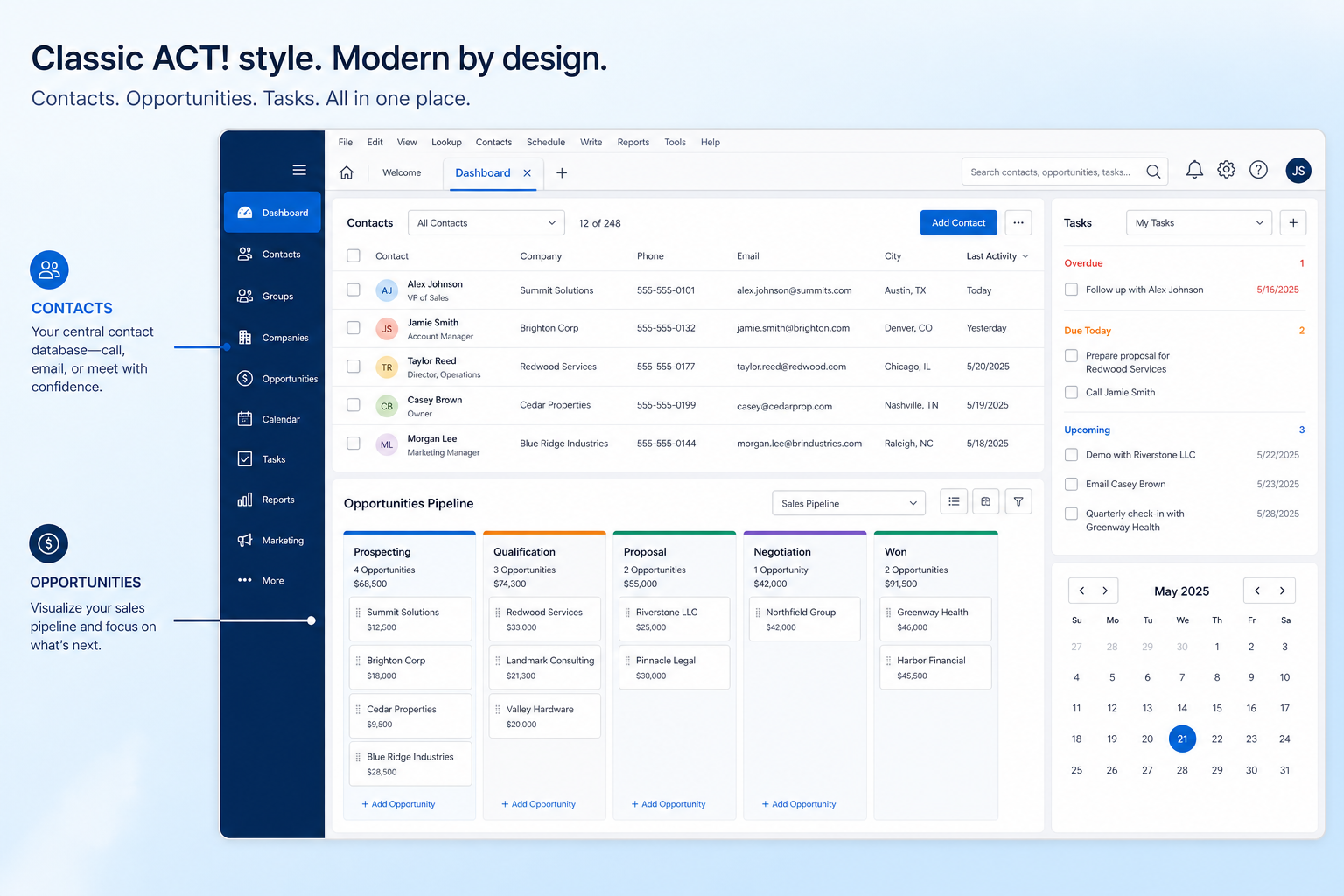
Verified: 16 Aug 2026
Open source ↗Screenshot · ACT!
Supports
Demonstrates
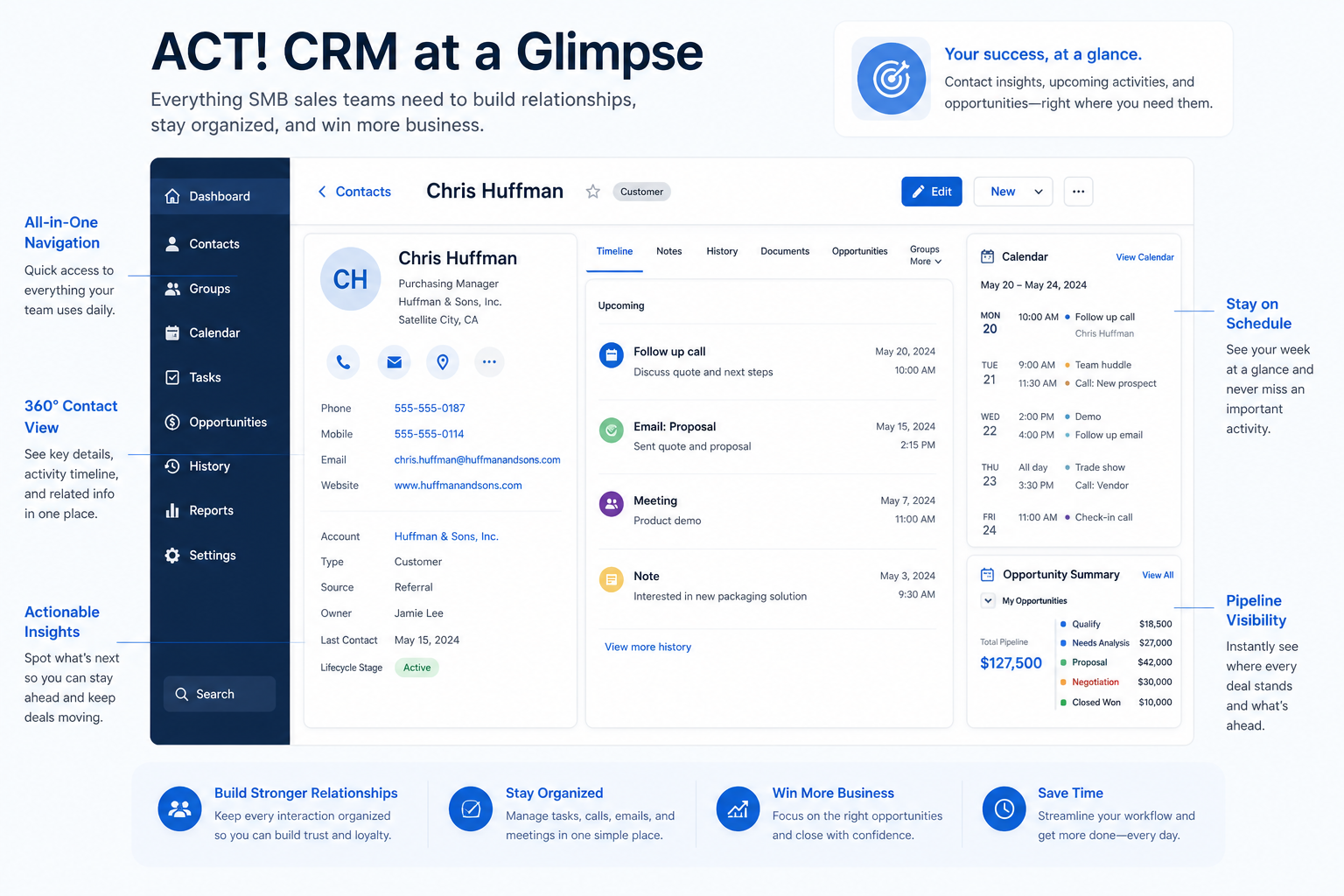
Verified: 16 Aug 2026
Open source ↗Screenshot · Affinity
Supports
Demonstrates
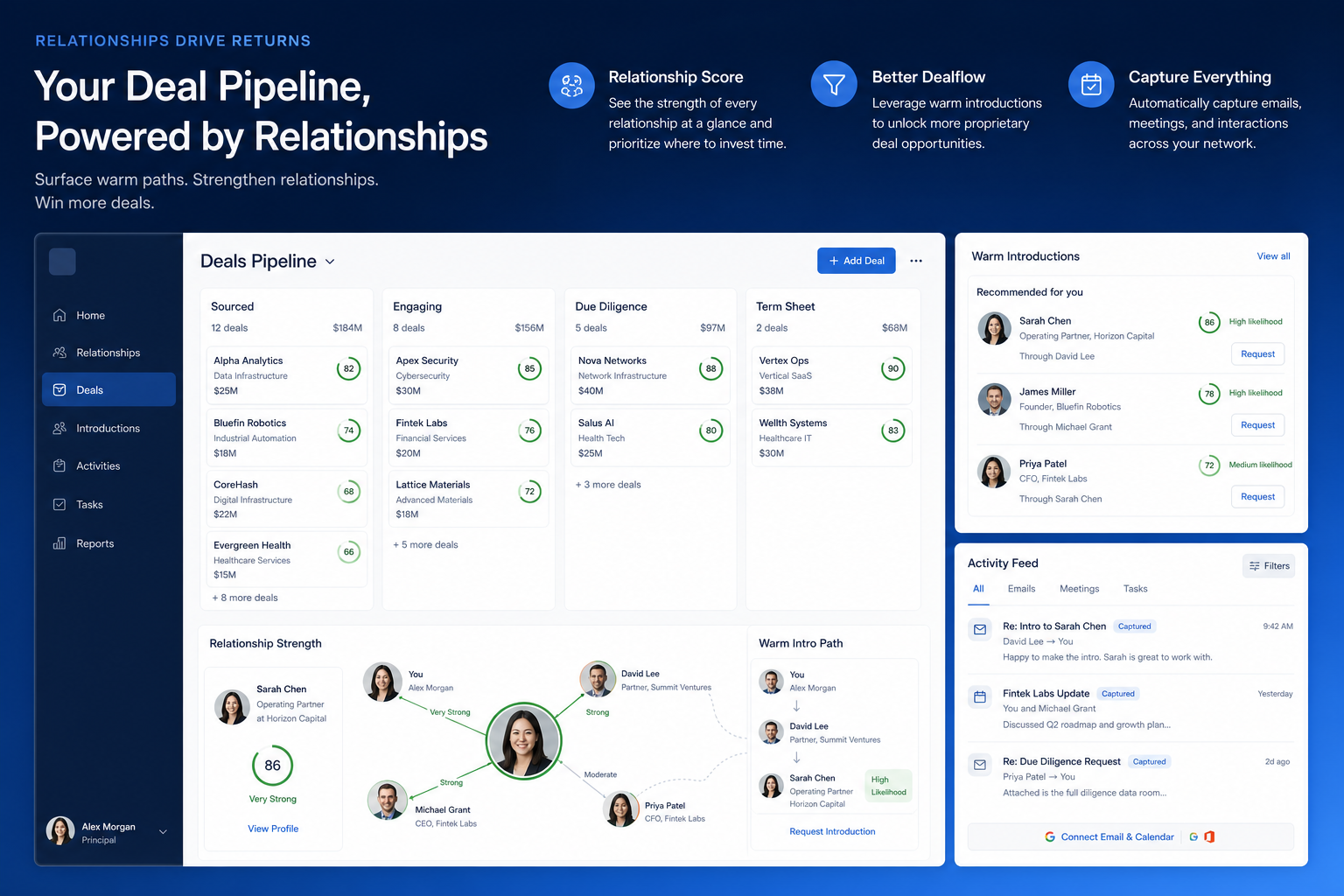
Verified: 16 Aug 2026
Open source ↗Screenshot · Affinity
Supports
Demonstrates
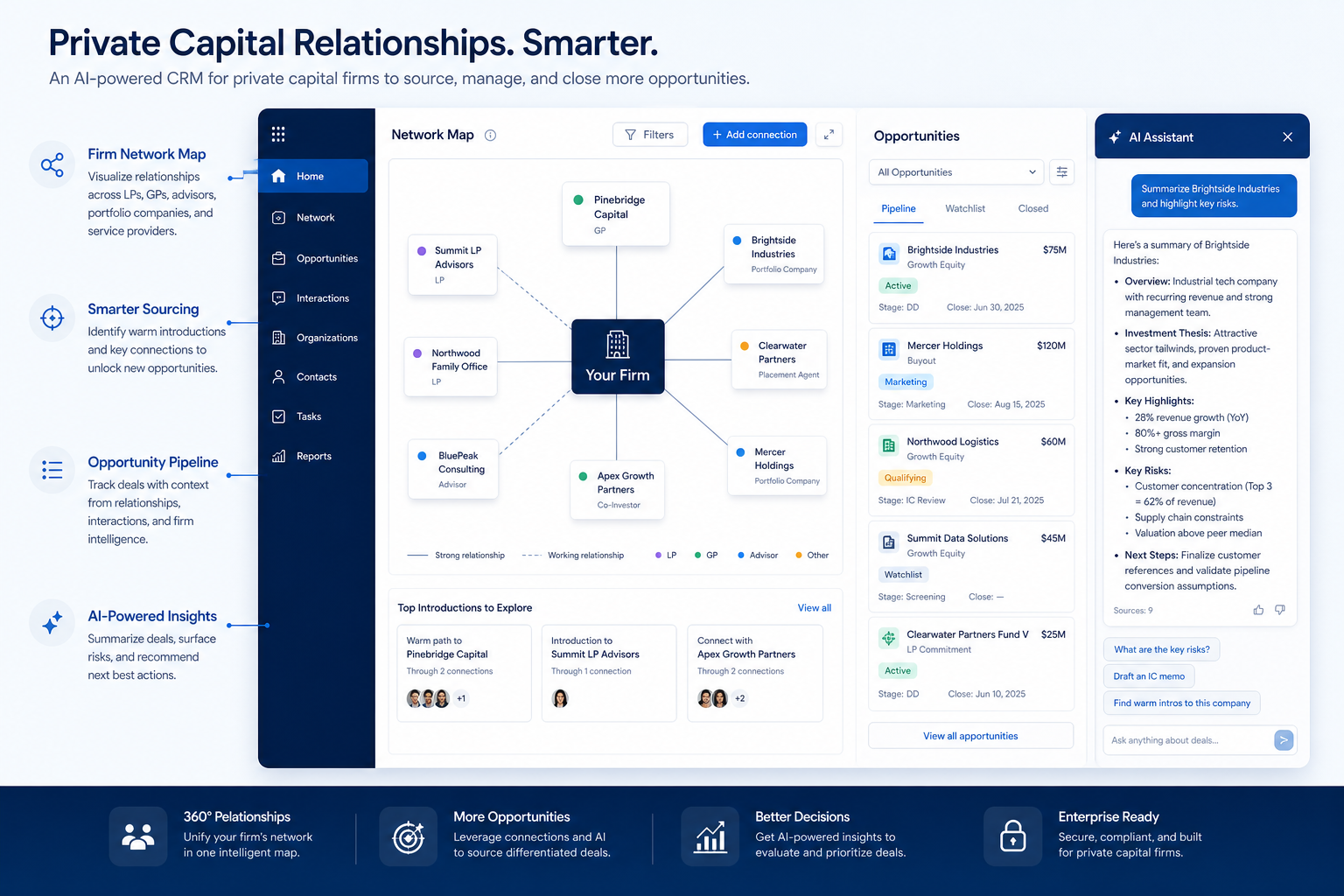
Verified: 16 Aug 2026
Open source ↗Screenshot · Agile CRM
Supports
Demonstrates
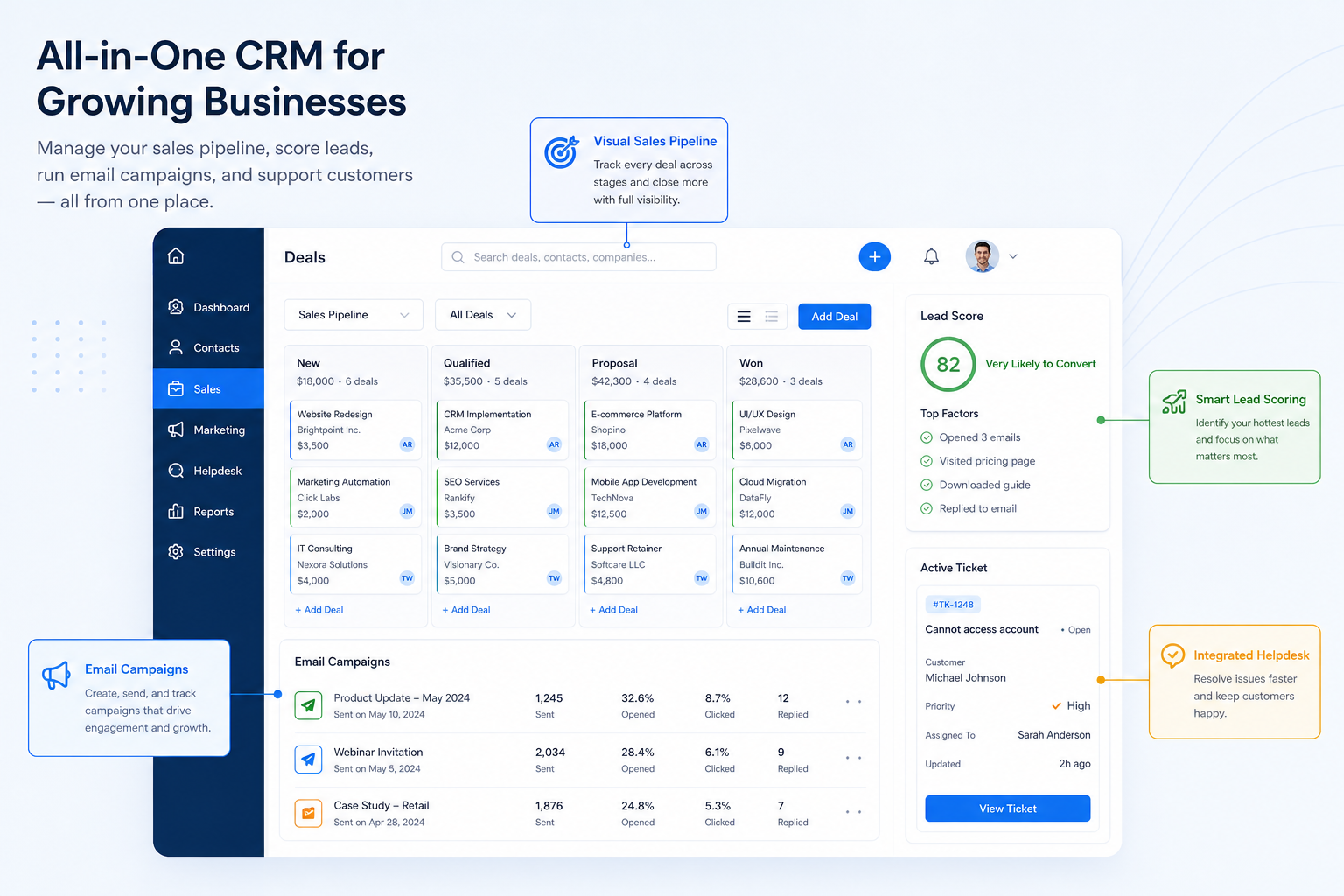
Verified: 16 Aug 2026
Open source ↗Screenshot · Agile CRM
Supports
Demonstrates
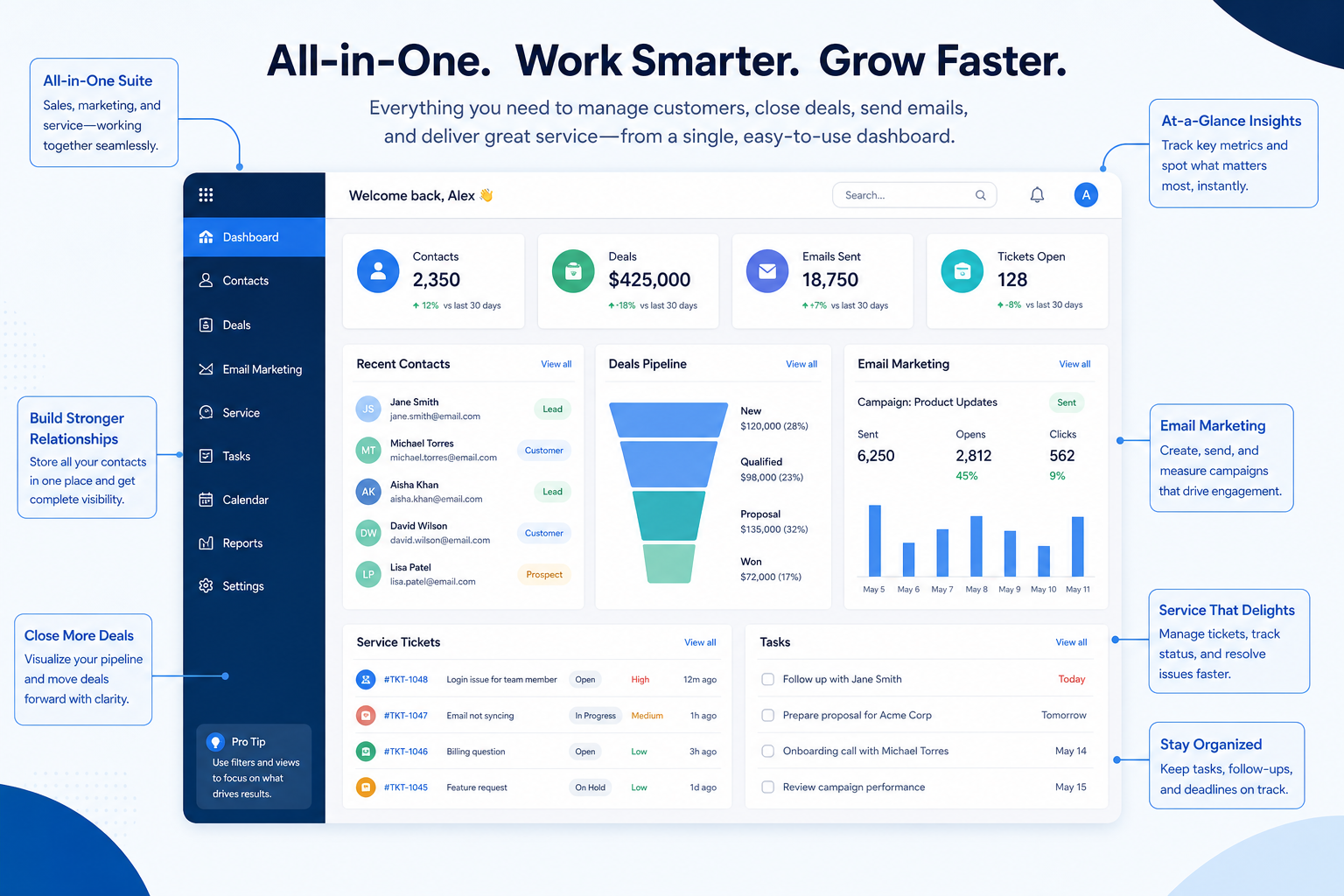
Verified: 16 Aug 2026
Open source ↗Screenshot · Apptivo
Supports
Demonstrates
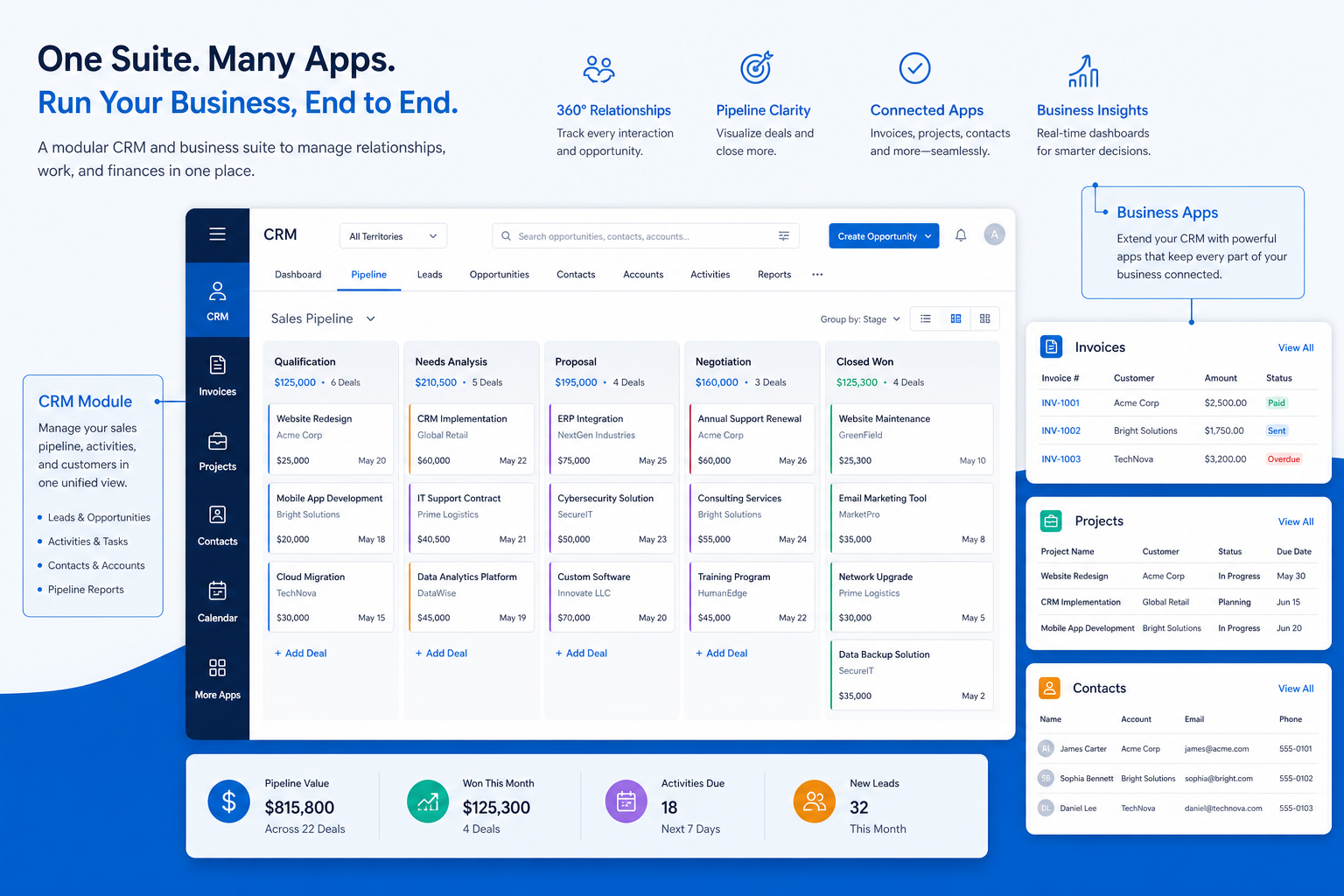
Verified: 16 Aug 2026
Open source ↗Screenshot · Apptivo
Supports
Demonstrates
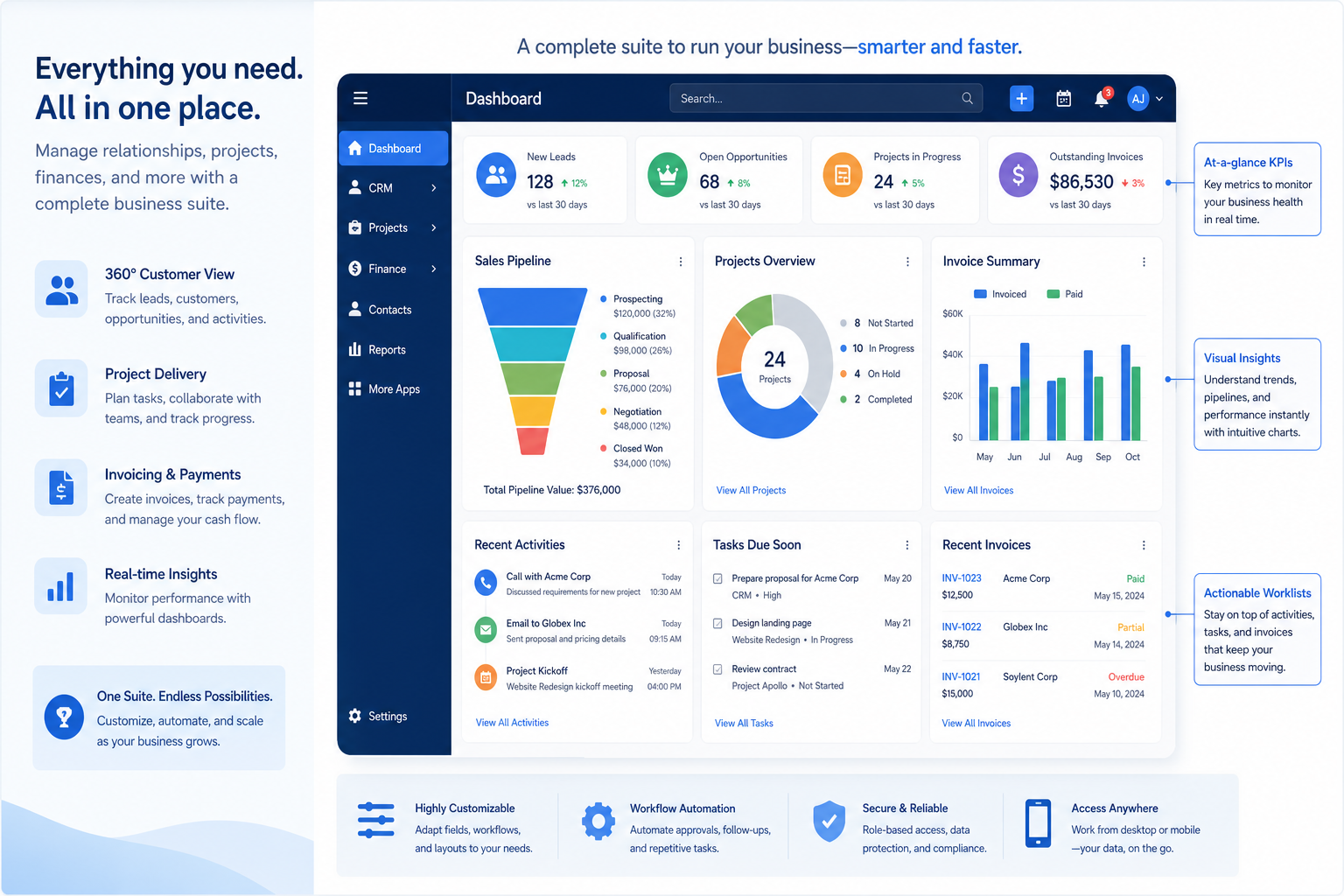
Verified: 16 Aug 2026
Open source ↗Screenshot · Attio
Supports
Demonstrates
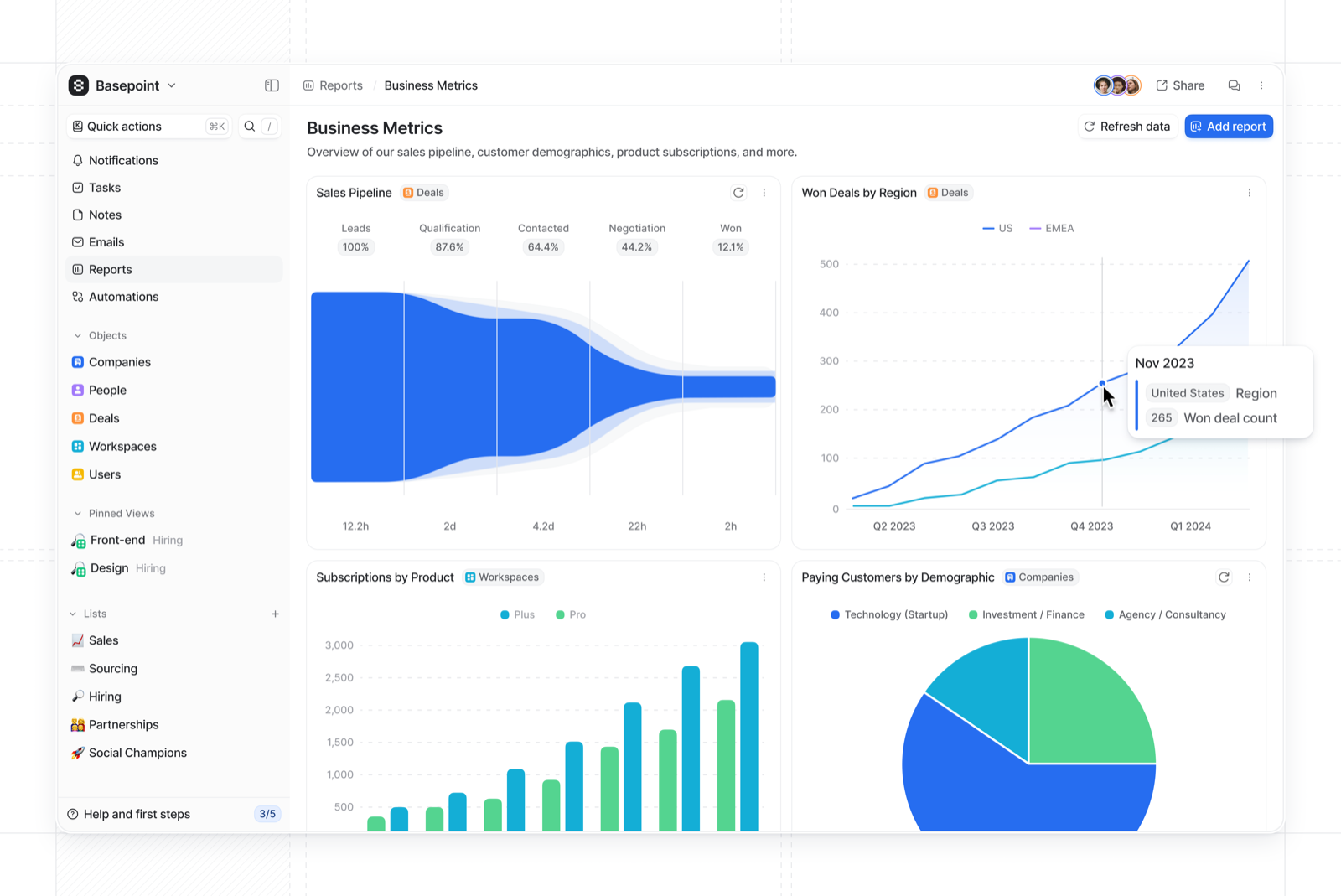
Verified: 15 Aug 2026
Open source ↗Screenshot · Attio
Supports
Demonstrates
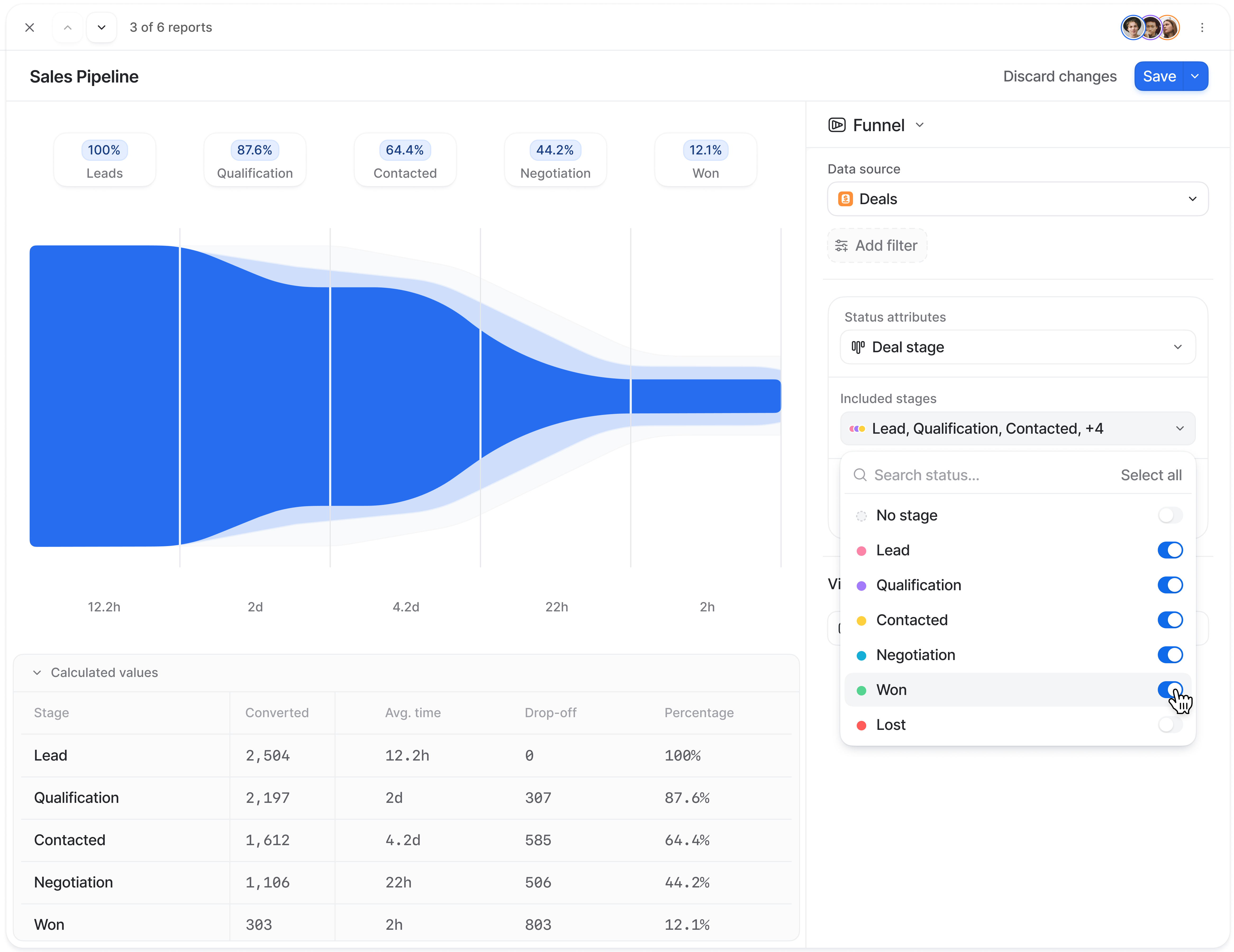
Verified: 15 Aug 2026
Open source ↗Screenshot · Attio
Supports
Demonstrates
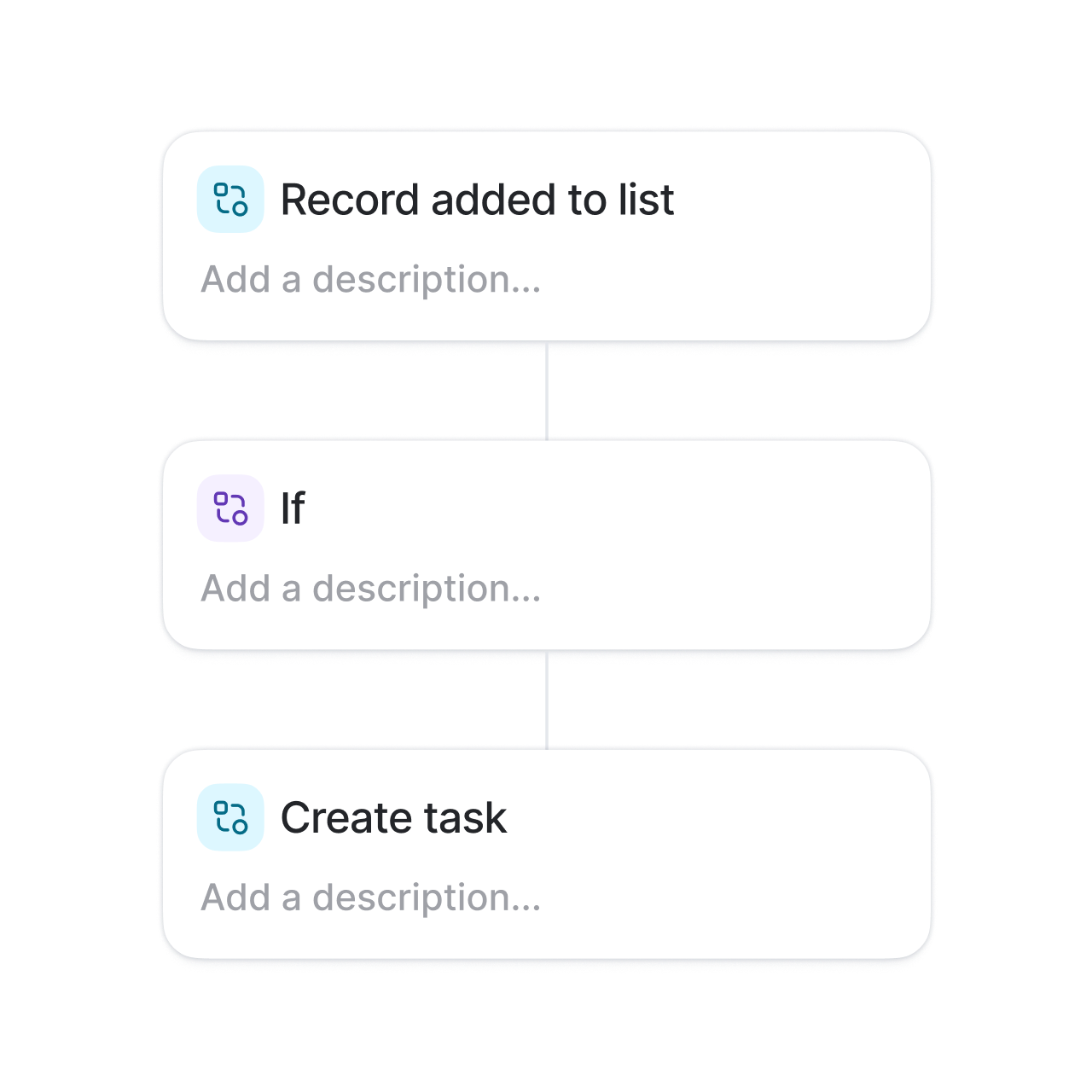
Verified: 15 Aug 2026
Open source ↗Screenshot · Bitrix24
Supports
Demonstrates
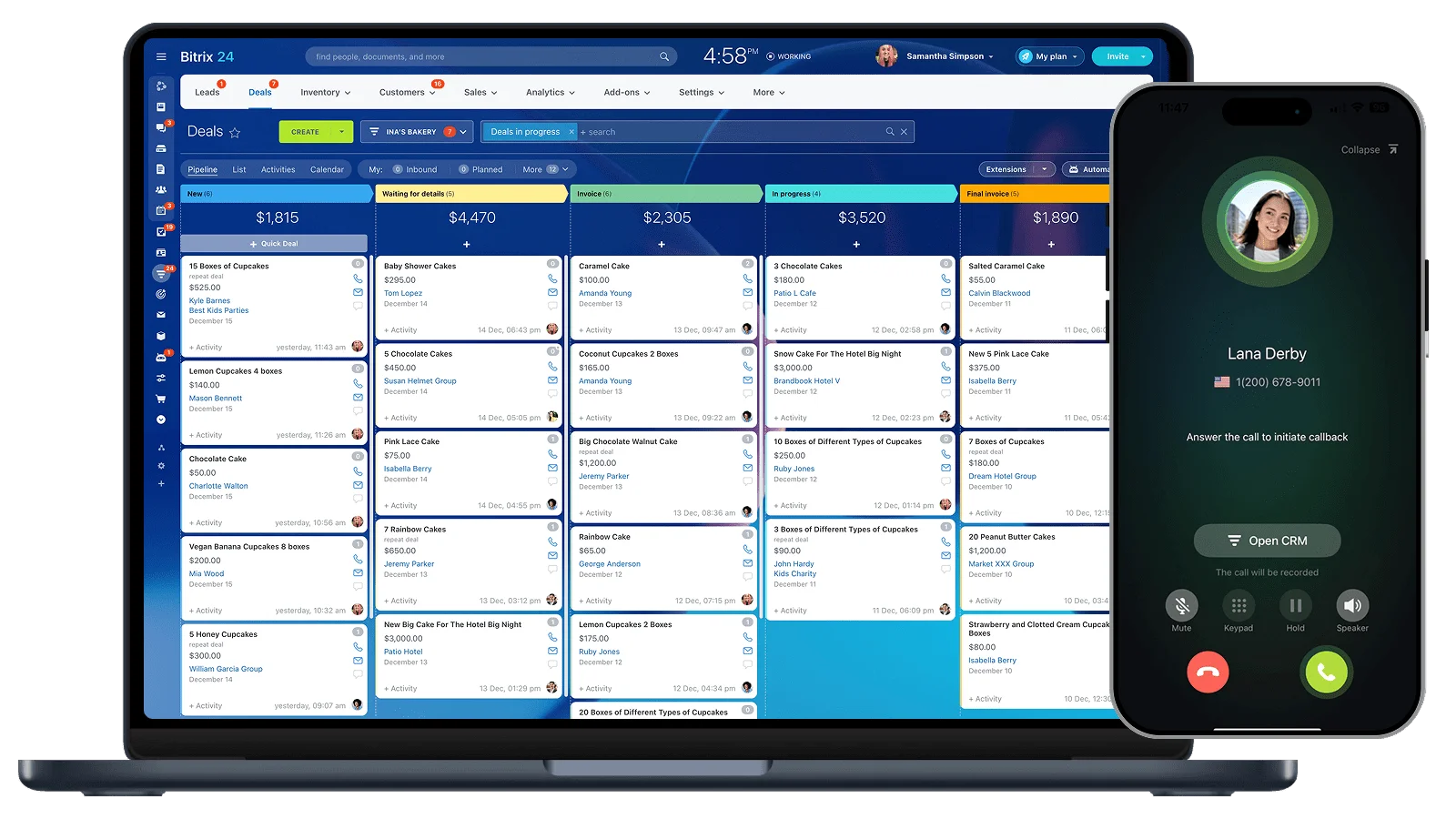
Verified: 15 Aug 2026
Open source ↗Screenshot · Freshsales
Supports
Demonstrates
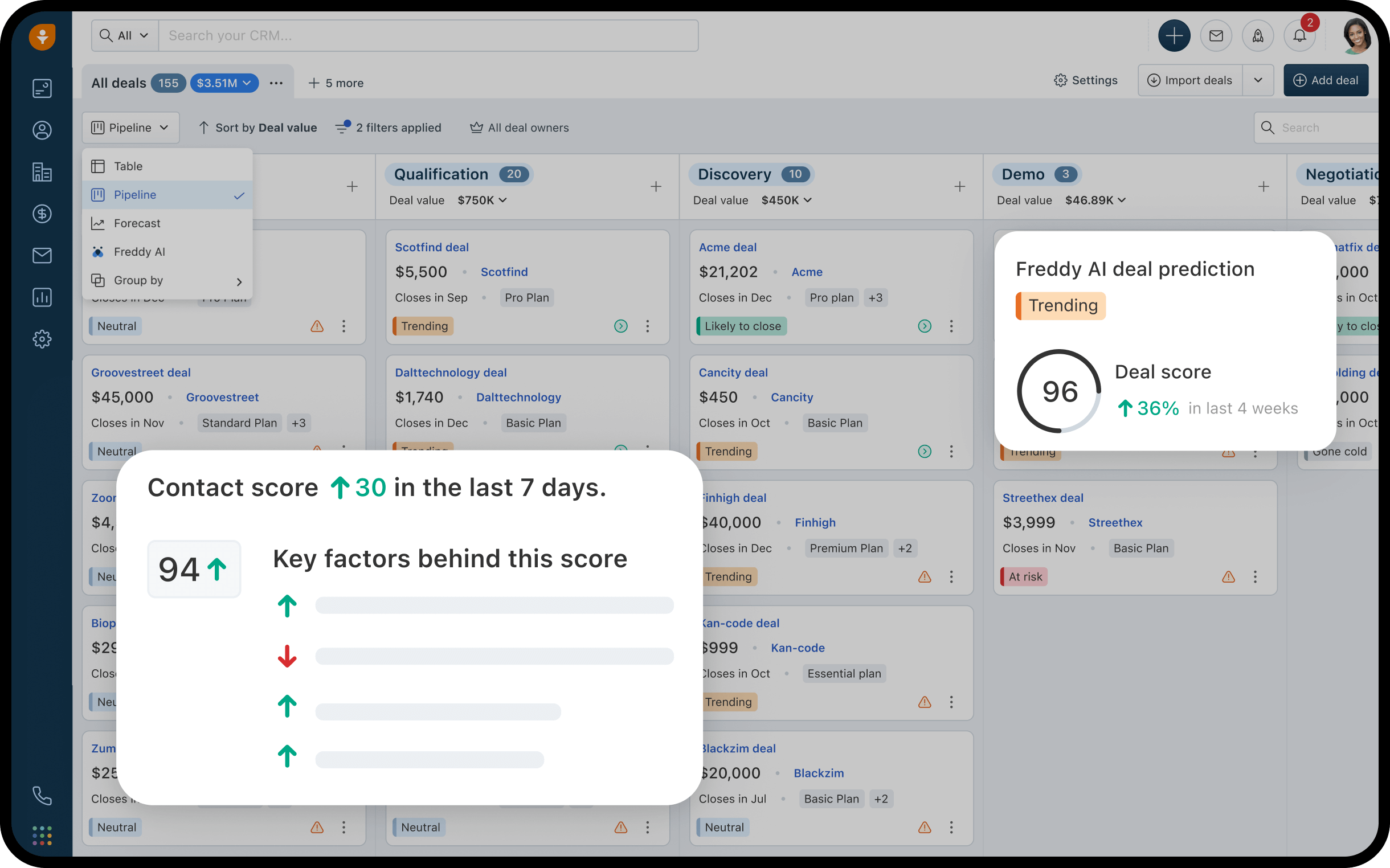
Verified: 13 Aug 2026
Open source ↗Screenshot · Freshsales
Supports
Demonstrates

Verified: 13 Aug 2026
Open source ↗Screenshot · Freshsales
Supports
Demonstrates
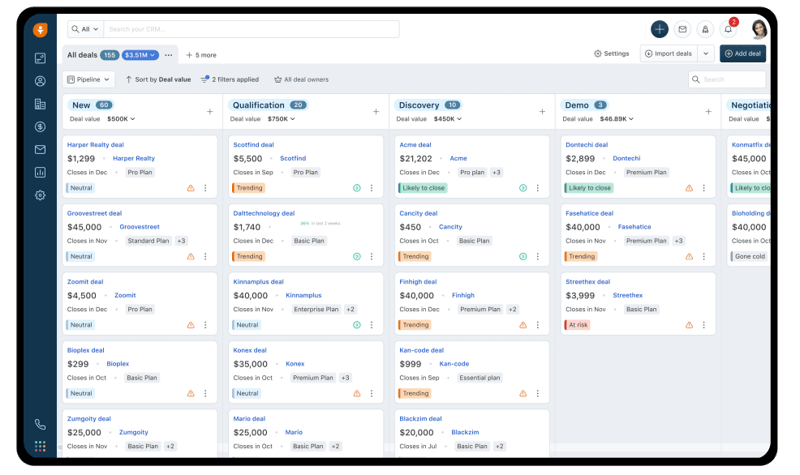
Verified: 13 Aug 2026
Open source ↗Screenshot · HubSpot
Supports
Demonstrates
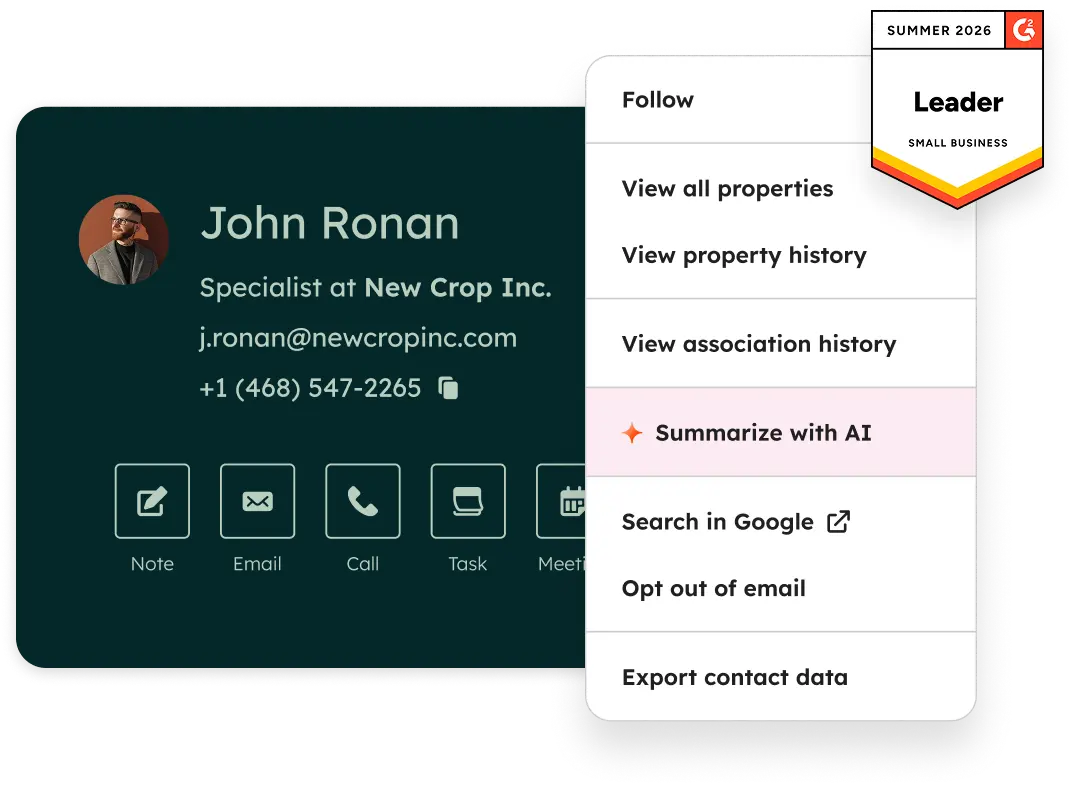
Verified: 14 Aug 2026
Open source ↗Screenshot · HubSpot
Supports
Demonstrates
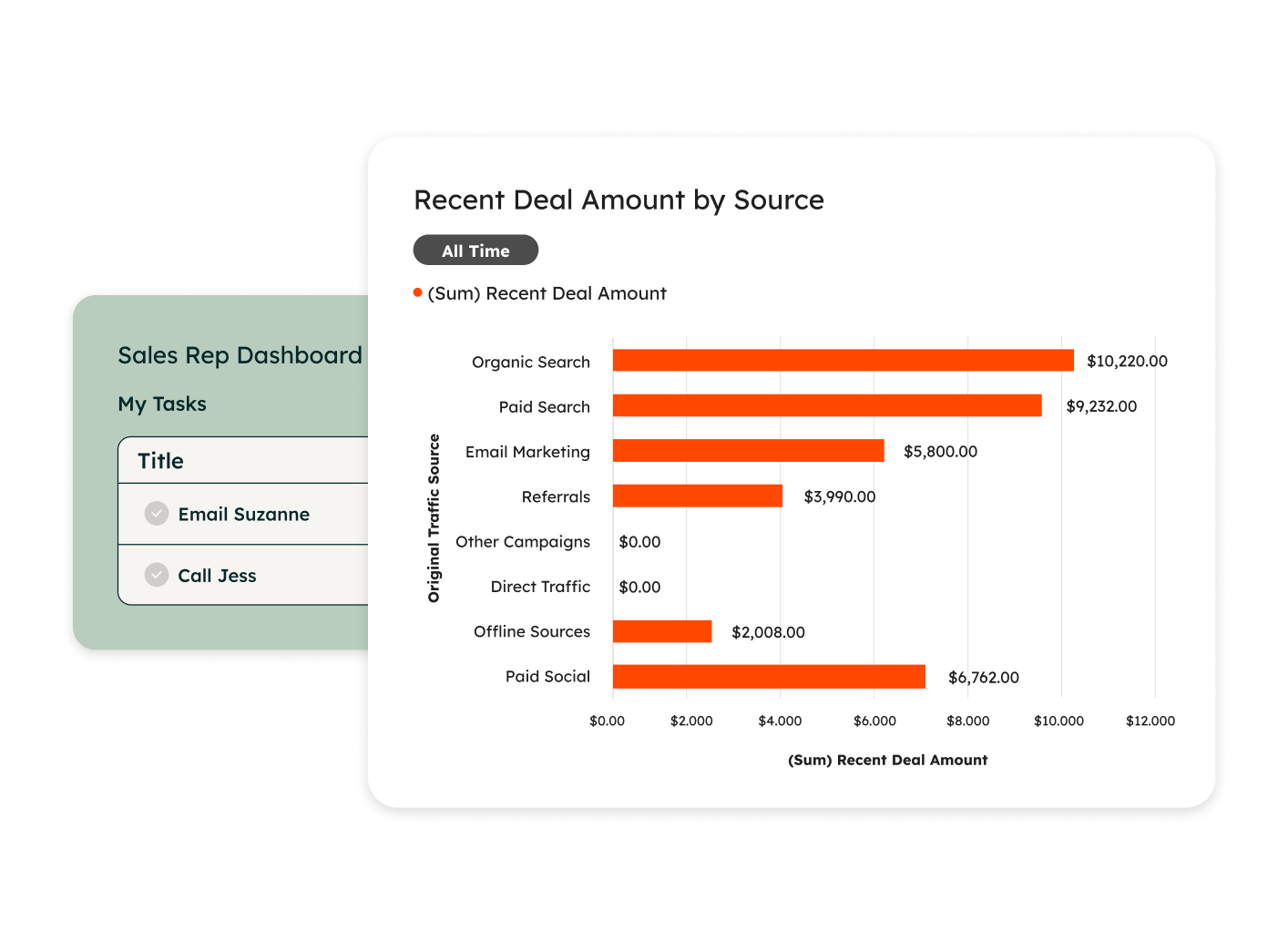
Verified: 14 Aug 2026
Open source ↗Screenshot · HubSpot
Supports
Demonstrates
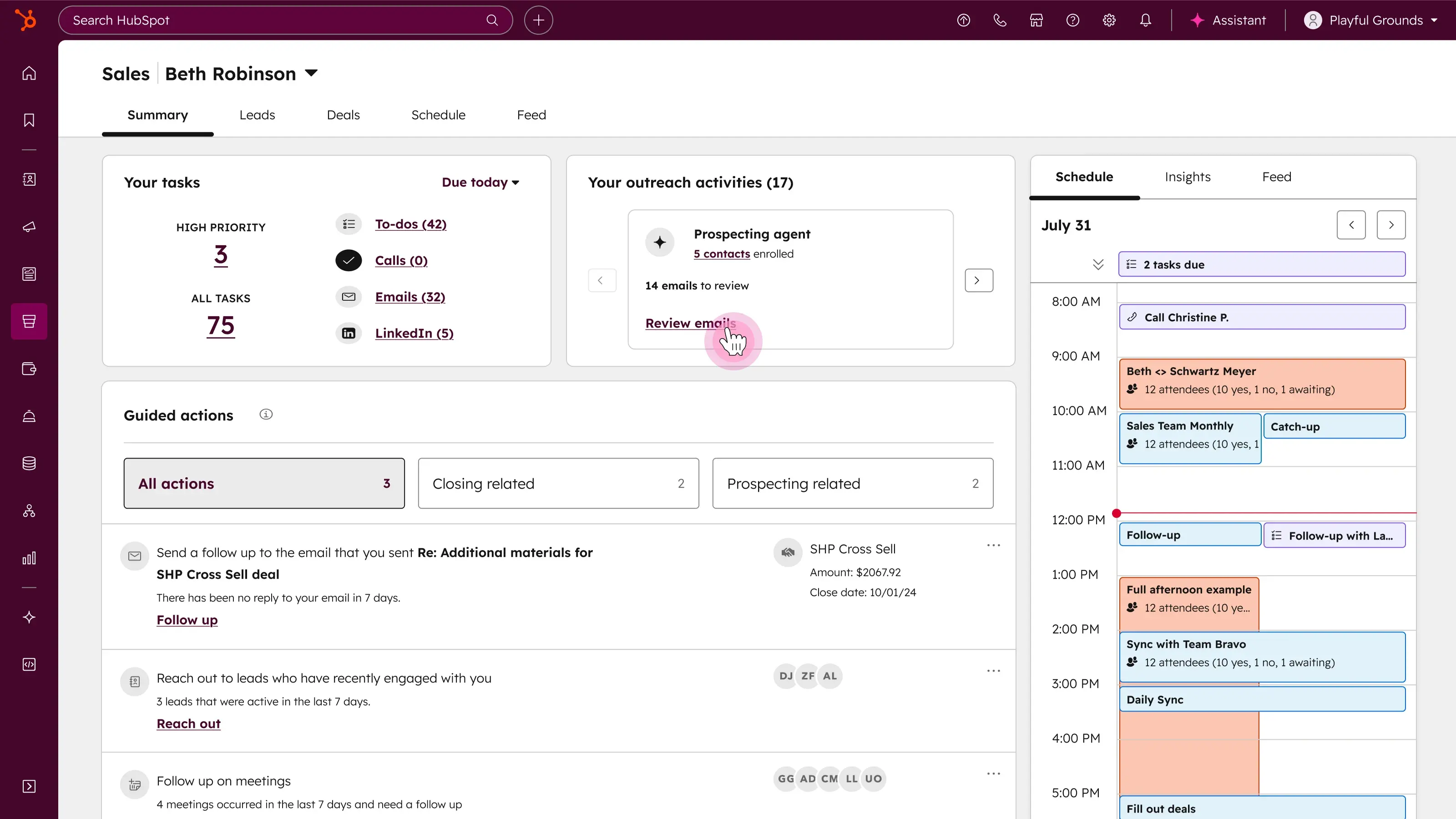
Verified: 14 Aug 2026
Open source ↗Screenshot · Pipedrive
Supports
Demonstrates

Verified: 13 Aug 2026
Open source ↗Screenshot · Pipedrive
Supports
Demonstrates
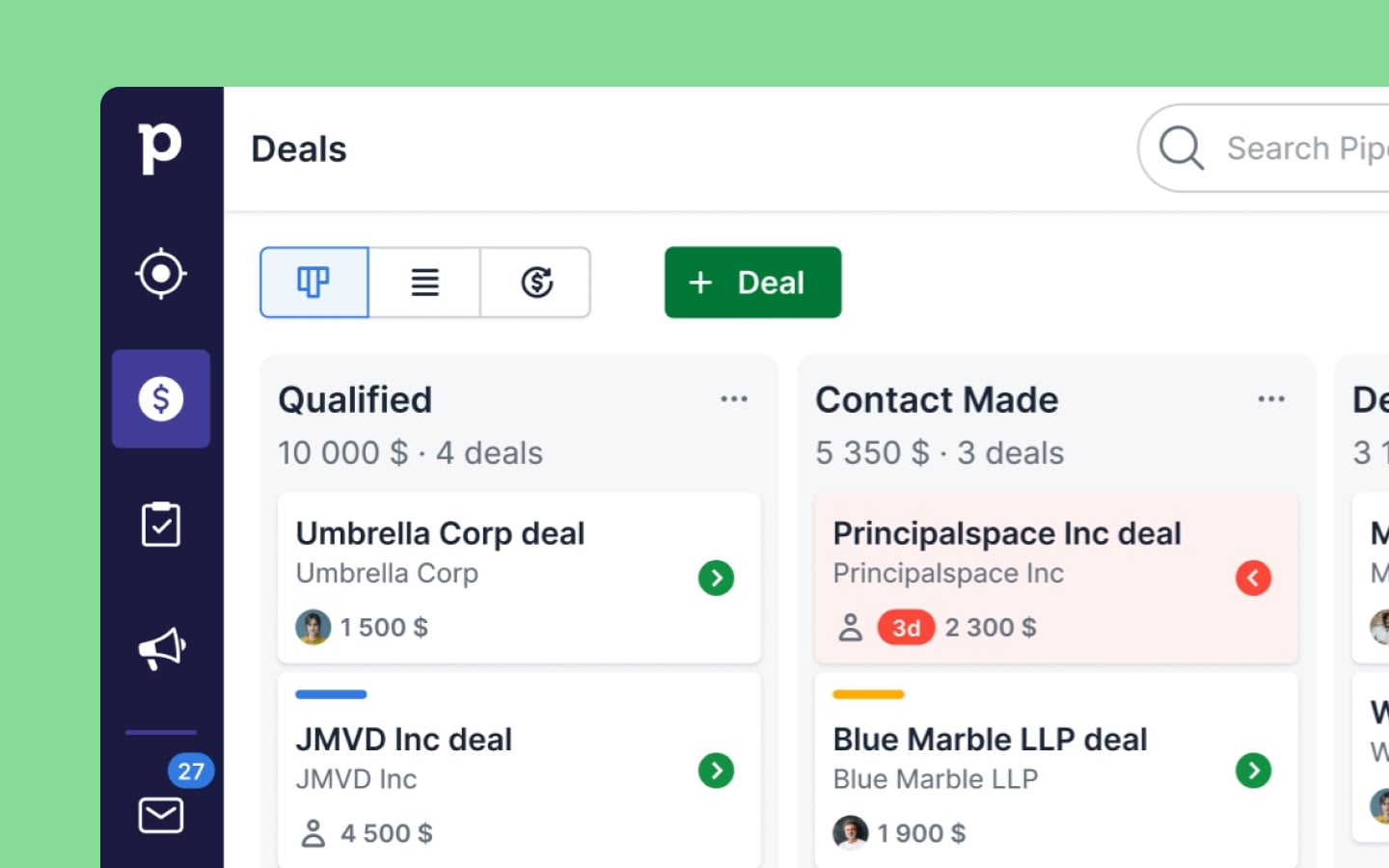
Verified: 13 Aug 2026
Open source ↗Screenshot · Pipedrive
Supports
Demonstrates
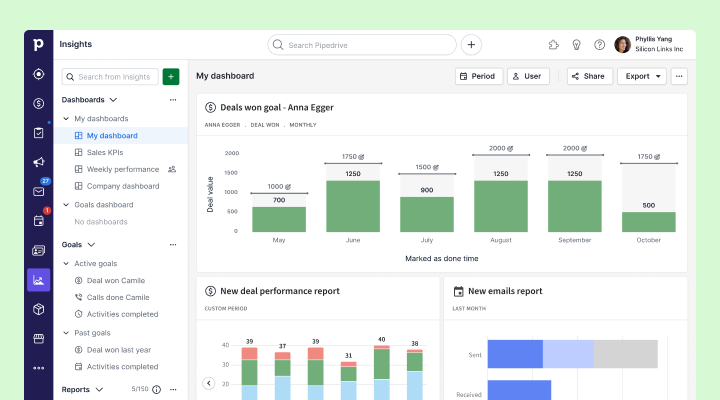
Verified: 13 Aug 2026
Open source ↗Screenshot · Salesforce
Supports
Demonstrates
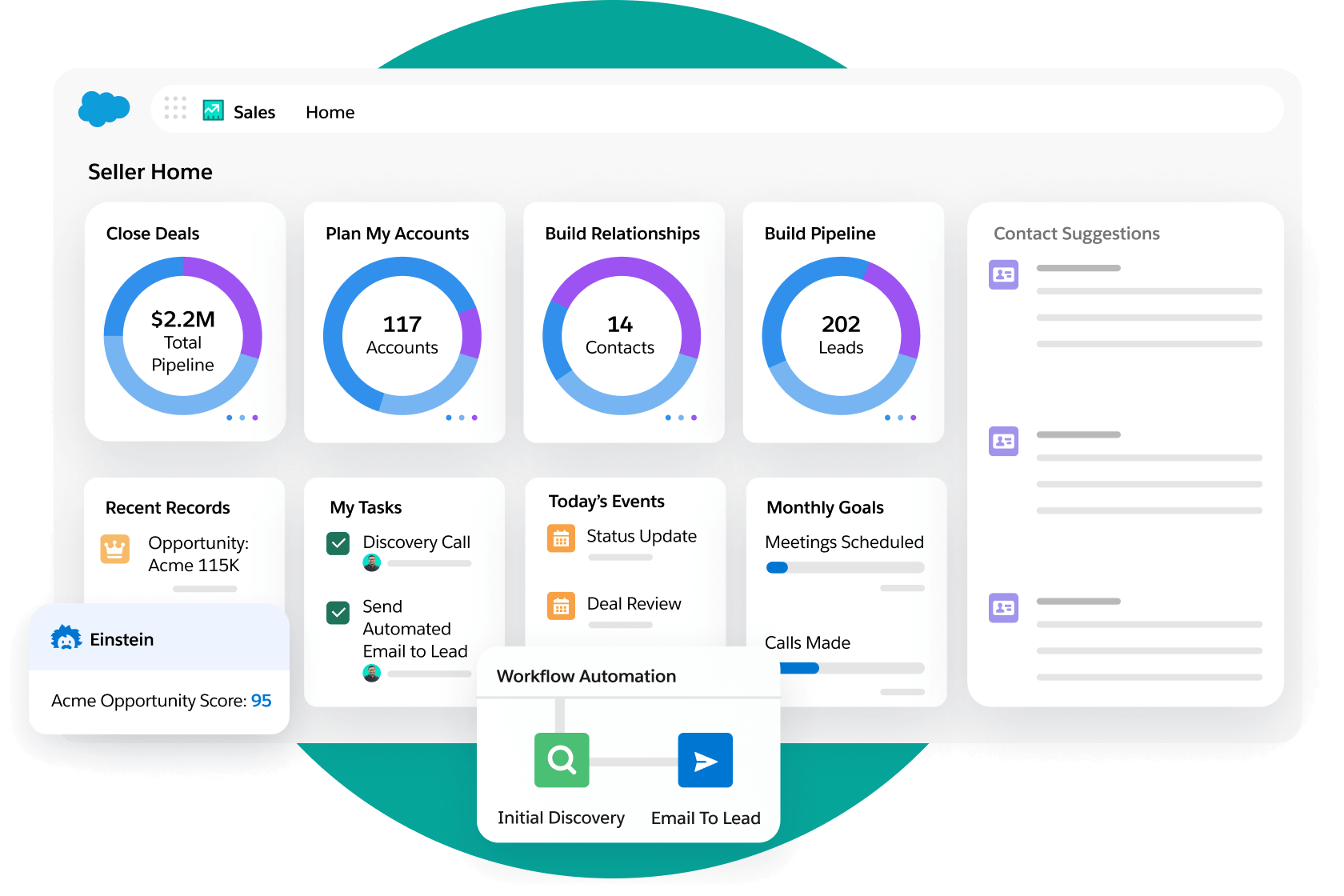
Verified: 14 Aug 2026
Open source ↗Screenshot · Salesforce
Supports
Demonstrates
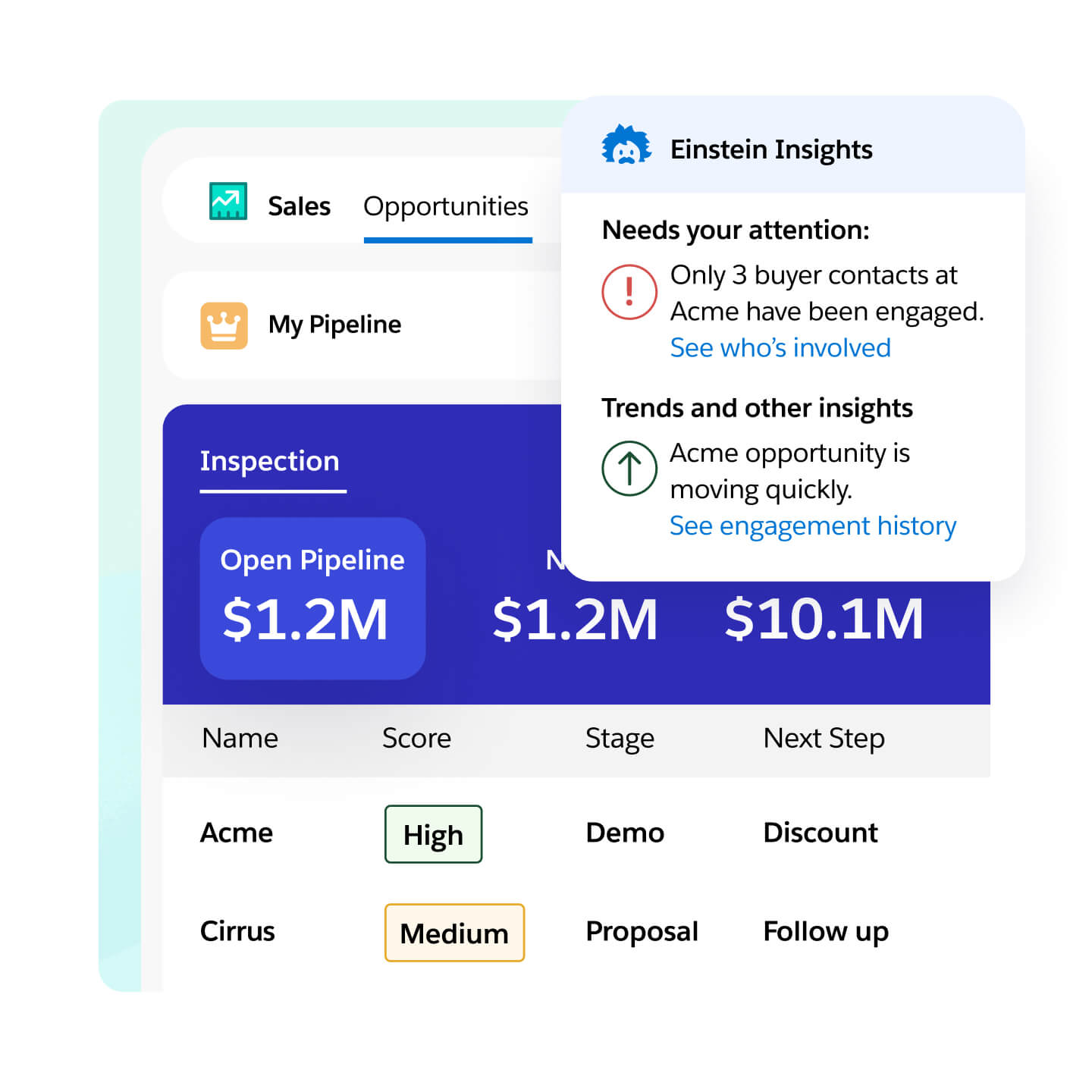
Verified: 14 Aug 2026
Open source ↗Screenshot · Salesforce
Supports
Demonstrates
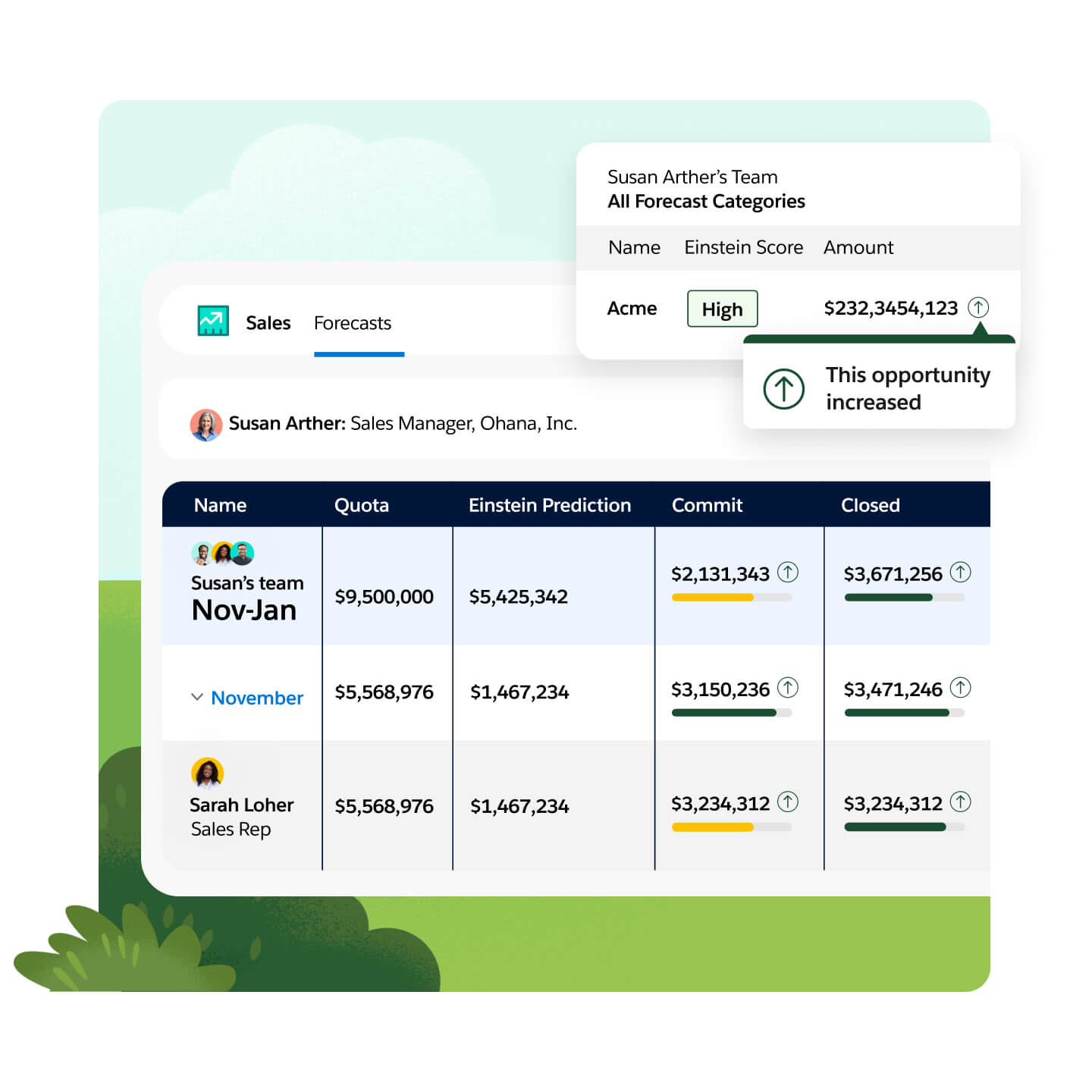
Verified: 14 Aug 2026
Open source ↗Official documentation · Freshsales
Supports
Verified: —
Open source ↗Official documentation · Freshsales
Supports
Verified: —
Open source ↗Official documentation · HubSpot
Supports
Verified: —
Open source ↗Official documentation · HubSpot
Supports
Verified: —
Open source ↗Official documentation · HubSpot
Supports
Verified: —
Open source ↗Official documentation · Pipedrive
Supports
Verified: —
Open source ↗Official documentation · Pipedrive
Supports
Verified: —
Open source ↗Official documentation · Pipedrive
Supports
Verified: —
Open source ↗Official documentation · Salesforce
Supports
Verified: —
Open source ↗Official documentation · Salesforce
Supports
Verified: —
Open source ↗Official documentation · Salesforce
Supports
Verified: —
Open source ↗
