SoftwareGlimpse
When I Work logo

When I Work Review

HR, WORKFORCE & TRAINING SOFTWARE

Choose When I Work when cheap per-user hourly scheduling is the job — not when clocks must be in the headline price, or when you need restaurant-only or hub-style WFM.

Last updated 2026-08-24Independent editorial review
  • Starting price

    $2.50/user/month

  • Free plan

    No

  • Free trial

    14 days

  • Best for

    Hourly teams that mainly need scheduling and messaging at a low per-user price

SoftwareGlimpse review

7.9/10

Good

  • ease of use9
  • hiring workforce fit8
  • workflow depth8
  • integrations8
  • mobile frontline9
  • analytics7
How we score →

See When I Work in action

Official vendor demonstration of product surfaces. It supplements screenshots and editorial analysis — it is not independent SoftwareGlimpse testing.

This video is hosted on YouTube

This content is hosted by YouTube. The player loads only after you allow marketing cookies.

Official vendor video

Best Online Employee Scheduling Software | When I Work

What this shows

  • When I Work scheduling, time tracking, and team messaging overview
  • Official product video from the When I Work channel

Pricing

Verified 2026-08-18 from wheniwork.com/pricing (high confidence on scheduling seats). Essentials $2.50 / Pro $5 / Premium $8 per user/mo. Enterprise contact. T&A ON price is not on the pricing card (medium confidence from vendor comparison blog +$1.50). 14-day trial. Affiliate economics excluded.Full pricing details →
  • Essentials

    Most popular

    $2.50

    per user / mo, billed monthly

    $2.50/user/mo scheduling. Auto-scheduling, multi-location, OpenShifts, messaging.

  • Pro

    $5.00

    per user / mo, billed monthly

    $5/user/mo. Rules, permissions, labor sharing, custom forecasting.

  • Premium

    $8.00

    per user / mo, billed monthly

    $8/user/mo. API, webhooks, SAML/SSO.

  • Enterprise

    Custom

    Contact sales

    Custom enterprise packaging — contact sales.

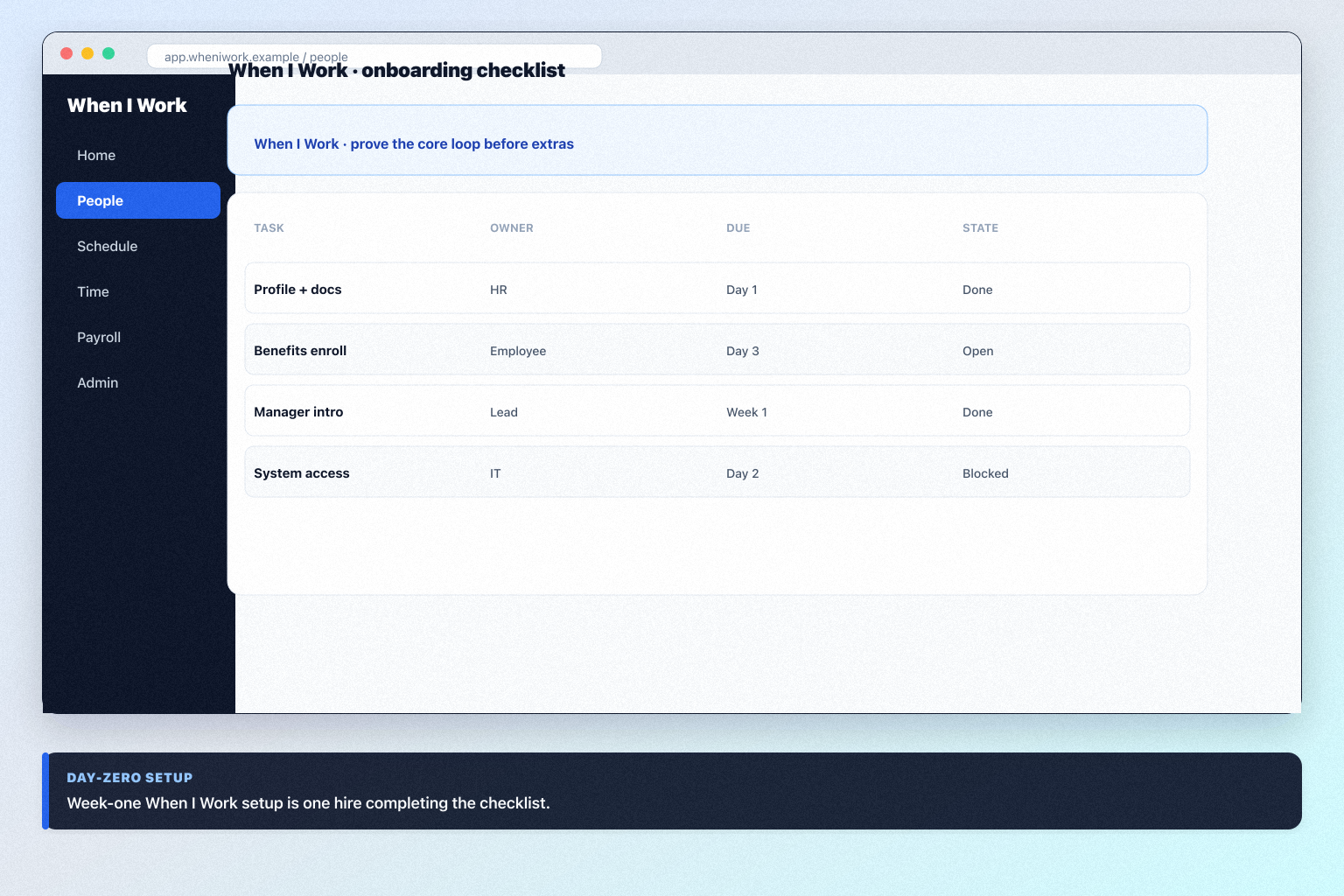
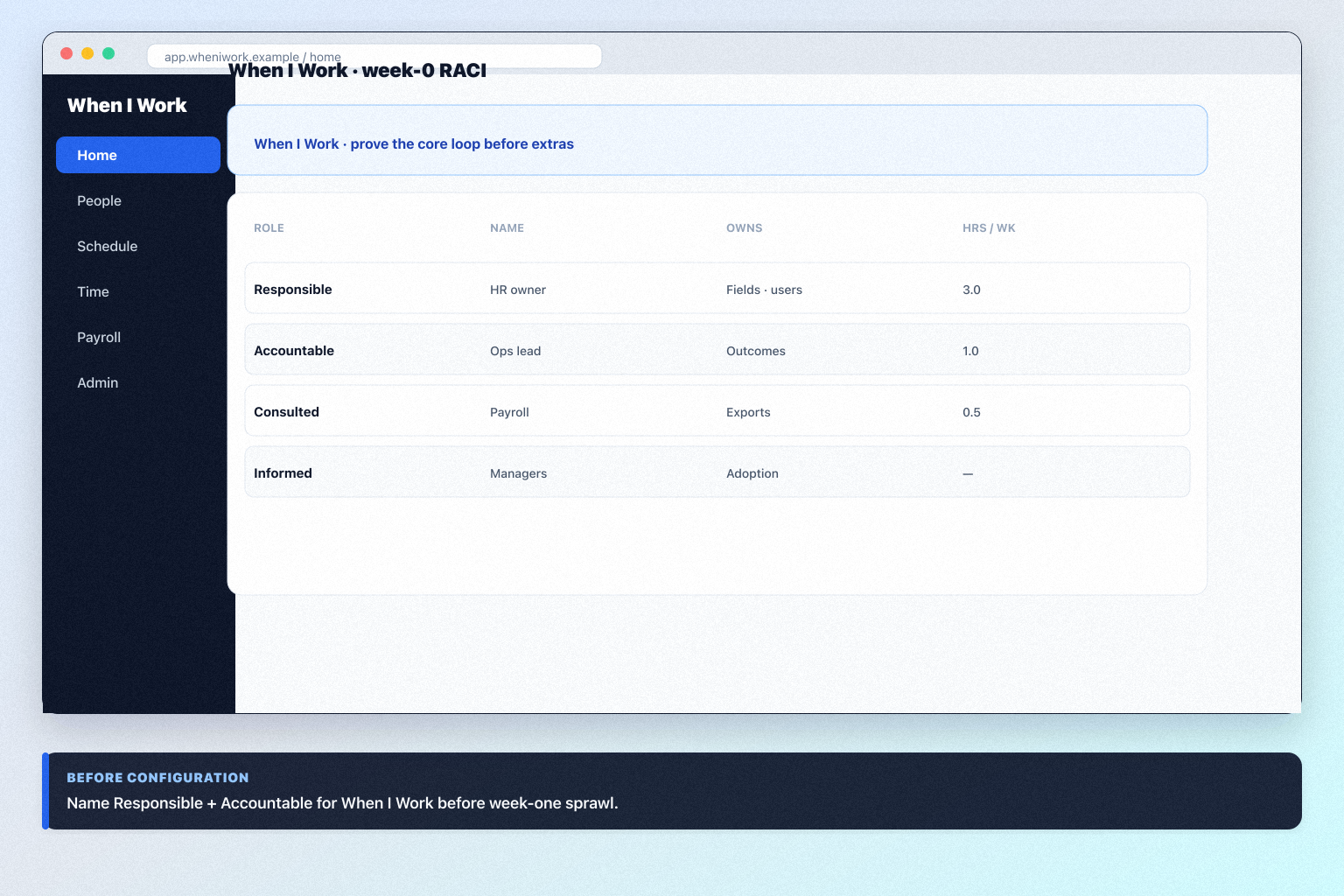
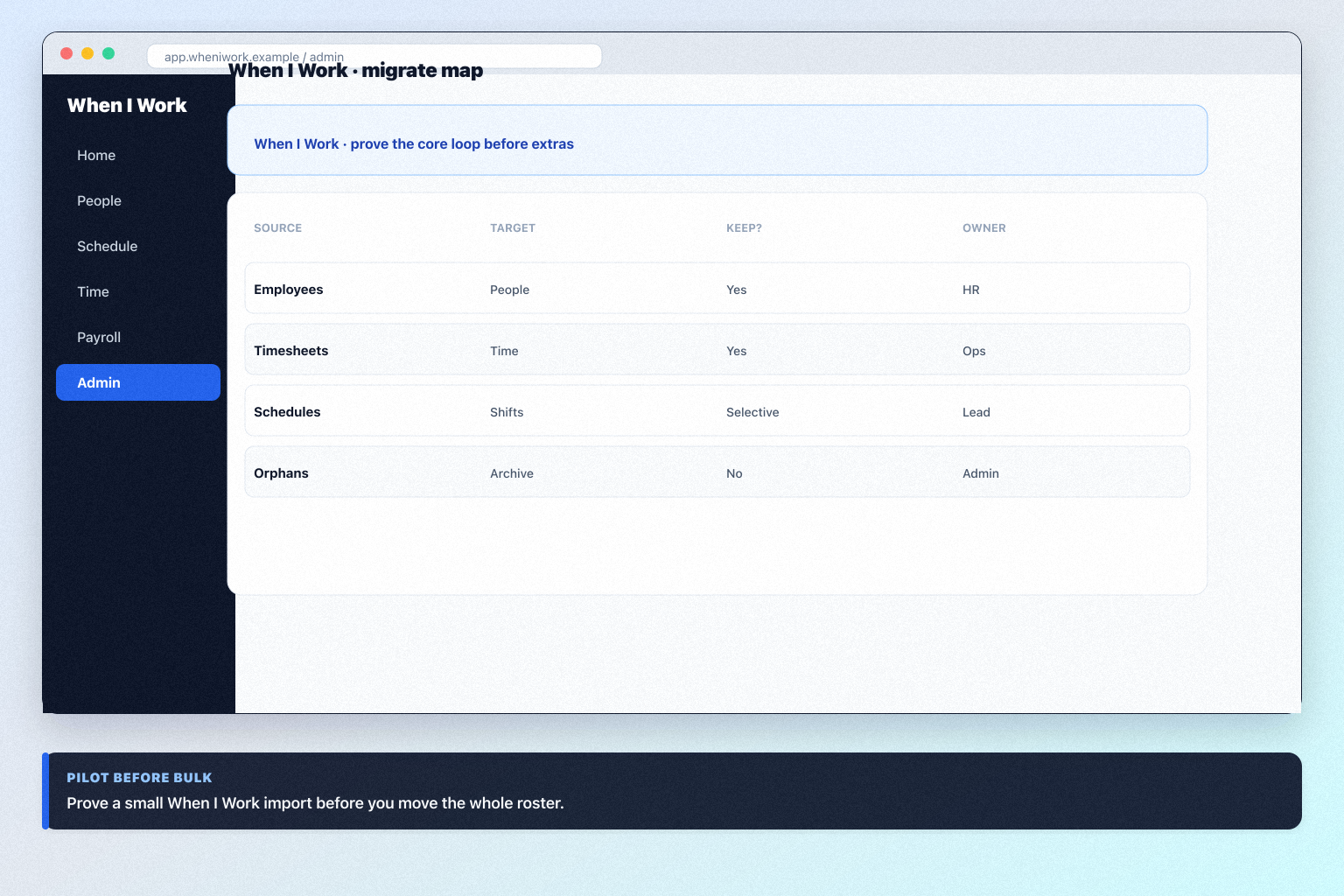
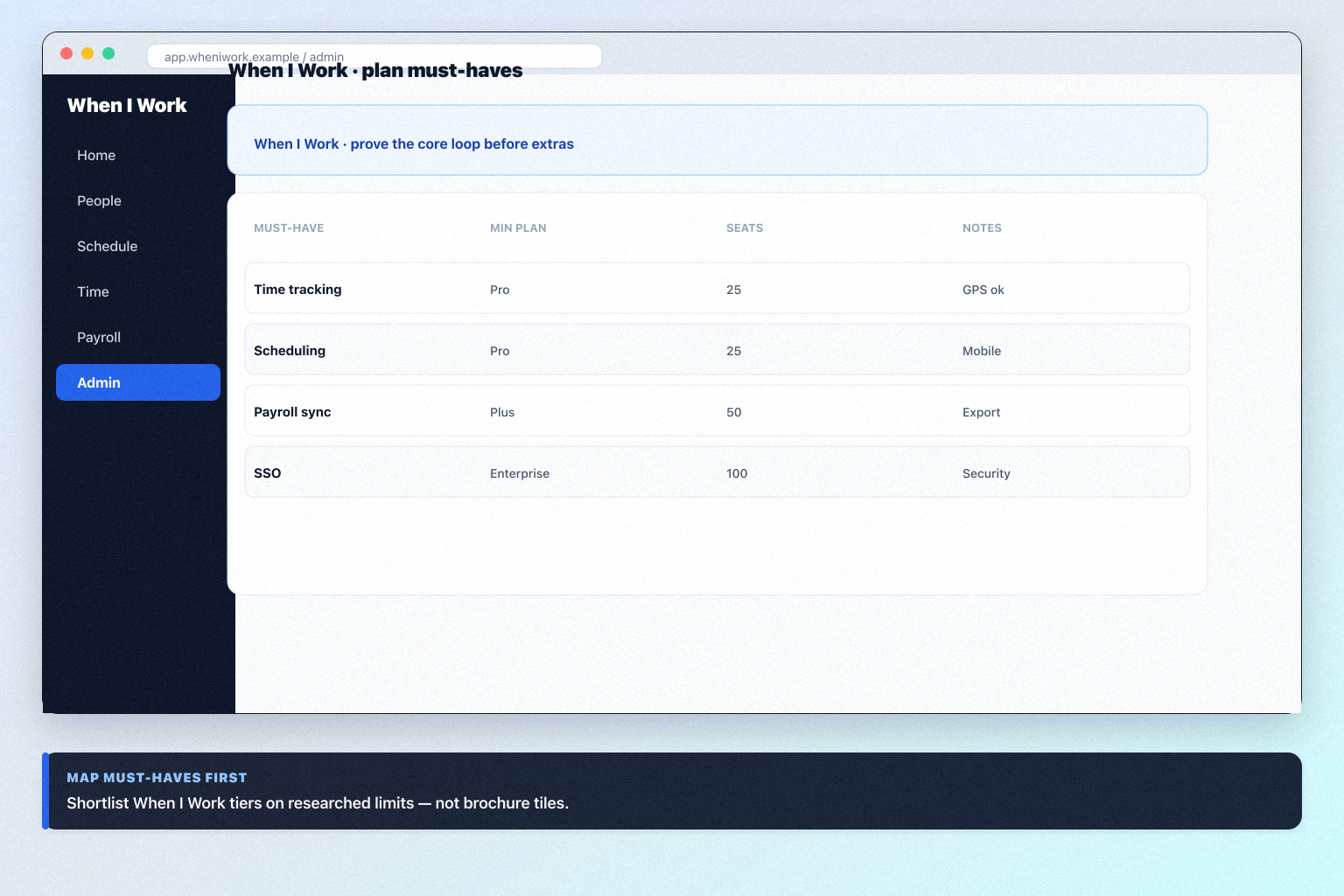
Product screenshots

Verified captures from When I Work's product interface.

When I Work product overview from official vendor video

Decision snapshot

Entity field audit 100/100

When I Work is mobile-first shift scheduling and team messaging for hourly workplaces. Published per-user plans: Essentials $2.50, Pro $5, Premium $8/user/mo. 14-day trial, no credit card. Time & attendance is a separate toggle (dollar amount not printed on the live price card; vendor blog cites +$1.50). Auto-scheduling, multi-location, and POS/payroll integrations sit on Essentials+; SSO/API on Premium. No free forever plan.

Best for

  • Hourly teams that mainly need scheduling and messaging at a low per-user price
  • Operators who will trial 14 days before buying Deputy or Homebase hubs
  • Multi-location teams that stay on Essentials+ for templates and OpenShifts
  • small-business / operations: When I Work fit for small-business operations teams in the frontline-wfm job cluster, from first-party positioning and HR Priority-2 research.

Not ideal for

  • Teams whose primary job is GPS time clocks (Jibble) without paying the T&A toggle
  • Restaurants that want 7shifts’ hospitality payroll/tips stack
  • Buyers who need a free forever WFM tier (Homebase Basic / Connecteam ≤10)
  • Headline $2.50 is scheduling-only — time & attendance is a toggle not priced on the card

Key tradeoffs

  • Headline $2.50 is scheduling-only — time & attendance is a toggle not priced on the card
  • No free forever plan
  • SSO/API require Premium
  • Not a restaurant-specialist (7shifts) or full people platform

Pricing: 4 documented plans · entry paid: Essentials · trial documented on at least one plan

Evidence: Research/data-based (no completed hands-on test) · Latest verification/research signal: 2026-08-18T12:00:00.000Z · Editorial assessment: approved

Next step: Compare against peers: Homebase vs When I Work

Our verdict

Choose When I Work when cheap per-user hourly scheduling is the job — not when clocks must be in the headline price, or when you need restaurant-only or hub-style WFM. Compare Homebase for a free tiny-team tier, Connecteam for deskless hubs, Deputy for compliance-heavy shift work, and 7shifts for restaurants. Scores reflect first-party documentation as of 2026-08-17 — not hands-on product testing. Confirm current packaging, minimums and usage rates on the vendor site before purchase.

Best for

  • Hourly teams that mainly need scheduling and messaging at a low per-user price
  • Operators who will trial 14 days before buying Deputy or Homebase hubs
  • Multi-location teams that stay on Essentials+ for templates and OpenShifts

Not ideal for

  • Teams whose primary job is GPS time clocks (Jibble) without paying the T&A toggle
  • Restaurants that want 7shifts’ hospitality payroll/tips stack
  • Buyers who need a free forever WFM tier (Homebase Basic / Connecteam ≤10)

Bottom line

Essentials $2.50 / Pro $5 / Premium $8 per user/mo. 14-day trial. Time clock is a paid toggle (amount not on the price card). Confirm on wheniwork.com/pricing.

When I Work pros and cons

Pros

  • Low published per-user scheduling floor
  • 14-day trial, no credit card
  • Mobile-first OpenShifts and messaging
  • Clear Essentials / Pro / Premium ladder
  • POS and payroll partner integrations

Cons

  • Time & attendance not in the $2.50 headline
  • No free plan
  • SSO/API on Premium only
  • AI is not a product pillar
  • Not hospitality- or HRIS-complete

Pricing comparison

Full comparison →
 When I Work(this review)HomebaseDeputy7shiftsConnecteam
Starting price$2.50/user/month$24.00/user/month$5.00/user/month$44.99/user/month$29.00/user/month
Free planNoYesNoYesYes
Free trialYesYesYesYesYes

Use cases for When I Work

When I Work may not be the best fit if…

  • · Teams whose primary job is GPS time clocks (Jibble) without paying the T&A toggle
  • · Restaurants that want 7shifts’ hospitality payroll/tips stack
  • · Buyers who need a free forever WFM tier (Homebase Basic / Connecteam ≤10)

When I Work guides

Setup, implementation, migration, plans, and worth-it walkthroughs for this product.

Methodology disclosure: scores and recommendations follow SoftwareGlimpse evaluation criteria (version 1.0.0). Affiliate relationships do not determine rankings.

How we recommend: product claims are tied to recorded research where available.

AI-assisted disclosure: drafts may be AI-assisted from approved facts and assessments. Humans approve publishable editorial judgments. AI does not invent live prices or claim hands-on testing.

Part of HR, Workforce & Training · Software reviews

Try a decision tool

Interactive helpers use recommendation criteria — affiliate status never changes outcomes.