SoftwareGlimpse
Sales Intelligence Software

Amplemarket Implementation: 30/60/90 Outbound Rollout That Sticks

Amplemarket implementation guide: day-zero sequence, pilot rules, plan gates, and cutover checks from SoftwareGlimpse research — not generic CRM setup filler.

By Lee MeyeridricksUpdated Aug 17, 20264 min readFact-checked

Quick answer

Implement Amplemarket by mapping current sales-intelligence workflows to Amplemarket objects, confirming plan gates for built-in calling (Growth, Elite), piloting one team, then cutting over integrations (Salesforce, HubSpot, Gmail) after data checks.

  • Start with: prospecting
  • Gate check: built-in calling (Growth, Elite)
  • Integrate after: data quality pass on Salesforce

Amplemarket rollout media

Official setup walkthroughs and product surfaces that matter while you roll out Amplemarket — not a full product gallery.

Official Amplemarket setup walkthrough

Vendor tutorial for onboarding and configuration. It is not a SoftwareGlimpse rollout plan — use this guide for judgment.

This video is hosted on YouTube

This content is hosted by YouTube. The player loads only after you allow marketing cookies.

Official vendor tutorial

What are Workflows

How Amplemarket workflows automate sales steps after setup.

What this shows

  • Workflow concept and configuration entry points as presented by Amplemarket
  • Automation surfaces Amplemarket markets for outbound teams
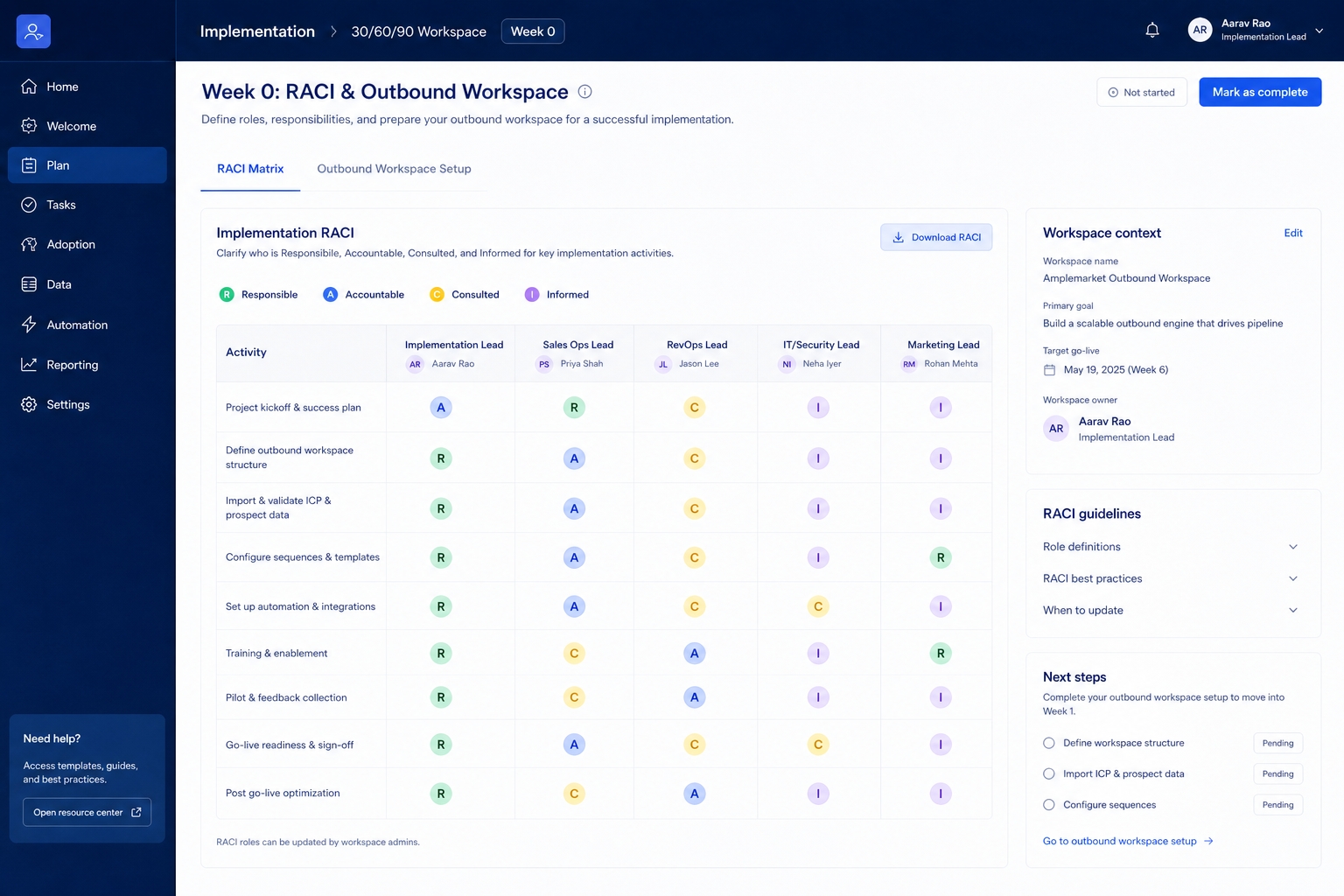
Product screenshots

Product screenshots coming soon

We only publish verified captures from Amplemarket's product interface — never stock images, mockups, or teaching diagrams. Screenshots appear here once editorial review confirms them.

Full product screenshots and evidence live on the Amplemarket research page.

Amplemarket rollout takeaways

  • Implementation is habit work — AI-powered multichannel outbound platform combining lead intelligence, sequences, deliverability, and Duo AI assistants. None of that helps until the weekly outbound loop is boring.
  • Sequence features to plan gates — Plan-gated in research: built-in calling (Growth, Elite).
  • Enable in this order — Days 1–30: prospecting, data enrichment, lead management, and email sequences. Days 31–60: reporting and email sequences. Days 61–90: data enrichment, AI assistance, and second ICP list.
  • Measure usage, not configuration — Count meetings booked, reply/connect rates, credits used per meeting, and CRM-logged activities from Amplemarket — not modules enabled.
  • Know what you inherited — Research watch-outs to plan around: Not a CRM pipeline system of record; Startup floor at list price annual is expensive; Growth/Elite pricing opaque (custom).

Amplemarket implementation walkthrough

Amplemarket implementation walkthrough diagram.
Treat Amplemarket rollout as gated phases — adoption before credit expansion.

Amplemarket must vs nice

Must-have
  • Logged CRM activities from outreach
  • Weekly list / sequence review
Nice-to-have
  • data enrichment
  • AI assistance

Amplemarket checklist

Bring these questions to every demo

Ask vendors to show the workflow live, not just describe it.

  • 1Freeze three 90-day outcomesMeetings, coverage, or reply goals with owners.
  • 2Day 30: live outbound loopEvery active rep runs list → outreach → CRM weekly.
  • 3Day 60: usage reviewCredits per meeting and sequence hygiene on the agenda.
  • 4Day 90: expand only gapsAdd channels or packs that still miss an outcome.

Frequently asked questions

  • What if credits run out before day 30?

    Pause new list builds, tighten ICP filters, and review who is exporting vs outreaching. Do not buy a larger pack until the stack owner can explain credit-per-meeting for the last two weeks. Confirm pack options on the pricing page.

  • When should we add a second outreach channel?

    After the first channel produces CRM-logged activity and a weekly review rhythm. Parallel channels on day one usually double noise without doubling meetings.

  • Who should own Amplemarket?

    One stack owner with calendar time — usually RevOps or sales ops — not a rotating AE committee.

1. Amplemarket day-zero to steady-state sequence

  • Day zero — objects and owners

    Define owners for prospecting, data enrichment, email sequences before inviting the whole org.

  • SMB pilot

    One pipeline / one team proves Outbound-led B2B teams investing in AI multichannel engagement before company-wide seats.

  • Cutover

    Freeze legacy writes briefly; validate Salesforce and HubSpot before reopen.

Treat Amplemarket setup as a controlled rollout — not a weekend dump of CSV files.

Amplemarket implementation go / no-go

  1. 1Go when plan unlocks cover built-in calling (Growth, Elite)
  2. 2Pause if this limitation blocks ops: Not a full CRM pipeline system of record.
  3. 3Do not expand seats until prospecting is green

Amplemarket implementation mistakes

  • Mistake 1

    Not a full CRM pipeline system of record.

  • Mistake 2

    Startup already list price annual; Growth/Elite are custom-quoted.

  • Mistake 3

    Contact volume and included seats differ sharply by plan (27k / 140k / 400k contacts).

  • Mistake 4

    Duo Voice called out on Growth packaging versus Startup.

  • Big-bang invite

    Inviting every user before object design creates junk data that is expensive to unwind.

Amplemarket plan gates that affect rollout

Implementation fails when unlocks needed for go-live sit on a higher tier than budgeted.

  • Seats61%
  • Add-ons18%
  • Implementation12%
  • Training5%
  • Other4%
  • Startup

    Trial available · up to 2 included users, up to 27,000 contacts · Unlocks: prospecting, data enrichment, lead management · Suits: teams whose must-have gates appear on this tier

  • Growth

    Trial available · up to 4 included users, up to 140,000 contacts · Contact sales · Unlocks: built-in calling · Suits: teams that need custom procurement

  • Elite

    Trial available · up to 10 included users, up to 400,000 contacts · Contact sales · Suits: teams that need custom procurement

Amplemarket implementation checklist

0/3 dimensions noted — saved in this browser only.

  • Prep

  • Pilot

  • Scale

Was this article helpful?

Have more questions? Contact our support team.

SoftwareGlimpse Updates

Want clearer software shortlists? Get buying guides and comparisons by email.

Newsletter coming soon.