SoftwareGlimpse
Smartsheet logo

Smartsheet Review

PROJECT MANAGEMENT & PRODUCTIVITY SOFTWARE

Choose Smartsheet when spreadsheet-style planning, Gantt and portfolio reporting are the primary job.

Last updated 2026-08-18Independent editorial review
  • Starting price

    $9.00/user/month

  • Free plan

    No

  • Free trial

    30 days

  • Best for

    Excel/spreadsheet-native PMOs

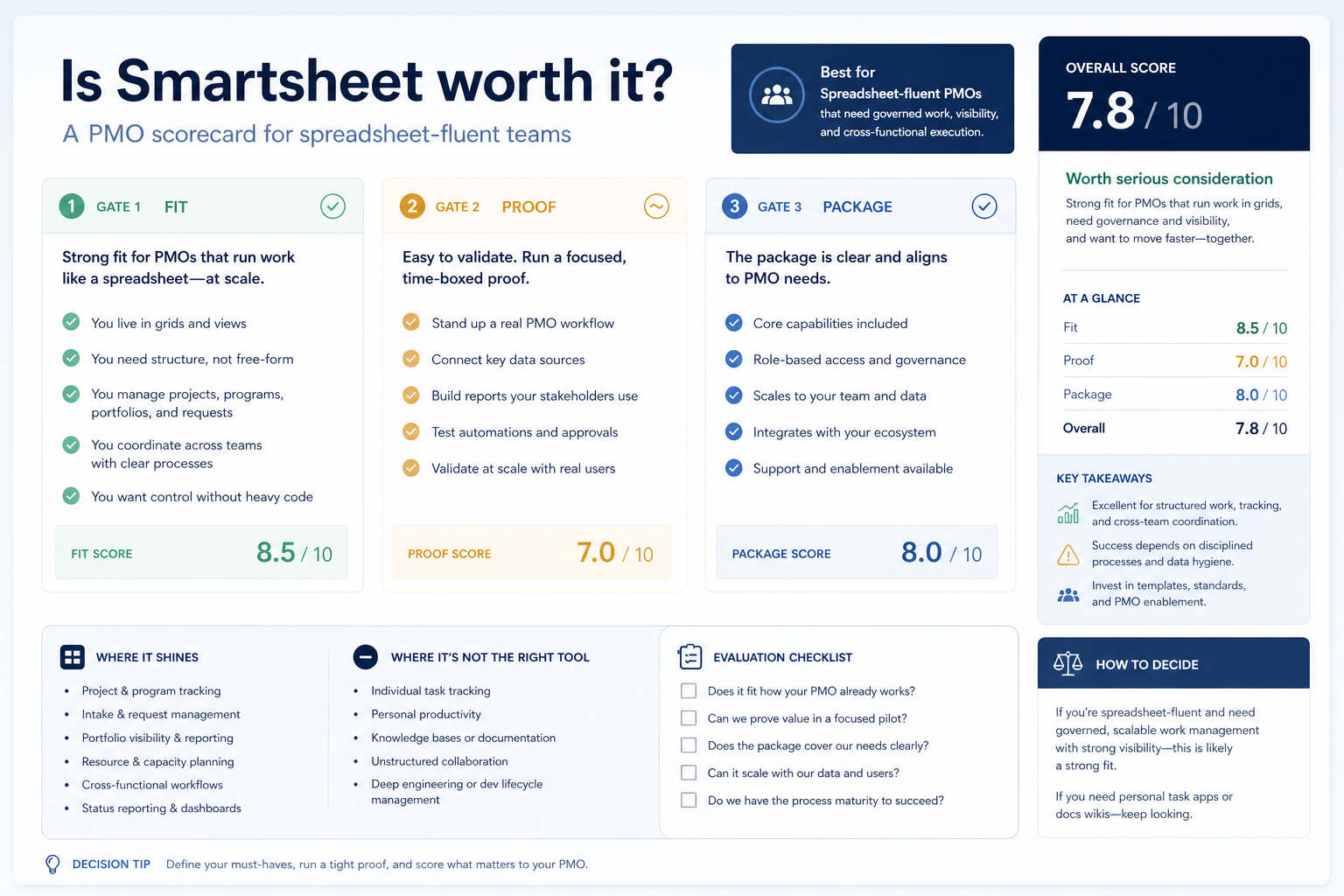
SoftwareGlimpse review

7.9/10

Good

  • ease of use7
  • work planning9
  • automation workflows8
  • collaboration7
  • integrations8
  • reporting9
How we score →

Setting up your first pipeline

Official vendor tutorial for onboarding and configuration. It is not a SoftwareGlimpse implementation plan — use our independent guides for rollout judgment.

Official vendor tutorial

This video is hosted on YouTube

This content is hosted by YouTube. The player loads only after you allow marketing cookies.

Official vendor tutorial

Welcome to Smartsheet: Getting Started with Intelligent Work Management

How Smartsheet presents the product in an official vendor video.

What this shows

  • Smartsheet product surfaces as shown in the official vendor video
  • UI/workflow layout marketed by the vendor
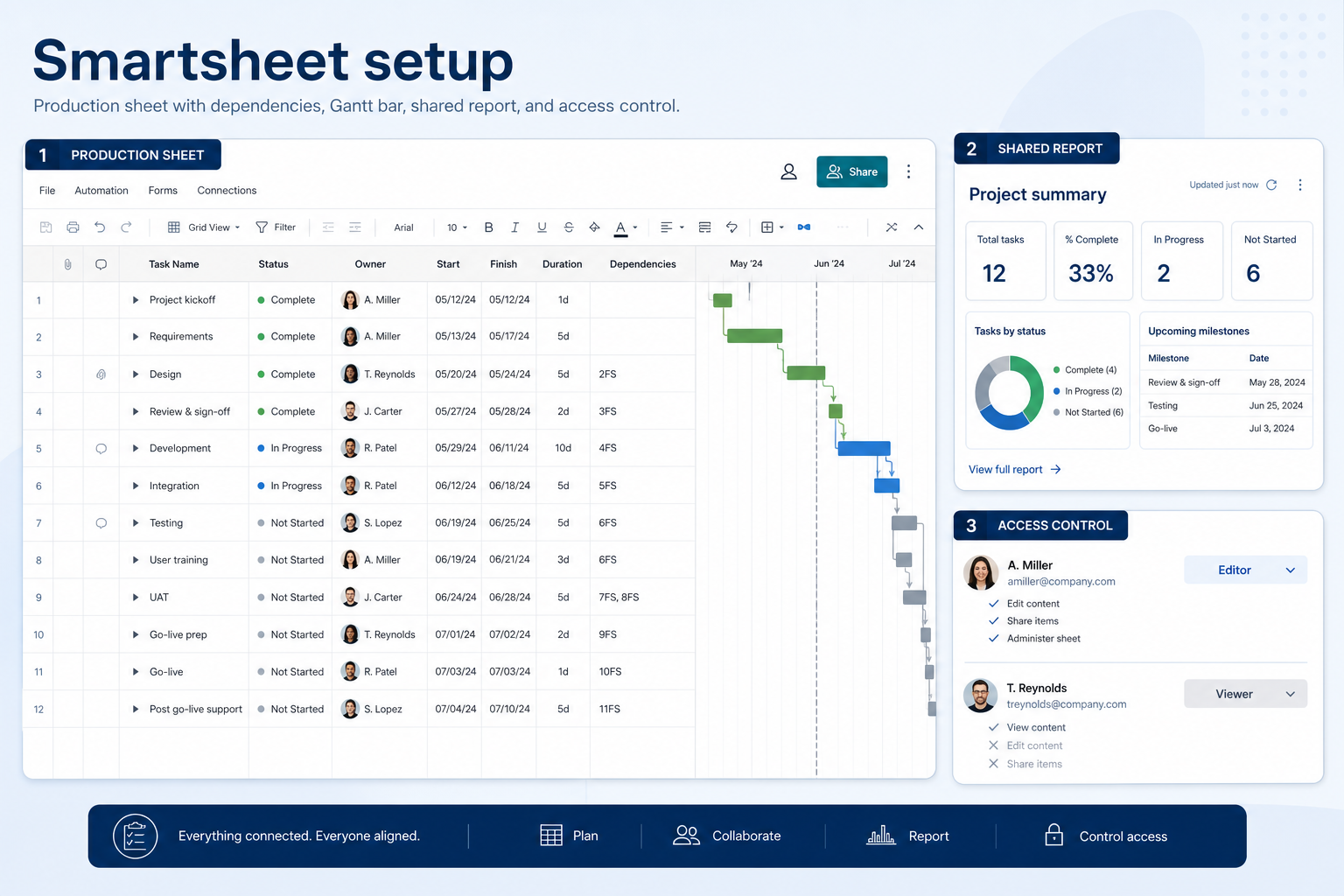
Source: Official Smartsheet

What to prepare before this step

  • • Agree pipeline stages that match how your team sells
  • • Decide who owns deals, activities, and reporting
  • • List must-have fields before importing contacts

What this video covers

  • Smartsheet product surfaces as shown in the official vendor video
  • UI/workflow layout marketed by the vendor
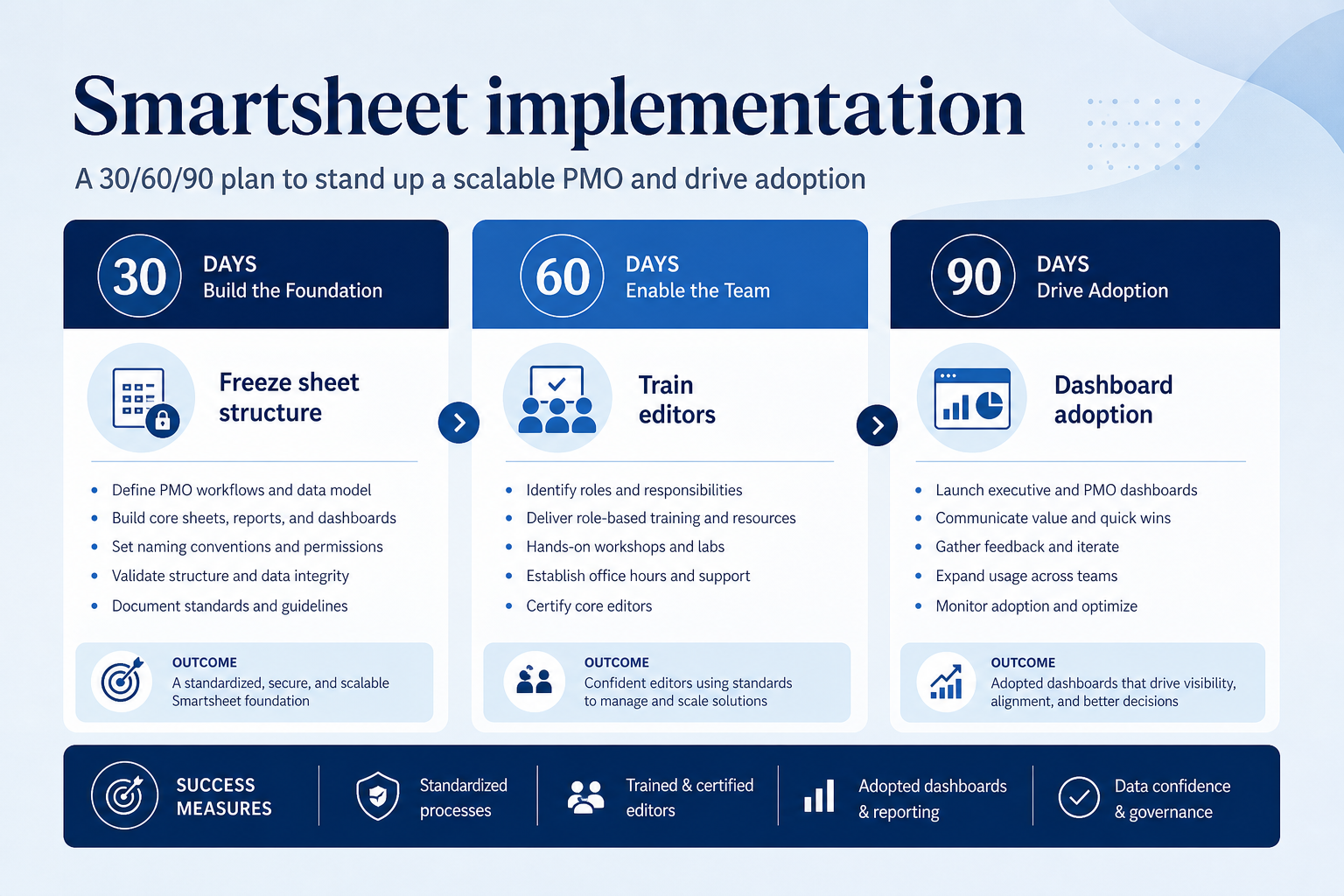
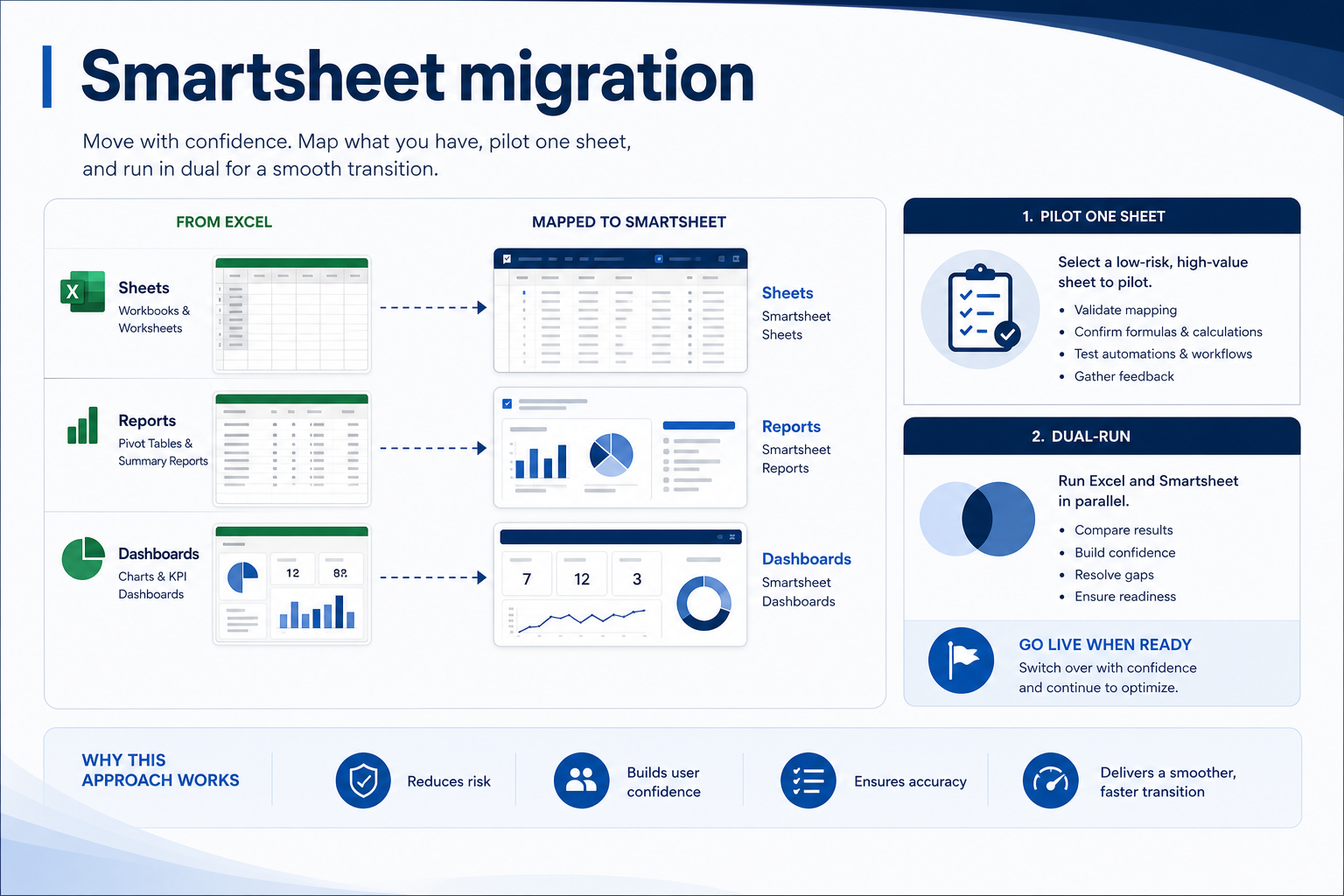
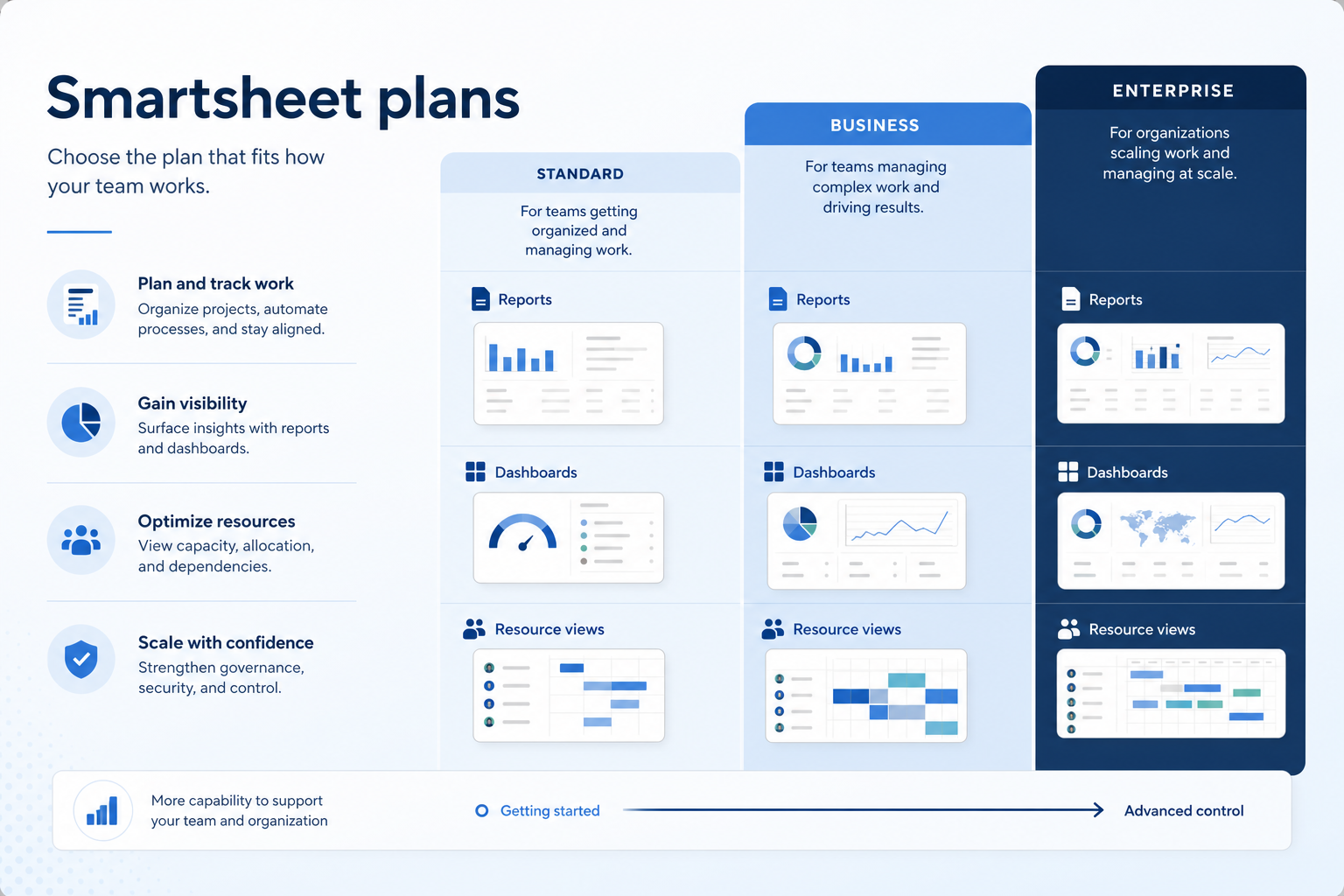
Smartsheet guides

Practical walkthroughs for setup, rollout, migration, plan choice, and fit — linked from this review so you can decide and implement without hunting the guides hub.