Snov.io Implementation: 30/60/90 Outbound Rollout That Sticks
Snov.io implementation guide: day-zero sequence, pilot rules, plan gates, and cutover checks from SoftwareGlimpse research — not generic CRM setup filler.
Quick answer
Implement Snov.io by mapping current sales-intelligence workflows to Snov.io objects, confirming plan gates for premium capabilities, piloting one team, then cutting over integrations (HubSpot, Salesforce, Pipedrive) after data checks.
- Start with: prospecting
- Gate check: confirm paid unlocks before go-live
- Integrate after: data quality pass on HubSpot
Snov.io rollout takeaways
- Implementation is habit work — Sales intelligence and cold email platform for finding and verifying emails, then running sequences — positioned as a budget-friendly SMB stack with a trial, Starter and Pro published rungs, and Custom/Ultra contact-sales packaging. None of that helps until the weekly outbound loop is boring.
- Sequence features to plan gates — Our research does not flag plan-gated capabilities for Snov.io, but confirm your must-haves — including credits and seats — against the packaging you actually intend to buy.
- Enable in this order — Days 1–30: contact data, prospecting, data enrichment, and email outreach. Days 31–60: reporting and email sequences. Days 61–90: data enrichment, AI assistance, and second ICP list.
- Measure usage, not configuration — Count meetings booked, reply/connect rates, credits used per meeting, and CRM-logged activities from Snov.io — not modules enabled.
- Know what you inherited — Research watch-outs to plan around: No forever-free plan in this research pass; Database depth lighter than enterprise SI leaders; Lead scoring and deep enrichment are limited.
Snov.io implementation walkthrough
Snov.io must vs nice
- Logged CRM activities from outreach
- Weekly list / sequence review
- data enrichment
- AI assistance
Snov.io checklist
Bring these questions to every demo
Ask vendors to show the workflow live, not just describe it.
- 1Freeze three 90-day outcomesMeetings, coverage, or reply goals with owners.
- 2Day 30: live outbound loopEvery active rep runs list → outreach → CRM weekly.
- 3Day 60: usage reviewCredits per meeting and sequence hygiene on the agenda.
- 4Day 90: expand only gapsAdd channels or packs that still miss an outcome.
Frequently asked questions
What if credits run out before day 30?
Pause new list builds, tighten ICP filters, and review who is exporting vs outreaching. Do not buy a larger pack until the stack owner can explain credit-per-meeting for the last two weeks. Confirm pack options on the pricing page.
When should we add a second outreach channel?
After the first channel produces CRM-logged activity and a weekly review rhythm. Parallel channels on day one usually double noise without doubling meetings.
Who should own Snov.io?
One stack owner with calendar time — usually RevOps or sales ops — not a rotating AE committee.
1. Snov.io day-zero to steady-state sequence
Day zero — objects and owners
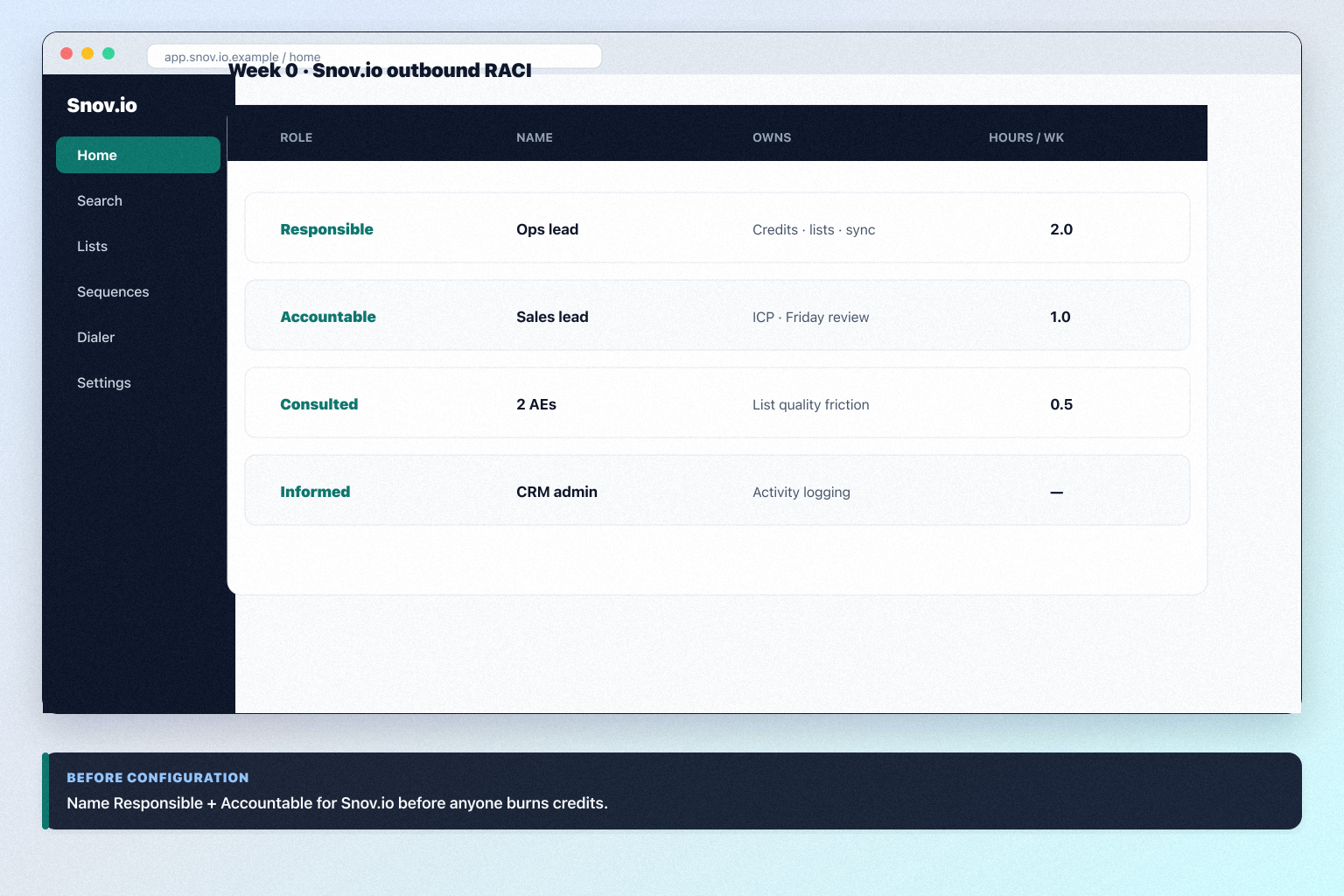
Define owners for prospecting, data enrichment, email sequences before inviting the whole org.
SMB pilot
One pipeline / one team proves Budget SMB teams that need email finder + verifier + cold email sequences in one seat before company-wide seats.
Cutover
Freeze legacy writes briefly; validate HubSpot and Salesforce before reopen.
Treat Snov.io setup as a controlled rollout — not a weekend dump of CSV files.
Snov.io implementation go / no-go
Snov.io implementation mistakes
Mistake 1
No forever-free plan documented as primary entry — evaluation is trial-led
Mistake 2
Contact database depth is lighter than ZoomInfo/Apollo-class breadth claims
Mistake 3
Lead scoring is limited versus enterprise SI platforms
Mistake 4
Reporting is lighter than ABM analytics suites
Big-bang invite
Inviting every user before object design creates junk data that is expensive to unwind.
Snov.io plan gates that affect rollout
Implementation fails when unlocks needed for go-live sit on a higher tier than budgeted.
- Seats61%
- Add-ons18%
- Implementation12%
- Training5%
- Other4%
Starter
Trial available · Unlocks: contact data, prospecting, data enrichment · Suits: teams whose must-have gates appear on this tier
Pro
Trial available · Suits: teams whose must-have gates appear on this tier
Custom
Contact sales · Suits: teams that need custom procurement
Ultra
Contact sales · Suits: teams that need custom procurement
Snov.io implementation checklist
0/3 dimensions noted — saved in this browser only.
Prep
Pilot
Scale
Was this article helpful?
Have more questions? Contact our support team.
Part of Snov.io review · Sales Intelligence hub
Related guides
Supporting reading in this topic — not a generic related-posts dump.
- Sales Intelligence Implementation Guide: Week 0–4Roll out sales intelligence in a gated Week 0–4 path — owners, CRM field map, credit budget, pilot pod, and success metrics before firm-wide seats.
- Snov.io Migration: Move Lists Without Losing TrustMigrate into Snov.io with a list inventory, field map, pilot export/import, dual-run week, and CRM sync validation — so sequences keep firing and sellers trust the data.
- Snov.io Setup: Day-Zero Path to a Working Outbound LoopSet up Snov.io for day-zero outbound — seats/credits, one ICP list, sequences or dialer, and CRM sync — before optional enrichment packs.
Related products
Related comparisons
SoftwareGlimpse Updates
Want clearer software shortlists? Get buying guides and comparisons by email.
Newsletter coming soon.