SoftwareGlimpse
Business Communications Software

Is GoTo Connect Worth It? Fit Scenarios Before You Buy

Decide if GoTo Connect is worth it for your sales and support team — fit scenarios, seat/number economics, and when to keep looking — without invented ROI percentages.

By Lee M.Updated Aug 17, 20266 min readFact-checked

Quick answer

GoTo Connect is worth it when your business communications motion matches who it serves well, a non-admin can prove number → softphone → CRM log logging in trial, and seats/numbers on a real package clear your must-haves — confirmed on the pricing page. Confirm power dialer (Phone+) and WhatsApp Business (Phone+) are on the package you will actually buy. If fit, proof, or packaging fails, keep looking instead of forcing a buy.

  • Match best-for scenarios
  • Prove the communications loop
  • Accept known tradeoffs
  • Confirm seats/numbers
  • No invented ROI
  • Keep looking if gates fail
Goals
Features
Integrations
Cost
Ease of use
Growth

See GoTo Connect before you decide

Core product overview media for a fit check — still not a substitute for the decision criteria on this page.

See GoTo Connect in action

Official product overview for a fit check — not scoring, pricing, or comparative superiority.

This video is hosted on YouTube

This content is hosted by YouTube. The player loads only after you allow marketing cookies.

Official vendor webinar

On-Demand Webinar – Revolutionize Every Call with GoTo Connect’s AI Receptionist

How GoTo Connect presents the product in an official vendor video.

What this shows

  • GoTo Connect product surfaces as shown in the official vendor video
  • UI/workflow layout marketed by the vendor
Product screenshots

Verified captures from GoTo Connect's product interface.

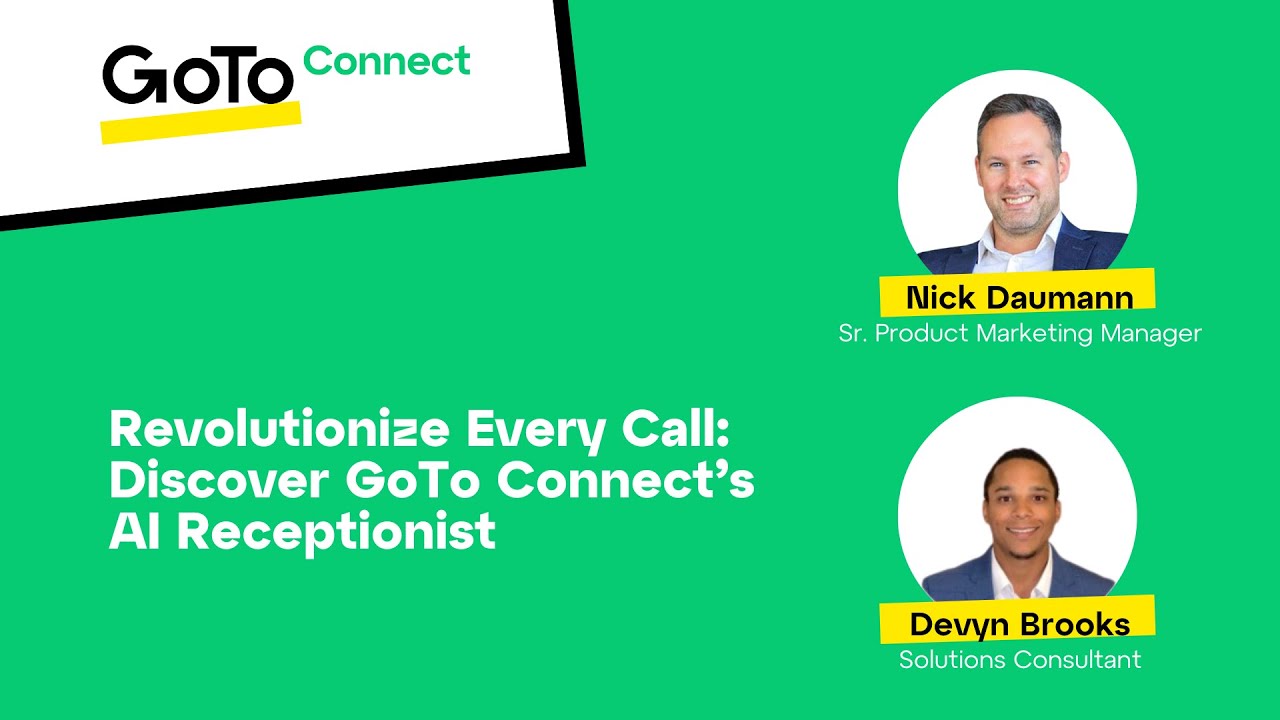
GoTo Connect AI Receptionist webinar UI

Official GoTo YouTube thumbnail for AI Receptionist webinar.

Official GoTo YouTube thumbnail showing GoTo Connect product UI

https://www.youtube.com/watch?v=1tUmre4sxFc · Checked 2026-08-17

Full product screenshots and evidence live on the GoTo Connect research page.

Is GoTo Connect worth it?

  • What it is GoTo Connect is a cloud business phone / UCaaS platform (evolved from Jive) aimed at remote and multi-location teams: softphones, unlimited auto attendants and queues, video meetings (up to 250), team messaging, SMS, and optional CX / Contact Center ladders wi…
  • Best for Remote and multi-location teams wanting phone + meetings + messaging from one vendor; Buyers who may grow into CX digital channels or Contact Center later; Organisations already familiar with GoTo / former Jive deployments
  • Not ideal for Buyers who require transparent self-serve published seat prices; Micro teams that only need a simple virtual number (prefer Grasshopper/OpenPhone); Enterprises comparing primarily on global UCaaS depth (prefer RingCentral/8x8)
  • Commercial clarity Researched plans: Phone System, Customer Experience (CX), CX Complete, Contact Center. Never invent list prices here — confirm seats, numbers/minutes, and quote terms on /pricing/goto-connect/.
  • Editorial verdict snapshot GoTo Connect: Choose GoTo Connect when you want remote-team UCaaS (phone + meetings + messaging) with a path into CX/contact centre and can work through a sales quote. Scores use the business-communications editorial methodology from first-party research as of 2026-08-17 — not hands-on product testing.

GoTo Connect worth-it gates

  1. 1Motion
  2. 2Trial
  3. 3Accept?
  4. 4Minutes/contacts
  5. 5Buy/pass

GoTo Connect worth-it framework

GoTo Connect worth-it framework diagram.
GoTo Connect is “worth it” when fit, trial proof, and qualifying cost align.

GoTo Connect checklist

Bring these questions to every demo

Ask vendors to show the workflow live, not just describe it.

  • 1Match best-for scenariosYour motion should resemble who the product serves well.
  • 2Prove the communications loopNon-admin number → softphone → CRM log evidence.
  • 3Confirm contacts and minute/number limitsMust-haves on a real package before you call it a bargain.

1. Fit gate: does your motion match?

GoTo Connect worth-it diagram 1.
Fit GoTo Connect to your business communications motion before you talk ROI.

Compare your list size, channels, and admin capacity to researched best-for / not-ideal patterns. Best for: Remote and multi-location teams wanting phone + meetings + messaging from one vendor; Buyers who may grow into CX digital channels or Contact Center later; Organisations already familiar with GoTo / former Jive deployments. Not ideal: Buyers who require transparent self-serve published seat prices; Micro teams that only need a simple virtual number (prefer Grasshopper/OpenPhone); Enterprises comparing primarily on global UCaaS depth (prefer RingCentral/8x8). Worked example: an 8-person sales + support team needs mid-market contact data and IVR / routing with CRM sync. They score GoTo Connect on fit only after reading those patterns — not after a polished demo.

2. Proof gate: non-admin communications loop

GoTo Connect worth-it diagram 2.
GoTo Connect is worth it only when your team can run the loop.
  1. A non-admin builds or uses a call queue / IVR route in GoTo Connect.
  2. Softphone places or answers a test call.
  3. Routing and recording (if required) complete.
  4. Activity appears in CRM without an admin screenshot. Our snapshot flags a trial on Phone System without a published length — confirm the window on the GoTo Connect pricing page. Worked example: an 8-person sales + support team fails the gate when the call never lands on the CRM contact; they extend trial, fix sync, and only then reconsider buy.

3. Tradeoff gate: can you live with the limits?

GoTo Connect worth-it diagram 3.
Accept GoTo Connect tradeoffs in writing — or keep looking.

Read strengths and weaknesses before you negotiate. Strengths: Phone + video meetings + team messaging in one remote-team UCaaS; Unlimited auto attendants, queues and dial plans on Phone System; Clear CX and Contact Center expansion path; CRM/helpdesk integrations (Salesforce, Zendesk, ServiceNow). Watch-outs: No published seat dollars — sales quote required; AI Receptionist and some analytics are add-ons; WhatsApp/shared inbox gated to CX ladders; Auto-dialer only on Contact Center. Worked example: an 8-person sales + support team accepts known data coverage gaps for their secondary geo, documents them, and refuses to pretend GoTo Connect is universal coverage.

4. Package gate and decide

GoTo Connect worth-it diagram 4.
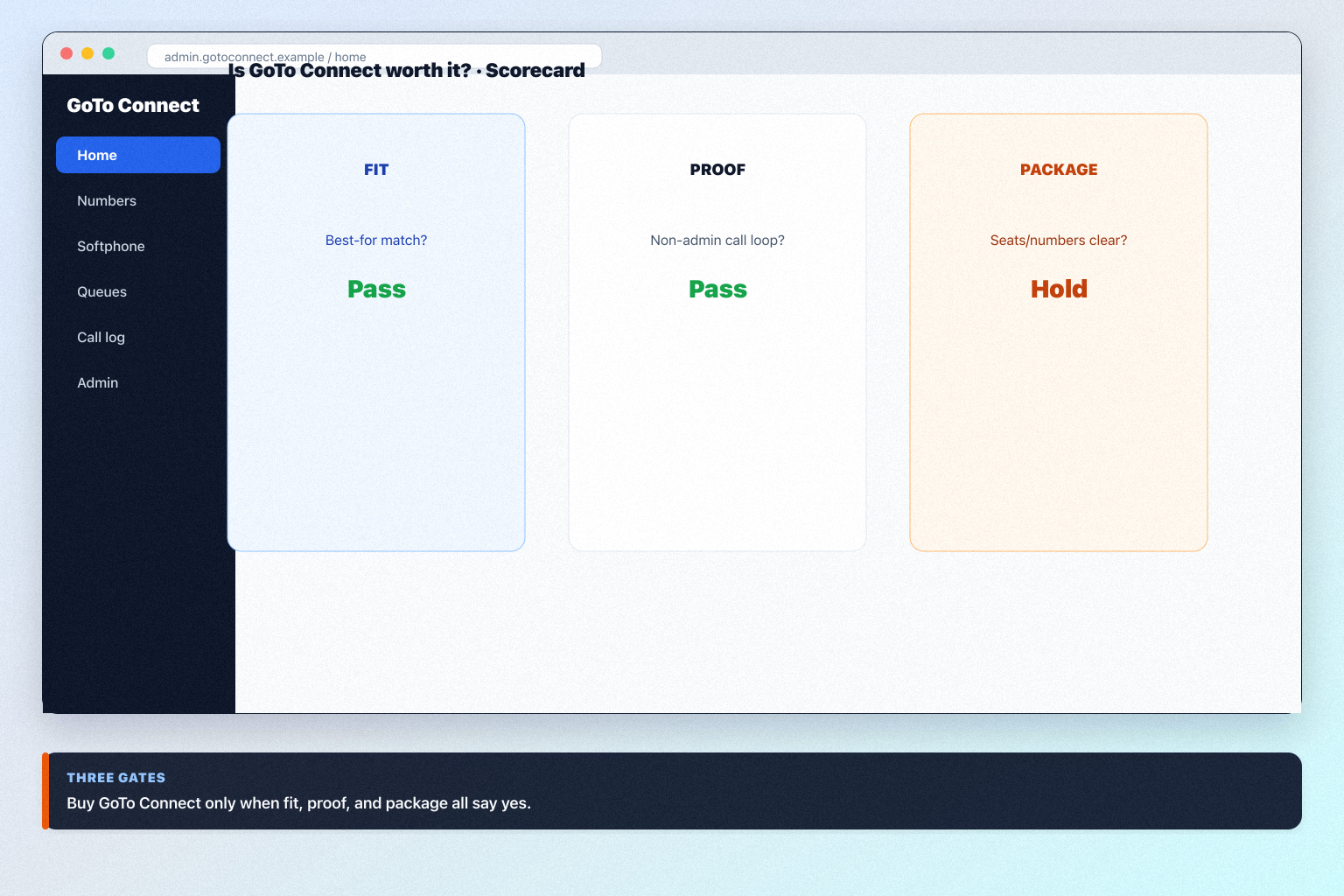
Buy GoTo Connect only when fit, proof, and package gates agree.
  1. Confirm must-haves on a qualifying package. Plan-gated in research: power dialer (Phone System, Customer Experience (CX), CX Complete, Contact Center); WhatsApp Business (Phone System, Customer Experience (CX), CX Complete, Contact Center); shared inbox (Phone System, Customer Experience (CX), CX Complete, Contact Center); AI assistance (Phone System, Customer Experience (CX), CX Complete, Contact Center).
  2. Never invent list prices here — confirm seats, numbers/minutes, and quote terms on /pricing/goto-connect/.
  3. Buy only when fit + proof + package all say yes.
  4. Otherwise keep looking via how to choose business communications software — teams often also evaluate RingCentral, 8x8, and Nextiva. Worked example: an 8-person sales + support team clears fit and proof but fails package clarity; they pause the buy until seat/number exhaustion rules are written, instead of inventing an ROI percentage.

5. Decide if GoTo Connect fits the primary job

Choose GoTo Connect when you want remote-team UCaaS (phone + meetings + messaging) with a path into CX/contact centre and can work through a sales quote.

6. Compare finalists in the same cluster

  • Strong fit

    Remote and multi-location teams wanting phone + meetings + messaging from one vendor

  • Weak fit

    Buyers who require transparent self-serve published seat prices

Peer alternatives to compare: RingCentral, 8x8, Nextiva, and OpenPhone. Run the same trial script on each before you decide.

7. Write the decision in one paragraph

Name the job, the qualifying GoTo Connect configuration, and what you are not buying yet. Link /software/goto-connect/ for product detail and /pricing/goto-connect/ for commercial assumptions.

Frequently asked questions

  • Can we decide from a demo alone?

    No. Require non-admin proof of number → softphone → CRM log logging on the package you will actually buy.

  • What if seats/numbers look cheap but seats are expensive?

    Model the constraint you will hit first. Many teams exhaust seats/numbers before seats — confirm both on the pricing page.

  • When should we walk away?

    When fit, trial proof, or written packaging fails. Keeping looking is cheaper than forcing GoTo Connect into the wrong motion.

Was this article helpful?

Have more questions? Contact our support team.

SoftwareGlimpse Updates

Want clearer software shortlists? Get buying guides and comparisons by email.

Newsletter coming soon.