
Ecommerce
Hosted SaaS ecommerce platform with themes, checkout, channels, and POS — Basic from $39/mo ($29 annual), Grow $105 ($79 annual), Advanced $399 ($299 annual), Plus from $2,300/mo.
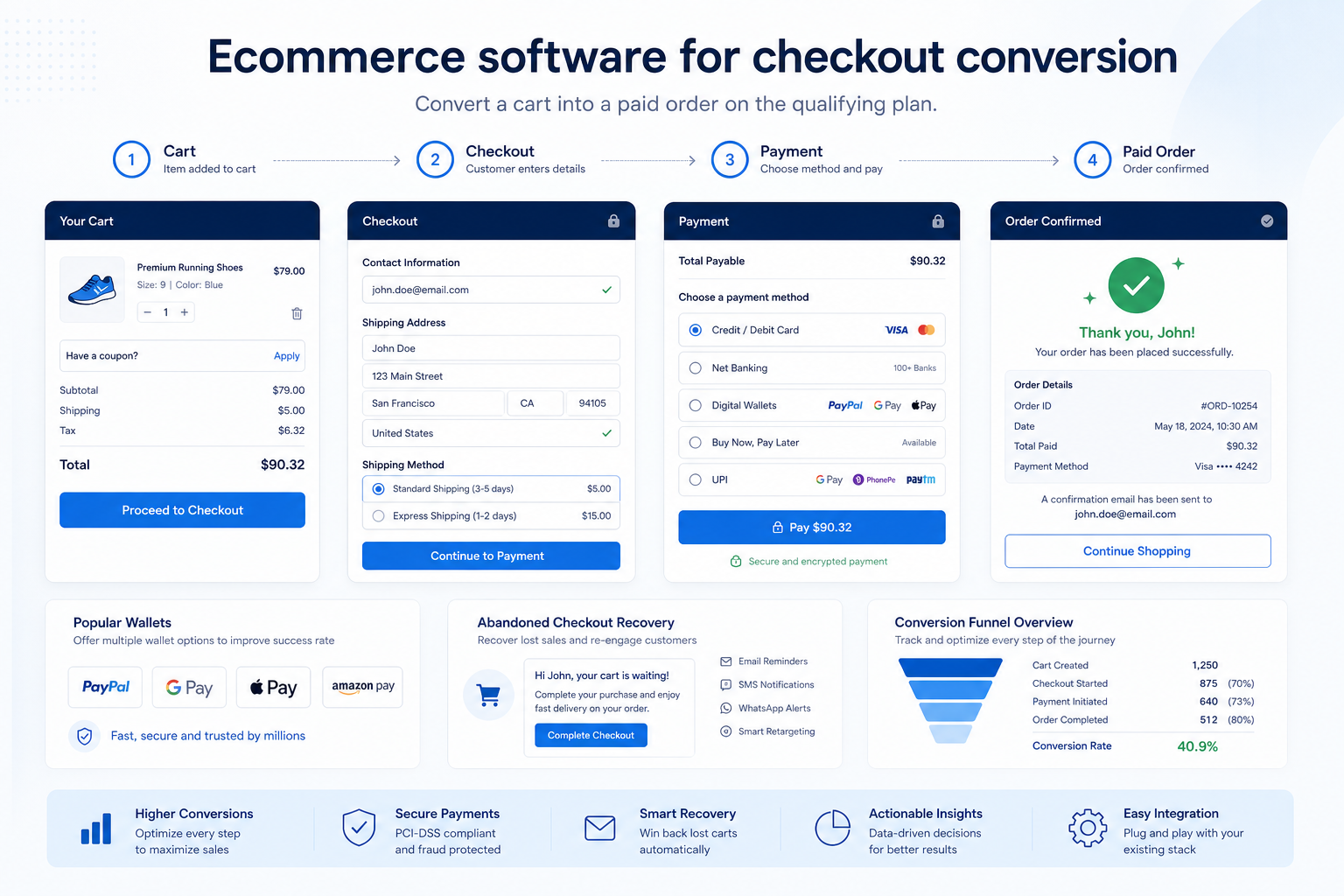
Get carts to paid orders with payment methods, express checkout, and recovery that the quoted plan actually includes.
At a glance
Completable checkout with payment methods buyers will use
DTC merchants, conversion owners, and store operators
Payment methods on the plan · Guest / express checkout · Tax and shipping at checkout · Abandoned-cart recovery gates
4 products to explore
Fit snapshot
Checkout & conversion is the job of turning intent into a paid order: cart, payment methods, tax/shipping at checkout, and recovery for abandoned carts. Theme polish without a completable checkout is not this job.
Merchants whose blocking metric is completed checkout — DTC, omnichannel, and cart operators who already have a catalog to sell.
How teams put CRM to work for checkout & conversion
Example 1
Harbor Studio loses carts at payment because only one card brand is offered. Enabling additional methods and a guest checkout path reduces drop-off without a redesign.
Example 2
an SMB enables abandoned-cart recovery on the plan that actually includes it — after confirming the feature is not an unpaid app.
These are the operating problems that usually push teams toward CRM for checkout & conversion — not feature wish lists.
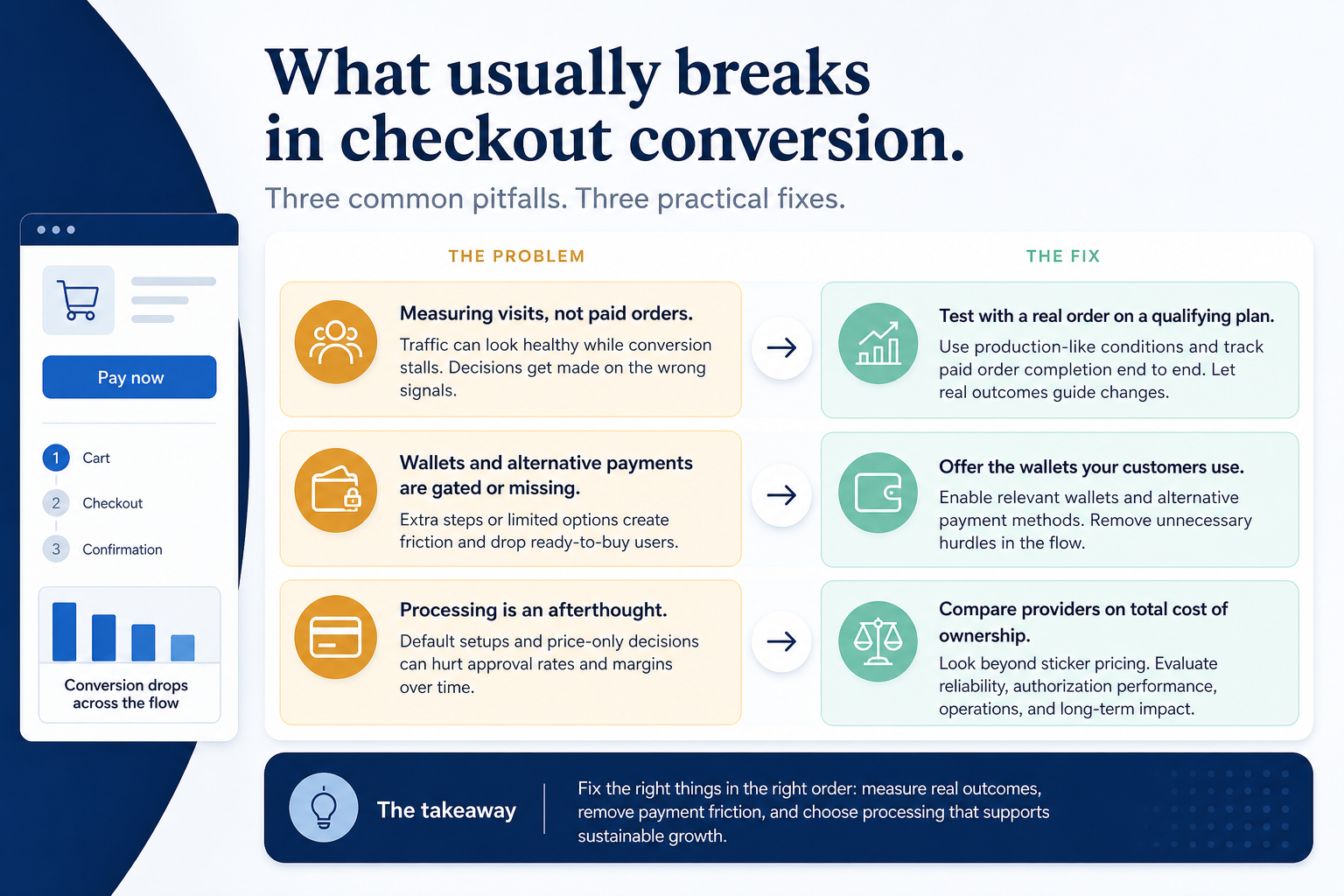
Without CRM discipline: Buyers abandon because a method, tax, or shipping step fails.
Without CRM discipline: First-time buyers bounce rather than create a login.
Without CRM discipline: Abandoned carts sit in a report nobody emails from.
Without CRM discipline: The subscription looked cheap until card fees landed.
A CRM only helps when the team keeps owners, history, and next steps current. Here is what “good” looks like for checkout & conversion.
With CRM discipline: Native checkout with the payment methods you will actually offer keeps the path completable.
With CRM discipline: Guest checkout and express wallets reduce account friction when they are in-plan.
With CRM discipline: Confirm native or app recovery on the qualifying plan — and its extra cost.
With CRM discipline: Model gateway and processing fees beside the plan, not after go-live.
Completable checkout
A test order can pay without a workaround.
Method fit
Buyers see tenders they already use.
A recovery loop
Abandoned carts have an owned follow-up path.
Fee clarity
Processing sits on the same buying sheet as subscription.
Prioritise payment methods buyers actually use, checkout completeness on the quoted plan, and whether recovery is native or an app. Record gateway and processing fees separately from subscription.
Payment methods on the plan as a buying lens for this use case.
Guest / express checkout as a buying lens for this use case.
Tax and shipping at checkout as a buying lens for this use case.
Abandoned-cart recovery gates as a buying lens for this use case.
Processing fee TCO as a buying lens for this use case.
Start with must-haves your team will use weekly. Treat nice-to-haves as later upgrades — not day-one blockers.
Must-have
Evaluate cart, checkout, and payment methods on the plan you will buy.
Learn more →Nice-to-have
Understand what needs to happen before comparing how products implement each step. Support overlays use structured research — never video inference.
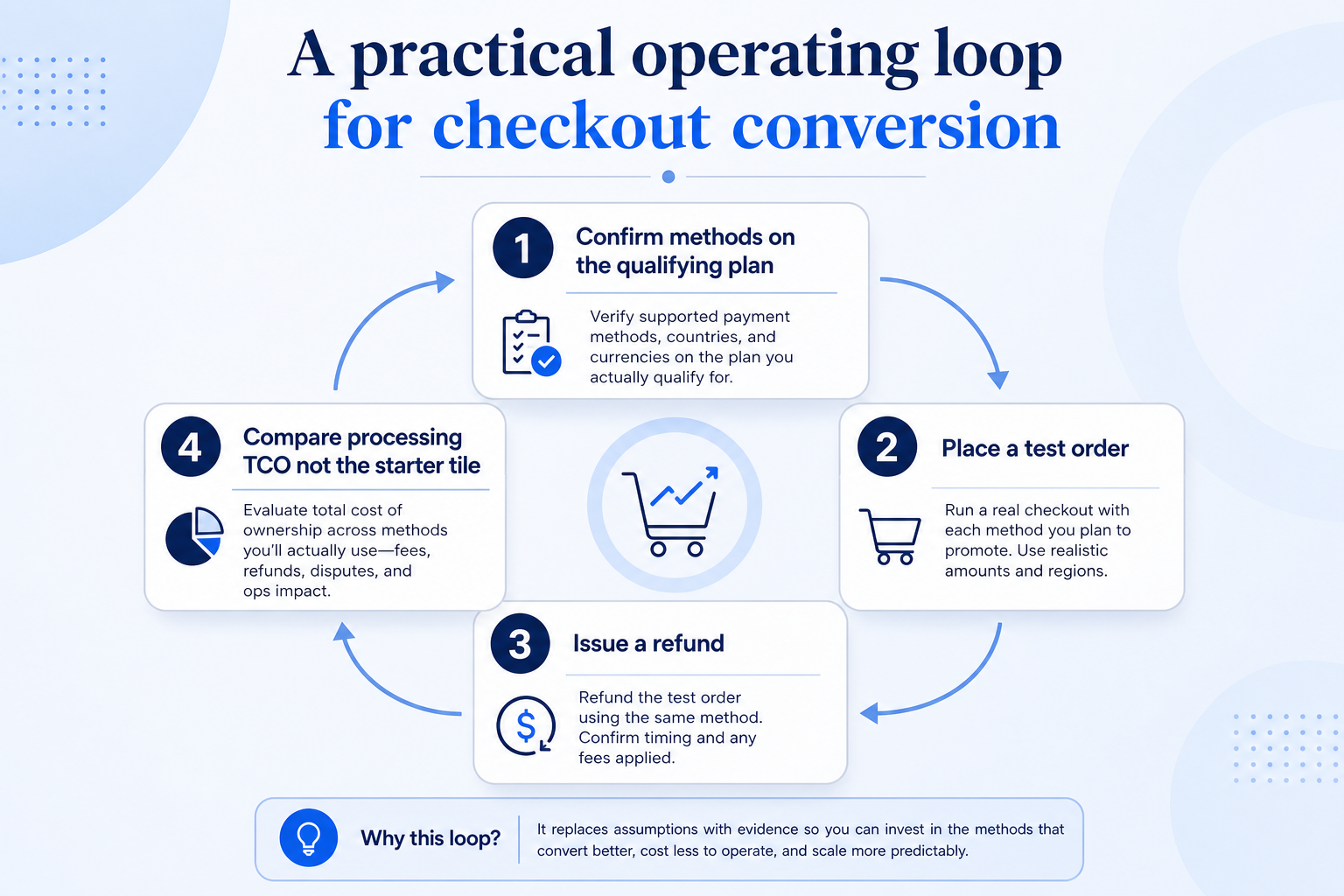
Support labels come from structured feature research — not from videos.
Objective
No missing must-have payment type.
Next step
Next step
Next step
Compare two products against the same workflow using researched assessments. Official demos help you see the workflow — they do not change support status.

HubSpot
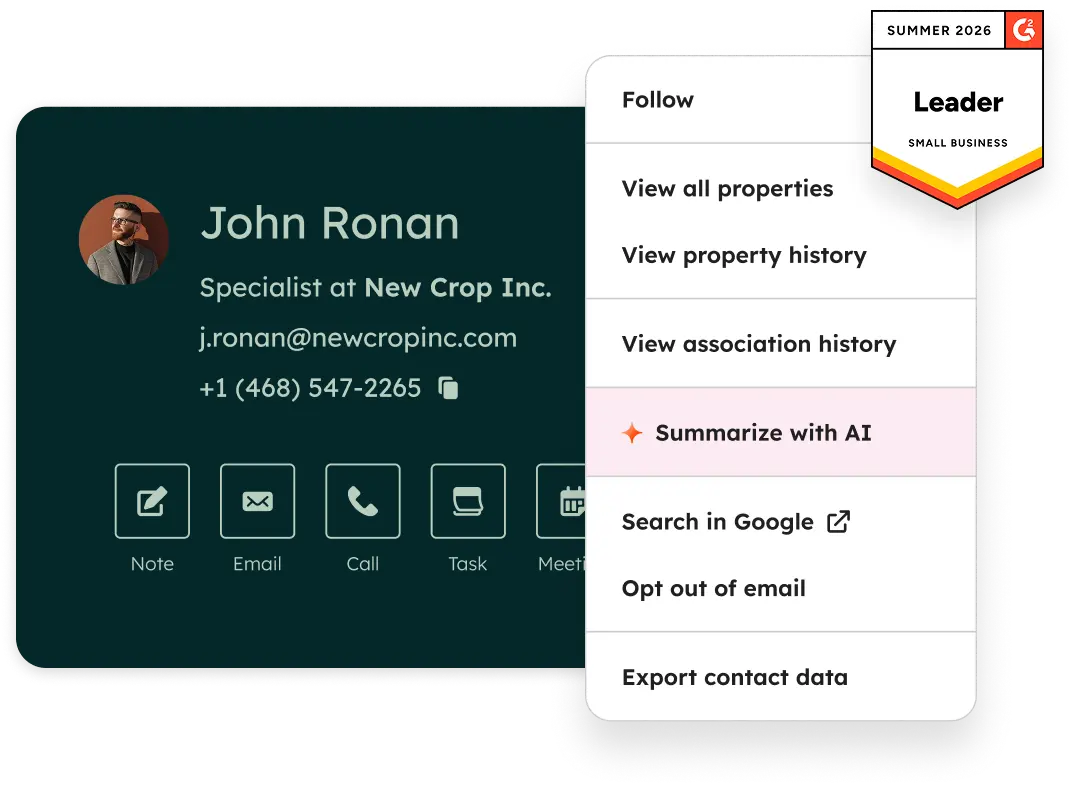
Official Free CRM hero product visualization.
What to notice
Not shown in this demo

Pipedrive

Pipedrive’s sales CRM product view as shown on the official site.
What to notice
Not shown in this demo
Canonical feature assessments for this workflow — not inferred from demos.
| Step | HubSpot | Pipedrive |
|---|---|---|
| Choose methods | Unknown | Unknown |
| Complete a test order | Unknown | Unknown |
| Recover abandons | Unknown | Unknown |
| Review drop-off | Unknown | Unknown |
Based on the checkout & conversion workflow, buyers commonly evaluate the checklist below. Nothing is written to your decision profile until you confirm in the tool.
Context: useCase=checkout-conversion — tools apply this only after your confirmation.
Best when
The store is live and unpaid carts — not catalog depth — are the weekly blocker.
Best when
Floor and web payments must reconcile, not just convert the online cart.
Catalogue products that list checkout & conversion as a supported use case. Inclusion here is not a ranking. Official demo counts never change ranking.
Ecommerce
Hosted SaaS ecommerce platform with themes, checkout, channels, and POS — Basic from $39/mo ($29 annual), Grow $105 ($79 annual), Advanced $399 ($299 annual), Plus from $2,300/mo.

Ecommerce
Website-first builder with ecommerce from Core — Light $17/mo annual, Core $29 (sell online), Business $39, Business Elite $159 (annual tiles; monthly higher).

Ecommerce
Design-led website builder with commerce — Basic $16, Core $23, Plus $39, Advanced $99/mo annual (US 2026 tiles); platform transaction fees vary by plan.

Ecommerce
Embeddable storefront you add to an existing site — Starter $5/mo, Venture $29 annual, Business $49, Unlimited $119 (post 2 Mar 2026 tiles); no Ecwid transaction fees.
In the current ecommerce catalogue wave, explore: shopify, bigcommerce, woocommerce, square-online. Related products appear when those soft entries are seeded and tagged.
No. Fit depends on job cluster, channels, and plan gates. Use the Best ecommerce software page for methodology-based editor’s picks inside clusters — not one undifferentiated ranking across storefront platforms and sourcing apps.
Treat them as part of configuration TCO, not a substitute for job-fit. Confirm live gateway rates with the vendor. SoftwareGlimpse does not invent fee totals or rank products by unpublished processing.
Launch a branded online store with catalog, checkout, and payments.
Pick, pack, ship, and track orders across channels.
Manage products, variants, collections, and merchandising at scale.
Use Finder for a fit-based shortlist, compare products, or build a requirements checklist before demos.
How we review
Evaluation, verification, and refresh — no fake testing claims.
Editorial methodology
Category criteria and scores grounded in evidence.
Editorial policy
Authorship, evidence levels, scoring, and disclosures.
Corrections
Spot something outdated? Tell us.
Want clearer software shortlists? Get buying guides and comparisons by email.
Newsletter coming soon.