
This video is hosted on YouTube
This content is hosted by YouTube. The player loads only after you allow marketing cookies.
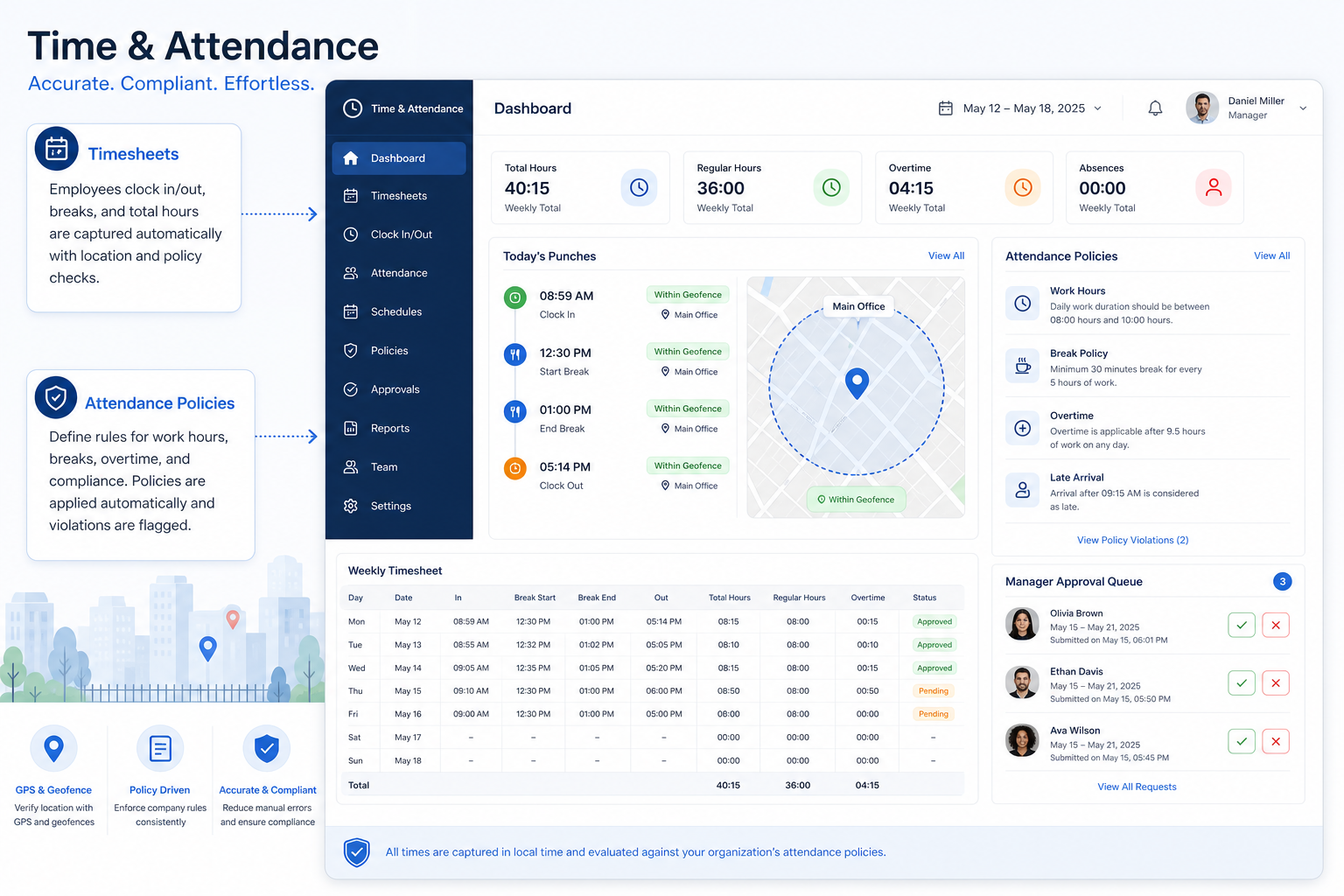
Capture trusted clock-ins, timesheets, and attendance policies for hourly and field staff.
At a glance
Accurate attendance payroll can trust
HR, ops, recruiting, and frontline managers
Clock-in accuracy · GPS / face policy · Timesheets · Exports
5 products to explore
Fit snapshot
Time & attendance is the job of knowing who worked when — with GPS/face policies payroll can trust — distinct from project task time tracking.
Ops and payroll-adjacent managers responsible for hourly and field attendance.
How teams put HR software to work for time & attendance
Example 1
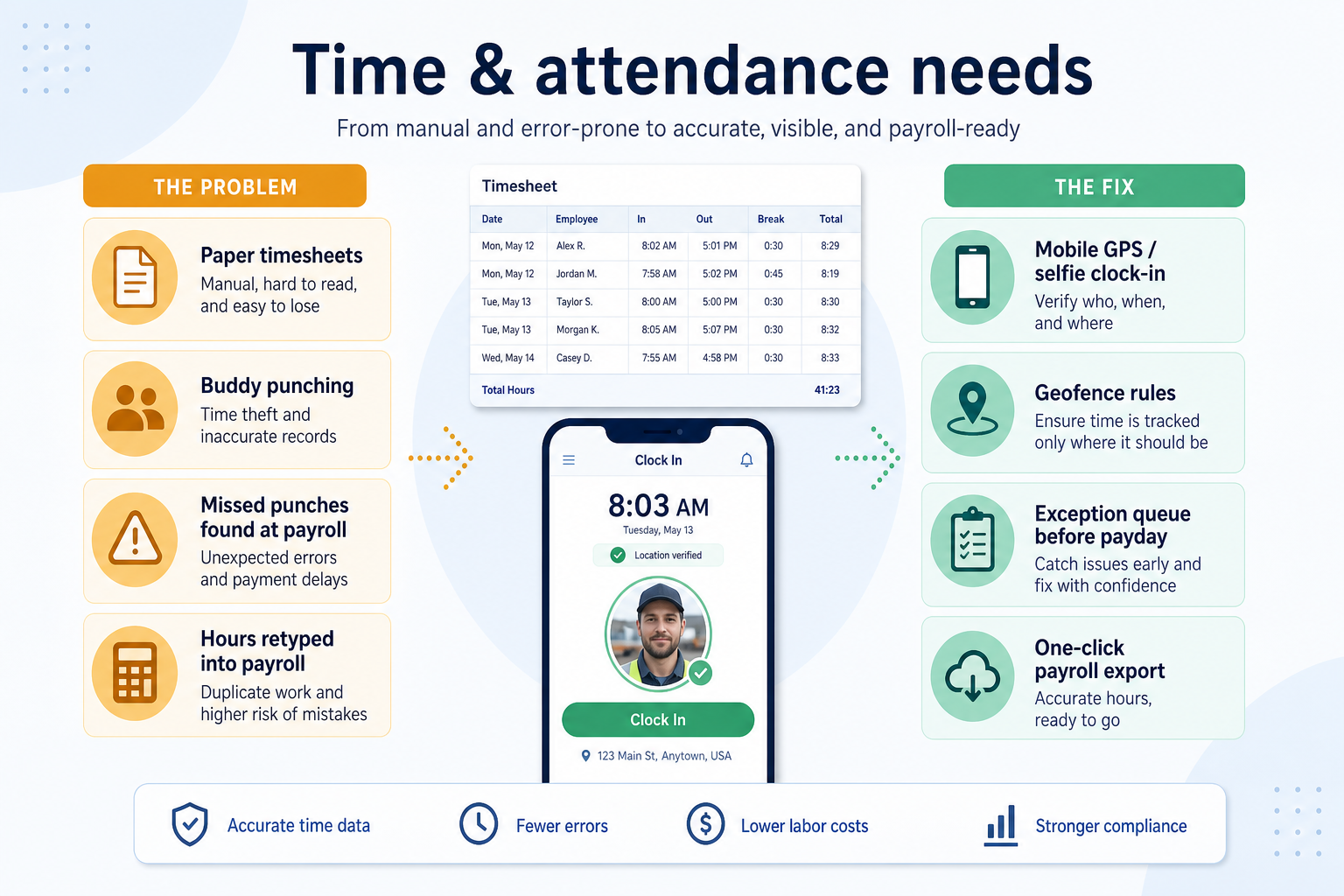
Harbor Retail replaces paper timesheets with GPS clock-in so payroll disputes drop.
Example 2
a field crew clocks in from site geofences instead of honour-system spreadsheets.
These are the operating problems that usually push teams toward HR software for time & attendance — not feature wish lists.
Without HR / workforce discipline: Managers reconstruct status every week.
Without HR / workforce discipline: People ignore the tool after launch.
Without HR / workforce discipline: Teams discover limits after buying.
Without HR / workforce discipline: An ATS is forced to act like a time clock (or the reverse).
Fit depends on operating the HR software with clear owners and hygiene. Here is what “good” looks like for time & attendance.
With the right HR / workforce setup: A shared system keeps owners and status visible.
With the right HR / workforce setup: Mobile-ready workflows and a short weekly ritual.
With the right HR / workforce setup: Map must-haves to the qualifying plan before purchase.
With the right HR / workforce setup: Shortlist only tools whose primary job matches.
Owned workflows
Every active item has a person and a next step.
Visible status
Reviews start from the system, not from SMS.
Fewer manual chasers
Publishing and notifications reduce pinging.
Cleaner handoffs
Context stays attached to the hiring, shift, or training record.
Prioritise clock-in accuracy, policy enforcement, and export paths on the plan you will buy.
Clock-in accuracy as a buying lens for this use case.
GPS / face policy as a buying lens for this use case.
Timesheets as a buying lens for this use case.
Start with must-haves your team will use weekly. Treat nice-to-haves as later upgrades — not day-one blockers.
Must-have
Nice-to-have
Understand what needs to happen before comparing how products implement each step. Support overlays use structured research — never video inference.
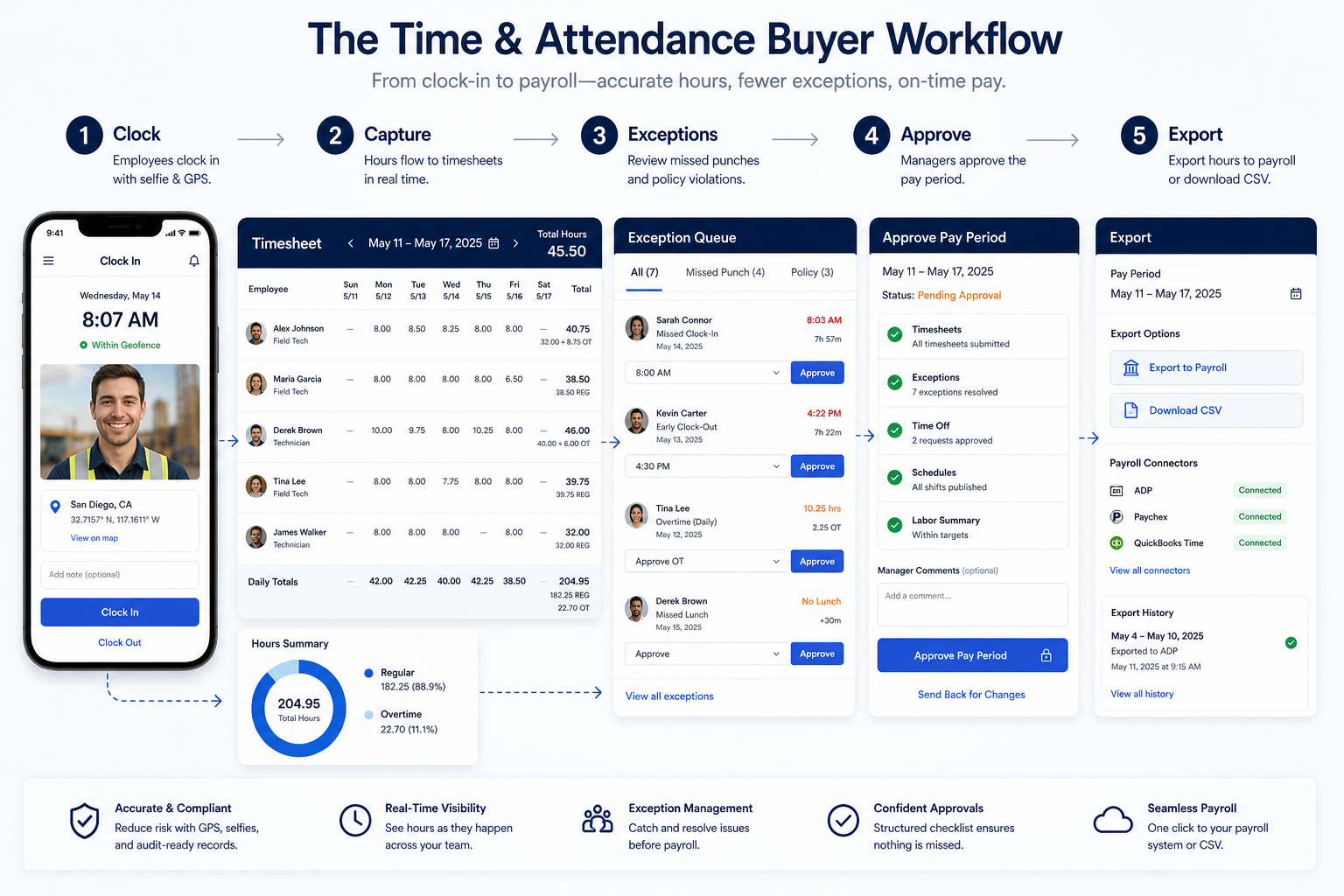
Support labels come from structured feature research — not from videos.
Objective
Clear attendance rules.
Next step
Next step
Next step
Official product demonstrations can help show how different HR platforms handle the time & attendance workflow. Absence of a video does not mean a product lacks support for this use case.

Jibble
Easy Time Tracking with Jibble | Walkthrough
How Jibble presents the product in an official vendor video.
This video is hosted on YouTube
This content is hosted by YouTube. The player loads only after you allow marketing cookies.
What this demonstrates
Workflow coverage
Coverage describes what the demo shows — not product support status.
What to notice
This demonstration does not establish
Features visible in this demo
Source: Jibble · Verified 18 Aug 2026
Compare two products against the same workflow using researched assessments. Official demos help you see the workflow — they do not change support status.

HubSpot
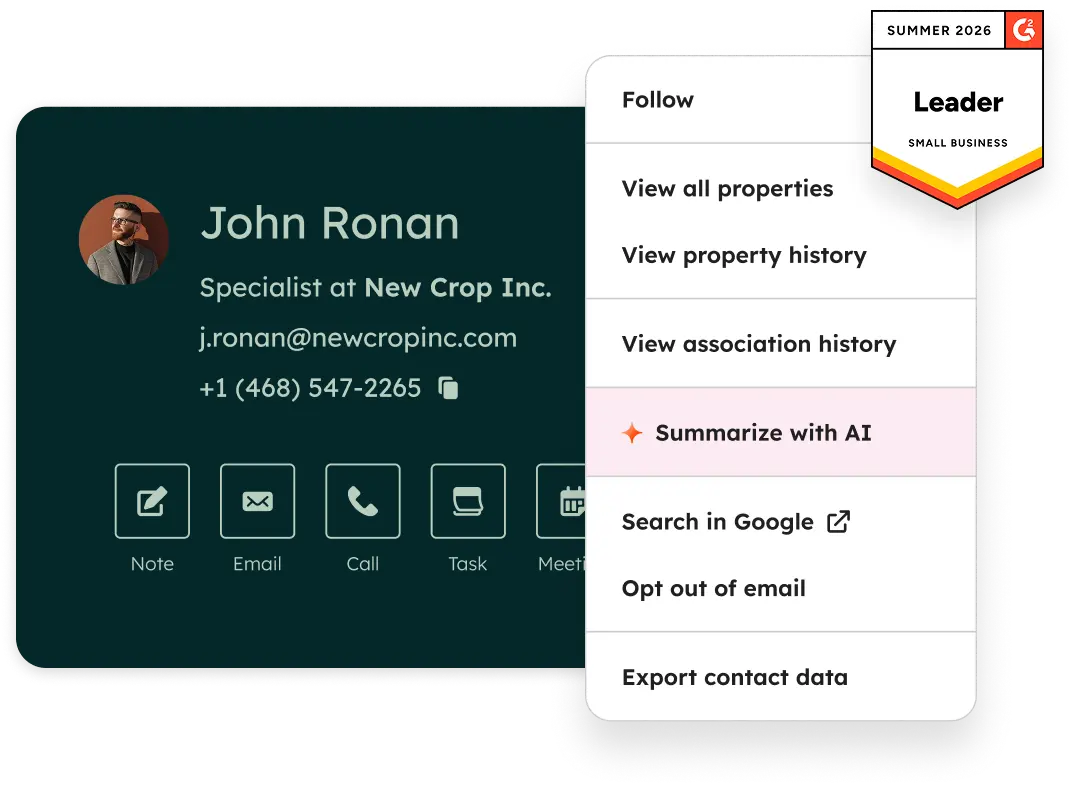
Official Free CRM hero product visualization.
What to notice
Not shown in this demo

Pipedrive

Pipedrive’s sales CRM product view as shown on the official site.
What to notice
Not shown in this demo
Canonical feature assessments for this workflow — not inferred from demos.
| Step | HubSpot | Pipedrive |
|---|---|---|
| Set policy | Unknown | Unknown |
| Clock in/out | Unknown | Unknown |
| Review exceptions | Unknown | Unknown |
| Export / sync | Unknown | Unknown |
Based on the time & attendance workflow, buyers commonly evaluate the checklist below. Nothing is written to your decision profile until you confirm in the tool.
Context: useCase=time-attendance — tools apply this only after your confirmation.
Best when
This use case is the blocking weekly ritual.
Best when
Another HR cluster is primary — keep this tool on a separate shortlist.
Catalogue products that list time & attendance as a supported use case. Inclusion here is not a ranking. Official demo counts never change ranking.

Time Attendance
Frontline workforce app with Ops, Comms, and HR & Skills hubs — free ≤10 users; paid hubs from $29/mo annual for first 30 users.
Time Attendance
Time & attendance with free forever unlimited users (GPS, face recognition, timesheets) — paid Premium ~$4.49 and Ultimate ~$7.99/user/mo annual.

Hr
SMB hourly WFM (scheduling, time, hiring) priced per location — free Basic ≤10 employees at 1 site; paid Essentials from $24/location/mo annual.

Hr
Mid-market hourly WFM — Lite $5 / Core $6.50 / Pro $9 per user/mo; $30 invoice minimum; up to 31-day trial.

Hr
Restaurant WFM priced per location — Essentials $44.99 (≤30 staff); Pro $89.99 (≤60); Premium $149.99 unlimited; free plan + 14-day Pro trial.
In the current HR catalogue wave, explore: jibble, connecteam. Related products appear when those soft entries are seeded and tagged.
No. Fit depends on job cluster, headcount, and plan gates. Use the Best HR software page for methodology-based editor’s picks inside clusters — not one undifferentiated ranking.
Plan shifts, open shifts, and schedule publishing for frontline and deskless teams.
Coordinate deskless workers with mobile scheduling, communications, and tasks.
Use Finder for a fit-based shortlist, compare products, or build a requirements checklist before demos.
How we review
Evaluation, verification, and refresh — no fake testing claims.
Editorial methodology
Category criteria and scores grounded in evidence.
Editorial policy
Authorship, evidence levels, scoring, and disclosures.
Corrections
Spot something outdated? Tell us.
Want clearer software shortlists? Get buying guides and comparisons by email.
Newsletter coming soon.