
Render Review
IT & DEVELOPMENT SOFTWAREChoose Render when a cloud PaaS / app platform with a published Pro $25 floor is the job — not WP Engine managed WordPress, and not Fly.io by default.
Starting price
$25.00/user/month
Free plan
Yes
Free trial
No
Best for
Teams that want a git-push app platform with a published Pro $25 production floor
SoftwareGlimpse review
7.9/10
Good
- ease of use9
- it job fit9
- workflow depth8
- integrations8
- admin security7
- scalability8
Pricing
Hobby
$0.00
Free plan
Hobby $0 workspace + compute. Evaluation / side projects — not the production research floor.
Starter web service
$7.00
per month, billed monthly
$7/mo Starter web instance — compute, not the Pro $25 workspace production floor.
Pro
Most popular$25.00
per month, billed monthly
$25/mo Pro workspace + compute — production research floor on render.com/pricing.
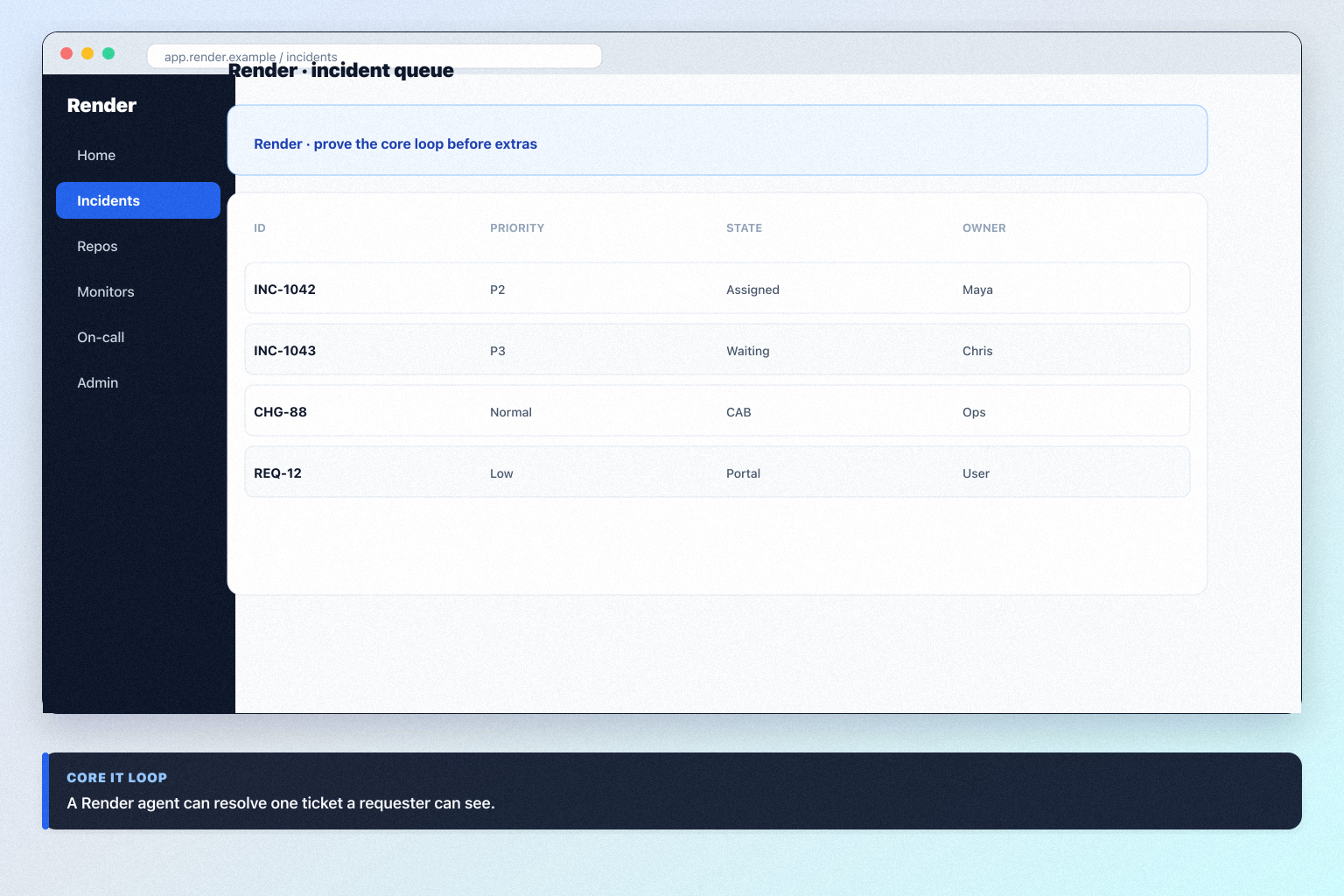
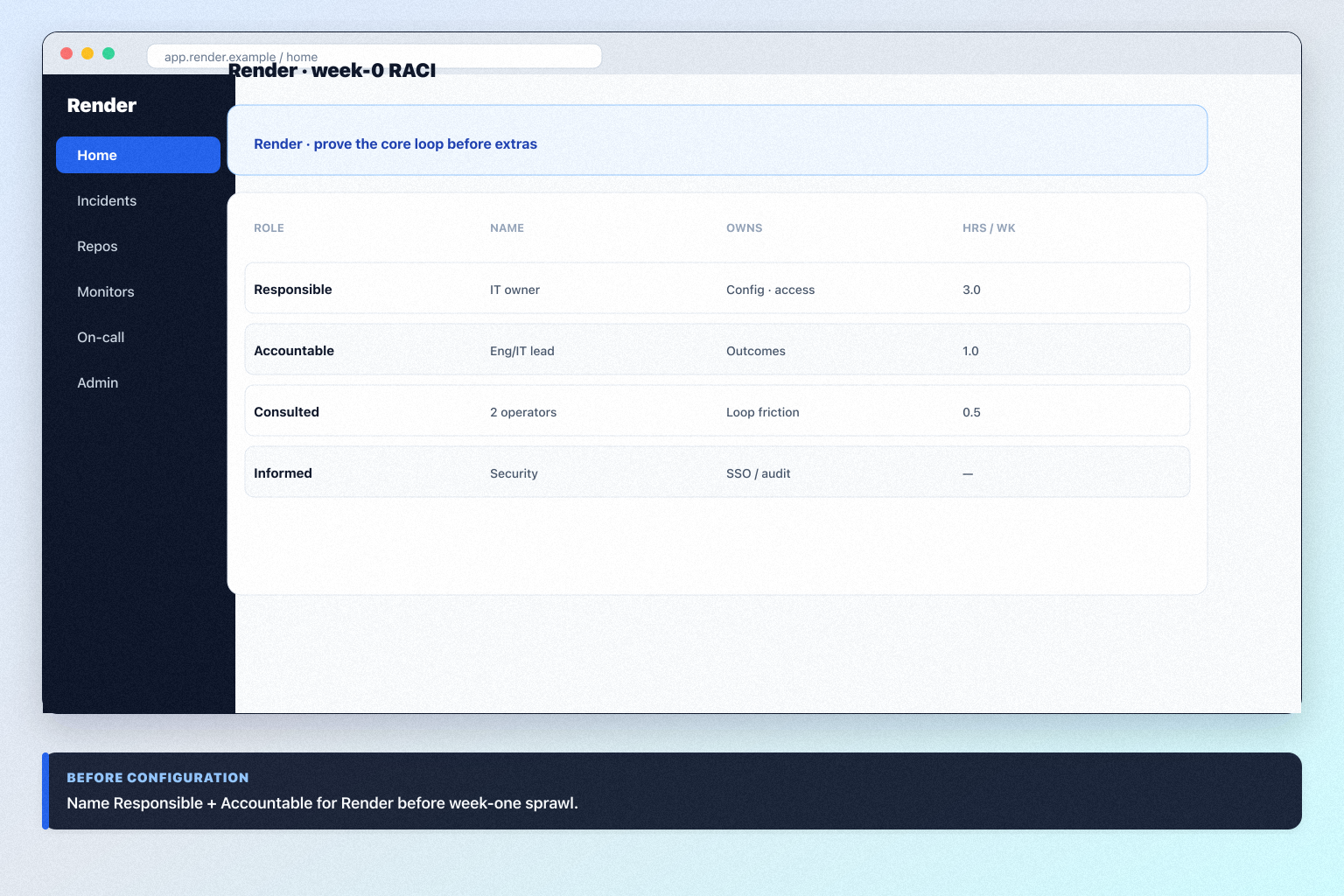
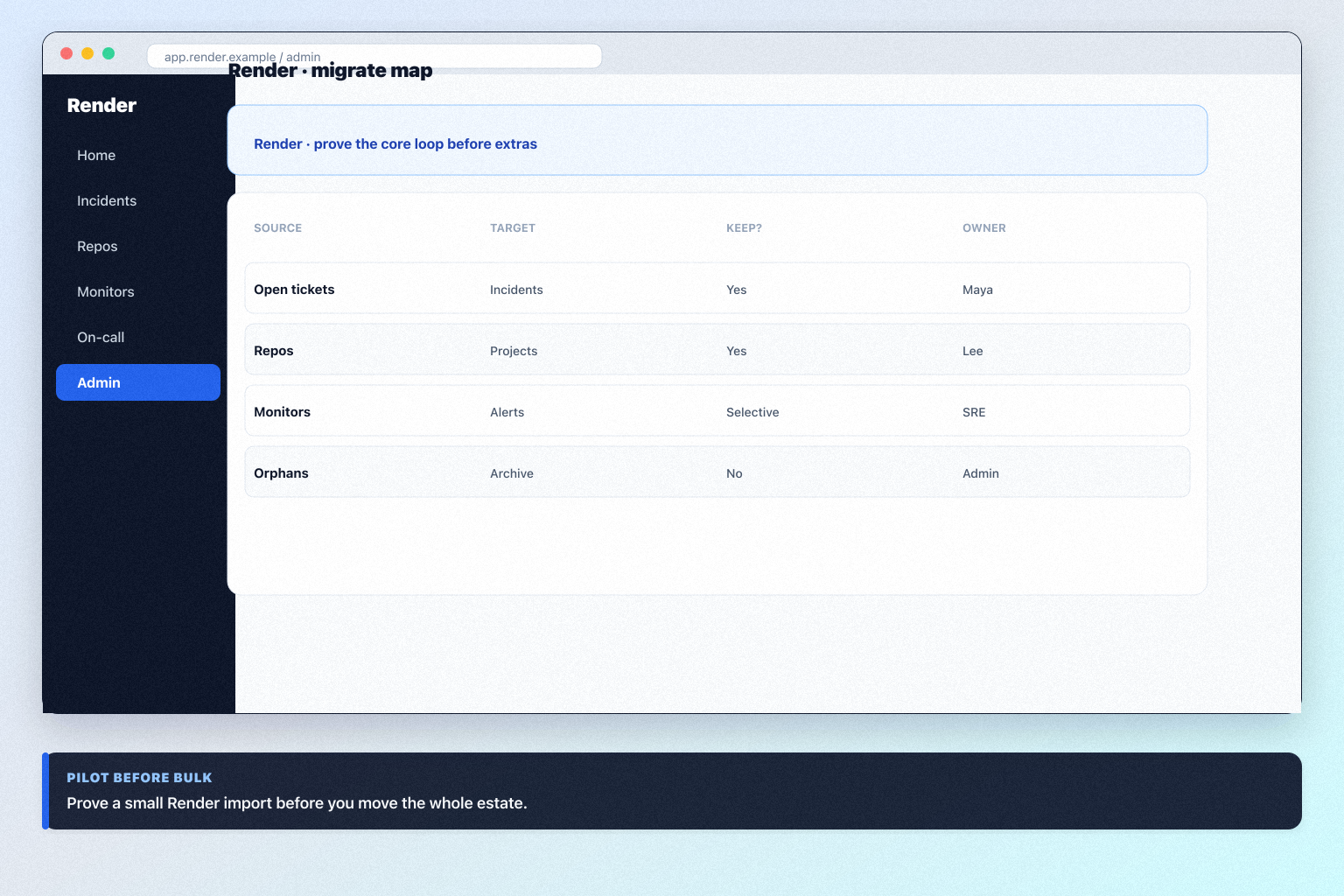
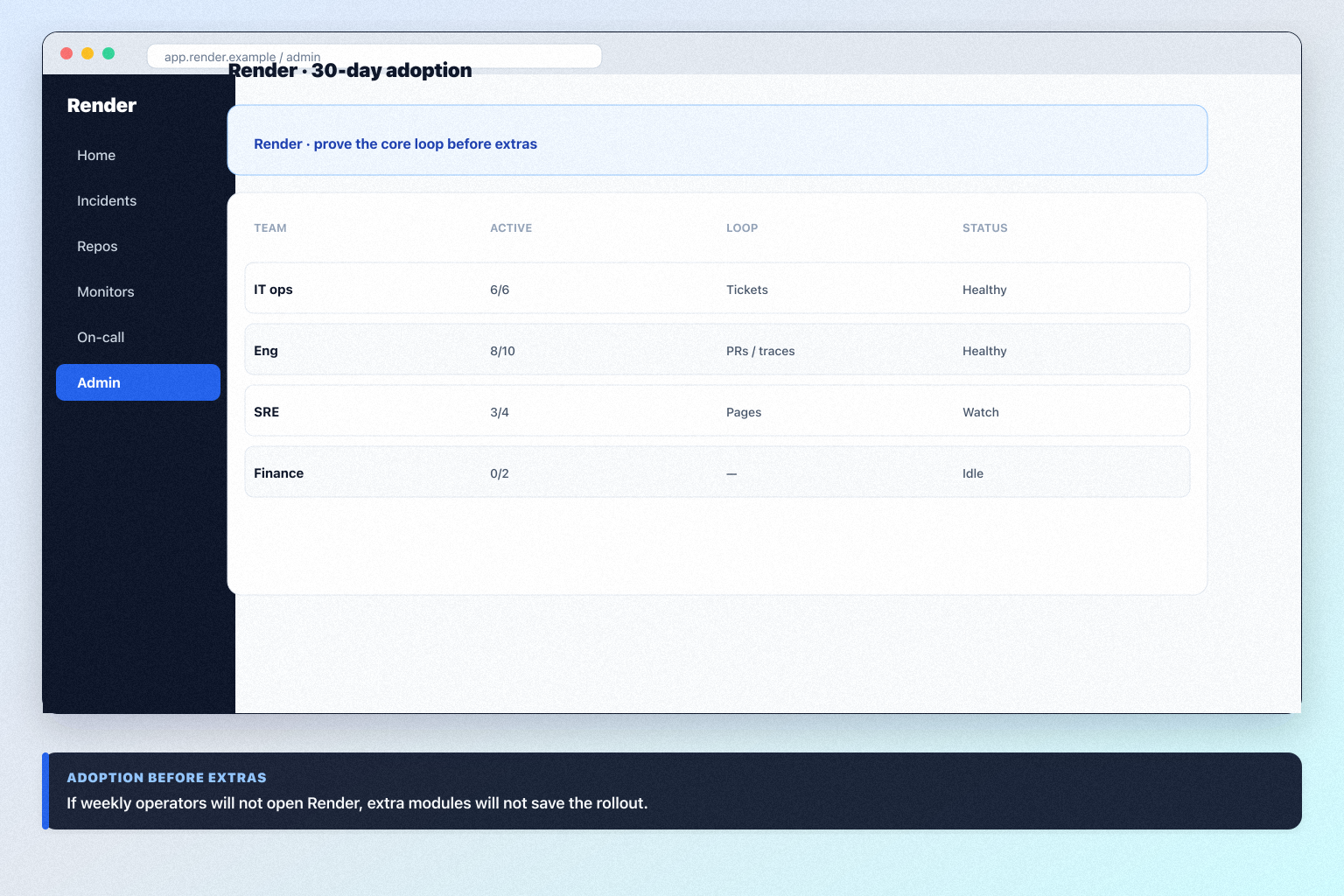
Product screenshots
Verified captures from Render's product interface.

Official Open Graph / marketing visual from https://render.com/.
Decision snapshot
Entity field audit 94/100
Render is a cloud PaaS / app platform (git-push web services, datastores, cron, and preview environments) — not a managed WordPress host and not a Plesk/cPanel panel licence. Hobby is $0 plus compute. Pro is $25/month plus compute and is the production research floor. Scale is $499/month. Enterprise is custom. Starter web instances publish from $7/month — that is compute, not the Pro workspace floor. Same cloud-paas cluster as Fly.io — Render is the cluster award (7.9); Fly.io is the peer (7.7). Landscape-only versus WP Engine (managed WordPress) and Cloudways (managed VMs).
Best for
- Teams that want a git-push app platform with a published Pro $25 production floor
- Buyers comparing Render Pro to Fly.io shared-cpu PAYG
- Orgs that will treat Hobby as evaluation, not production TCO
- micro / engineering: Render fit for micro engineering teams in the cloud-paas job cluster, from first-party positioning and IT optional-next research.
Not ideal for
- Teams buying managed WordPress (WP Engine) or managed VMs (Cloudways) — landscape only
- Admins buying Plesk/cPanel licences for servers they already own
- ITSM or observability purchases
- Starter web $7 is compute — Pro $25 is the production workspace floor
Key tradeoffs
- Starter web $7 is compute — Pro $25 is the production workspace floor
- Not managed WordPress hosting (WP Engine) — landscape only
- Not a hosting control-panel licence (Plesk/cPanel)
- Hobby is not production; compute still meters above the $25 tile
Pricing: 5 documented plans · 1 free · entry paid: Starter web service
Evidence: Research/data-based (no completed hands-on test) · Latest verification/research signal: 2026-08-18T22:00:00.000Z · Editorial assessment: approved
Incomplete entity fields (not invented): trial
Next step: Compare against peers: Fly.io vs Render
Our verdict
Choose Render when a cloud PaaS / app platform with a published Pro $25 floor is the job — not WP Engine managed WordPress, and not Fly.io by default. Compare Fly.io for PAYG microVM/app hosting; Cloudways or WP Engine only on landscape pages for managed hosting; Plesk only for panel licences. Scores reflect first-party documentation as of 2026-08-18 — not hands-on product testing. Confirm current packaging, host/GB rates and minimums on the vendor site before purchase.
Best for
- Teams that want a git-push app platform with a published Pro $25 production floor
- Buyers comparing Render Pro to Fly.io shared-cpu PAYG
- Orgs that will treat Hobby as evaluation, not production TCO
Not ideal for
- Teams buying managed WordPress (WP Engine) or managed VMs (Cloudways) — landscape only
- Admins buying Plesk/cPanel licences for servers they already own
- ITSM or observability purchases
Bottom line
Hobby $0 + compute (free plan). Pro from $25/mo + compute (production floor). Scale $499. Enterprise custom. Starter web $7/mo is compute, not the Pro floor. Confirm live on render.com/pricing.
Render pros and cons
Pros
- Hobby free plan + Pro $25 production floor
- Native Git deploys
- Clear identity vs managed WP / panel licences
- Starter web $7 compute documented separately
Cons
- Compute still meters above $25
- Not managed WordPress
- Not a panel licence
- AI is not the product
- Scale/Enterprise is a large step from Pro
Pricing comparison
Full comparison →| Render(this review) | Fly.io | Cloudways | WP Engine | Kinsta | |
|---|---|---|---|---|---|
| Starting price | $25.00/user/month | $1.94/user/month | $11.00/user/month | $30.00/user/month | $35.00/user/month |
| Free plan | Yes | No | No | No | No |
| Free trial | No | Yes | Yes | No | No |
Use cases for Render
Render may not be the best fit if…
- · Teams buying managed WordPress (WP Engine) or managed VMs (Cloudways) — landscape only
- · Admins buying Plesk/cPanel licences for servers they already own
- · ITSM or observability purchases
Render guides
Setup, implementation, migration, plans, and worth-it walkthroughs for this product.
Part of IT & Development · Software reviews
Try a decision tool
Interactive helpers use recommendation criteria — affiliate status never changes outcomes.