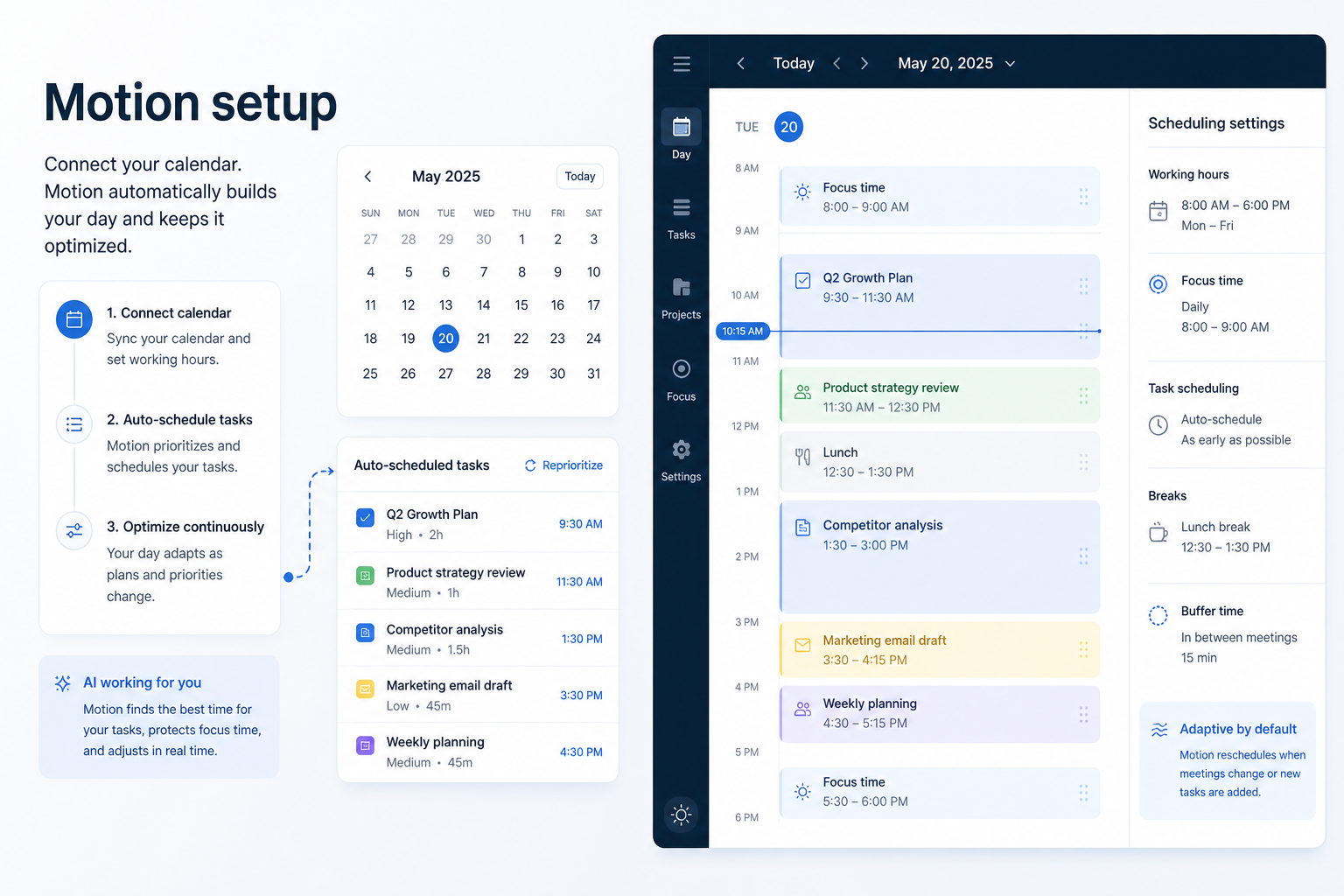
Motion Setup: Day-Zero Path to a Working Work Loop
Set up Motion for day-zero work — seats, one core loop, required integrations, and non-admin proof — before optional views and automations.
Read guide

Choose Motion when AI calendar auto-scheduling and AI-assisted task planning are the primary job — landscape beside Work OS peers, not a silent monday replacement.
Starting price
$19.00/user/month
Free plan
No
Free trial
Yes
Best for
Individuals/small teams buying AI auto-scheduling
SoftwareGlimpse review
6.9/10
Average
Practical walkthroughs for setup, rollout, migration, plan choice, and fit — linked from this review so you can decide and implement without hunting the guides hub.
Set up Motion for day-zero work — seats, one core loop, required integrations, and non-admin proof — before optional views and automations.
Read guide
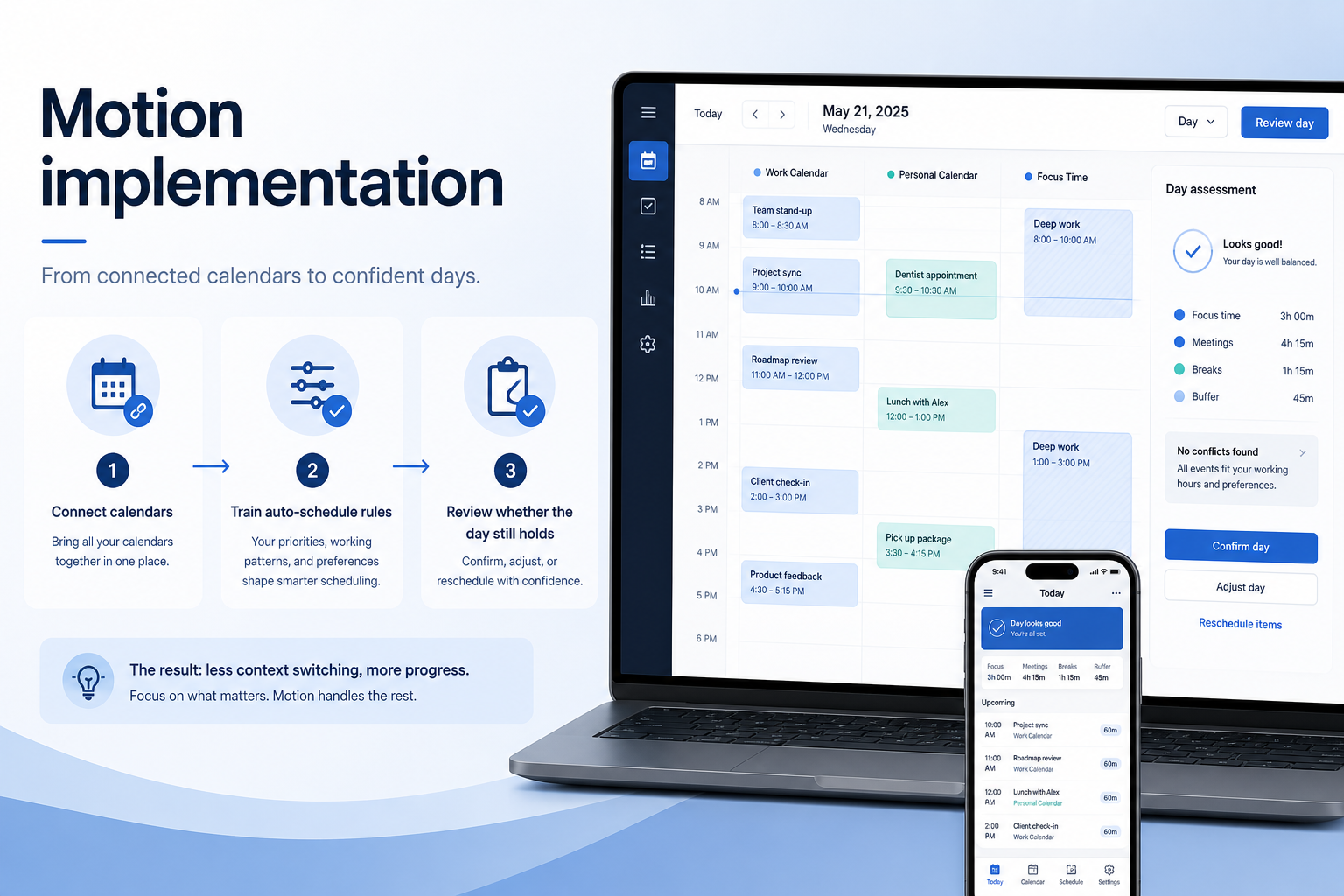
Plan a practical Motion rollout — owners, core work loop, training, and adoption checkpoints — so the product becomes how the team actually ships work.
Read guide
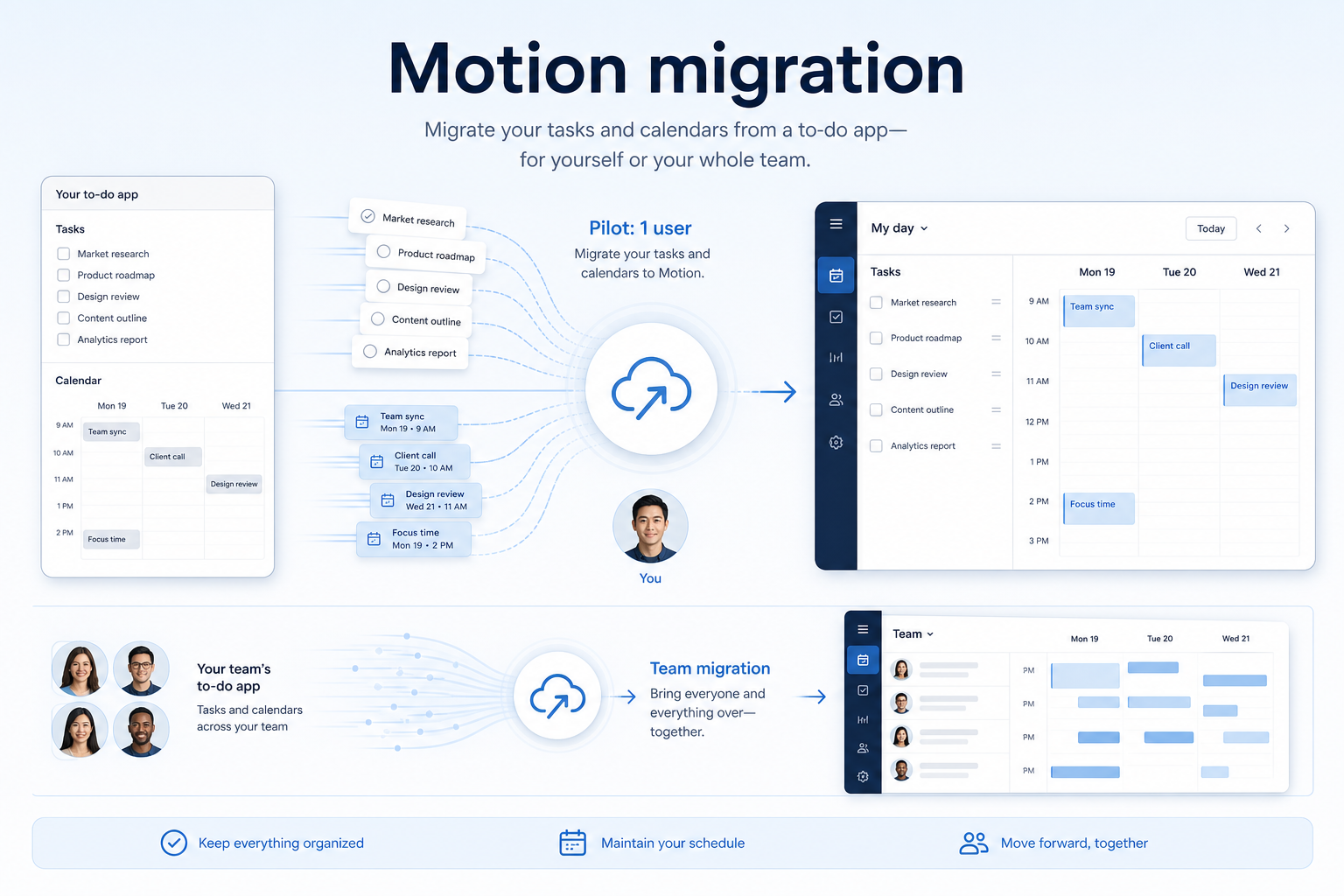
Migrate into Motion with an inventory, field map, pilot import, dual-run week, and validation — so boards, owners, and dates survive and the team trusts the new system.
Read guide
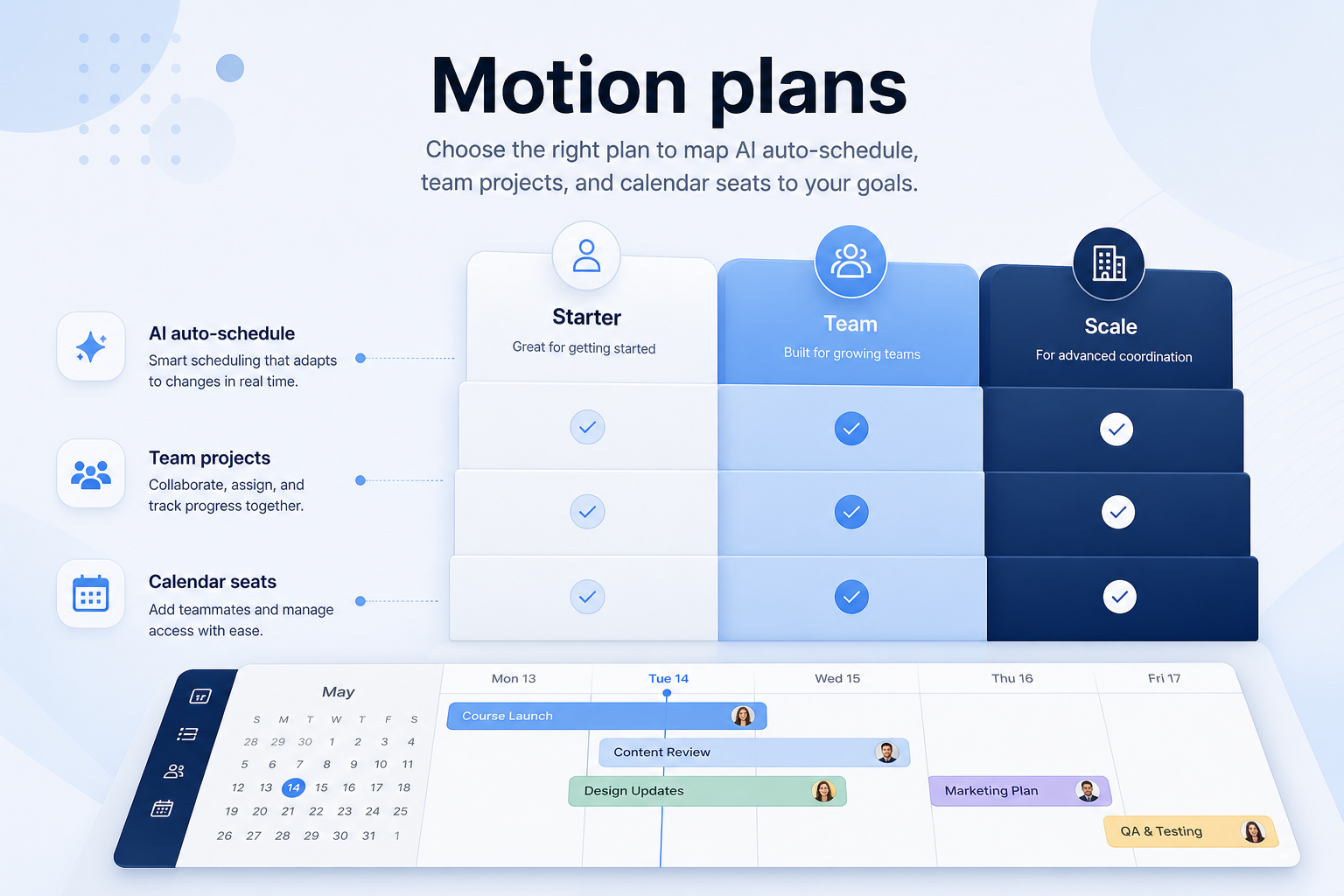
Choose your Motion plan by mapping must-haves to qualifying tiers — seats, guests, views, and add-ons — not homepage “from” tiles.
Read guide
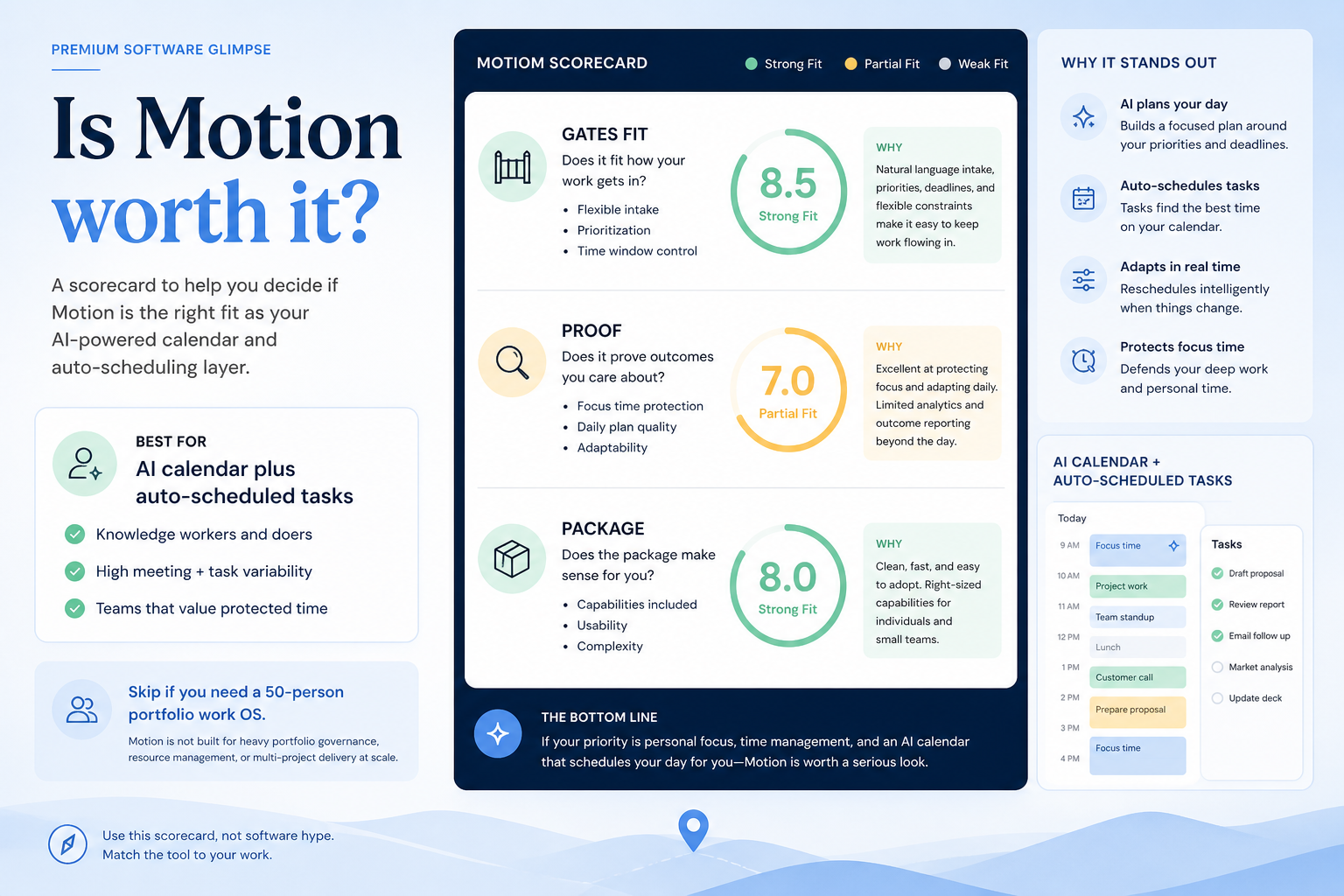
Decide if Motion is worth it for your team — job-cluster fit, trial proof, and packaging — without invented ROI percentages.
Read guide