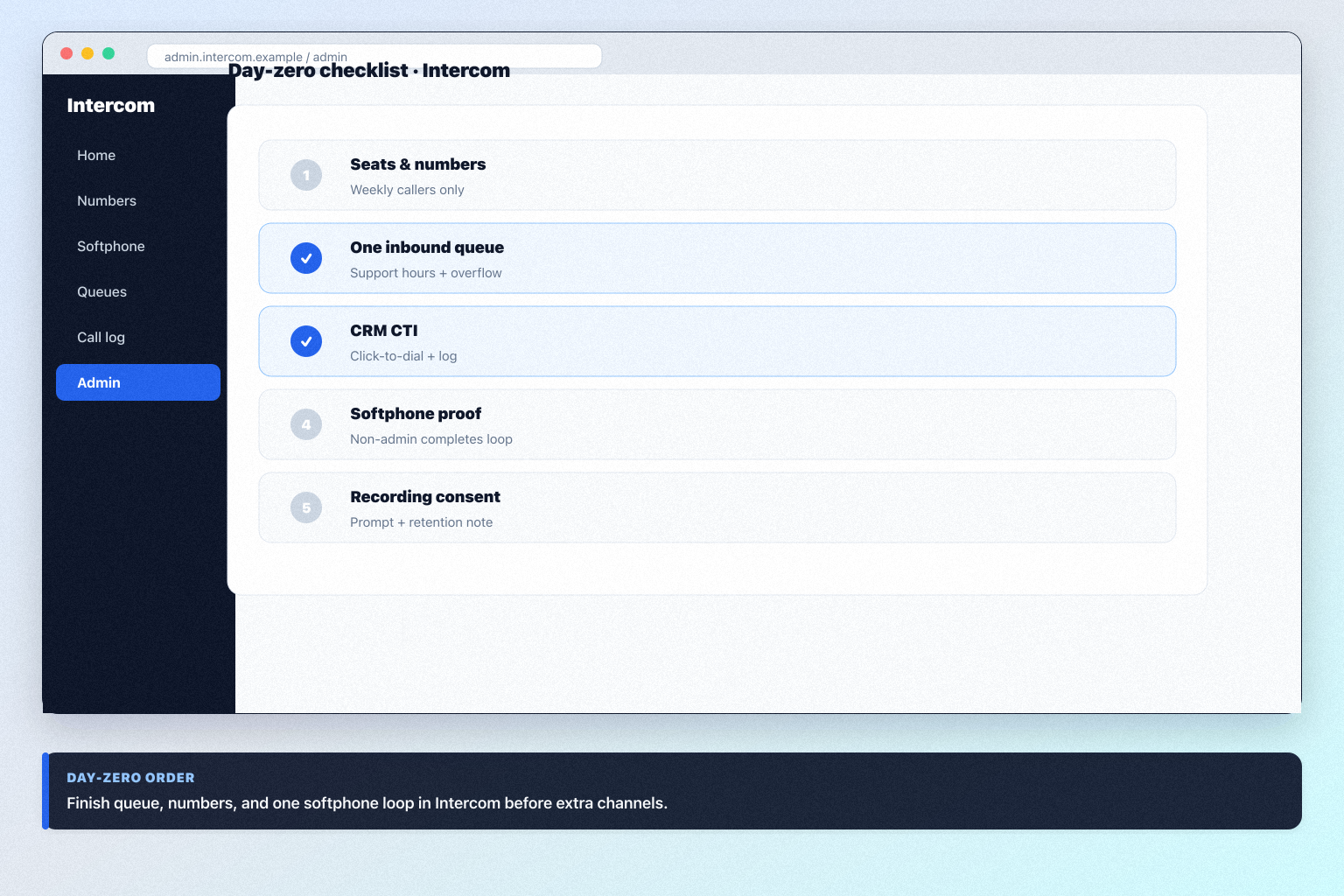
Intercom Setup: Day-Zero Path to a Working Call Loop
Set up Intercom for day-zero calling — seats, one number, routing, softphone, and CRM CTI — before optional marketplace apps.
Read guide
Choose Intercom when you need an AI-first customer messaging inbox with Fin resolutions — especially for in-app Messenger CS — not when you only need a marketing chatbot or a business phone.
Starting price
$29.00/user/month
Free plan
No
Free trial
Yes
Best for
Support teams that want Messenger + shared inbox + Fin AI in one CS platform
SoftwareGlimpse review
8/10
Good
Practical walkthroughs for setup, rollout, migration, plan choice, and fit — linked from this review so you can decide and implement without hunting the guides hub.
Set up Intercom for day-zero calling — seats, one number, routing, softphone, and CRM CTI — before optional marketplace apps.
Read guide
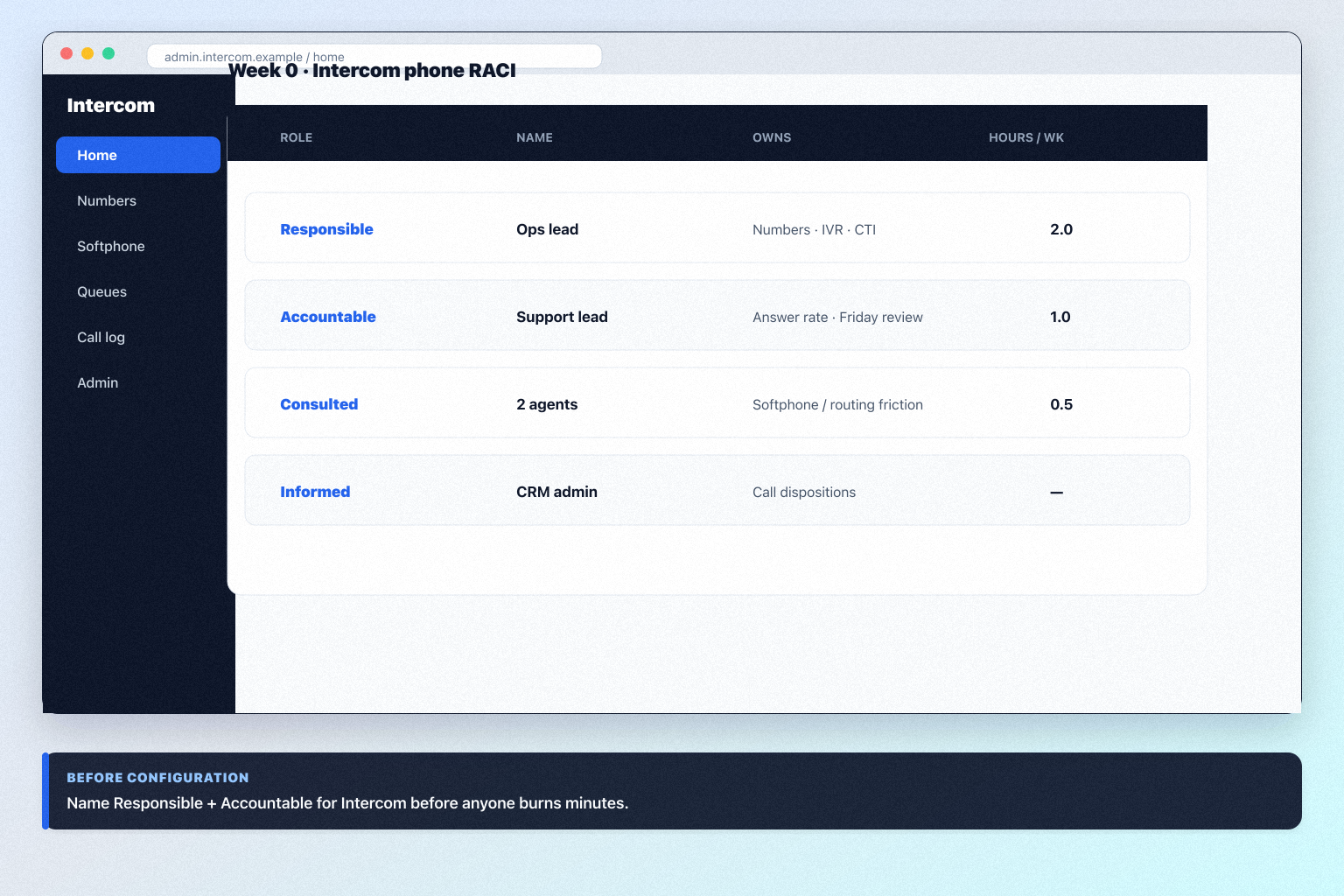
Plan a practical Intercom rollout — phone admin, number provisioning, routing, softphone, and CRM CTI — so communications becomes a repeatable motion.
Read guide
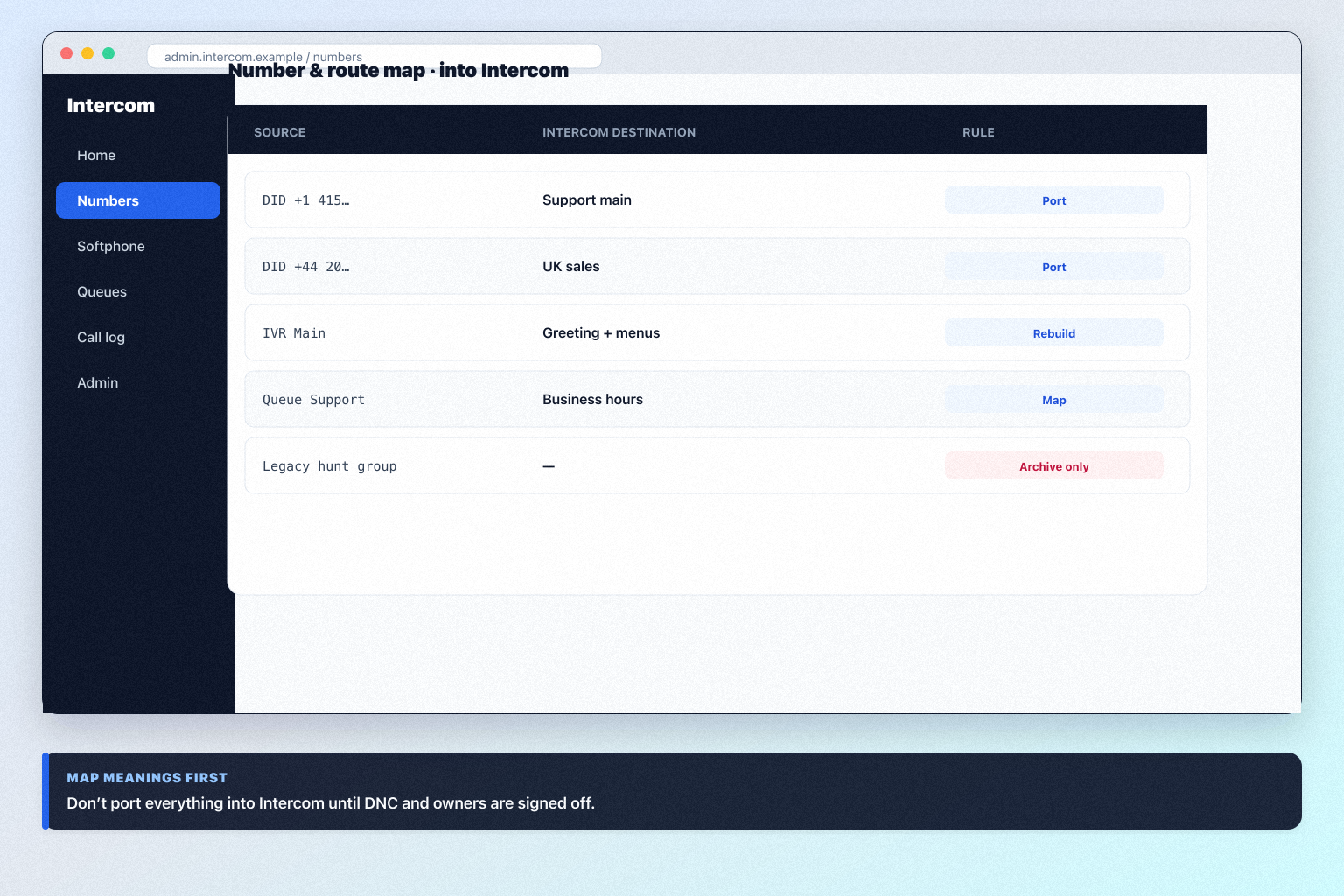
Migrate into Intercom with a number inventory, route map, pilot cutover, dual-run week, and CRM CTI validation — so calls keep routing and agents trust the logs.
Read guide
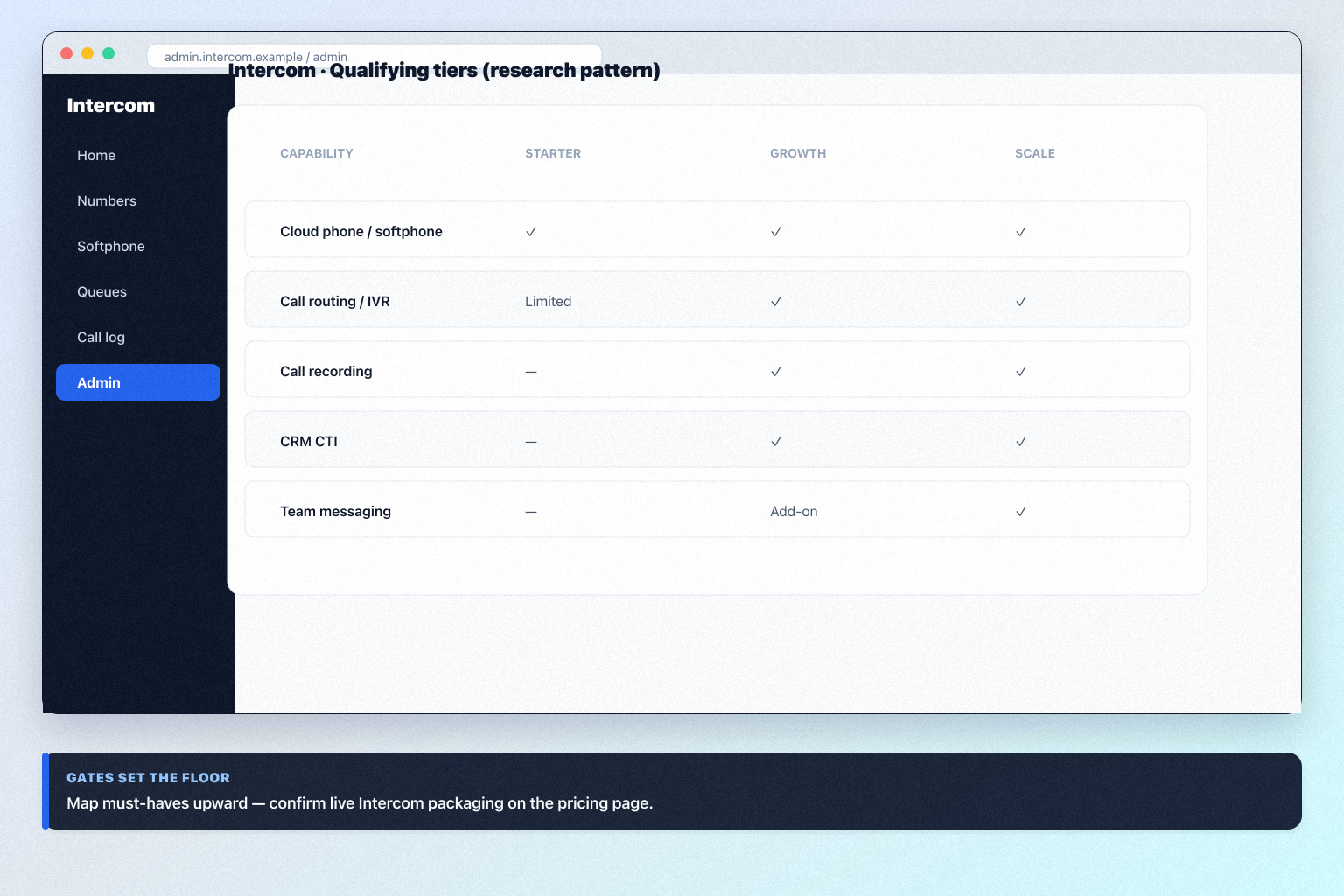
Choose your Intercom plan by mapping must-haves to seats, numbers/minutes, and qualifying features — not homepage “from” tiles — then confirm on the pricing page.
Read guide
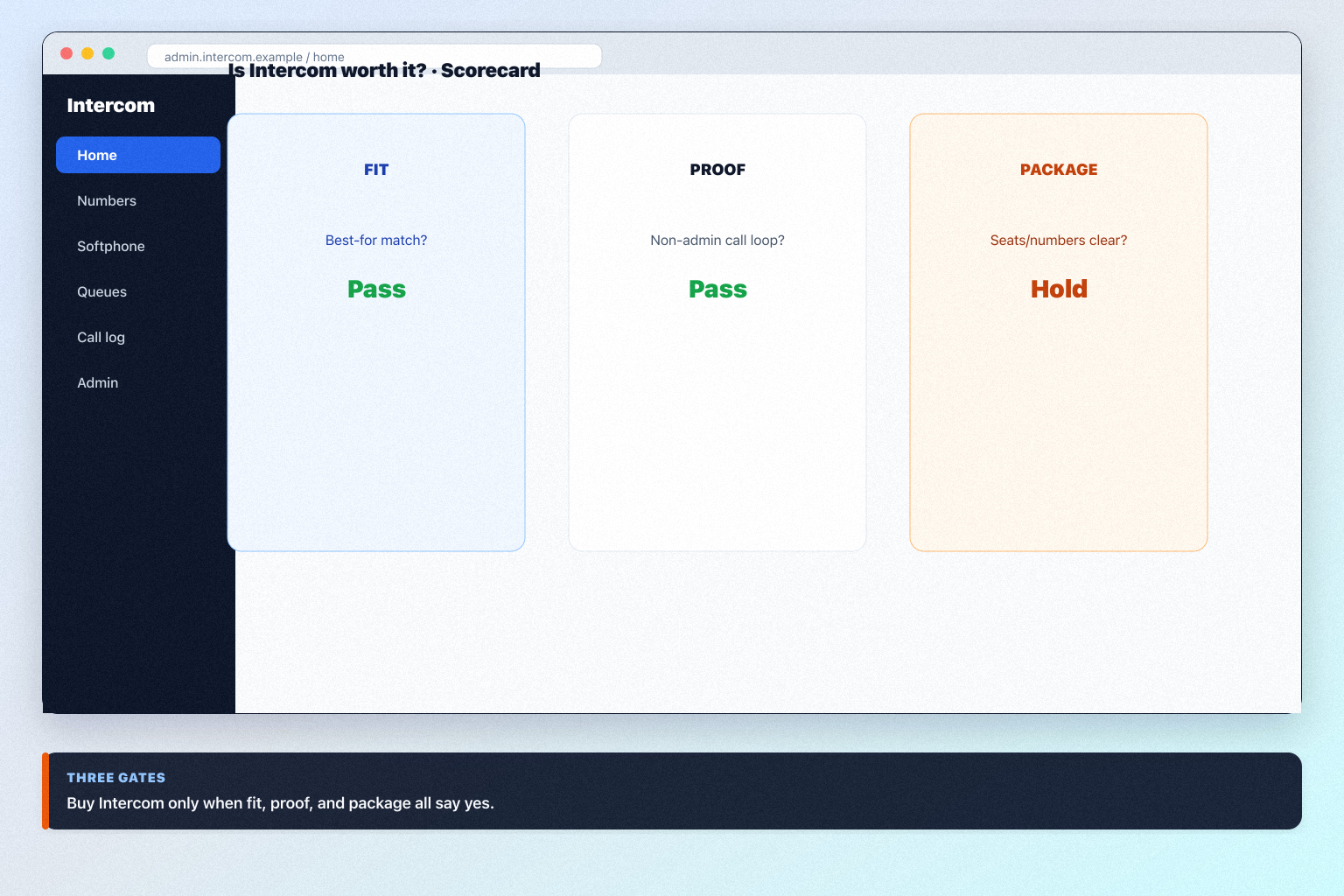
Decide if Intercom is worth it for your sales and support team — fit scenarios, seat/number economics, and when to keep looking — without invented ROI percentages.
Read guide