SoftwareGlimpse
Microsoft Project logo

Microsoft Project Review

PROJECT MANAGEMENT & PRODUCTIVITY SOFTWARE

Choose Microsoft Project/Planner when Microsoft 365 is the system of work and traditional scheduling/portfolio depth matters — landscape on modern Work OS lists.

Last updated 2026-08-18Independent editorial review
  • Starting price

    $10.00/user/month

  • Free plan

    No

  • Free trial

    Yes

  • Best for

    Microsoft 365 standardised orgs

SoftwareGlimpse review

7.4/10

Good

  • ease of use6
  • work planning9
  • automation workflows6
  • collaboration7
  • integrations9
  • reporting8
How we score →
By Lee M.FounderReviewed

See Microsoft Project in action

Official vendor demonstration of product surfaces. It supplements screenshots and editorial analysis — it is not independent SoftwareGlimpse testing.

This video is hosted on YouTube

This content is hosted by YouTube. The player loads only after you allow marketing cookies.

Official vendor video

Overview of Microsoft Project

How Microsoft Project presents the product in an official vendor video.

What this shows

  • Microsoft Project product surfaces as shown in the official vendor video
  • UI/workflow layout marketed by the vendor

Pricing

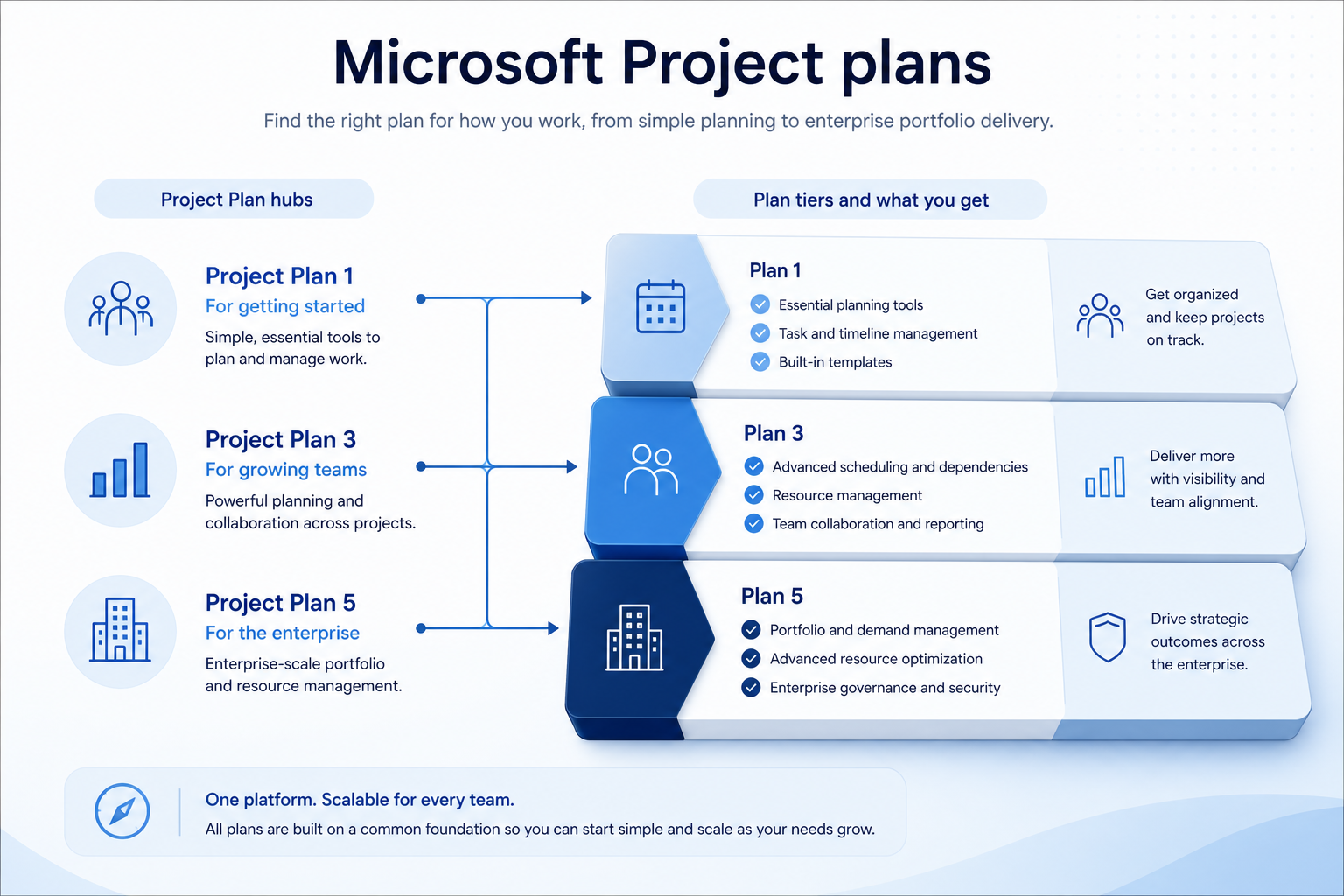
Cross-checked 2026-08-17: Planner Plan 1 ~$10/user/mo; Planner and Project Plan 3 ~$30; Plan 5 ~$55 (medium — M365 SKU naming and new-customer availability shift). Confirm live Microsoft 365 Project compare page. Requires Microsoft 365 context for best value.Full pricing details →
  • Planner Plan 1

    Most popular

    $10.00

    per user / month

    ~$10/user/mo — task boards and basic planning in Microsoft 365.

  • Planner and Project Plan 3

    $30.00

    per user / month

    ~$30/user/mo — Project desktop/web scheduling, resources, richer Gantt.

  • Planner and Project Plan 5

    $55.00

    per user / month

    ~$55/user/mo — portfolio/demand management depth (confirm new-customer availability).

Product screenshots

Verified captures from Microsoft Project's product interface.

Microsoft Project overview interface

Product UI frame from the official Microsoft 365 “Overview of Microsoft Project” video.

Official Microsoft 365 YouTube thumbnail/frame (vendor channel) — not a SoftwareGlimpse capture

https://www.youtube.com/watch?v=1TyZCUNYZPE · Checked 2026-08-18

Our verdict

Choose Microsoft Project/Planner when Microsoft 365 is the system of work and traditional scheduling/portfolio depth matters — landscape on modern Work OS lists. Compare Smartsheet for spreadsheet PMO, monday/Asana for modern Work OS, and Jira for engineering delivery. Scores reflect first-party documentation as of 2026-08-17 — not hands-on product testing. Confirm current packaging, minimums and usage rates on the vendor site before purchase.

Best for

  • Microsoft 365 standardised orgs
  • Traditional PMO Gantt/resource needs
  • Enterprise portfolio planning on higher plans

Not ideal for

  • Startups wanting modern Work OS UX
  • Lowest-cost task apps
  • Non-Microsoft stacks

Bottom line

Planner Plan 1 ~$10; Plan 3 ~$30; Plan 5 ~$55 per user/mo (medium). Confirm live M365 SKUs.

Microsoft Project pros and cons

Pros

  • Strong Gantt/resource planning
  • Native M365/Teams fit
  • Enterprise scale path
  • Planner entry rung
  • Portfolio depth on Plan 5

Cons

  • Premium mid/high tiers
  • Steeper classic Project learning curve
  • SKU complexity
  • Not a modern Work OS peer
  • Value weak outside M365

Pricing comparison

Full comparison →
 Microsoft Project(this review)Smartsheetmonday.comAsanaWrike
Starting price$10.00/user/month$9.00/user/month$9.00/user/month$10.99/user/month$10.00/user/month
Free planNoNoYesYesYes
Free trialYesYesYesYesYes

Microsoft Project guides

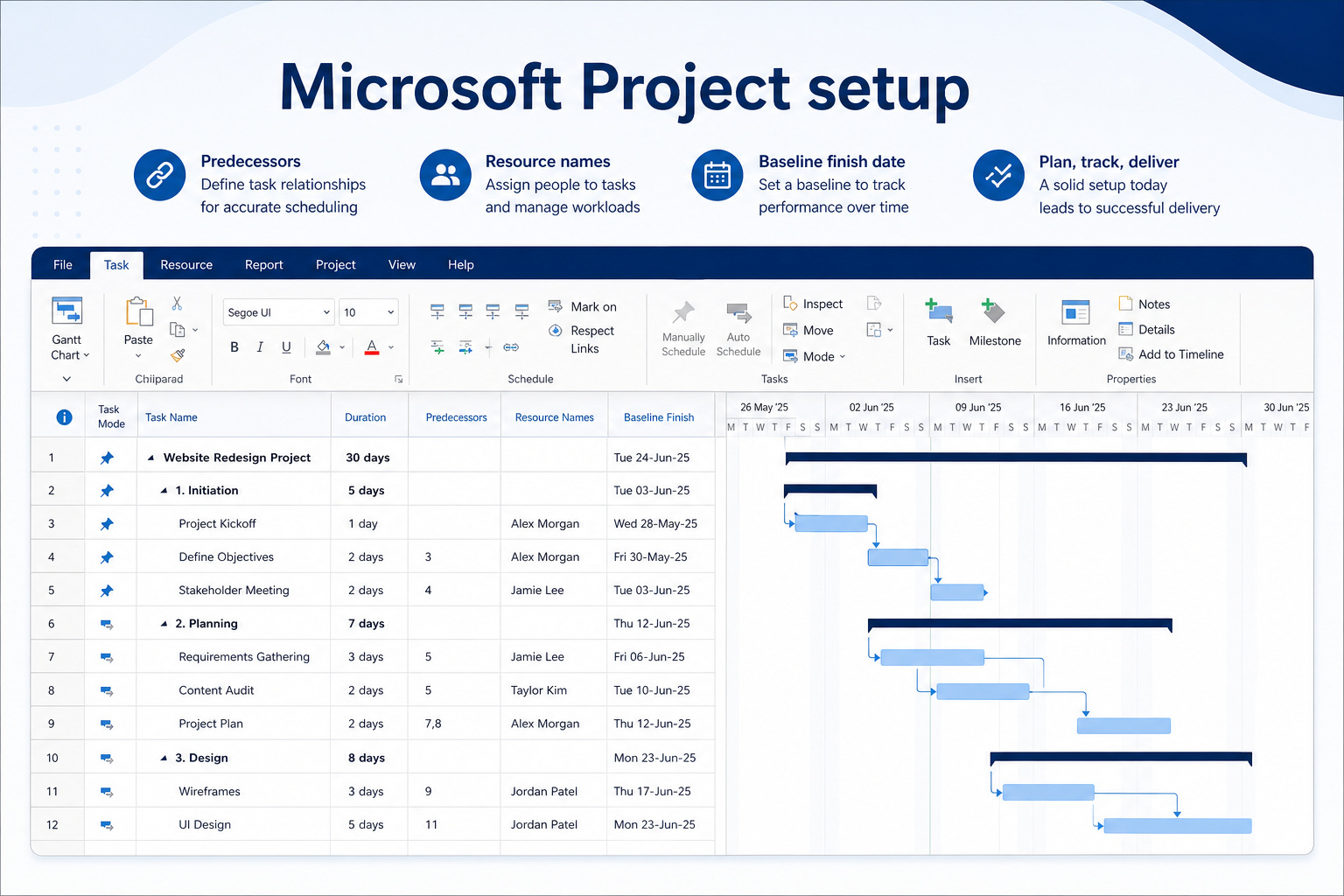
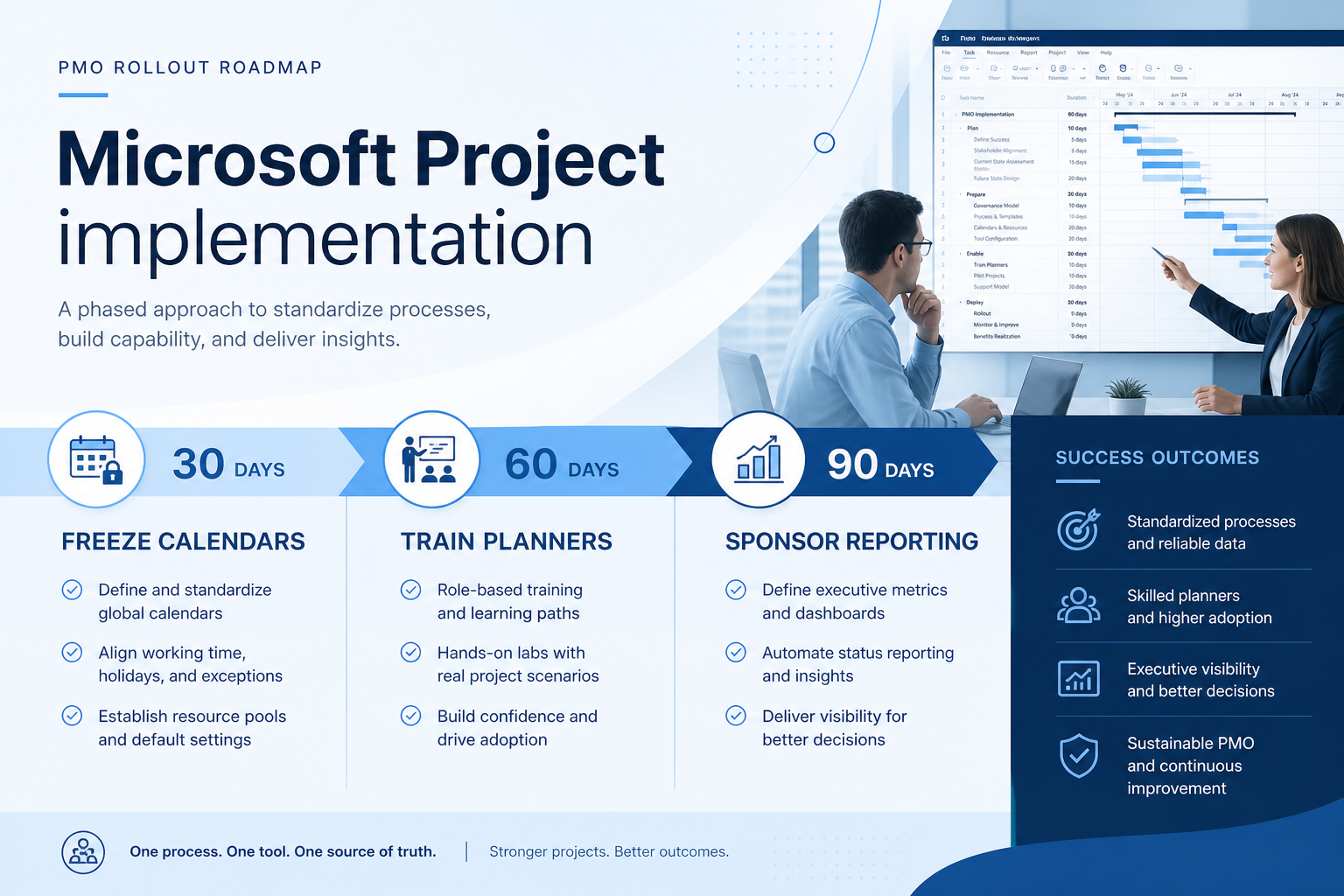
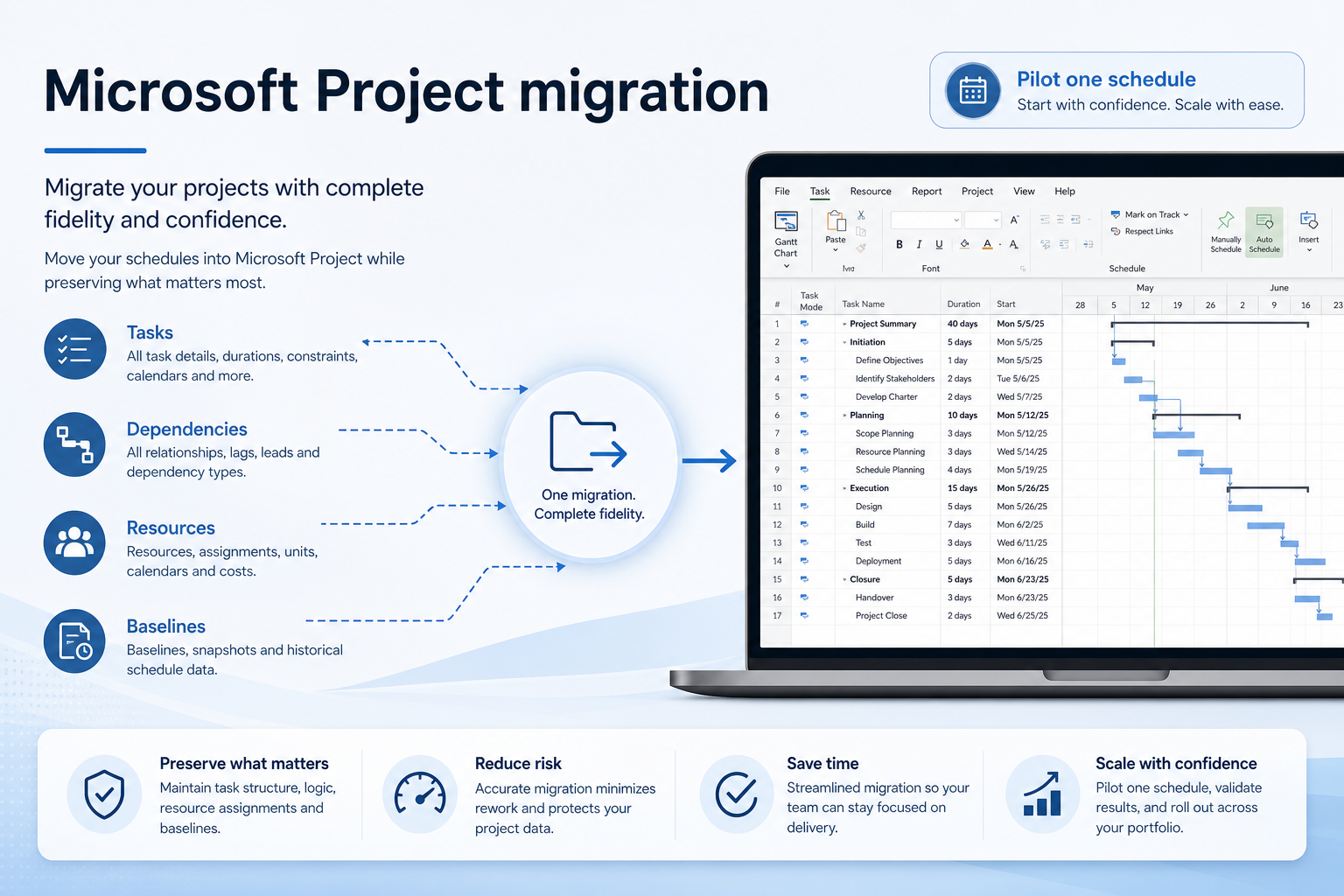
Setup, implementation, migration, plans, and worth-it walkthroughs for this product.

Methodology disclosure: scores and recommendations follow SoftwareGlimpse evaluation criteria (version 1.0.0). Affiliate relationships do not determine rankings.

How we recommend: product claims are tied to recorded research where available.

AI-assisted disclosure: drafts may be AI-assisted from approved facts and assessments. Humans approve publishable editorial judgments. AI does not invent live prices or claim hands-on testing.