Dynatrace Setup: Day-Zero Path to a Working IT Loop
incident management; infrastructure monitoring; APM and distributed tracing; log management. Dynatrace Platform Subscription · incident management | On-demand over commit. Slack, Microsoft Teams. Enterprises that will sign a DPS commit and deploy OneAgent broadly; SRE teams that want full-stack APM plus Davis AI in one platform; Buyers who already rejected per-host Datadog module math. Dynatrace is an enterprise observability platform (full-stack APM, infra, logs, traces, Davis AI) licensed as Dynatrace Platform Subscription: one annual spend commitment, then con Buyer question: for incident management teams, is Dynatrace worth the Dynatrace Platform Subscription unlock, or does Buying motion is an annual DPS commit — not a list price/host self-serve tile kill the rollout? ROI gate: Dynatrace is worth the Dynatrace Platform Subscription spend if incident management + infrastructure monitoring are weekly; not worth buying when Buying motion is an annual DPS commit — not a list price/host self-serve tile.
Quick answer
incident management decides whether Dynatrace setup is a one-team pilot or a specialist project — confirm unlocks for must-have capabilities before invites.
- Start with: incident management
- Gate check: confirm paid unlocks before go-live
- Integrate after: data quality pass on Slack
What matters in your Dynatrace setup
- What Dynatrace actually is — Dynatrace is an enterprise observability platform (full-stack APM, infra, logs, traces, Davis AI) licensed as Dynatrace Platform Subscription: one annual spend commitment, then consumption against a public rate card with no penalty overage. Example list units…
- Configure these first — Research lists incident management, infrastructure monitoring, APM and distributed tracing, and log management as supported — that is your day-zero surface.
- Do not treat it as every IT job — Dynatrace is enterprise observability / APM. It is not a substitute for PagerDuty-only paging or a git host.
- Prove with a real workflow — Worked example: Harbor Platform (enterprise APM evaluation) is done when they can an SRE opens a problem without a Dynatrace admin — not after a vendor tour.
Dynatrace day-zero path
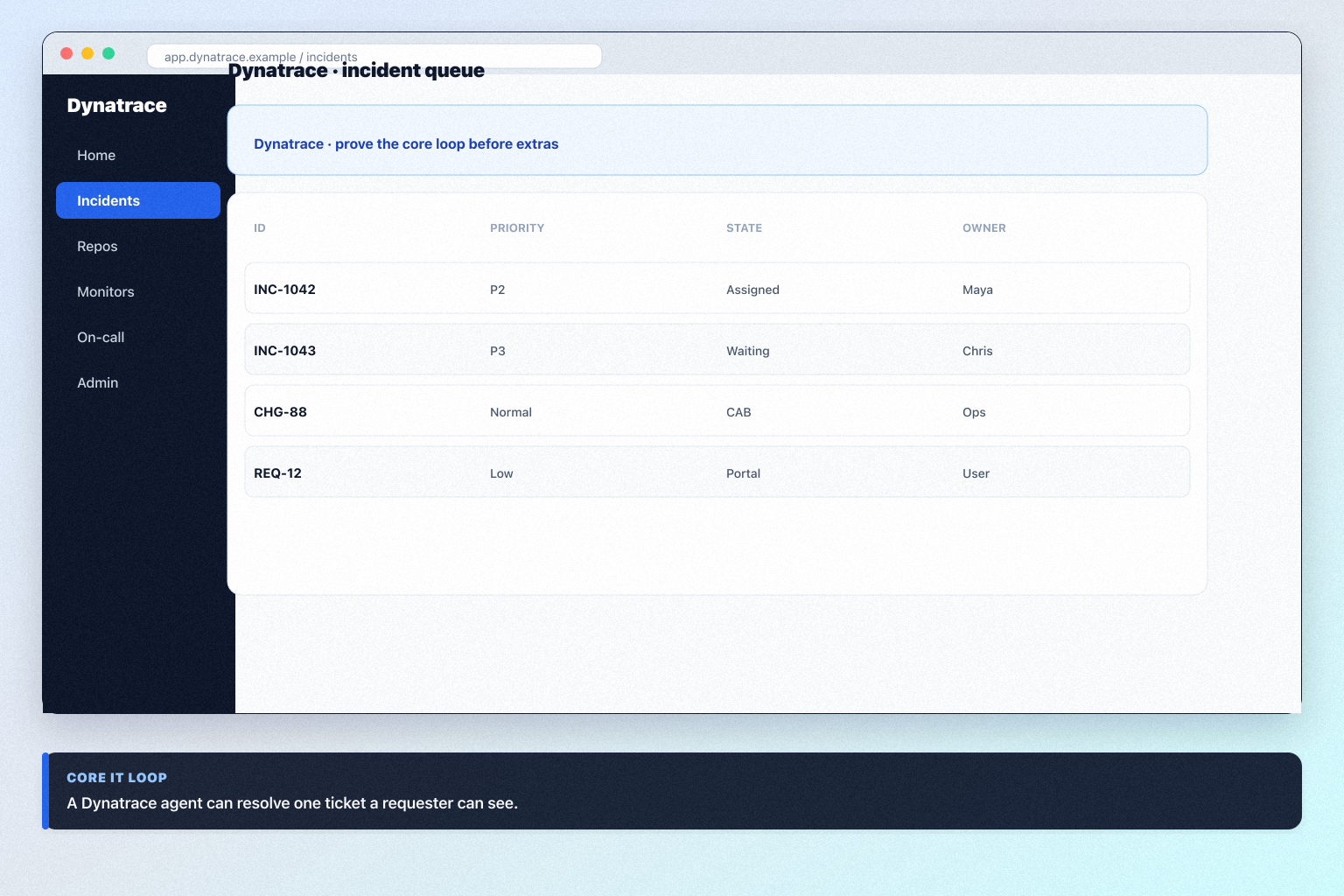
Dynatrace must vs nice
- Core job loop
- Plan / hub gates
- Integrations
- AI extras
Dynatrace checklist
Bring these questions to every demo
Ask vendors to show the workflow live, not just describe it.
- 1Name an IT/ops ownerFields, users, and hygiene need a responsible party.
- 2Configure one core loopone environment, one OneAgent or ingest path, and host units you will buy
- 3Complete non-admin proofan SRE opens a problem without a Dynatrace admin
Frequently asked questions
When is setup actually done?
When a non-admin can an SRE opens a problem without a Dynatrace admin on the package you will buy.
Should we turn on every Dynatrace hub on day one?
No. Extra modules hide whether the core enterprise observability / APM loop works.
1. Dynatrace day-zero to steady-state sequence
Day zero — objects and owners
Define owners for incident management, infrastructure monitoring, APM and distributed tracing before inviting the whole org.
SMB pilot
One pipeline / one team proves Enterprises that will sign a DPS commit and deploy OneAgent broadly before company-wide seats.
Cutover
Freeze legacy writes briefly; validate Slack and Microsoft Teams before reopen.
Treat Dynatrace setup as a controlled rollout — not a weekend dump of CSV files.
Dynatrace implementation go / no-go
Dynatrace implementation mistakes
Mistake 1
Buying motion is an annual DPS commit — not a list price/host self-serve tile
Mistake 2
Rate-card units (hosts, GiB, sessions) still dominate TCO; list price/8 GiB is not all-in
Mistake 3
Implementation and OneAgent coverage matter more than the trial sandbox
Mistake 4
Not an ITSM service desk or git host
Big-bang invite
Inviting every user before object design creates junk data that is expensive to unwind.
Dynatrace plan gates that affect rollout
Implementation fails when unlocks needed for go-live sit on a higher tier than budgeted.
- Seats61%
- Add-ons18%
- Implementation12%
- Training5%
- Other4%
Dynatrace Platform Subscription
15-day trial · Contact sales · Unlocks: incident management, infrastructure monitoring, APM and distributed tracing · Suits: teams that need custom procurement
On-demand over commit
Contact sales · Suits: teams that need custom procurement
Dynatrace implementation checklist
0/3 dimensions noted — saved in this browser only.
Prep
Pilot
Scale
Was this article helpful?
Have more questions? Contact our support team.
Part of Dynatrace review · IT & Development hub
Related guides
Supporting reading in this topic — not a generic related-posts dump.
- Dynatrace Implementation: 30/60/90 IT Rollout That SticksPlan a practical Dynatrace rollout — owners, core IT loop, training, and adoption checkpoints — so the product becomes how the team actually operates.
- IT & Development Software Requirements GuideA practical requirements sheet for ITSM, observability, incident/on-call, source control, hosting panels, and web-data purchases.
Related products
Related comparisons
SoftwareGlimpse Updates
Want clearer software shortlists? Get buying guides and comparisons by email.
Newsletter coming soon.