Help Scout is worth it when shared-inbox simplicity and knowledge-base deflection matter more than enterprise omnichannel. It is not worth stretching into ITSM or voice-at-scale programmes.
LMBy Lee M.Updated Aug 18, 20266 min readFact-checked
Quick answer
Help Scout is worth it when shared-inbox simplicity and knowledge-base deflection matter more than enterprise omnichannel. It is not worth stretching into ITSM or voice-at-scale programmes.
Job-cluster fit first
Free 5-user cap is real; paid is per user. Budget AI Answers separately.
Affiliate economics excluded
Goals
Features
Integrations
Cost
Ease of use
Growth
See Help Scout before you decide
Core product overview media for a fit check — still not a substitute for the decision criteria on this page.
See Help Scout in action
Official product overview for a fit check — not scoring, pricing, or comparative superiority.
This video is hosted on YouTube
This content is hosted by YouTube. The player loads only after you allow marketing cookies.
Official vendor tutorial
Help Scout's Beacon Widget
What this shows
✓Beacon embeddable widget linked to Docs knowledge base
✓Contact form, live chat, and proactive Messages
Product screenshots
Verified captures from Help Scout's product interface.
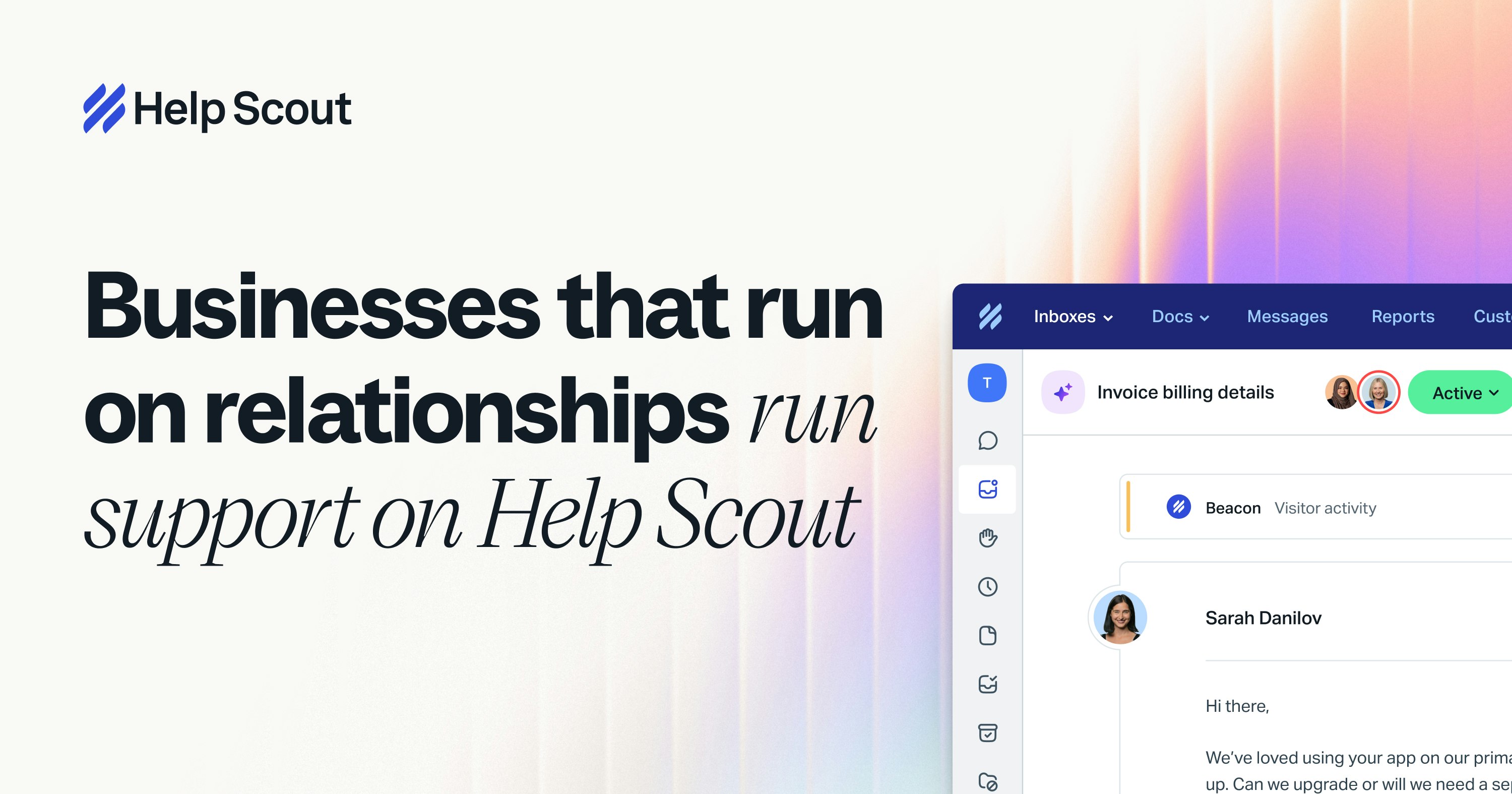
Official Help Scout Open Graph marketing visual from https://www.helpscout.com/ — not a SoftwareGlimpse lab screenshot.
Small support teams that live in email, will use Docs, and may start on the free 5-user tier.
SMB shared inbox / helpdesk
02
Not worth stretching
Enterprise omnichannel with social/voice at scale, ITSM, or ecommerce order-native inboxes (Gorgias).
Different job
Different cost unit
Help Scout shortlist scorecard
Score Help Scout only as SMB shared inbox / helpdesk. Do not compare it to a different support job. Free 5-user cap is real; paid is per user. Budget AI Answers separately.
Criterion (weight)
Help Scout
Primary job matches this cluster ×3
Qualifying plan is modelled ×2
Skip conditions do not apply ×2
Weighted fit %
0%
Scores are yours — not SoftwareGlimpse rankings. Affiliate status never changes this scorecard.
1. Prove it on the qualifying plan
Run one week of real SMB shared inbox / helpdesk work on the plan that unlocks your must-haves. Free 5-user cap is real; paid is per user. Budget AI Answers separately.
Worked example: if the trial hides macros, SLAs, or AI behind a higher tier than the quote, Help Scout is not “worth it” at the advertised tile.
Worth-it gates
Bring these questions to every demo
Ask vendors to show the workflow live, not just describe it.
1Job cluster matchesSmall support teams that live in email, will use Docs, and may start on the free 5-user tier.
2Skip rules failEnterprise omnichannel with social/voice at scale, ITSM, or ecommerce order-native inboxes (Gorgias).
3Qualifying plan is pricedFree 5-user cap is real; paid is per user. Budget AI Answers separately.
2. Shortlist only inside the same job cluster
Compare tools whose core product matches the weekly output you named. Adjacent tools can integrate later — they should not hijack the primary shortlist because of brand familiarity.
Worked example: A team that needs meeting transcripts shortlists Otter-class tools, not a general chat assistant, even if the chat tool also “does meetings.”
3. Trial the named workflow before signatures
Run the same script on two or three finalists. Success is a non-admin completing the weekly output without a rescue — not a polished vendor tour.
4. Use a one-page checklist before demos
For Is Help Scout Worth It?, list must-haves, owners, integrations, and the weekly ritual this purchase must improve. Share the sheet with finance and IT before you schedule a second demo.
Name the primary job in one sentence.
List must-have gates (plans, SSO, data residency, usage caps).
Name integrations that must work on day one.
Assign an admin owner and a weekly user champion.
Define non-admin proof — what a sceptic completes without rescue.
Worked example: Harbor Ops refuses demos until the checklist is signed — cutting evaluation time in half.
5. Avoid the usual buying mistakes
Common failures in customer-service: buying for brand familiarity, comparing entry tiles across different usage units, skipping a fair trial script, and adding scope before adoption proves out.
Run one trial script on every finalist the same week. Score on the same card. Write a one-paragraph decision memo that names what you are not buying yet.
6. Hand off to the category shortlist
When assumptions are frozen, continue on /best/customer-service-software/ with the same headcount, usage band, and must-have gates on every quote.
7. Use a one-page checklist before demos
For Is Help Scout Worth It?, list must-haves, owners, integrations, and the weekly ritual this purchase must improve. Share the sheet with finance and IT before you schedule a second demo.
Name the primary job in one sentence.
List must-have gates (plans, SSO, data residency, usage caps).
Name integrations that must work on day one.
Assign an admin owner and a weekly user champion.
Define non-admin proof — what a sceptic completes without rescue.
Worked example: Harbor Ops refuses demos until the checklist is signed — cutting evaluation time in half.
8. Avoid the usual buying mistakes
Common failures in customer-service: buying for brand familiarity, comparing entry tiles across different usage units, skipping a fair trial script, and adding scope before adoption proves out.
Run one trial script on every finalist the same week. Score on the same card. Write a one-paragraph decision memo that names what you are not buying yet.
9. Hand off to the category shortlist
When assumptions are frozen, continue on /best/customer-service-software/ with the same headcount, usage band, and must-have gates on every quote.
10. Use a one-page checklist before demos
For Is Help Scout Worth It?, list must-haves, owners, integrations, and the weekly ritual this purchase must improve. Share the sheet with finance and IT before you schedule a second demo.
Name the primary job in one sentence.
List must-have gates (plans, SSO, data residency, usage caps).
Name integrations that must work on day one.
Assign an admin owner and a weekly user champion.
Define non-admin proof — what a sceptic completes without rescue.
Worked example: Harbor Ops refuses demos until the checklist is signed — cutting evaluation time in half.
11. Avoid the usual buying mistakes
Common failures in customer-service: buying for brand familiarity, comparing entry tiles across different usage units, skipping a fair trial script, and adding scope before adoption proves out.
Run one trial script on every finalist the same week. Score on the same card. Write a one-paragraph decision memo that names what you are not buying yet.
12. Hand off to the category shortlist
When assumptions are frozen, continue on /best/customer-service-software/ with the same headcount, usage band, and must-have gates on every quote.
Frequently asked questions
Does commission change this verdict?
No. SoftwareGlimpse excludes affiliate economics from scores and from worth-it guidance.
Have you tested it hands-on?
No. This is research-grounded editorial judgment from vendor documentation and published pricing as of 2026-08-18.