
This video is hosted on YouTube
This content is hosted by YouTube. The player loads only after you allow marketing cookies.
Official vendor video
Decide if Fly.io is worth it for your team — job-cluster fit, trial proof, and packaging — without invented ROI percentages.
Fly.io is worth it when your primary job is IT operations or development platform, a non-admin can finish the loop without an admin on the package you will buy, and you can live with the researched tradeoffs. It is not worth stretching into a different IT job cluster.
Core product overview media for a fit check — still not a substitute for the decision criteria on this page.
Official product overview for a fit check — not scoring, pricing, or comparative superiority.
This video is hosted on YouTube
This content is hosted by YouTube. The player loads only after you allow marketing cookies.
Official vendor video
Verified captures from Fly.io's product interface.

Official Open Graph / marketing visual from https://fly.io/.
Official Fly.io marketing UI asset
https://fly.io/ · Checked 2026-08-18
Full product screenshots and evidence live on the Fly.io research page.
Compare your job to researched best-for / not-ideal patterns. Best for: Teams that want PAYG microVM/app hosting close to users; Buyers comparing Fly.io list price shared-cpu-1x to Render Pro list price + compute; Orgs that will not treat list price Support as the hosting SKU. Not ideal: Teams that want Render’s simpler git-push dashboard as the default award path; Managed WordPress or Cloudways VM buyers (landscape); ITSM or observability purchases. Worked example: Harbor IT (weekly operators) scores Fly.io on IT operations or development platform only — they refuse to treat it as a different IT job cluster.
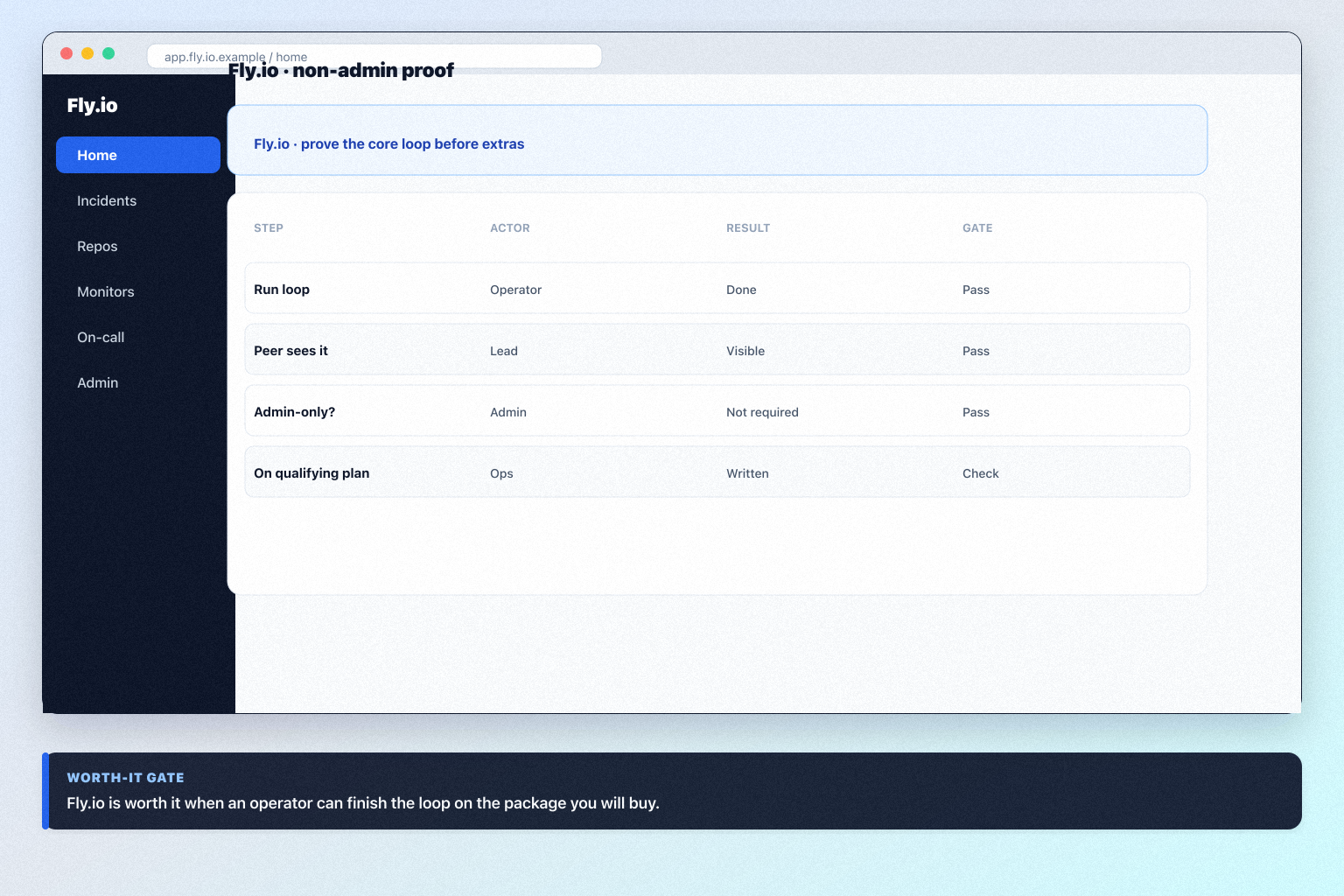
Our snapshot flags a trial on shared-cpu-1x (cheapest regions) and Support Standard without a published length — confirm the window on the Fly.io pricing page. Success: finish the loop without an admin. Worked example: Harbor IT (weekly operators) fails the gate when only an admin can complete the walkthrough; they extend trial and fix permissions before considering buy.
Strengths: PAYG shared-cpu-1x from ~list price; Global microVM placement / scale; Free trial; Clear PaaS identity vs managed WP. Watch-outs: Does not outrank Render; Harder onboarding than Render; No free plan for new accounts; Easy to confuse list price Support with hosting. Worked example: Harbor IT (weekly operators) documents known gaps instead of pretending Fly.io covers every IT job.
Bring these questions to every demo
Ask vendors to show the workflow live, not just describe it.
Choose Fly.io when PAYG microVM/app hosting is the job — not Render by default, and not Cloudways managed VMs.
Strong fit
Teams that want PAYG microVM/app hosting close to users
Weak fit
Teams that want Render’s simpler git-push dashboard as the default award path
Peer alternatives to compare: Render and Cloudways. Run the same trial script on each before you decide.
Name the job, the qualifying Fly.io configuration, and what you are not buying yet. Link /software/fly-io/ for product detail and /pricing/fly-io/ for commercial assumptions.
Choose Fly.io when PAYG microVM/app hosting is the job — not Render by default, and not Cloudways managed VMs.
Strong fit
Teams that want PAYG microVM/app hosting close to users
Weak fit
Teams that want Render’s simpler git-push dashboard as the default award path
Peer alternatives to compare: Render and Cloudways. Run the same trial script on each before you decide.
Name the job, the qualifying Fly.io configuration, and what you are not buying yet. Link /software/fly-io/ for product detail and /pricing/fly-io/ for commercial assumptions.
No. Require non-admin proof that you can finish the loop without an admin on the package you will actually buy.
When fit, trial proof, or written packaging fails — or when the real job is a different IT job cluster.
Have more questions? Contact our support team.
Want clearer software shortlists? Get buying guides and comparisons by email.
Newsletter coming soon.